
ThumbnailCreator.com
Create scroll-stopping YouTube thumbnails in seconds.
11,299
Votes
23,484
Views
7,455
Bookmarks
About
ThumbnailCreator revolutionizes the way YouTube content creators design their video thumbnails. By leveraging AI technology, this tool offers a streamlined solution for generating professional and eye-catching thumbnails that significantly boost click-through rates. Designed with creators in mind, ThumbnailCreator simplifies the often time-consuming and skill-intensive task of thumbnail creation, making it accessible to everyone, regardless of their design expertise.
Key Features
- AI-Powered Design: Utilizes advanced AI algorithms to create visually appealing thumbnails that capture attention and drive engagement.
- User-Friendly Interface: Offers an intuitive and easy-to-navigate platform, allowing users to generate thumbnails without any design skills.
- Time Efficiency: Produces high-quality thumbnails in seconds, drastically reducing the time spent on manual design processes.
- Click-Through Rate Booster: Specifically engineered to enhance video visibility and increase audience interaction by improving thumbnail effectiveness.
Pros
- Significant CTR Improvement: Users have reported up to a 73% increase in click-through rates, translating to more views and engagement.
- Accessibility for All Skill Levels: Even those without design experience can create professional thumbnails, breaking down barriers for content creators.
- Cost and Time Savings: Eliminates the need for expensive design software and lengthy design sessions, freeing up resources and time for content creation.
- Large User Base and Proven Results: Trusted by over 10,000 users, the tool is trained on millions of thumbnails to ensure reliable performance.
Cons
- Limited Customization Options: Some users may find the customization options limited compared to traditional design software.
- Dependency on Internet Connection: Requires an active internet connection for optimal functionality, which may be a limitation for some users.
Who Uses It
- YouTube Creators: Primarily used by YouTubers looking to enhance their video presentation and increase viewer engagement.
- Social Media Influencers: Leveraging the tool to create visually appealing content that stands out on social media platforms.
- Small Business Owners: Using thumbnails to promote products and services through video marketing.
- Educational Content Creators: Employing the tool to make educational videos more engaging and accessible.
- Uncommon Use Cases: Adopted by podcast producers for video podcast thumbnails; Used by online course creators to design appealing course previews.
Pricing
- Starter Plan: $9 per month. Includes 50 AI thumbnails, basic face enhancement, and 20 background removals monthly.
- Creator Pro Plan: $29 per month. Includes 500 AI thumbnails, advanced face enhancement, unlimited background removal, and brand kit storage.
- Agency Plan: $90 per month. Includes 2,000 AI thumbnails, batch face enhancement, unlimited background removal with API access, team collaboration, multiple brand profiles, and 24/7 priority support.
You may also like
More tools in Art Generators

AI Magicx
AI Magicx enhances creativity with AI-driven design and coding.

Midjourney
Unlock true digital artistry.

MolyPix.AI
Transform text into stunning, editable designs instantly.

Ipic.ai
AI-powered image enhancement for professionals and hobbyists alike.

Dora AI
Revolutionize website creation with AI: unique, prompt-driven designs made simple.
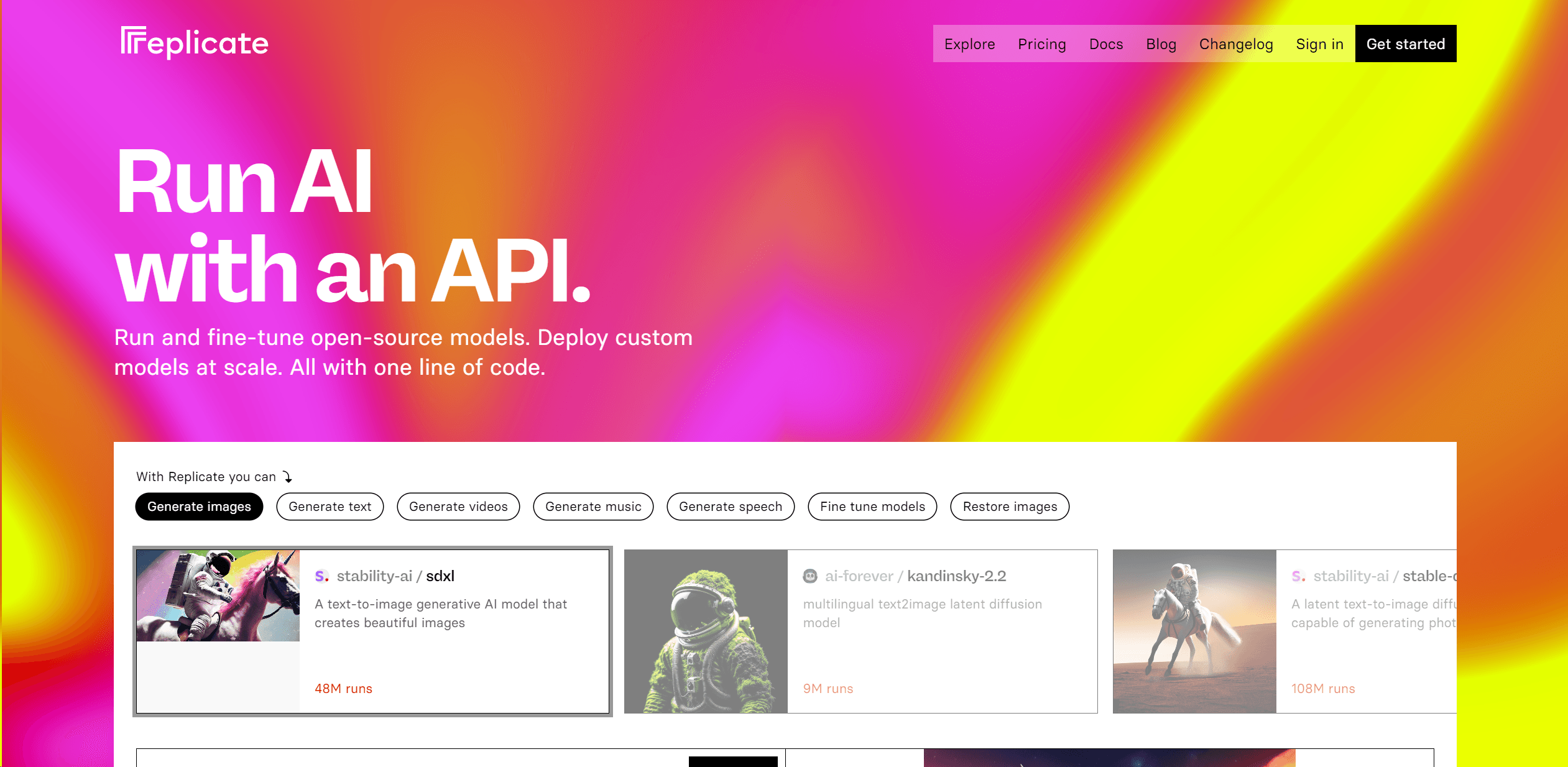
Replicate
Unlock AI's potential: run, fine-tune, deploy models easily and cost-effectively.

MimicPC
Unlock AI tools instantly, browser-based, no installs needed.
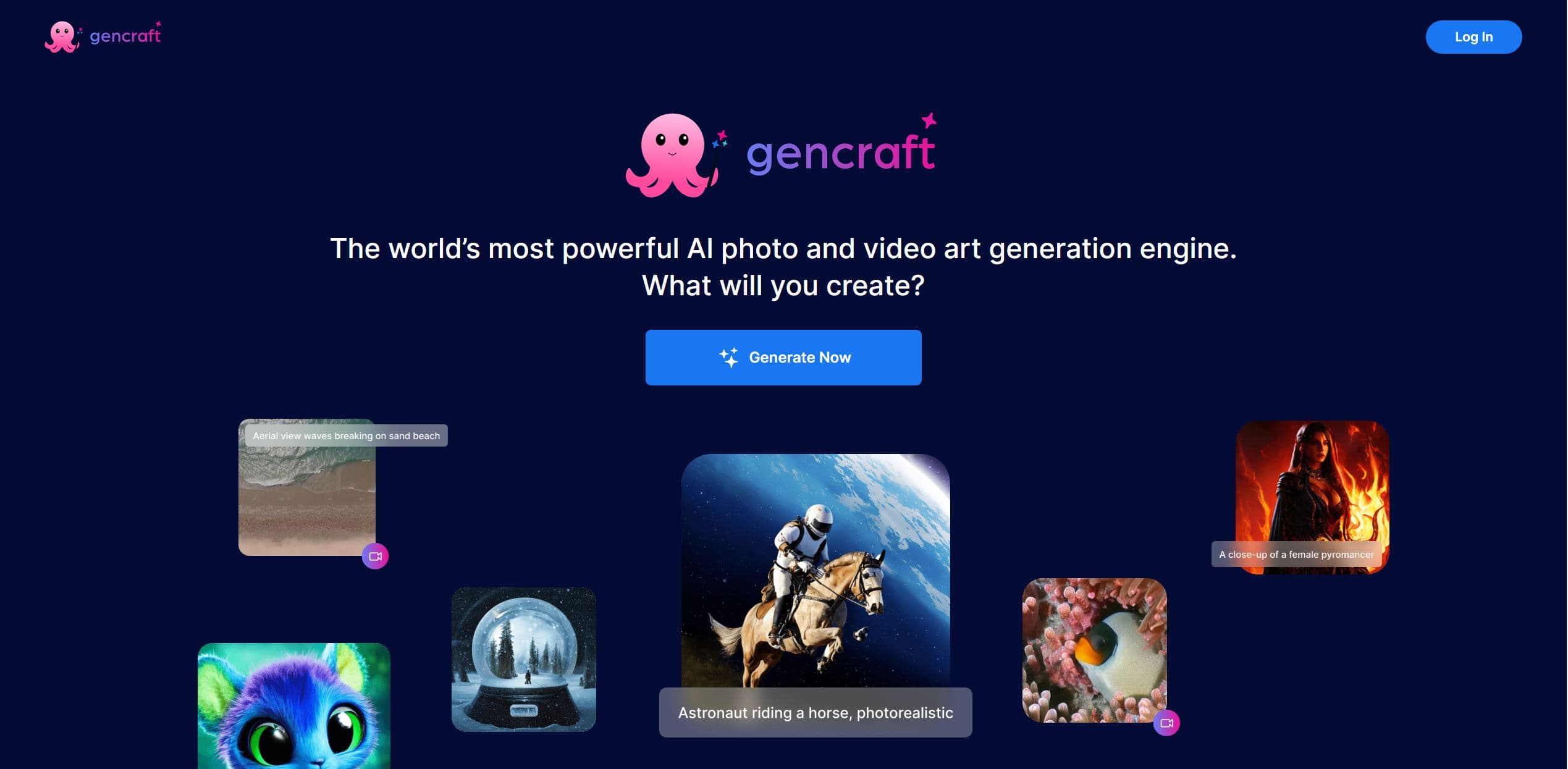
Gencraft
AI-powered tool for creating stunning digital art effortlessly.
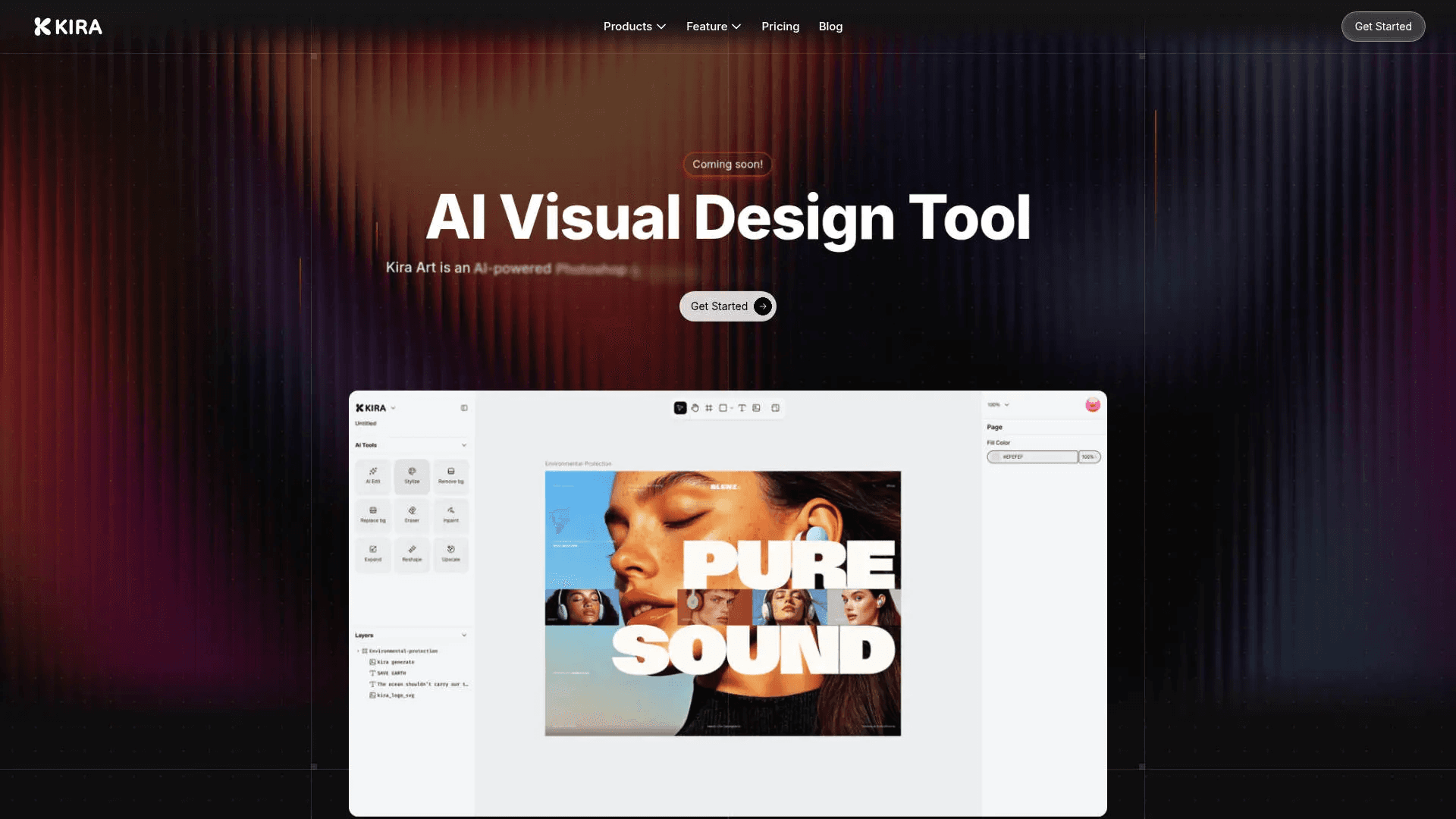
Kira
Create stunning designs with AI-enhanced tools.
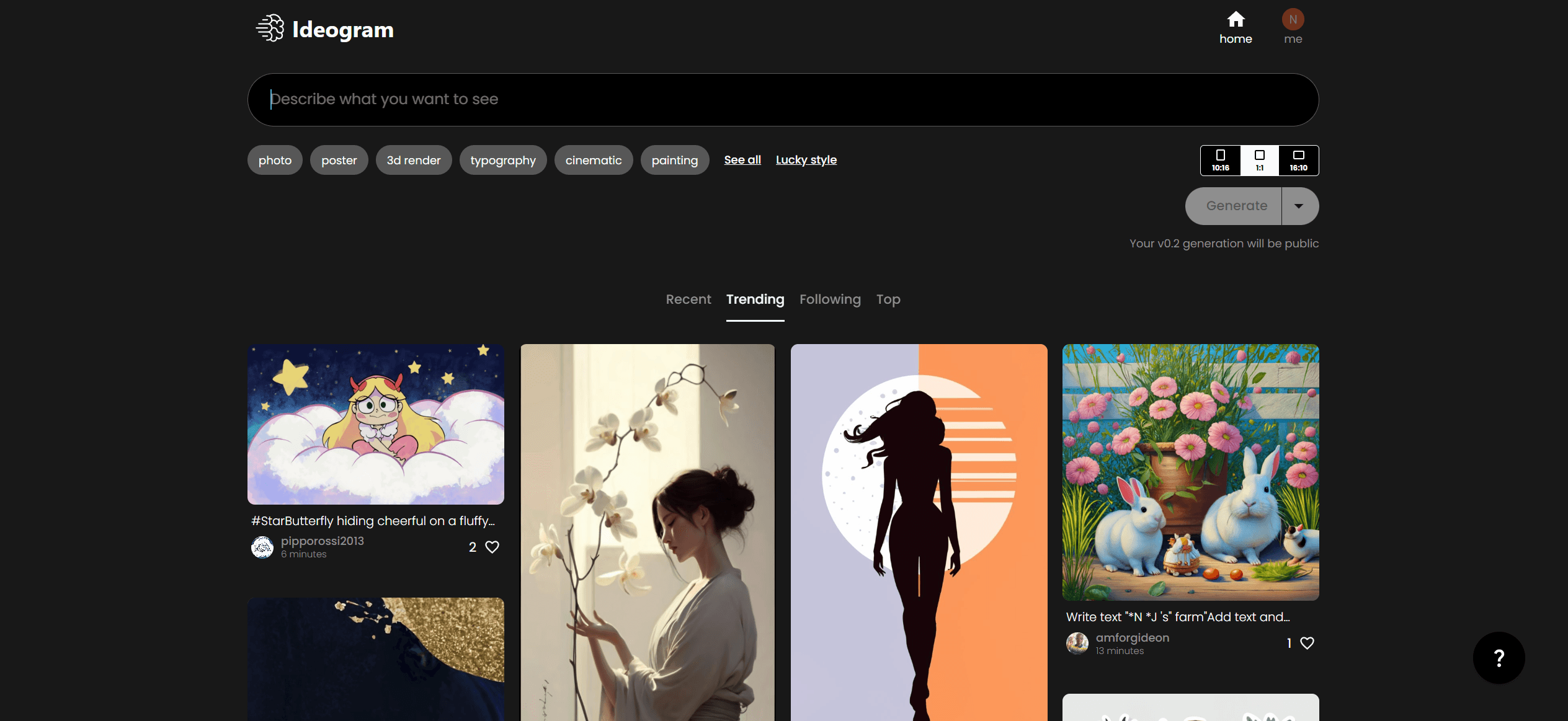
Ideogram
Transform text to stunning visuals with AI, enhancing creativity and collaboration.

Figr
Turn product context into flows, prototypes, documentation.

AI2image
AI creates custom images from English descriptions in seconds.