
Midjourney
Unlock true digital artistry.
16,938
Votes
24,472
Views
11,927
Bookmarks
About
Midjourney is a generative AI tool that transforms text prompts and image references into high-quality visuals and short animated clips. It can be accessed through Discord or a dedicated web editor and is designed to support creative professionals seeking fast, consistent, and stylized output. Version 7 introduces significant advancements, including tools that prioritize control, speed, and visual coherence across projects.
Create Amazing Images with AI
Online Course - Learn how to use Midjourney's AI tools to create stunning images step by step
Key Features
- Version 7 with Draft Mode and Omni Reference: Allows for rapid prototyping while maintaining visual consistency across iterations.
- Web Editor with Unified Controls: Combines inpainting, outpainting, zoom, pan, and prompt editing tools in a single interface.
- Omni Reference Tool: Enables users to embed specific visual elements such as brand icons, product designs, or characters into new outputs with adjustable influence.
- AI Video Generator: Converts still images into animated clips up to 21 seconds, with motion customization and looping options.
- Flexible Speed Modes: Offers Fast, Relax, and Turbo modes to balance quality, speed, and GPU usage based on project needs.
Pros
- High Visual Precision: Delivers photorealistic details, particularly in facial features, hands, and complex textures.
- Visual Consistency Across Assets: Maintains branding, style, or character fidelity throughout campaigns using reference-based controls.
- Drafting Efficiency: Draft Mode supports fast, low-cost image exploration for testing visual directions.
- Adaptable Workflow: Provides both command-line interaction through Discord and visual editing via the web interface.
Cons
- Steep Learning Curve for New Users: Requires familiarity with both Discord commands and the web editor.
- High GPU Cost for Video Outputs: Animated clip generation uses substantially more compute than still images.
- Legal Risk Exposure: The platform is currently facing copyright-related lawsuits that may impact long-term commercial deployment.
- Related:
- AI Storytellers
- Presentation AI Assistants
- AI Fashion Tools
Who Uses It
- Marketing Professionals: Generating campaign visuals, promotional assets, and branded content efficiently.
- Creative Agencies: Producing concept art, visual mockups, and iterative designs for clients.
- Filmmakers and Storyboard Artists: Developing visual narratives and animated drafts for pre-production workflows.
- Educators and Visual Communicators: Crafting instructional visuals and creative materials for learning environments.
- Uncommon Use Cases: Employed by therapists to co-create narrative therapy illustrations; used by urban planners to generate animated visualizations of proposed designs.
Pricing
Midjourney’s pricing is based on monthly access to GPU compute time, divided into Fast Hours and Relax Mode access. Fast Hours allow immediate rendering of images and videos, while Relax Mode enables slower, queued generation with no consumption limits. Plans differ by GPU time allowance, feature access, and privacy controls.
- Basic Plan: $10 per month. Includes 3.3 Fast GPU Hours, no Relax Mode, and limited to solo direct messages in Discord. Suitable for low-frequency use.
- Standard Plan: $30 per month. Includes 15 Fast GPU Hours and unlimited access to Relax Mode. Ideal for regular creative output with a balance of speed and flexibility.
- Pro Plan: $60 per month. Includes 30 Fast GPU Hours, unlimited Relax Mode, and access to Stealth Mode for private generations. Designed for users managing multiple concurrent projects or needing confidentiality.
- Mega Plan: $120 per month. Includes 60 Fast GPU Hours, unlimited Relax Mode, Stealth Mode, and highest job queue priority. Suited for heavy users or small teams needing maximum throughput.
- Additional GPU Time: Fast Hours can be purchased separately at $4 per hour. These credits do not expire and can be used once the monthly allocation is exhausted.
- Fast vs. Relax Mode: Fast Mode consumes GPU time for immediate rendering. Relax Mode is unlimited but slower, with jobs queued based on system load.
- Video Usage: One short video generation consumes the equivalent of eight minutes of GPU time, making video output significantly more compute-intensive than static image generation.
- Free Bonus Hours: Active subscribers can earn extra GPU time by participating in community image ranking activities or completing platform surveys. Earned credits expire after 30 days.
You may also like
More tools in Image Generators

Looq AI
Revolutionize image analysis with advanced AI-powered recognition and insights.
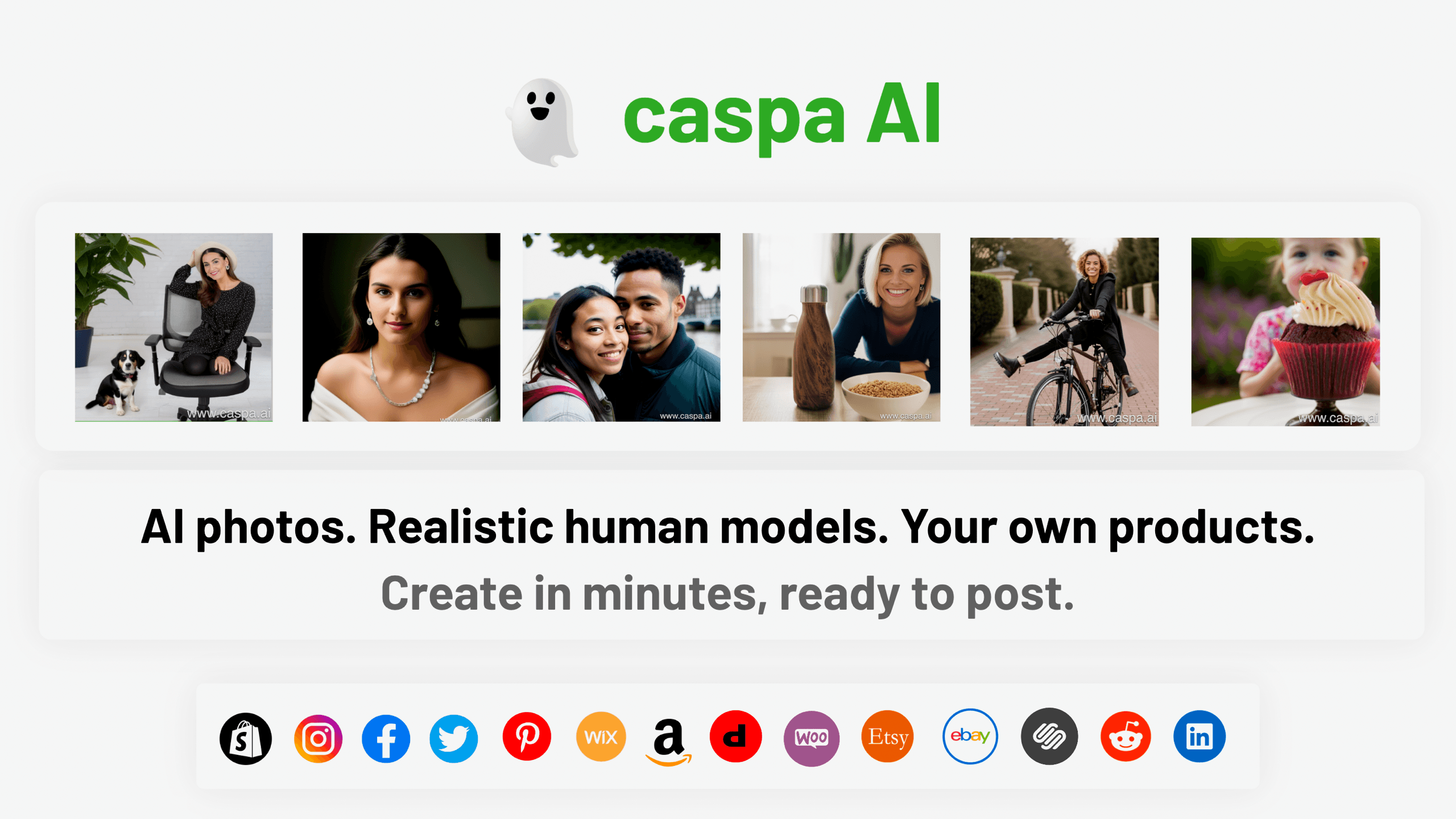
Caspa AI
Elevate eCommerce visuals effortlessly with Caspa, an AI-driven photography tool empowering businesses to create and edit lifelike product images
Ludo
Revolutionize game development with AI-driven ideation and market insights.
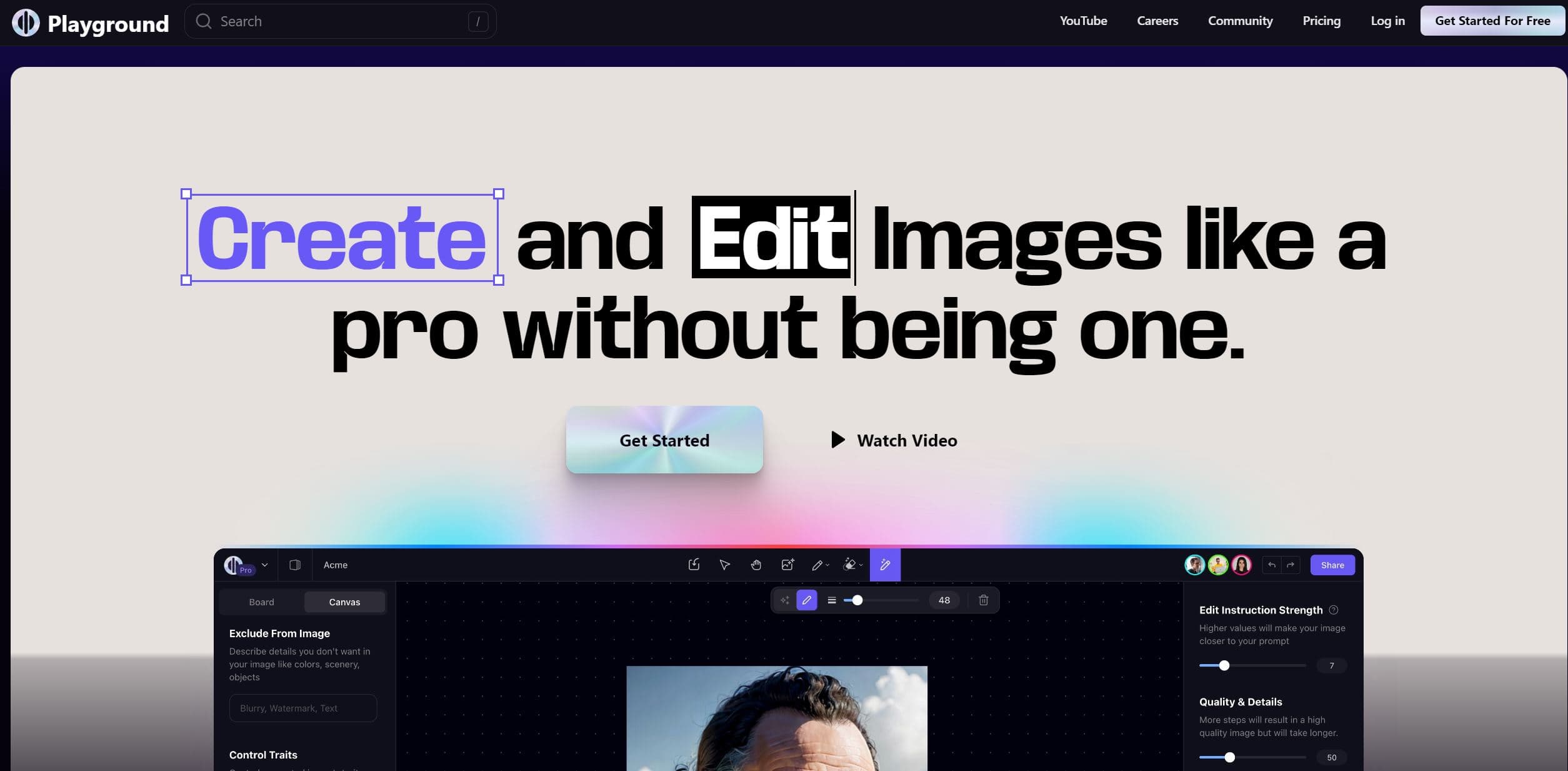
Playground AI
Unleash creativity with AI-driven image creation and intuitive editing.

Ipic.ai
AI-powered image enhancement for professionals and hobbyists alike.

Civitai
Open-source platform for AI model creation and collaboration.

Prisma
Transform photos into art with AI, quickly and beautifully.

Lucidpic
Revolutionize your visuals with AI-powered 3D photo transformations for engaging, lifelike content.
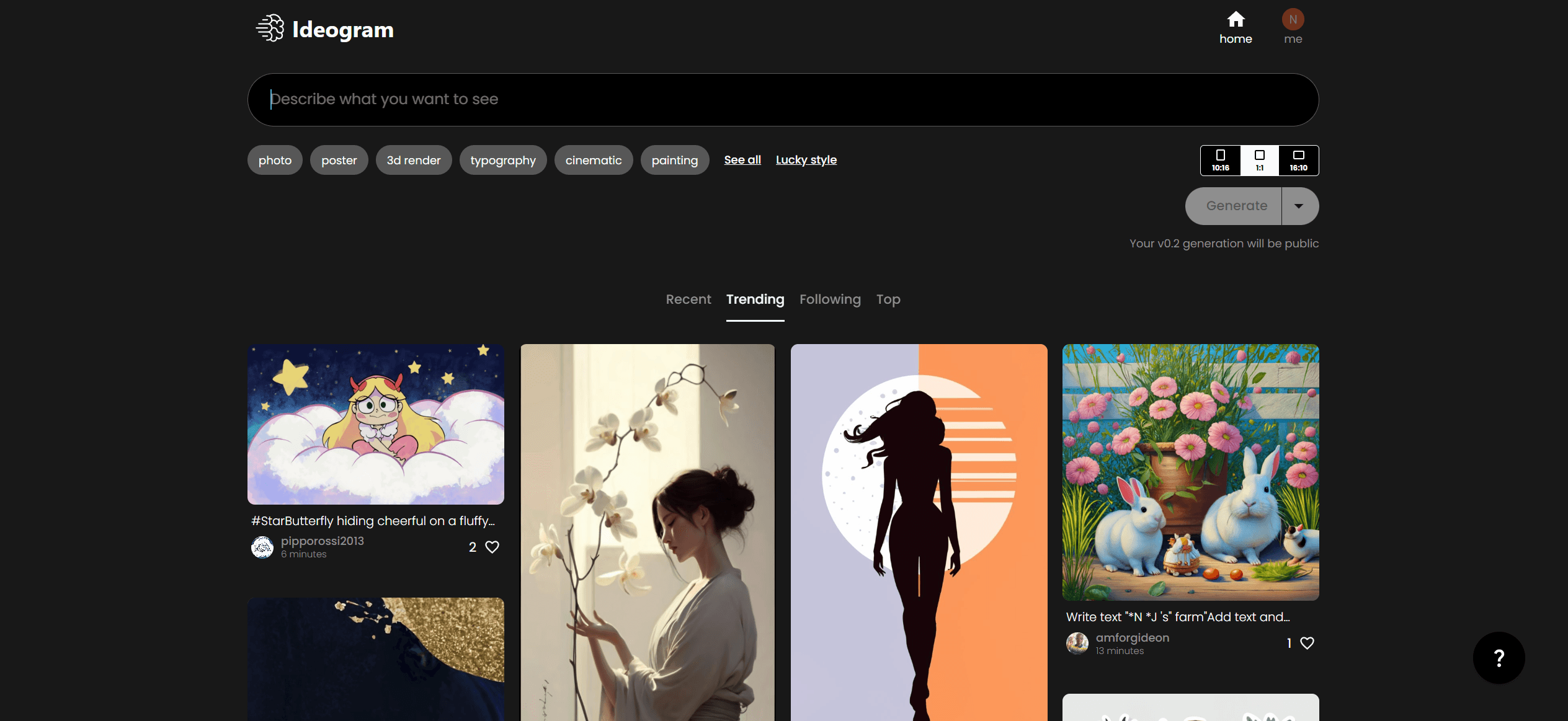
Ideogram
Transform text to stunning visuals with AI, enhancing creativity and collaboration.
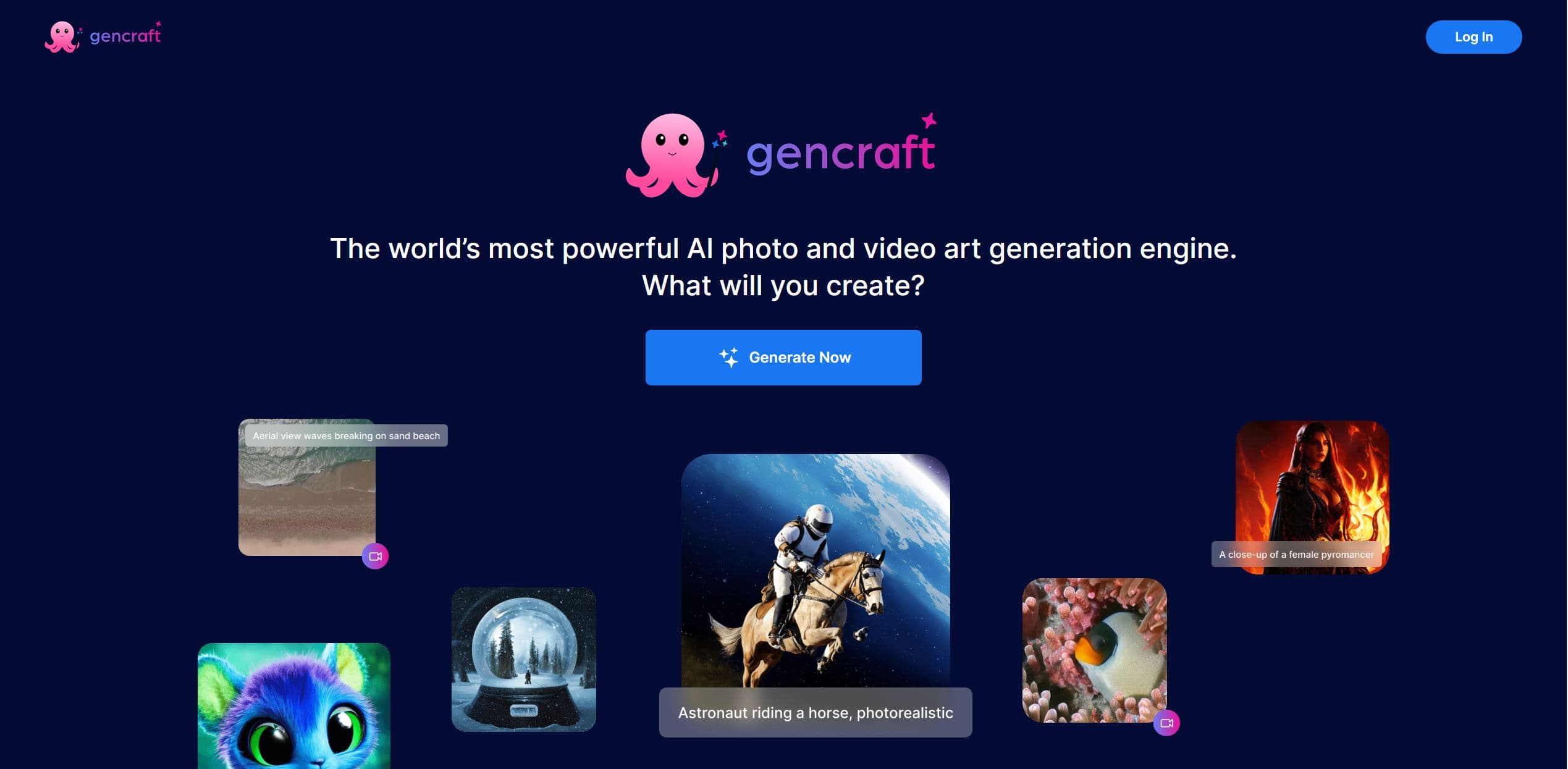
Gencraft
AI-powered tool for creating stunning digital art effortlessly.

MimicPC
Unlock AI tools instantly, browser-based, no installs needed.

AI2image
AI creates custom images from English descriptions in seconds.