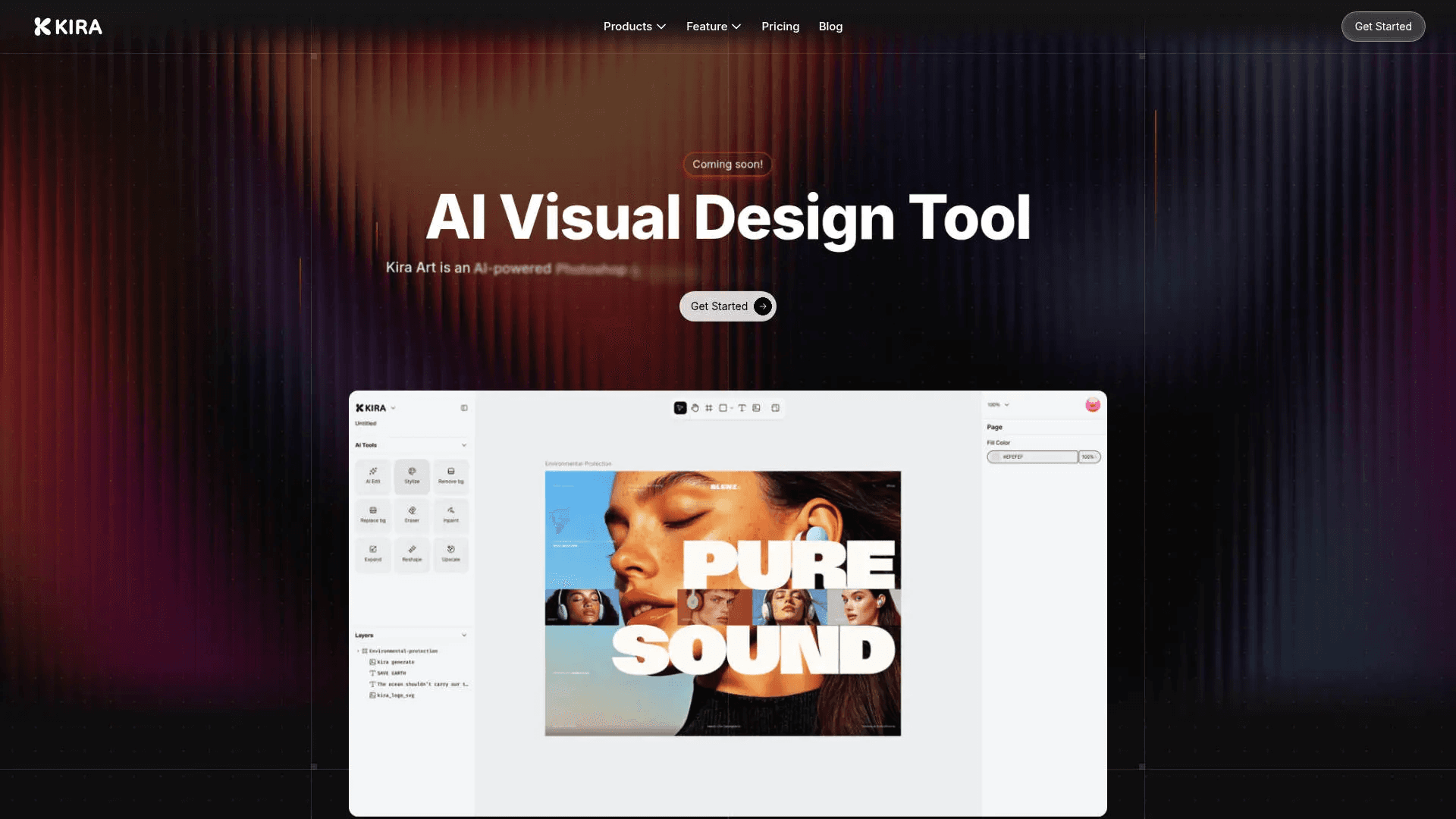
Kira
Create stunning designs with AI-enhanced tools.
19,072
Votes
25,908
Views
11,849
Bookmarks
About
Kira is an AI-driven visual design tool that positions itself as a sophisticated alternative to traditional software like Photoshop and Illustrator. Tailored for visual designers, Kira simplifies the creative process with its web-based platform, eliminating the need for cumbersome downloads or file saving. Whether you're crafting intricate designs or need a quick image enhancement, Kira offers a comprehensive suite of features to meet diverse design needs.
Key Features
- AI Integration: Kira is powered by advanced models including OpenAI and Flux, ensuring cutting-edge AI capabilities are at your fingertips.
- Web-Based Platform: Design from anywhere without the hassle of software installations, making it accessible on any device.
- Advanced Image Editing Tools: Includes color adjustments, blend modes, masks, and a lasso tool for precise editing.
- Vector and Raster Workspaces: Offers robust tools for both vector and raster designs, providing flexibility for various design projects.
Pros
- Accessibility: The web-based nature of Kira allows for easy access and collaboration from any device.
- AI-Powered Features: From image generation to AI erasing, Kira enhances creativity with minimal effort.
- User-Friendly Interface: An intuitive design that caters to both beginners and seasoned designers.
- Performance: Quick and lossless image upscaling ensures high-quality outputs.
Cons
- Learning Curve: New users may need some time to get accustomed to the full range of features.
- Integration Limitations: Currently, there might be limited support for integrating with other design tools.
- Feature Availability: Some advanced features are still in development and may not be immediately available.
Who Uses It
- Graphic Designers: Utilizing Kira for both simple edits and complex design projects.
- Marketing Teams: Leveraging the tool for creating visually compelling campaign materials.
- Freelancers: Taking advantage of the AI-driven tools to streamline their workflow.
- Small Businesses: Using Kira for quick and professional-looking design needs.
- Uncommon Use Cases: Adopted by educational institutions for teaching design courses; Employed by event planners to create promotional materials.
Pricing
- Basic: $9.90 per month. Includes 1,000 credits (around 200 image generations or edits using GPT-5, Nano Banana, or Seedream 4.0 models) and 1 artboard for creating and organizing images.
- Pro: $19.99 per month. Includes 2,000 credits (around 400 image generations), unlimited artboards, and access to GPT-5 “Thinking Mode” for smarter and more natural results.
- Max: $59.99 per month. Includes 6,000 credits (around 1,200 image generations), unlimited artboards, and GPT-5 “Thinking Mode” for advanced semantic image generation.
You may also like
More tools in Image Generators

Looq AI
Revolutionize image analysis with advanced AI-powered recognition and insights.
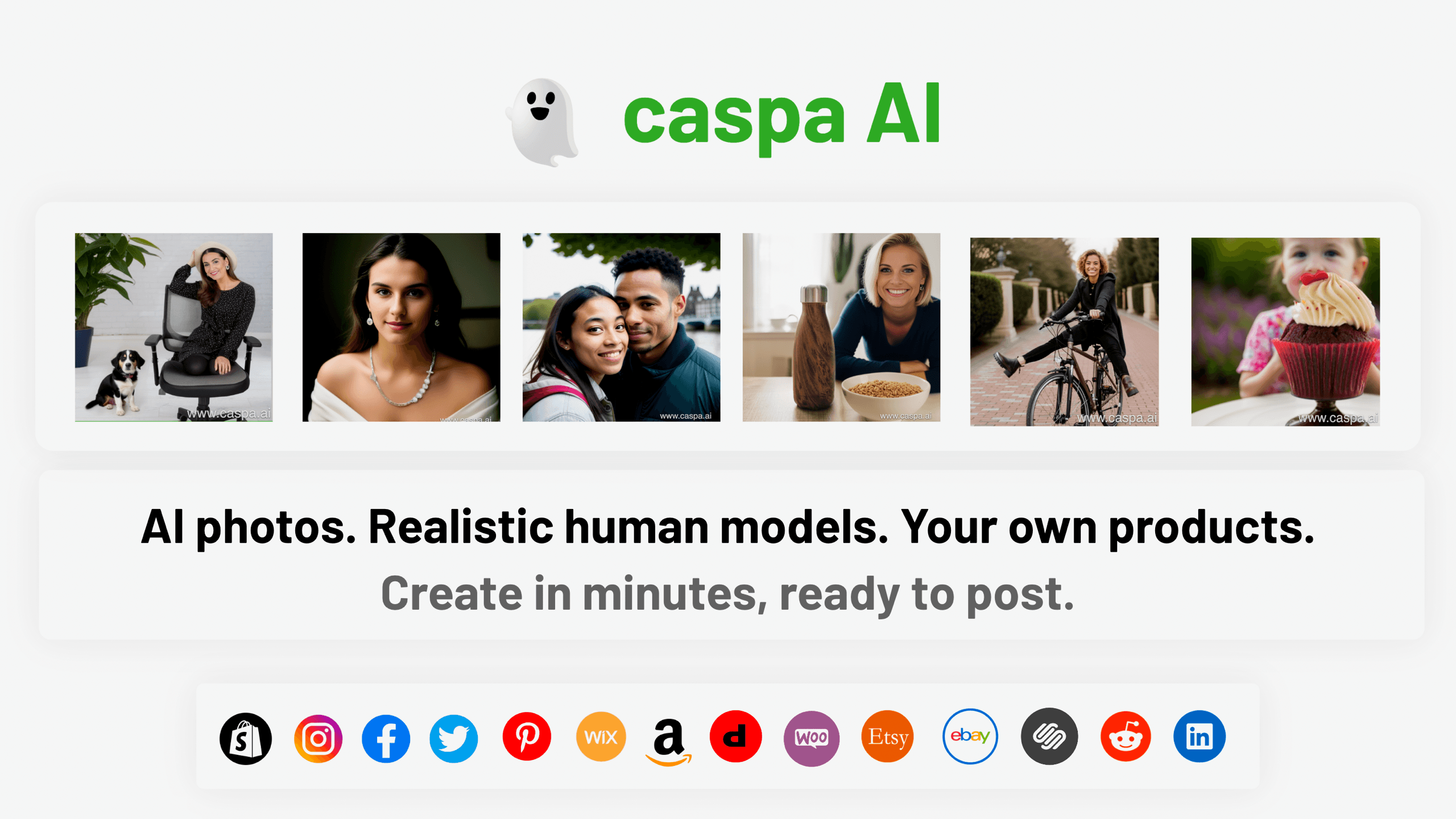
Caspa AI
Elevate eCommerce visuals effortlessly with Caspa, an AI-driven photography tool empowering businesses to create and edit lifelike product images

Civitai
Open-source platform for AI model creation and collaboration.

Ipic.ai
AI-powered image enhancement for professionals and hobbyists alike.
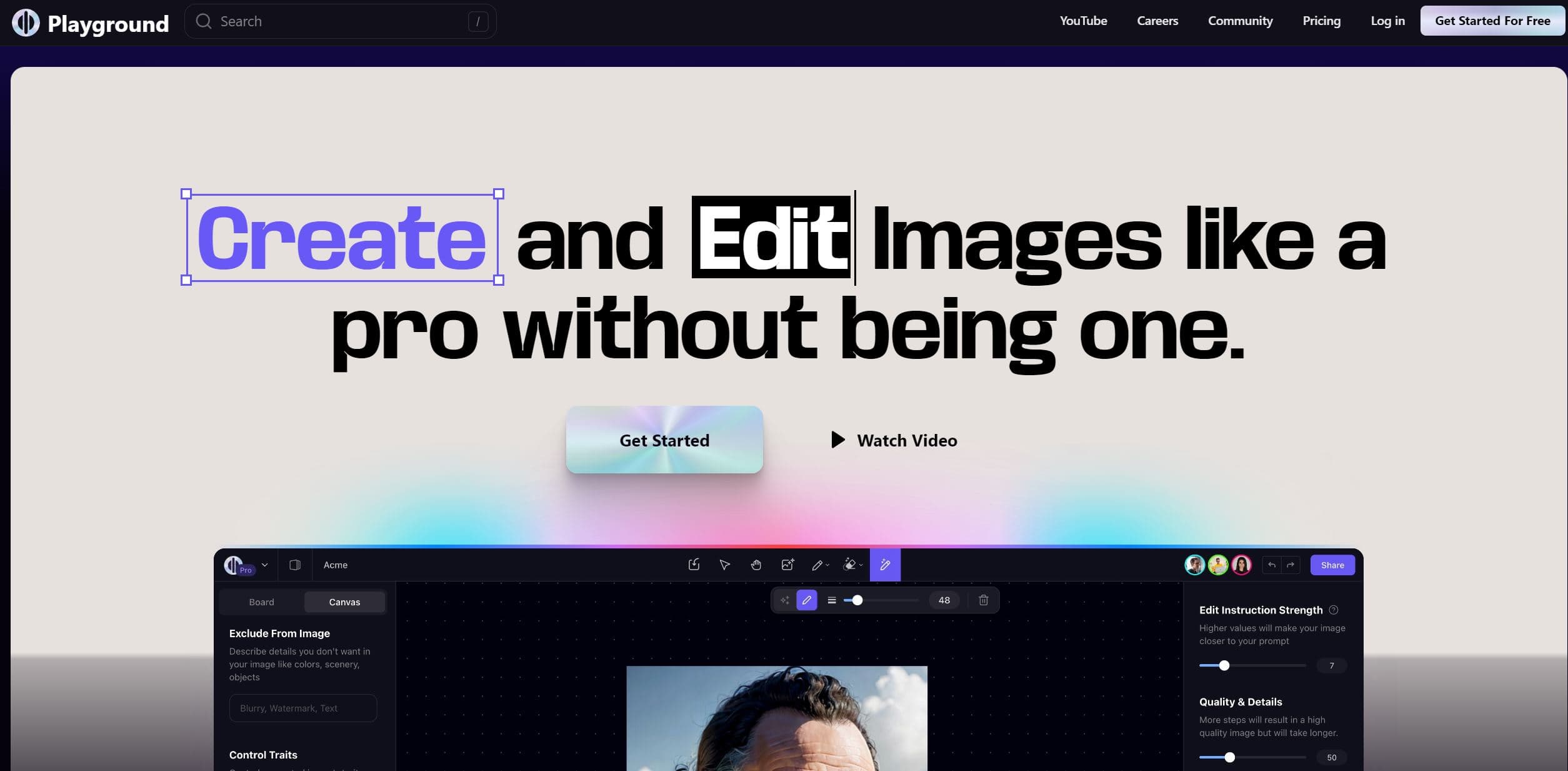
Playground AI
Unleash creativity with AI-driven image creation and intuitive editing.
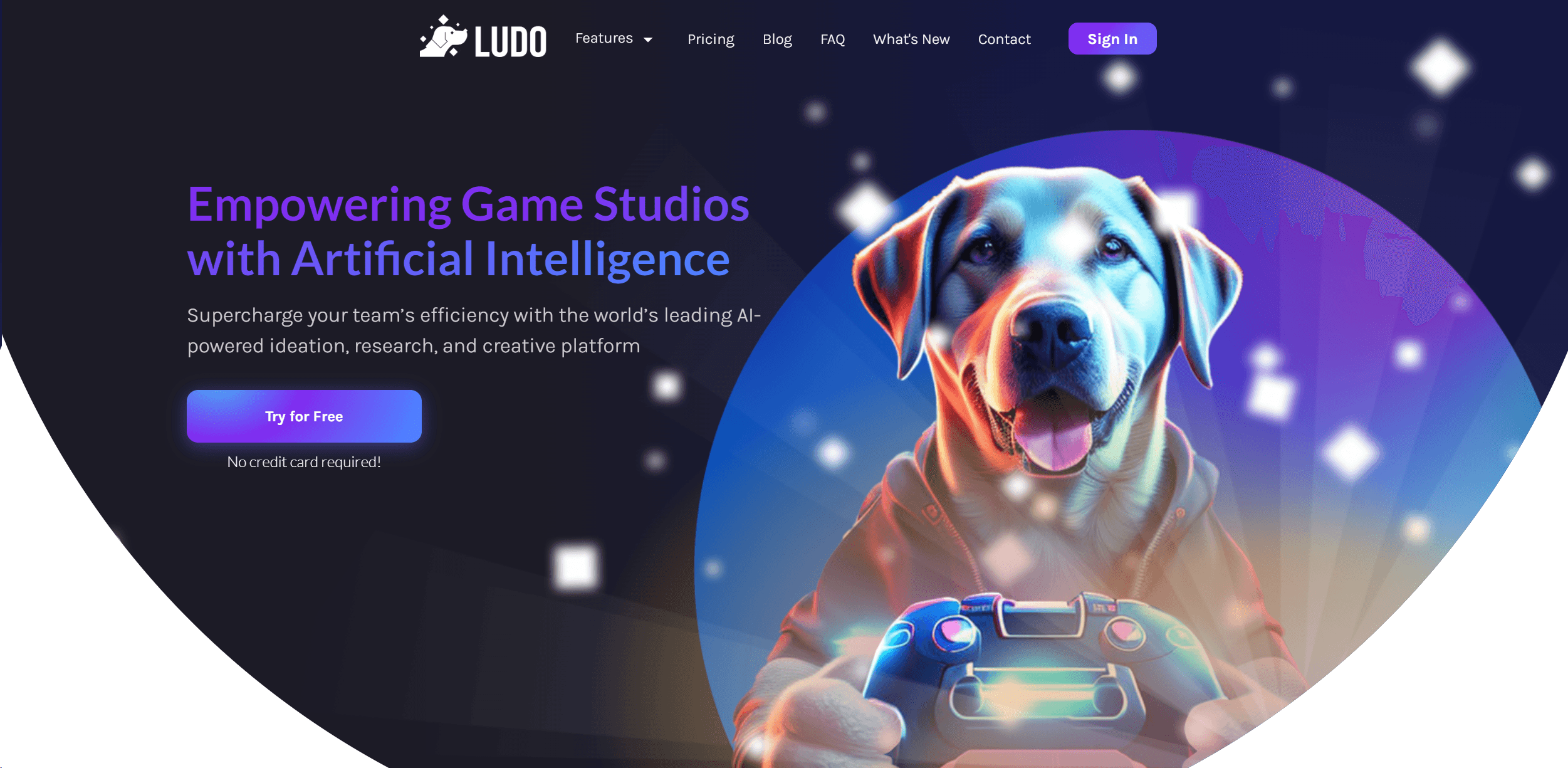
Ludo
Revolutionize game development with AI-driven ideation and market insights.

Prisma
Transform photos into art with AI, quickly and beautifully.

Lucidpic
Revolutionize your visuals with AI-powered 3D photo transformations for engaging, lifelike content.

MimicPC
Unlock AI tools instantly, browser-based, no installs needed.
Ideogram
Transform text to stunning visuals with AI, enhancing creativity and collaboration.
Gencraft
AI-powered tool for creating stunning digital art effortlessly.

Midjourney
Unlock true digital artistry.