
MimicPC
Unlock AI tools instantly, browser-based, no installs needed.
14,333
Votes
16,212
Views
11,223
Bookmarks
About
MimicPC is a groundbreaking platform designed to streamline the use of AI applications directly in your browser. This tool eliminates the need for lengthy installations and complex setups, offering a user-friendly gateway to a variety of AI-driven applications. From image generation to voice conversion, MimicPC caters to a wide range of needs, making it an ideal choice for professionals and enthusiasts alike who seek efficiency and simplicity in their AI endeavors.
Key Features
- Instant App Launches: Start using applications with a single click, no installation required.
- Pre-Deployed AI Apps: Access over 20 AI applications, including image and voice transformation tools, without any setup.
- Cloud-Based File Management: Manage your files and AI models anytime through cloud uploads and one-click deployment.
- Adaptive Performance: Automatically adjusts computing resources to optimize application performance.
- Energy Efficiency: Features an Intelligent Energy-Saving mode that monitors and adjusts GPU usage to reduce costs.
Pros
- Ease of Use: Simplifies the process of using AI apps with its one-click launch functionality.
- Cost-Effective: Offers a competitive pricing model starting as low as $0.30 per hour.
- High Accessibility: Cloud-based settings ensure that your work setup can be accessed from anywhere, anytime.
- Community Support: Active Discord community for user support and free permanent storage offers for members.
Cons
- Browser Dependency: Being fully browser-based, its performance might be limited by the user's internet speed and browser capabilities.
- Limited Customization: While it offers ease of use, there might be limited options for advanced customization of AI models compared to more complex platforms.
Who Uses It
- Graphic Designers: Employing the platform for quick image editing and generation.
- Content Creators: Utilizing AI tools for creating engaging digital content.
- Educators and Students: Leveraging the educational apps for interactive learning and teaching aids.
- Researchers: Using sophisticated AI models for experimental and analytical purposes.
- Uncommon Use Cases: Non-profits using AI tools for creating promotional materials; hobbyists exploring AI for personal projects.
Pricing
- Medium Tier: Suitable for all apps, priced at $0.49 per hour.
- SDXL Tier: For a more robust performance, offering larger batch sizes and more VRAM, priced at $0.99 per hour.
You may also like
More tools in Image Generators

Looq AI
Revolutionize image analysis with advanced AI-powered recognition and insights.
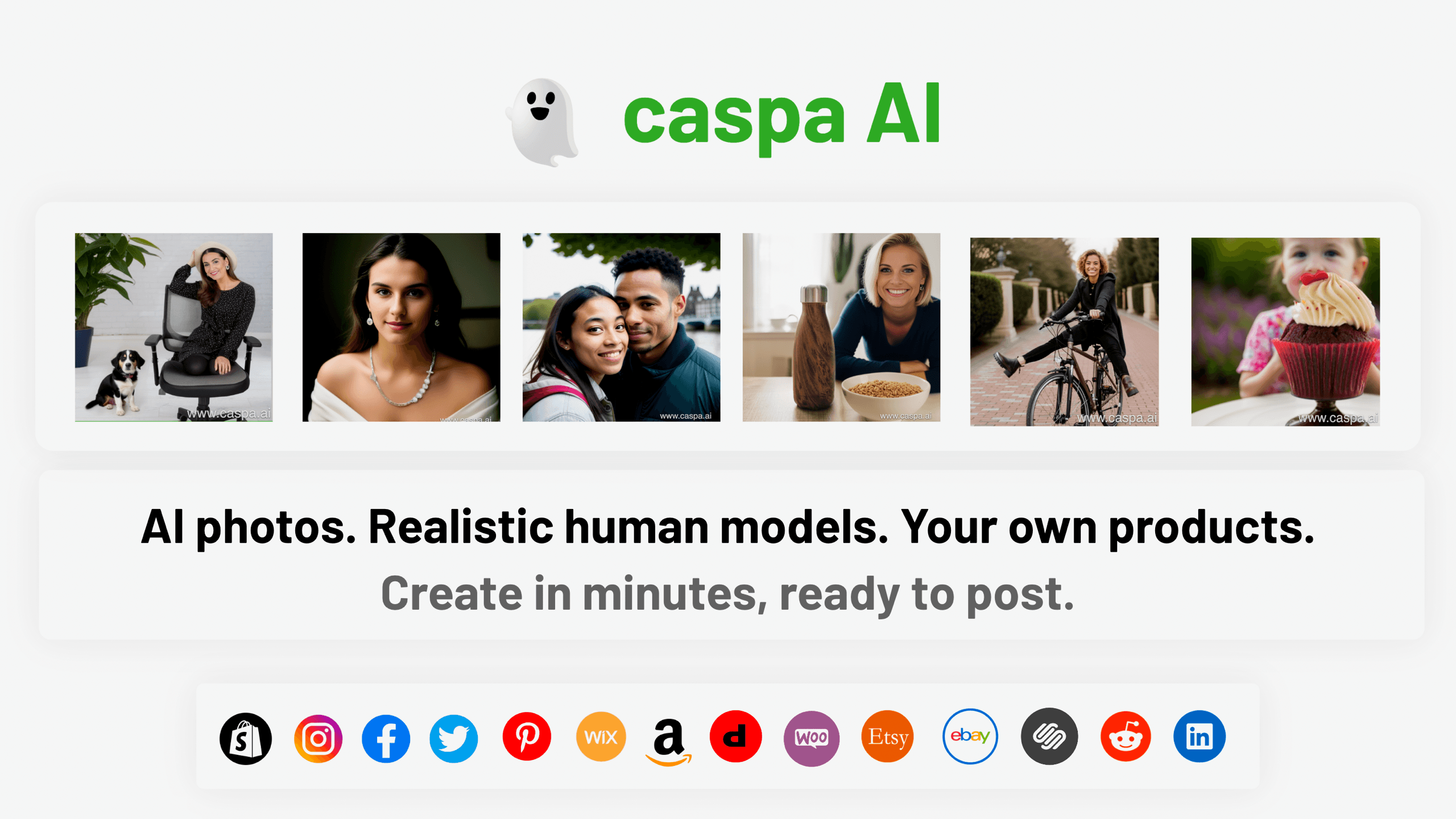
Caspa AI
Elevate eCommerce visuals effortlessly with Caspa, an AI-driven photography tool empowering businesses to create and edit lifelike product images
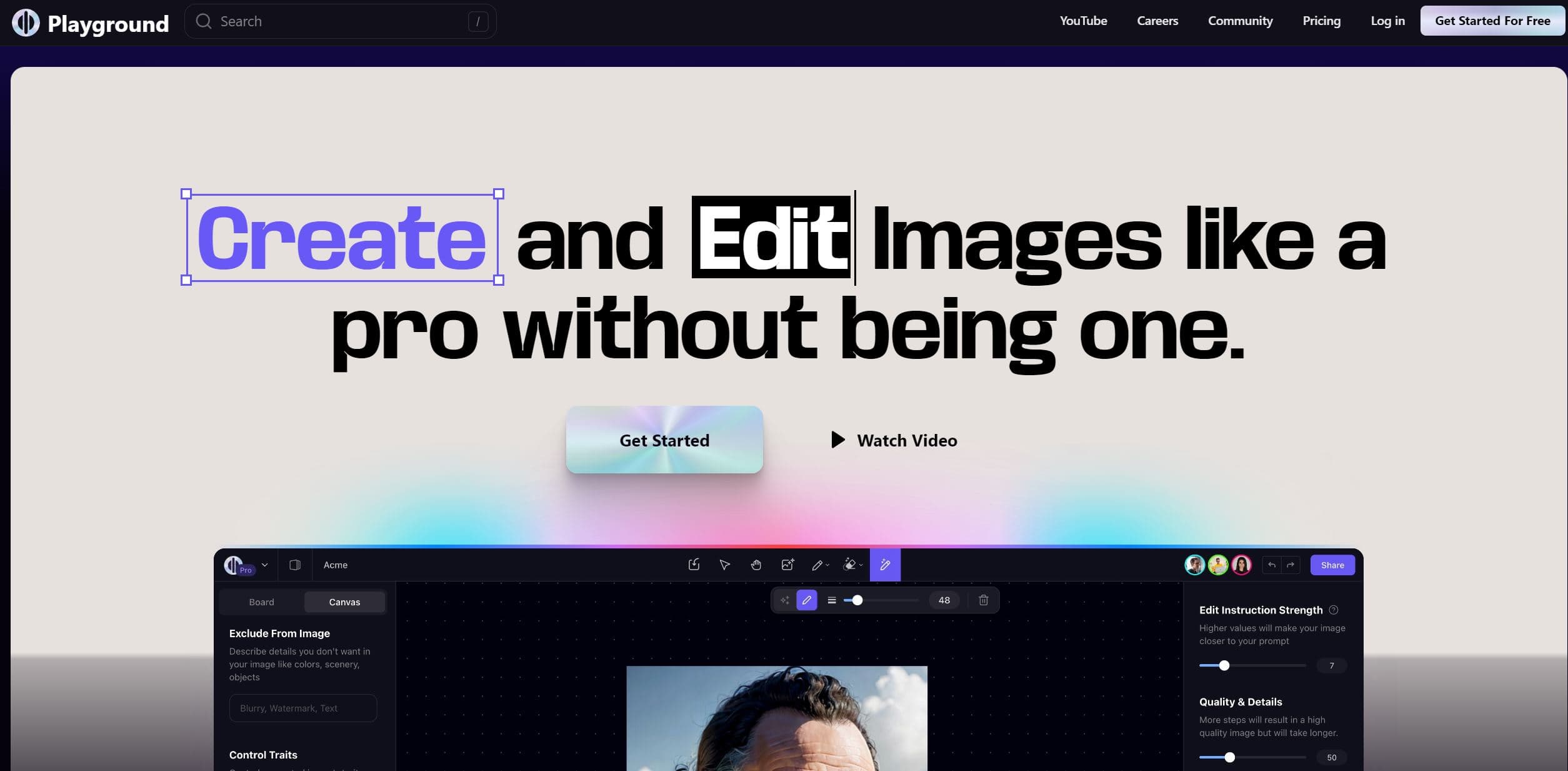
Playground AI
Unleash creativity with AI-driven image creation and intuitive editing.

Ipic.ai
AI-powered image enhancement for professionals and hobbyists alike.
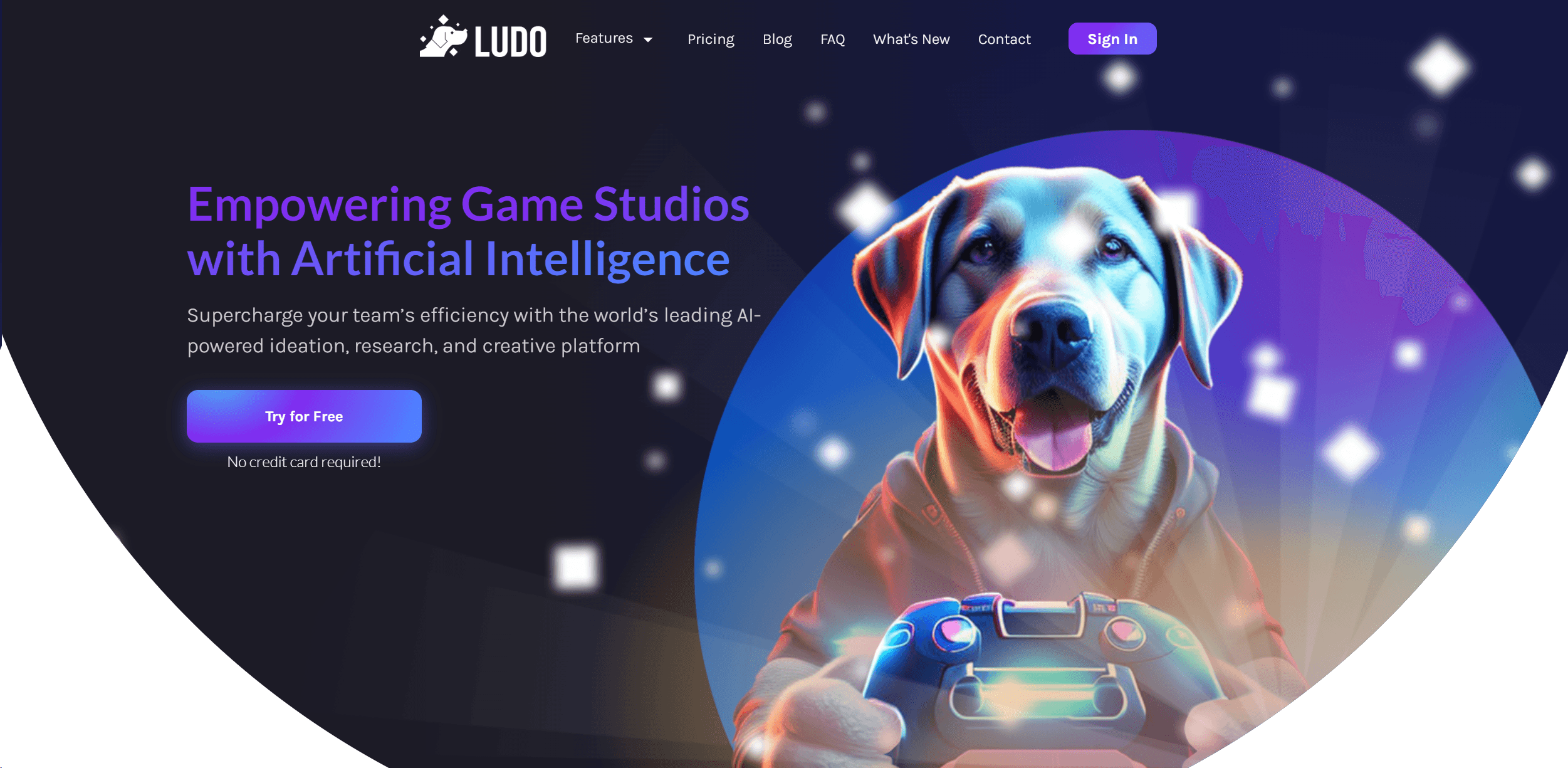
Ludo
Revolutionize game development with AI-driven ideation and market insights.

Civitai
Open-source platform for AI model creation and collaboration.

Prisma
Transform photos into art with AI, quickly and beautifully.
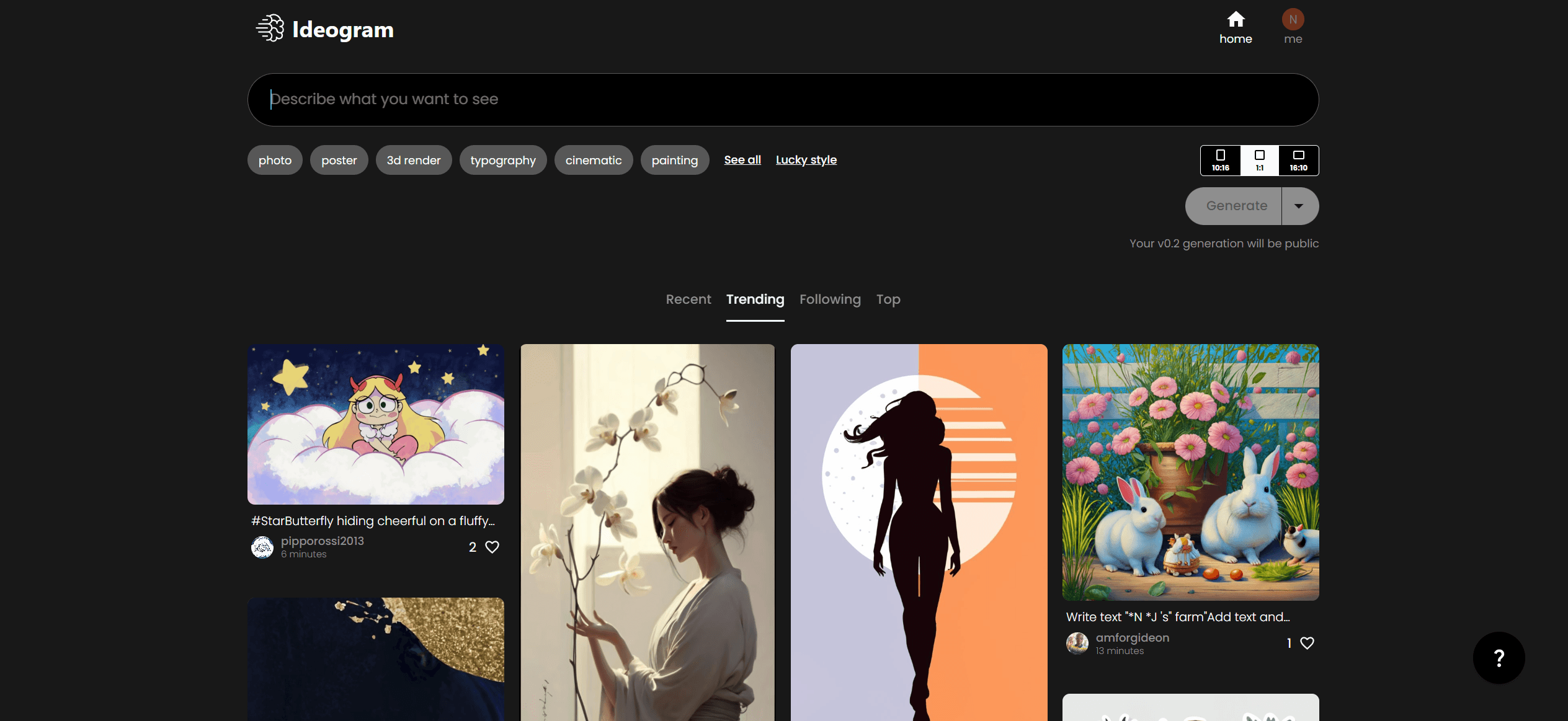
Ideogram
Transform text to stunning visuals with AI, enhancing creativity and collaboration.

Lucidpic
Revolutionize your visuals with AI-powered 3D photo transformations for engaging, lifelike content.
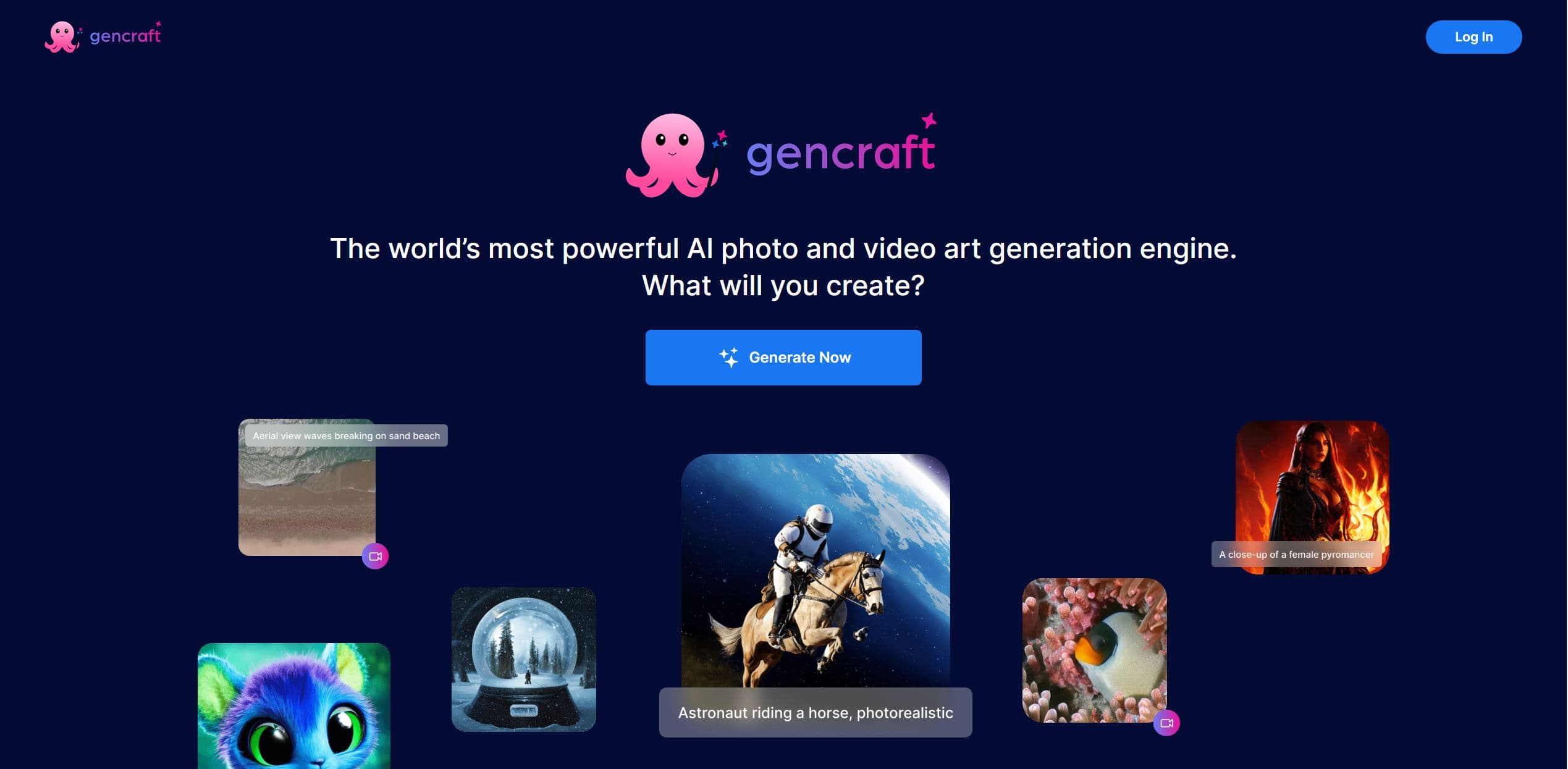
Gencraft
AI-powered tool for creating stunning digital art effortlessly.

Midjourney
Unlock true digital artistry.

AI2image
AI creates custom images from English descriptions in seconds.