
Pixelicious
Transform images into pixel art effortlessly online; background removal included.
12,085
Votes
18,215
Views
5,127
Bookmarks
About
Pixelicious is an innovative AI-driven tool that has caught the attention of game developers and digital artists alike. With its core function centered around transforming standard images into pixel art, it provides a unique service for those looking to integrate a retro aesthetic into modern gaming and digital projects. Designed for creatives who value efficiency and precision, Pixelicious simplifies the process of creating pixel art from existing images, streamlining what can often be a time-consuming task.
Key Features
- Pixel Art Conversion: Transforms high-resolution images into pixel art with a few simple clicks, catering to the needs of game developers and digital artists.
- Background Removal: Offers the capability to remove backgrounds from images, which is especially useful for integrating characters and objects into game scenes seamlessly.
- User-Friendly Interface: Boasts an intuitive design that allows users to start converting images quickly without a steep learning curve.
- Online Accessibility: Being a web-based tool, it provides the convenience of converting images into pixel art from anywhere, without the need for software installation.
Pros
- Time-Saving: Dramatically reduces the time required to create pixel art from existing images, allowing artists to focus on other creative aspects of their projects.
- Cost-Effective: Eliminates the need for expensive software or the outsourcing of pixel art creation, providing a cost-efficient solution.
- Simplicity: The straightforward drag-and-drop functionality makes it accessible even to those with minimal technical skills.
- Quality Results: Delivers high-quality pixel art that maintains the essence of the original image while embracing the pixelated style.
Cons
- Feature Limitations: As a specialized tool, it may not offer the extensive editing features found in full-fledged graphic design software.
- Online Dependency: Requires an internet connection to access and use the tool, which might be a limitation for users in areas with poor connectivity.
- Format Support: There may be restrictions on the types of image formats that can be uploaded and converted.
Who Uses It
- Game Developers: Utilizing the tool to quickly create assets for retro-styled video games.
- Digital Artists: Employing the tool to infuse a pixel art style into their artwork for various projects.
- Indie Creators: Leveraging the tool to develop visuals for mobile apps and indie games on a budget.
- Educational Institutions: Using Pixelicious to teach students about the principles of pixel art and game design.
- Uncommon Use Cases: It has found use in web design for creating unique, pixelated graphics; Additionally, hobbyists enjoy using it to create personalized pixel art for DIY projects.
Pricing
- Free Access: Pixelicious can be accessed for free, which is great for those wanting to test its capabilities.
- Subscription Plans: While the basic usage is free, there may be premium features available for a subscription fee.
You may also like
More tools in Art Generators

Ipic.ai
AI-powered image enhancement for professionals and hobbyists alike.
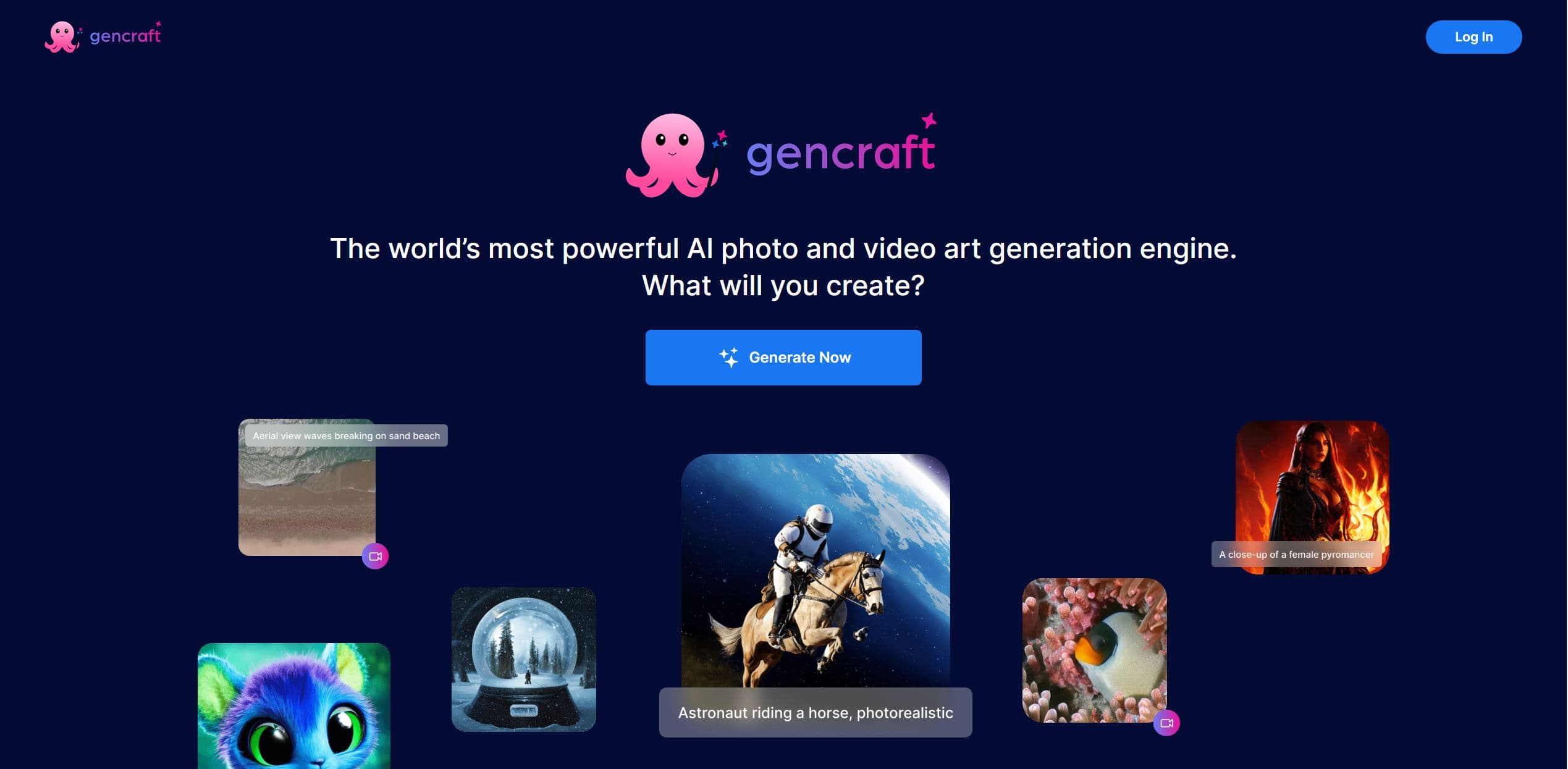
Gencraft
AI-powered tool for creating stunning digital art effortlessly.
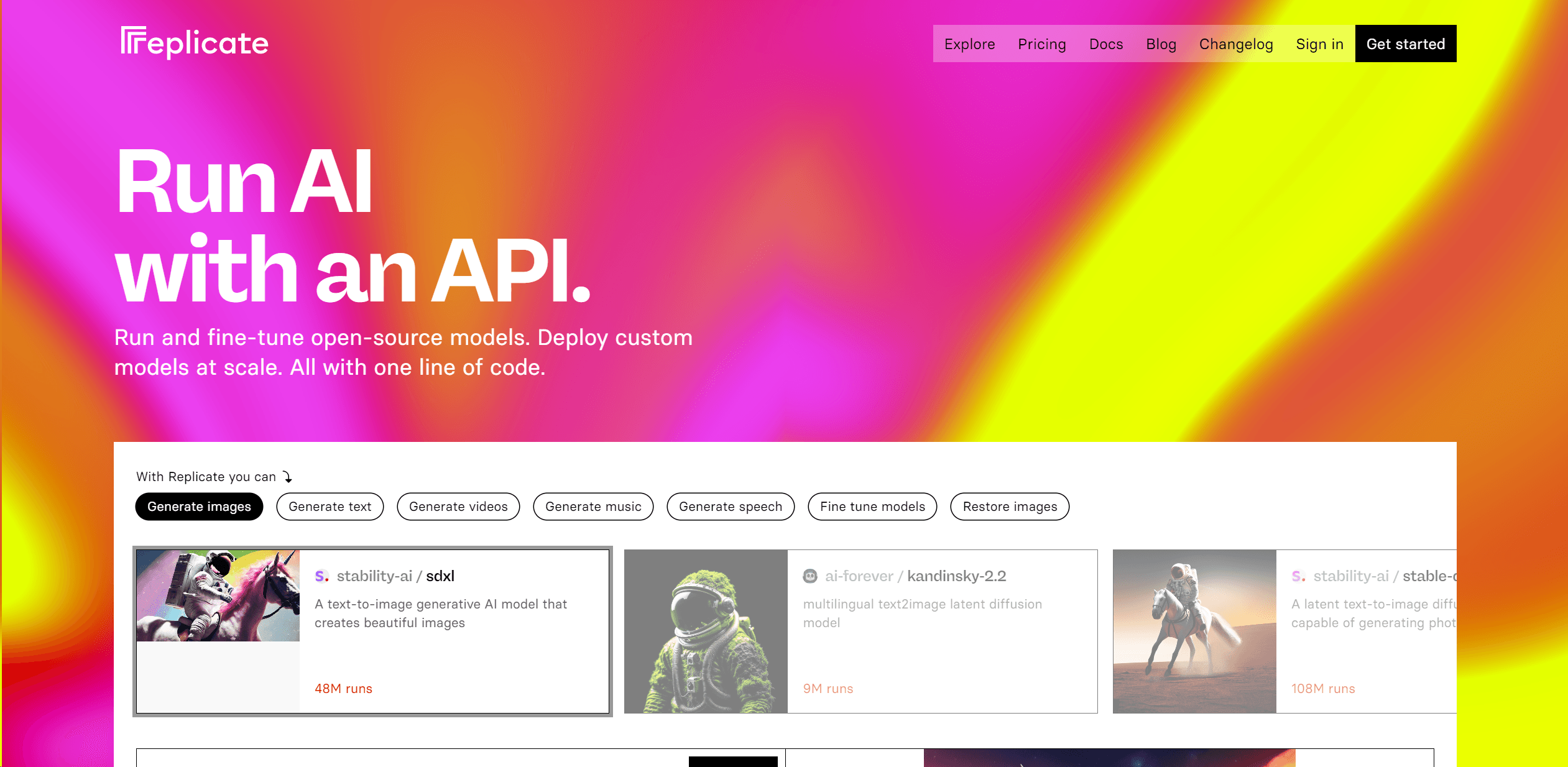
Replicate
Unlock AI's potential: run, fine-tune, deploy models easily and cost-effectively.
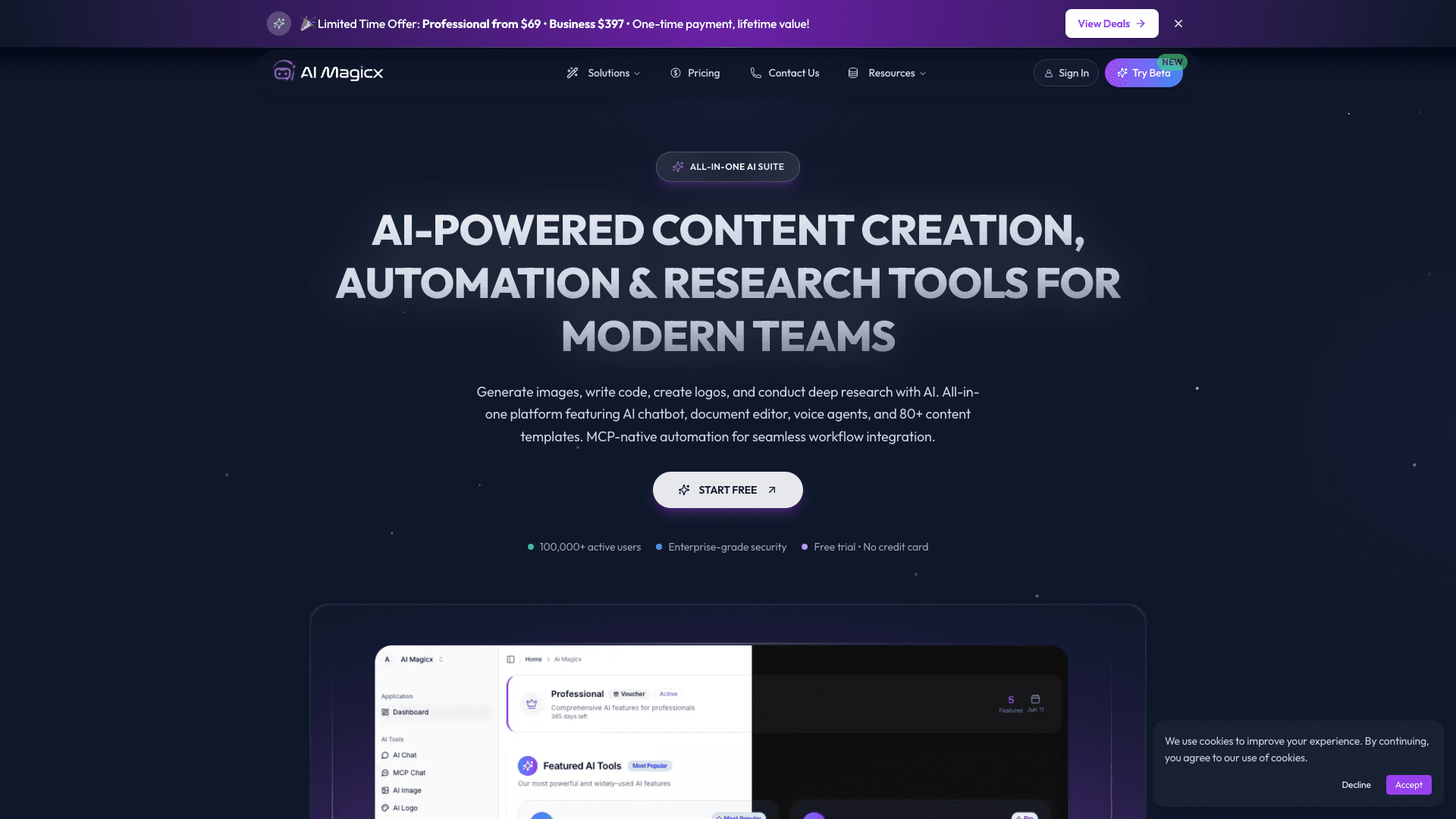
AI Magicx
AI Magicx enhances creativity with AI-driven design and coding.
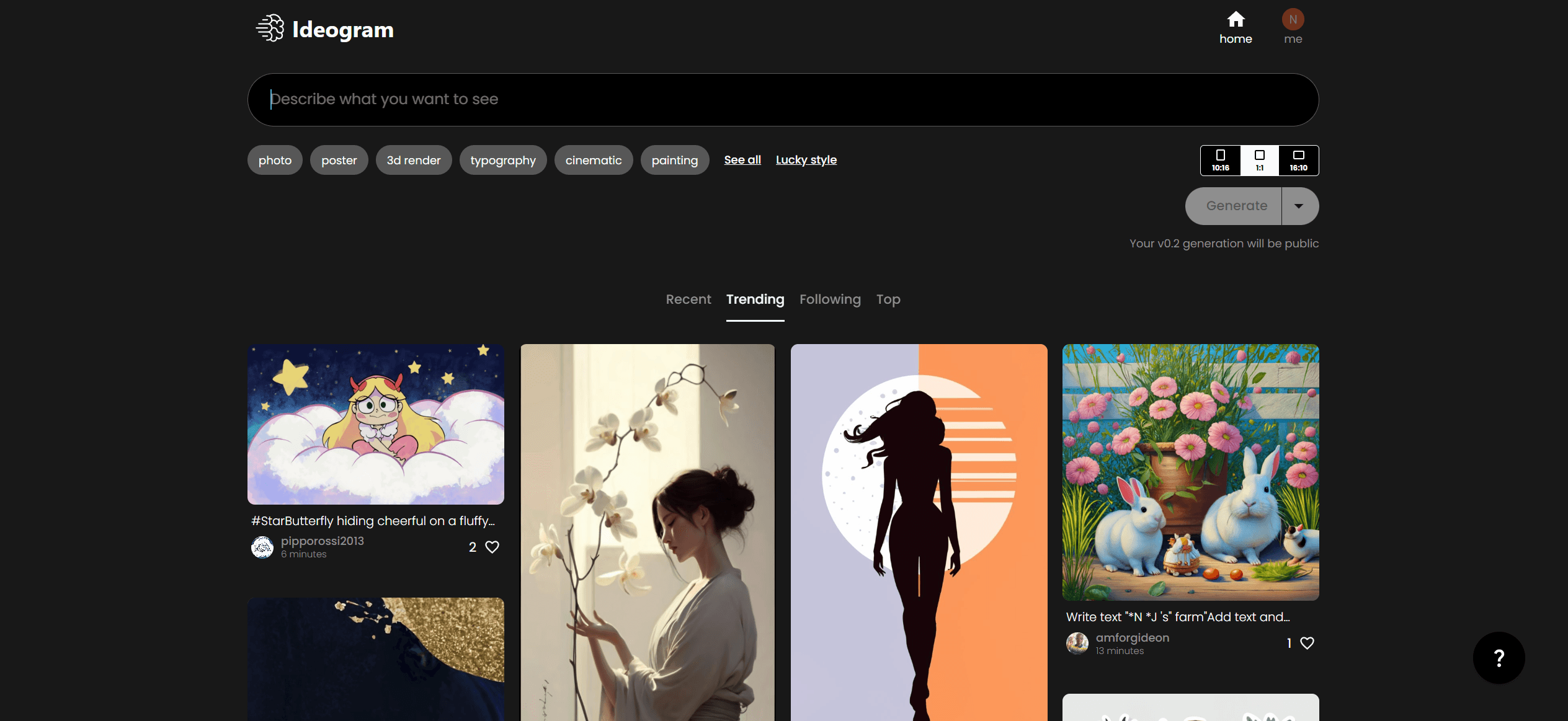
Ideogram
Transform text to stunning visuals with AI, enhancing creativity and collaboration.

Midjourney
Unlock true digital artistry.
Playground AI
Unleash creativity with AI-driven image creation and intuitive editing.
Kira
Create stunning designs with AI-enhanced tools.

MimicPC
Unlock AI tools instantly, browser-based, no installs needed.
Ludo
Revolutionize game development with AI-driven ideation and market insights.

WithoutBg
The Image Background Remover API makes it easy to remove backgrounds from images automatically. This powerful tool uses advanced AI to deliver high-quality results quickly and affordably. With a credi

AI2image
AI creates custom images from English descriptions in seconds.