
Pikto AI Studio
Create stunning visuals from text prompts.
13,775
Votes
17,226
Views
7,097
Bookmarks
About
Pikto AI Studio is a comprehensive design tool that takes the hassle out of creating stunning visuals, even for those without a design background. Tailored for marketers, educators, and creatives, it transforms simple text prompts into polished graphics in seconds. It's all about making design accessible and efficient, whether you're crafting a social media post, an infographic, or a presentation.
Key Features
- AI Design Generator: Converts simple text prompts into stunning visuals almost instantly, saving time and effort.
- AI Image Tools: Includes an image generator, modifier, upscaler, background remover, and more, providing a full suite of editing capabilities.
- Template Library: Offers a vast selection of professional templates for infographics, presentations, social media, and more.
- Customization Options: Allows for complete creative control with features to personalize colors, fonts, and graphics to match your brand.
Pros
- User-Friendly: Even non-designers can create professional-looking visuals without prior experience.
- Time-Saving: Generates designs in under 10 seconds, allowing users to focus on customization rather than starting from scratch.
- Cost-Effective: Offers a free tier and affordable paid plans, making high-quality design accessible.
- Versatile: Suitable for a wide range of applications, from marketing campaigns to educational materials.
Cons
- Initial Learning Curve: Although user-friendly, it may take some time for complete beginners to master all features.
- Limited Integration: Currently, not all third-party platforms are supported.
- Feature Limitations on Free Tier: Some advanced features require a paid subscription.
Who Uses It
- Marketing and Sales Teams: Creating pitch decks, campaign visuals, and client-ready reports efficiently.
- Educators and Students: Designing study guides, classroom visuals, and academic reports with ease.
- Social Media Managers: Crafting engaging posts and infographics to boost online presence.
- Small Business Owners: Developing promotional materials like flyers and brochures without hiring a designer.
- Uncommon Use Cases: Used by real estate agents to create property listings; employed by event planners for designing invitations and promotional content.
Pricing
- Free Tier: Start with a free plan that includes 60 AI credits each month.
- Pro Tier: Starts at $24 per month, offering 500 AI credits and additional features.
- Enterprise Tier: Customized pricing for larger organizations with advanced needs.
You may also like
More tools in Art Generators
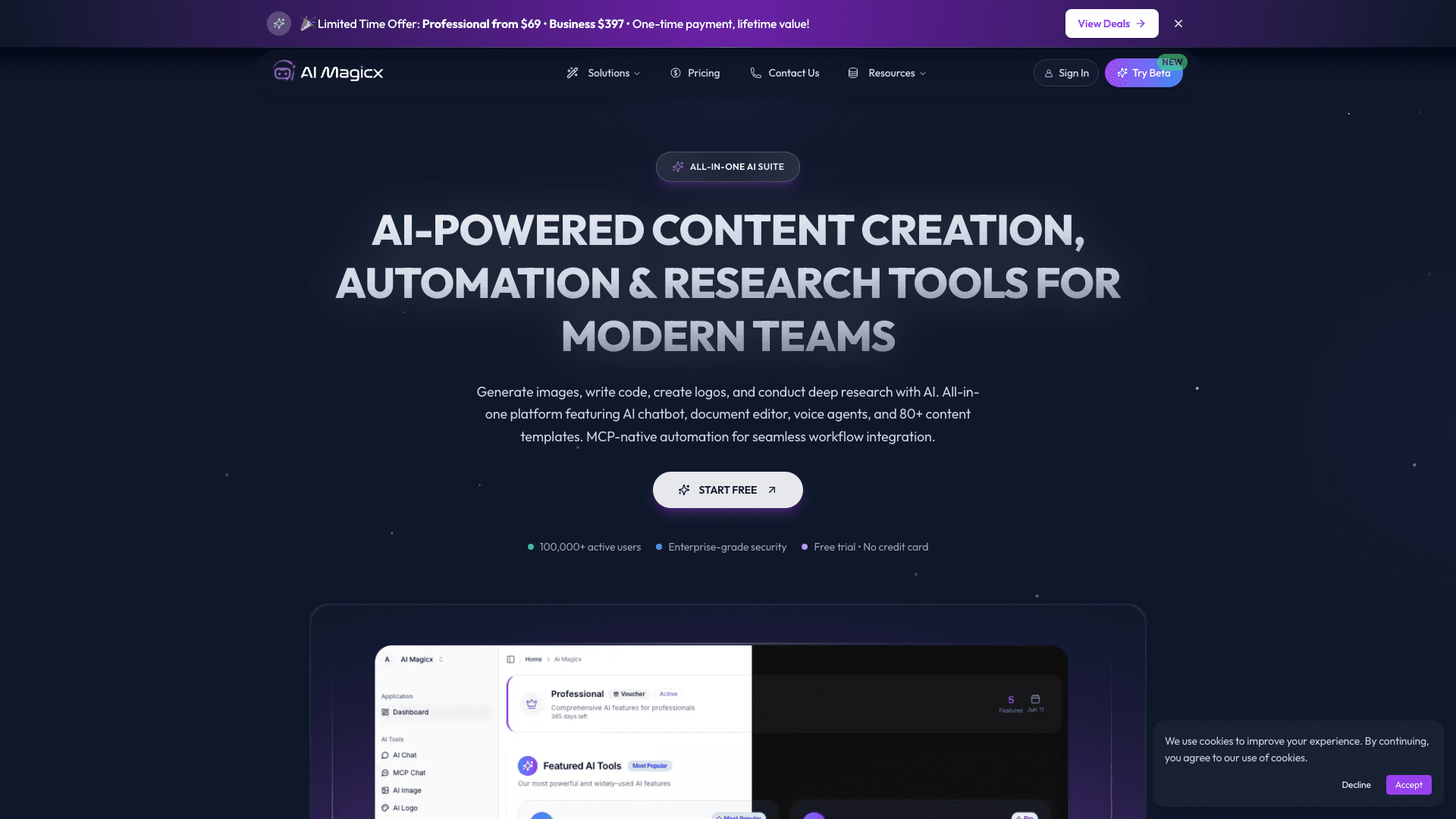
AI Magicx
AI Magicx enhances creativity with AI-driven design and coding.

Midjourney
Unlock true digital artistry.

MolyPix.AI
Transform text into stunning, editable designs instantly.
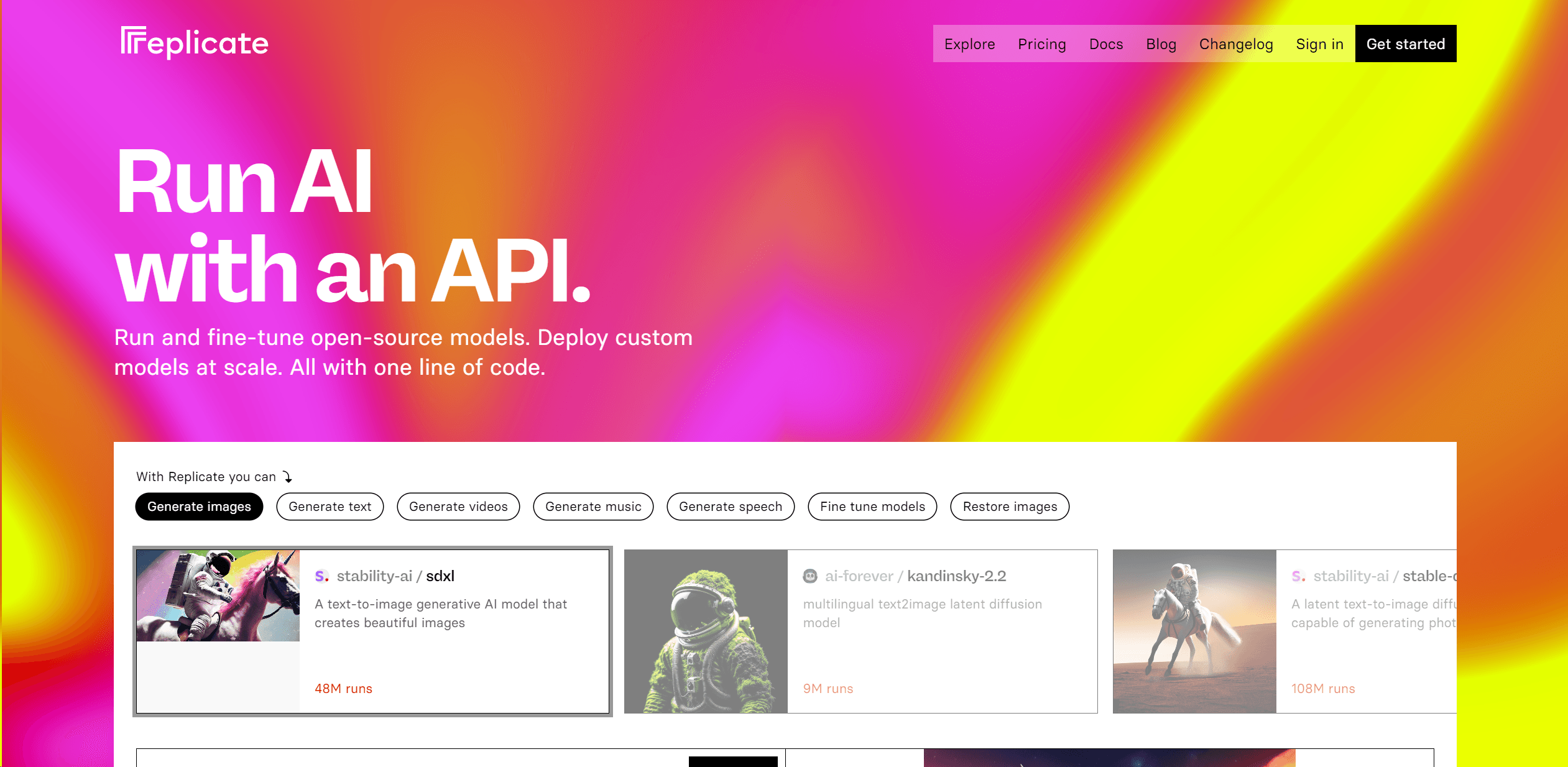
Replicate
Unlock AI's potential: run, fine-tune, deploy models easily and cost-effectively.

MimicPC
Unlock AI tools instantly, browser-based, no installs needed.

Ipic.ai
AI-powered image enhancement for professionals and hobbyists alike.

Dora AI
Revolutionize website creation with AI: unique, prompt-driven designs made simple.
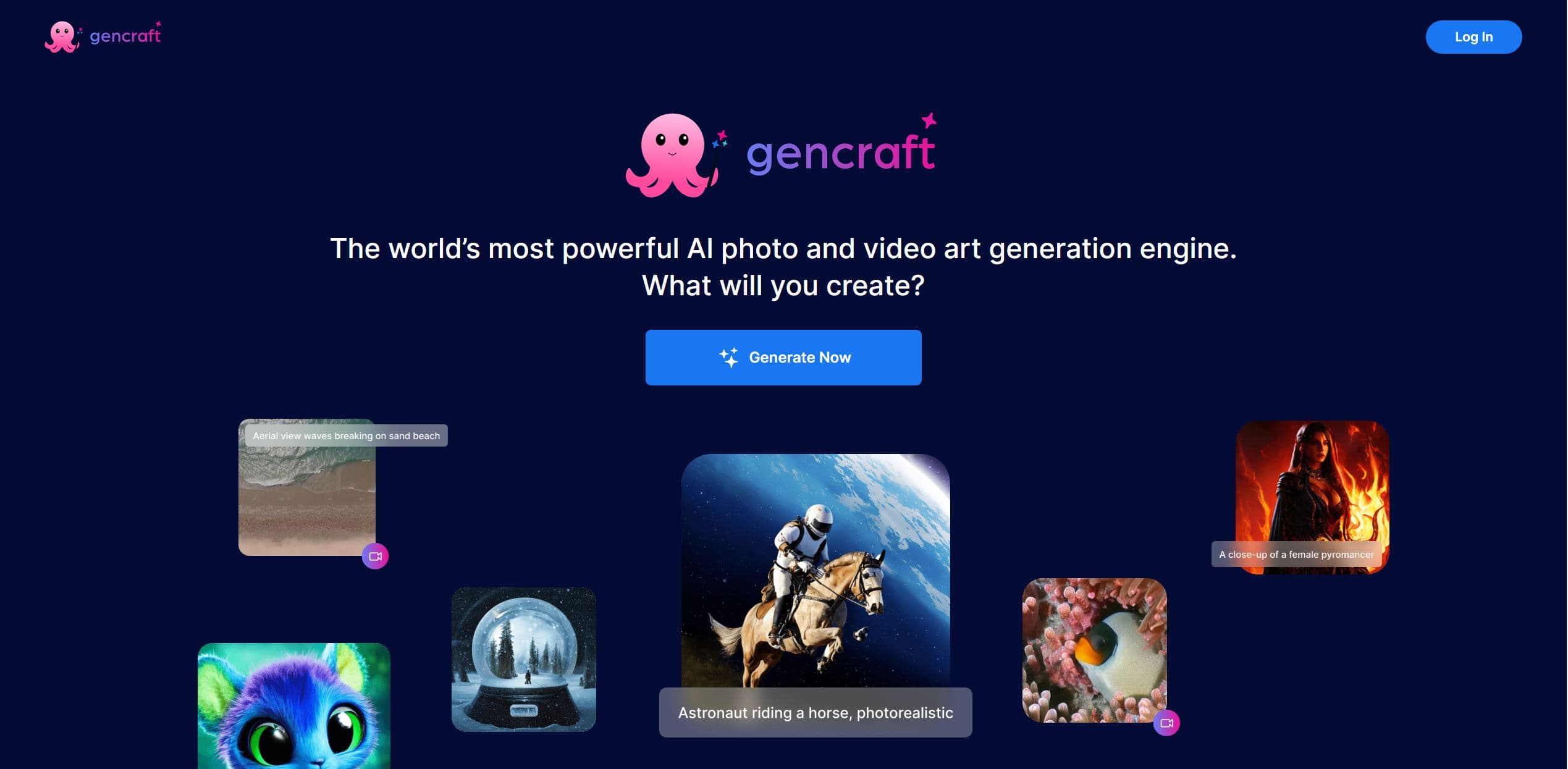
Gencraft
AI-powered tool for creating stunning digital art effortlessly.
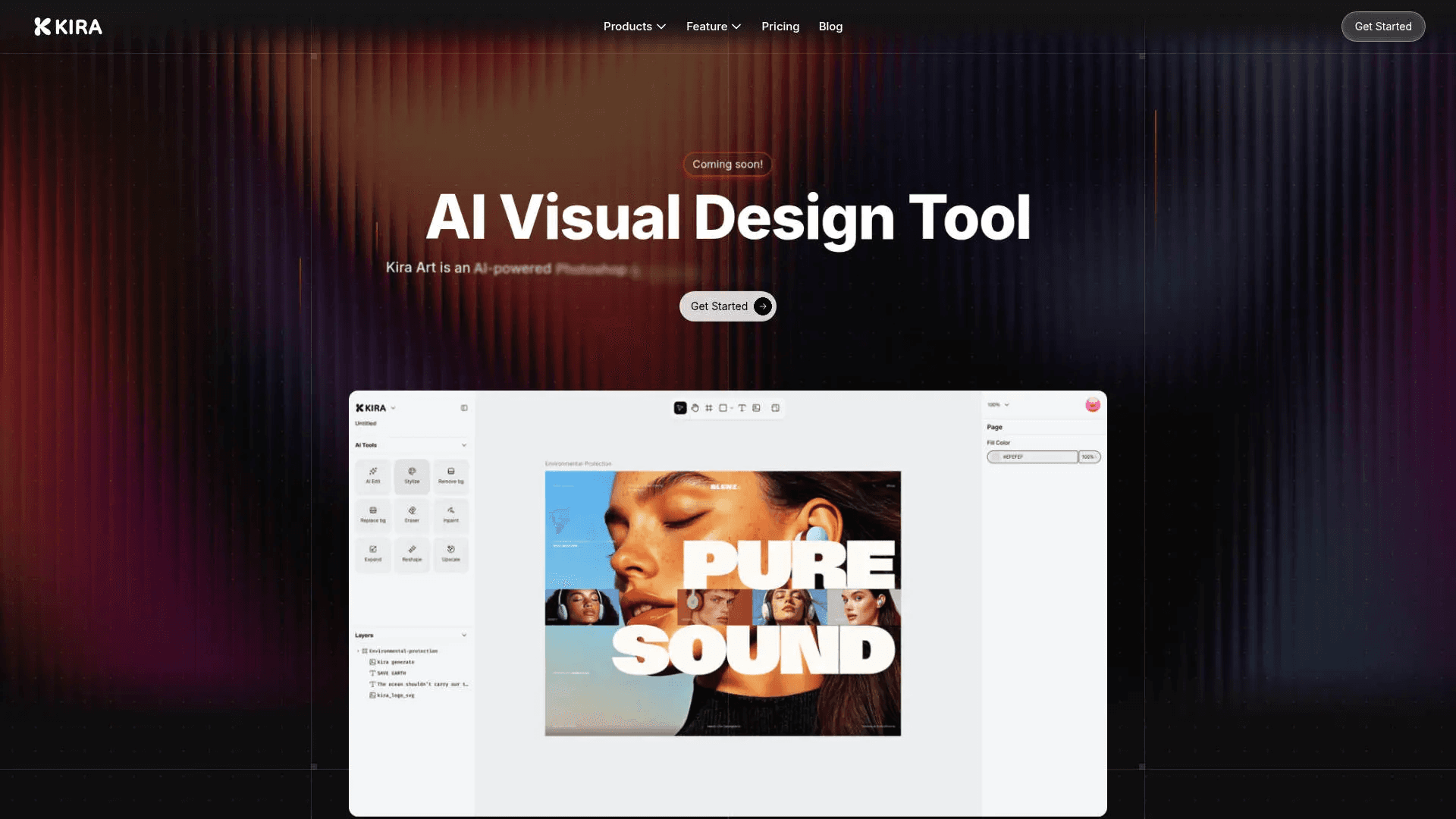
Kira
Create stunning designs with AI-enhanced tools.
Ideogram
Transform text to stunning visuals with AI, enhancing creativity and collaboration.

Figr
Turn product context into flows, prototypes, documentation.
Ludo
Revolutionize game development with AI-driven ideation and market insights.