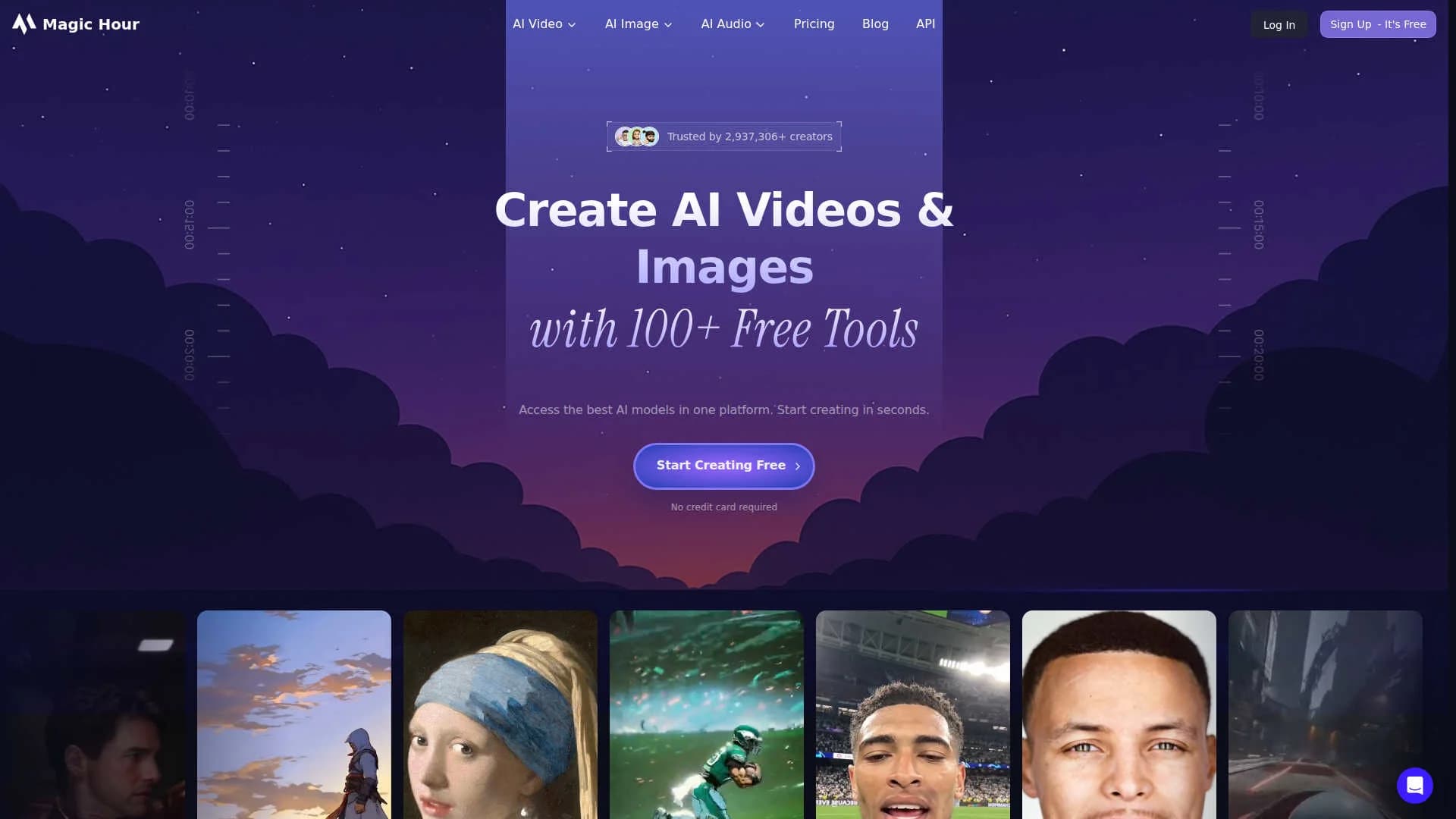
Magic Hour AI
Create social-ready videos, images, voiceovers from prompts.
9,519
Votes
16,529
Views
4,737
Bookmarks
About
Magic Hour AI is a browser based creative suite for generating and editing video, images, and audio with artificial intelligence. It combines 100+ free tools, including text-to-video, animation, face swap, lip sync, and headshot generation, inside a single interface. Creators, marketers, and teams can turn prompts, scripts, or existing assets into social ready videos, polished photos, and voice content in minutes, or call the same capabilities programmatically through a documented API and credit based pricing.
Key Features
- AI video toolkit: Text-to-video, image-to-video, video-to-video, UGC ad generator, talking photos, animation, lip sync, face swap, subtitles, and more in one workspace.
- AI image workspace: Image generator and editor, headshot and selfie tools, AI clothes changer, background remover, colorizer, QR code and meme generators, plus image upscaling.
- Audio and voice tools: Voice changer, voice cloner, and voice generator for adding narration or stylized voices to content without separate recording.
- Templates and presets: Ready templates for ads, explainers, and social formats, with control over aspect ratio, duration, transitions, pacing, and style.
- Developer friendly API: HTTP API with subscription or usage based credits, resolution tiers up to 4K, and access to the same underlying image, video, and audio models.
Pros
- Huge tool library in one account: Video, image, and audio tools live together, reducing the need for multiple services.
- Strong fit for short-form content: HD text-to-video up to around 60 seconds, UGC-style ads, and talking photos suit TikTok, Reels, and shorts workflows.
- Approachable for non technical users: Guided flows, clear steps, and sensible defaults keep the learning curve relatively gentle.
- Scales from hobby to enterprise: Credit tiers, 4K support, higher upload limits, and an API give agencies and product teams room to grow.
Cons
- Watermarks and limits on the free tier: The no cost plan is best for testing rather than polished client delivery.
- Credit system feels abstract: New users think in credits, resolutions, and modes instead of simple minutes or projects.
- Web based experience only: Those who prefer native desktop or mobile apps must work in the browser and export assets.
Who Uses It
- Performance marketers and DTC brands: Producing UGC-style ad creatives, product launch teasers, and rapid test variations.
- Social media creators and influencers: Generating shorts, memes, face swap clips, and stylized selfies for TikTok, Instagram, and YouTube.
- Creative agencies and studios: Prototyping concepts, localizing videos in many languages, and delivering client ready storyboards or assets.
- SaaS and product teams: Embedding text-to-video and image generation into products or internal tools through the API.
- Uncommon Use Cases: Utilized by real estate marketers for quick neighborhood highlight videos; Adopted by educators for teaching modern media and advertising workflows.
Pricing
- Basic: $0 per month; includes 400 credits, ~17 seconds of video, 576px resolution, limited video tool access, watermark, 200MB uploads, and API access.
- Creator: $15 per month; includes 10,000 credits per month, ~7 minutes of video, 1024px resolution, full tool access, no watermark, 2GB uploads, API access, commercial use, priority queue, and priority support.
- Pro: $59 per month; includes 50,000 credits per month, ~35 minutes of video, 1472px resolution, full tool access, no watermark, 5GB uploads, API access, commercial use, priority queue, and priority support.
- Business: $299.40 per month; includes 250,000 credits per month, ~3 hours of video, 4K resolution (select modes), full tool access, no watermark, 10GB uploads, API access, commercial use, priority queue, and priority support.
You may also like
More tools in Image Generators

Ipic.ai
AI-powered image enhancement for professionals and hobbyists alike.
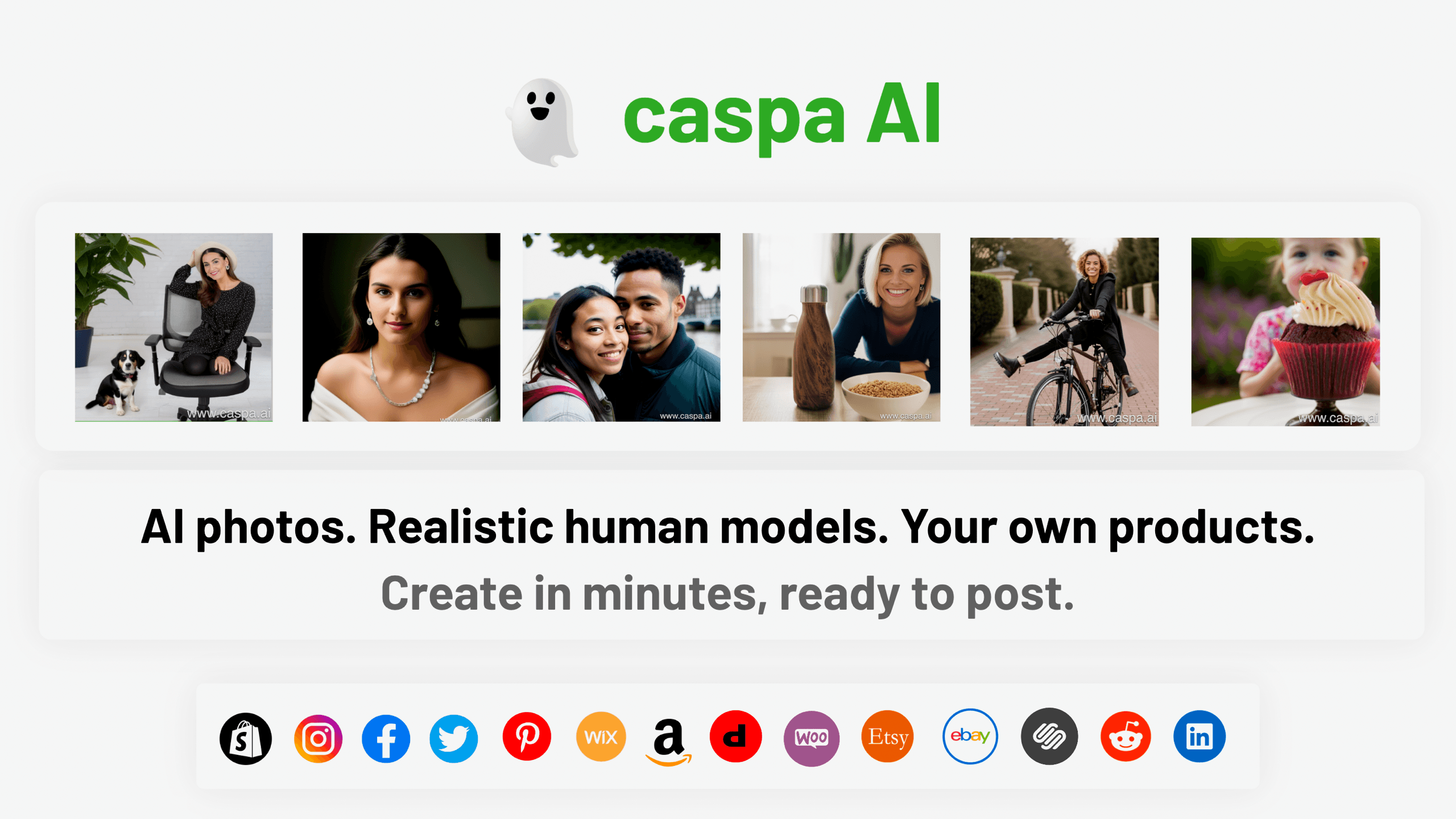
Caspa AI
Elevate eCommerce visuals effortlessly with Caspa, an AI-driven photography tool empowering businesses to create and edit lifelike product images
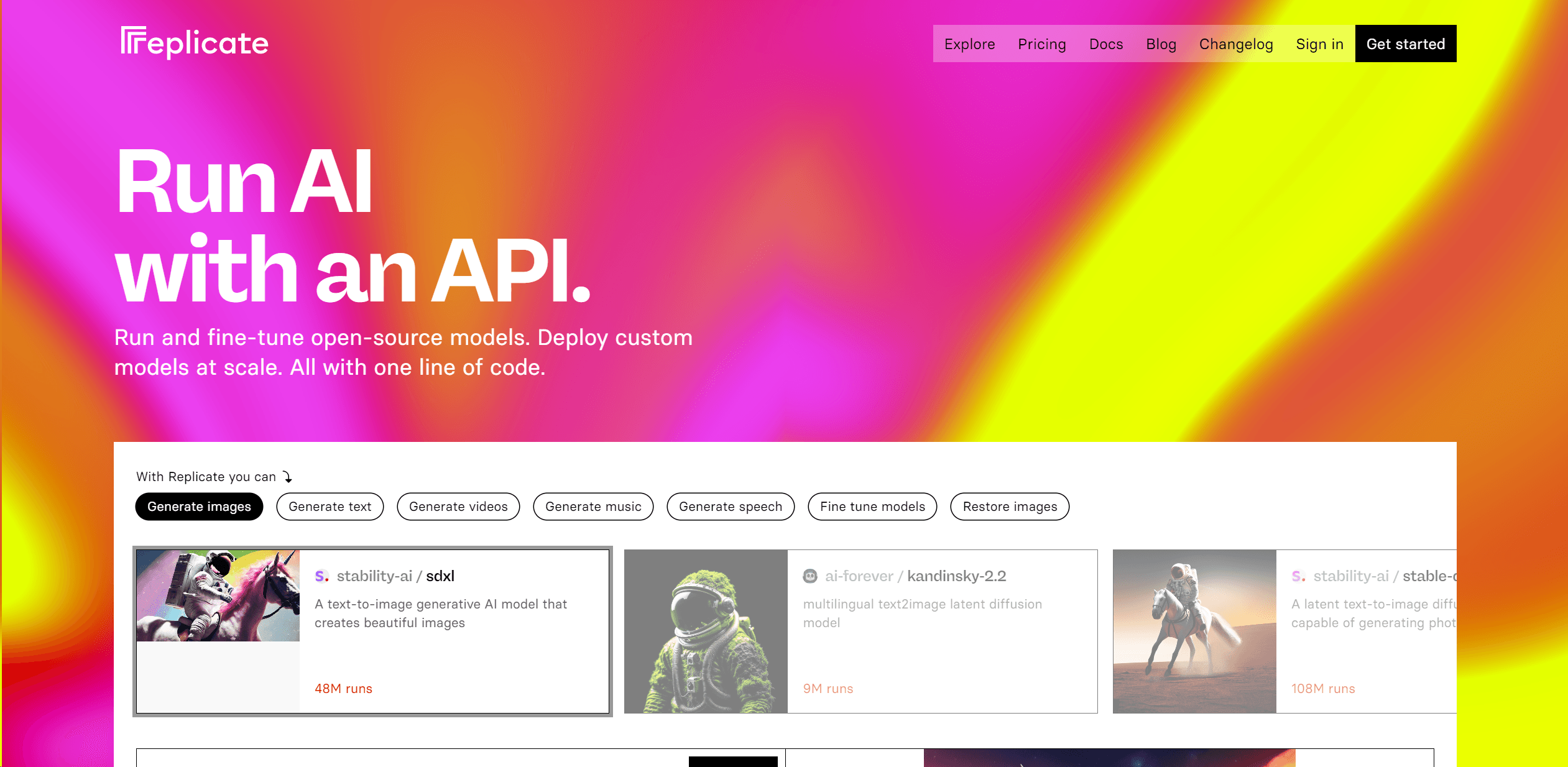
Replicate
Unlock AI's potential: run, fine-tune, deploy models easily and cost-effectively.
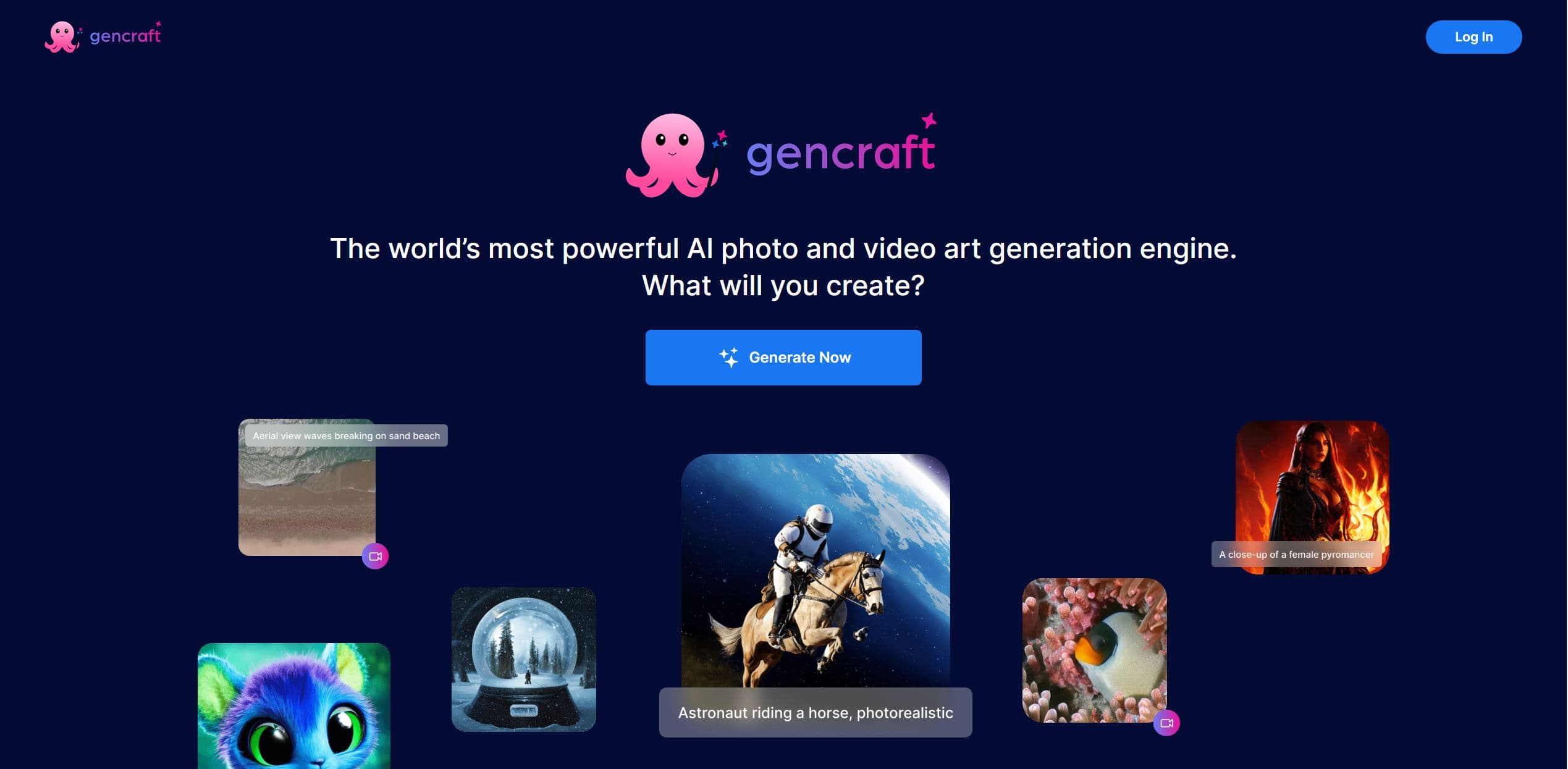
Gencraft
AI-powered tool for creating stunning digital art effortlessly.

Looq AI
Revolutionize image analysis with advanced AI-powered recognition and insights.
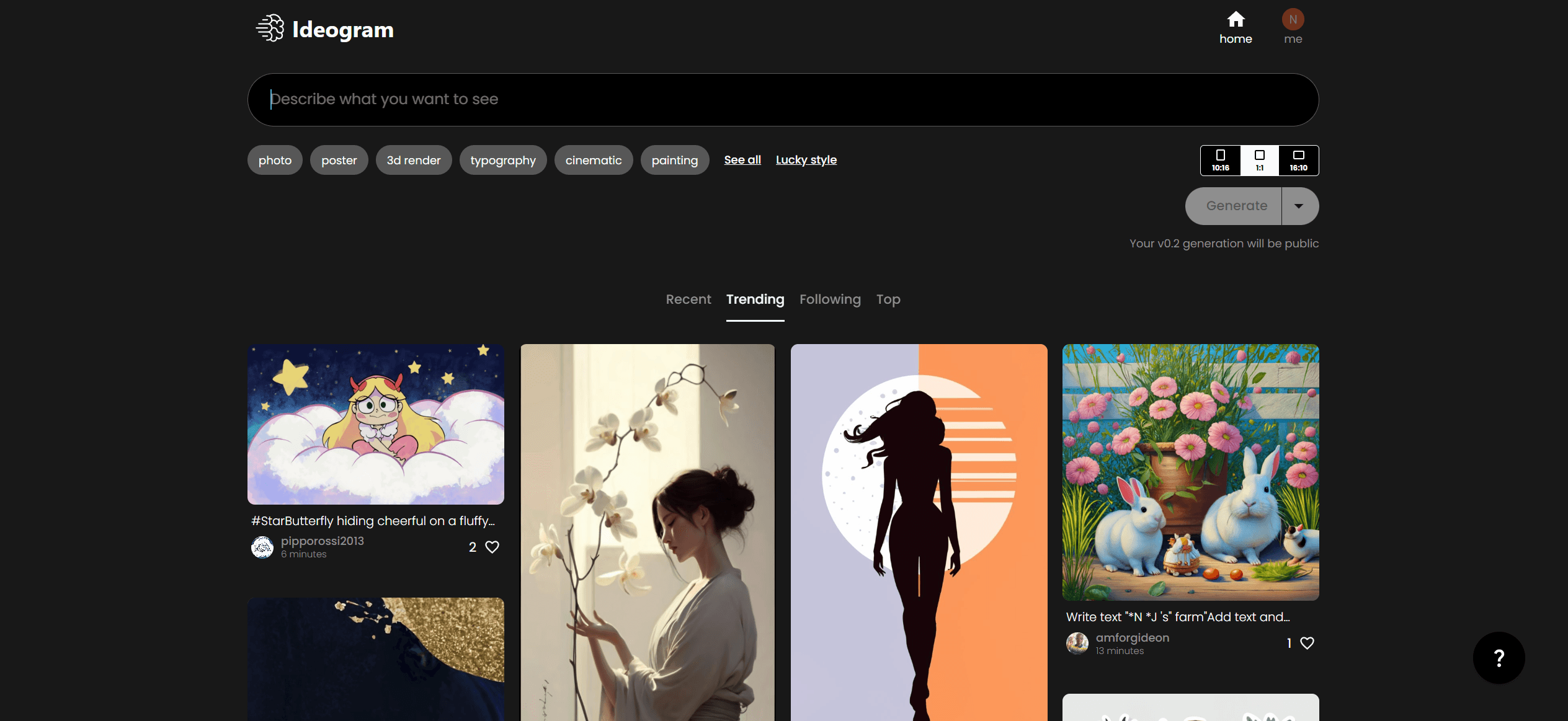
Ideogram
Transform text to stunning visuals with AI, enhancing creativity and collaboration.

Civitai
Open-source platform for AI model creation and collaboration.

Midjourney
Unlock true digital artistry.
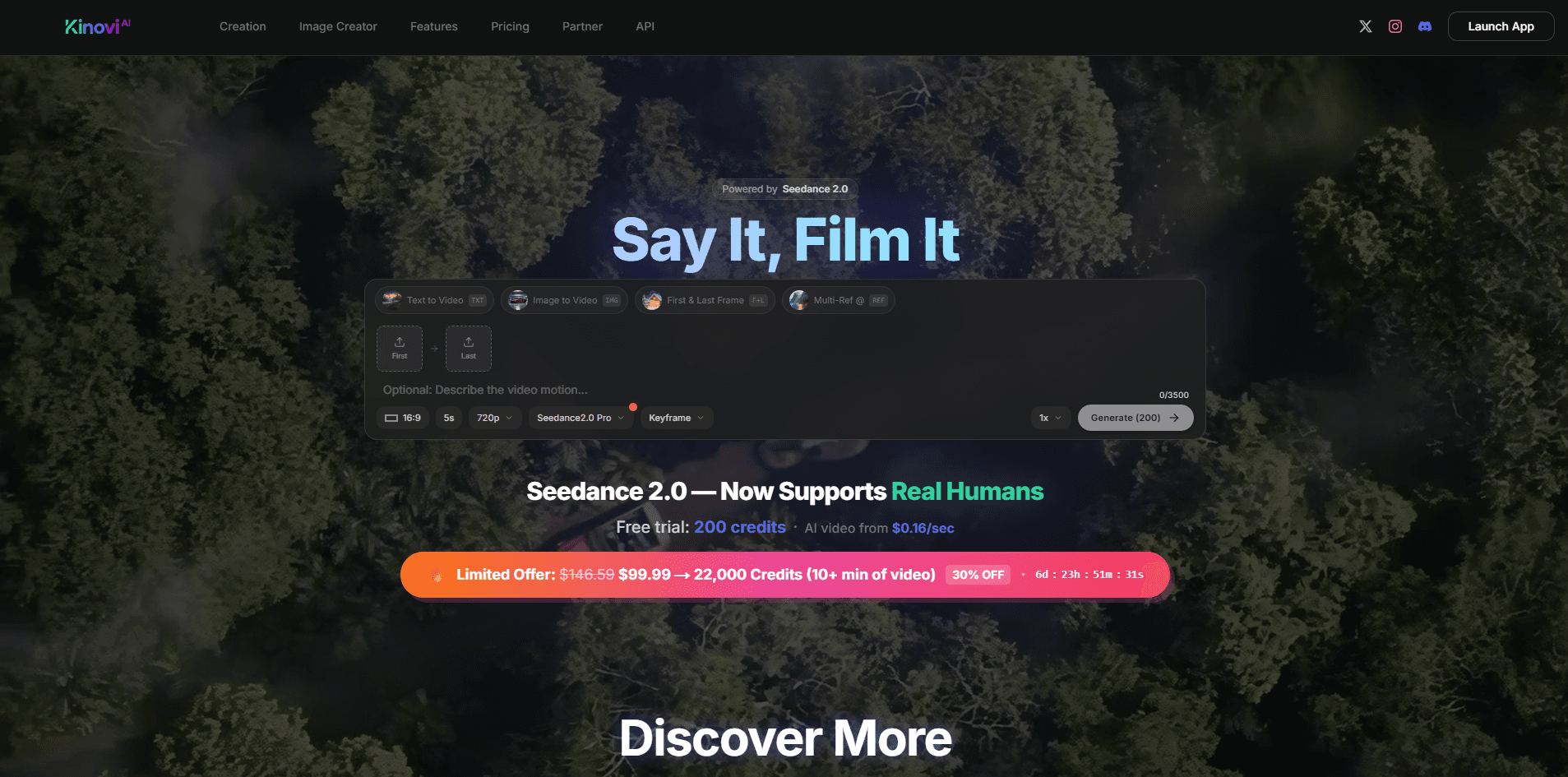
Kinovi
Direct cinematic clips from prompts and references.

MimicPC
Unlock AI tools instantly, browser-based, no installs needed.
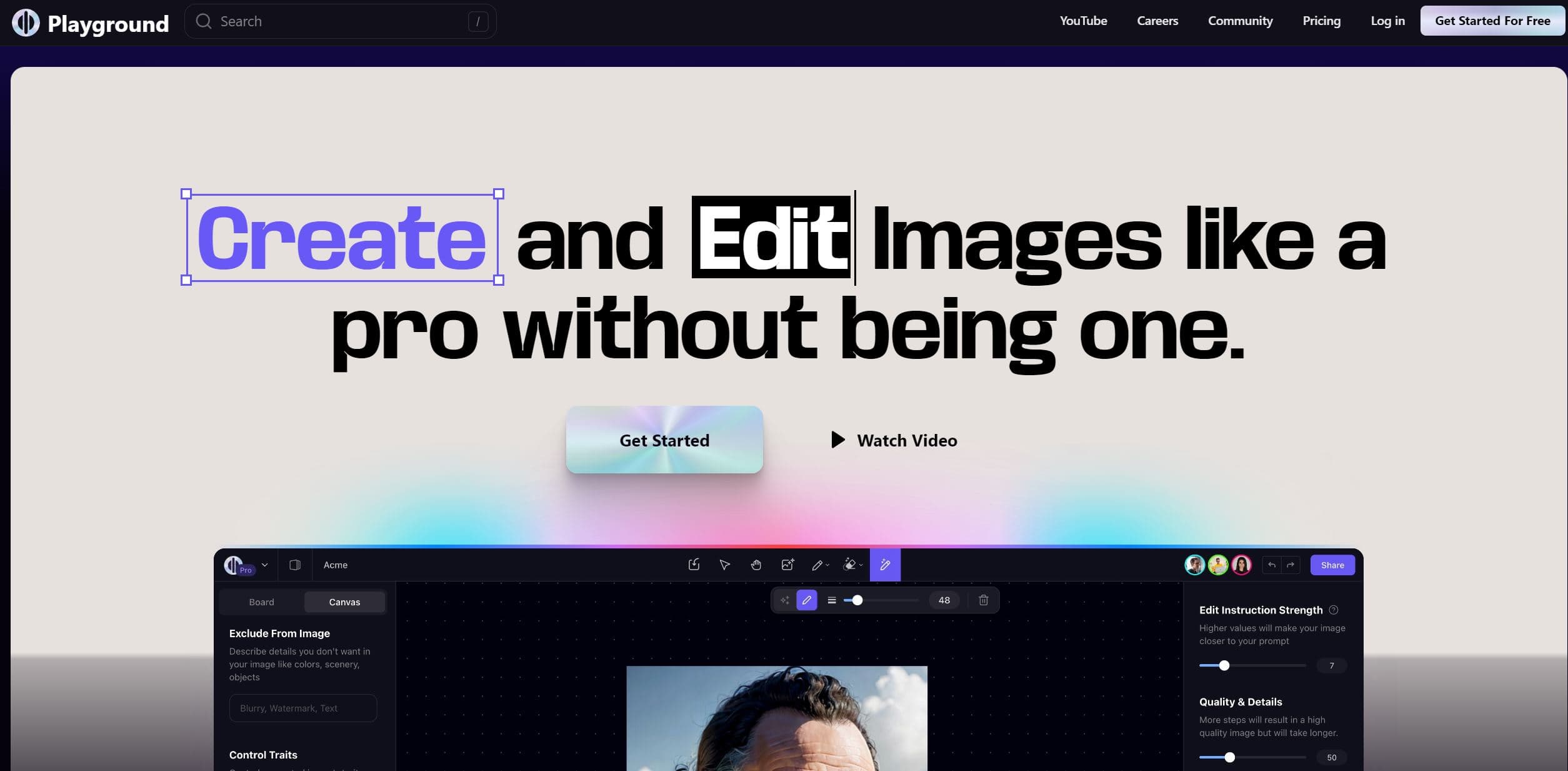
Playground AI
Unleash creativity with AI-driven image creation and intuitive editing.
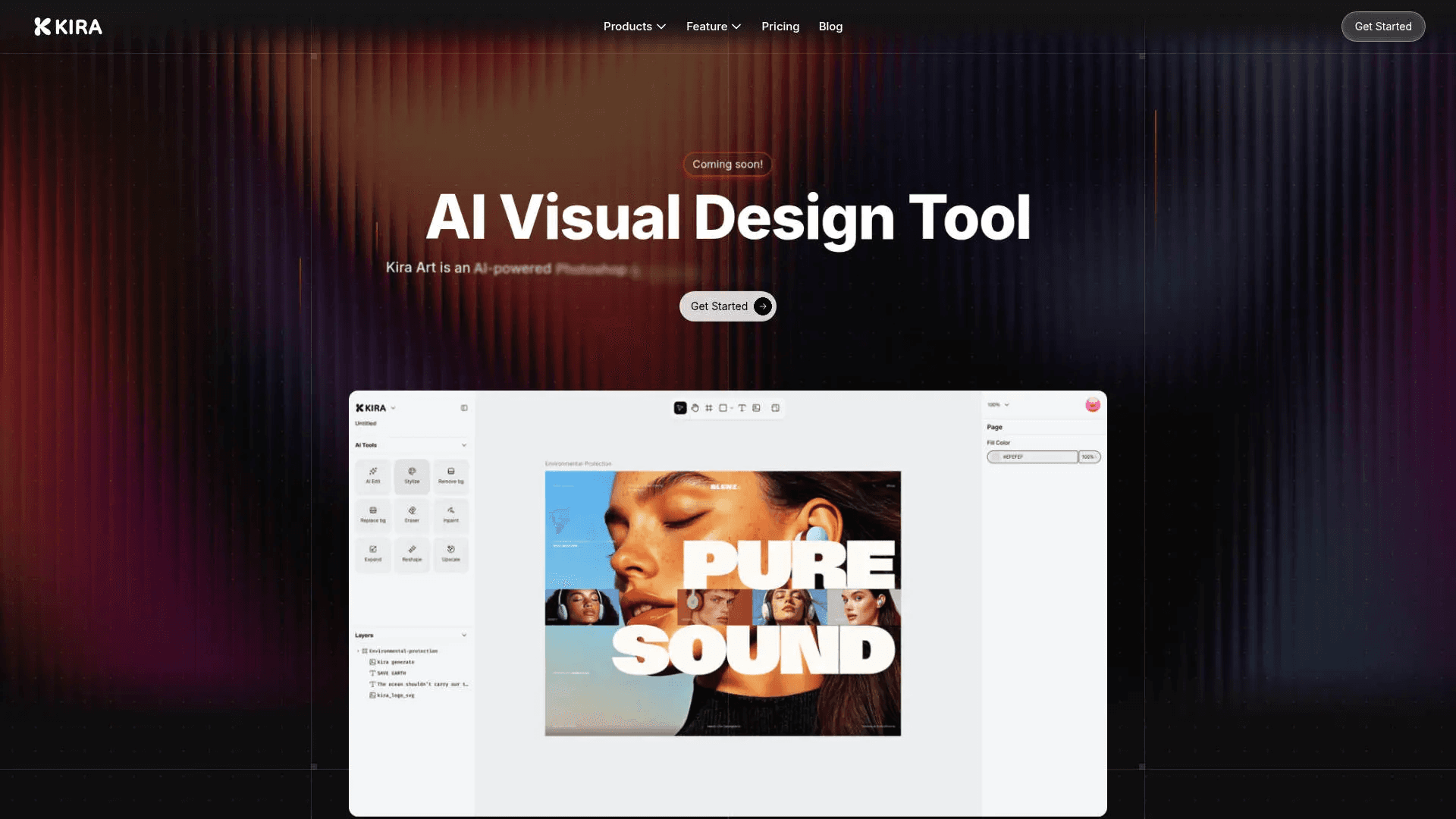
Kira
Create stunning designs with AI-enhanced tools.