
imgKonvert
imgKonvert is a fast and easy image format conversion tool designed to help users convert their images to various formats quickly. The core functionality of imgKonvert allows users to upload images an
13,486
Votes
19,895
Views
7,613
Bookmarks
About
imgKonvert is a fast and easy image format conversion tool designed to help users convert their images to various formats quickly. The core functionality of imgKonvert allows users to upload images and convert them to formats such as PNG, JPG, WebP, BMP, and GIF in just seconds. This tool is particularly beneficial for photographers, designers, and web developers who need to optimize images for different platforms and uses. With its user-friendly interface, imgKonvert makes the conversion process straightforward and efficient, catering to both casual users and professionals alike. The target audience for imgKonvert includes individuals and businesses that require quick and reliable image conversion services. Whether you are a photographer looking to convert images for a portfolio, a designer needing to optimize graphics for a website, or a web developer managing multiple image formats, imgKonvert provides a solution that meets these needs. The tool's ability to handle bulk image conversions further enhances its appeal, allowing users to save time and effort when working with multiple files. One of the unique value propositions of imgKonvert is its commitment to user privacy. Unlike many other online conversion tools, imgKonvert does not store or access user files on its servers. All conversions are performed directly in the user's browser, ensuring that data remains 100% private and secure. This focus on privacy sets imgKonvert apart from competitors, making it a trustworthy option for users concerned about data security. Key differentiators of imgKonvert include its unlimited conversion capabilities and competitive pricing. The tool offers a free version with no file size limits, making it accessible to a wide range of users. Additionally, imgKonvert Pro provides enhanced features for a low monthly or yearly fee, allowing users to convert images without any restrictions. This pricing model is designed to provide value without hidden costs, ensuring that users can convert images without surprises. In terms of technical implementation, imgKonvert leverages modern web technologies to deliver a seamless user experience. The tool supports drag-and-drop functionality for easy uploads and is optimized for performance, allowing for quick conversions. By focusing on user-friendly design and robust functionality, imgKonvert stands out as a reliable choice for anyone needing to convert images efficiently.
Key Features
- Supports multiple formats including PNG, JPG, WebP, BMP, and GIF, allowing users to convert images to the format they need easily.
- Bulk image conversion feature saves time by allowing users to convert multiple images at once, making it ideal for busy professionals.
- Privacy-focused approach ensures that all conversions are done in the browser without storing files on servers, keeping user data secure.
- No file size limits for conversions, enabling users to work with large images without restrictions.
- Affordable pricing options, including a free version and a Pro subscription, provide flexibility for different user needs.
FAQ
What image formats can I convert with imgKonvert?
You can convert images to formats like PNG, JPG, WebP, BMP, and GIF using imgKonvert.
Is my data safe when using imgKonvert?
Yes, imgKonvert takes your privacy seriously. All conversions are done in your browser, and your files are not stored on their servers.
Can I convert multiple images at once?
Yes, imgKonvert has a bulk conversion feature that allows you to convert multiple images at the same time.
What is the cost of imgKonvert Pro?
imgKonvert Pro costs $15 per month or $60 per year, offering unlimited conversions without any surprises.
Do I need to create an account to use imgKonvert?
No, you can use imgKonvert without creating an account, making it easy to get started.
Is there a limit on the file size for conversions?
No, imgKonvert does not impose any file size limits for conversions, allowing you to work with large images.
You may also like
More tools in Art Generators
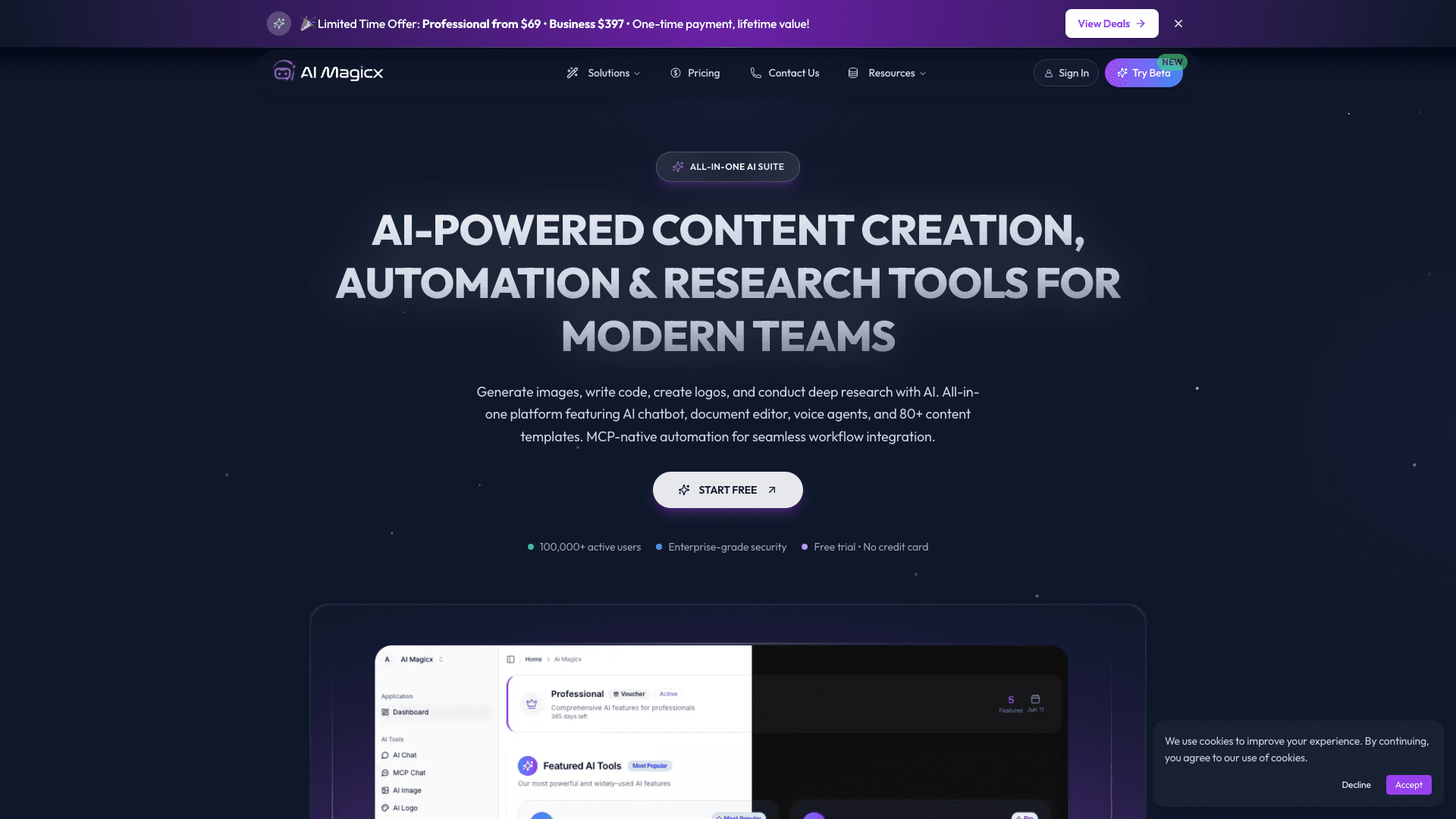
AI Magicx
AI Magicx enhances creativity with AI-driven design and coding.
Midjourney
Unlock true digital artistry.

MolyPix.AI
Transform text into stunning, editable designs instantly.
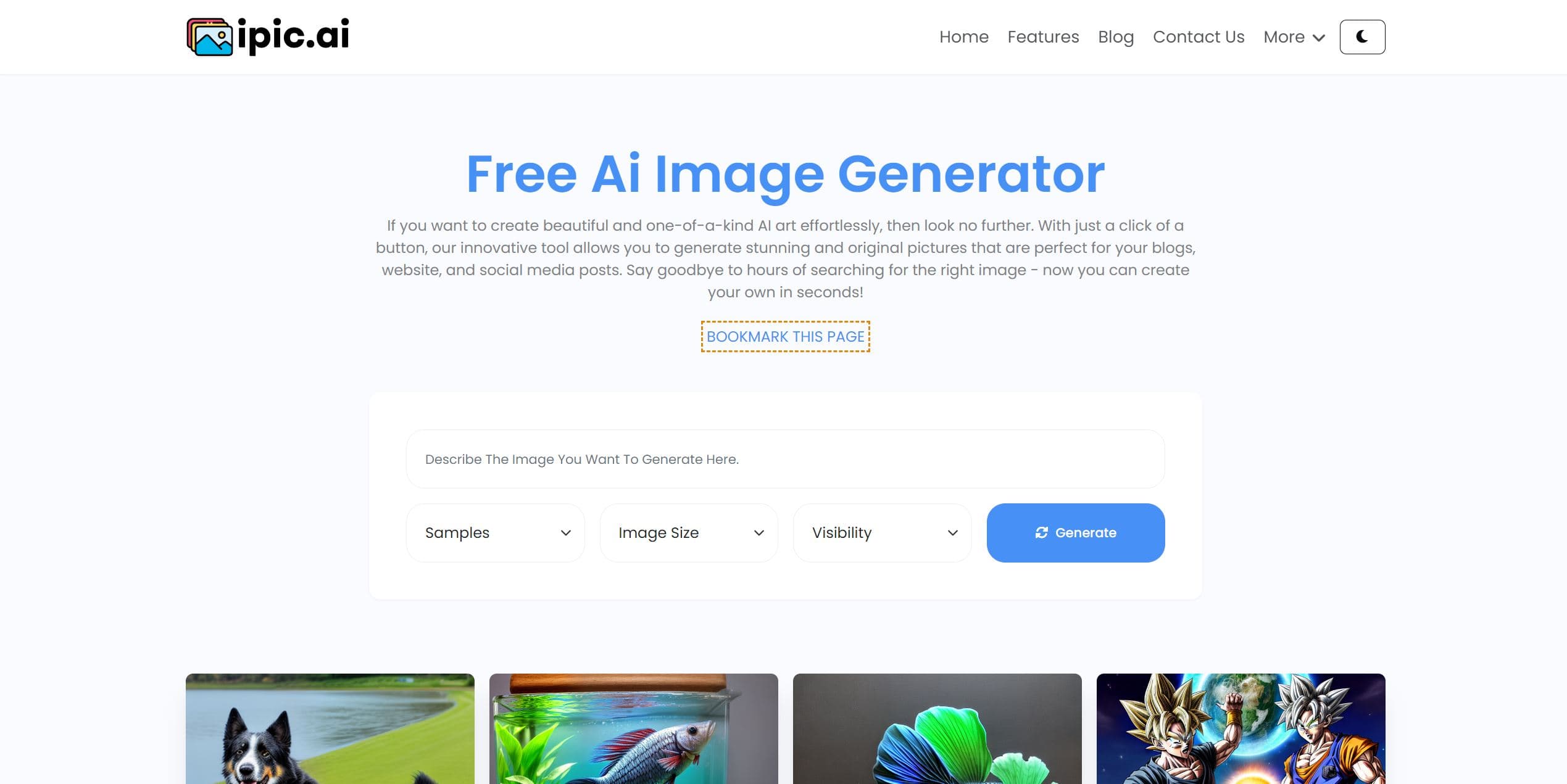
Ipic.ai
AI-powered image enhancement for professionals and hobbyists alike.

Dora AI
Revolutionize website creation with AI: unique, prompt-driven designs made simple.
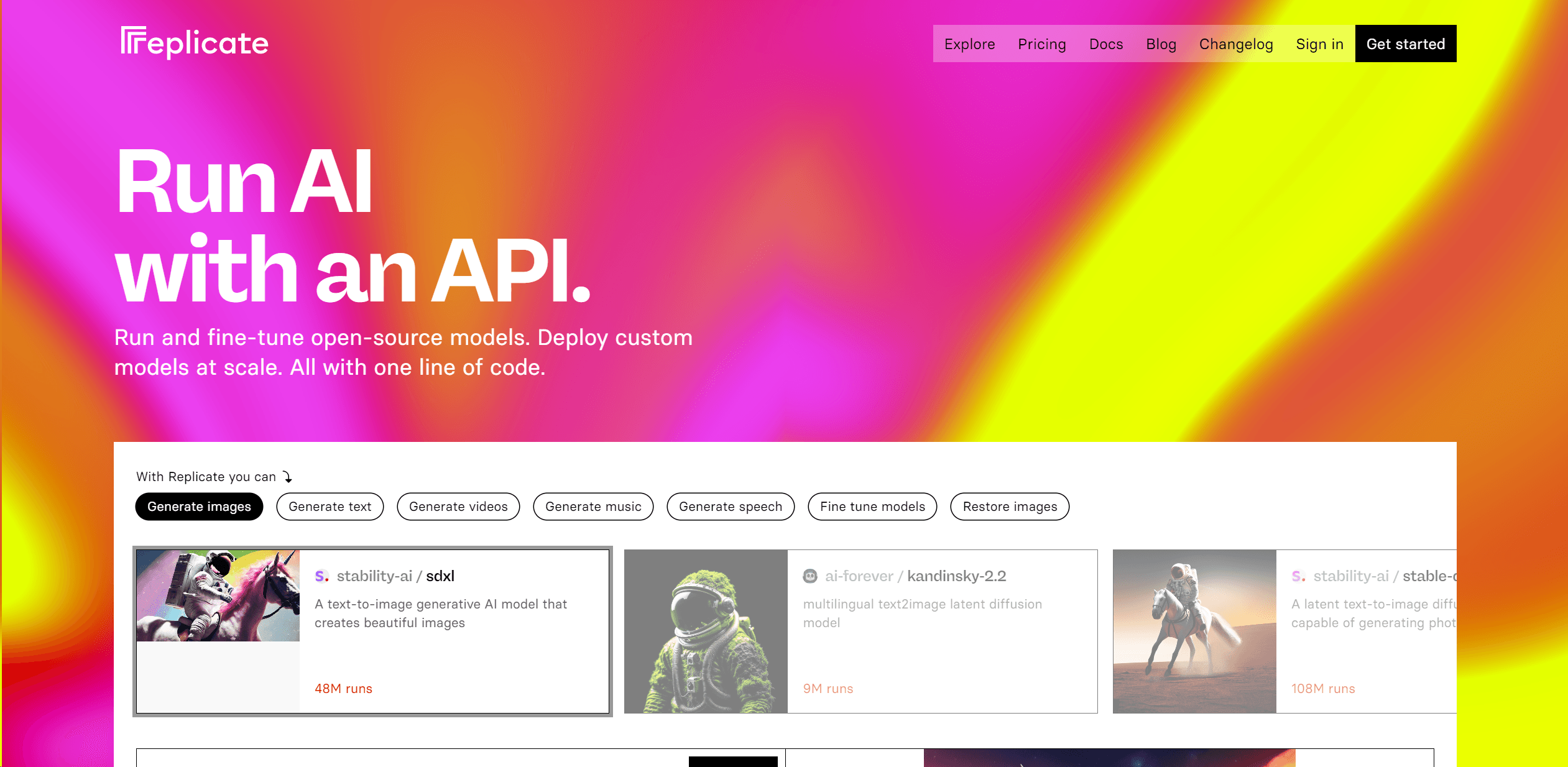
Replicate
Unlock AI's potential: run, fine-tune, deploy models easily and cost-effectively.
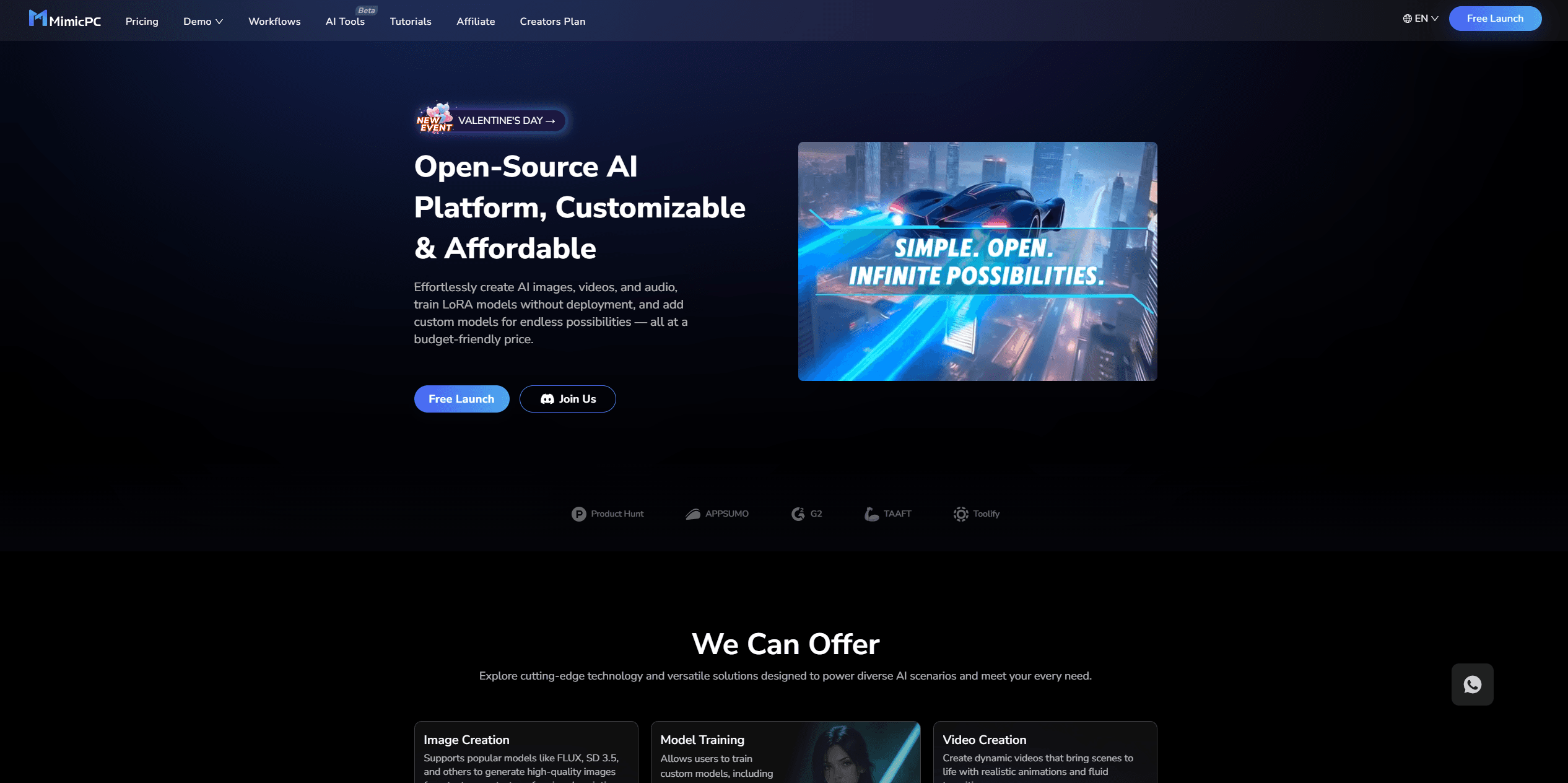
MimicPC
Unlock AI tools instantly, browser-based, no installs needed.
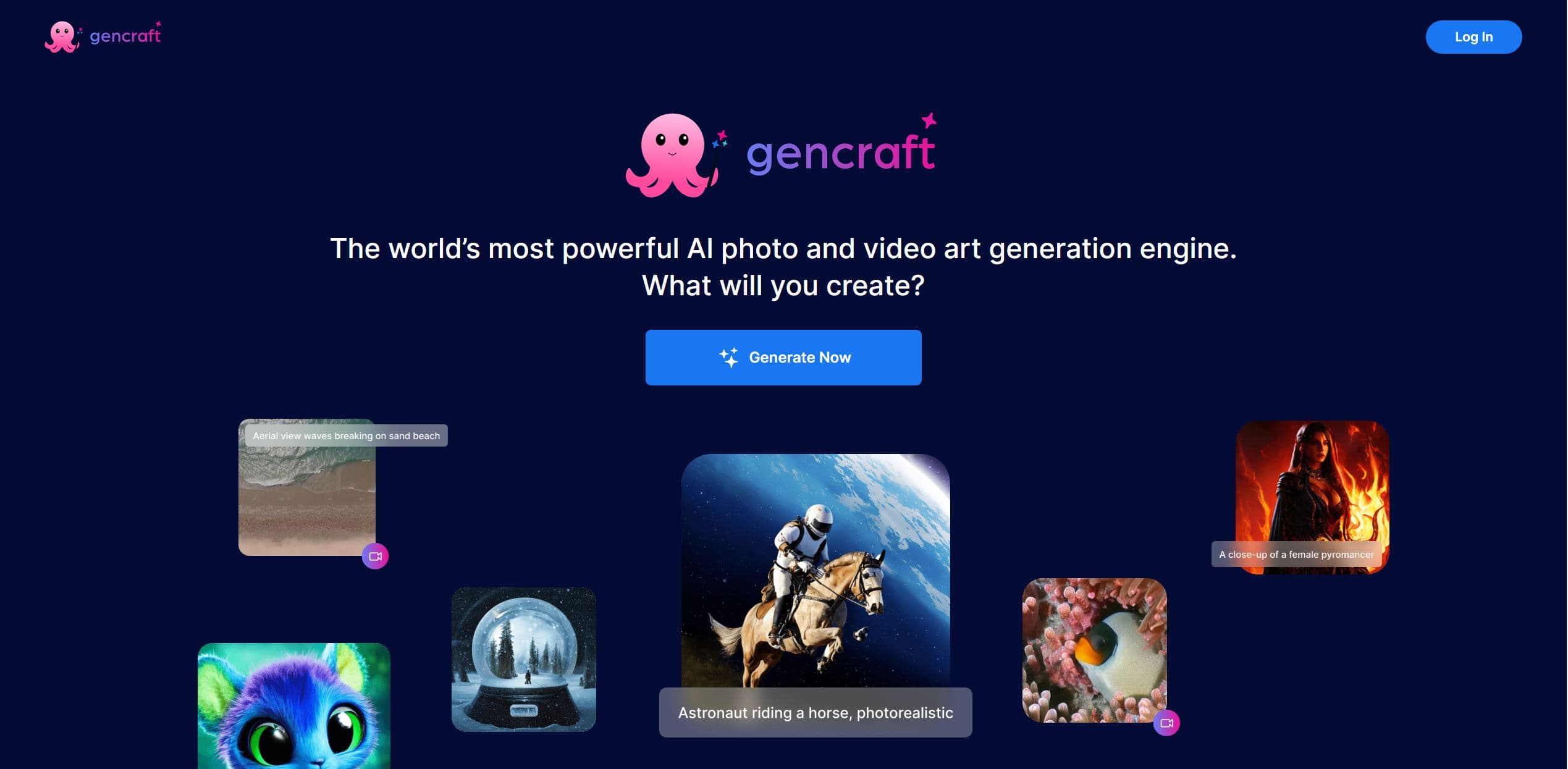
Gencraft
AI-powered tool for creating stunning digital art effortlessly.
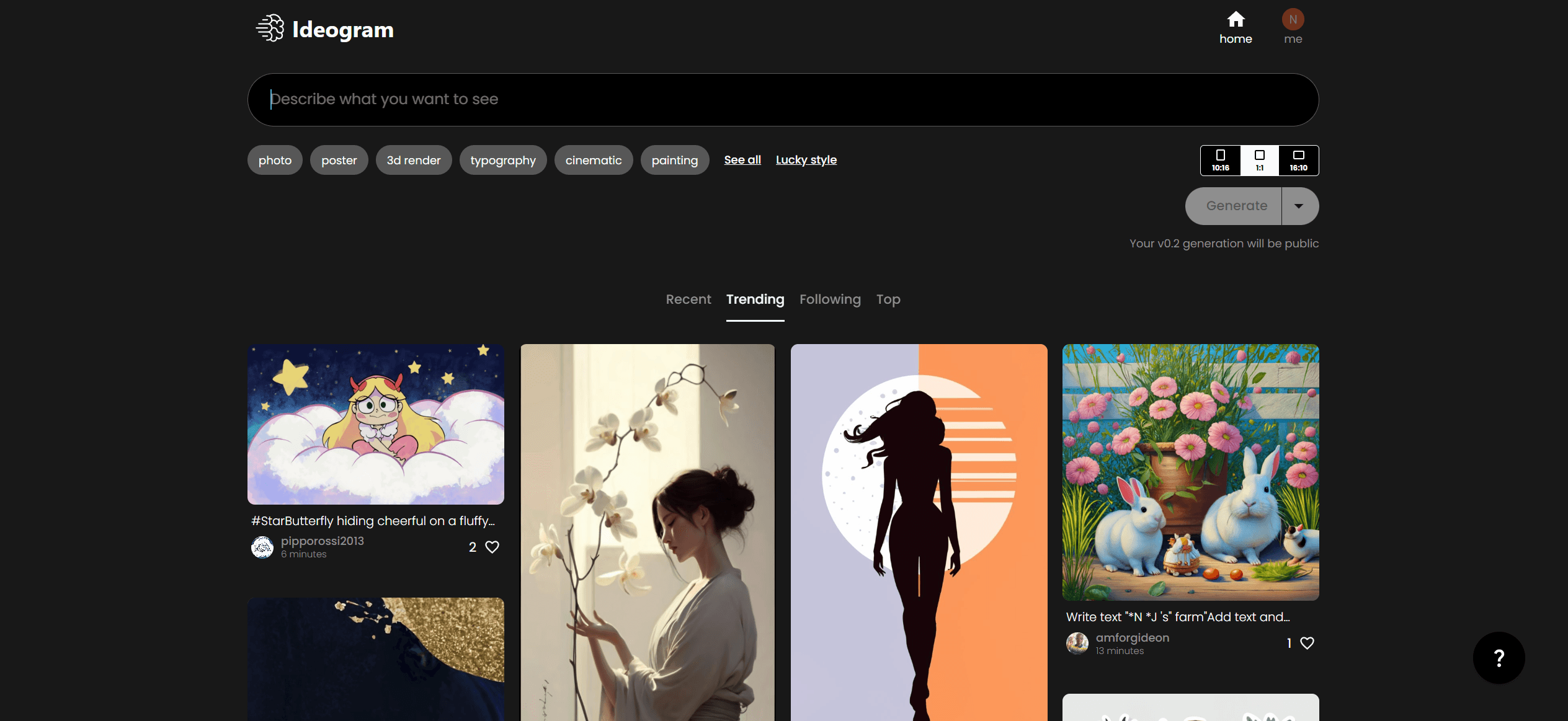
Ideogram
Transform text to stunning visuals with AI, enhancing creativity and collaboration.
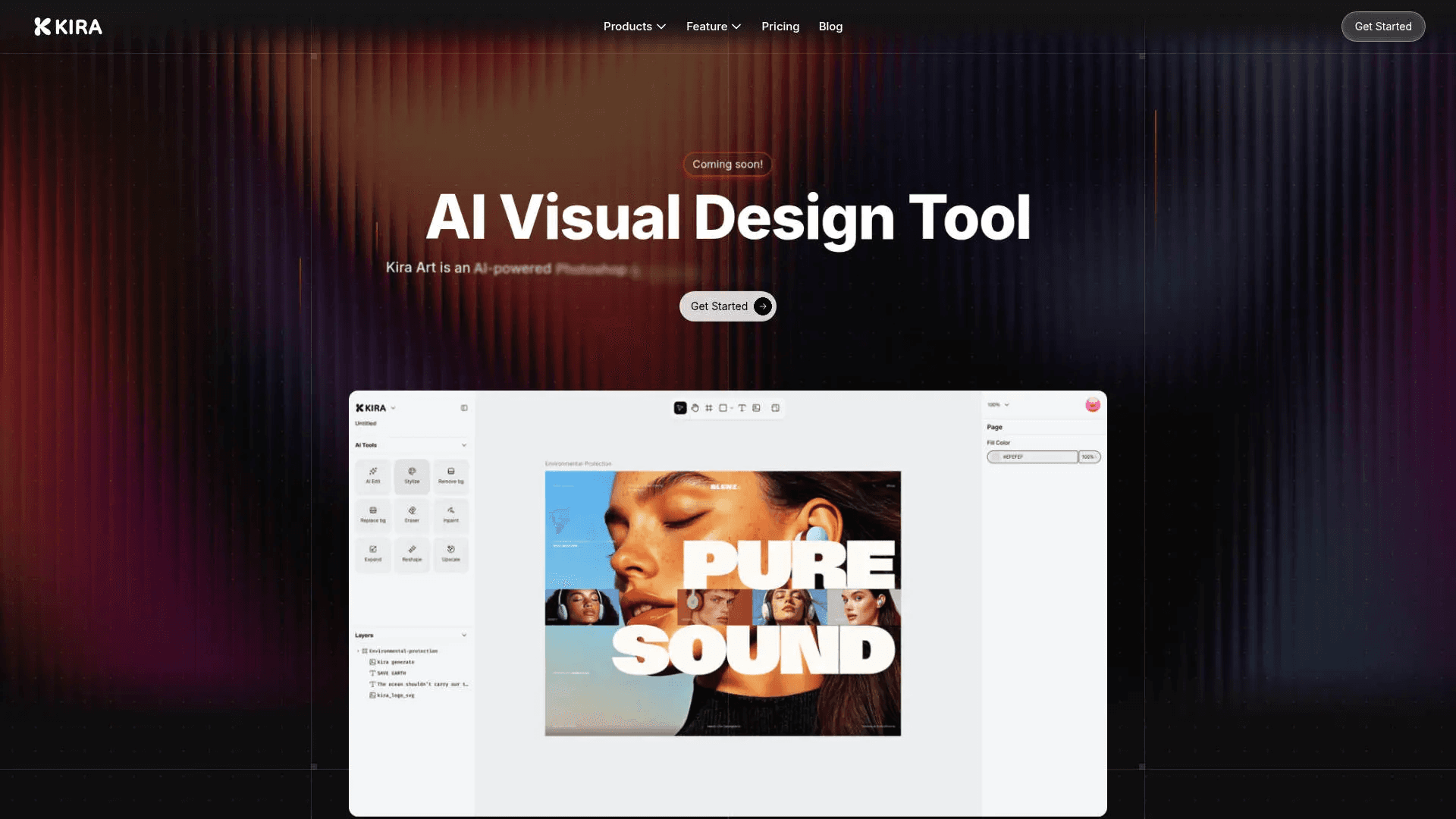
Kira
Create stunning designs with AI-enhanced tools.

Lucidpic
Revolutionize your visuals with AI-powered 3D photo transformations for engaging, lifelike content.
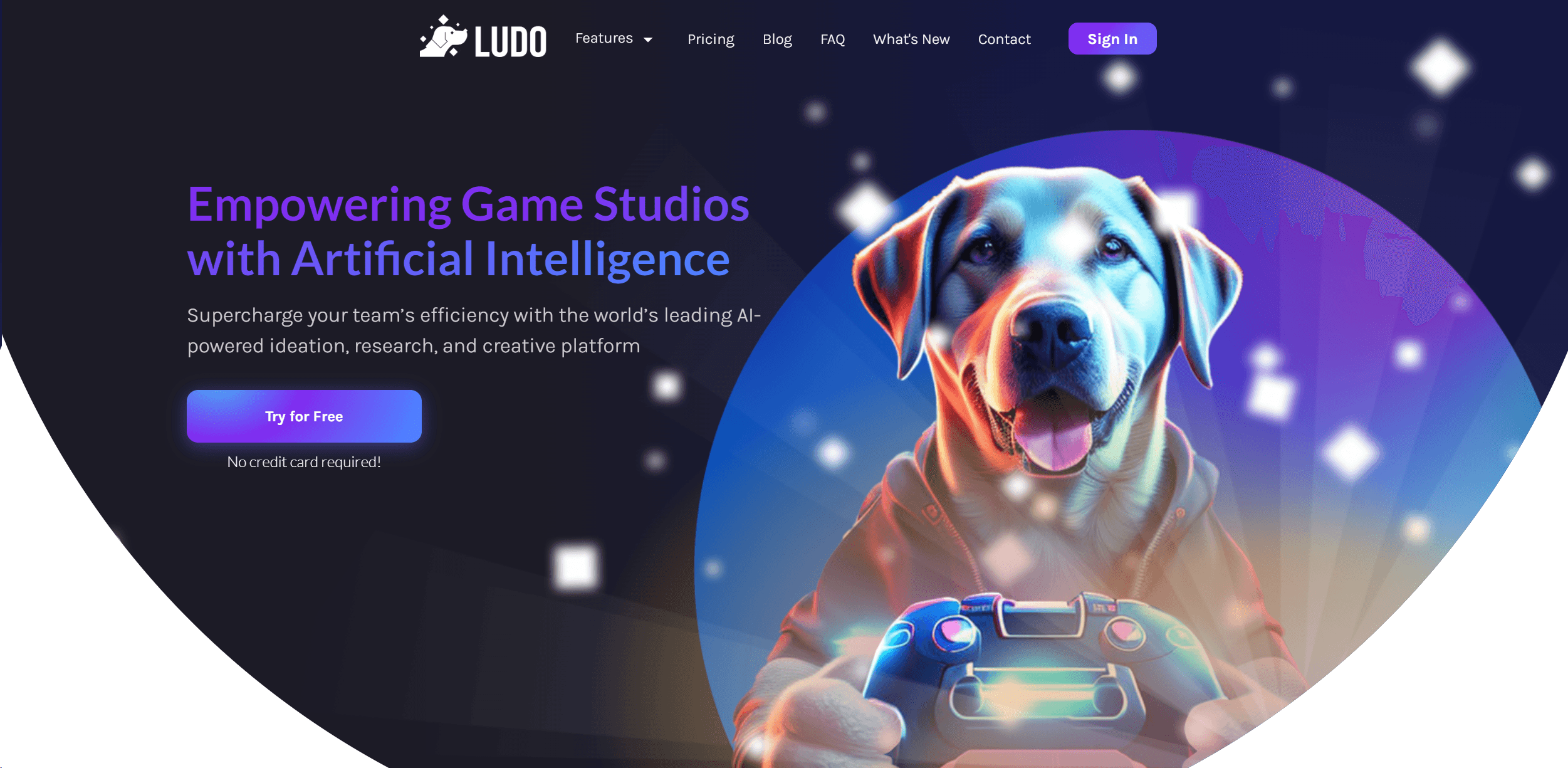
Ludo
Revolutionize game development with AI-driven ideation and market insights.