
Cutout Pro
Transform visuals effortlessly: AI-powered editing, enhancement, and art generation.
11,646
Votes
20,461
Views
7,420
Bookmarks
About
Cutout.Pro is an AI-powered visual design platform that leverages the latest advancements in artificial intelligence and computer vision. It offers a comprehensive suite of tools designed for image and video design, making it an invaluable resource for individuals and businesses aiming to enhance their visual content. From background removal to photo enhancement and upscaled video quality, Cutout.Pro simplifies the process of achieving high-quality, creative visuals without the need for extensive design skills or software knowledge.
Key Features
- AI-Powered Background Removal: Offers precise cutouts for photos and videos, eliminating the need for green screens or manual selection.
- Photo Enhancer & Upscaler: Improves photo resolution, quality, and detail automatically, breathing new life into every image.
- AI Art Generator: Unlocks creativity with unlimited access to AI art generation, allowing for unique and imaginative visuals.
- Face and Hair Segmentation: Provides detailed segmentation for humans and pets, ensuring fine details like hair are accurately captured.
- AI Video Enhancer: Enhances video quality up to 4K, making it possible to unblur and improve video resolution effectively.
Pros
- Efficiency Boost: Dramatically reduces the time required for editing images and videos, thanks to automated processes.
- High-Quality Outputs: Delivers superb cutout quality and enhanced visual details that rival professional editing work.
- Versatile Toolset: From removing unwanted objects to generating AI art, it caters to a wide range of design needs.
- User-Friendly Interface: Designed with simplicity in mind, it's accessible to users of all skill levels.
Cons
- Learning Curve: New users might need time to familiarize themselves with the full range of features.
- Internet Dependency: Requires a stable internet connection for processing images and videos in the cloud.
- Limited Offline Functionality: Most features are not accessible without internet access.
Who Uses It
- E-commerce Businesses: Enhancing product images for online listings.
- Digital Marketing Agencies: Creating compelling content for campaigns.
- Social Media Managers: Designing engaging posts for various platforms.
- Graphic Designers: Streamlining their design workflows with efficient tools.
- Uncommon Use Cases: Educational institutions use it for teaching marketing and design courses; freelance videographers for quick background edits in video projects.
Pricing
- Free Tier: Access to basic features with some limitations.
- Pro Tier: Advanced features and higher processing limits, starting at competitive prices.
You may also like
More tools in Video Tools
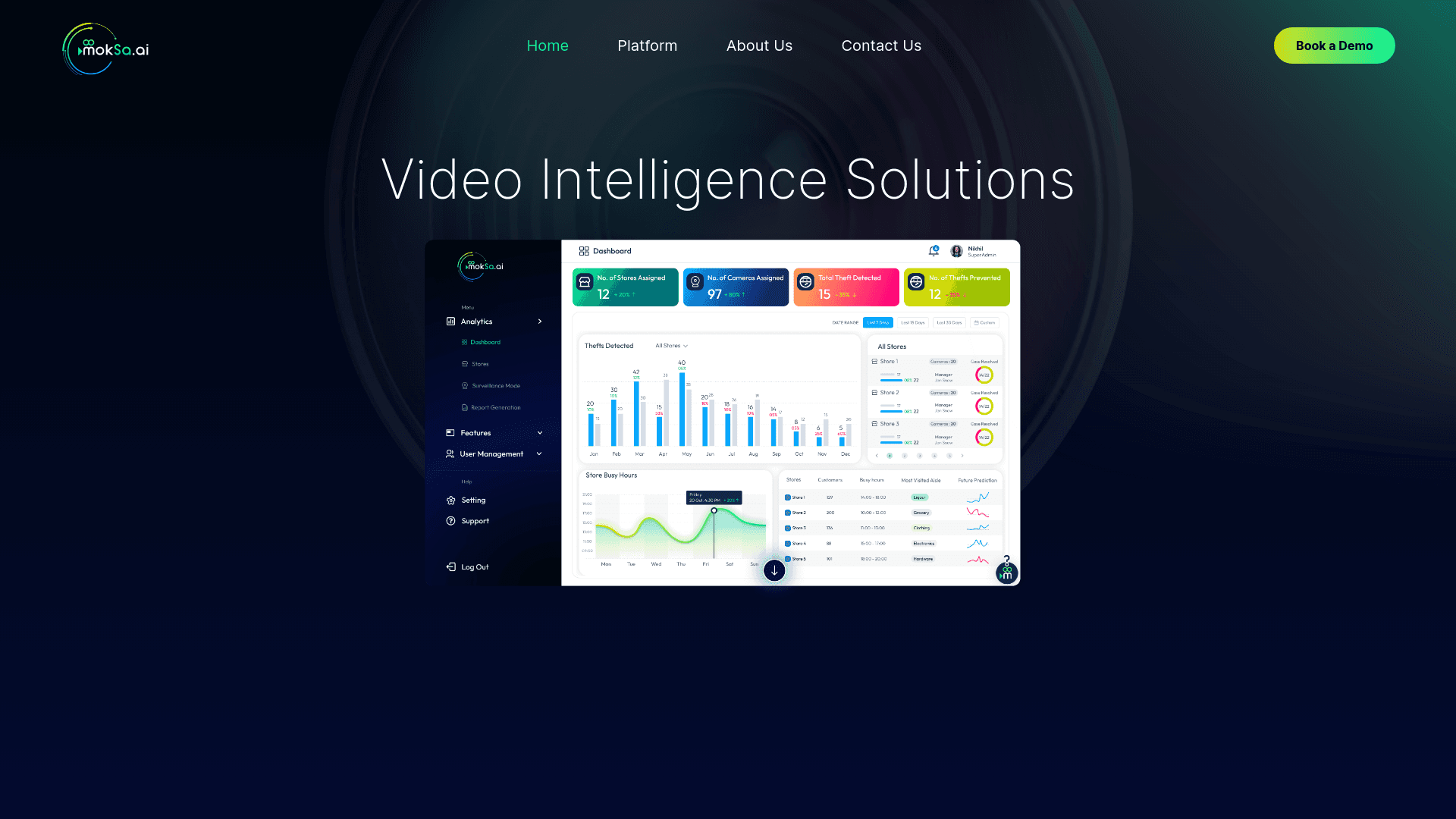
MokSa.AI
Enhances retail operations with AI-driven video intelligence.

Midjourney
Unlock true digital artistry.
Camb.ai
Transforms video dubbing with nuanced voice preservation and 100+ languages.
MimicPC
Unlock AI tools instantly, browser-based, no installs needed.

Glato AI
Glato AI is an innovative platform that revolutionizes the creation of video content by leveraging artificial intelligence. With Glato AI, users can quickly produce high-quality, engaging, and viral v

Paper Animator
A tool to transform images and text into paper-style animations.
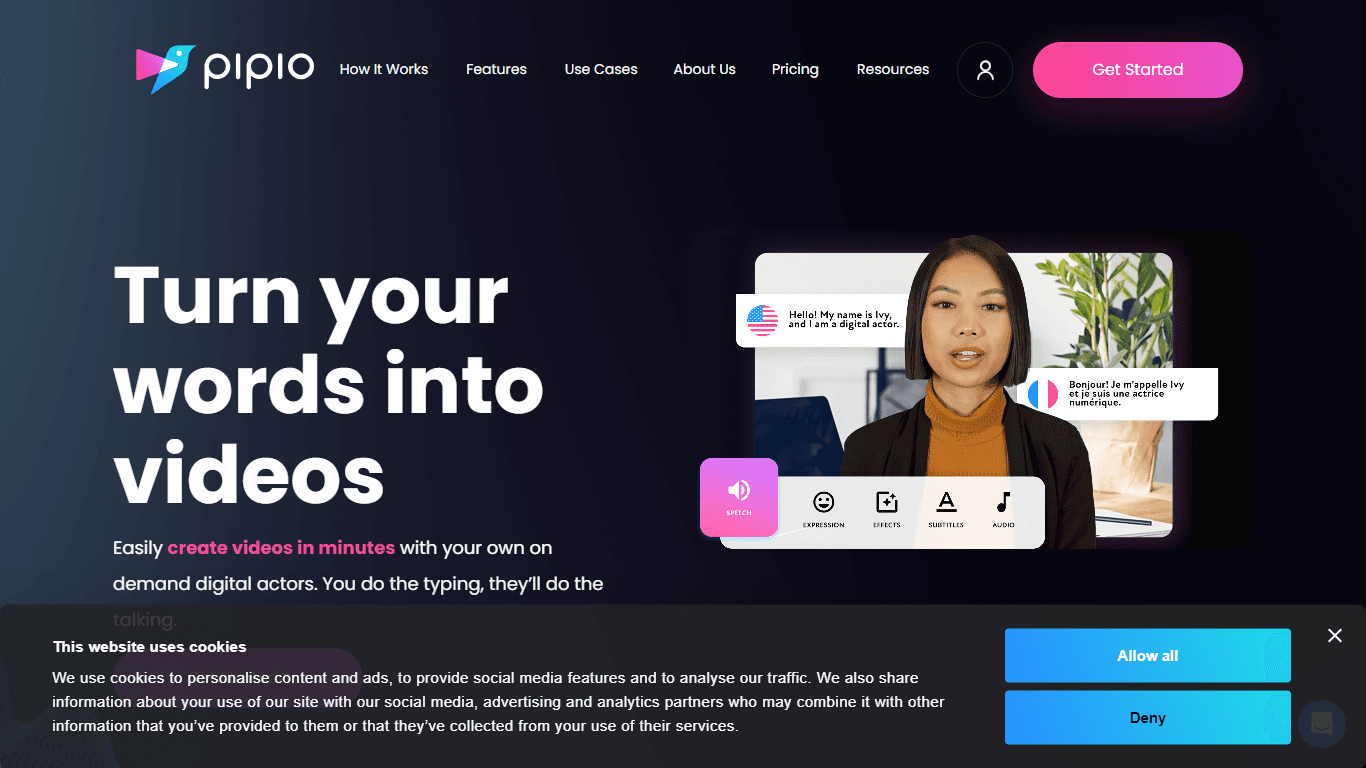
Pipio
Pipio is an innovative AI-powered video production platform designed to simplify the creation of professional videos. With Pipio, users can craft high-quality AI videos effortlessly by typing a script
Kinovi
Direct cinematic clips from prompts and references.
Noisee AI
Find powerful Noisee AI alternatives for creators.
Civitai
Open-source platform for AI model creation and collaboration.

Eddie AI
A software for video editing through rough cuts and integrating with existing software.

VEED.IO
Create, edit, subtitle, and translate pro-grade videos instantly.