
VEED.IO
Create, edit, subtitle, and translate pro-grade videos instantly.
18,859
Votes
21,832
Views
11,598
Bookmarks
About
VEED.IO is a browser-based video editing suite focused on making content creation accessible, fast, and professional for individuals and teams alike. Sporting a full spectrum of AI-powered tools, VEED.IO helps users create, edit, subtitle, and publish videos directly in their browser, streamlining processes that would typically require several separate platforms. From automatic subtitling to voice cloning, VEED.IO targets everyone from social creators to large enterprises looking to elevate their video output without the headache of complicated desktop software.
Key Features
- AI Subtitles and Transcription: Auto-generate accurate subtitles with just a click, supporting multiple languages and formats.
- Magic Cut: Effortlessly use AI to trim filler words and pauses, speeding up the editing process for talking-head or educational videos.
- AI Avatars and Cloning: Create custom avatars for talking head videos or even clone real human voices and faces for personalized yet scalable content.
- Text to Speech and AI Voice Cloning: Turn written text into natural-sounding voiceovers, or clone voices for consistent branding across videos.
- Eye Contact Correction: AI-driven adjustment keeps presenters' eyes facing the camera, delivering a more authentic on-screen experience.
- Stock Library Integration: Tap into millions of royalty-free video and audio assets to enrich any production.
- Collaboration Tools: Real-time collaborative editing, review, and feedback flows support teams working simultaneously or asynchronously.
- Fast AI Editing: Cut, subtitle, and translate videos in minutes with an interface anyone can pick up.
- Major Time Savings: All-in-one platform eliminates the tool-hopping typical of modern video workstreams.
- Enterprise Ready: Collaborative editing and custom branding enable on-brand content creation at scale.
- High-Quality Output: AI avatars and voice technologies produce pro-level videos even when starting from basic materials.
- Mobile Access: Edit and publish content from mobile devices, perfect for busy professionals on the go.
- Limited Power User Controls: May not meet the demands of experienced editors seeking granular, frame-level control.
- Browser Reliance: Performance and feature access are tied to the quality of the user's internet connection and browser choice.
- Integration Scope: Supports plenty, but fewer third-party integrations than advanced video suites.
Who Uses It
- Social Media Managers: Crafting viral content and subtitled ads for platforms like TikTok, Instagram, and YouTube.
- Corporate Teams: Standardizing training modules and branding assets, especially with the convenience of AI-generated spokesperson videos.
- Educators: Creating visually rich learning materials and lecture recaps, aided by automated subtitles and translation.
- Marketing Agencies: Rapidly producing ad content, sizzle reels, and campaign materials with a unified brand voice.
- Uncommon Use Cases: Healthcare professionals building accessible, subtitled patient education; Nonprofits translating outreach content for global audiences.
Pricing
- Free Tier: Get started with basic editing and watermark-free exports for short videos.
- Pro Tier: Starts at approximately $18 per month, unlocking features like unlimited stock assets, advanced AI tools, and collaboration.
- Enterprise Tier: Custom pricing with options for white-labeling, brand kits, and priority support.
You may also like
More tools in Video Tools

Noisee AI
Find powerful Noisee AI alternatives for creators.
10LevelUp
10LevelUp's AI Video Clip Generator stands as the premier solution for creating quick and engaging video content. This advanced tool harnesses the power of AI to simplify video production, making it a

DaVinci Resolve
Unify editing, color, VFX, and audio post-production.

Civitai
Open-source platform for AI model creation and collaboration.

MimicPC
Unlock AI tools instantly, browser-based, no installs needed.

Paper Animator
A tool to transform images and text into paper-style animations.

Dubs
AI-powered video dubbing and subtitles for global reach.

Glato AI
Glato AI is an innovative platform that revolutionizes the creation of video content by leveraging artificial intelligence. With Glato AI, users can quickly produce high-quality, engaging, and viral v
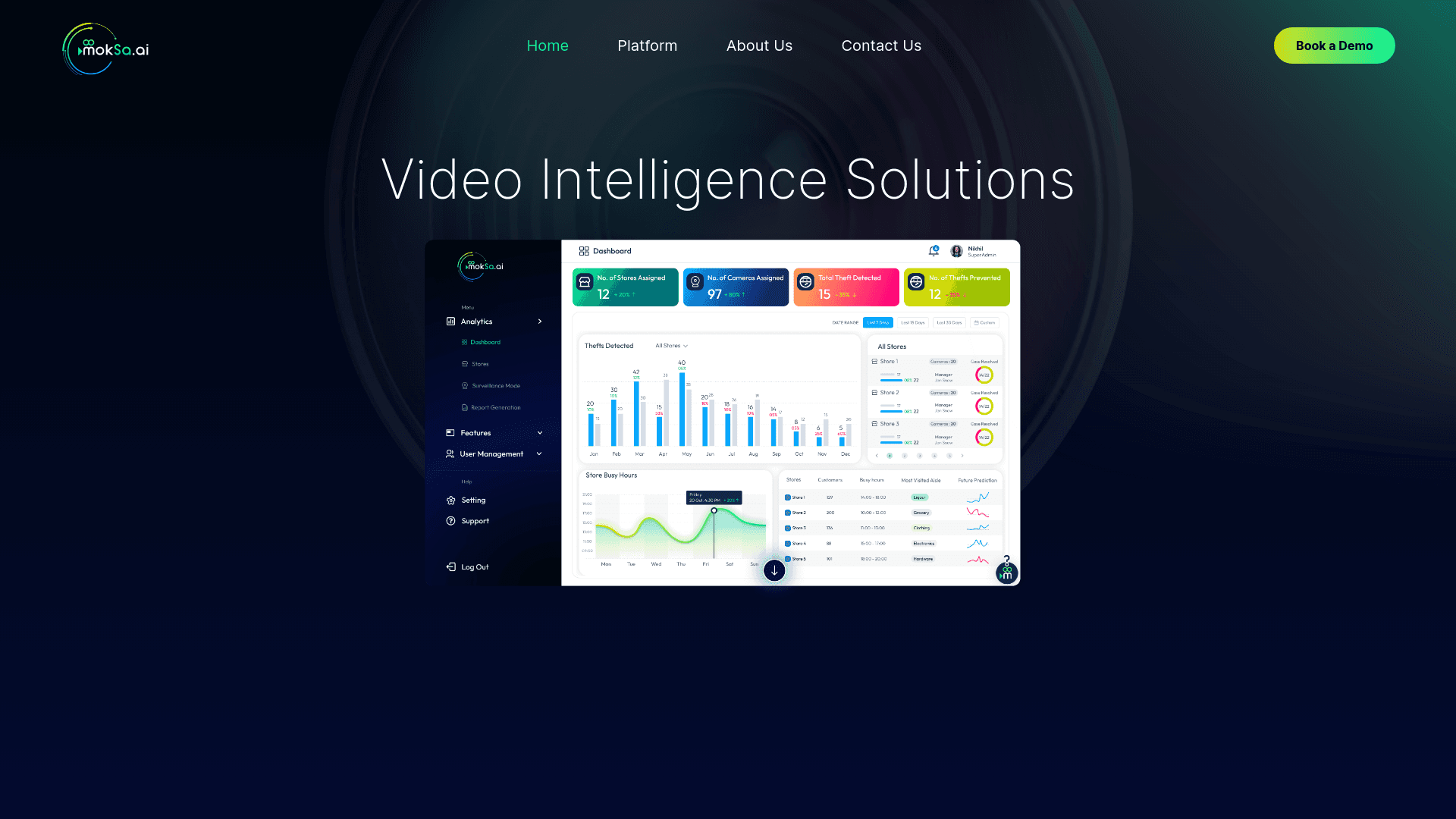
MokSa.AI
Enhances retail operations with AI-driven video intelligence.

Midjourney
Unlock true digital artistry.
Spyne
Spyne is the ultimate AI photography and editing software specifically designed for automotive dealers. With its advanced features and cutting-edge technology, Spyne AI revolutionizes the way car deal
Kinovi
Direct cinematic clips from prompts and references.