
Artbreeder
Revolutionize digital art creation with AI-powered image blending and customization.
12,755
Votes
23,571
Views
7,521
Bookmarks
About
Artbreeder is a cutting-edge platform that transforms the way we create and interact with digital art. Powered by advanced AI algorithms, Artbreeder allows users to generate unique characters, landscapes, and artworks by blending images and text inputs. With over 10 million users and a repository of more than 250 million images, Artbreeder stands out as a revolutionary tool in the realms of digital creativity and design. Designed for artists, designers, and anyone with a flair for creativity, Artbreeder simplifies the art creation process by providing powerful tools like Mixer, Tuner, and Patterns.
Key Features
- Mixer: Allows users to create new images by mixing existing ones, offering an innovative approach to art creation.
- Tuner: Provides fine-tuned control over the art creation process, enabling precise adjustments and customization.
- Patterns: Combines patterns with descriptions to generate unique images, expanding creative possibilities.
- Vast Image Gallery: Access to over 250 million images, offering a rich repository for inspiration and creation.
- User-Friendly Interface: Designed to be intuitive, making it easy for users of all skill levels to navigate and create.
- Community Engagement: Opportunities to participate in contests and engage with a community of like-minded individuals.
Pros
- Unlimited Creativity: Offers endless possibilities for creating unique artworks.
- Time Efficiency: Simplifies the art creation process, saving valuable time for professionals and hobbyists alike.
- Collaborative Features: Enables sharing and collaboration, fostering a vibrant community of creators.
- Accessibility: Free to try, making it accessible to a wide audience eager to explore digital art creation.
Cons
- Learning Curve: New users may need time to fully grasp the capabilities and features of the various tools.
- Overwhelming Options: The sheer number of images and combinations can be overwhelming for some users.
Who Uses It
- Digital Artists: For creating unique characters and landscapes for their projects.
- Game Developers: Employing the tool to design characters, environments, and assets for video games.
- Graphic Designers: Using Artbreeder for brainstorming and generating visual concepts.
- Educators: Integrating the tool into art and design curriculum to inspire creativity among students.
- Uncommon Use Cases: Novelists using Artbreeder to visualize characters; Event planners creating unique thematic visuals.
Pricing
- Free Tier: Explore Artbreeder's basic features at no cost.
- Subscription Plans: Detailed pricing for advanced features and higher usage limits available on the website.
You may also like
More tools in Image Generators
Caspa AI
Elevate eCommerce visuals effortlessly with Caspa, an AI-driven photography tool empowering businesses to create and edit lifelike product images
Looq AI
Revolutionize image analysis with advanced AI-powered recognition and insights.
Midjourney
Unlock true digital artistry.
Replicate
Unlock AI's potential: run, fine-tune, deploy models easily and cost-effectively.
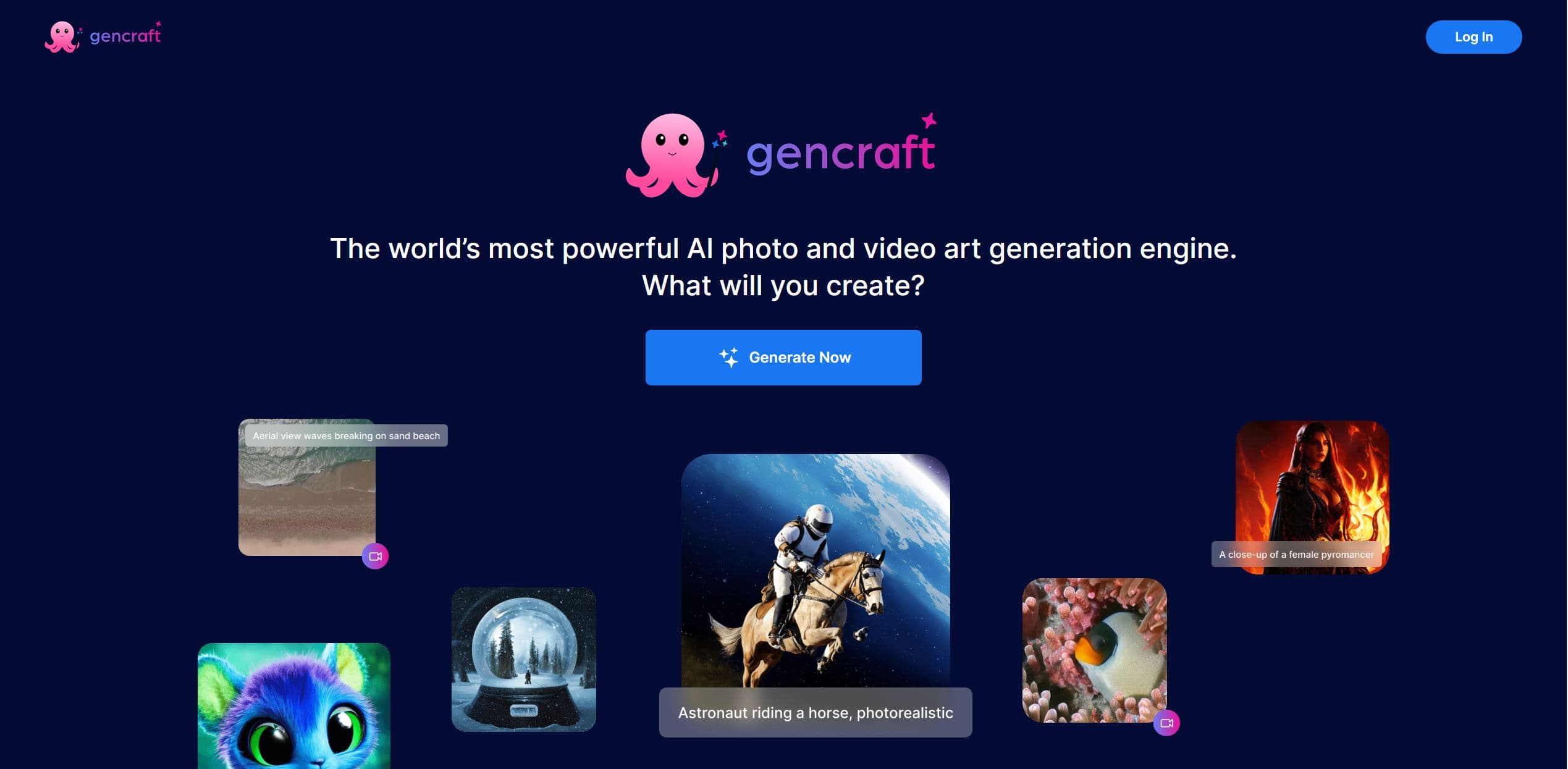
Gencraft
AI-powered tool for creating stunning digital art effortlessly.
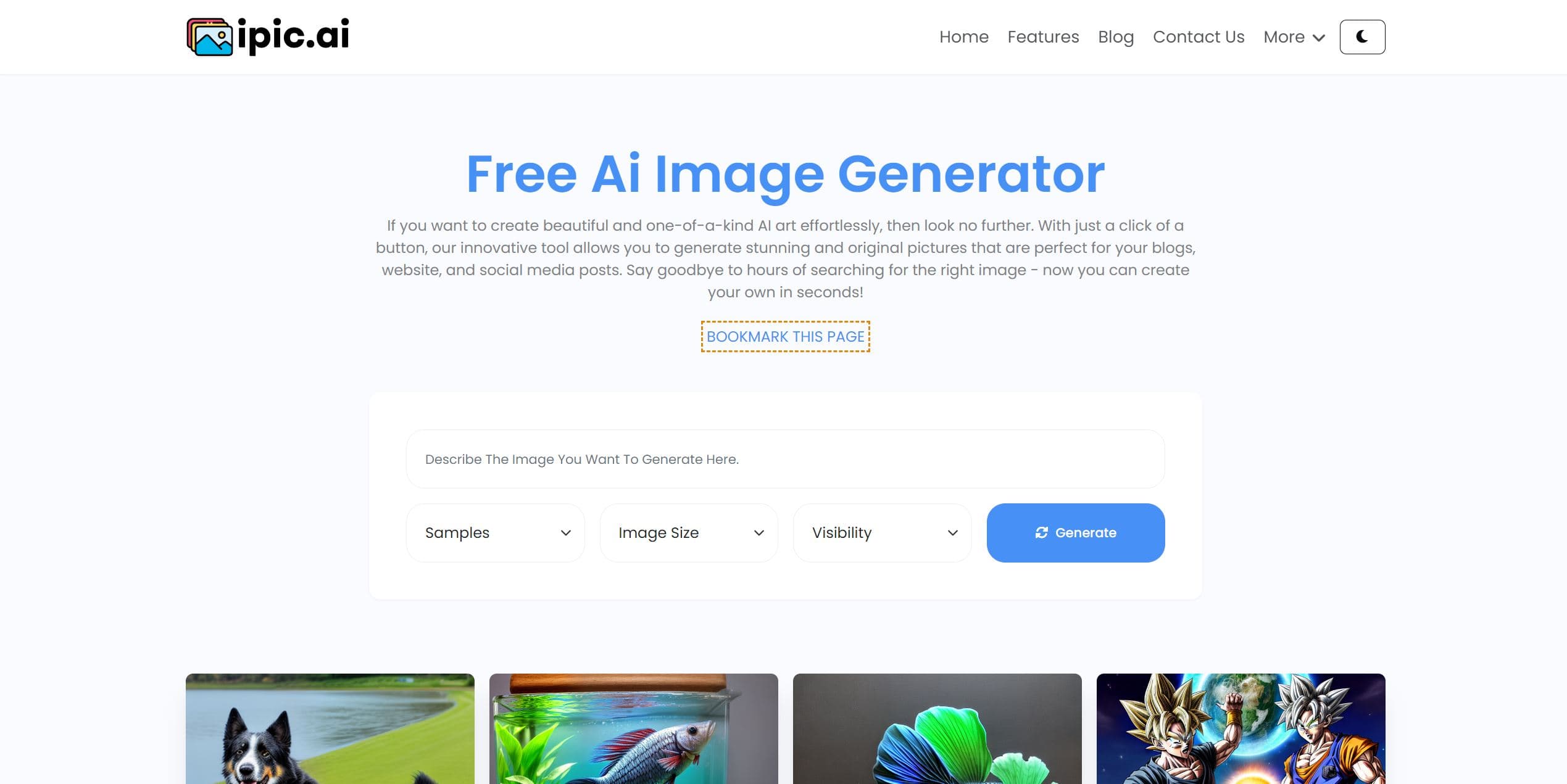
Ipic.ai
AI-powered image enhancement for professionals and hobbyists alike.
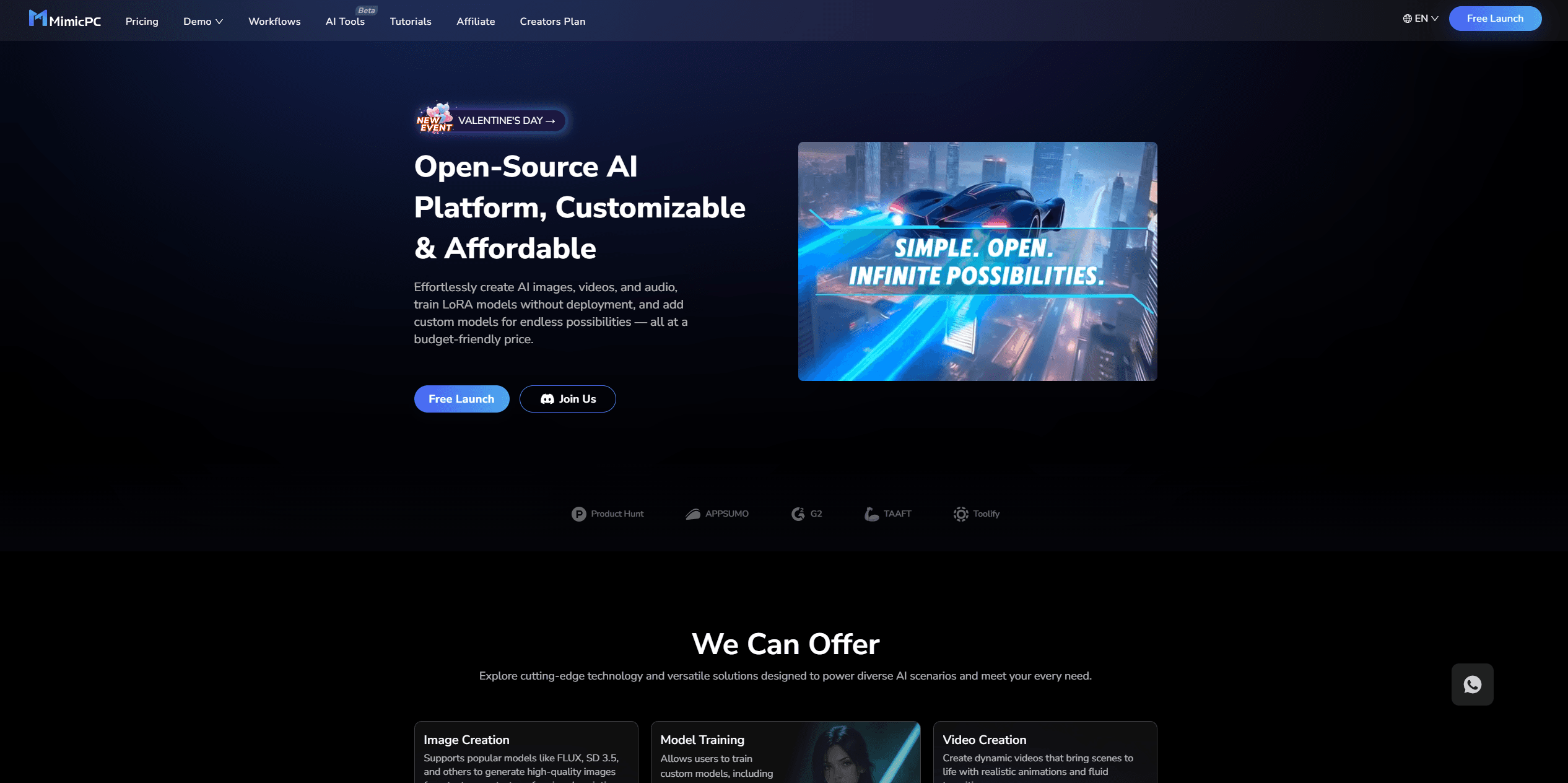
MimicPC
Unlock AI tools instantly, browser-based, no installs needed.
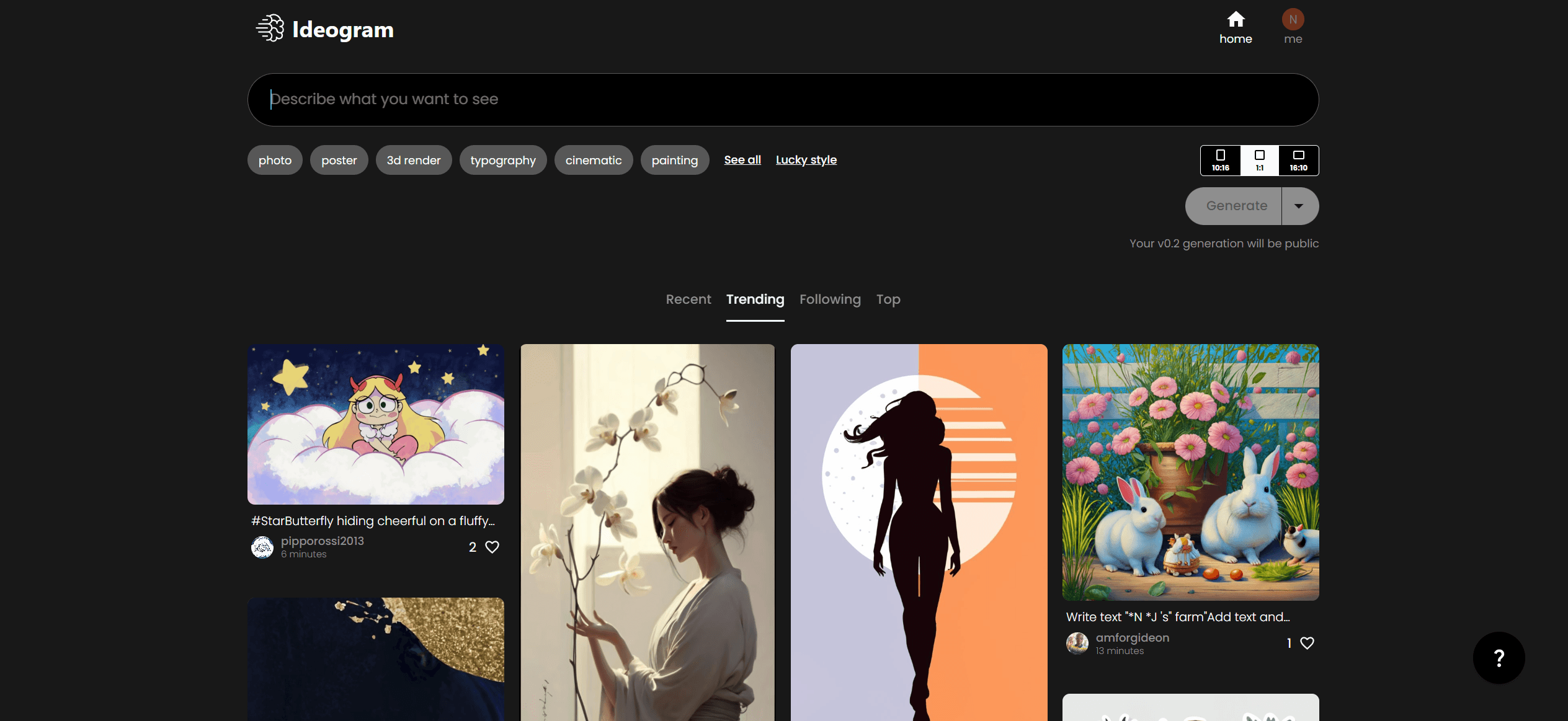
Ideogram
Transform text to stunning visuals with AI, enhancing creativity and collaboration.
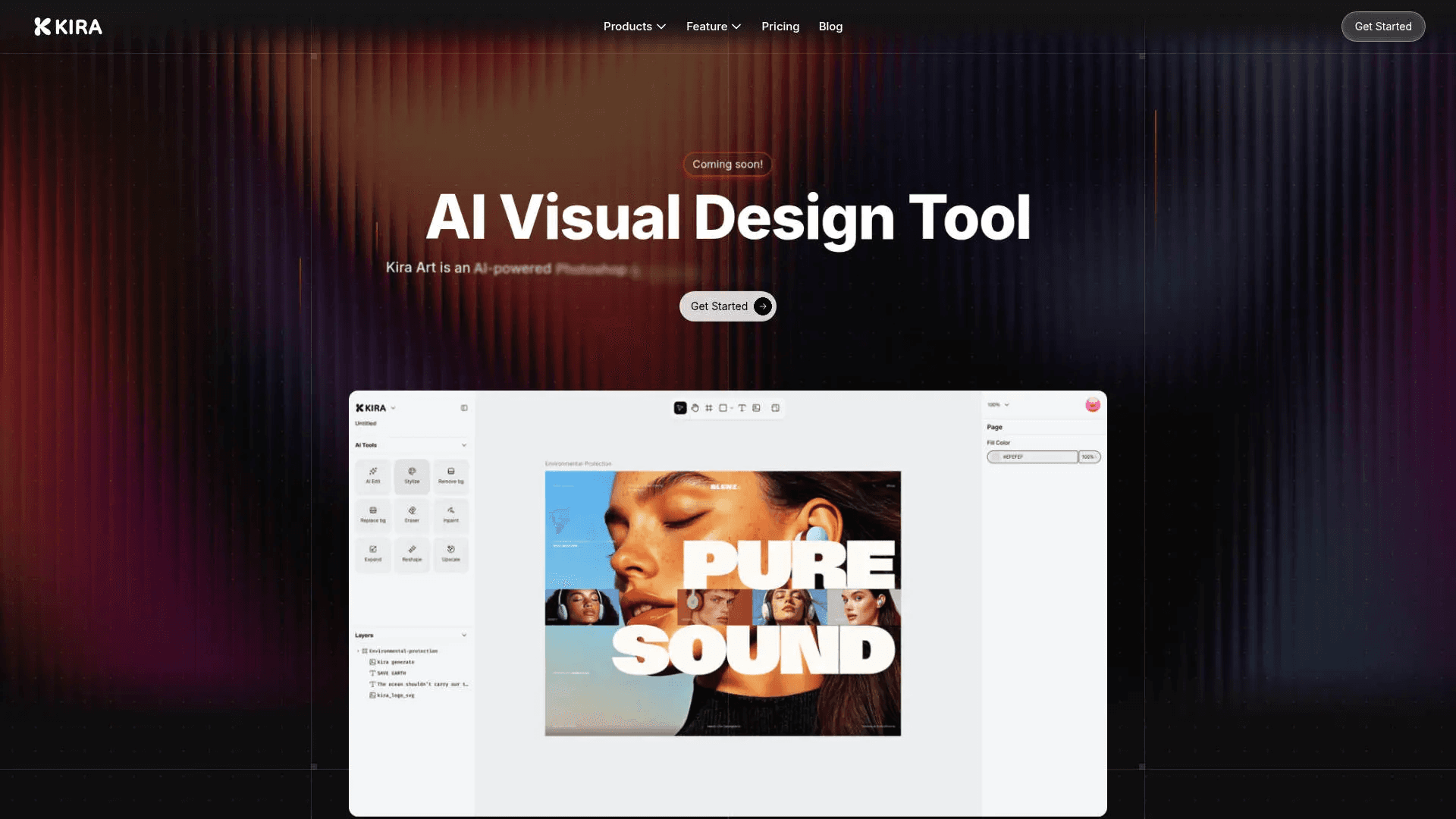
Kira
Create stunning designs with AI-enhanced tools.

AI2image
AI creates custom images from English descriptions in seconds.
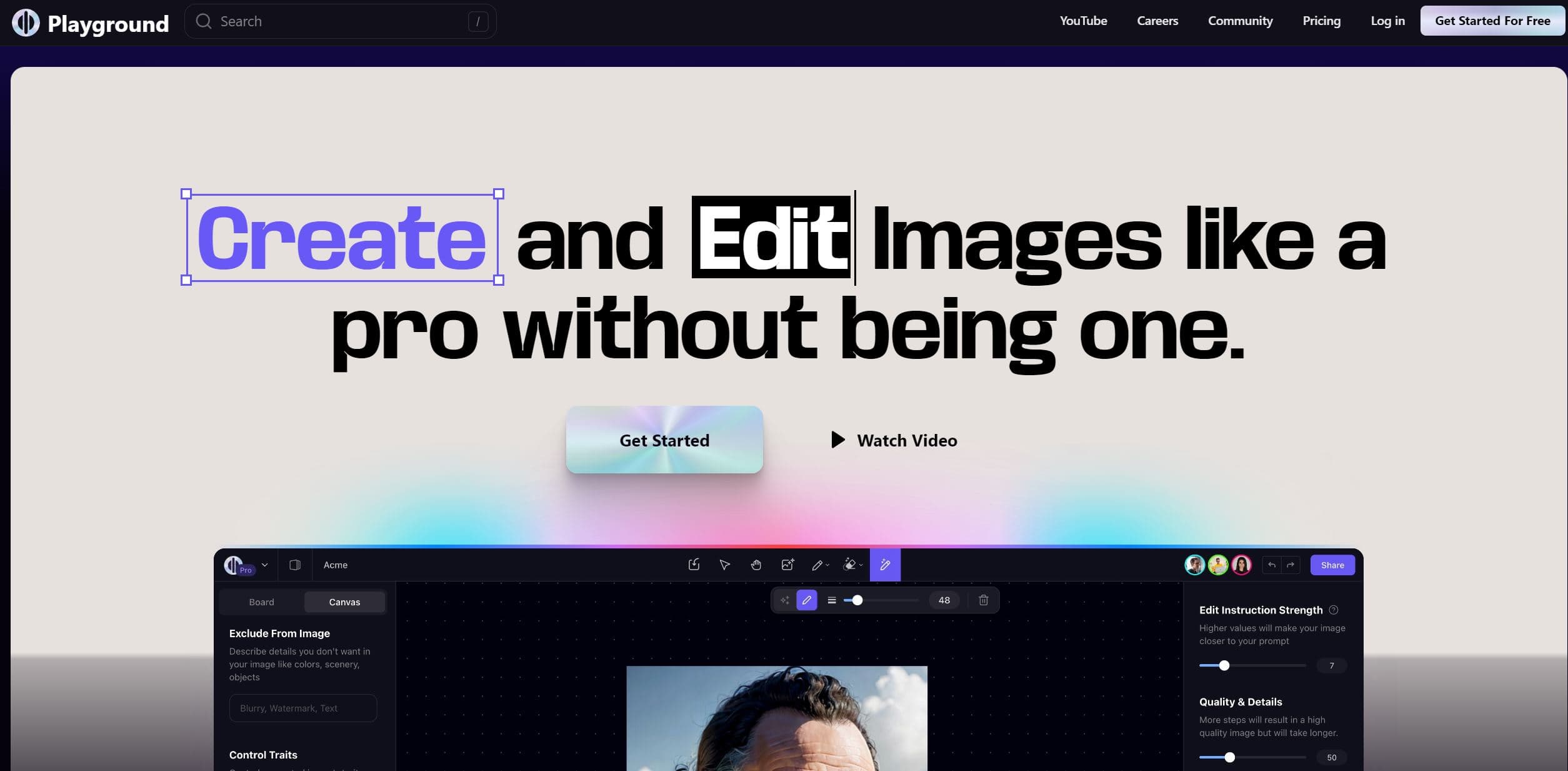
Playground AI
Unleash creativity with AI-driven image creation and intuitive editing.

Lucidpic
Revolutionize your visuals with AI-powered 3D photo transformations for engaging, lifelike content.