
Whacka
Describe an idea, get a tiny phone app.
16,829
Votes
23,566
Views
11,406
Bookmarks
About
Whacka helps people turn rough ideas into simple mobile apps directly from their phones using AI. Instead of learning a builder on desktop, users describe what they want in natural language and Whacka generates small, focused apps that can live on the home screen and be shared with others. It targets non technical users who want quick, personal tools rather than full scale commercial products.
Key Features
- AI Idea‑to‑App Creation: Users describe an idea in plain language and Whacka’s AI turns it into a small mobile app, handling screens, basic structure, and simple interactions.
- Mobile‑First Workflow: Everything happens on the phone, from prompting the AI to reviewing and tweaking the generated app, which fits people who mainly work on mobile.
- Simple Utility‑Style Apps: The tool focuses on “little apps” such as trackers, checklists, tiny calculators, or micro workflows instead of complex, multi‑module systems.
- Home Screen & Sharing: Apps are meant to feel personal and lightweight, so they can be added to the home screen and shared with friends, teammates, or customers via simple links.
Pros
- Accessible for Non‑Coders: Designed so people with zero development background can still get a working app out of a short description.
- Fast Prototyping: Ideal for quickly testing ideas, side projects, or personal tools without committing to a full no‑code stack.
- Phone‑Native Experience: Creating on the same device where the app will live encourages casual experimentation and quick iteration.
- Low Overhead: Focusing on tiny utilities rather than large products keeps scope manageable and reduces the chance of getting stuck in complex configuration.
Cons
- Limited Complexity: Not suited for large, data‑heavy, or enterprise‑grade applications that need advanced integrations and workflows.
- Mobile‑Only Editing: Users who prefer designing on a larger screen or doing detailed layout work on desktop may find the experience restrictive.
- Early‑Stage Ecosystem: As a newer tool, it likely has less documentation, community content, and integration depth than mature no‑code platforms.
Who Uses It
- Solo Founders and Tinkerers: Testing micro SaaS or utility ideas quickly before investing in a full build.
- Small Business Owners: Spinning up tiny tools like booking helpers, loyalty punch cards, or simple customer forms.
- Creators and Influencers: Building little companion apps for audiences, such as content hubs, challenge trackers, or tip calculators.
- Teachers and Coaches: Creating bite‑sized learning tools, habit trackers, or exercise timers for students and clients.
- Uncommon Use Cases: Used by meetup organizers for lightweight event helpers; adopted by families to build shared household trackers or chore apps.
Pricing
- Free: $0 per month; no active subscription.
- Starter: $9 per month; includes 200 credits per month and 15 free daily credits.
- Pro: $29 per month; includes 800 credits per month and 15 free daily credits.
- Ultra: $79 per month; includes 2,500 credits per month and 15 free daily credits.
- Credit Pack: $9 for 100 credits; credits are valid for 12 months.
- Credit Pack: $39 for 500 credits; credits are valid for 12 months.
You may also like
More tools in Business Tools

Looq AI
Revolutionize image analysis with advanced AI-powered recognition and insights.

Outreach
Optimize sales, enhance workflows, boost efficiency with AI-powered tools.

Spoke.ai
AI-powered tool revolutionizes team communication and project management.
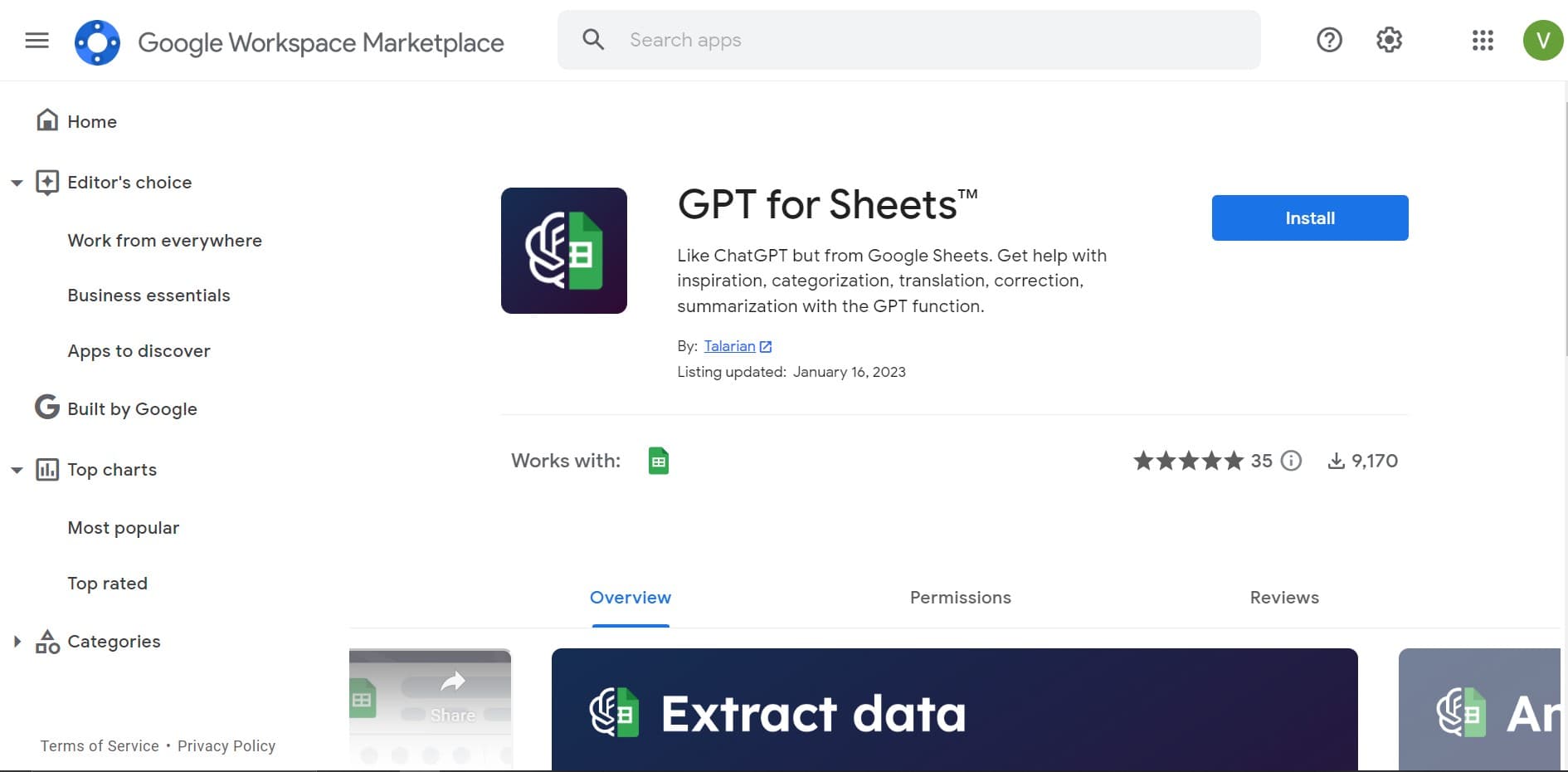
GPT for Sheets and Docs
Elevate productivity in Sheets and Docs with AI-powered automation and creativity.
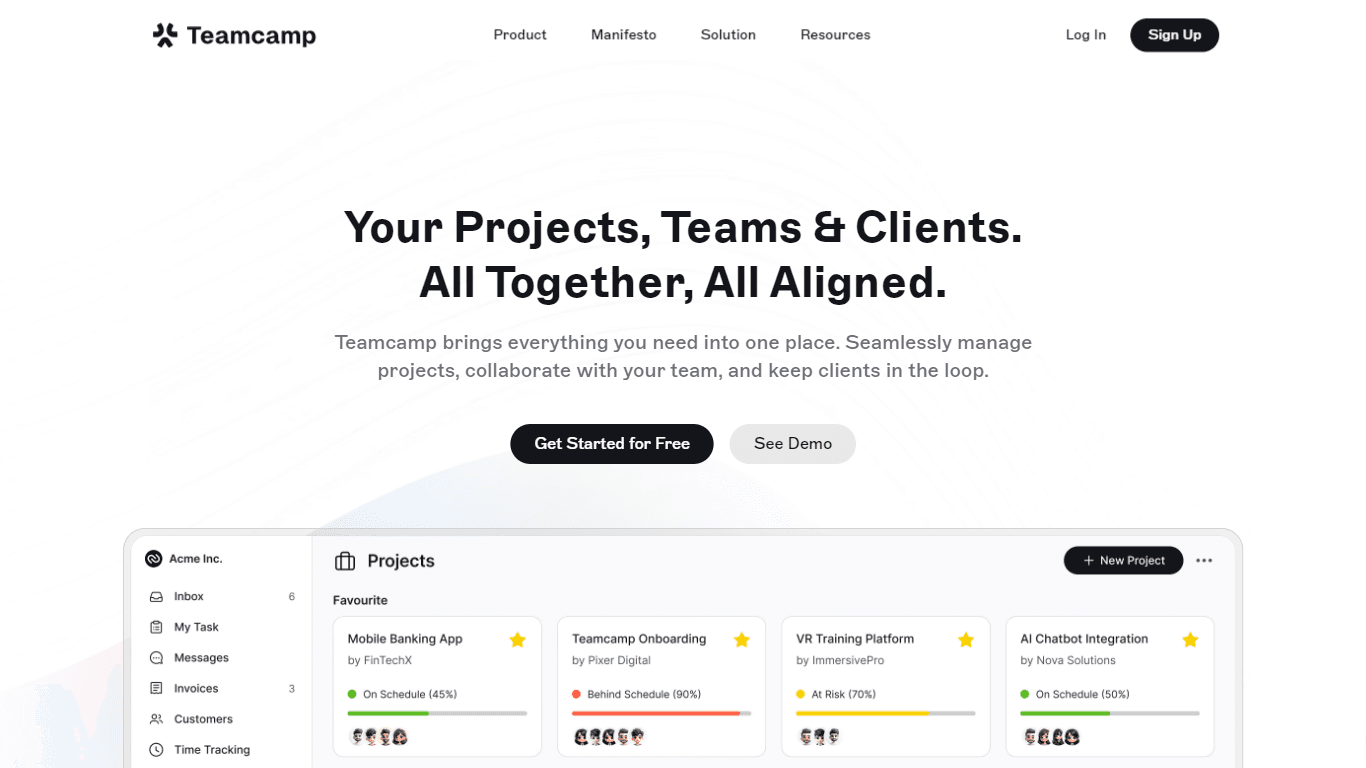
Teamcamp
Teamcamp is a comprehensive project management tool designed to streamline the workflow for teams in various sectors, including IT, marketing, freelancers, and agencies. Its core functionality revolve

Tektonic AI
Streamline sales and revenue operations with advanced AI-driven automation.

adam.ai
Maximize your business success with adam.ai, the intuitive meeting management platform designed to enhance your team's productivity. Our intelligent solution streamlines the meeting process, granting

Align AI
Streamlines AI strategy alignment with business objectives.
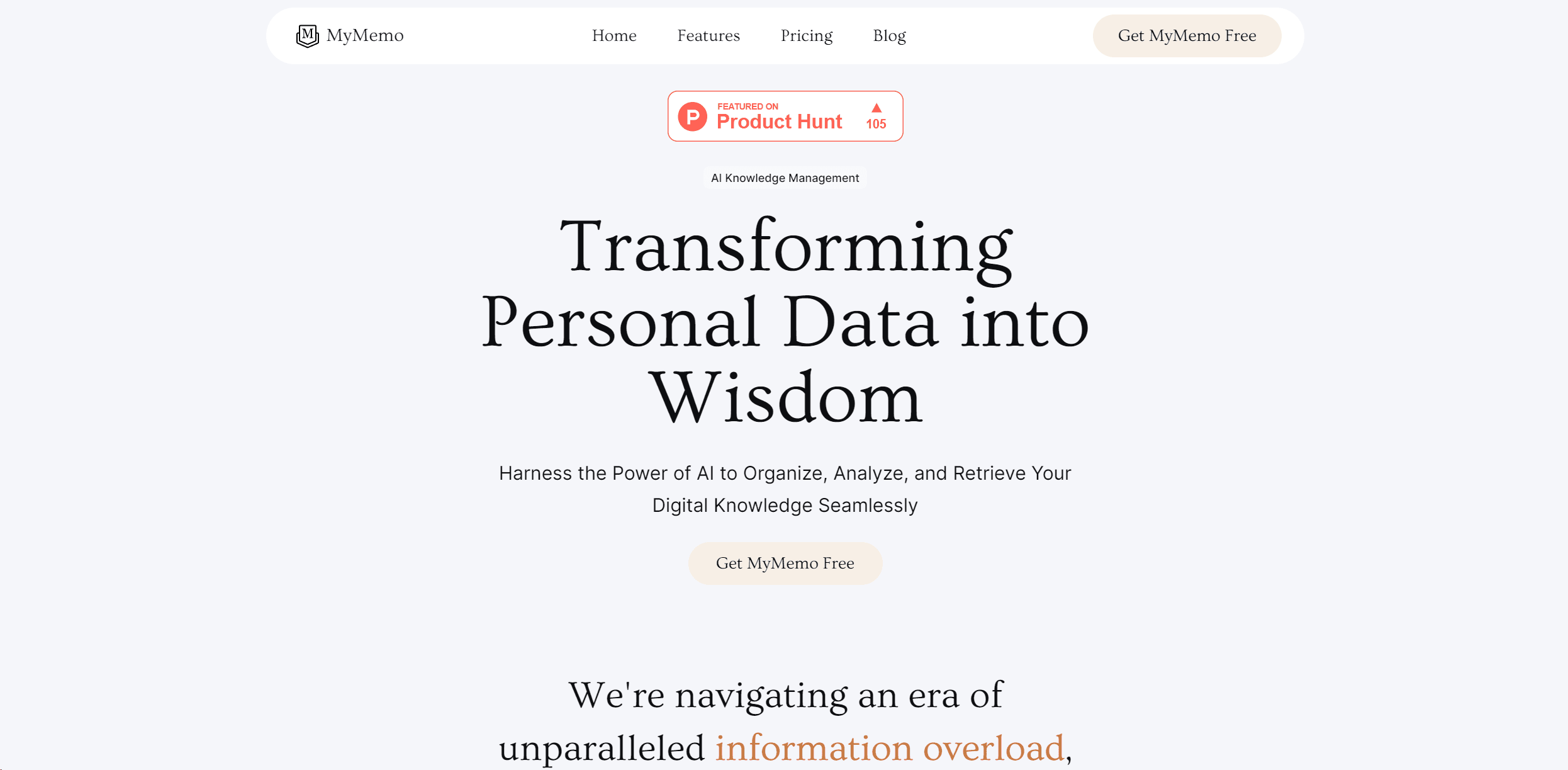
MyMemo AI
Transform digital chaos into an organized, AI-enhanced knowledge oasis.

The North
North is an intuitive platform designed to simplify the management of Objectives and Key Results (OKRs), Strategy, and Initiatives for businesses of all sizes. It is a tool that directs teams to trans

Ipic.ai
AI-powered image enhancement for professionals and hobbyists alike.
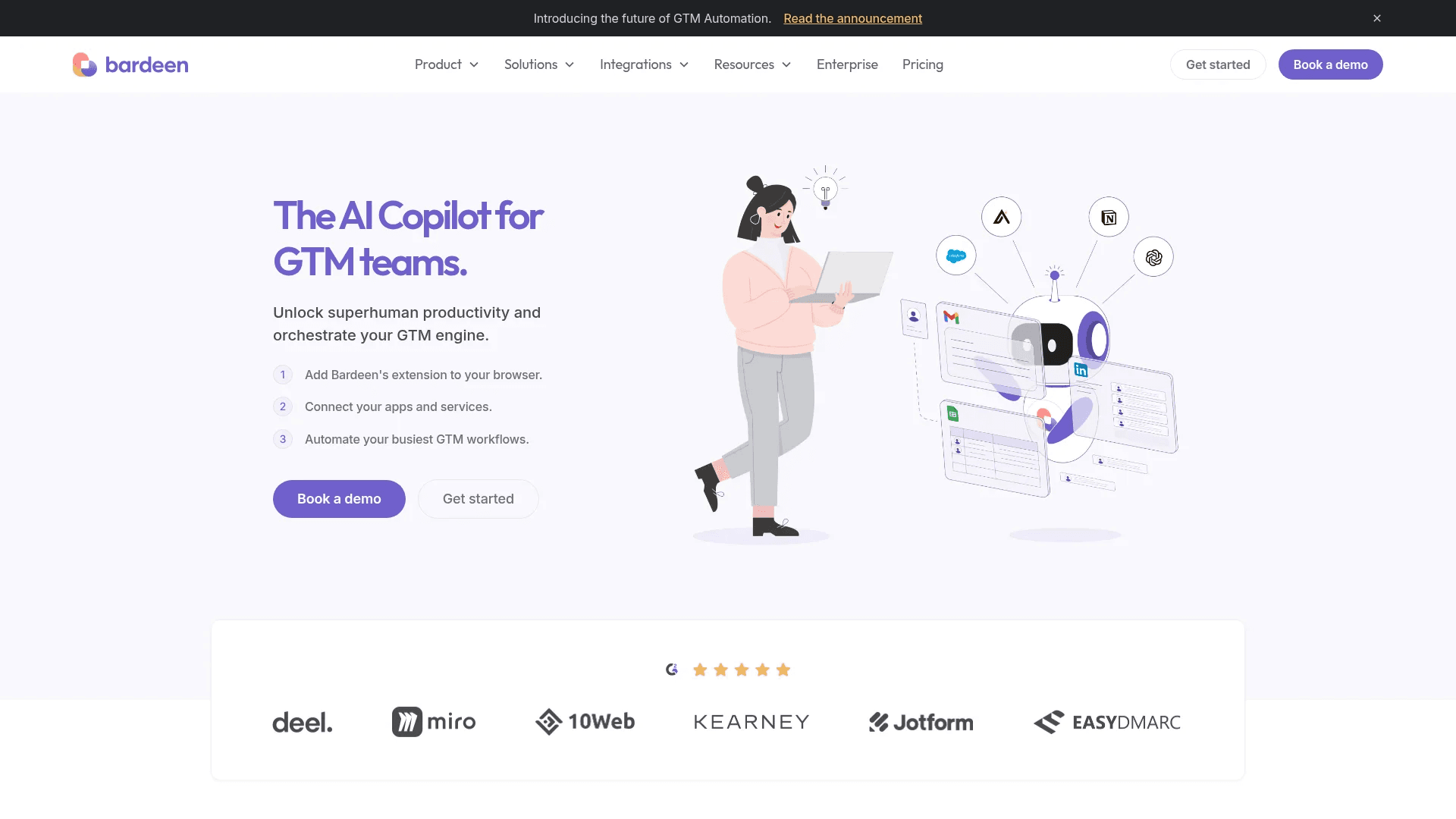
Bardeen AI
Automate workflows and enhance GTM productivity.