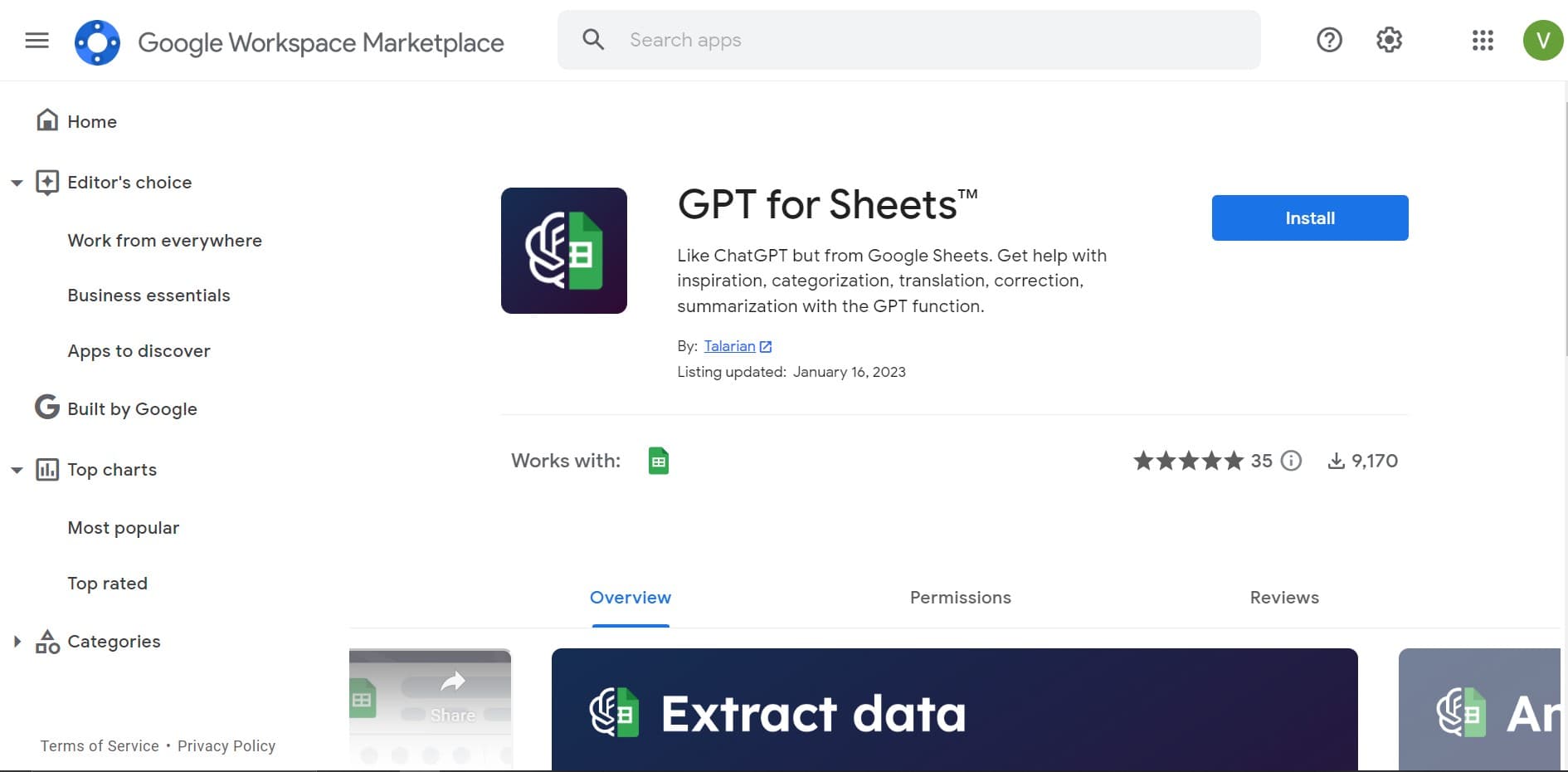
GPT for Sheets and Docs
Elevate productivity in Sheets and Docs with AI-powered automation and creativity.
14,864
Votes
25,975
Views
11,472
Bookmarks
About
GPT for Sheets and Docs is an innovative AI tool designed to seamlessly integrate the capabilities of generative AI models directly into Google Sheets™ and Docs™. As someone who has reviewed numerous AI tools, I found this one particularly intriguing for its promise of bringing the full power of AI, including ChatGPT and other models like GPT-3.5, GPT-4 Turbo, and Claude AI, into the familiar interfaces of Google's most popular productivity apps. This tool caters to both individual users and professionals seeking to enhance their productivity in data handling, content creation, and more, by automating tasks such as data cleaning, classification, extraction, translation, editing, and summarization directly within Sheets and Docs.
Key Features
- Bulk Processing Capabilities: Ideal for handling tasks at scale, such as rewriting, categorizing, and clustering data in Google Sheets™.
- Diverse Model Selection: Access to a range of models including OpenAI's GPT-3.5, GPT-4 Turbo, GPT-4, GPT-4 Vision, Anthropic's Claude 3, and Perplexity's sonar-small-online.
- Versatile Use Cases: Supports a wide array of text-based tasks, from writing and editing to summarizing and translating, across both Sheets and Docs.
- Ease of Integration: Designed to work effortlessly within the Google Workspace environment, requiring minimal setup for immediate use.
Pros
- Enhanced Productivity: Dramatically reduces the time needed for data-related tasks and content creation.
- Cost-Effective Solution: Offers a free tier with optional paid features, providing flexibility for businesses and individuals.
- User-Friendly Interface: Intuitive design that integrates smoothly with Sheets and Docs, making it accessible for users of all skill levels.
- Support and Documentation: Comes with comprehensive documentation and responsive support, ensuring users can maximize the tool's potential.
Cons
- Learning Curve: New users may need some time to familiarize themselves with the tool's full range of capabilities.
- Model Costs: While the tool itself is affordable, extensive use of certain AI models may incur additional costs.
- Integration Limitations: Primarily designed for Google Workspace, which may limit its use for those reliant on other productivity suites.
Who Uses It
- Content Creators: For generating blog post ideas, writing articles, and crafting engaging social media content.
- Data Analysts: Employing the tool for data cleaning, extraction, and summarization to streamline analysis.
- E-commerce Managers: Using it to manage and clean product catalogs for online stores like Shopify and Amazon.
- Marketers: For creating ad copy, SEO metadata, and landing page content efficiently.
- Uncommon Use Cases: Educational institutions leveraging it for academic research and freelance translators for bulk translation projects.
Pricing
- Free Tier: Users can start with a free version that includes basic features.
- Paid Features: Advanced functionalities are available through various pricing models, reflecting the cost of using different AI models.
You may also like
More tools in Text Generators
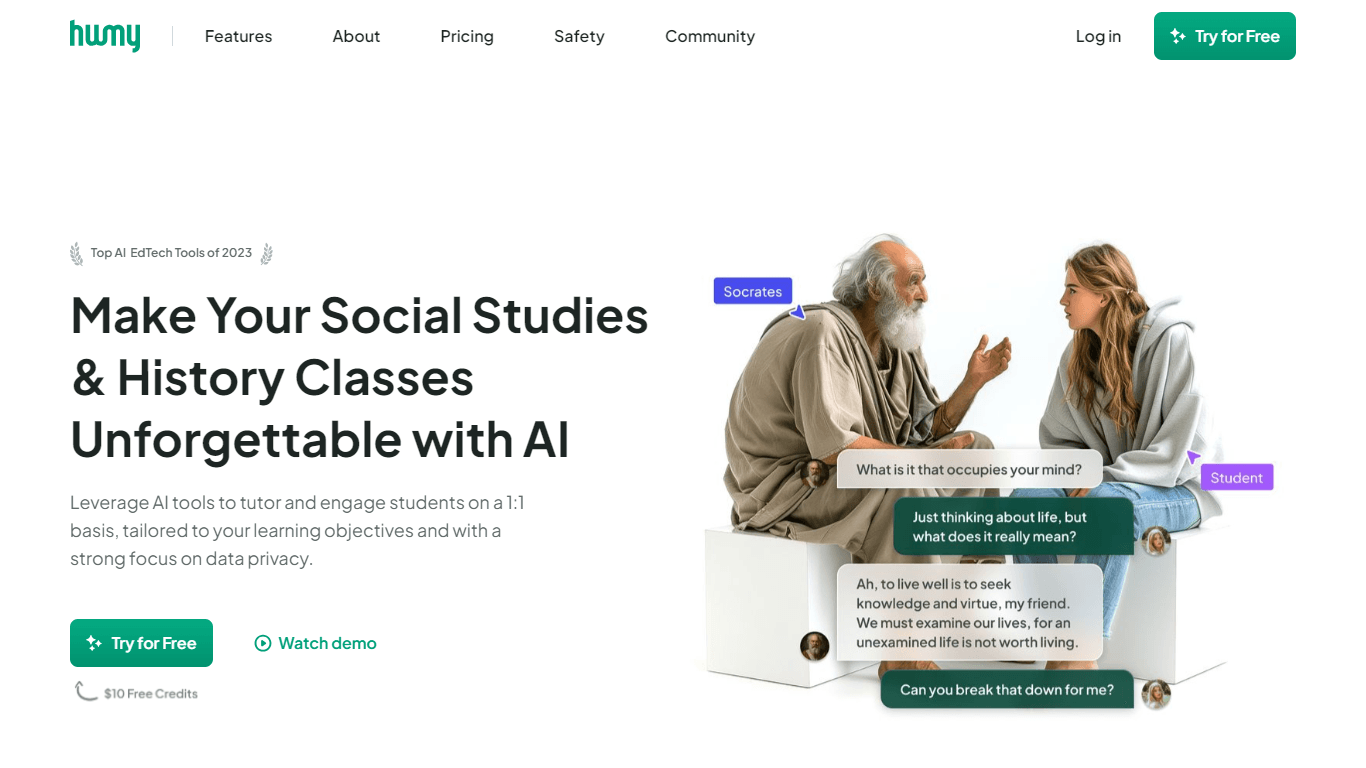
Humy.ai
Humy.ai is a trailblazing Artificial Intelligence (AI) platform dedicated to enhancing the educational experience for both teachers and students through personalized, AI-enhanced tools. With a signifi

Dify
A platform to develop and operate AI applications.

Blog Post Generator
Generates SEO-optimized blog posts

Twee
Revolutionize English teaching with AI: create, personalize, engage.

Deep Realms
AI-powered platform for crafting immersive, interactive storytelling experiences.

Summit
Summit is a comprehensive AI-powered platform designed to revolutionize the way businesses optimize their operations. With an array of cutting-edge features and advanced algorithms, Summit offers unpa
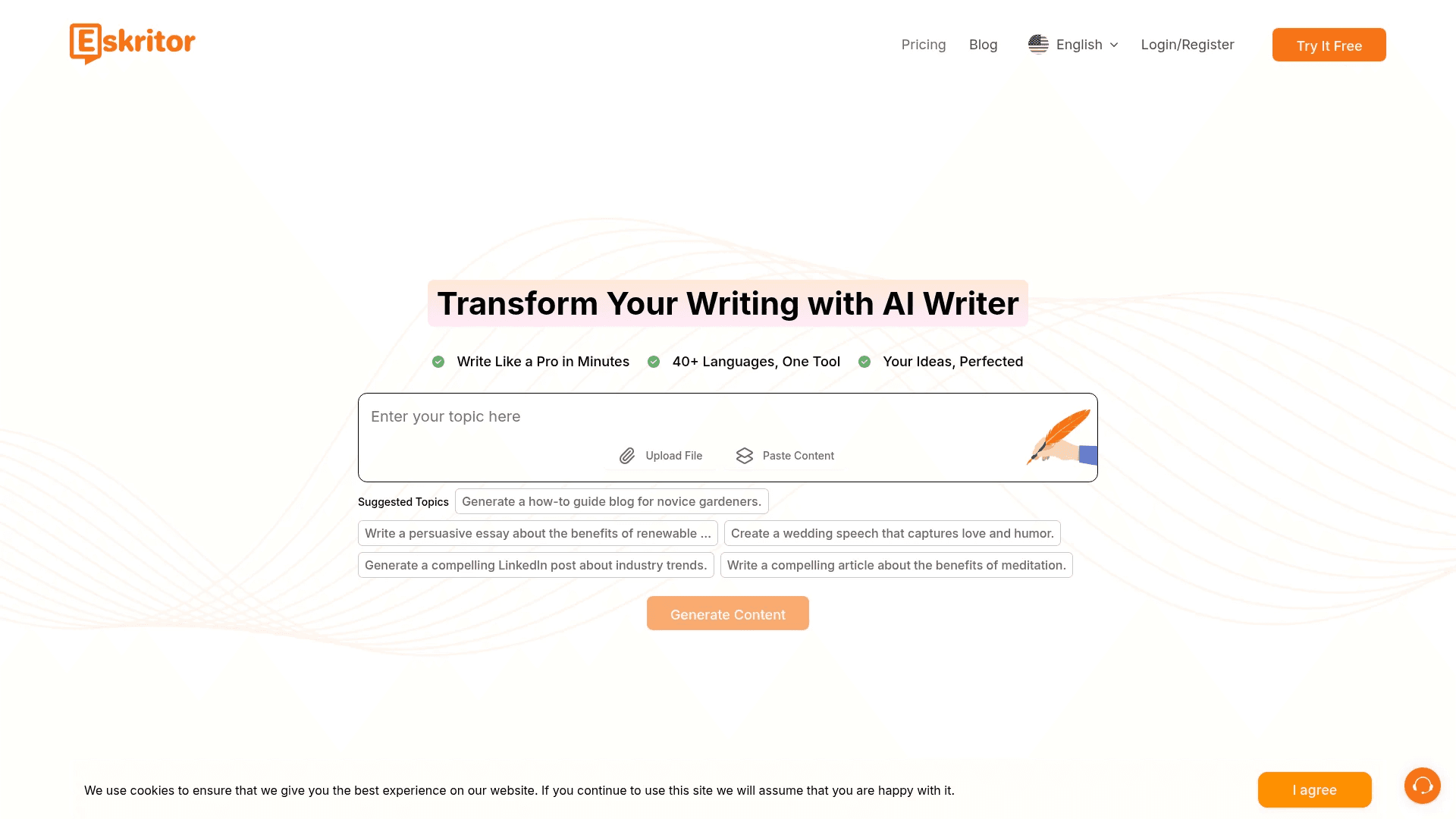
Eskritor
Streamline writing with multilingual AI content generation.
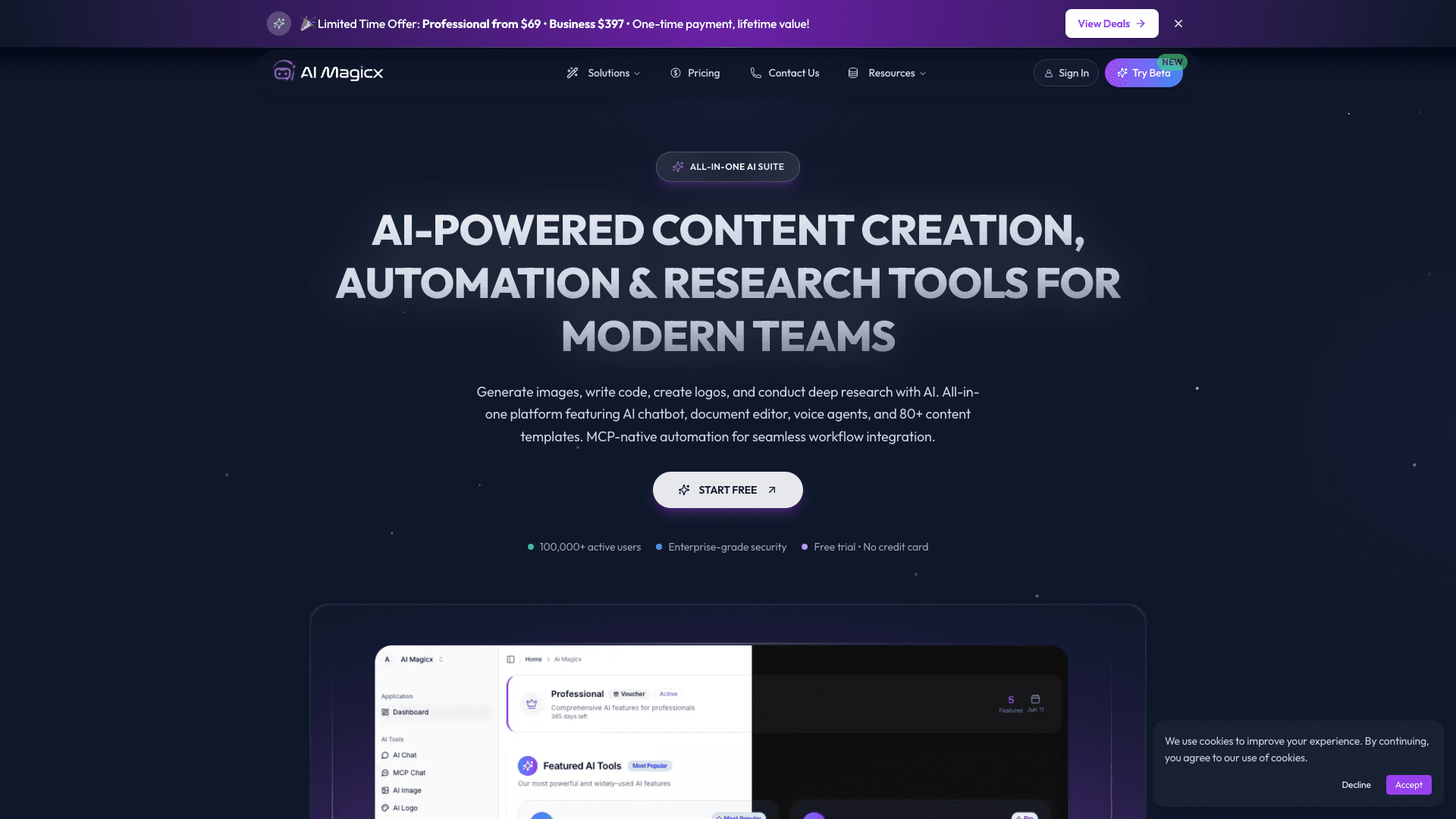
AI Magicx
AI Magicx enhances creativity with AI-driven design and coding.
OpenHermes-13B
Discover OpenHermes-13B, an advanced fine-tuned model from teknium that leverages the robust GPT-4 generated dataset collected from diverse AI solutions. Meticulously trained on a fully open-source da

Dubs
AI-powered video dubbing and subtitles for global reach.

Mythic Text
A tool to transform markdown and plain text into formatted content across multiple output formats.
RowSpeak
Turn messy spreadsheets into clear, ready reports.