
Smartsheet
Streamline workflows, automate tasks, enhance team collaboration.
15,837
Votes
22,062
Views
11,655
Bookmarks
About
In my quest to discover and evaluate the best AI tools for enhancing productivity and streamlining workflow management, I've recently turned my attention to Smartsheet. This platform is not just a simple project management tool; it's a comprehensive enterprise work management solution that enables users to manage projects, automate workflows, and build solutions at scale. With its robust set of features including advanced automation, team collaboration, and real-time dashboards, Smartsheet is designed to cater to a diverse range of business needs, from small projects to complex enterprise operations.
Key Features
- Automation: Smartsheet's powerful automation capabilities allow for the creation of intelligent workflows that reduce manual tasks and improve efficiency.
- Team Collaboration: The platform fosters team collaboration by providing shared views, updates, and real-time editing.
- Dashboards and Reporting: With customizable dashboards and reporting tools, users can gain insights into project performance and make data-driven decisions.
- Integration Capabilities: Smartsheet boasts extensive integration options with popular tools like Microsoft Teams, Google Workspace, and more, ensuring seamless workflow across various platforms.
- No Code Work Apps: The tool includes features for building custom applications without the need for coding, making it accessible to users without technical expertise.
Pros
- Enhanced Productivity: Automates repetitive tasks and streamlines project management processes.
- Scalability: Adapts to a wide range of business sizes and types, from small teams to large enterprises.
- User-Friendly Interface: Despite its extensive functionalities, Smartsheet maintains an intuitive interface that is easy to navigate.
- Strong Security Measures: Offers robust security features, ensuring data integrity and compliance with industry standards.
Cons
- Learning Curve: New users may require some time to fully leverage the extensive features offered by the platform.
- Cost Implication: While offering significant value, Smartsheet can be considered pricey for smaller businesses or startups.
- Heavy Reliance on Internet: Being a cloud-based platform, a stable internet connection is crucial for uninterrupted access.
Who Uses It
- Enterprise-Level Companies: Utilizing the platform for managing large-scale projects and operations.
- Marketing Agencies: Employing Smartsheet for campaign management and client collaboration.
- Nonprofits: Leveraging the tool for organizing fundraising events and volunteer coordination.
- Educational Institutions: Using Smartsheet for administrative management and student projects.
- Uncommon Use Cases: Used by event planners for seamless event management; adopted by healthcare providers for managing patient care coordination.
Pricing
- Free Trial: Smartsheet offers a free trial which provides a good opportunity to test its features before committing to a subscription.
- Standard Plans: Pricing starts at a competitive rate, though specific figures are better obtained directly from the Smartsheet website to ensure accuracy.
You may also like
More tools in Business Tools

Looq AI
Revolutionize image analysis with advanced AI-powered recognition and insights.

Spoke.ai
AI-powered tool revolutionizes team communication and project management.

Outreach
Optimize sales, enhance workflows, boost efficiency with AI-powered tools.
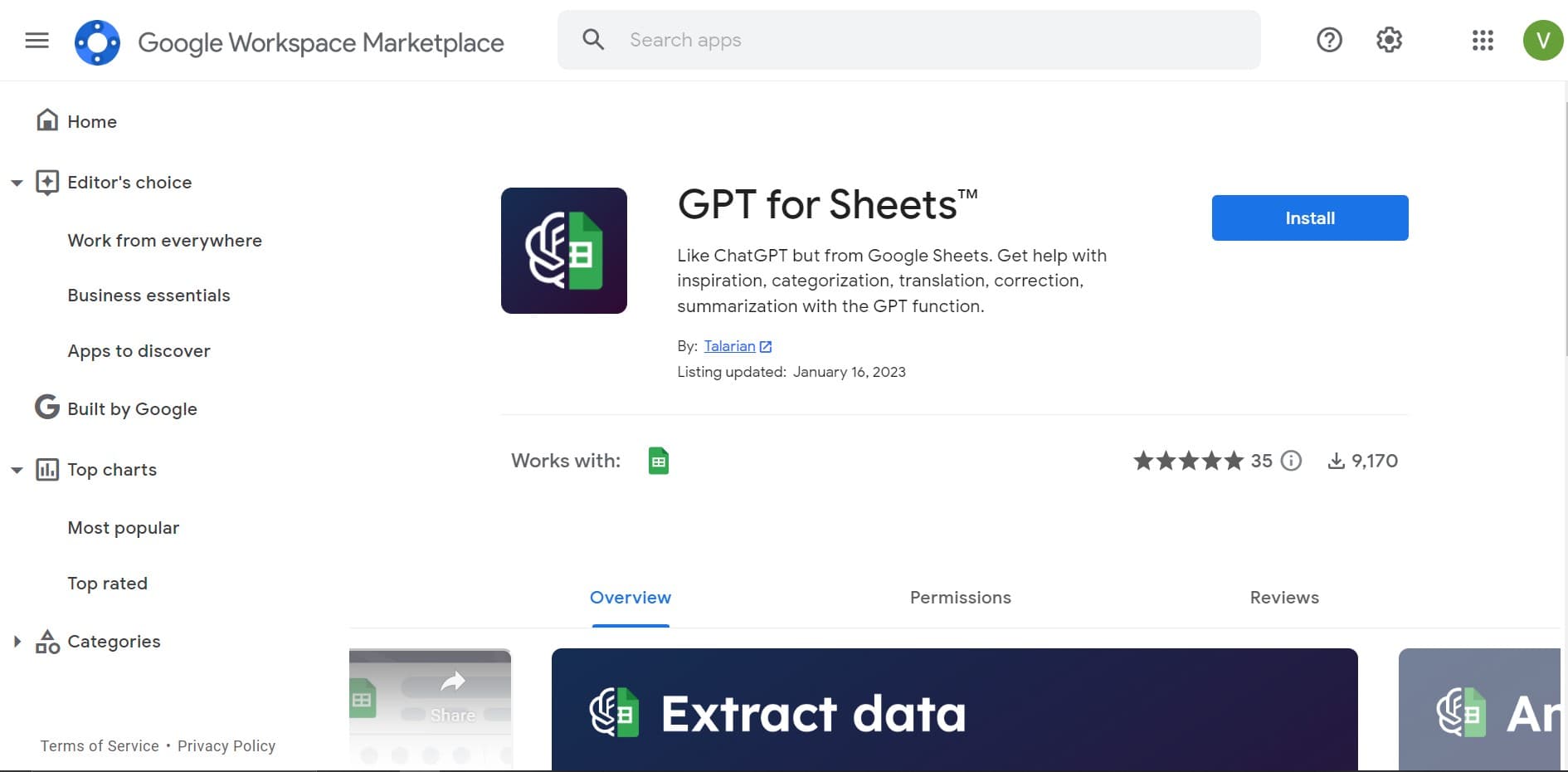
GPT for Sheets and Docs
Elevate productivity in Sheets and Docs with AI-powered automation and creativity.
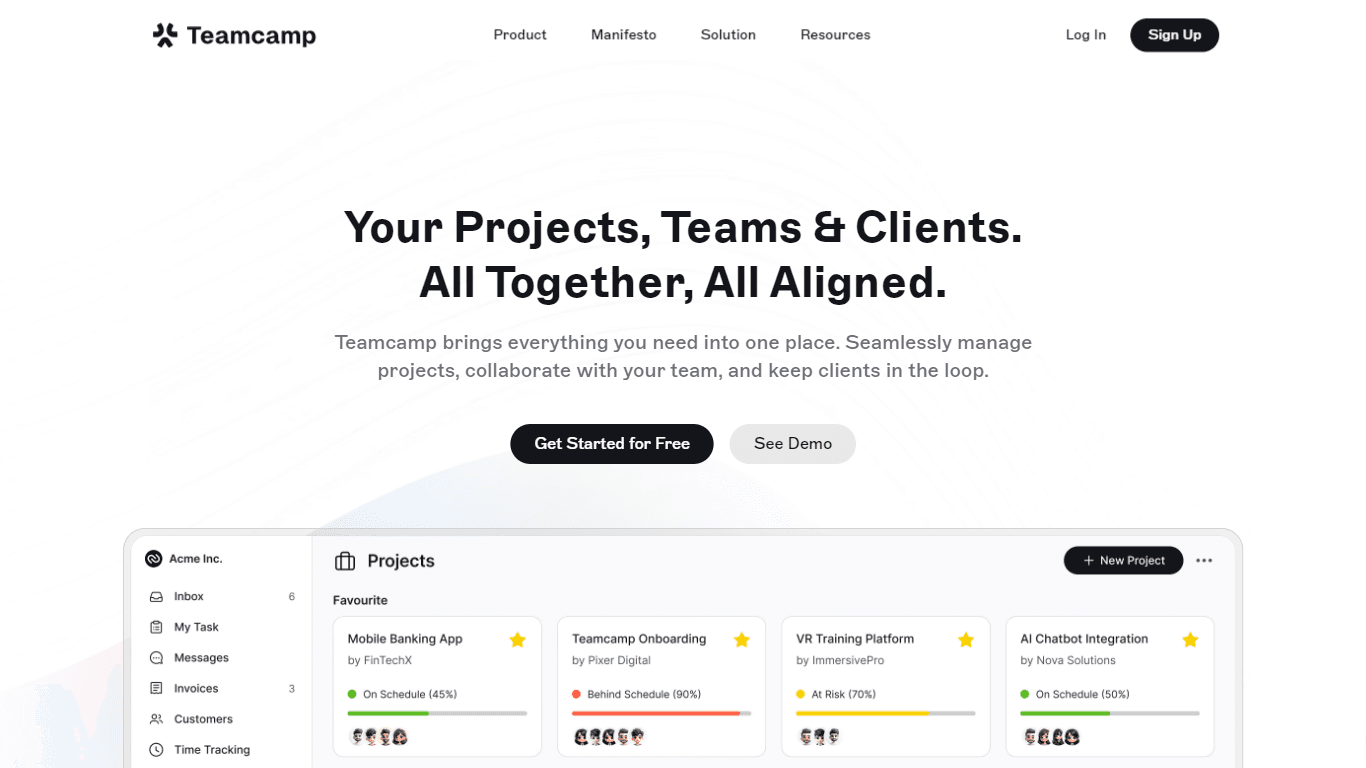
Teamcamp
Teamcamp is a comprehensive project management tool designed to streamline the workflow for teams in various sectors, including IT, marketing, freelancers, and agencies. Its core functionality revolve

Tektonic AI
Streamline sales and revenue operations with advanced AI-driven automation.

Align AI
Streamlines AI strategy alignment with business objectives.

The North
North is an intuitive platform designed to simplify the management of Objectives and Key Results (OKRs), Strategy, and Initiatives for businesses of all sizes. It is a tool that directs teams to trans
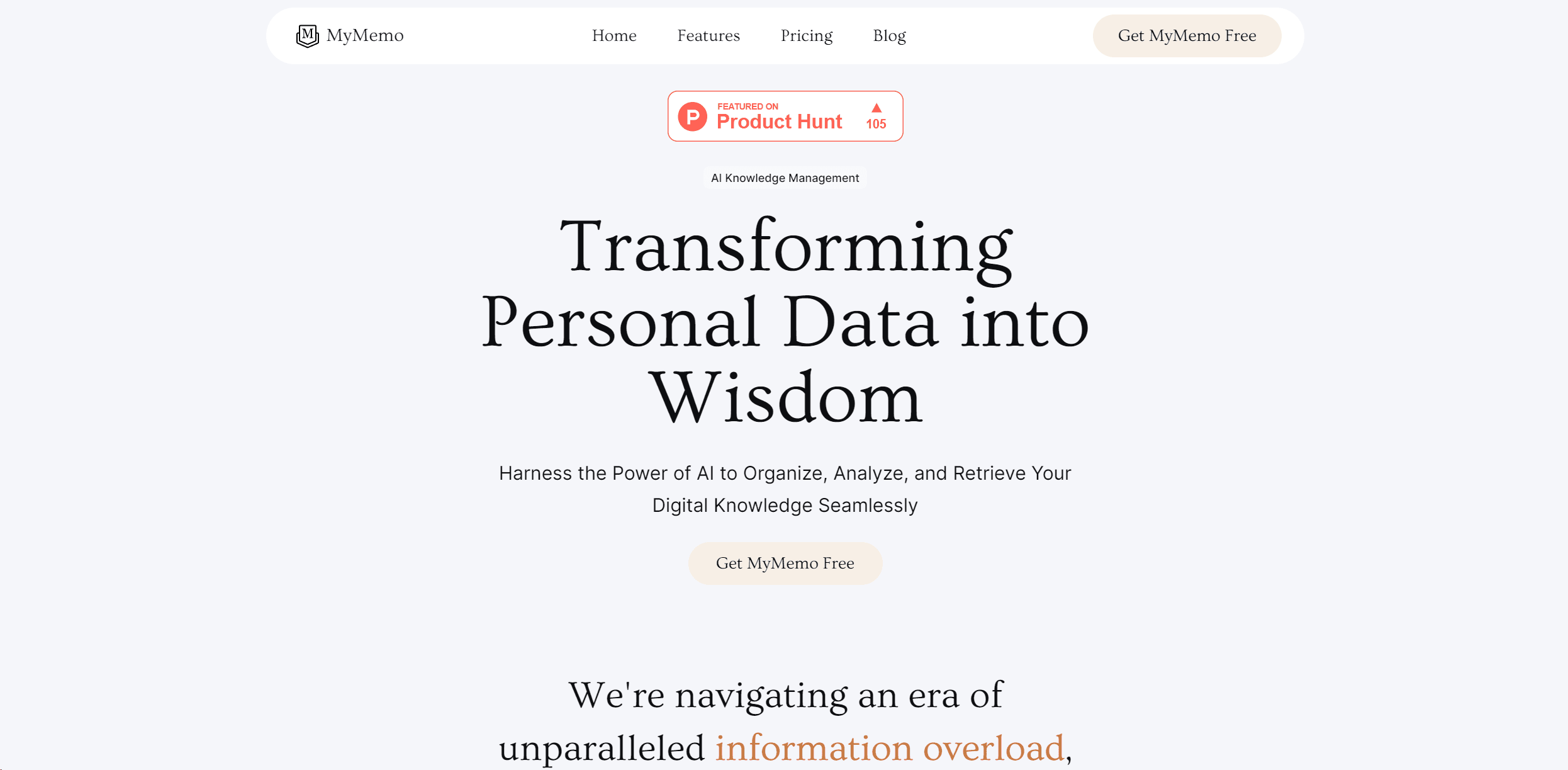
MyMemo AI
Transform digital chaos into an organized, AI-enhanced knowledge oasis.

adam.ai
Maximize your business success with adam.ai, the intuitive meeting management platform designed to enhance your team's productivity. Our intelligent solution streamlines the meeting process, granting

Ipic.ai
AI-powered image enhancement for professionals and hobbyists alike.
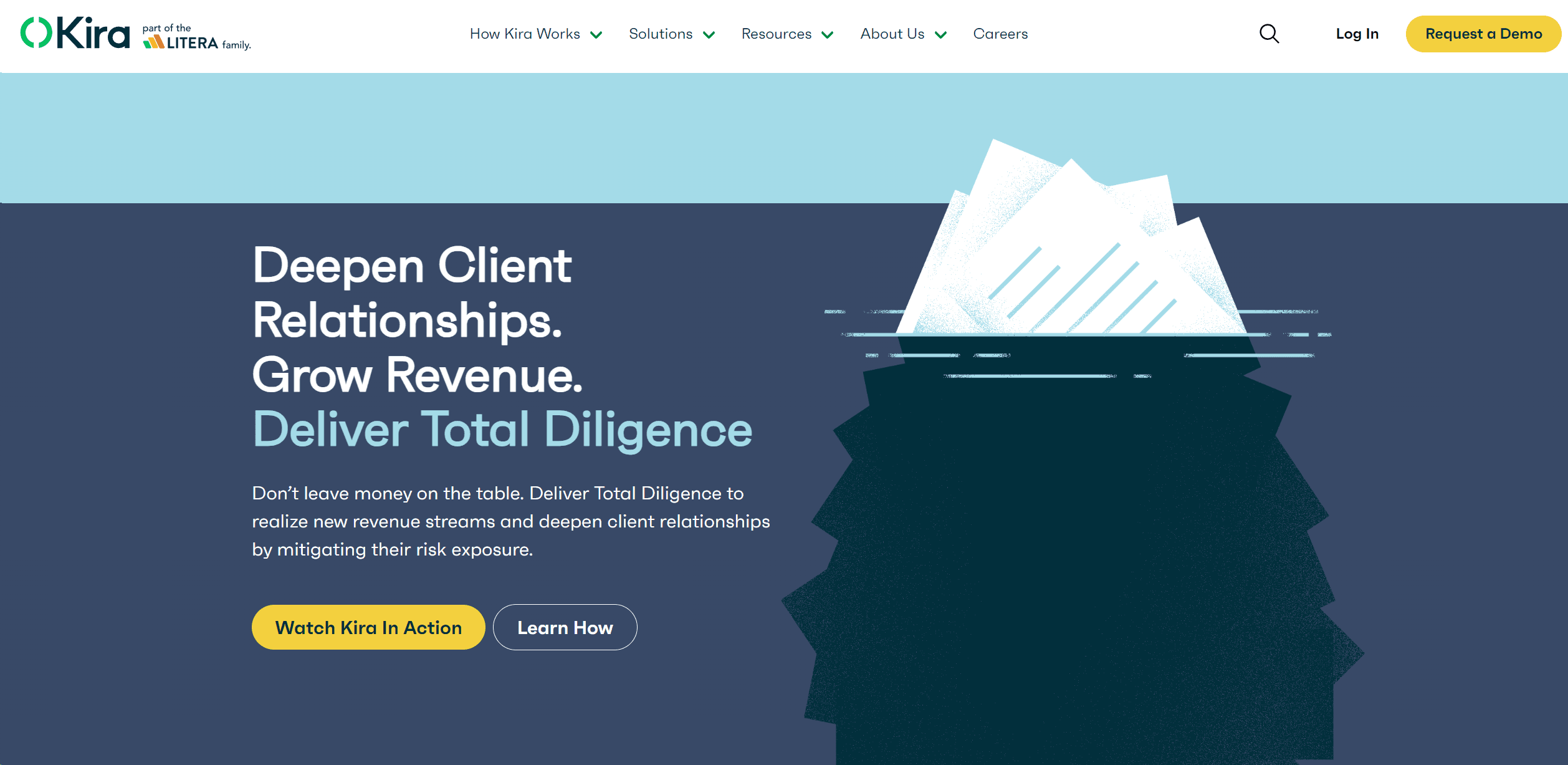
Kira Systems
Streamline contract review with AI-driven precision and customization.