Vmake
Record, polish, caption, and reuse talking clips.
15,454
Votes
27,298
Views
11,896
Bookmarks
About
Vmake focuses on AI-first talking video creation, giving creators studio-style tools for recording, enhancing, captioning, and cleaning social-ready clips without traditional editing experience. It combines AI video enhancement, auto subtitles, watermark and text removal, background removal, image tools, and an app-only AI teleprompter in a single workflow targeted at short, talking-head and product videos.
Key Features
- AI talking video studio: Tools for UGC-style videos, viral video cloning, AI avatar generation, hook and caption generation, and product video templates, all tuned for social platforms.
- AI enhancement suite: Video upscaling, denoising, sharpening, audio clean-up, and background removal to turn low-quality clips into sharper, cleaner content in a few clicks.
- Auto captions and transcription: Automatic speech-to-text with styled captions, plus video and audio transcription to reuse scripts, repurpose content, or edit by text.
- Watermark and text removal: Dedicated tools to remove watermarks, text overlays, logos and TikTok marks from video and images, including model-specific removers for Sora, Gemini, Kling and Nano Banana outputs.
- AI image and thumbnail tools: Image enhancement, watermark removal, AI image generation and an AI thumbnail maker for scroll-stopping cover images and product photography.
- AI Teleprompter (mobile app): An app-only teleprompter that scrolls scripts while recording, helping presenters maintain eye contact and natural delivery on camera.
Pros
- Built around talking videos: Every major feature is oriented toward face-to-camera, short-form and product explainers, so creators are not wading through irrelevant pro-editing tools.
- Strong quality boost for everyday footage: The enhancer, denoiser and upscaler can rescue noisy phone clips and improve clarity for platforms that punish low-quality uploads.
- Fast repurposing workflow: Watermark and text removal, captioning, and transcription make it practical to recycle old assets or cross-post clips between platforms.
- Cross-device availability: A browser-based editor, mobile apps, and a Chrome extension give creators flexibility in how and where they work.
- Social proof and creator focus: Ratings surfaced from Trustpilot and Product Hunt plus industry-specific pages for agencies, e-commerce, fitness and real estate indicate a creator-centric roadmap.
Cons
- Not a full nonlinear editor: Compared with traditional NLEs, timeline-level control, multi-layer compositing, and detailed audio mixing appear limited.
- Cloud dependency: Processing higher resolutions or longer clips will depend on queue times and network speed, which some users may find slow compared with local tools.
- Mixed third-party anecdotes on billing/support: A few external user reports mention subscription and support frustrations, so cautious users may prefer starting on the free tier before upgrading.
Who Uses It
- Short-form creators and influencers: Producing TikTok, Reels, and Shorts content with talking-head hooks, captions, and quick clean-up tools.
- E-commerce brands and DTC marketers: Creating AI-enhanced product explainers, demo videos, and polished thumbnails that can lift click-through and conversions.
- Agencies and social media teams: Scaling batches of client clips, removing watermarks, standardizing captions, and outputting platform-specific versions at speed.
- Fitness, health, and real estate professionals: Recording expert tips, listing tours, and social proof videos without hiring a dedicated editor.
- Uncommon Use Cases: Used by SaaS startups to turn webinars into bite-sized talking clips for onboarding; adopted by HR and internal comms teams to standardize executive update videos.
Pricing
- Free: $0 per month. Includes 50 credits on first login, 20 credits daily, limited feature access, and limited AI models with watermark included.
- Plus: $9.99 per month. Includes 1,000 credits per month, core tools up to 10 times daily, video and image enhancement tools, video and image generation, access to Sora 2, Veo 3.1, Seedream 4.0, and GPT Image 1, exports up to 1080p, and commercial use.
- Pro: $29.99 per month. Includes 4,500 credits per month, core tools up to 50 times daily, everything in Plus, additional model access including Seedance 1.0 Pro / Lite, Wan 2.2, Kling O1, Kling 2.6, Nano Banana2, Nano Banana Pro, and Nano Banana, exports up to 2K and 4K, and commercial use.
You may also like
More tools in Video Tools

Noisee AI
Find powerful Noisee AI alternatives for creators.
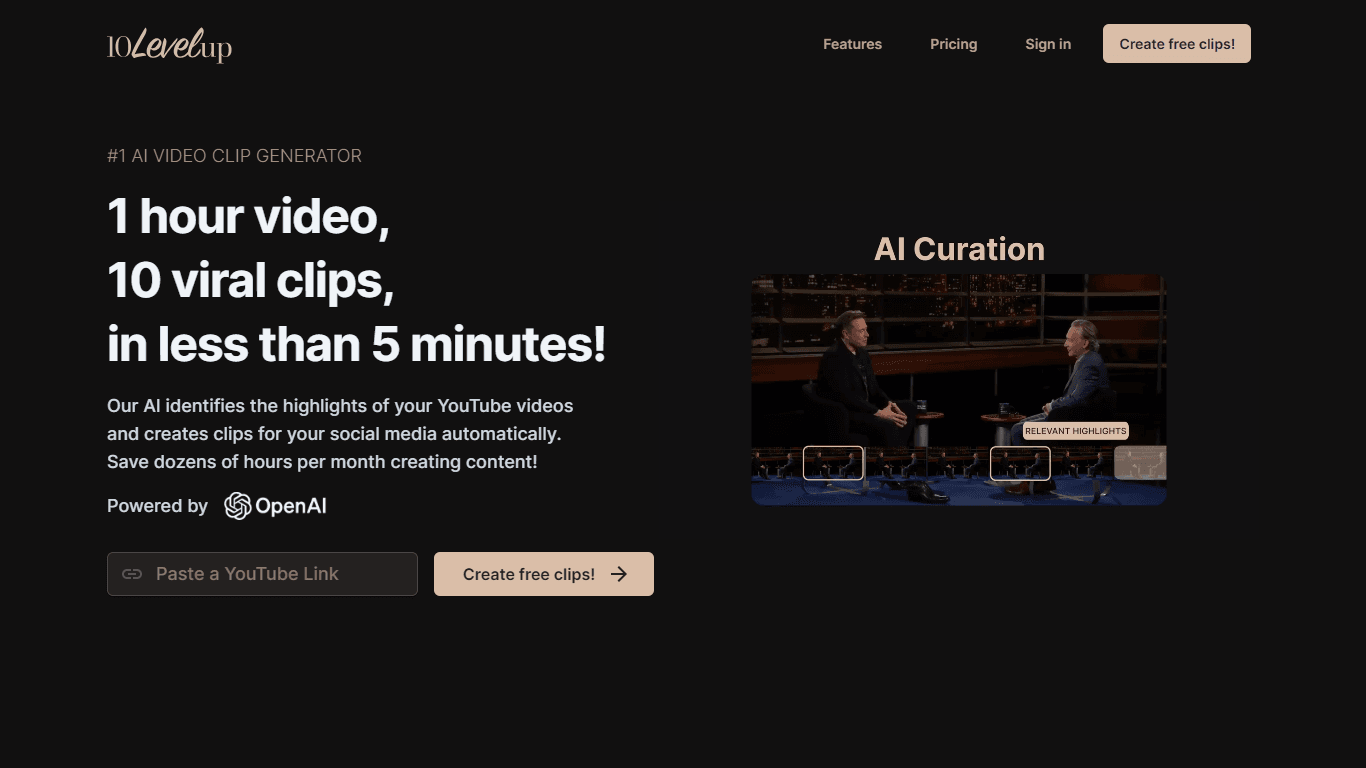
10LevelUp
10LevelUp's AI Video Clip Generator stands as the premier solution for creating quick and engaging video content. This advanced tool harnesses the power of AI to simplify video production, making it a

DaVinci Resolve
Unify editing, color, VFX, and audio post-production.

Civitai
Open-source platform for AI model creation and collaboration.

MimicPC
Unlock AI tools instantly, browser-based, no installs needed.

Glato AI
Glato AI is an innovative platform that revolutionizes the creation of video content by leveraging artificial intelligence. With Glato AI, users can quickly produce high-quality, engaging, and viral v

Paper Animator
A tool to transform images and text into paper-style animations.

Dubs
AI-powered video dubbing and subtitles for global reach.
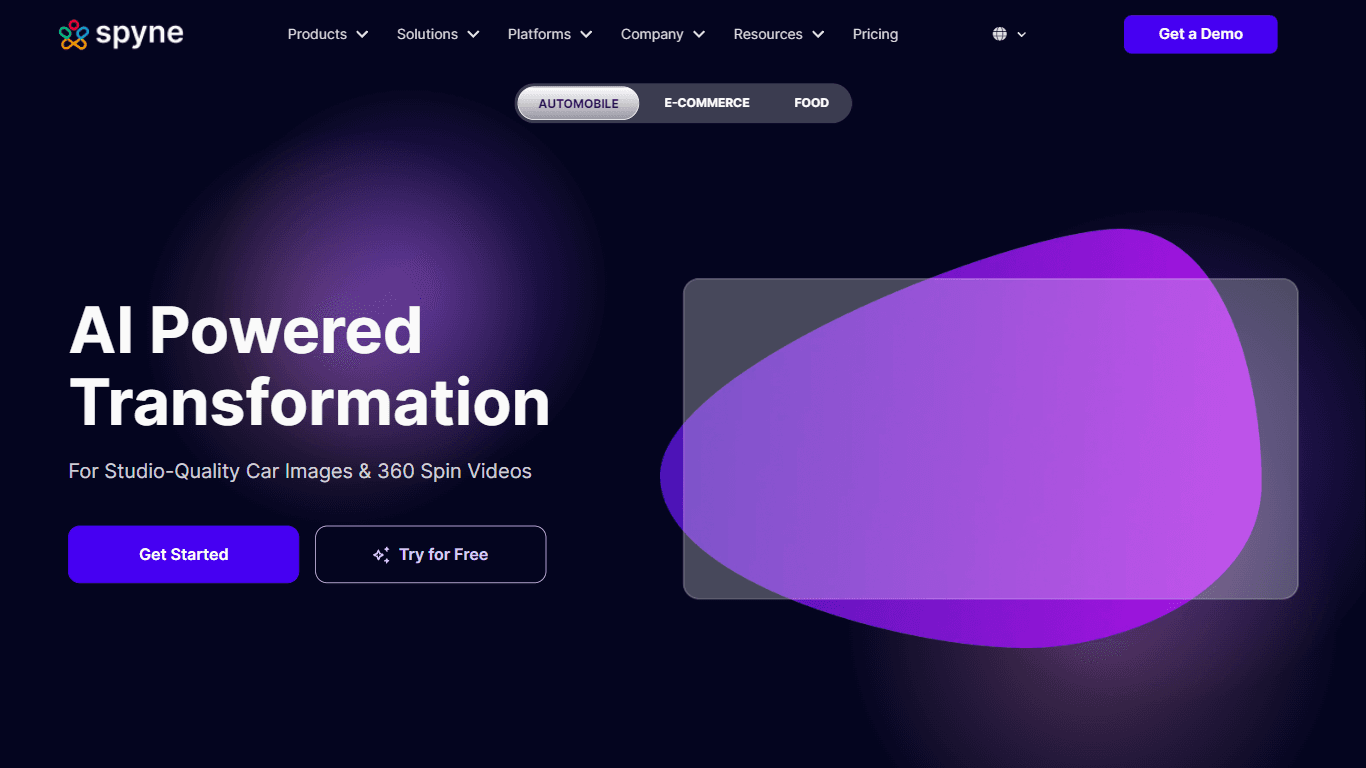
Spyne
Spyne is the ultimate AI photography and editing software specifically designed for automotive dealers. With its advanced features and cutting-edge technology, Spyne AI revolutionizes the way car deal
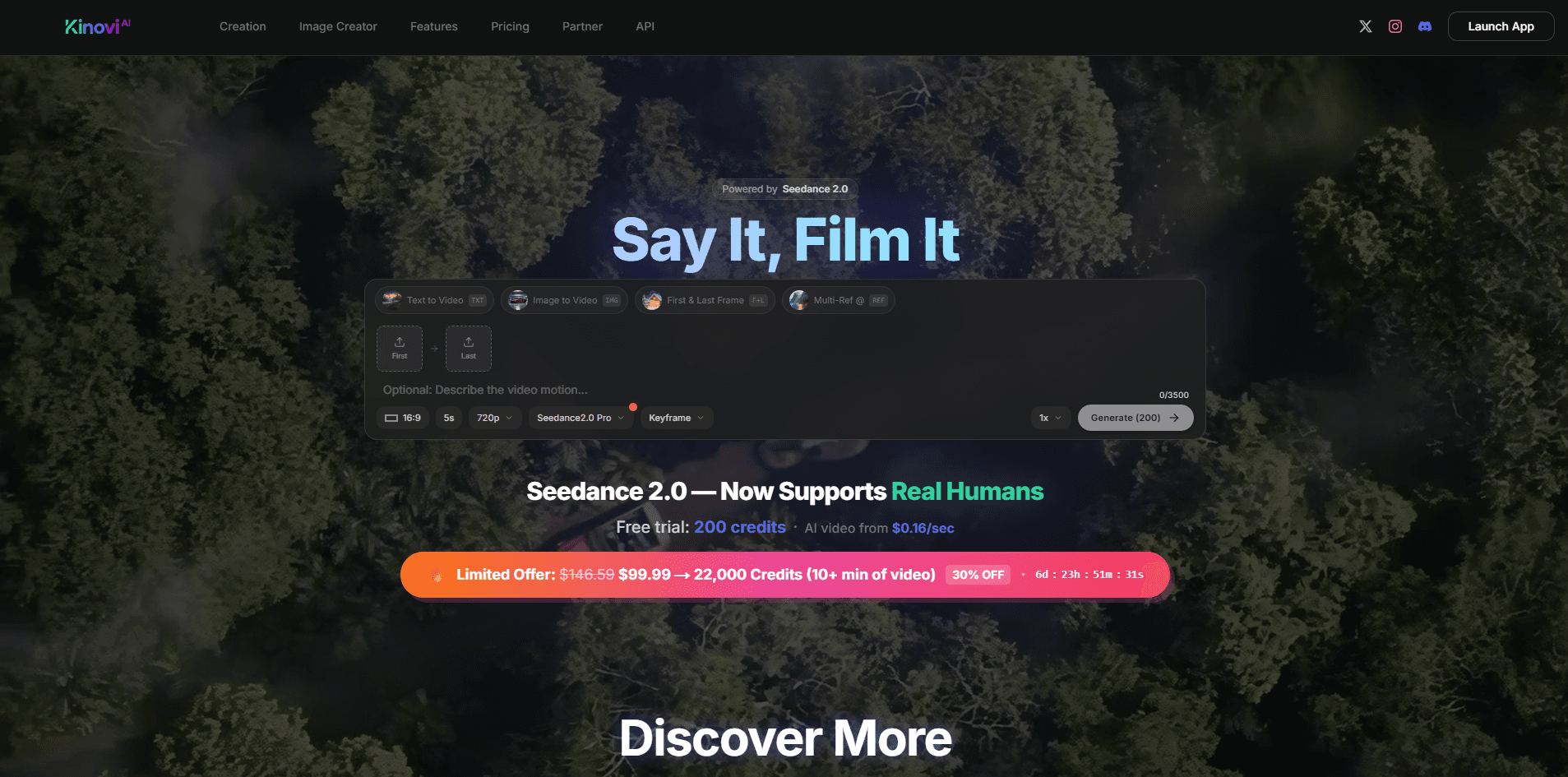
Kinovi
Direct cinematic clips from prompts and references.

Midjourney
Unlock true digital artistry.
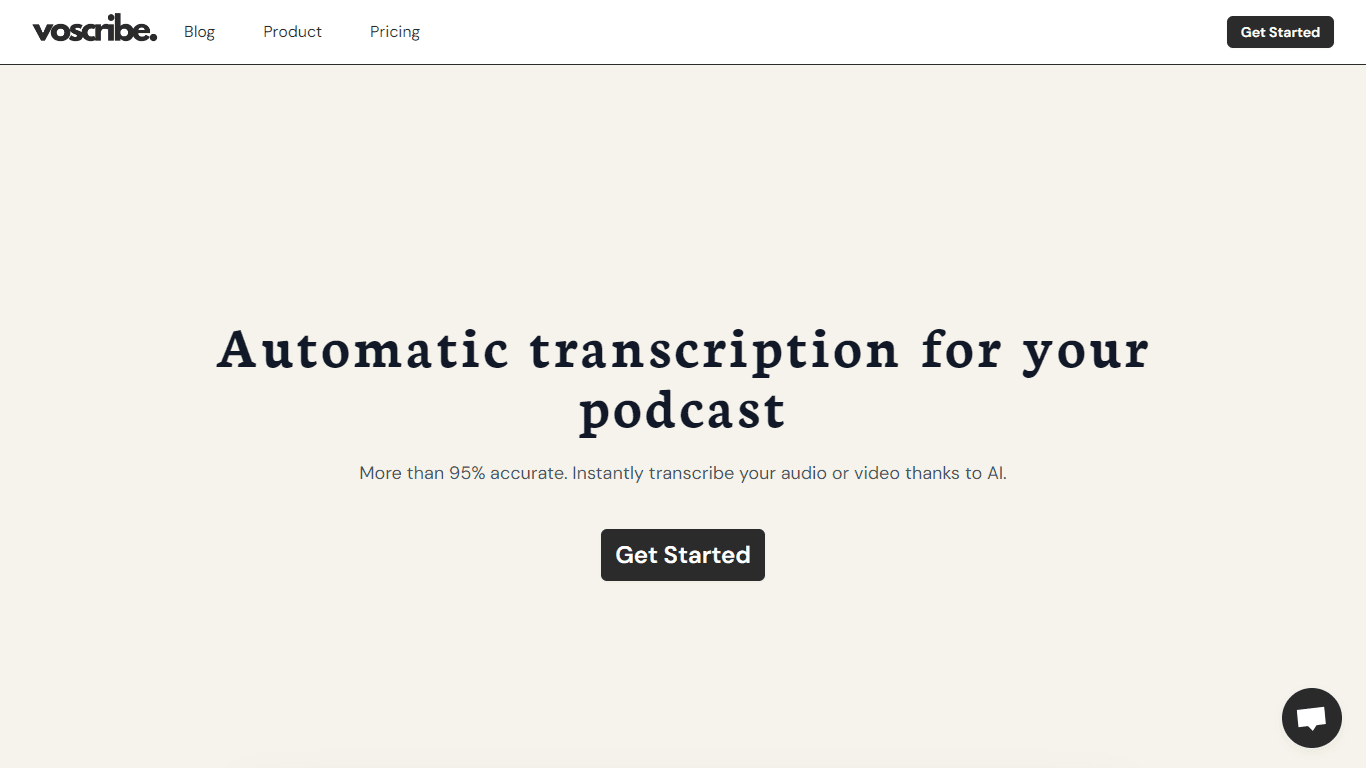
Voscribe
Voscribe is a powerful podcast and video creation suite that leverages artificial intelligence to provide instant transcription services. With more than 95% accuracy, Voscribe makes it easier than eve