Vimi
Turn photos into playful animated memories.
14,982
Votes
26,465
Views
11,602
Bookmarks
About
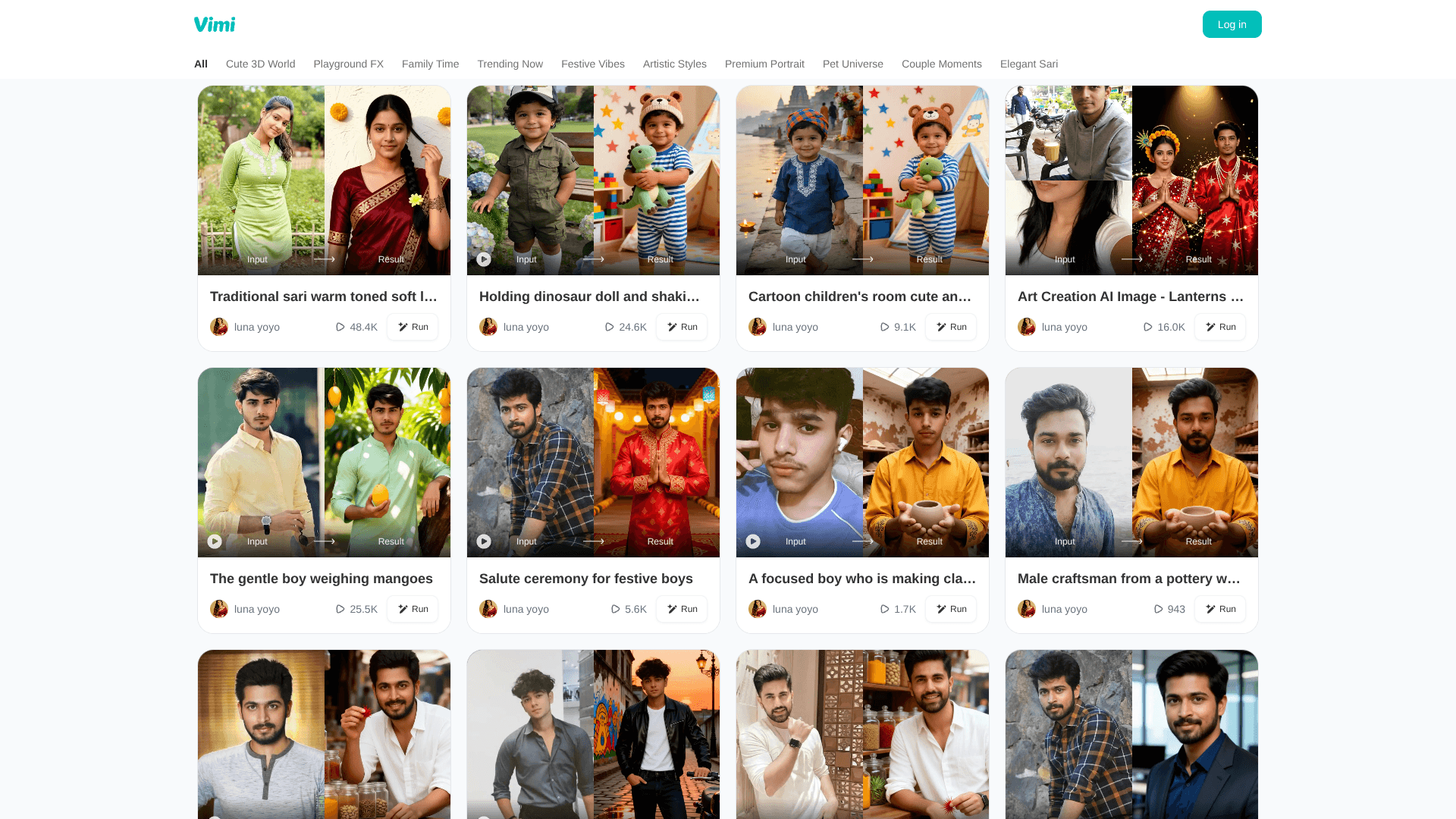
Vimi is a mobile AI photo app that turns static images into “living moments,” focusing on playful, emotional short clips and stylized visuals. Accessed via the Google Play link on its site, it is built for everyday users who want quick, fun transformations rather than complex editing. The home page and navigation labels such as Cute 3D World, Family Time, Pet Universe, Couple Moments, and Elegant Sari make it clear that Vimi leans into themed, story-like templates that add motion, effects, and stylization to photos for sharing on social media or preserving special memories.
Key Features
- AI-Powered Photo Animation: Transforms still photos into short animated moments, adding subtle movements, gestures, or scene motion to make portraits feel alive.
- Style Collections & Themes: Curated sections such as Cute 3D World, Playground FX, Family Time, Festive Vibes, Artistic Styles, Premium Portrait, Pet Universe, Couple Moments, and Elegant Sari guide users toward ready-made looks.
- Template-First Workflow: Instead of manual keyframing, users pick a style, drop in a photo, and let the AI handle the heavy lifting for motion, lighting, and effects.
- Mobile-Friendly Experience: Designed as an app experience, with quick processing and output tailored for vertical and square formats popular on social platforms.
Pros
- Approachable for Non-Editors: Template-driven design means users do not need video-editing skills to create animated clips.
- Emotion-Focused Categories: Sections like Family Time, Couple Moments, and Pet Universe encourage storytelling around relationships and pets.
- Creative Variety: Themed collections, including 3D, artistic, and cultural looks such as Elegant Sari, keep experimentation fun.
- Social-Ready Output: Short, eye-catching animations are well suited for Reels, TikTok, and Stories.
Cons
- Limited Fine Control: Power users seeking frame-level editing or custom animation curves may find the template approach restrictive.
- Platform Dependence: The product is currently surfaced via an Android app link; users on other platforms may need to wait or look for store-specific listings.
- Pricing Transparency: No detailed pricing tiers are visible on the website, which may leave some users guessing about long-term costs.
Who Uses It
- Casual Smartphone Users: Turning selfies and everyday shots into fun animated snippets to share with friends.
- Families and Parents: Breathing motion into children’s photos and group pictures for nostalgic keepsakes.
- Couples: Creating romantic mini-scenes from engagement, wedding, or anniversary photos.
- Pet Owners: Using Pet Universe styles to animate cats, dogs, and other pets in cute, shareable clips.
- Uncommon Use Cases: Used by event organizers to generate animated visual loops for slideshows; adopted by small local brands to add motion to simple product shots without hiring a video editor.
Pricing
- Pricing information is unavailable; no public pricing details are provided.
You may also like
More tools in Video Tools

Noisee AI
Find powerful Noisee AI alternatives for creators.
10LevelUp
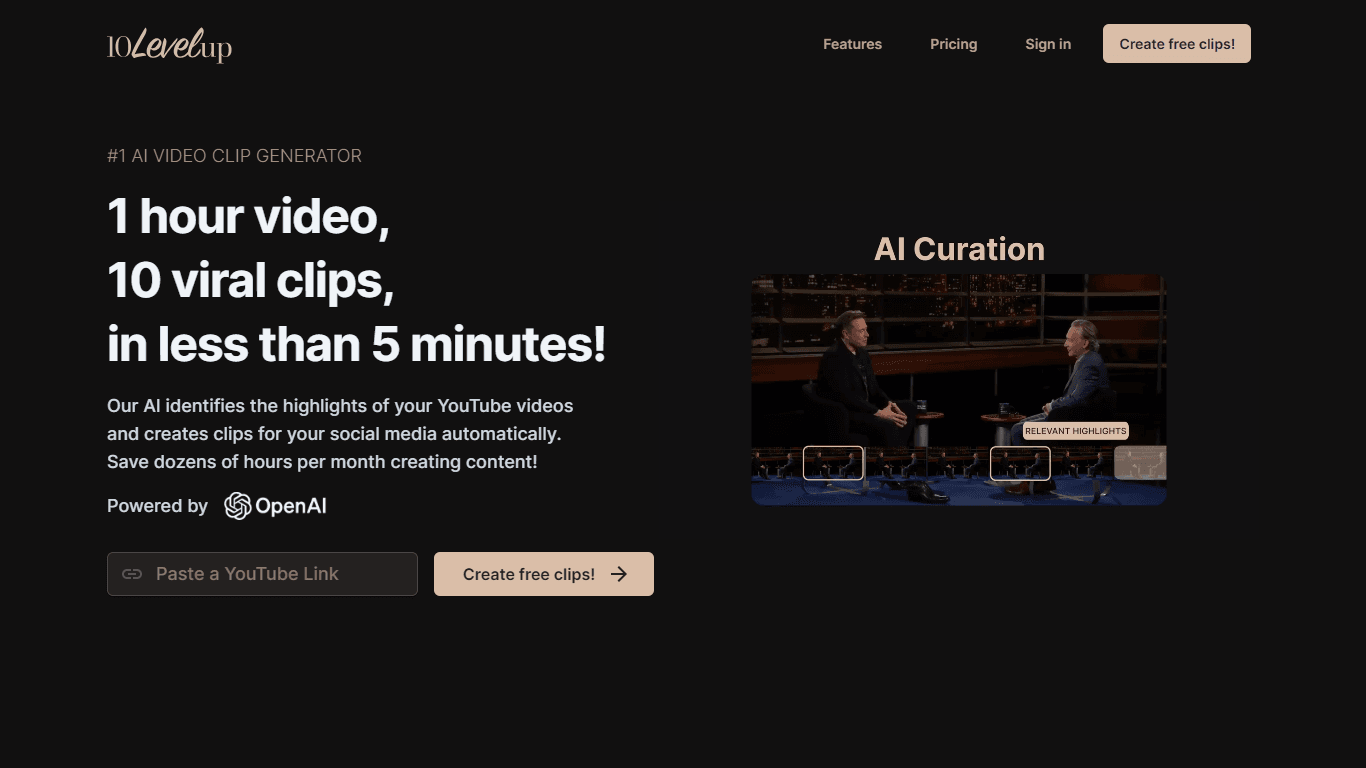
10LevelUp's AI Video Clip Generator stands as the premier solution for creating quick and engaging video content. This advanced tool harnesses the power of AI to simplify video production, making it a

Civitai
Open-source platform for AI model creation and collaboration.

DaVinci Resolve
Unify editing, color, VFX, and audio post-production.

MimicPC
Unlock AI tools instantly, browser-based, no installs needed.

Glato AI
Glato AI is an innovative platform that revolutionizes the creation of video content by leveraging artificial intelligence. With Glato AI, users can quickly produce high-quality, engaging, and viral v

Dubs
AI-powered video dubbing and subtitles for global reach.

Paper Animator
A tool to transform images and text into paper-style animations.
Spyne
Spyne is the ultimate AI photography and editing software specifically designed for automotive dealers. With its advanced features and cutting-edge technology, Spyne AI revolutionizes the way car deal
Kinovi
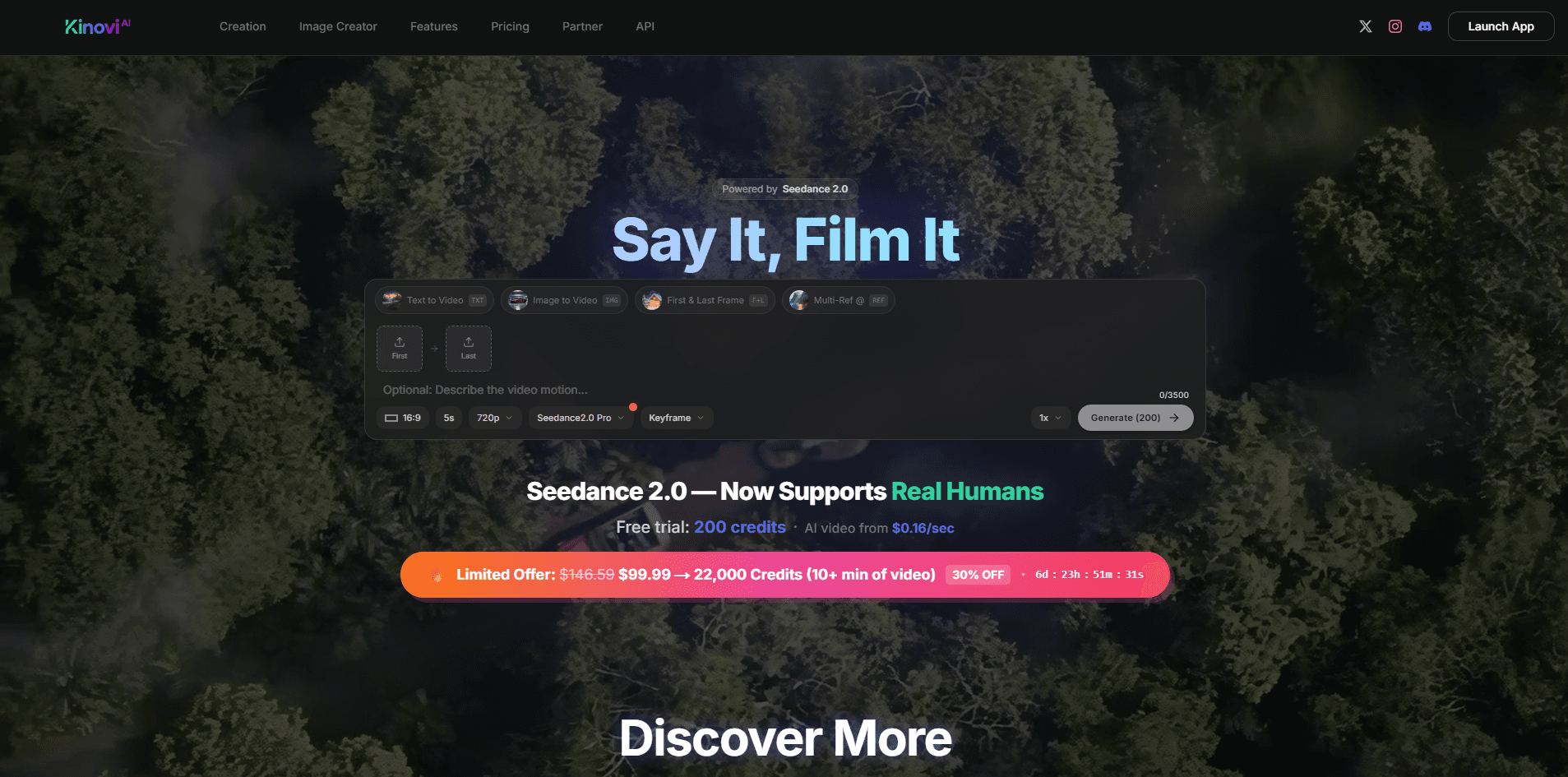
Direct cinematic clips from prompts and references.
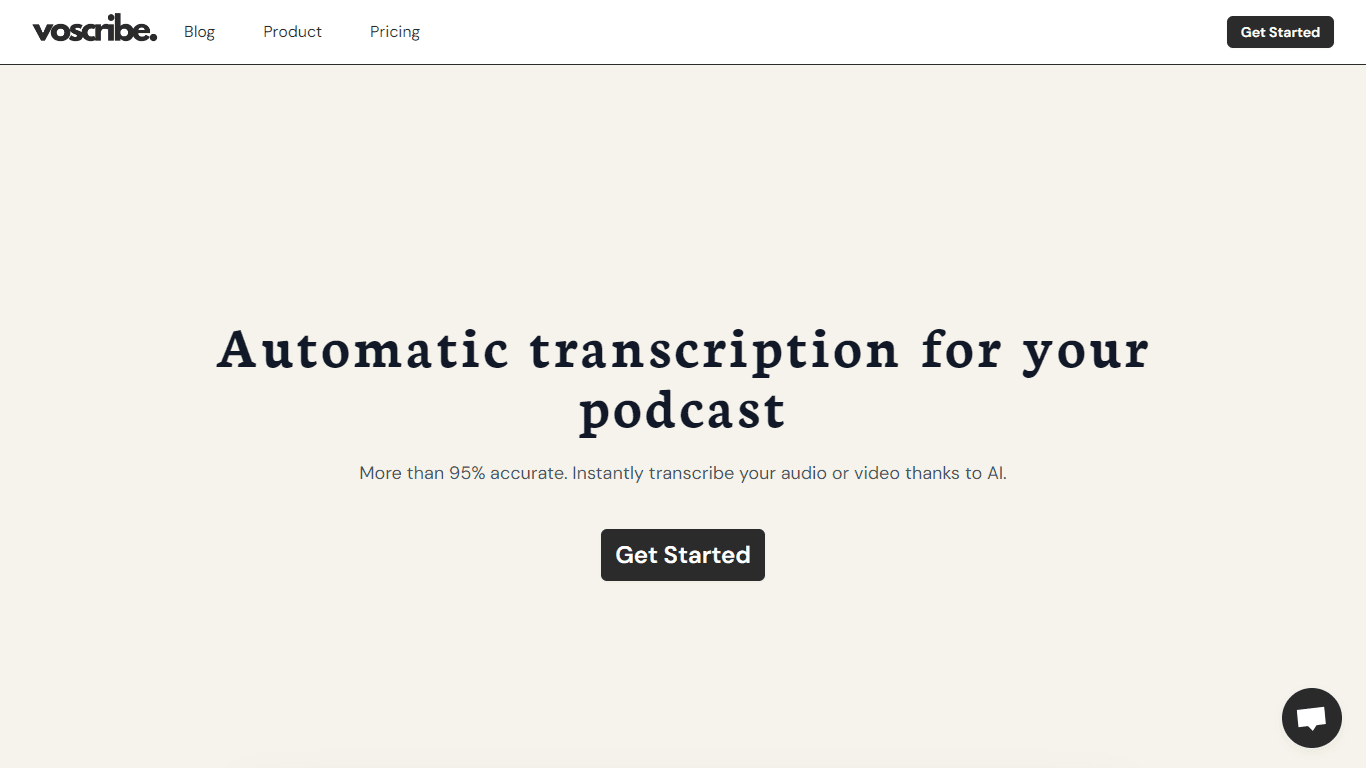
Voscribe
Voscribe is a powerful podcast and video creation suite that leverages artificial intelligence to provide instant transcription services. With more than 95% accuracy, Voscribe makes it easier than eve

Midjourney
Unlock true digital artistry.