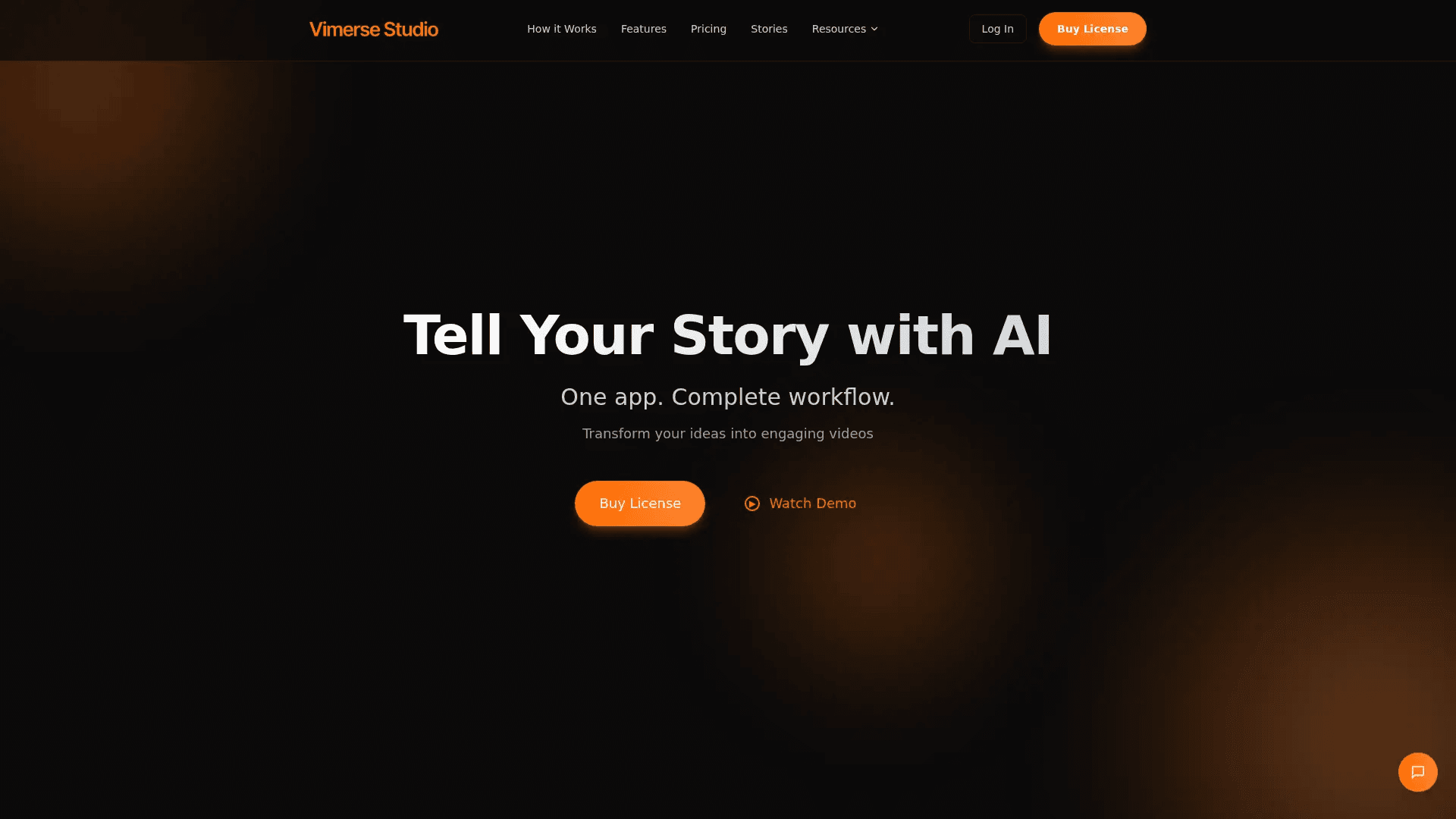
Vimerse Studio
Turn story ideas into narrated, character-driven videos.
16,665
Votes
26,495
Views
12,230
Bookmarks
About
Vimerse Studio is AI video creation software focused on narrative storytelling rather than quick clips. It guides users from character design and scriptwriting to AI voiceover, scene generation, and export inside one desktop-style app. By combining large language models, ElevenLabs narration, and multiple image and video generators, it turns ideas or short prompts into structured, character-driven videos with minimal manual editing.
Key Features
- End-to-end story workflow: Characters, script, voiceover, visuals, and export all live in a single production environment.
- Consistent AI characters: Character designs stay visually consistent across scenes and episodes, which is crucial for recurring stories.
- AI script generation: Users provide ideas or outlines and the AI crafts full narratives, dialogue, and scene directions around them.
- ElevenLabs voiceover integration: High quality synthetic narration, with different voices per character and lip-sync for multi-character dialogue.
- Smart scene timing and auto scenes: The AI analyses narration, adds scene breaks at natural beats, and auto-builds a matching visual sequence.
- Multi-model visual engine: Access to several image and video models with intelligent selection and a structured prompt builder for more predictable outputs.
- Creative controls: Edit scripts, regenerate scenes, tweak timing, and refine prompts while keeping the core workflow AI-assisted.
Pros
- Story-first design: Tailored for explainers, educational pieces, children’s stories, and documentaries rather than only ad-style snippets.
- Character continuity: Long-form projects and series can keep the same protagonists without tedious manual re-creation.
- Reduced tool fatigue: Replaces the usual stack of script tools, voiceover apps, image generators, and editors with one environment.
- One-time license: The $299 Pro license with pay-as-you-go credits suits creators who dislike recurring subscriptions.
Cons
- Desktop-focused experience: No clear indication of a browser-based version, which may limit use on shared or locked-down devices.
- Credit-based usage: Ongoing AI generation depends on purchased credits, so heavy users must keep an eye on consumption.
- Limited collaboration tooling: No strong sign of team workspaces or review features for studios with multiple stakeholders.
Who Uses It
- YouTube creators: Turning scripts or outlines into narrated, character-led videos without hiring separate editors and voice actors.
- Educational content teams: Building course modules, explainer stories, and training videos with consistent characters and clear narration.
- Authors and storytellers: Prototyping story worlds, visualizing scenes, and turning manuscripts into pitch or companion videos.
- Small marketing teams: Producing product walk-throughs and brand stories while keeping visual style and spokescharacters consistent.
- Uncommon Use Cases: Used by children’s book authors to create animated read-along versions; adopted by nonprofits for narrative impact videos that explain complex missions with recurring mascot characters.
Pricing
- Pro License: $299 one-time payment for up to 2 devices, including $30 in initial credits, with features like multi-character dialogue with lip-sync, character consistency, custom visual styles, automatic scene creation from script, structured image prompting, and 720p or 1080p export.
You may also like
More tools in Video Tools

Noisee AI
Find powerful Noisee AI alternatives for creators.
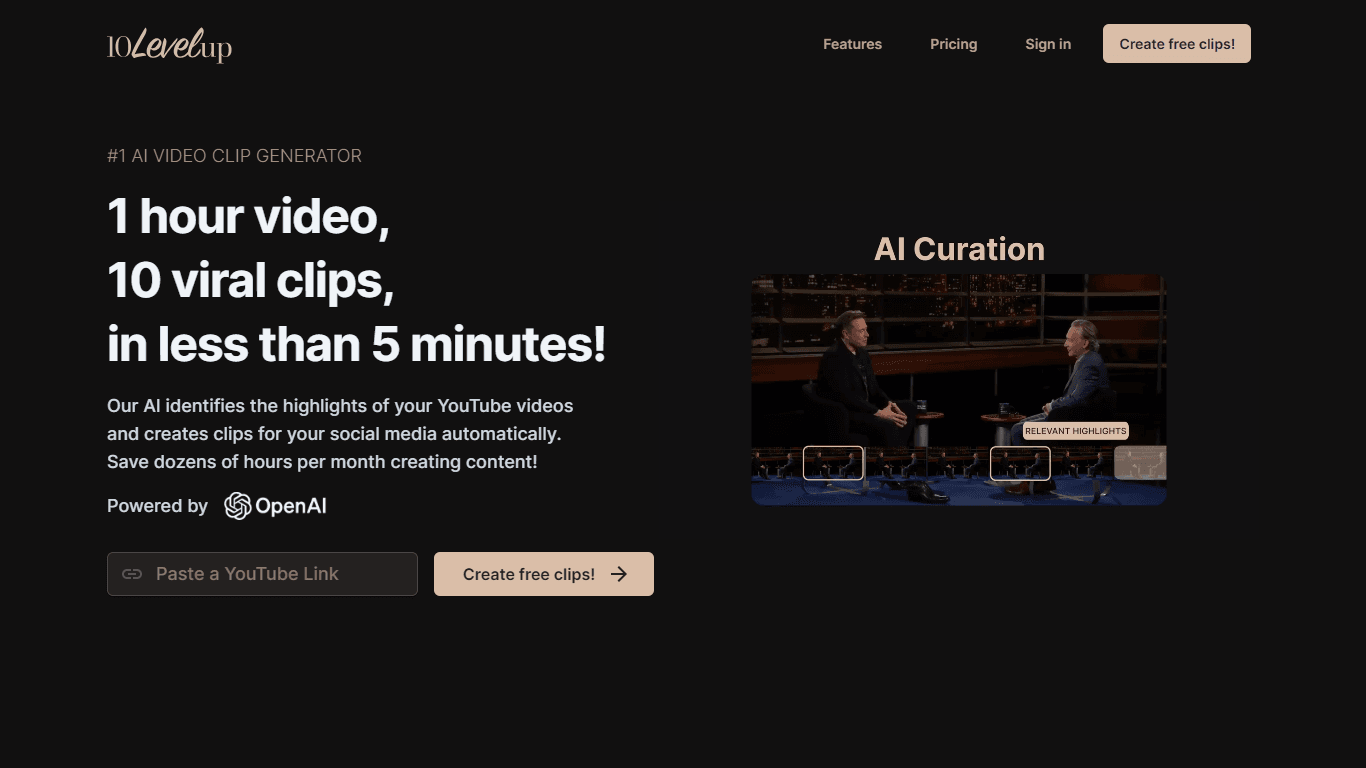
10LevelUp
10LevelUp's AI Video Clip Generator stands as the premier solution for creating quick and engaging video content. This advanced tool harnesses the power of AI to simplify video production, making it a

DaVinci Resolve
Unify editing, color, VFX, and audio post-production.

Civitai
Open-source platform for AI model creation and collaboration.

Glato AI
Glato AI is an innovative platform that revolutionizes the creation of video content by leveraging artificial intelligence. With Glato AI, users can quickly produce high-quality, engaging, and viral v

MimicPC
Unlock AI tools instantly, browser-based, no installs needed.

Dubs
AI-powered video dubbing and subtitles for global reach.

Paper Animator
A tool to transform images and text into paper-style animations.

Midjourney
Unlock true digital artistry.
Spyne
Spyne is the ultimate AI photography and editing software specifically designed for automotive dealers. With its advanced features and cutting-edge technology, Spyne AI revolutionizes the way car deal
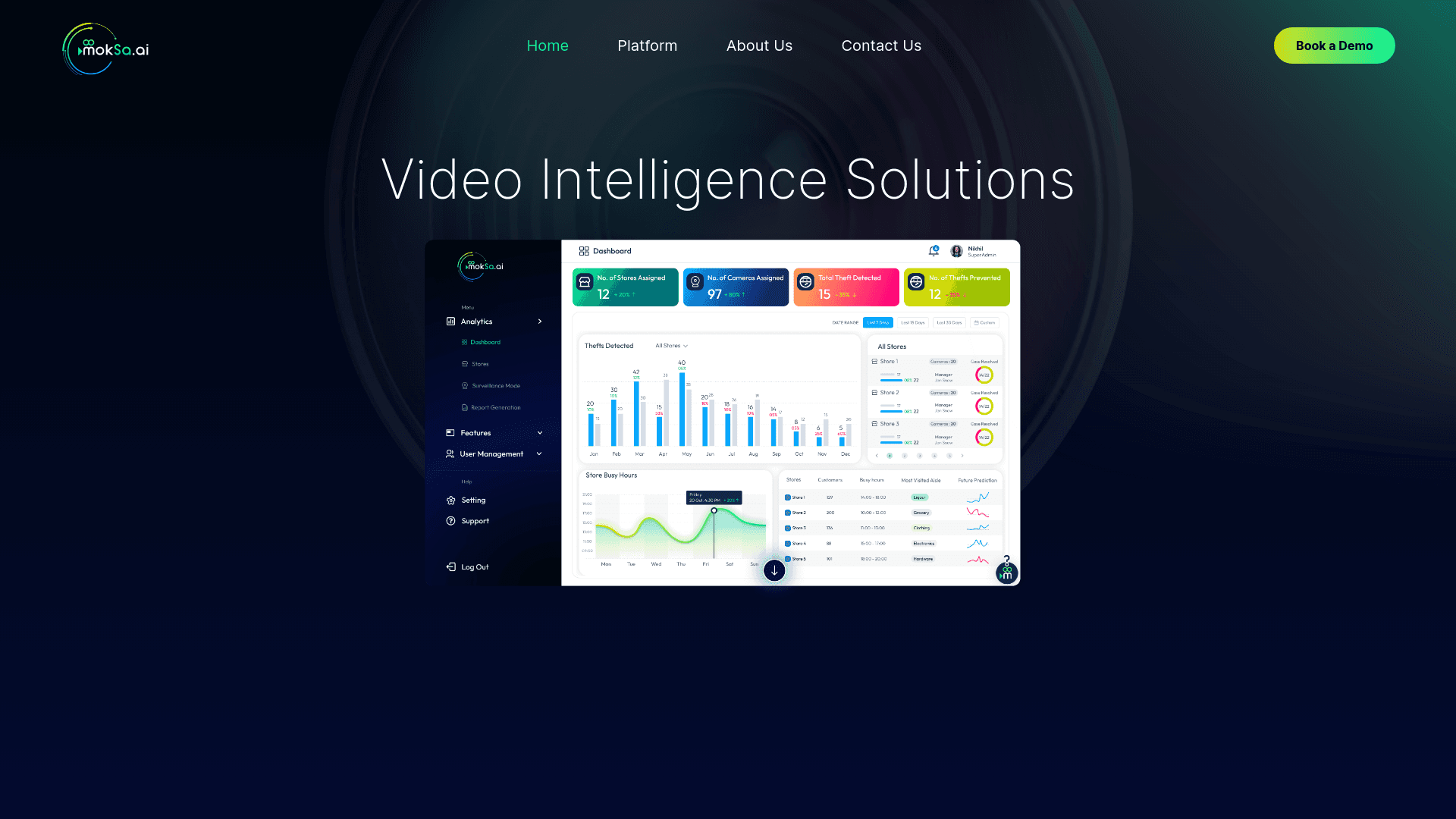
MokSa.AI
Enhances retail operations with AI-driven video intelligence.
Voscribe
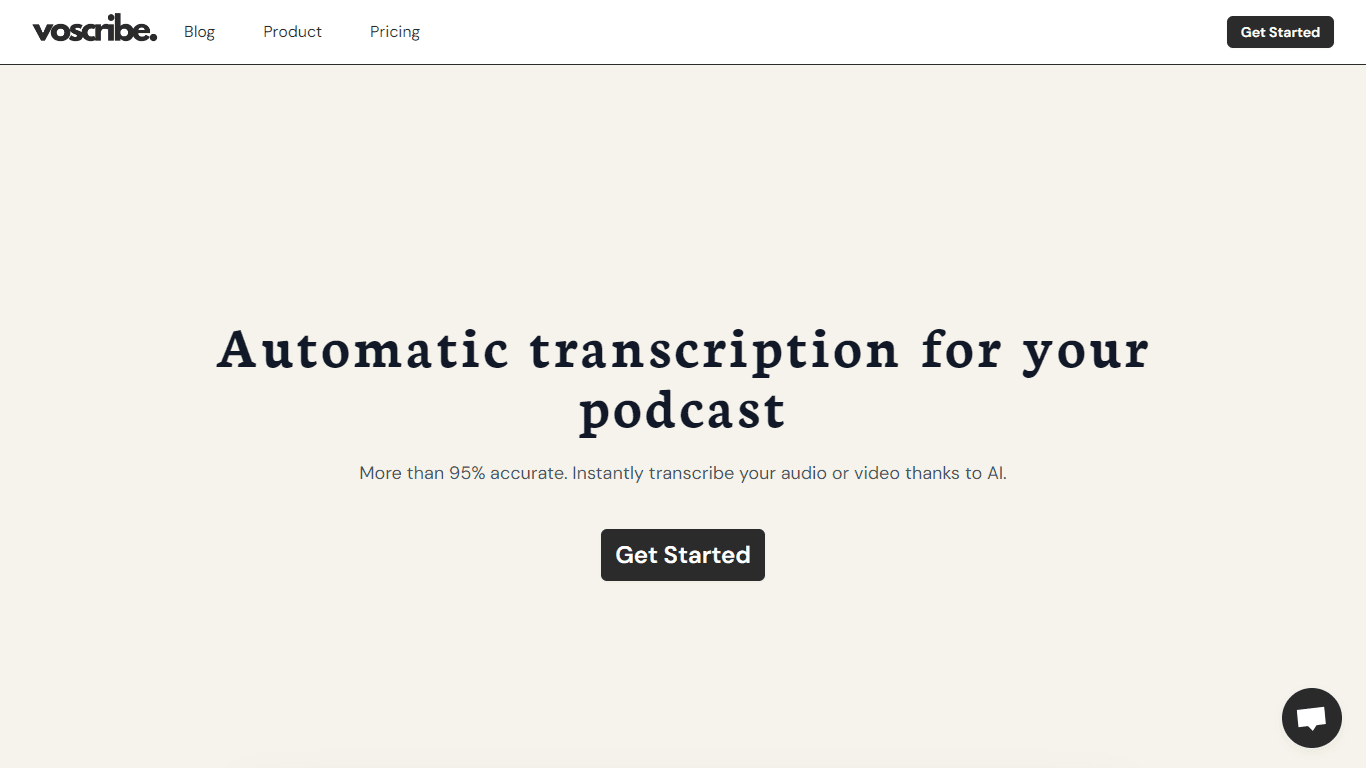
Voscribe is a powerful podcast and video creation suite that leverages artificial intelligence to provide instant transcription services. With more than 95% accuracy, Voscribe makes it easier than eve