Video Subtitles
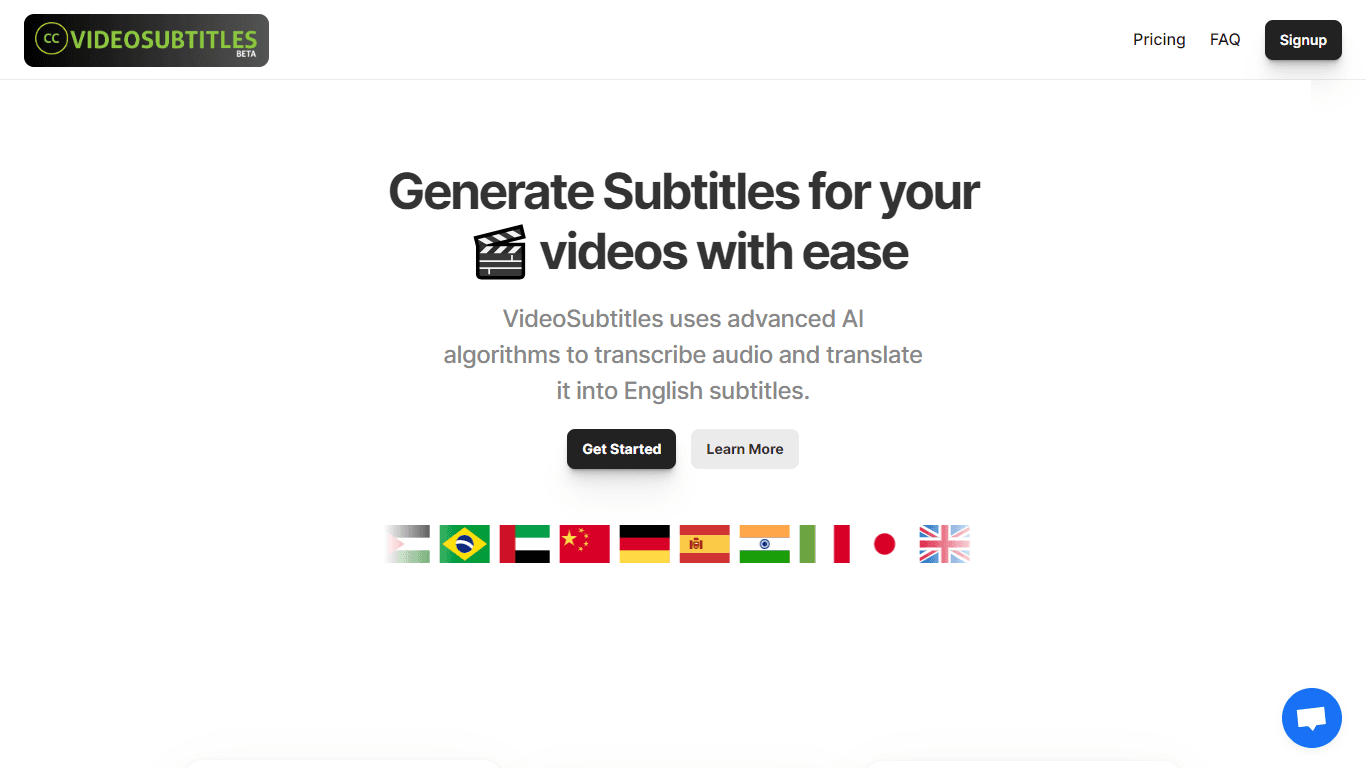
VideoSubtitles is an innovative AI-powered application designed to streamline the process of generating subtitles for your videos. This advanced tool harnesses the power of artificial intelligence to
16,030
Votes
23,426
Views
12,326
Bookmarks
About
VideoSubtitles is an innovative AI-powered application designed to streamline the process of generating subtitles for your videos. This advanced tool harnesses the power of artificial intelligence to transcribe audio content in real-time, providing accurate text representations of spoken words. Beyond transcription, VideoSubtitles boasts the capability of translating the subtitles into English, supporting over 50 languages to overcome language barriers efficiently. The app is not only powerful but user-friendly, allowing easy editing of subtitles where users can adjust timing, text, and formatting to ensure they align perfectly with the video content. Subtitles can be exported in .vtt, .srt, or .txt formats, catering to various platform requirements. VideoSubtitles offers a range of subscription plans suitable for different user needs, all with a goal to enhance video accessibility and offer time-saving convenience in audio and video transcription.
Key Features
- Automatic Audio Transcription: Real-time transcription of audio, capturing spoken words with high accuracy.
- Language Translation: Ability to translate subtitles into English, supporting a diverse range of over 50 languages.
- Easy Editing: Facilities for users to adjust subtitle timing, text, and formatting to align with videos.
- Multiple Formats: Generation of subtitles available in .vtt, .srt, or .txt format to cater to different platform requirements.
- Flexible Pricing Plans: Offering various subscription plans to accommodate different user needs and usage volumes.
FAQ
What is VideoSubtitles?
VideoSubtitles is a user-friendly app that uses AI algorithms for the automatic transcription of video audio, capable of translating transcriptions into English subtitles.
How does it work?
Upload your file to the app and wait for it to process the transcription and translation, after which you can edit and download the subtitles in multiple formats.
What are the benefits of using VideoSubtitles?
The app can transcribe and translate videos, allowing easy editing and is straightforward to use, saving time and enhancing video accessibility.
What are the limitations of VideoSubtitles?
It may struggle with noisy backgrounds or languages not listed as supported, and no transcription tool is 100% accurate, especially with poor audio quality or strong accents.
Can I transcribe my video in the original language?
You can transcribe in the original language by not selecting the translate option before uploading your video, which is default set to translate content into English.
You may also like
More tools in Video Tools
Noisee AI
Find powerful Noisee AI alternatives for creators.
10LevelUp
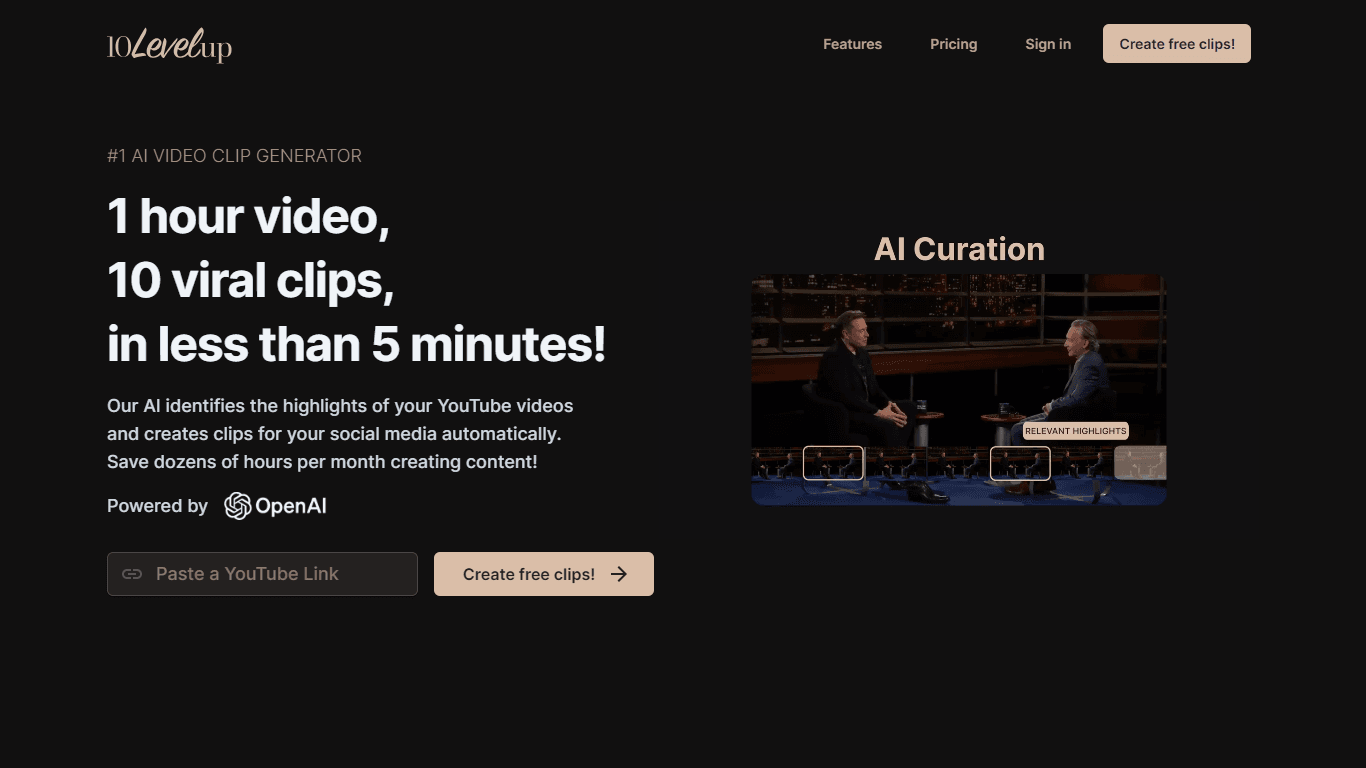
10LevelUp's AI Video Clip Generator stands as the premier solution for creating quick and engaging video content. This advanced tool harnesses the power of AI to simplify video production, making it a
Civitai
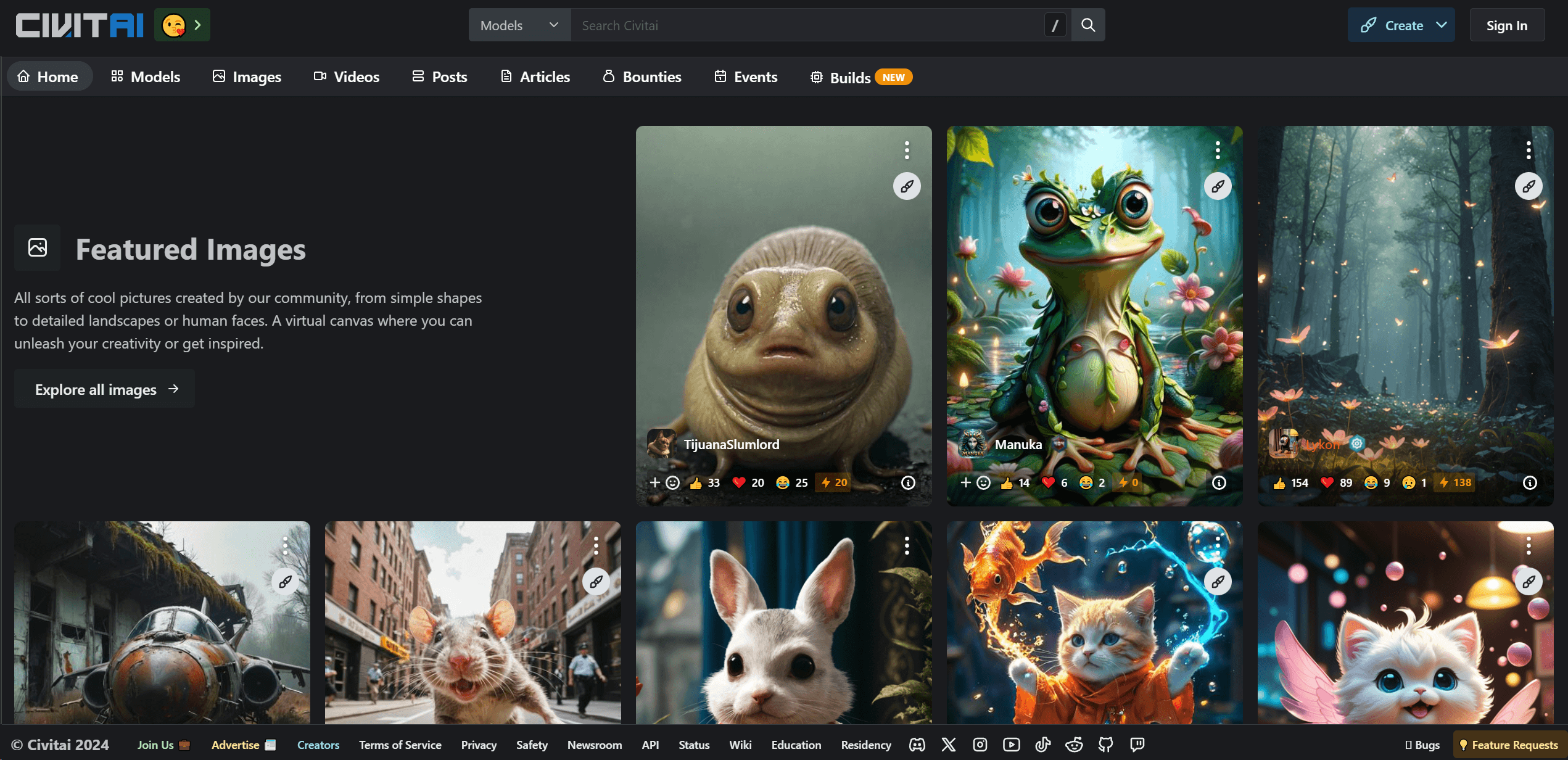
Open-source platform for AI model creation and collaboration.

DaVinci Resolve
Unify editing, color, VFX, and audio post-production.

Glato AI
Glato AI is an innovative platform that revolutionizes the creation of video content by leveraging artificial intelligence. With Glato AI, users can quickly produce high-quality, engaging, and viral v
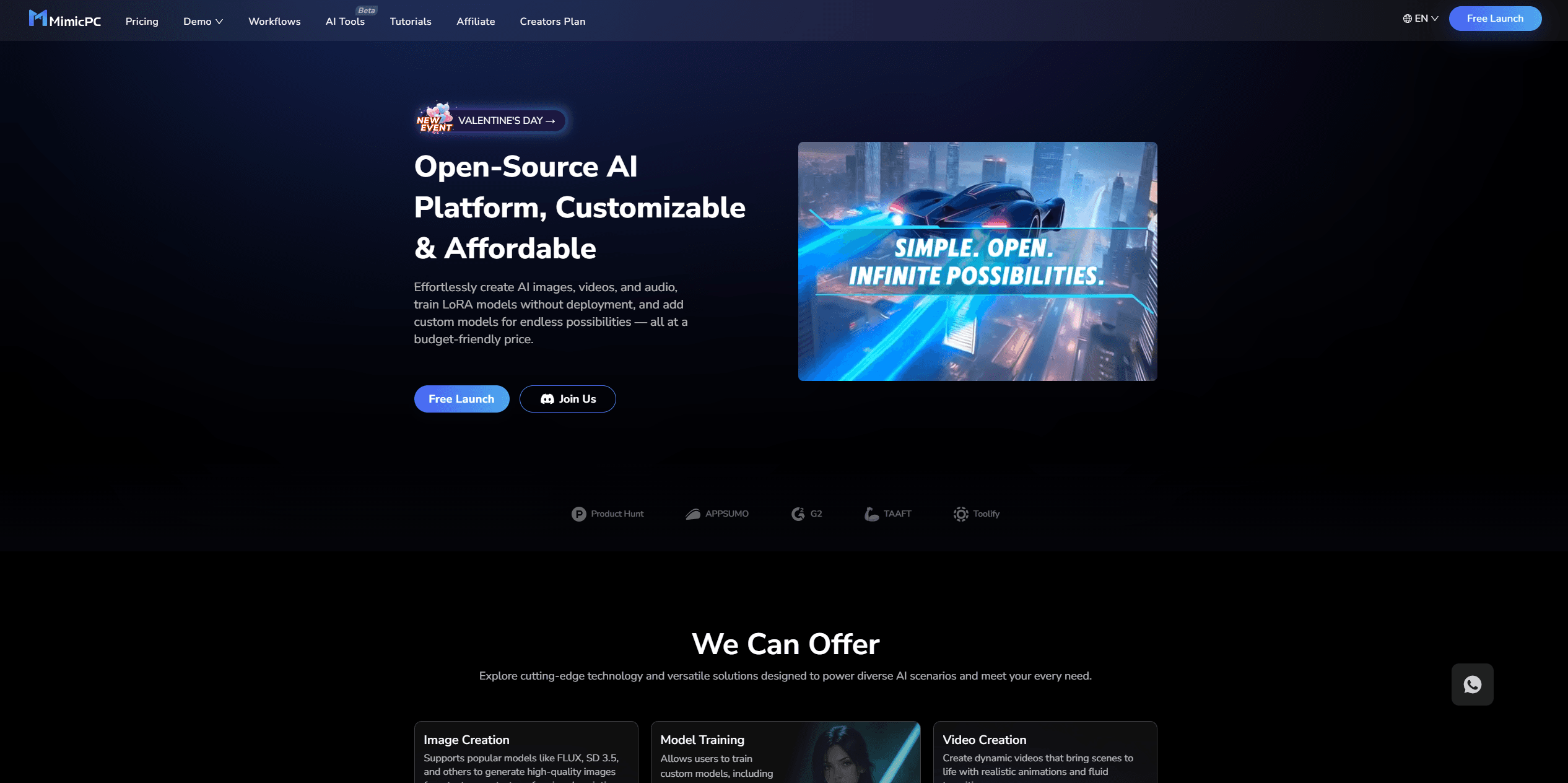
MimicPC
Unlock AI tools instantly, browser-based, no installs needed.

Paper Animator
A tool to transform images and text into paper-style animations.

Dubs
AI-powered video dubbing and subtitles for global reach.

Midjourney
Unlock true digital artistry.
Spyne
Spyne is the ultimate AI photography and editing software specifically designed for automotive dealers. With its advanced features and cutting-edge technology, Spyne AI revolutionizes the way car deal
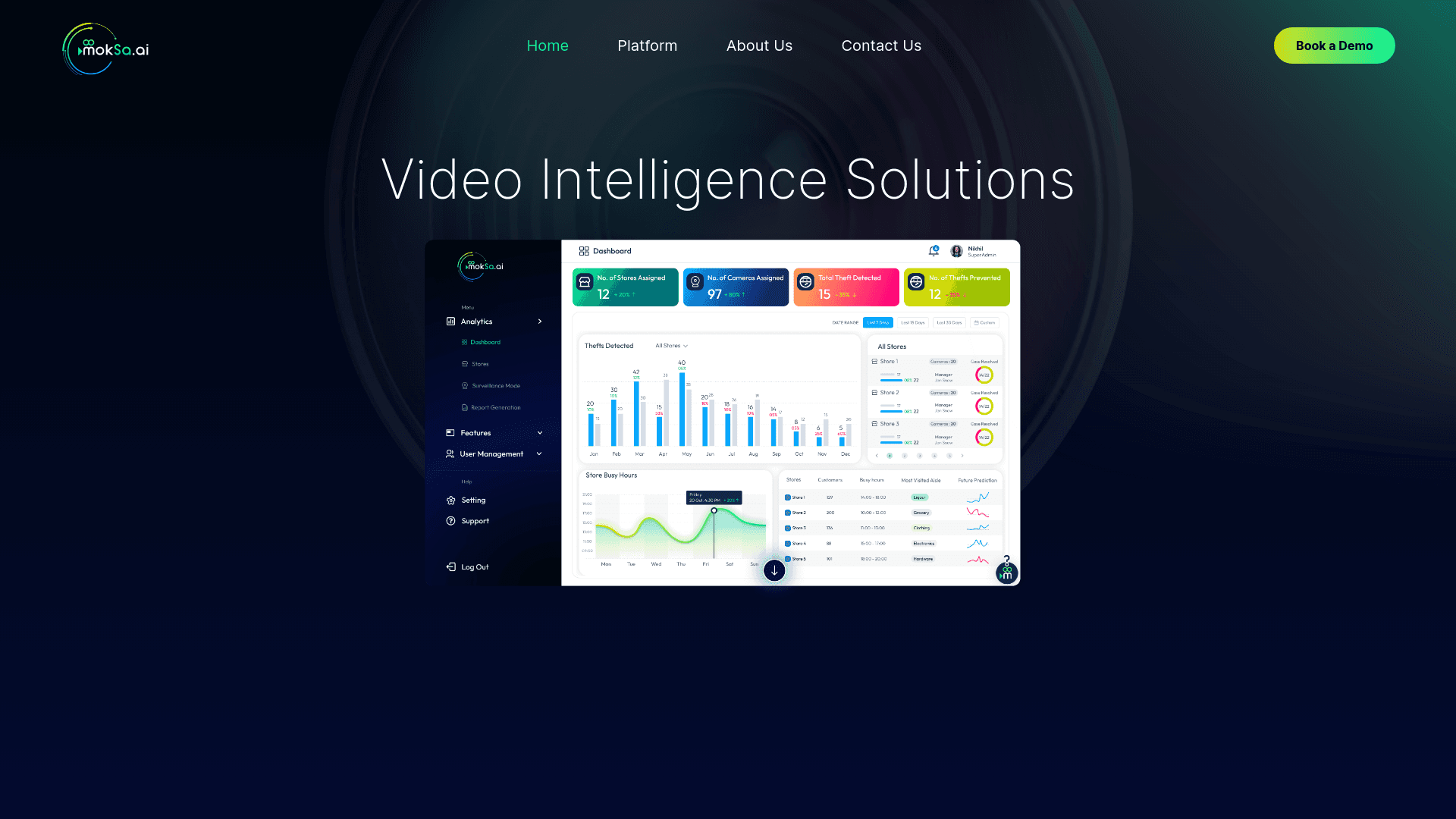
MokSa.AI
Enhances retail operations with AI-driven video intelligence.
Voscribe
Voscribe is a powerful podcast and video creation suite that leverages artificial intelligence to provide instant transcription services. With more than 95% accuracy, Voscribe makes it easier than eve