Trello
Streamline teamwork with visual boards, automation, and mobile apps.
11,204
Votes
17,590
Views
4,597
Bookmarks
About
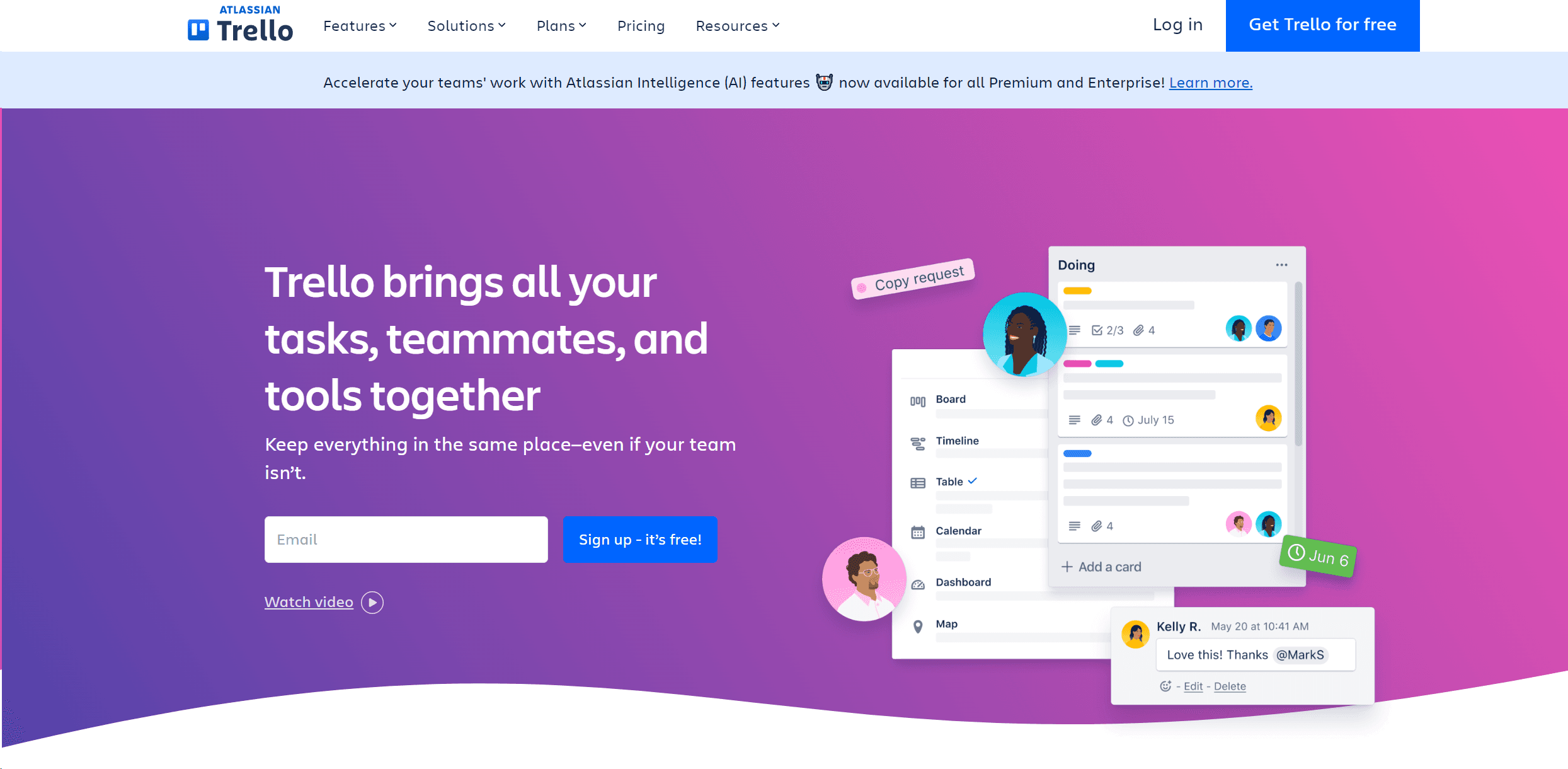
Trello is a dynamic project management tool that revolutionizes team collaboration and workflow efficiency. Designed for individuals and teams across various industries, it simplifies project tracking and enhances productivity with its intuitive interface and versatile feature set. Whether you're managing a small project or coordinating multiple large-scale operations, Trello provides a clear visual overview of tasks and progress. It's about turning the chaos of coordination into a streamlined workflow that enhances team productivity.
Key Features
- Visual Project Boards: Create customizable boards for different projects, allowing teams to visualize workflow stages from start to finish.
- Butler Automation: Automate routine tasks and set custom rules and commands to save time and reduce manual work.
- Power-Ups: Enhance functionality by integrating with other tools like Slack, Google Drive, and more, creating a centralized workspace.
- Templates: Access a variety of pre-made templates designed by industry leaders to kickstart your projects and maintain consistency across teams.
- Flexible Views: Switch between various views like Timeline, Calendar, and Table to manage your projects from different perspectives.
- Mobile and Desktop Apps: Stay connected and manage tasks on-the-go with Trello’s responsive mobile and desktop applications.
Pros
- Enhanced Collaboration: Keeps teams synchronized, regardless of location, facilitating remote work and real-time updates.
- Customizable Workflows: Adapt the tool to fit different project needs and team sizes, making it suitable for a wide range of industries.
- User-Friendly Interface: Easy to use for beginners, with drag-and-drop functionality and a simple, clean design.
- Scalability: Suitable for both small startups and large enterprises, with features that cater to varying levels of complexity.
Cons
- Overwhelming for Large Teams: While scalable, the interface can become cluttered with too many boards or cards, potentially overwhelming users.
- Limited Offline Functionality: Relies heavily on internet connectivity, which can be a limitation in areas with poor internet access.
- Feature Limitations in Free Version: Some advanced features are only available in paid versions, which might restrict smaller teams or individuals.
Who Uses It
- Marketing Teams: Plan and track marketing campaigns, from ideation to execution.
- Software Developers: Manage sprints, backlogs, and bug tracking to enhance software development processes.
- Project Managers: Oversee multiple projects, ensuring deadlines are met and resources are allocated efficiently.
- Educational Institutions: Organize academic projects and administrative tasks.
- Uncommon Use Cases: Used by event planners for organizing large-scale events; utilized by non-profits for grant and volunteer management.
Pricing
- Free Plan: Manage tasks with basic features at no cost.
- Standard Plan: At $5 per user/month if billed annually, offering advanced board and timeline views.
- Premium Plan: Priced at $10 per user/month when billed annually, includes additional automation and integration capabilities.
- Enterprise Plan: Custom pricing for comprehensive control and support for larger organizations.
You may also like
More tools in Business Tools

Ipic.ai
AI-powered image enhancement for professionals and hobbyists alike.

Tom's Planner
Create efficient project plans in a breeze with Tom's Planner's AI-powered Gantt charts. Experience the future of project management by letting AI take the reins—no more manual entry! Just describe yo

super.AI
Automate complex document tasks with precision and efficiency.

Smartsheet
Streamline workflows, automate tasks, enhance team collaboration.
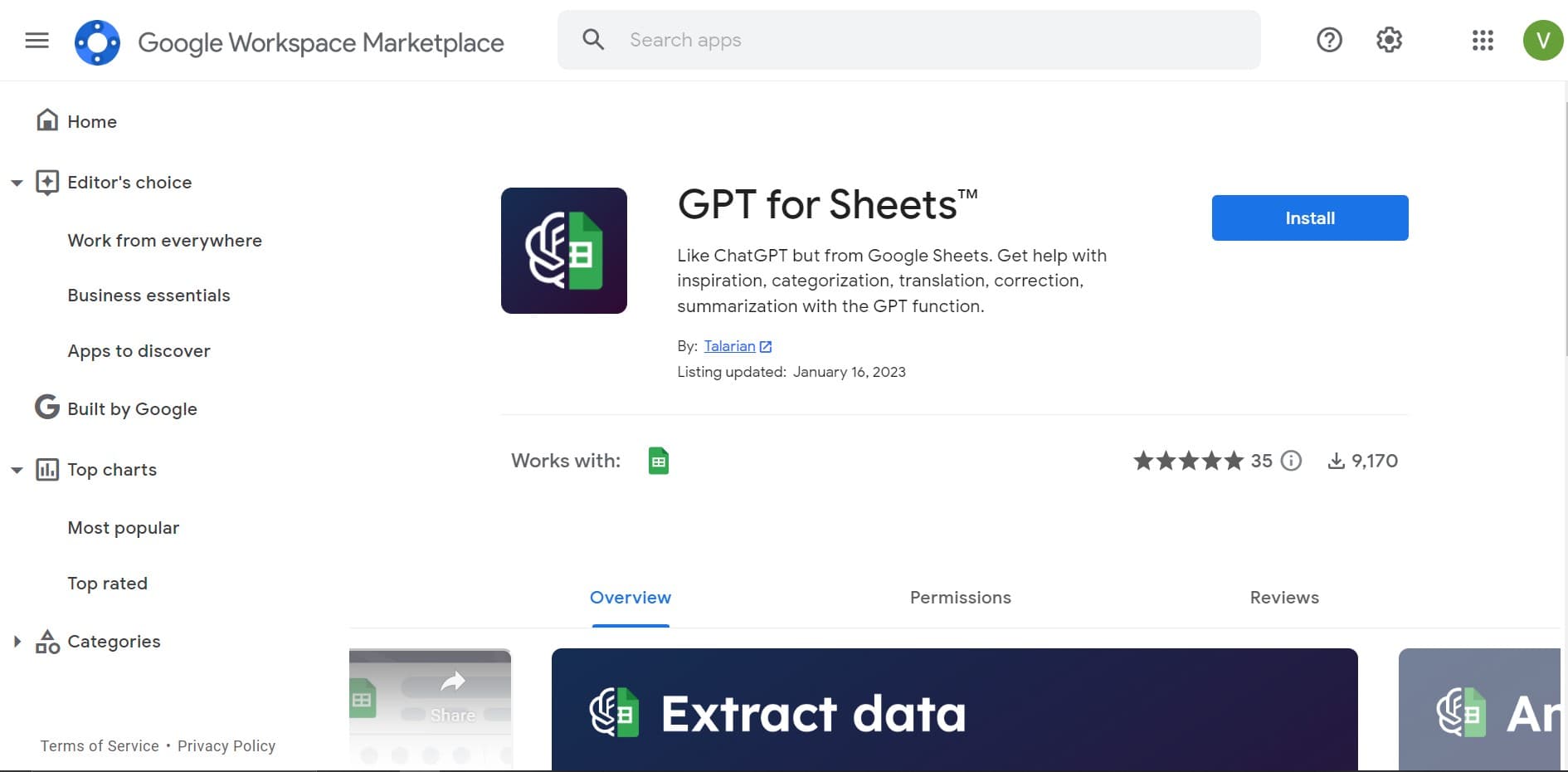
GPT for Sheets and Docs
Elevate productivity in Sheets and Docs with AI-powered automation and creativity.

Tektonic AI
Streamline sales and revenue operations with advanced AI-driven automation.

adam.ai
Maximize your business success with adam.ai, the intuitive meeting management platform designed to enhance your team's productivity. Our intelligent solution streamlines the meeting process, granting
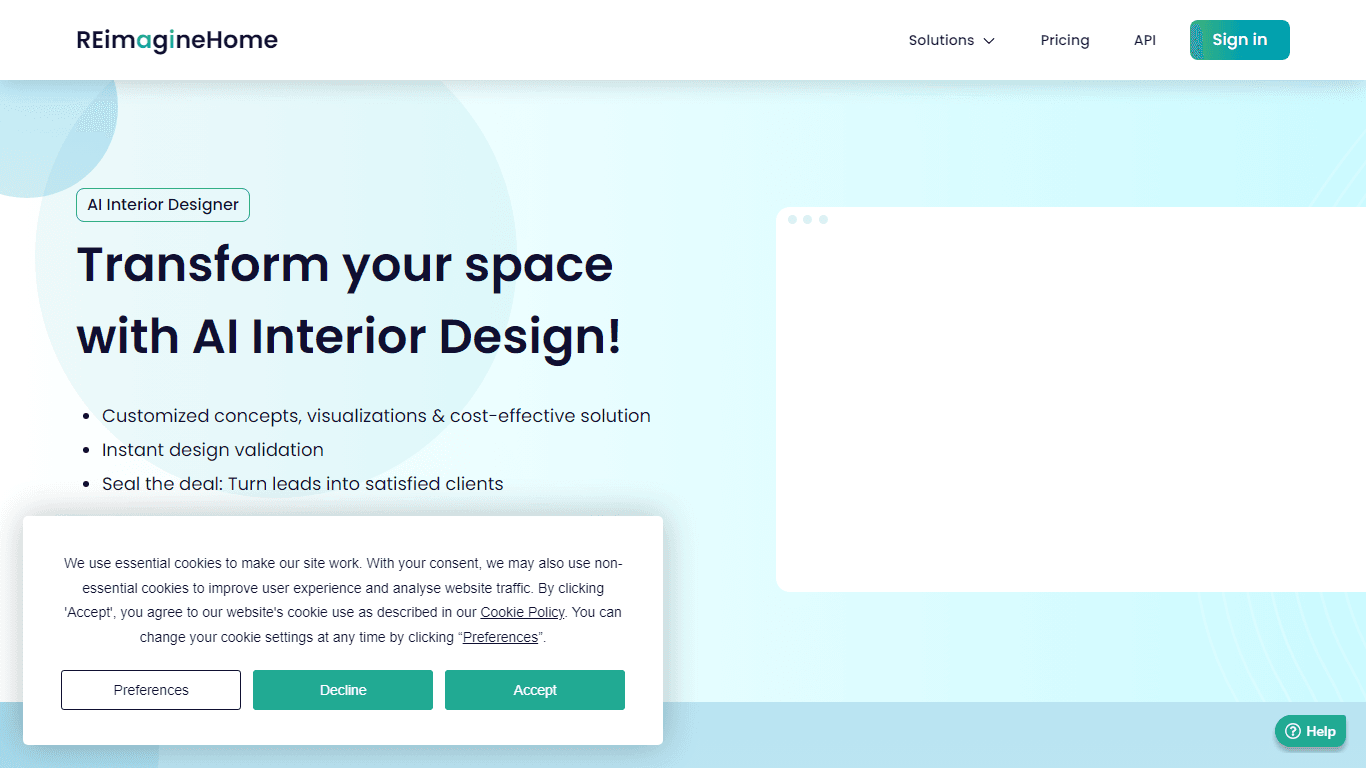
AI Interior Designer By REimagineHome
Transform your real estate images with the cutting-edge AI Interior Designer tool, designed to breathe new life into every space. Experience the future of home visualization with our comprehensive sui
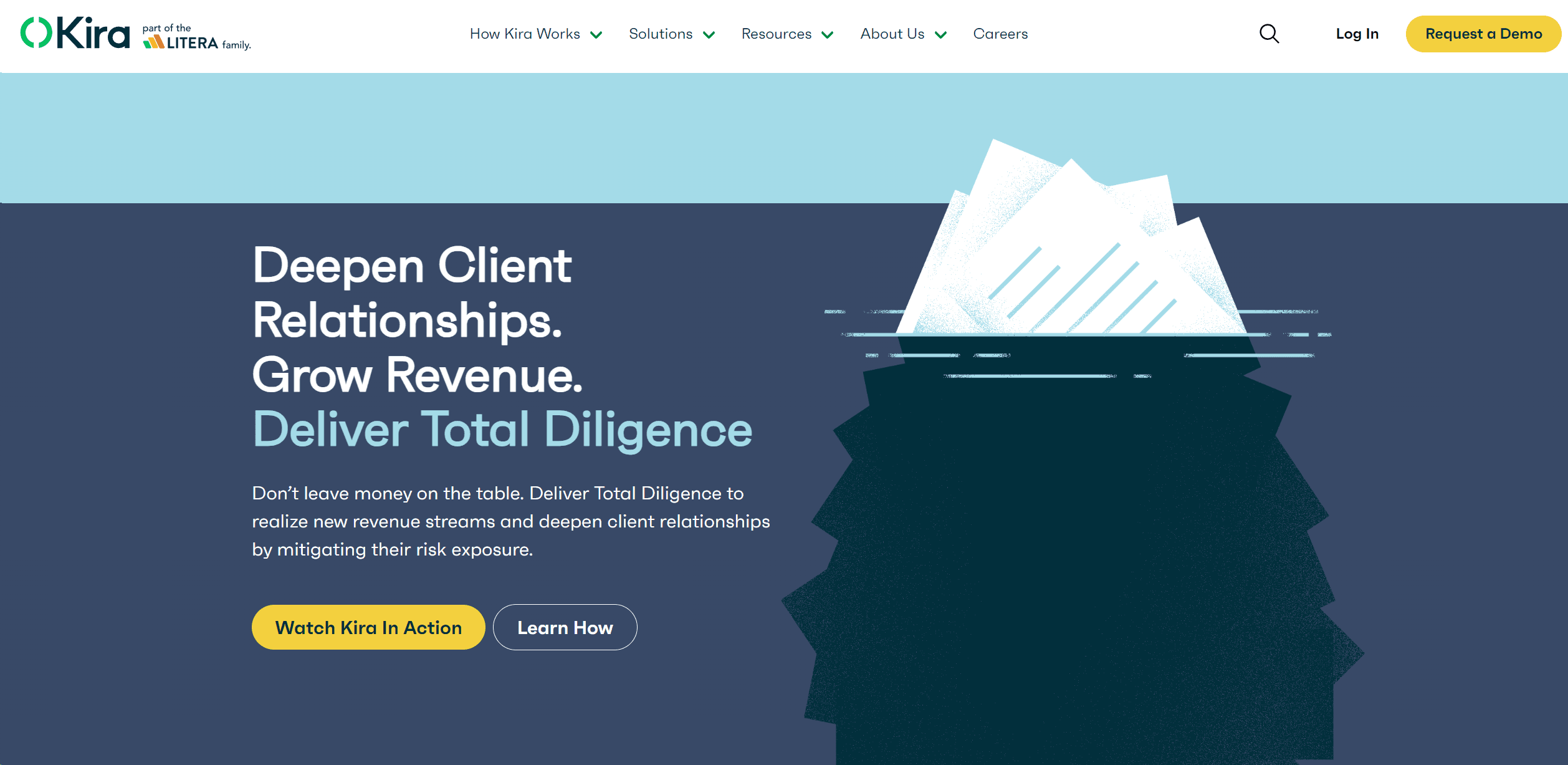
Kira Systems
Streamline contract review with AI-driven precision and customization.

Align AI
Streamlines AI strategy alignment with business objectives.

Outreach
Optimize sales, enhance workflows, boost efficiency with AI-powered tools.

monday.com
Monday.com emerges as a vibrant and user-friendly project management platform, renowned for its intuitive drag-and-drop interface and an array of visual project planning tools. It is celebrated for fa