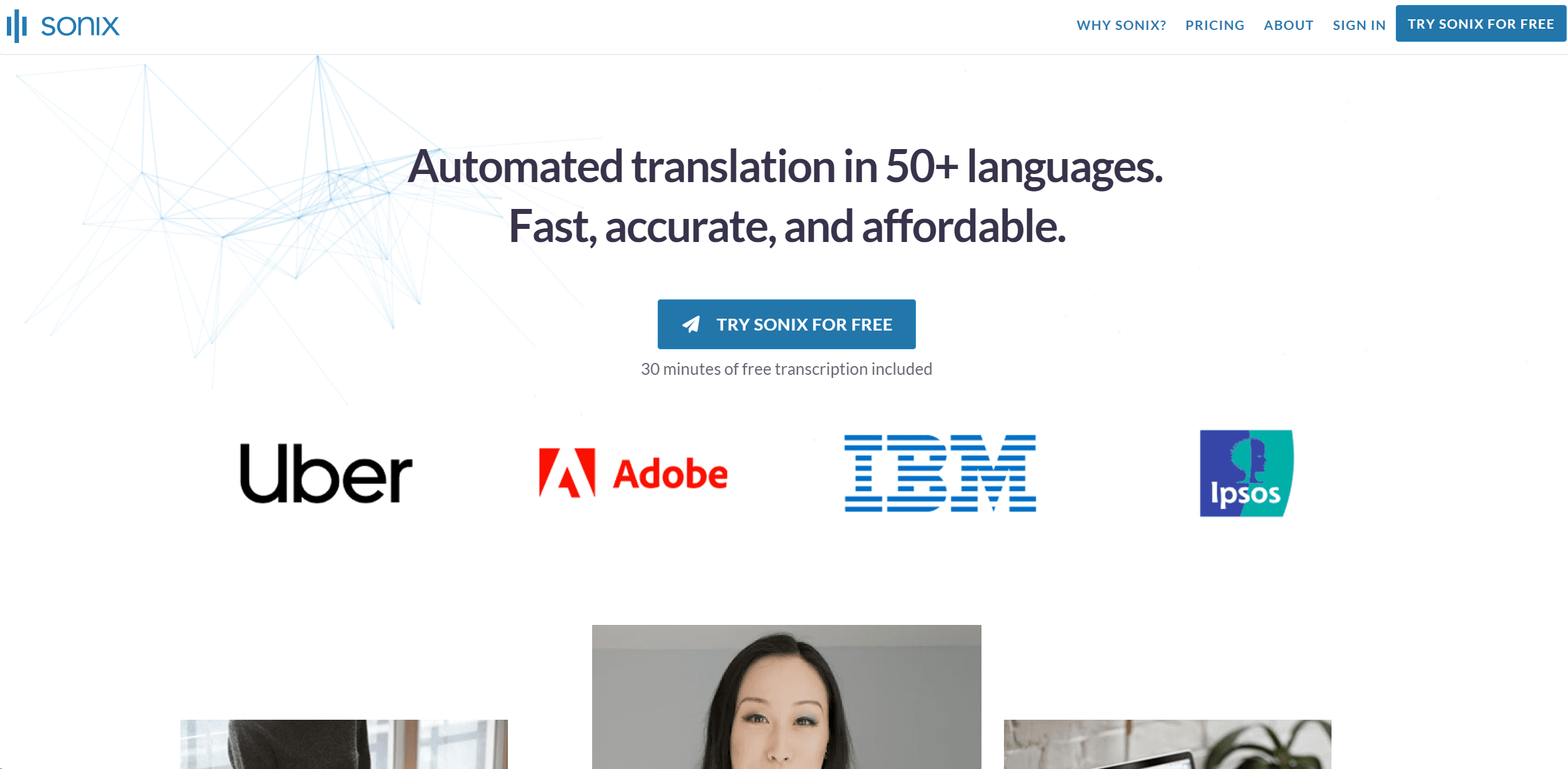
Sonix
Transform audio/video to text, analyze, subtitle, 49+ languages.
17,622
Votes
25,765
Views
11,590
Bookmarks
About
Exploring the realms of automated transcription, Sonix stands out as a powerful tool that swiftly converts audio and video content into text. With a focus on speed, accuracy, and affordability, Sonix caters to a wide range of users, from professionals in various fields to everyday content creators. Its ability to handle over 49 languages makes it an invaluable asset for global communication and multimedia projects.
Key Features
- Fast and Accurate Transcriptions: Sonix provides rapid transcription services that maintain a high level of accuracy, even with complex audio involving multiple speakers.
- Extensive Language Support: Supports transcription in more than 49 languages, making it a versatile tool for international use.
- Advanced AI Analysis Tools: From automatic summarization to thematic and entity detection, Sonix offers cutting-edge tools to analyze and enhance your transcripts.
- Automated Subtitles: Easily convert speech from videos into subtitled content, enhancing accessibility and engagement.
- Seamless Integration: Integrates with popular platforms like Zoom and Adobe Premiere, ensuring that Sonix fits effortlessly into various workflows.
Pros
- Efficiency: Reduces the time typically required for transcription processes significantly.
- Cost-Effective: Offers competitive pricing and a free trial, making it accessible for users on a budget.
- User-Friendly Interface: Features an intuitive web-based interface that is easy to navigate.
- High Customizability: Allows users to edit, organize, and share transcripts with great flexibility.
Cons
- Internet Dependency: Requires a stable internet connection to access all features.
- Limited Offline Capabilities: While predominantly effective, its functionality is reduced when used offline.
- Complex Features Learning Curve: New users may require some time to fully utilize its advanced features.
Who Uses It
- Journalists and Researchers: Utilize Sonix for transcribing interviews and sessions swiftly.
- Educational Institutions: Leverage the tool for lecture and seminar transcriptions.
- Legal Professionals: Depend on accurate transcriptions for case documentation and analysis.
- Content Creators: Use Sonix to generate subtitles for videos and enhance SEO.
- Uncommon Use Cases: Podcasters use it to transcribe episodes for better accessibility; Non-profits employ it to document and archive significant meetings and speeches.
Pricing
- Free Tier: Try Sonix for free with 30 minutes of transcription included.
- Subscription Plans: Detailed pricing plans are available on the Sonix website, offering various features based on user needs.
You may also like
More tools in Video Tools

Noisee AI
Find powerful Noisee AI alternatives for creators.
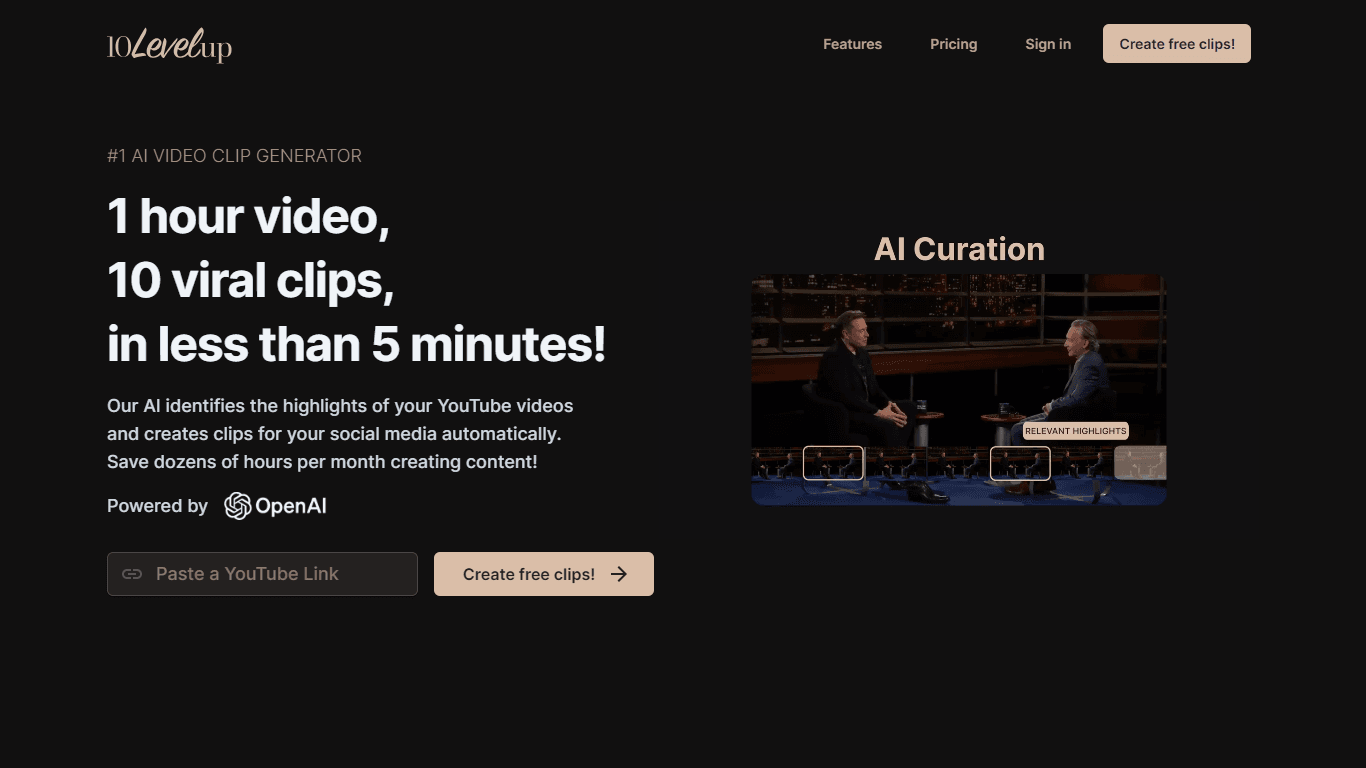
10LevelUp
10LevelUp's AI Video Clip Generator stands as the premier solution for creating quick and engaging video content. This advanced tool harnesses the power of AI to simplify video production, making it a

DaVinci Resolve
Unify editing, color, VFX, and audio post-production.

Civitai
Open-source platform for AI model creation and collaboration.

Dubs
AI-powered video dubbing and subtitles for global reach.

MimicPC
Unlock AI tools instantly, browser-based, no installs needed.

Paper Animator
A tool to transform images and text into paper-style animations.

Glato AI
Glato AI is an innovative platform that revolutionizes the creation of video content by leveraging artificial intelligence. With Glato AI, users can quickly produce high-quality, engaging, and viral v
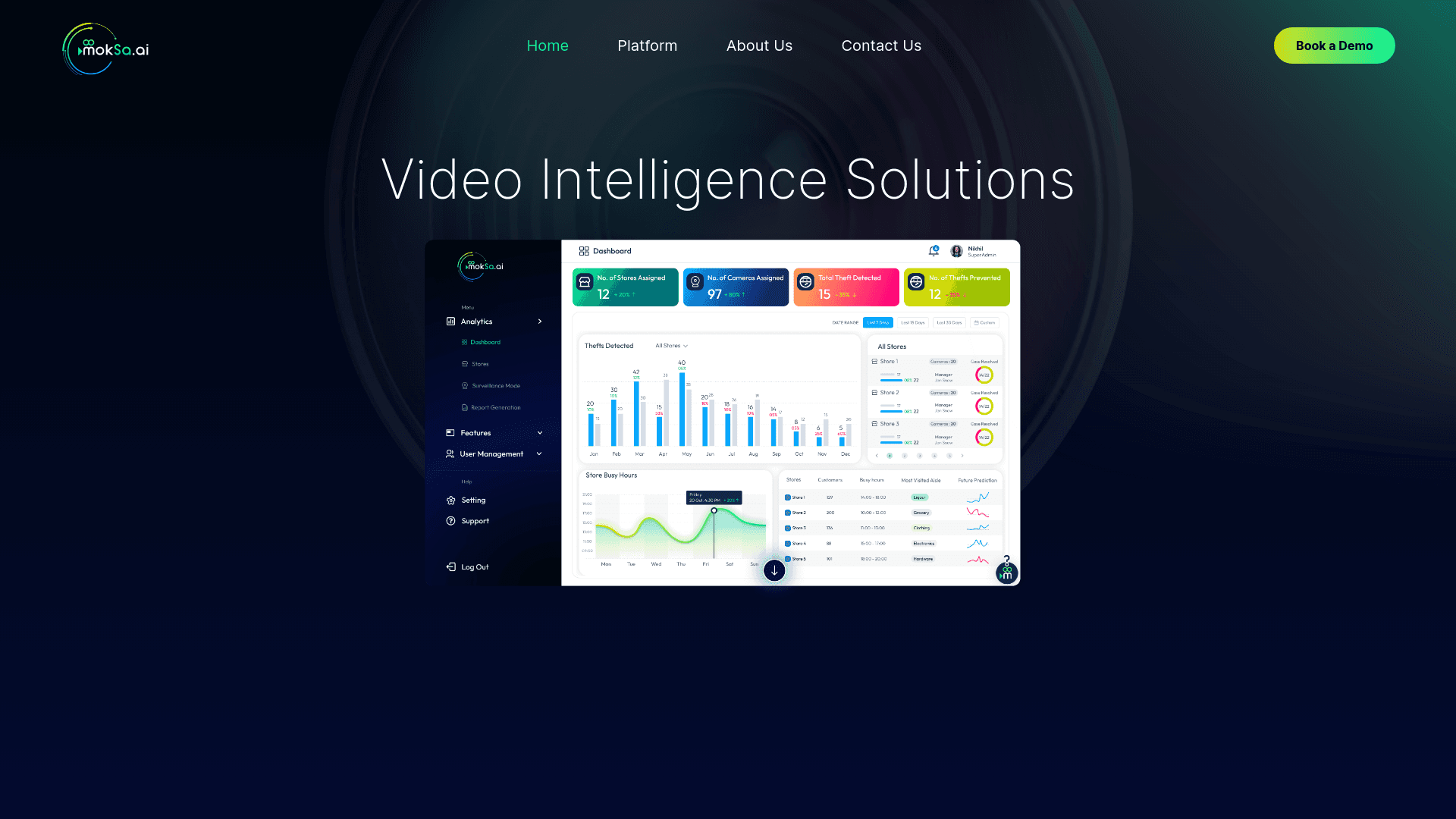
MokSa.AI
Enhances retail operations with AI-driven video intelligence.
Spyne
Spyne is the ultimate AI photography and editing software specifically designed for automotive dealers. With its advanced features and cutting-edge technology, Spyne AI revolutionizes the way car deal

Midjourney
Unlock true digital artistry.
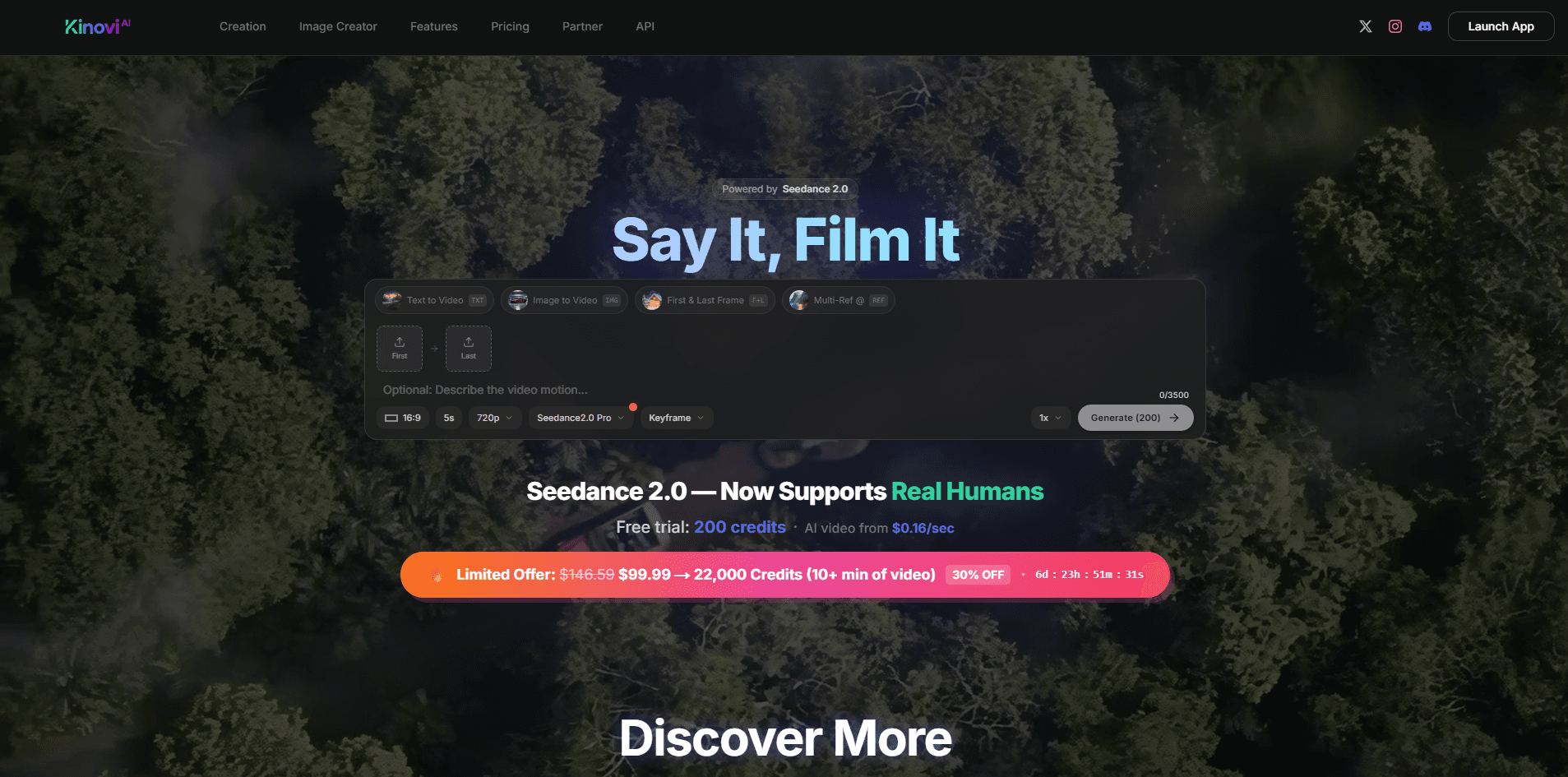
Kinovi
Direct cinematic clips from prompts and references.