
Riverside
Create, edit, and enhance high-quality audio/video content.
16,961
Votes
26,735
Views
11,970
Bookmarks
About
Riverside is an innovative platform designed to revolutionize the way we create and share high-quality audio and video content. This tool is a game-changer for podcasters, video creators, and marketers alike. Riverside simplifies the process of recording, editing, and streaming content, offering an all-in-one solution that caters to both novice creators and seasoned professionals. With its advanced AI features, Riverside ensures that your content is not only easy to produce but also polished and professional.
Key Features
- 4K Video and Audio Recorder: Capture studio-quality audio and video with local recording technology that ensures each participant's track is recorded separately, maintaining high fidelity.
- AI, Text-Based Video Editor: Edit your recordings with a text-based editor that allows you to search, delete, copy, and paste just like editing a document, making the process intuitive and quick.
- Magic Audio: Enhance your audio quality to sound as if it was recorded in a professional studio, eliminating unwanted noise and improving clarity.
- AI Show Notes: Automatically generate titles, descriptions, chapters, and keywords with AI, streamlining the process of preparing your content for publication.
Pros
- High-Quality Recording: Offers 4K video and separate audio tracks for each participant, ensuring professional-grade output.
- Time-Saving Editing: The text-based editor and AI tools significantly reduce editing time without compromising quality.
- Versatile Use Cases: Suitable for various content types, including podcasts, webinars, and video marketing.
- User-Friendly Interface: Designed for ease of use, making it accessible to users of all skill levels.
Cons
- Initial Setup Complexity: Some users may find the initial setup and navigation of advanced features a bit challenging.
- Limited Third-Party Integrations: Currently, the platform supports a limited range of third-party integrations.
Who Uses It
- Podcasters: Leveraging Riverside for high-quality audio and video podcast production.
- Video Marketers: Utilizing the platform to create engaging marketing content that stands out.
- Educators: Employing Riverside for virtual lectures and webinars, enhancing remote learning experiences.
- Corporate Trainers: Using the tool for internal communications and training sessions.
- Uncommon Use Cases: Adopted by community organizations for virtual events; Used by independent filmmakers for remote video production.
Pricing
- Free Plan: $0 per month. Ideal for quick creation. Includes 2 hours of multi-track recordings, full editing tools, up to 720p video, 44.1 kHz audio, Magic Clips, unlimited single track recording/editing, and video calls with Riverside watermark.
- Standard Plan: $19 per month. Great for essentials. Includes 5 hours of multi-track recording, full editing suite, up to 4K video, no watermark, 48kHz audio, smooth speech and pacing, and image/text overlays—plus everything in Free.
- Pro Plan: $29 per month. Most popular option for full studio use. Offers 15 hours of multi-track recording, all Pro editing tools, AI-generated show notes, 100+ language transcriptions, Magic Clips control, teleprompter (host), voice cloning, video overlays, custom virtual backgrounds, full brand kit, and live chat support.
- Business Plan: Custom pricing. Built for professional teams. Includes unlimited multi-track recording, production workspaces, advanced editing, live streaming, team collaboration, presenter/teleprompter tools, async recording, custom frame rates, role management, priority support, SSO, SOC2/ISO27001 compliance, and a dedicated success manager.
You may also like
More tools in Video Tools

Noisee AI
Find powerful Noisee AI alternatives for creators.
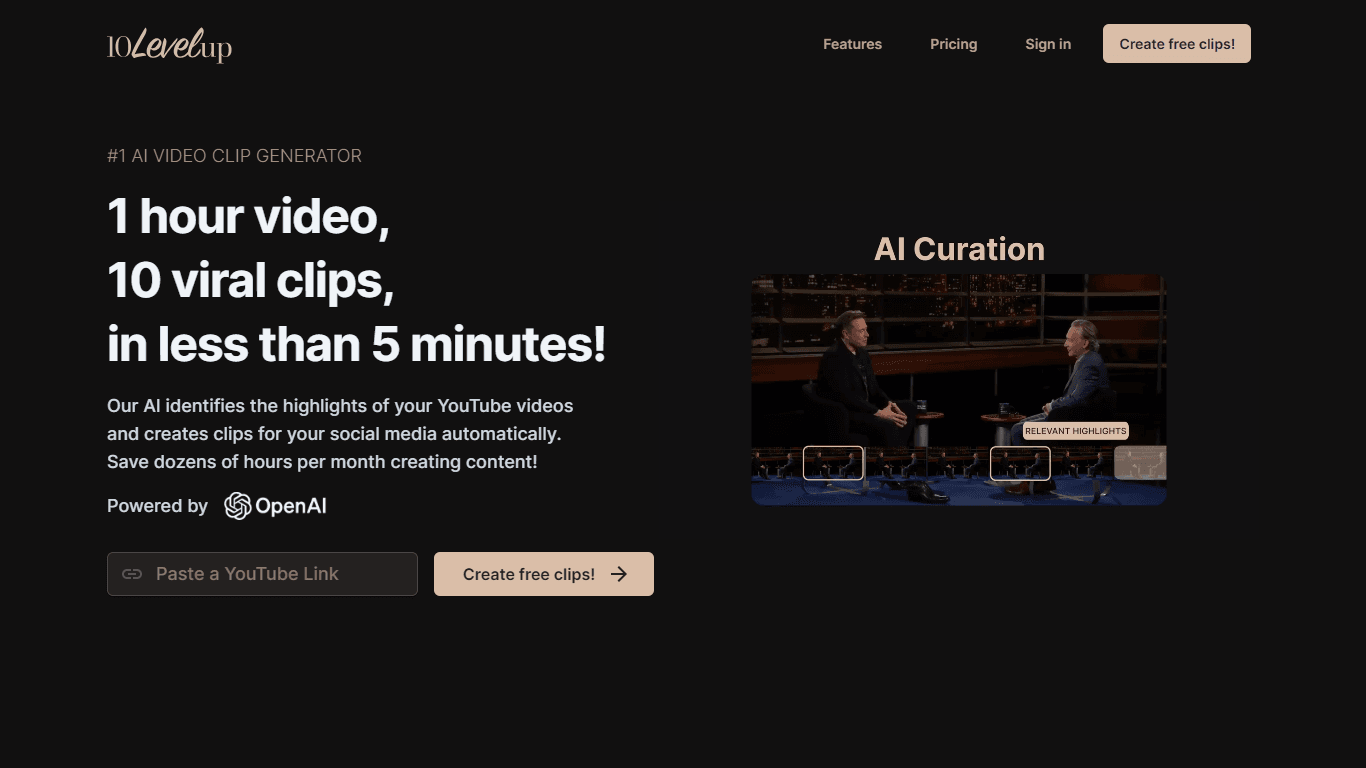
10LevelUp
10LevelUp's AI Video Clip Generator stands as the premier solution for creating quick and engaging video content. This advanced tool harnesses the power of AI to simplify video production, making it a

DaVinci Resolve
Unify editing, color, VFX, and audio post-production.

Civitai
Open-source platform for AI model creation and collaboration.

Glato AI
Glato AI is an innovative platform that revolutionizes the creation of video content by leveraging artificial intelligence. With Glato AI, users can quickly produce high-quality, engaging, and viral v

MimicPC
Unlock AI tools instantly, browser-based, no installs needed.

Paper Animator
A tool to transform images and text into paper-style animations.

Dubs
AI-powered video dubbing and subtitles for global reach.

Midjourney
Unlock true digital artistry.
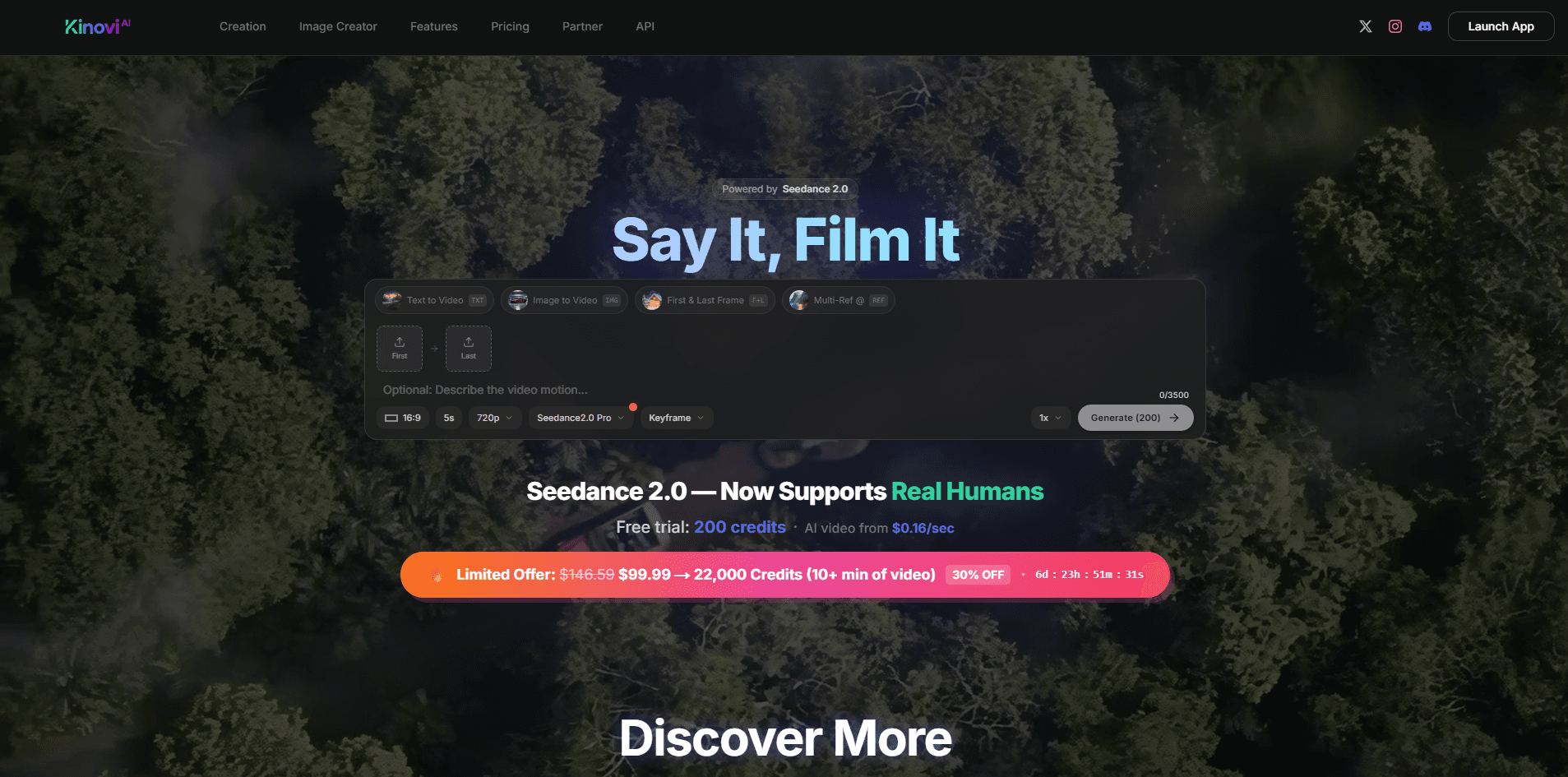
Kinovi
Direct cinematic clips from prompts and references.
Spyne
Spyne is the ultimate AI photography and editing software specifically designed for automotive dealers. With its advanced features and cutting-edge technology, Spyne AI revolutionizes the way car deal
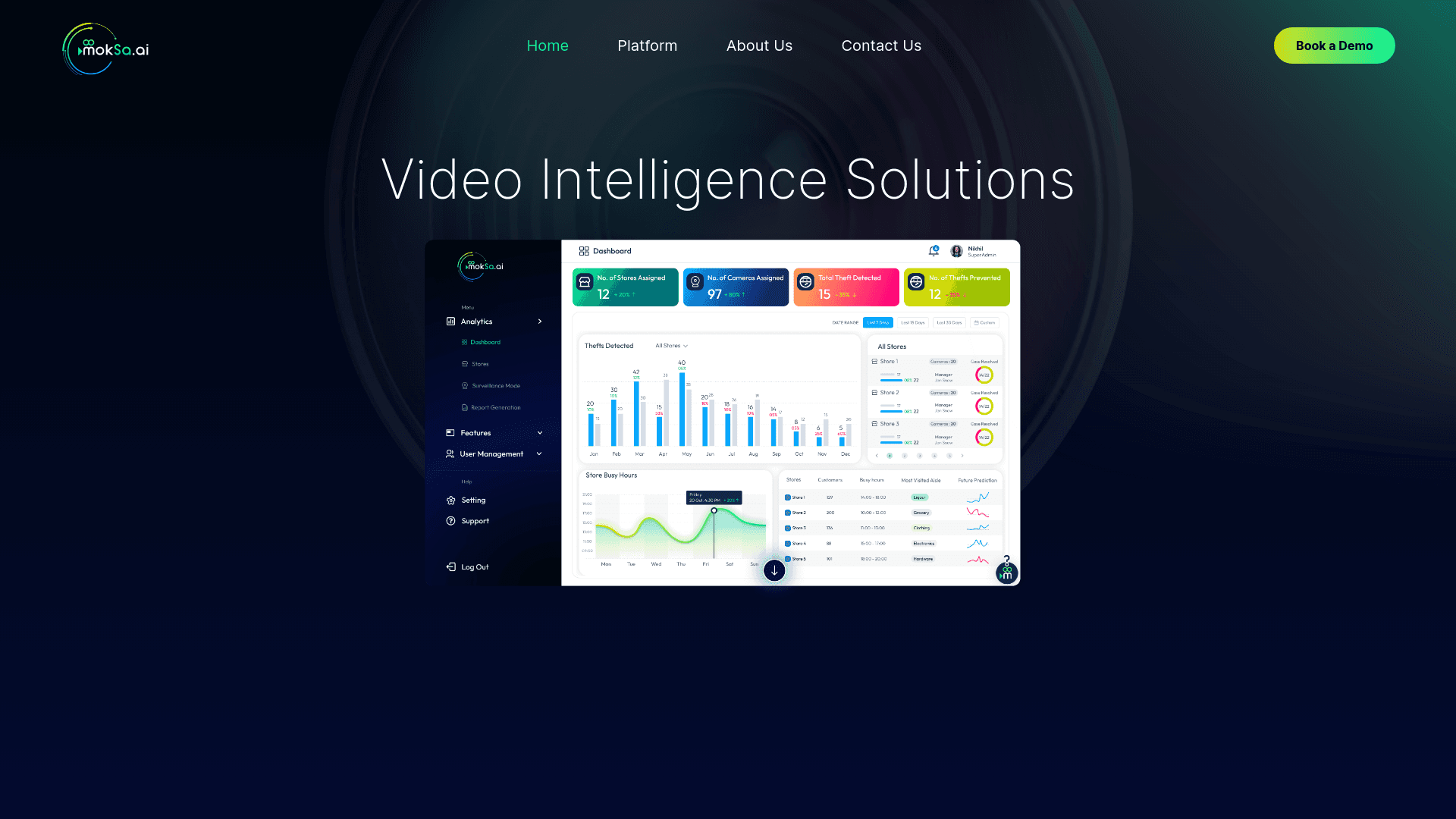
MokSa.AI
Enhances retail operations with AI-driven video intelligence.