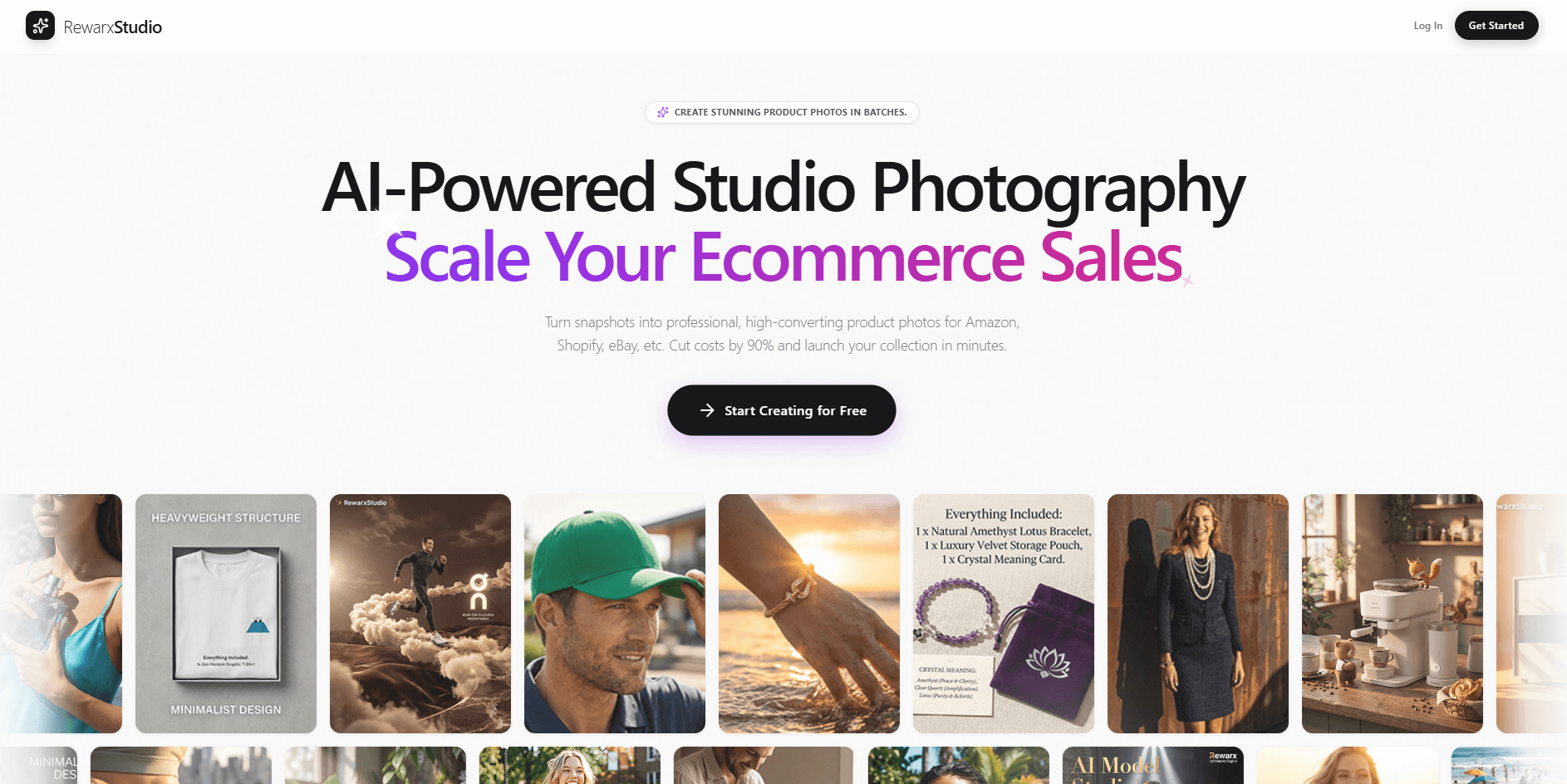
RewarxStudio
Turn product photos into studio images and videos.
16,054
Votes
22,396
Views
11,588
Bookmarks
About
RewarxStudio is a virtual product photography studio that turns raw product snapshots into studio-style images and short motion assets for e-commerce. Its AI focuses on realistic lighting and material behavior so products like glass, metal, and fabric keep believable reflections, texture, and shape. It is built for teams that need repeatable listing sets, ad variations, and on-brand visuals without running a physical shoot every time.
Key Features
- Physics-Based Lighting Simulation: Models how light interacts with specific materials for more realistic reflections and depth.
- Virtual Lighting Rigs: Offers studio-style setups such as rim lighting and soft window looks for consistent catalog outputs.
- Cinematic Motion Generation: Converts still product shots into short motion creatives using camera-path movement.
- Batch Template Automation: Applies a consistent look across many SKUs to keep brand visuals aligned at scale.
- Poster Studio Composition Tools: Supports marketing-style layouts that pair product visuals with typography for promo assets.
- Precision Retouching Controls: Refines texture and clarity while aiming to preserve logos, labels, and key details.
Pros
- Faster Asset Production: Helps teams create listing sets and ad variants in far less time than a traditional workflow.
- More Consistent Catalog Visuals: Templates and lighting presets reduce the “every SKU looks different” problem.
- Commerce-First Outputs: Built around practical needs like marketplaces, product pages, and short-form ad creatives.
- Reduced Photoshoot Dependence: Can lower the need for reshoots and physical studio coordination.
Cons
- Input Quality Still Matters: Poor lighting, blur, or extreme angles in the original photo can limit results.
- Credit-Based Usage Requires Planning: High-volume testing or constant variations can burn through monthly credits quickly.
- Best Features May Require Higher Tiers: Team access, batch workflows, and API-level options are typically tied to higher plans.
Who Uses It
- E-commerce Brands: Producing consistent product imagery for Shopify, Amazon, and other storefronts.
- Marketplace Sellers: Refreshing listing assets across platforms without repeated shoots.
- Creative Agencies: Delivering repeatable, brand-matched visuals for multiple clients and catalogs.
- Performance Marketers: Generating more product ad variations and motion creatives for paid campaigns.
- Uncommon Use Cases: Used by hardware startups to create launch visuals before mass production; Adopted by packaging teams to preview finishes under different studio lighting styles.
Pricing
- Basic: Free (includes 10 credits and free-trial access to features).
- Starter: $9.90 per month; includes 100 credits per month, no watermark, commercial poster studio, e-commerce listing asset sets, ~100 standard photos or ~33 4K ultra photos, or 5 cinematic videos.
- Growth: $54.90 per month; includes 200 credits per month, all Starter features, bulk generation optimization, ~200 standard photos or ~66 4K ultra photos, or 10 cinematic videos.
- Scale: $129.90 per month; includes 500 credits per month, batch template studio, optimized for multi-SKU stores and high-volume sellers, dedicated support manager.
- Agency: $249.90 per month; includes 1,000 credits per month, unlimited cloud asset storage, API access for workflows, multi-user access, priority GPU queue, white-label delivery portal, and custom style training.
You may also like
More tools in Video Tools

Noisee AI
Find powerful Noisee AI alternatives for creators.
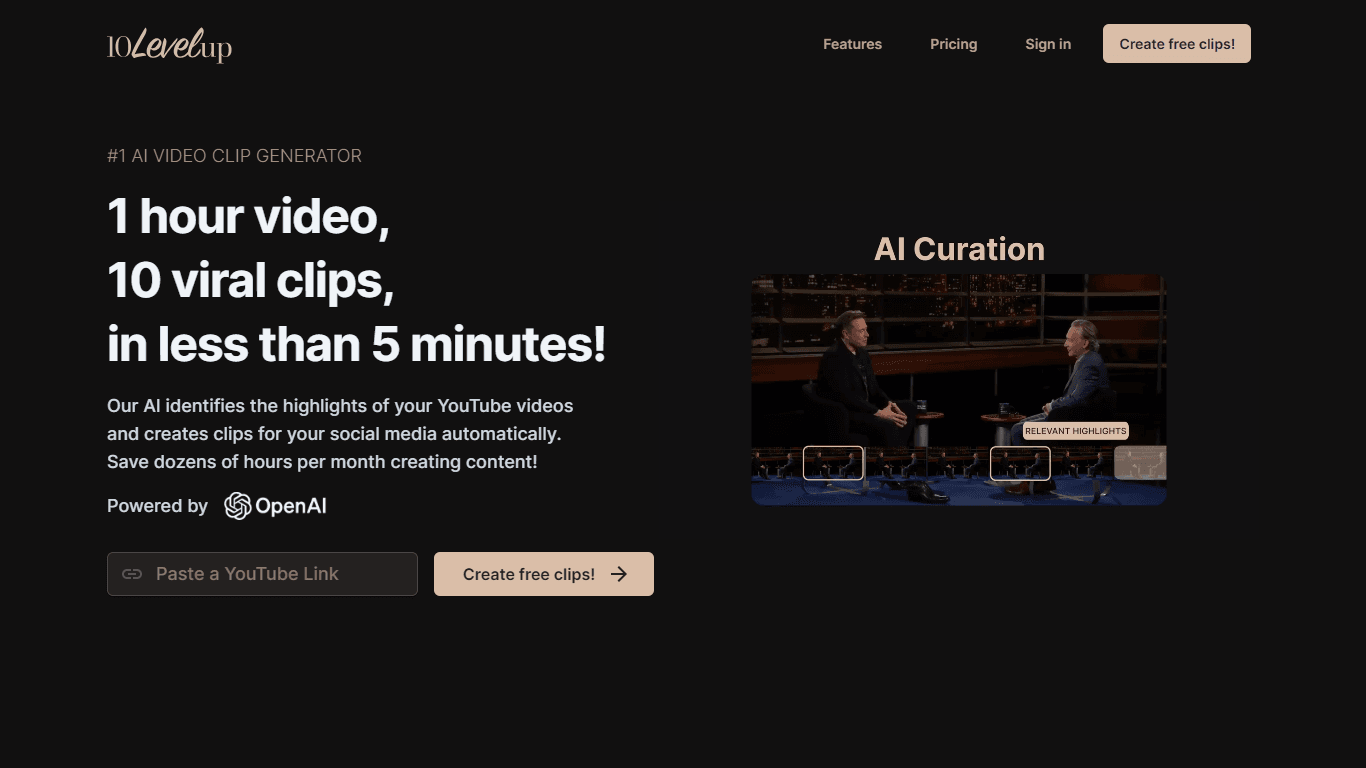
10LevelUp
10LevelUp's AI Video Clip Generator stands as the premier solution for creating quick and engaging video content. This advanced tool harnesses the power of AI to simplify video production, making it a

DaVinci Resolve
Unify editing, color, VFX, and audio post-production.

Civitai
Open-source platform for AI model creation and collaboration.

Glato AI
Glato AI is an innovative platform that revolutionizes the creation of video content by leveraging artificial intelligence. With Glato AI, users can quickly produce high-quality, engaging, and viral v

MimicPC
Unlock AI tools instantly, browser-based, no installs needed.

Paper Animator
A tool to transform images and text into paper-style animations.

Dubs
AI-powered video dubbing and subtitles for global reach.

Midjourney
Unlock true digital artistry.
Spyne
Spyne is the ultimate AI photography and editing software specifically designed for automotive dealers. With its advanced features and cutting-edge technology, Spyne AI revolutionizes the way car deal
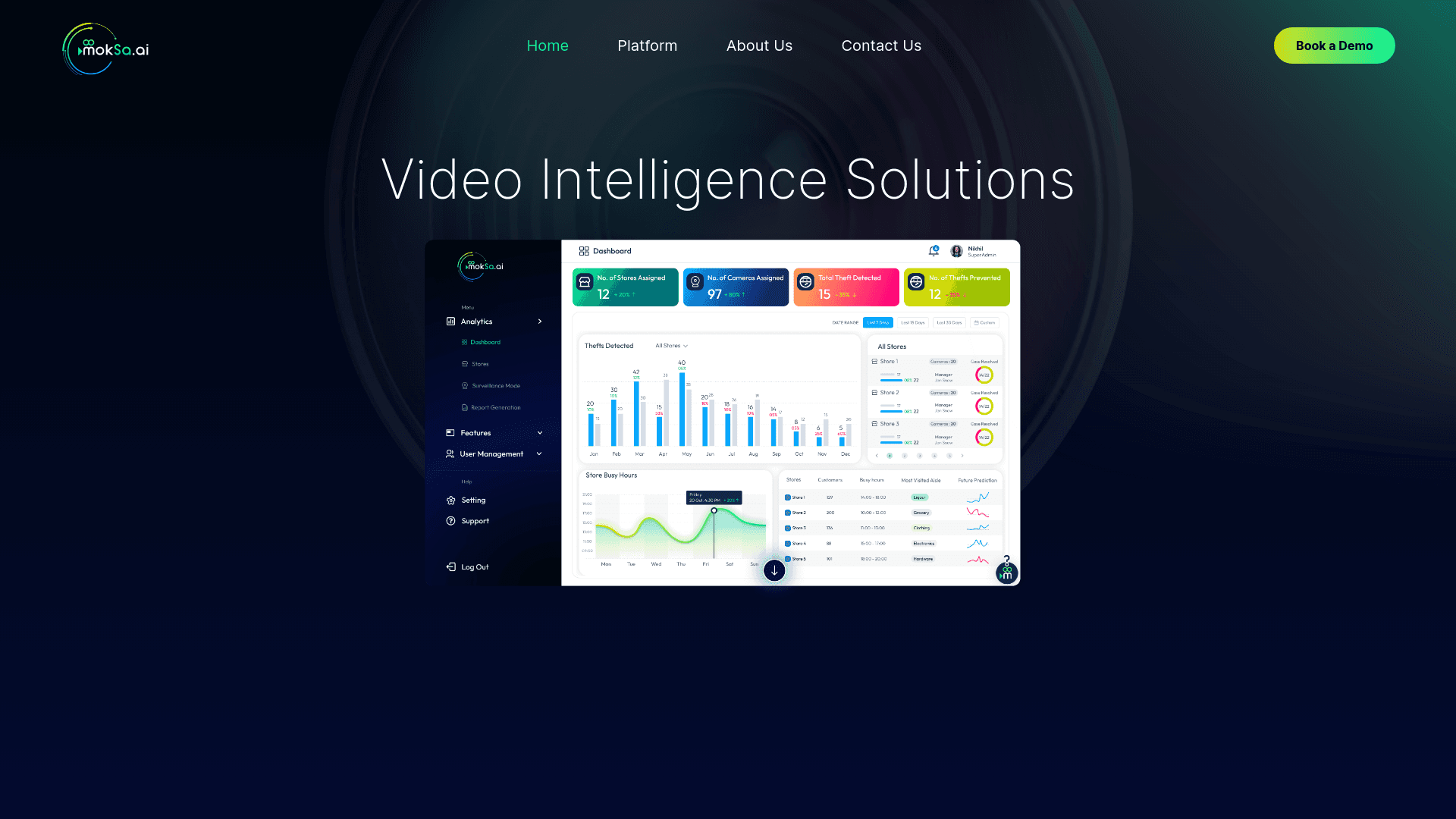
MokSa.AI
Enhances retail operations with AI-driven video intelligence.
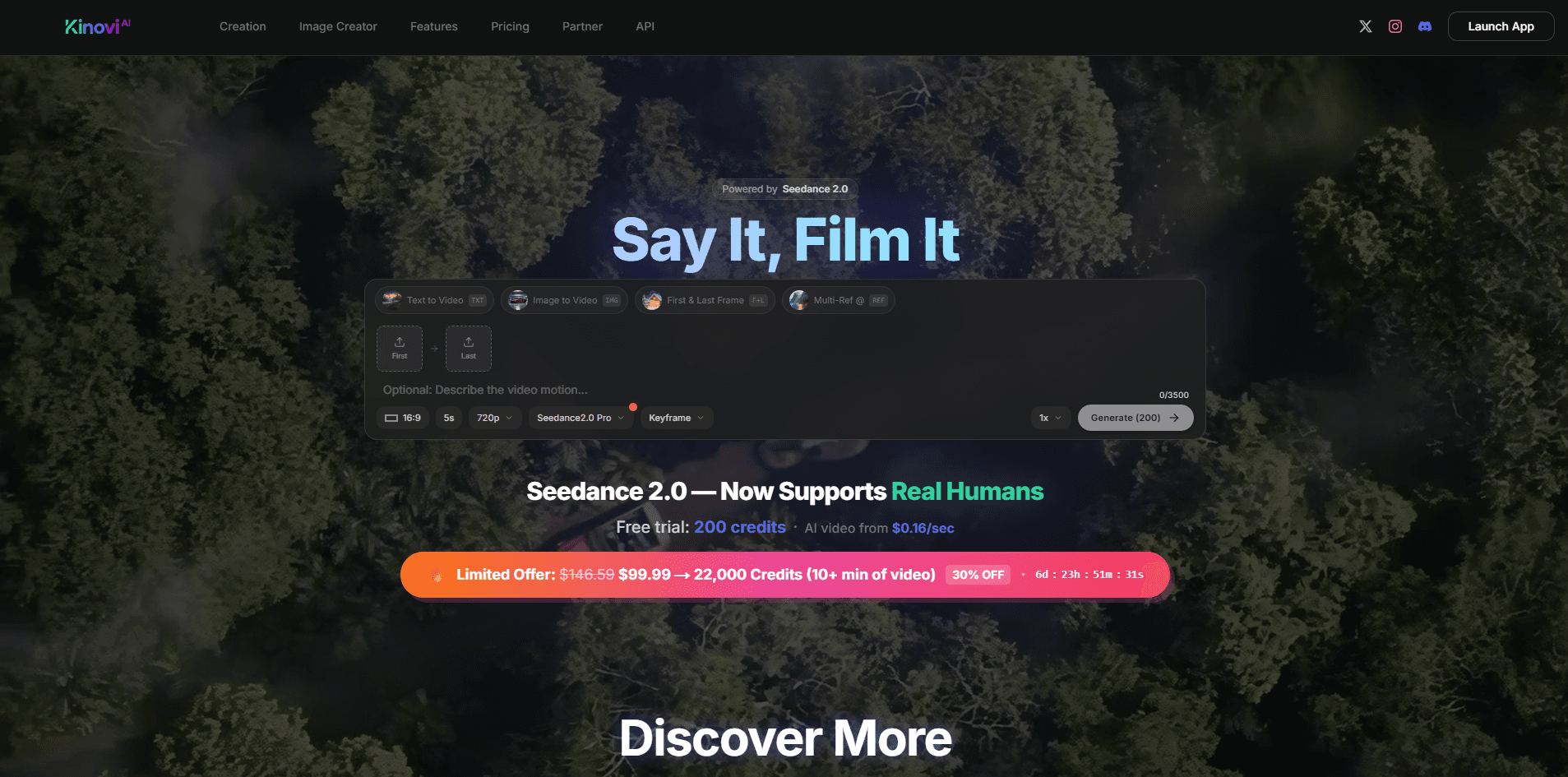
Kinovi
Direct cinematic clips from prompts and references.