Revoldiv
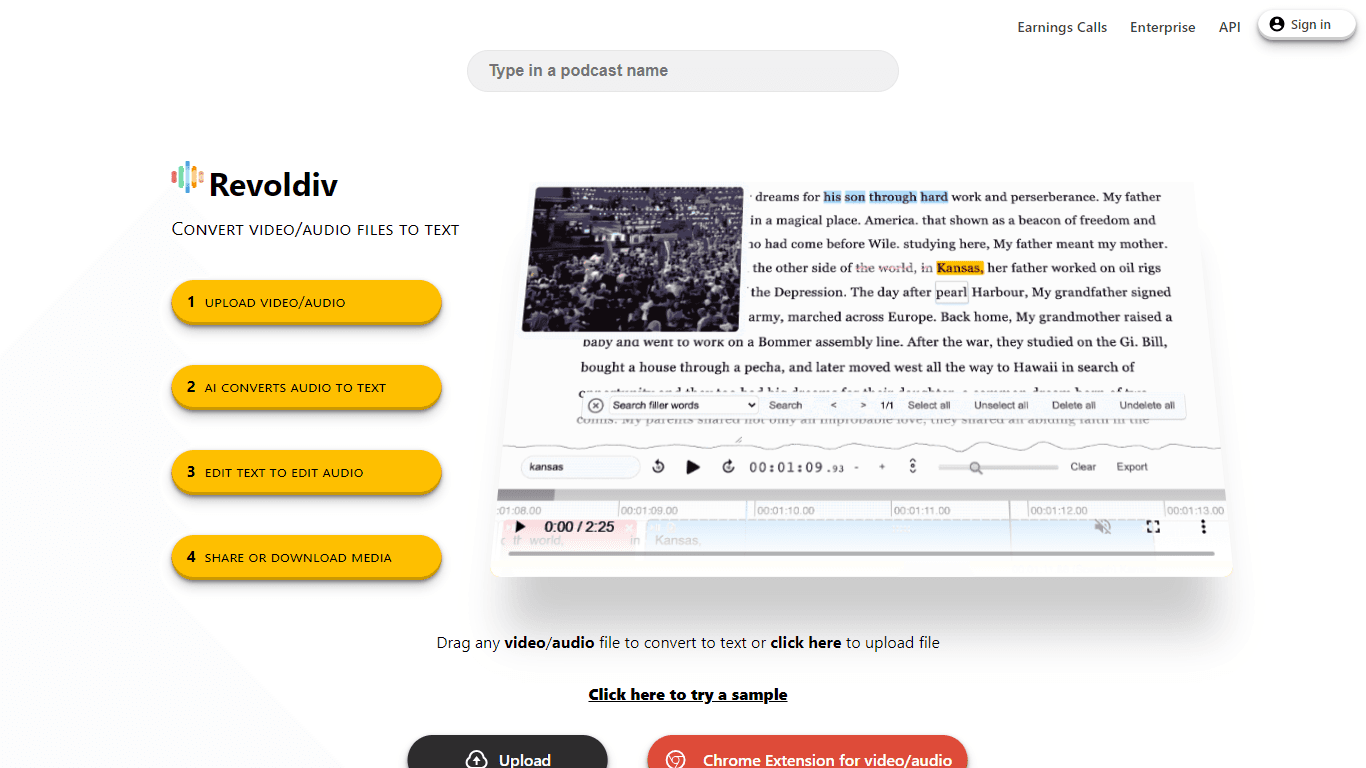
Revoldiv is an advanced platform designed to revolutionize the way you work with audio and video files. It provides an array of features to transcribe, edit, and share your media effortlessly. Whether
17,598
Votes
16,297
Views
11,488
Bookmarks
About
Revoldiv is an advanced platform designed to revolutionize the way you work with audio and video files. It provides an array of features to transcribe, edit, and share your media effortlessly. Whether you are a podcaster, journalist, or content creator, Revoldiv caters to your needs by turning spoken words into editable scripts. Highlighting its ultra-fast transcription service, the platform boasts the ability to instantly convert video or audio to text with impressive accuracy. Users can also easily remove unwanted filler words, create chapters for better navigation, and generate audiograms for visual sharing. Export options are abundant, allowing for various subtitle formats and plain text outputs, making Revoldiv a versatile tool for professionals seeking efficiency in media handling. Notably, Revoldiv supports Chrome and Firefox, and is best utilized on non-mobile devices for editing media files up to two hours in length.
Key Features
- Feature1: Fast and accurate audio/video transcription
- Feature2: Filler word detection and removal
- Feature3: Text-based video editing
- Feature4: Audiogram creation for visual content sharing
- Feature5: Comprehensive export options including subtitles and plain text
FAQ
What is Revoldiv?
Revoldiv is a web-based platform that provides tools to convert video or audio files into editable text, make transcriptions, remove filler words, create audiograms, and export edited media.
What are the limitations of using Revoldiv?
Revoldiv supports media files that are less than two hours long and recommends using Chrome or Firefox browsers for the best experience.
Can I edit a video by editing its transcription on Revoldiv?
Yes, by editing the transcription text, you can simultaneously edit your video or audio, which streamlines the editing process.
How do I create an audiogram with Revoldiv?
You can create audiograms in Revoldiv by selecting a format and using the 'Create Audiogram' feature for excerpts of your audio or video that are less than 3 minutes long.
What export options does Revoldiv provide?
Revoldiv offers various export options including plain text (.txt) and subtitle formats such as SubRip (.srt) and Video Text Tracks (.vtt).
You may also like
More tools in Video Tools

Noisee AI
Find powerful Noisee AI alternatives for creators.
10LevelUp
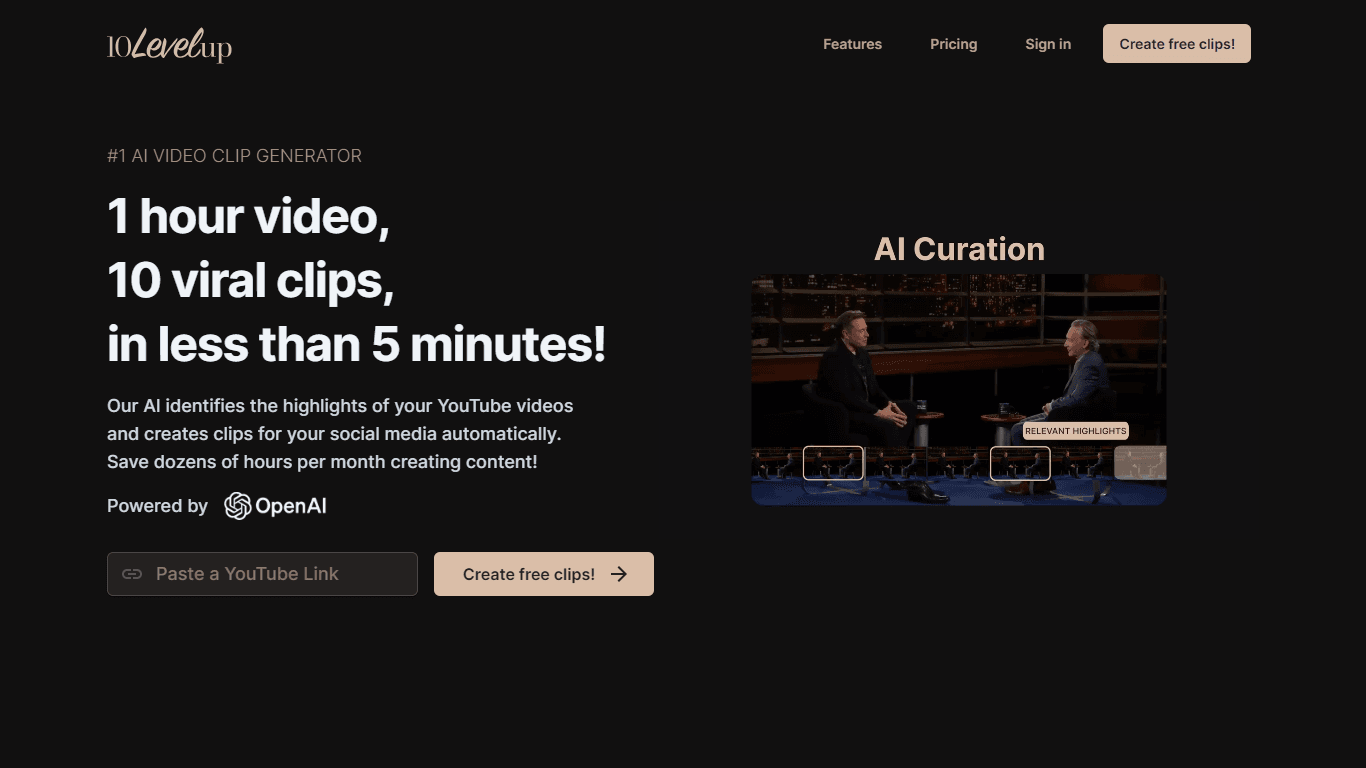
10LevelUp's AI Video Clip Generator stands as the premier solution for creating quick and engaging video content. This advanced tool harnesses the power of AI to simplify video production, making it a

Civitai
Open-source platform for AI model creation and collaboration.

DaVinci Resolve
Unify editing, color, VFX, and audio post-production.

MimicPC
Unlock AI tools instantly, browser-based, no installs needed.

Paper Animator
A tool to transform images and text into paper-style animations.

Glato AI
Glato AI is an innovative platform that revolutionizes the creation of video content by leveraging artificial intelligence. With Glato AI, users can quickly produce high-quality, engaging, and viral v

Dubs
AI-powered video dubbing and subtitles for global reach.

MokSa.AI
Enhances retail operations with AI-driven video intelligence.

Midjourney
Unlock true digital artistry.
Spyne
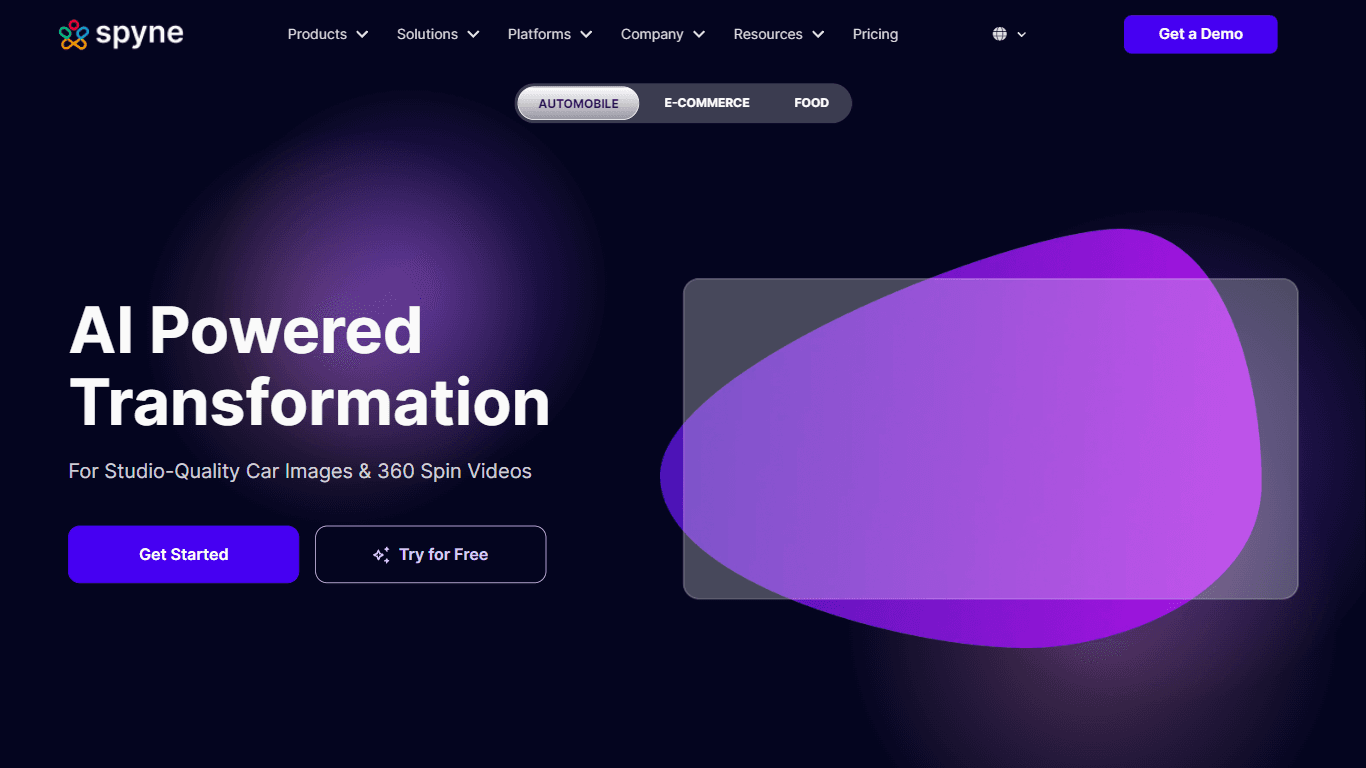
Spyne is the ultimate AI photography and editing software specifically designed for automotive dealers. With its advanced features and cutting-edge technology, Spyne AI revolutionizes the way car deal
Kinovi
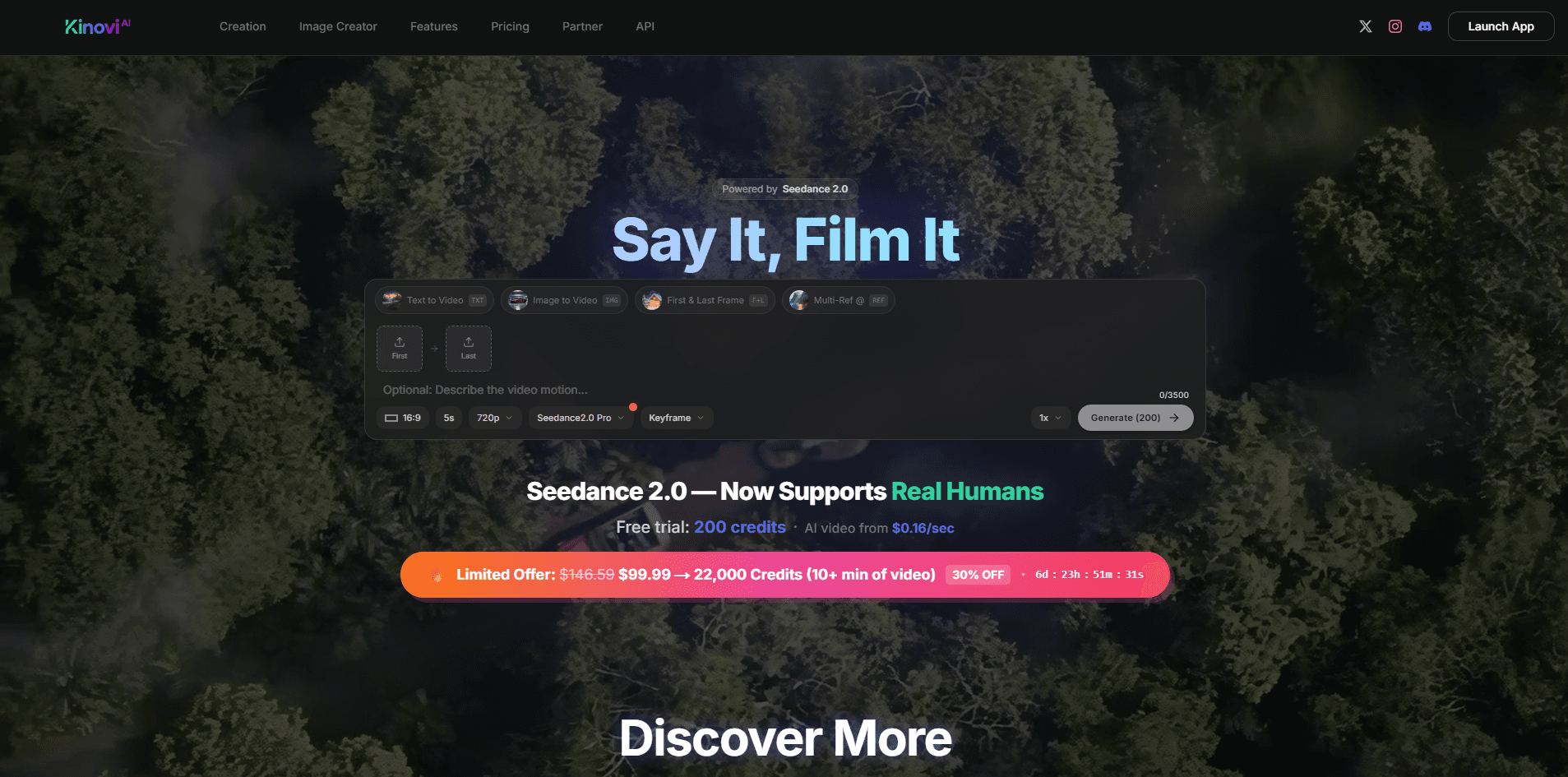
Direct cinematic clips from prompts and references.