
PixelMotion
Transform web images into polished, publish-ready marketing videos.
16,462
Votes
21,044
Views
11,985
Bookmarks
About
PixelMotion focuses on turning existing photos and website imagery into polished marketing videos and enhanced assets using multiple AI models. It serves freelancers, agencies, and small businesses that want to create social and ad content in minutes, from URL or upload through to posting on YouTube and TikTok.
Key Features
- Website Scraping and Business Search: Crawls business URLs, pulls images in real time, and includes a Business Search tool to find prospects by type and location.
- AI Quality Scoring and Tagging: Scores each photo from 0 to 100, writes descriptions, recommends platforms, and auto categorizes assets for faster selection.
- Photo Enhancement Suite: Offers several AI upscalers and restoration models such as Crystal Upscaler, Magic Refiner, Real-ESRGAN, and GFPGAN to clean and sharpen images.
- Multi Model Video Generation and Delivery: Uses 11 video models including Sora 2, Veo 3.1, Luma Ray2, and Runway Gen-3 to turn photos or text prompts into short videos, then posts directly to YouTube, TikTok, or shareable links with basic analytics.
Pros
- End to End Workflow: Covers the path from URL or photo upload through enhancement, video generation, and distribution in a single tool.
- Model Choice for Quality vs Cost: Lets users pick between lighter and premium models so they can balance quality and credit usage.
- Strong Fit for Client Work: Portfolio pages, view tracked links, and watermark free exports on higher tiers suit freelancers and agencies.
- Scales Batch Production: Website scraping, AI scoring, and batch runs help handle large sets of product or brand images efficiently.
Cons
- Credit Model Complexity: Different credit costs per model and feature can make budgeting less intuitive for new users.
- Limited Direct Integrations: Native posting is centered on YouTube and TikTok, so other channels still require manual or third party tools.
- No Full Timeline Editor: Power users who want detailed cuts, multi track audio, or advanced grading still need a separate editor.
Who Uses It
- Freelance Content Creators: Producing promo videos, shorts, and upgraded imagery for local businesses and personal brands.
- Marketing and Growth Teams: Turning website and product photos into ads for social platforms and performance campaigns.
- Creative and Media Agencies: Standardizing scraping, enhancement, and delivery workflows across many client accounts.
- Small and Mid Sized Businesses: Converting product or service photos into regular social content without hiring in house editors.
- Uncommon Use Cases: Used by real estate photographers for quick property highlight reels, and by B2B consultants to scrape prospect sites and attach personalized AI generated intro videos to proposals.
Pricing
- Free Trial: 7 day free trial with no credit card required.
- Starter: $29 per month; includes 300 credits per month (~100 enhancements or ~60 videos), 2 video models, 2 photo enhancement models, 1 website to scrape, 30-day file storage, posting to YouTube and TikTok, shareable links with analytics, and watermark on outputs.
- Professional: $79 per month; includes 800 credits per month (~270 enhancements or ~65 premium videos), 6 video models, 5 photo models, 5 websites with organization, 90-day file storage, no watermark, priority processing, and creative profiles for brand consistency.
- Premium: $199 per month; includes 2,500 credits per month (~830 enhancements or ~70 ultra videos), all 11 video models, all 9 photo models, unlimited websites, 180-day file storage, no watermark, highest priority processing, and creative profiles for brand consistency.
You may also like
More tools in Video Tools

Noisee AI
Find powerful Noisee AI alternatives for creators.
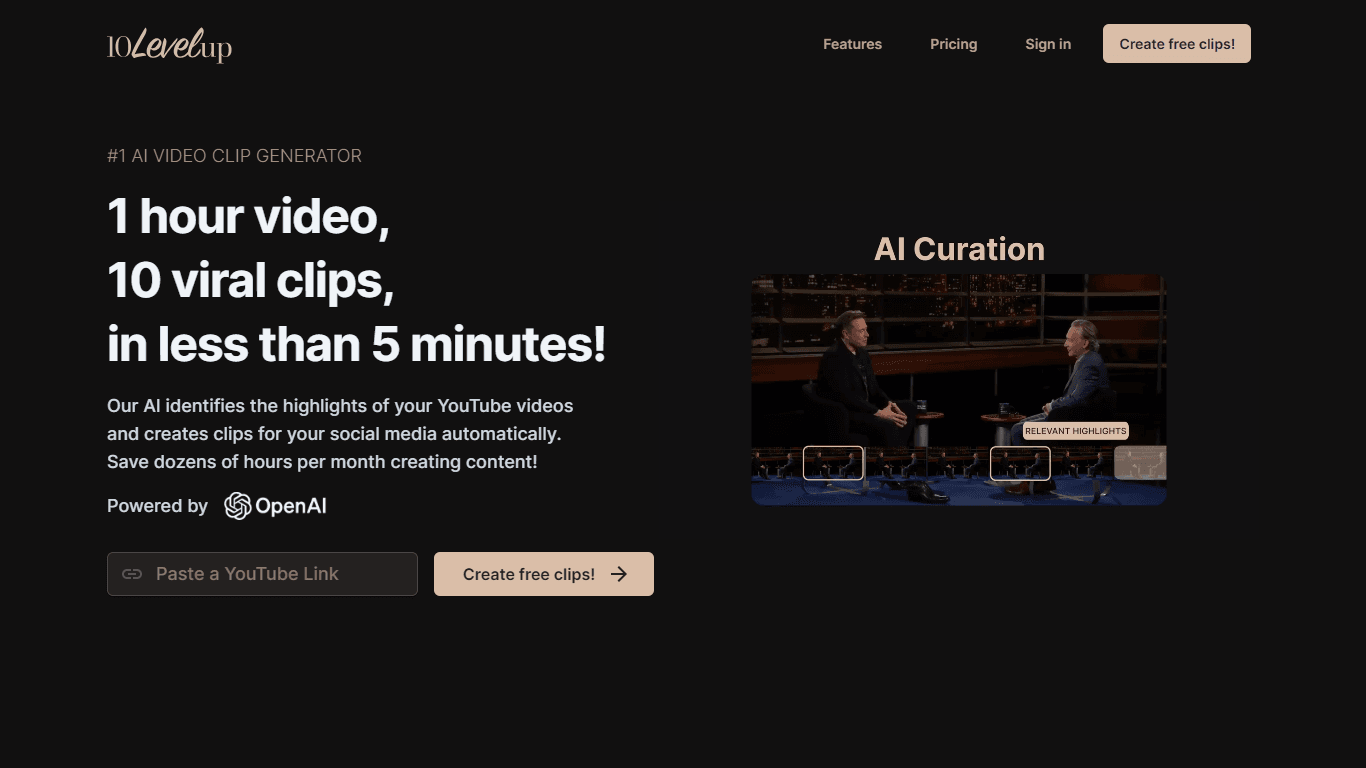
10LevelUp
10LevelUp's AI Video Clip Generator stands as the premier solution for creating quick and engaging video content. This advanced tool harnesses the power of AI to simplify video production, making it a

Civitai
Open-source platform for AI model creation and collaboration.

DaVinci Resolve
Unify editing, color, VFX, and audio post-production.

Glato AI
Glato AI is an innovative platform that revolutionizes the creation of video content by leveraging artificial intelligence. With Glato AI, users can quickly produce high-quality, engaging, and viral v

MimicPC
Unlock AI tools instantly, browser-based, no installs needed.

Dubs
AI-powered video dubbing and subtitles for global reach.

Paper Animator
A tool to transform images and text into paper-style animations.
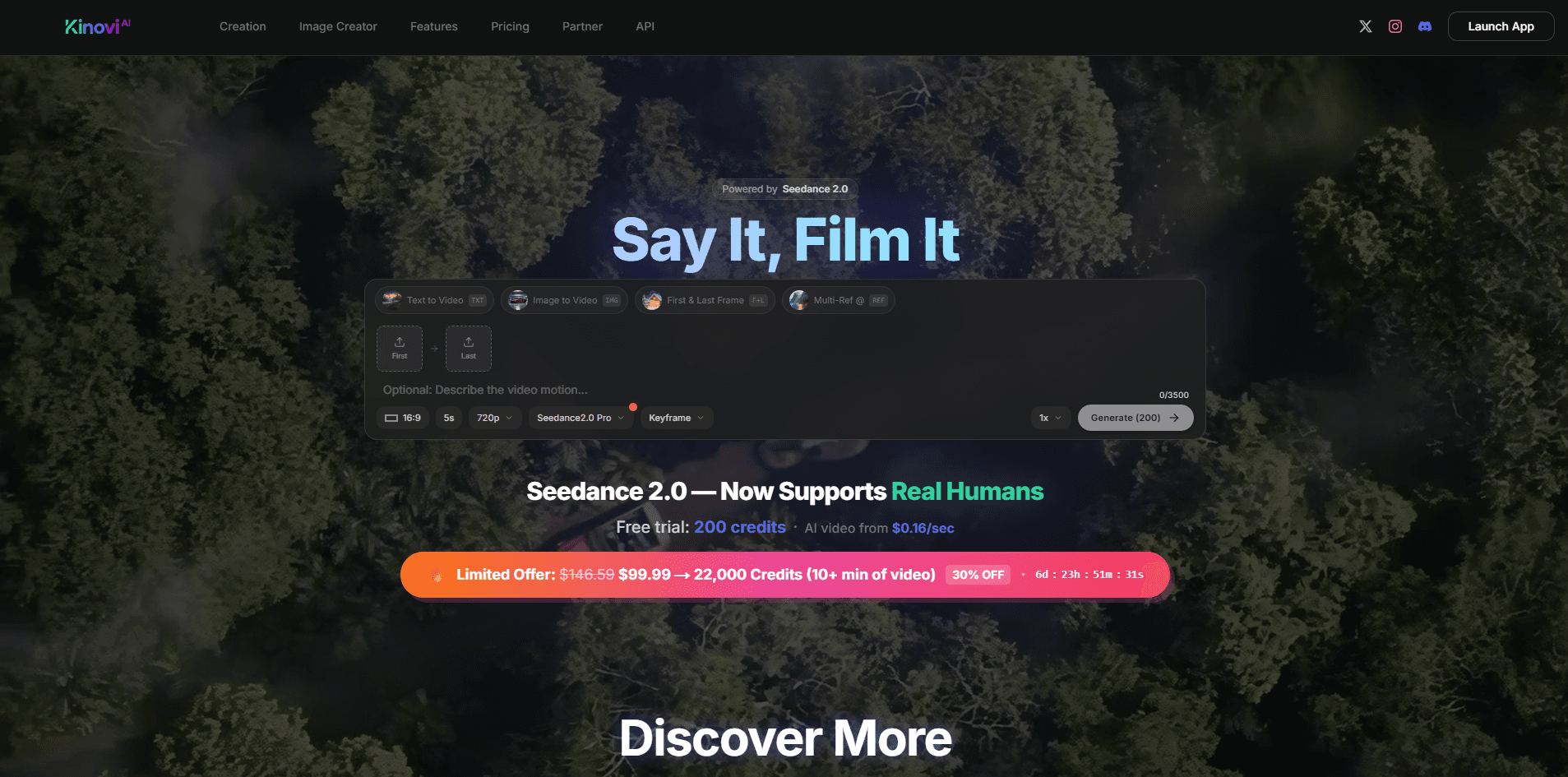
Kinovi
Direct cinematic clips from prompts and references.
Spyne
Spyne is the ultimate AI photography and editing software specifically designed for automotive dealers. With its advanced features and cutting-edge technology, Spyne AI revolutionizes the way car deal

Midjourney
Unlock true digital artistry.
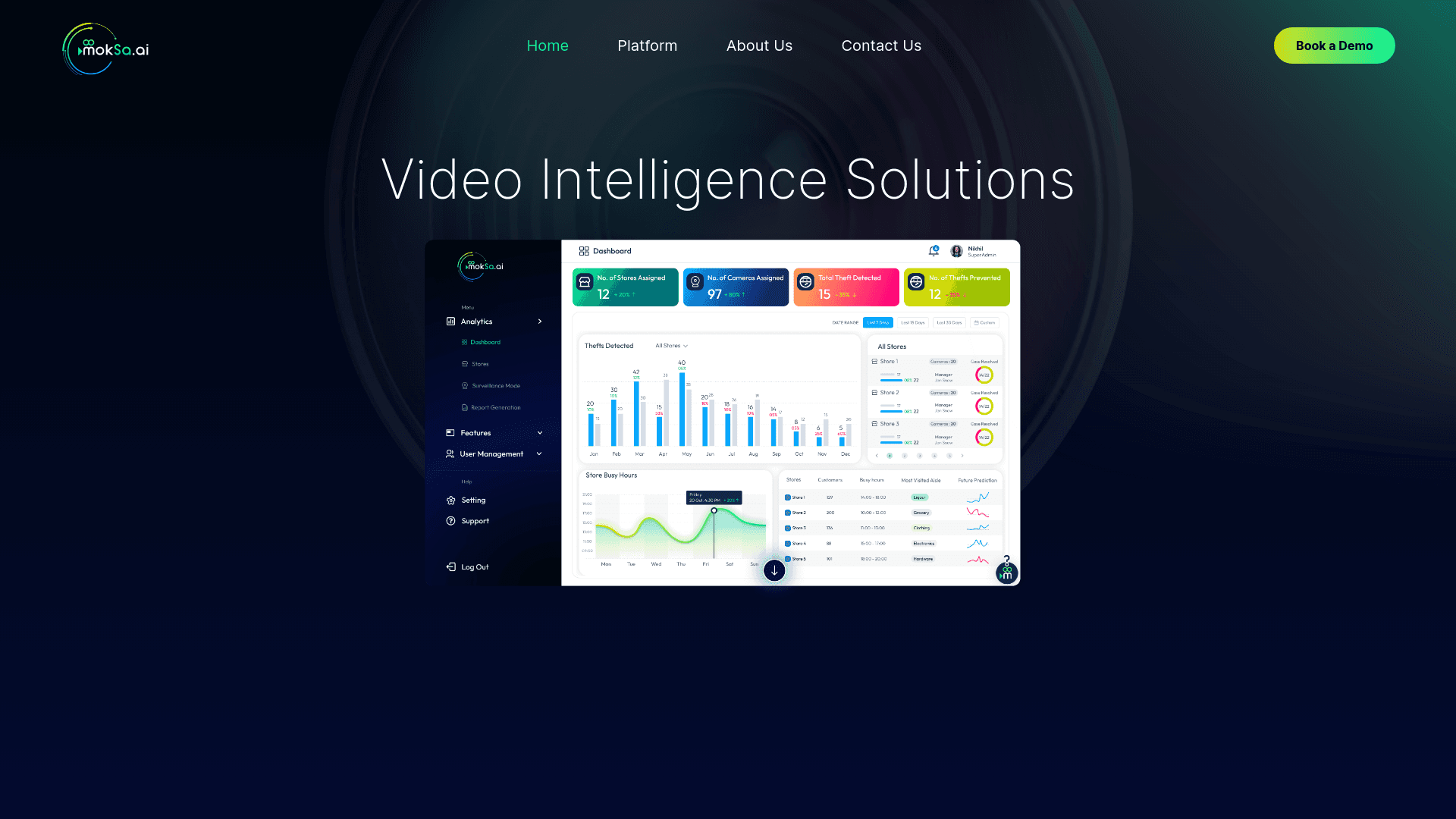
MokSa.AI
Enhances retail operations with AI-driven video intelligence.