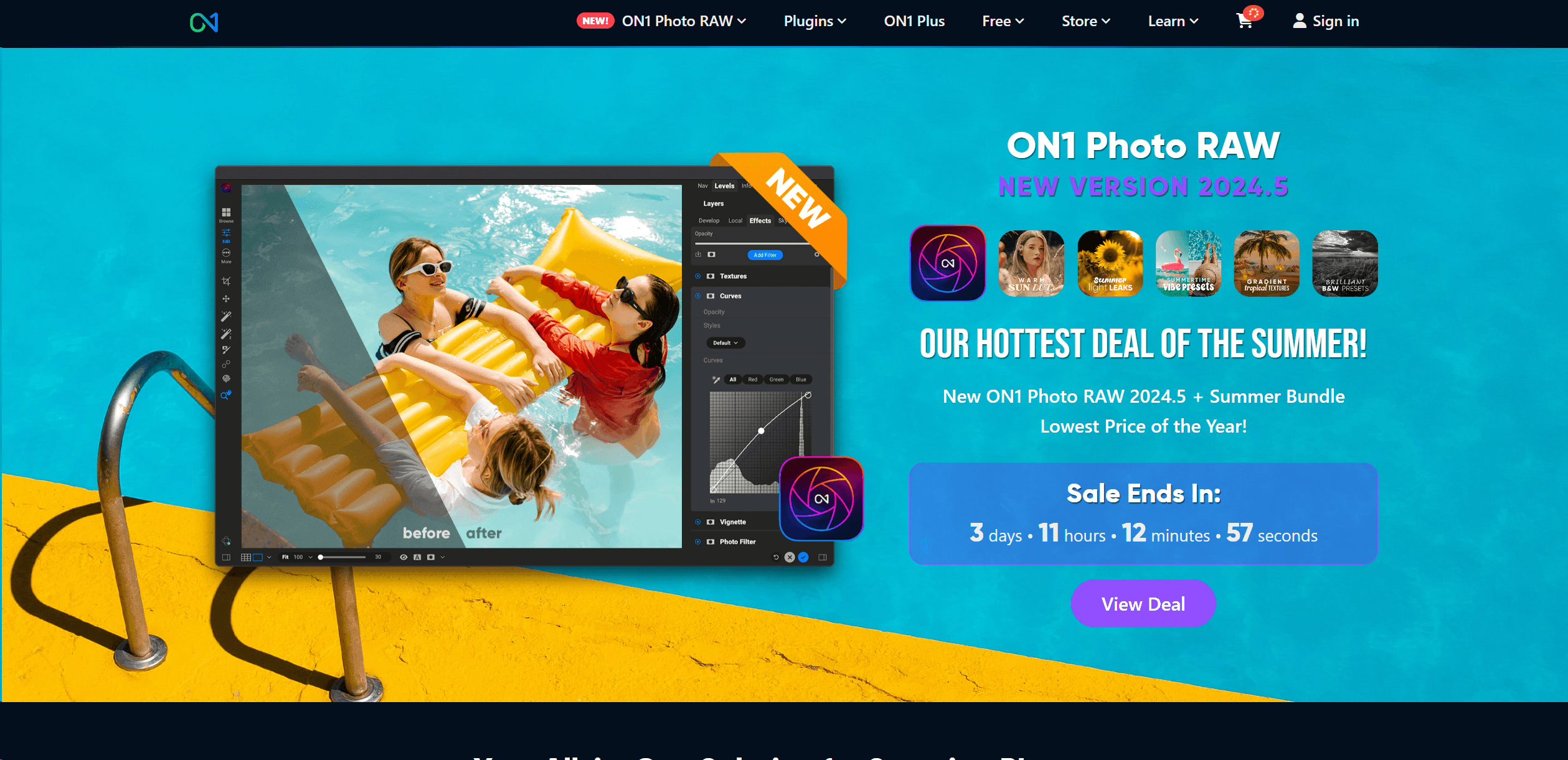
ON1 Photo RAW
Elevate photos with AI-powered editing and comprehensive management.
13,761
Votes
20,442
Views
7,344
Bookmarks
About
As a passionate photographer and tech enthusiast, I'm always on the lookout for software that can genuinely enhance the photo editing experience. ON1 Photo RAW is a compelling choice in this crowded market. This software is not just a photo editor; it's a comprehensive solution that combines raw processing, photo management, and advanced adjustments into a single, streamlined workflow. It supports raw files from over 800 camera models and is compatible with a variety of file types, including JPEG, TIF, PSD, PSB, PNG, and DNG, making it a versatile tool for photographers of all levels.
Key Features
- Non-destructive Editing: Modify your images without overwriting the original file, preserving your original data.
- AI-powered Adjustments: Tools like Brilliance AI and AI Masking offer smart edits that save time and enhance quality.
- Comprehensive Photo Management: Organize, keyword, and search your photo library with ease using the integrated management tools.
- Cross-platform Compatibility: Works seamlessly on both Windows and macOS, with support for mobile platforms to edit on the go.
- Extensive File Support: Accepts a wide range of file types and raw formats from numerous camera manufacturers.
Pros
- All-in-One Solution: Integrates multiple functions into one application, reducing the need for multiple software tools.
- AI Enhancements: AI features like Sky Replacement and NoNoise AI simplify complex editing tasks.
- User-Friendly Interface: Designed with an intuitive layout that caters to both beginners and professionals.
- Regular Updates: Continuously updated with new features and enhancements to improve performance and capabilities.
Cons
- Learning Curve: New users may require some time to fully grasp the extensive features.
- System Requirements: Demands a relatively modern computer system for optimal performance.
- No Subscription Required: While beneficial for some, others might miss out on the constant updates provided by subscription models.
Who Uses It
- Professional Photographers: Utilizing the tool for detailed editing and photo management.
- Amateur Photographers: Benefiting from user-friendly features to enhance their photography skills.
- Graphic Designers: Employing the tool for composite and high-quality image creation.
- Photo Enthusiasts: Using the software to organize and improve their personal photo collections.
- Uncommon Use Cases: Used in academic settings for teaching photo editing techniques; utilized by real estate agents to enhance property photos for listings.
Pricing
- Standard Edition: Purchase ON1 Photo RAW 2024.5 for a one-time price, which includes all minor updates for the version.
- Subscription Options: Subscribe to ON1 Everything for additional features, cloud syncing, and future updates.
You may also like
More tools in Business Tools

Kira Systems
Streamline contract review with AI-driven precision and customization.

Align AI
Streamlines AI strategy alignment with business objectives.

adam.ai
Maximize your business success with adam.ai, the intuitive meeting management platform designed to enhance your team's productivity. Our intelligent solution streamlines the meeting process, granting
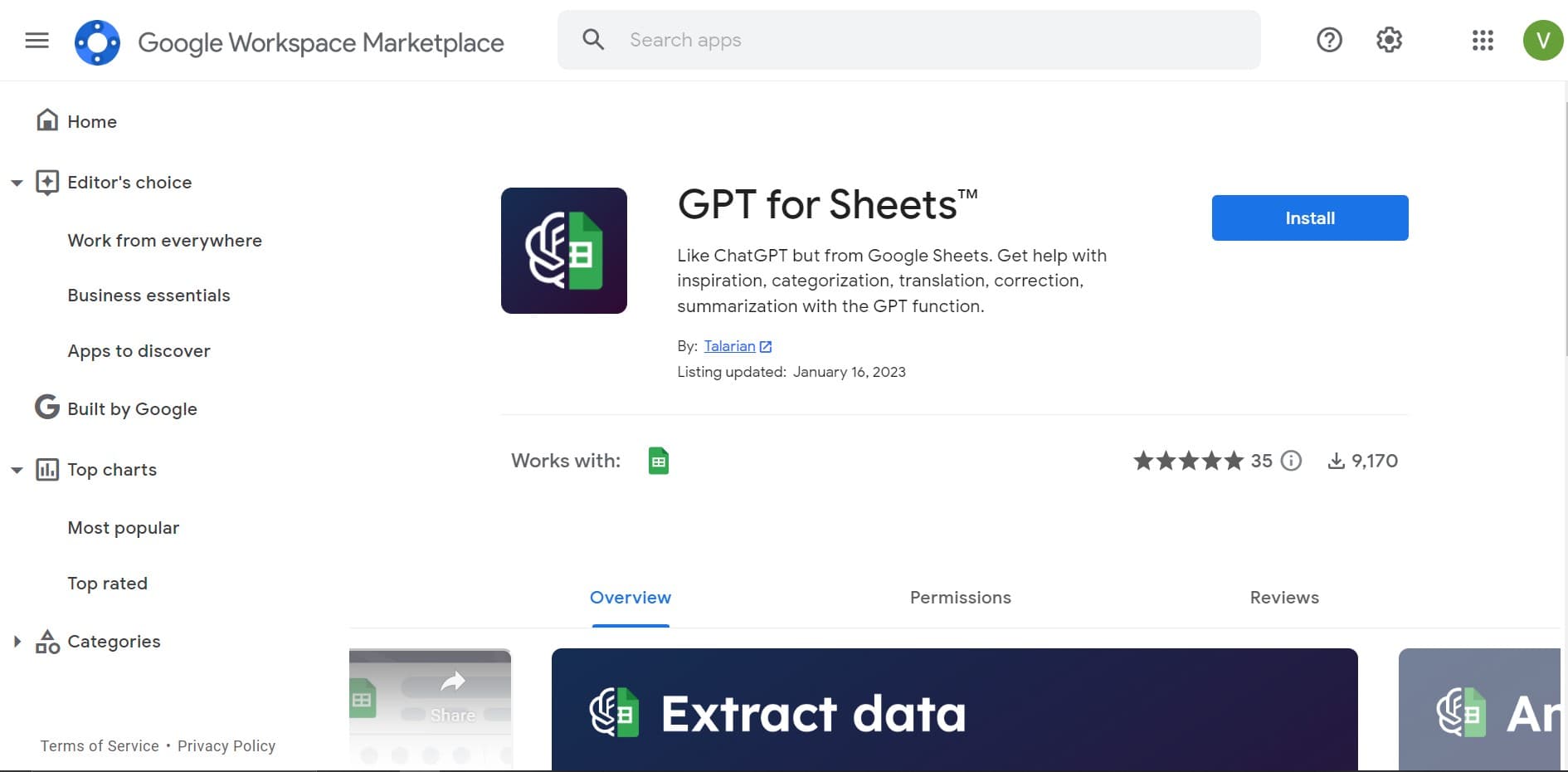
GPT for Sheets and Docs
Elevate productivity in Sheets and Docs with AI-powered automation and creativity.

Looq AI
Revolutionize image analysis with advanced AI-powered recognition and insights.

Outreach
Optimize sales, enhance workflows, boost efficiency with AI-powered tools.

Smartsheet
Streamline workflows, automate tasks, enhance team collaboration.

Ipic.ai
AI-powered image enhancement for professionals and hobbyists alike.

Tektonic AI
Streamline sales and revenue operations with advanced AI-driven automation.

super.AI
Automate complex document tasks with precision and efficiency.

AI Interior Designer By REimagineHome
Transform your real estate images with the cutting-edge AI Interior Designer tool, designed to breathe new life into every space. Experience the future of home visualization with our comprehensive sui

Tom's Planner
Create efficient project plans in a breeze with Tom's Planner's AI-powered Gantt charts. Experience the future of project management by letting AI take the reins—no more manual entry! Just describe yo