Magicflow
Harness AI workflows with no-code ease, rapid deployment, and seamless app integration.
12,585
Votes
22,054
Views
7,578
Bookmarks
About
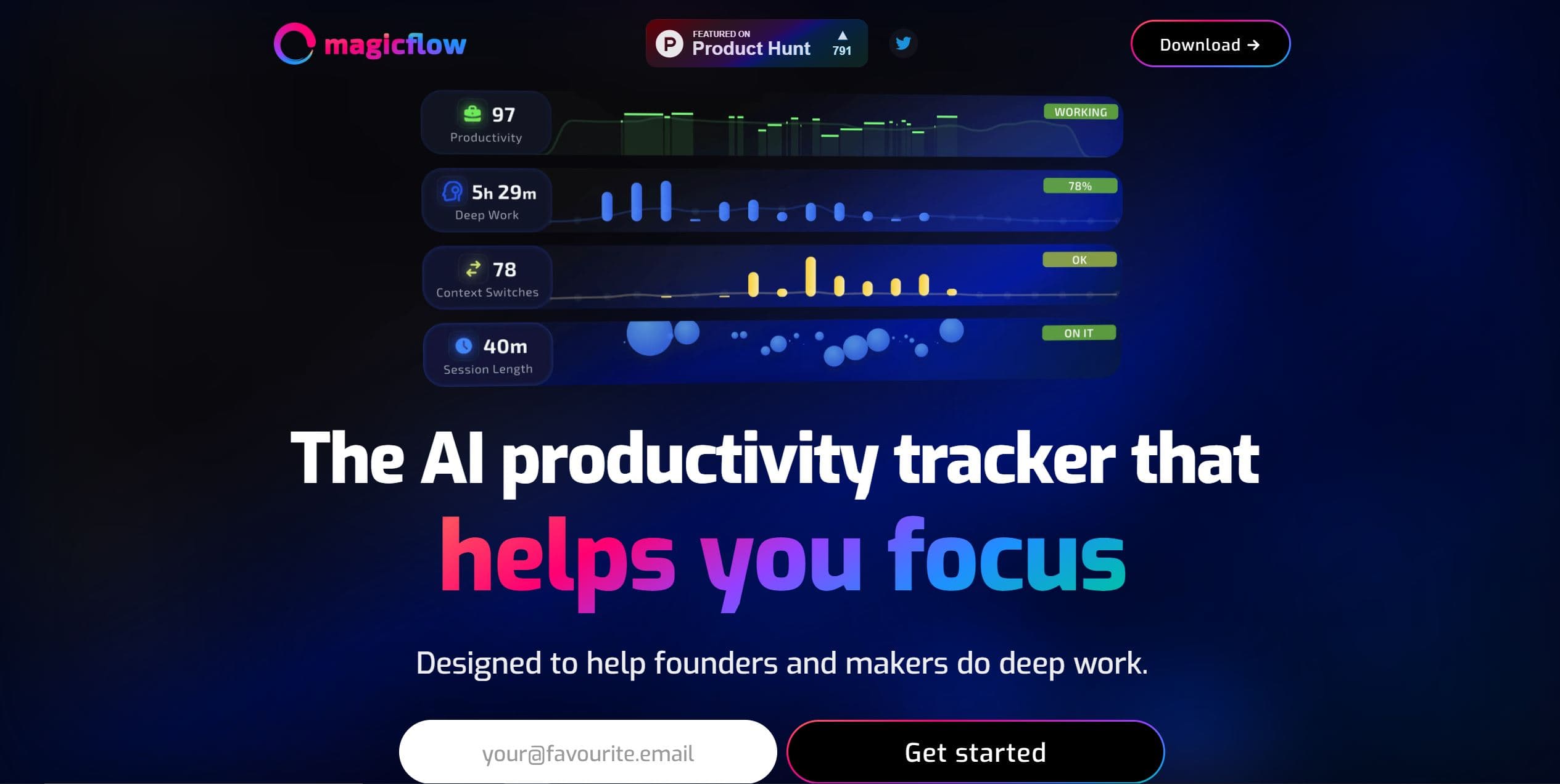
Magicflow is an innovative AI tool designed to simplify the creation and deployment of AI workflows, offering a no-code, drag-and-drop platform for rapid development. With its focus on accelerating workflow creation, optimizing performance, and providing a user-friendly interface, Magicflow aims to streamline the integration of AI capabilities into applications, freeing up time and resources for innovation.
Key Features
- No-Code Workflow Creation: Enables users to build AI workflows using a simple drag-and-drop interface, eliminating the need for coding expertise.
- Step-by-Step Debugging Tool: Facilitates efficient iteration and optimization of workflows with a user-friendly debugging tool.
- Performance Optimization: Optimizes model deployment, cold start times, and fixed parameters to enhance speed and cost-effectiveness.
- Simple API Integration: Allows easy integration of AI workflows into applications through straightforward API calls.
Pros
- Rapid Development: Accelerates the process of building and testing AI workflows, reducing development time significantly.
- Cost Savings: Claims to be 30% cheaper than traditional methods, optimizing workflows for economic efficiency.
- Enhanced Speed: Improves workflow performance by up to 25%, providing faster results for users.
- User-Friendly Interface: The intuitive drag-and-drop tool makes workflow creation accessible to users with varying technical expertise.
Cons
- Learning Curve for Non-Technical Users: Despite being a no-code solution, non-technical users may require time to fully grasp the tool's capabilities.
- Feature Limitations: Certain advanced features or use cases may not be supported by the platform.
- Dependence on Platform Stability: Users rely on Magicflow's infrastructure, making them susceptible to platform updates or issues that could affect workflow functionality.
Who Uses It
- App Developers: Integrating AI workflows into applications to enhance functionality and user experience.
- Startups: Leveraging Magicflow for rapid prototyping and deployment of AI features without extensive infrastructure investment.
- Non-Technical Entrepreneurs: Creating AI workflows for digital products without coding skills.
- Educators: Using Magicflow in teaching environments to demonstrate AI workflow development.
- Uncommon Use Cases: Hobbyists for personal AI projects; Researchers for setting up experimental AI workflows quickly.
Pricing
- Free Account: Offers a free account option for users to get started with building AI workflows.
- Custom Pricing: Detailed pricing plans not listed, suggesting custom pricing based on individual use cases.
You may also like
More tools in Business Tools
Kira Systems
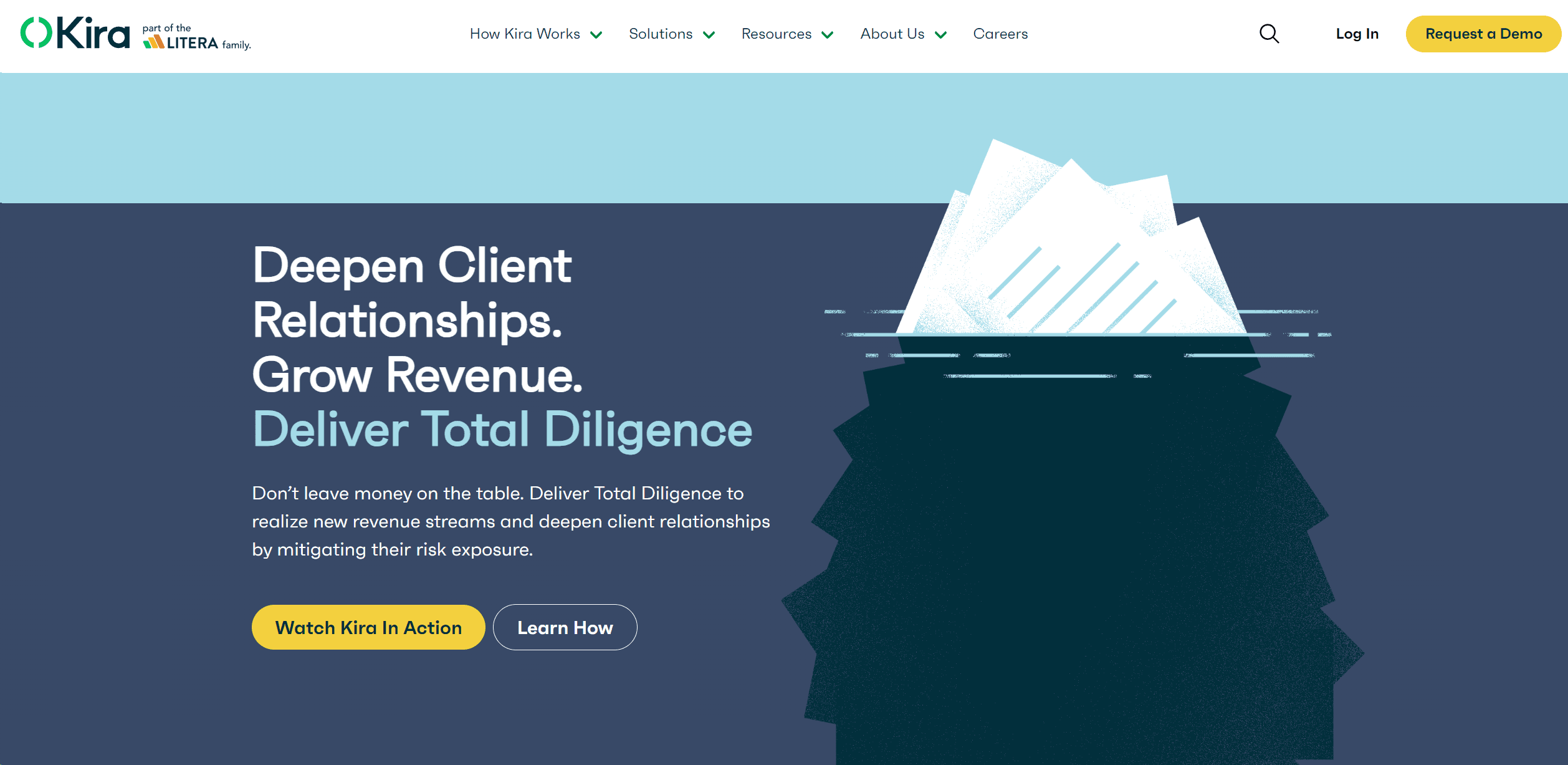
Streamline contract review with AI-driven precision and customization.

adam.ai
Maximize your business success with adam.ai, the intuitive meeting management platform designed to enhance your team's productivity. Our intelligent solution streamlines the meeting process, granting
GPT for Sheets and Docs
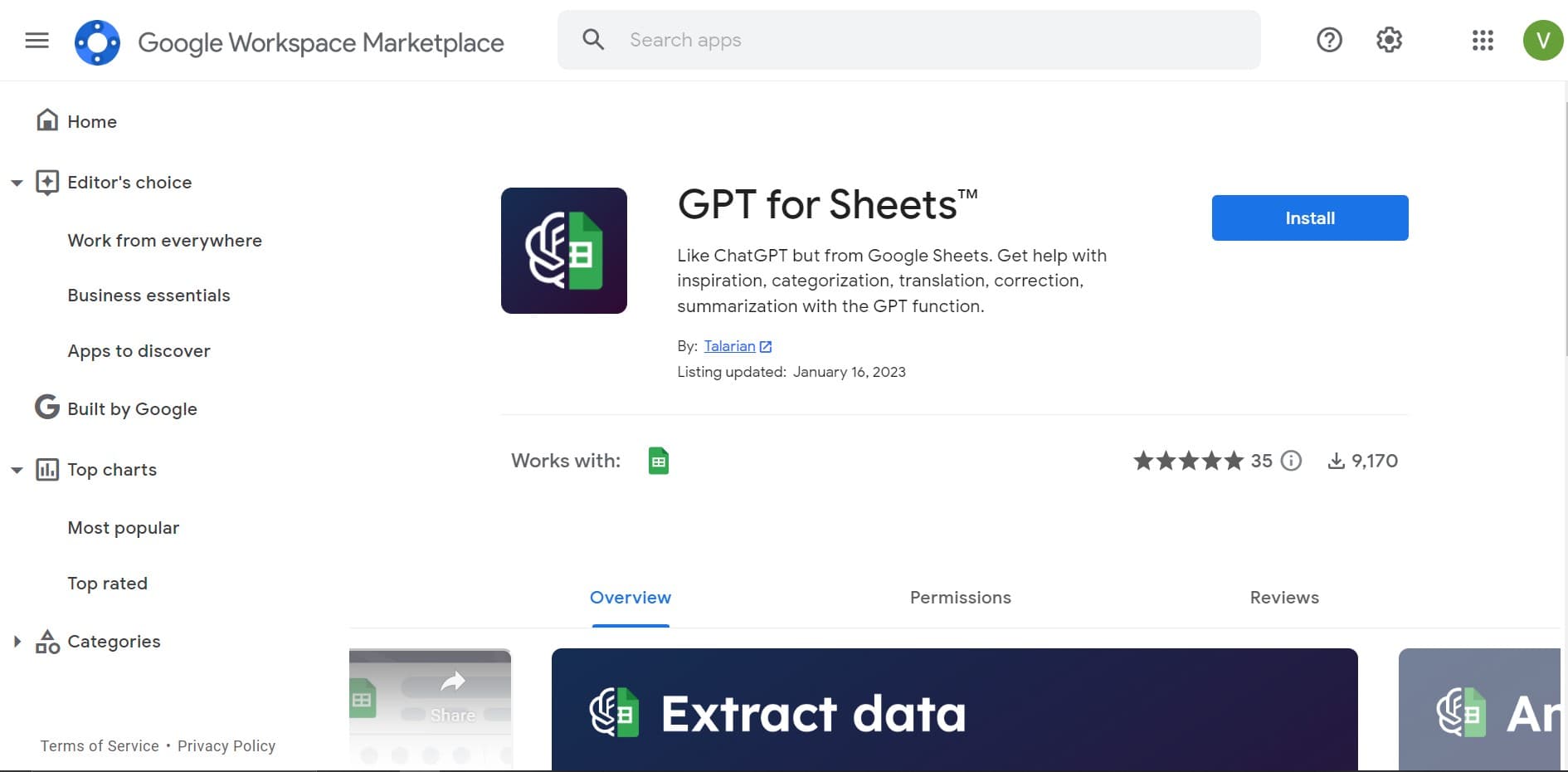
Elevate productivity in Sheets and Docs with AI-powered automation and creativity.

Looq AI
Revolutionize image analysis with advanced AI-powered recognition and insights.

Align AI
Streamlines AI strategy alignment with business objectives.

Outreach
Optimize sales, enhance workflows, boost efficiency with AI-powered tools.

Smartsheet
Streamline workflows, automate tasks, enhance team collaboration.

Ipic.ai
AI-powered image enhancement for professionals and hobbyists alike.

Tektonic AI
Streamline sales and revenue operations with advanced AI-driven automation.

super.AI
Automate complex document tasks with precision and efficiency.
AI Interior Designer By REimagineHome
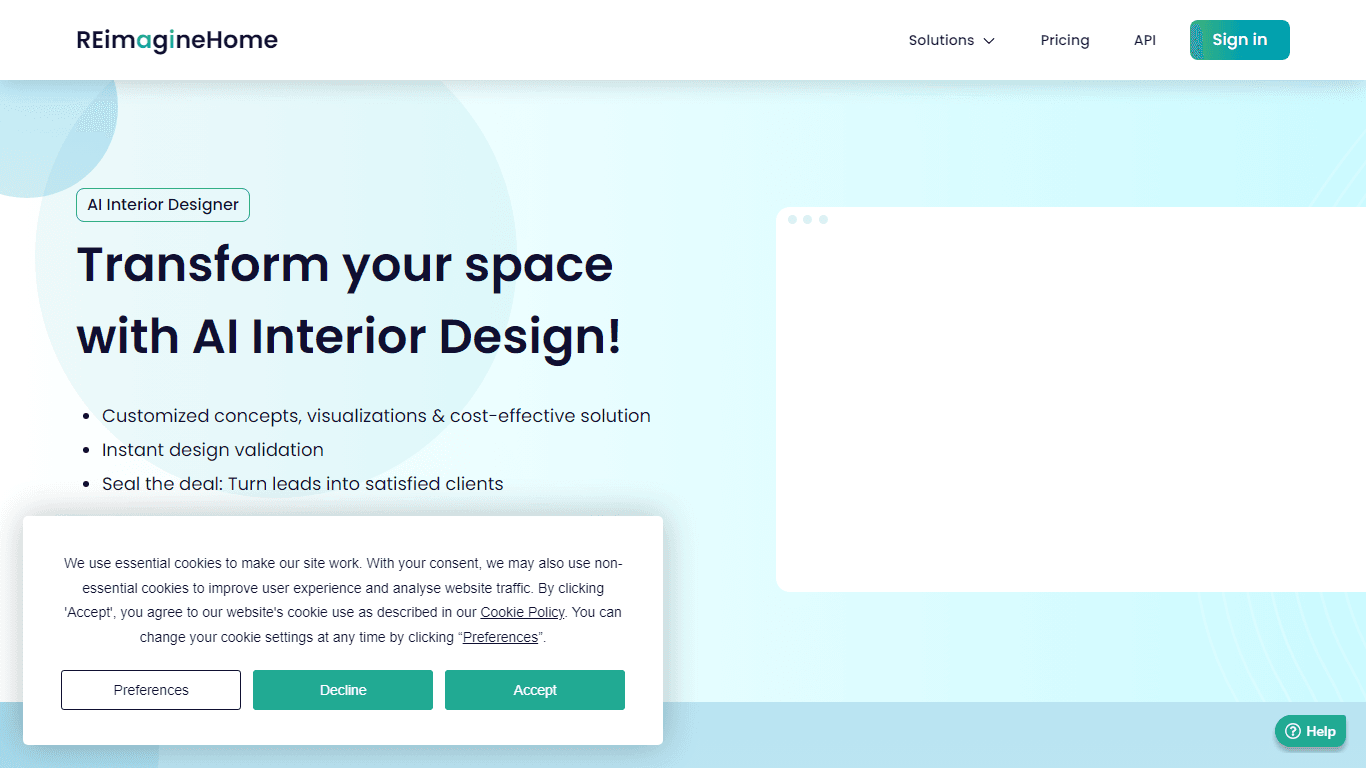
Transform your real estate images with the cutting-edge AI Interior Designer tool, designed to breathe new life into every space. Experience the future of home visualization with our comprehensive sui

Tom's Planner
Create efficient project plans in a breeze with Tom's Planner's AI-powered Gantt charts. Experience the future of project management by letting AI take the reins—no more manual entry! Just describe yo