
Google Cloud Vision AI
Unlock image insights with AI: detect, classify, and analyze effortlessly.
11,611
Votes
17,852
Views
7,481
Bookmarks
About
Google Cloud Vision AI is an advanced artificial intelligence tool that empowers developers and businesses to comprehend and analyze the content within images. Utilizing Google's sophisticated machine learning models, Vision AI offers a comprehensive suite of image analysis services capable of classifying images into thousands of categories, recognizing text, detecting objects, and more, thereby revolutionizing the interaction with visual data.
Key Features
- Pre-trained Machine Learning Models: Access to highly accurate models trained on extensive datasets, enabling recognition of a broad range of objects and scenarios.
- Custom Model Training: Ability to train custom models using AutoML Vision or TensorFlow, accommodating unique business requirements and use cases.
- Real-time Analysis: Provides immediate insights from images and videos, making it suitable for applications requiring instantaneous decision-making.
- Integration with Google Cloud Services: Seamlessly integrates with other Google Cloud services like BigQuery and Cloud Functions, facilitating comprehensive data analysis and application development.
Pros
- Scalability: Capable of processing from a few images to millions, thanks to Google Cloud's robust infrastructure.
- Ease of Use: User-friendly interfaces and a simple REST API make it accessible for developers of all skill levels.
- Versatility: Suitable for various industries and use cases, from retail and media to healthcare and more.
- Continuous Improvement: Benefits from Google's ongoing investment in AI and machine learning, ensuring cutting-edge capabilities.
Cons
- Costs at Scale: While a free tier is available, extensive usage may result in significant costs, which could pose a barrier for small businesses or startups.
- Complexity for Custom Models: Training custom models may require a steep learning curve, particularly for users without a background in machine learning.
- Dependence on Internet Connectivity: Being a cloud-based service, it requires a stable internet connection, which could be challenging in remote areas.
Who Uses It
- Retail Companies: Enhancing the shopping experience by integrating image recognition for product searches and inventory management.
- Healthcare Providers: Analyzing medical imagery for more accurate diagnoses and research.
- Media Organizations: Automatically tagging and categorizing vast libraries of digital assets.
- Agricultural Sectors: Monitoring crop health through aerial imagery analysis.
- Uncommon Use Cases: Assisting wildlife conservation efforts by identifying species in camera trap images; aiding in historical research by digitizing and analyzing archival photographs.
Pricing
- Free Tier: Google Cloud Vision AI offers a generous free tier for users to get started and test the service.
- Pay-As-You-Go: Pricing is based on the number of images processed and the type of detection or classification needed.
You may also like
More tools in Art Generators
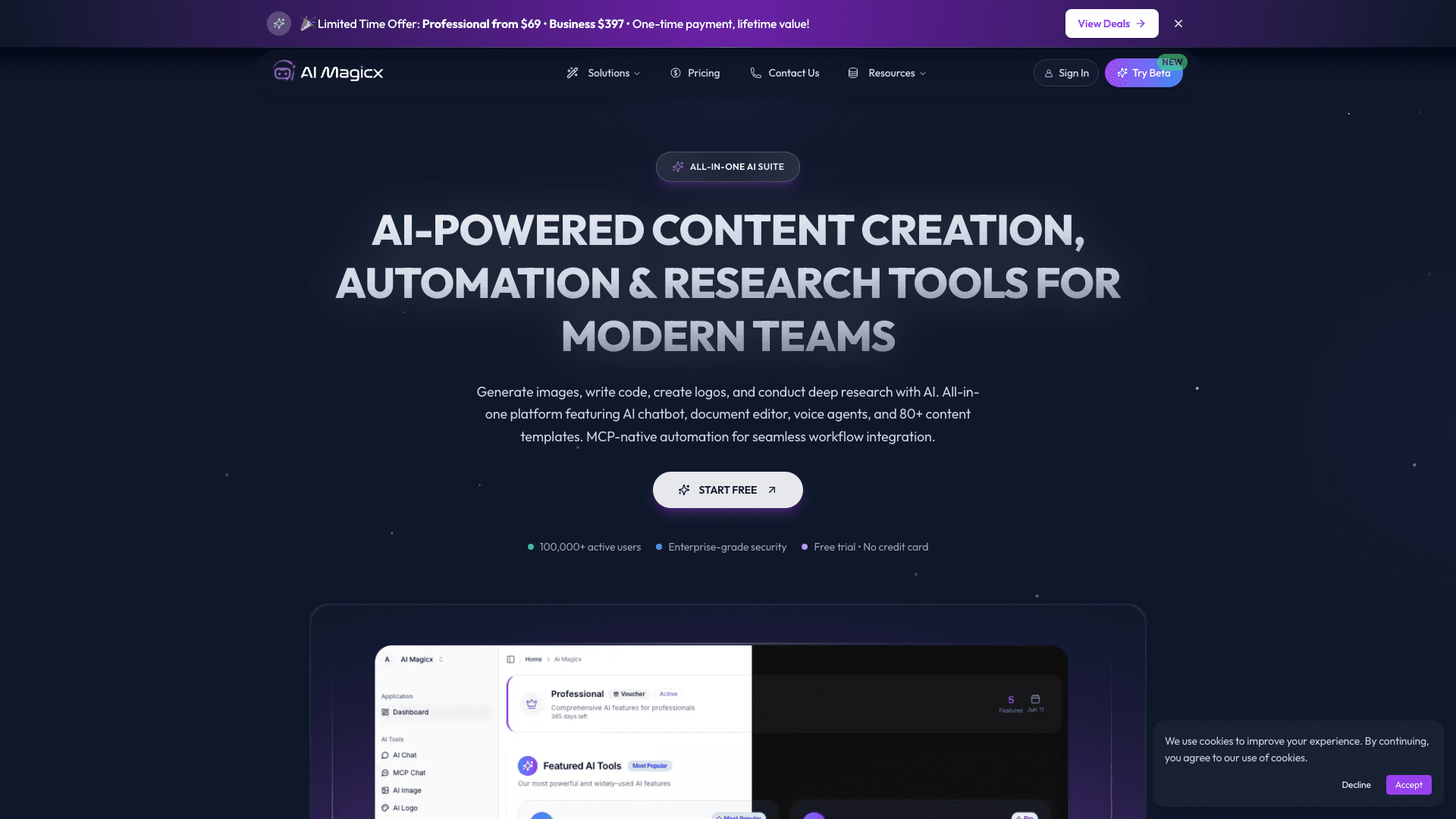
AI Magicx
AI Magicx enhances creativity with AI-driven design and coding.

MolyPix.AI
Transform text into stunning, editable designs instantly.

Midjourney
Unlock true digital artistry.
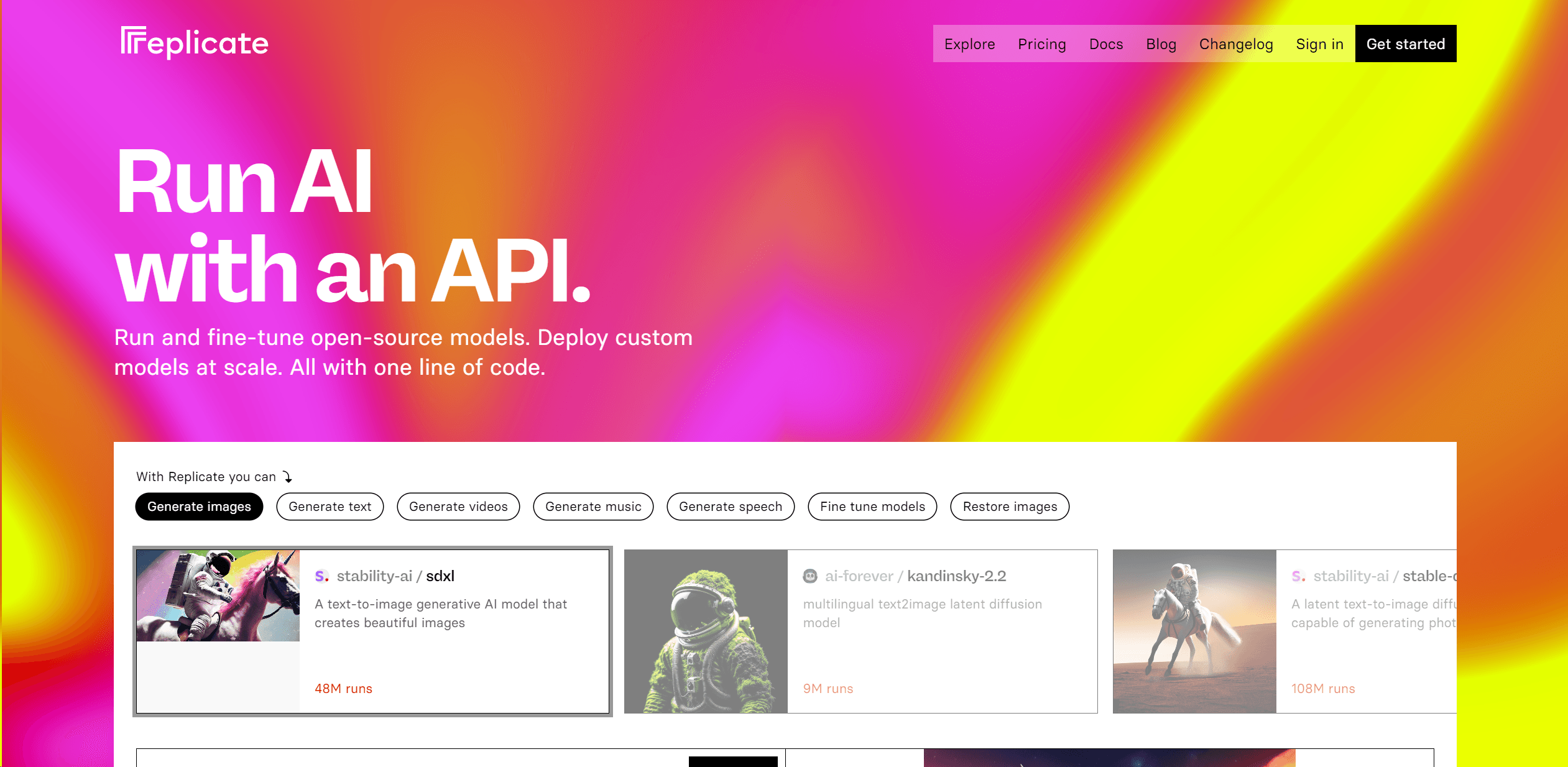
Replicate
Unlock AI's potential: run, fine-tune, deploy models easily and cost-effectively.
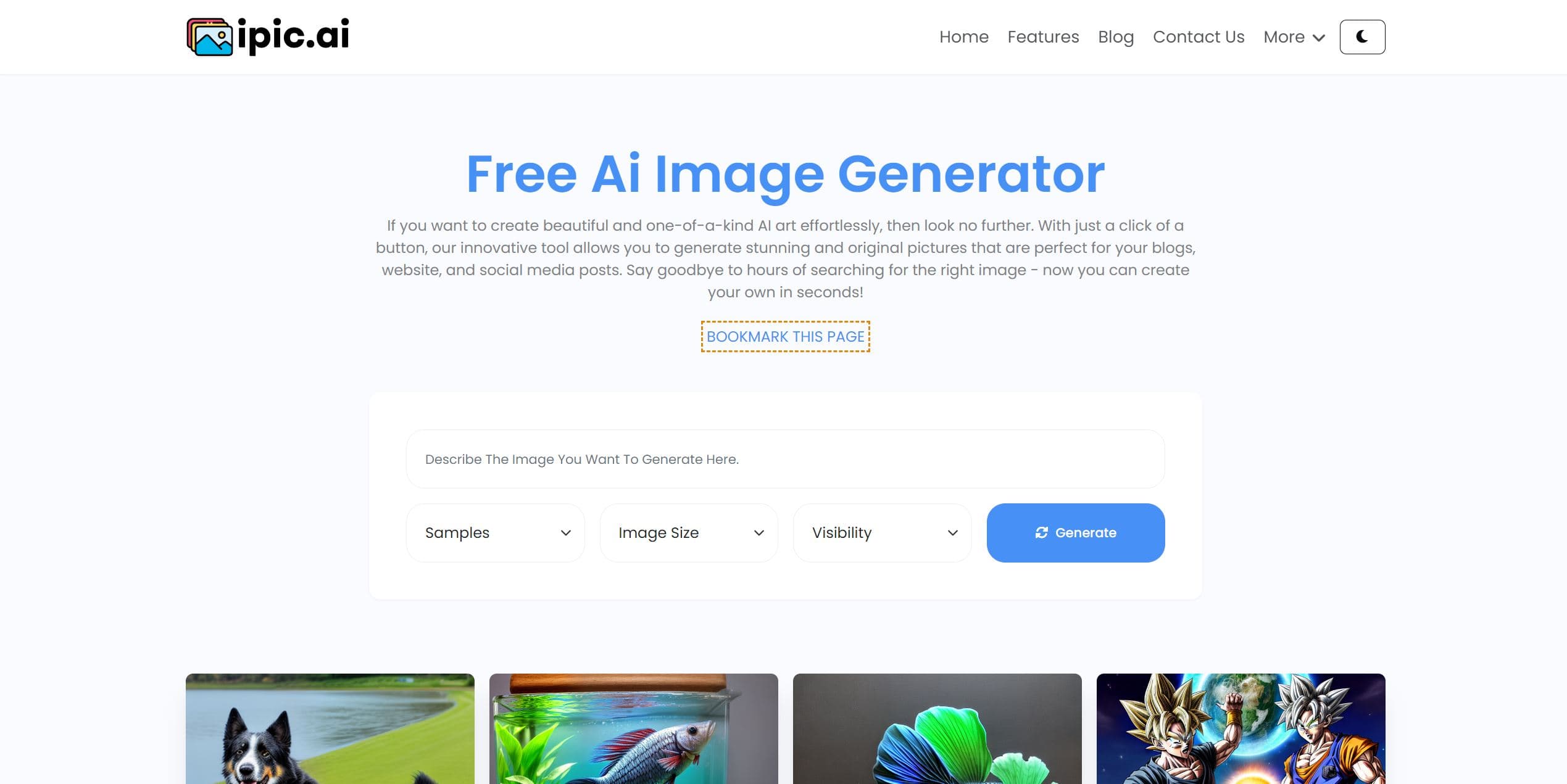
Ipic.ai
AI-powered image enhancement for professionals and hobbyists alike.

Dora AI
Revolutionize website creation with AI: unique, prompt-driven designs made simple.
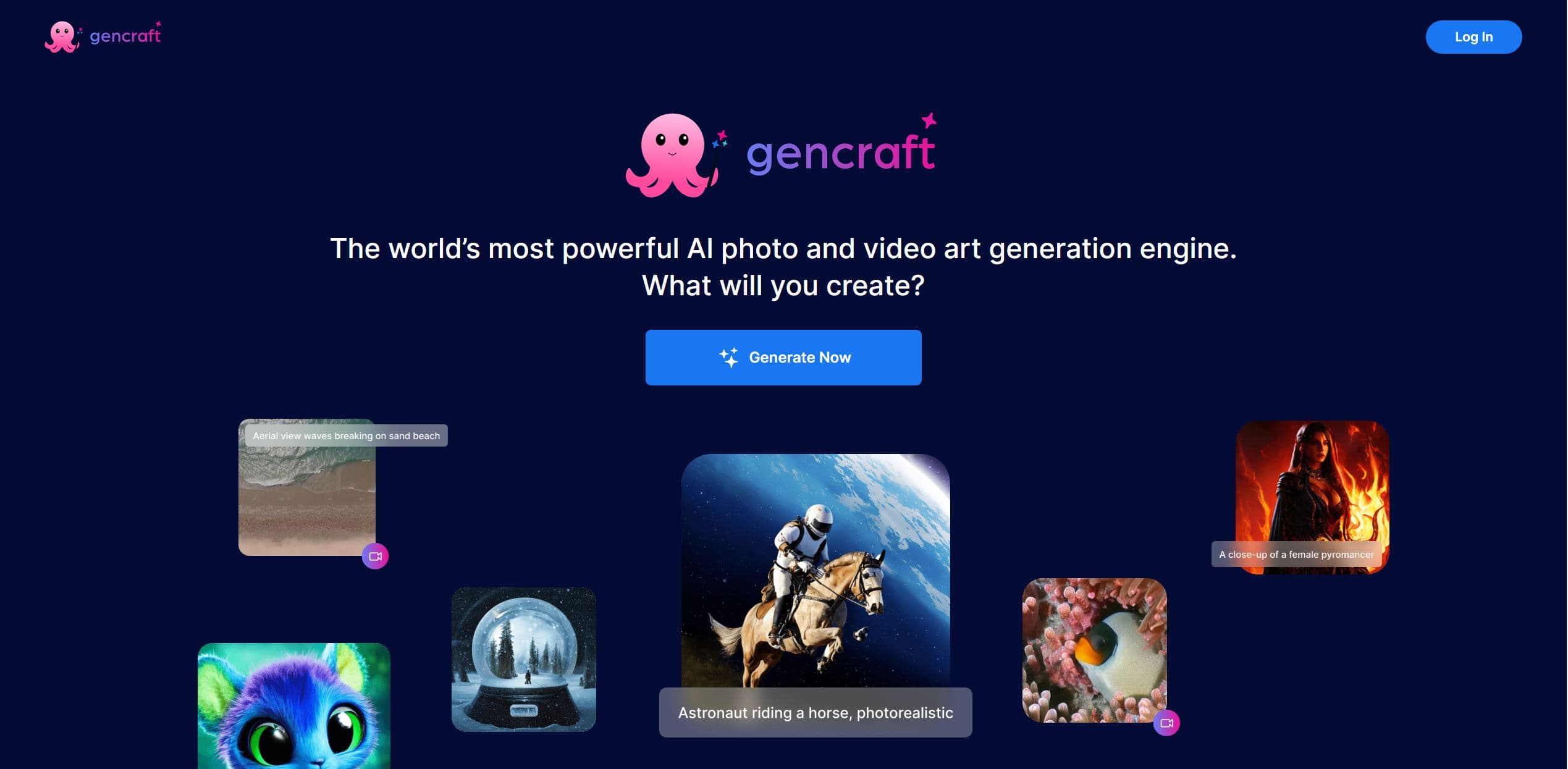
Gencraft
AI-powered tool for creating stunning digital art effortlessly.
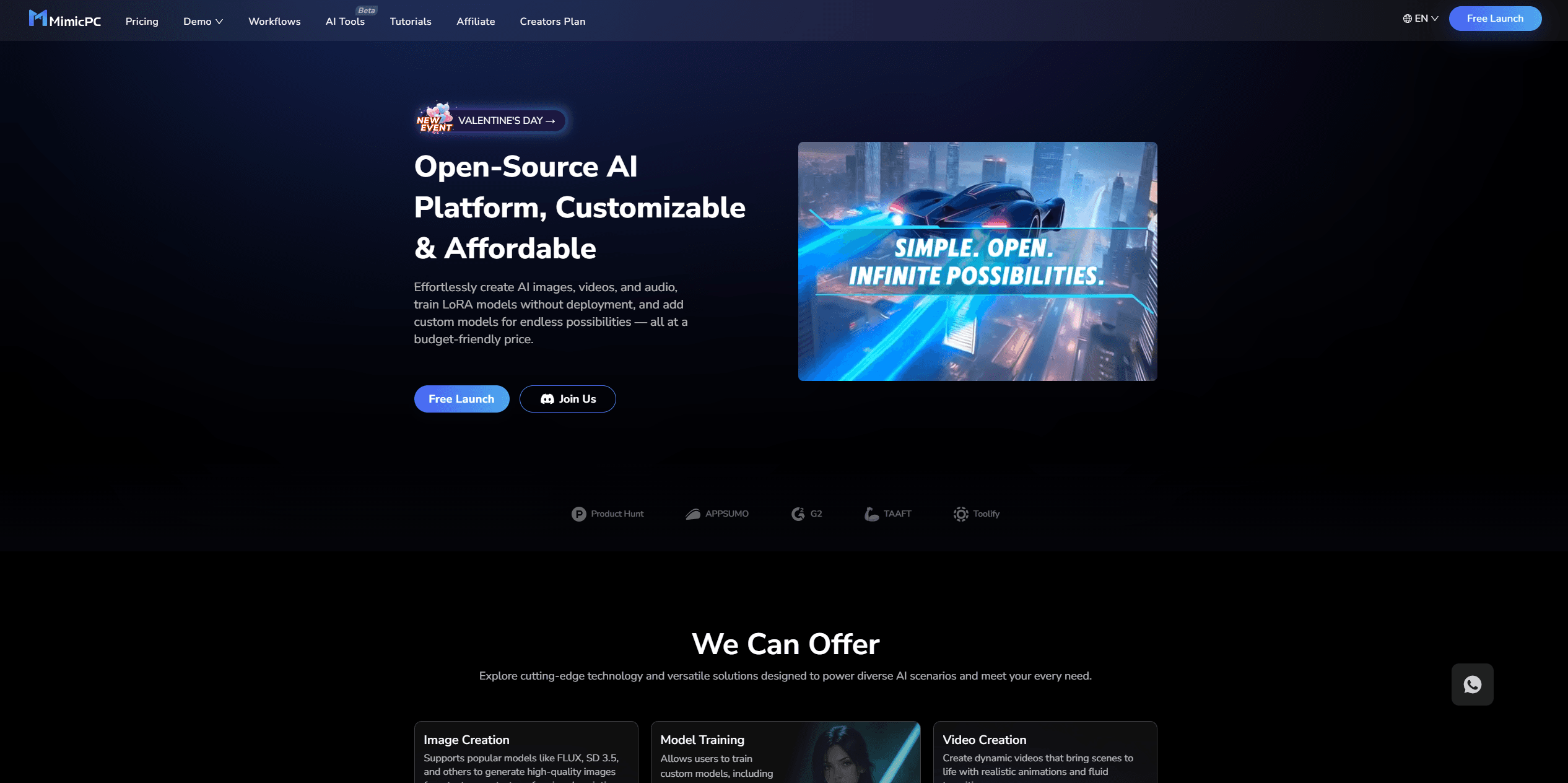
MimicPC
Unlock AI tools instantly, browser-based, no installs needed.

Ideogram
Transform text to stunning visuals with AI, enhancing creativity and collaboration.

Lucidpic
Revolutionize your visuals with AI-powered 3D photo transformations for engaging, lifelike content.

AI2image
AI creates custom images from English descriptions in seconds.
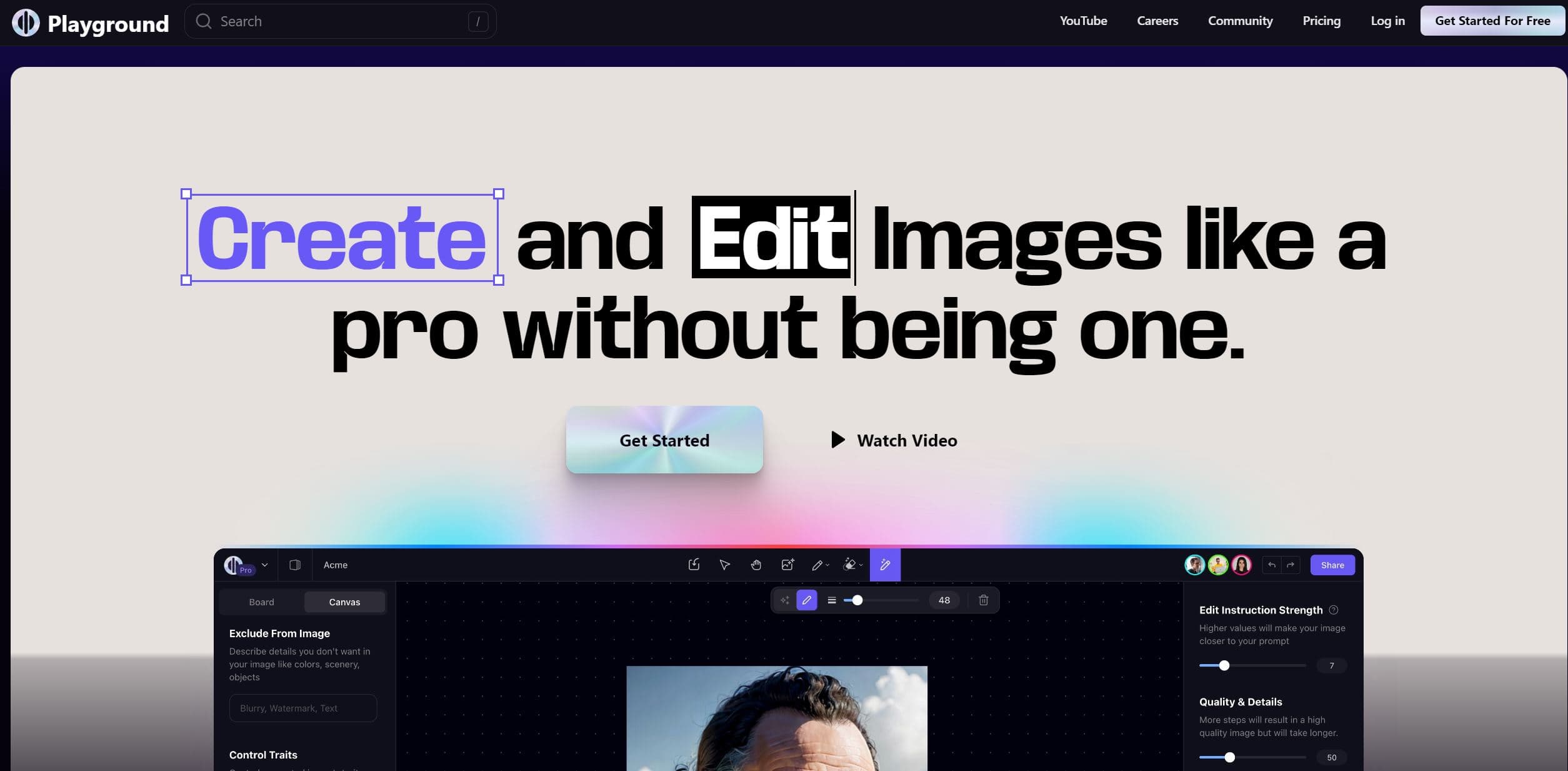
Playground AI
Unleash creativity with AI-driven image creation and intuitive editing.