FlexClip
FlexClip is a powerful online video editor that allows users to create stunning videos without needing any prior video editing skills. It offers a user-friendly interface and a variety of tools that m
10,902
Votes
11,444
Views
5,195
Bookmarks
About
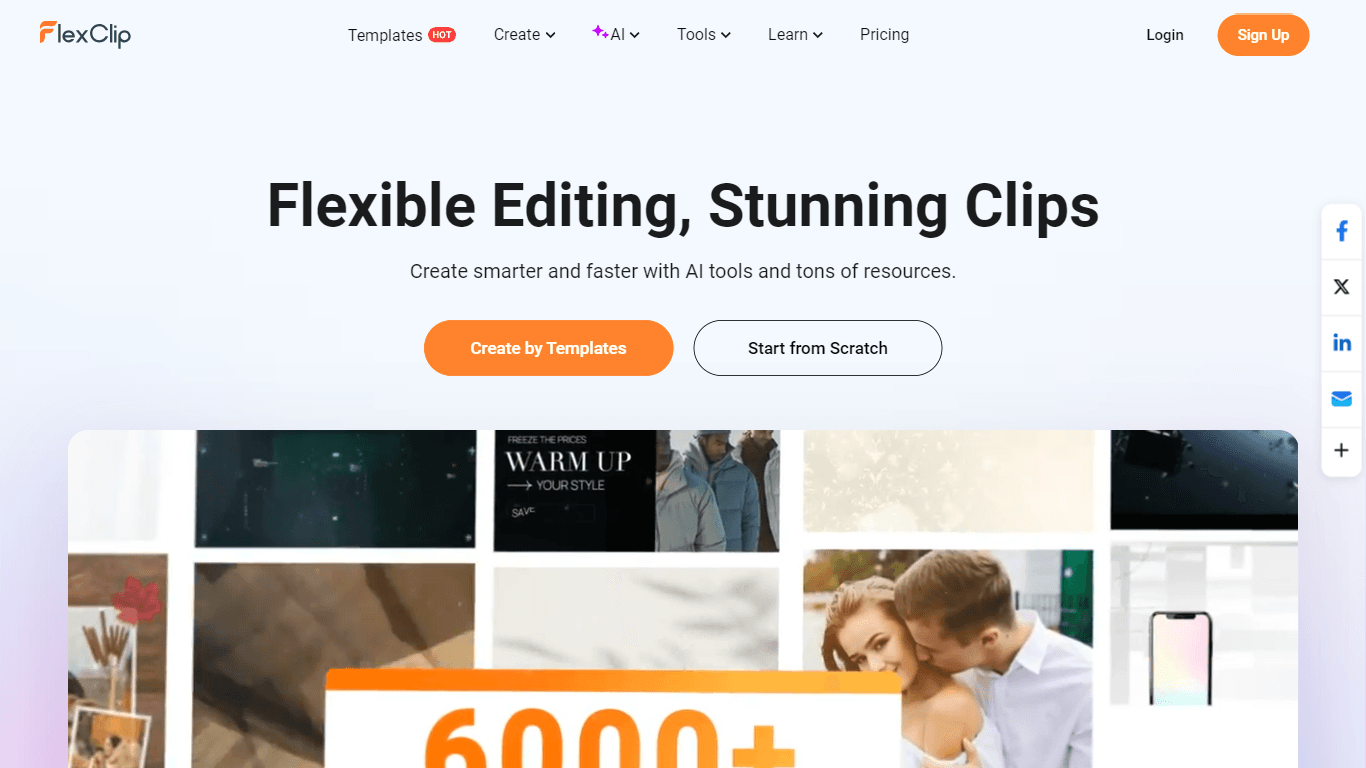
FlexClip is a powerful online video editor that allows users to create stunning videos without needing any prior video editing skills. It offers a user-friendly interface and a variety of tools that make video creation accessible to everyone, from beginners to professionals. With FlexClip, users can easily add text, music, animations, and various effects to their videos, making it a versatile tool for personal and business use. The platform is designed to cater to a wide audience, including marketers, educators, and content creators, who are looking to enhance their video content quickly and efficiently. One of the unique value propositions of FlexClip is its extensive library of over 6000 templates, which users can utilize to jumpstart their video projects. This feature significantly reduces the time and effort required to create high-quality videos, allowing users to focus on their content rather than the technical aspects of video editing. Additionally, FlexClip incorporates advanced AI tools that can generate videos from prompts, articles, or URLs, making it easier for users to create engaging content without extensive editing knowledge. FlexClip stands out from other video editing tools due to its all-in-one solution that combines powerful editing capabilities with rich resources. Users can trim, merge, reverse, and speed up or slow down their video clips with ease. The platform also supports collaboration, enabling teams to work together efficiently on video projects. Furthermore, FlexClip offers cloud storage, ensuring that users can access their files and designs from anywhere, which is particularly beneficial for remote teams. The technical implementation of FlexClip is designed to provide a seamless user experience. The platform is web-based, meaning users can access it from any device with an internet connection. This flexibility allows for easy sharing and exporting of videos in high resolutions, including 4K. The integration of AI tools, such as automatic subtitle generation and background removal, enhances the editing process, making it more intuitive and efficient for users of all skill levels. In summary, FlexClip is not just a video editing tool; it is a comprehensive platform that empowers users to create professional-looking videos quickly and easily. Its combination of user-friendly features, extensive resources, and innovative AI tools makes it an ideal choice for anyone looking to elevate their video content, whether for personal projects or business marketing.
Key Features
- User-Friendly Interface: FlexClip's simple design makes it easy for anyone to start creating videos without prior experience.
- Extensive Template Library: With over 6000 templates, users can quickly find inspiration and start their projects without starting from scratch.
- AI Video Generation: Users can create videos from text prompts, articles, or URLs, making video creation faster and more accessible.
- Collaboration Tools: FlexClip allows teams to work together on video projects, enhancing productivity and creativity.
- Cloud Storage: Users can access their projects from anywhere, ensuring that their files are always available when needed.
FAQ
Is FlexClip free to use?
Yes, FlexClip offers a free version that allows users to create videos with basic features. There are also paid plans for more advanced functionalities.
Do I need any video editing skills to use FlexClip?
No, FlexClip is designed for everyone, including beginners. You can create videos easily without any prior editing experience.
Can I collaborate with others on FlexClip?
Yes, FlexClip has collaboration features that allow you to work with teammates on video projects.
What types of videos can I create with FlexClip?
You can create a variety of videos, including promotional videos, social media clips, educational content, and personal projects.
Is there a limit to the video length I can create?
The free version of FlexClip has some limitations on video length, but paid plans offer more flexibility.
Can I export my videos in high resolution?
Yes, FlexClip allows you to export videos in up to 4K resolution, depending on your subscription plan.
You may also like
More tools in Video Tools

Glato AI
Glato AI is an innovative platform that revolutionizes the creation of video content by leveraging artificial intelligence. With Glato AI, users can quickly produce high-quality, engaging, and viral v
MokSa.AI
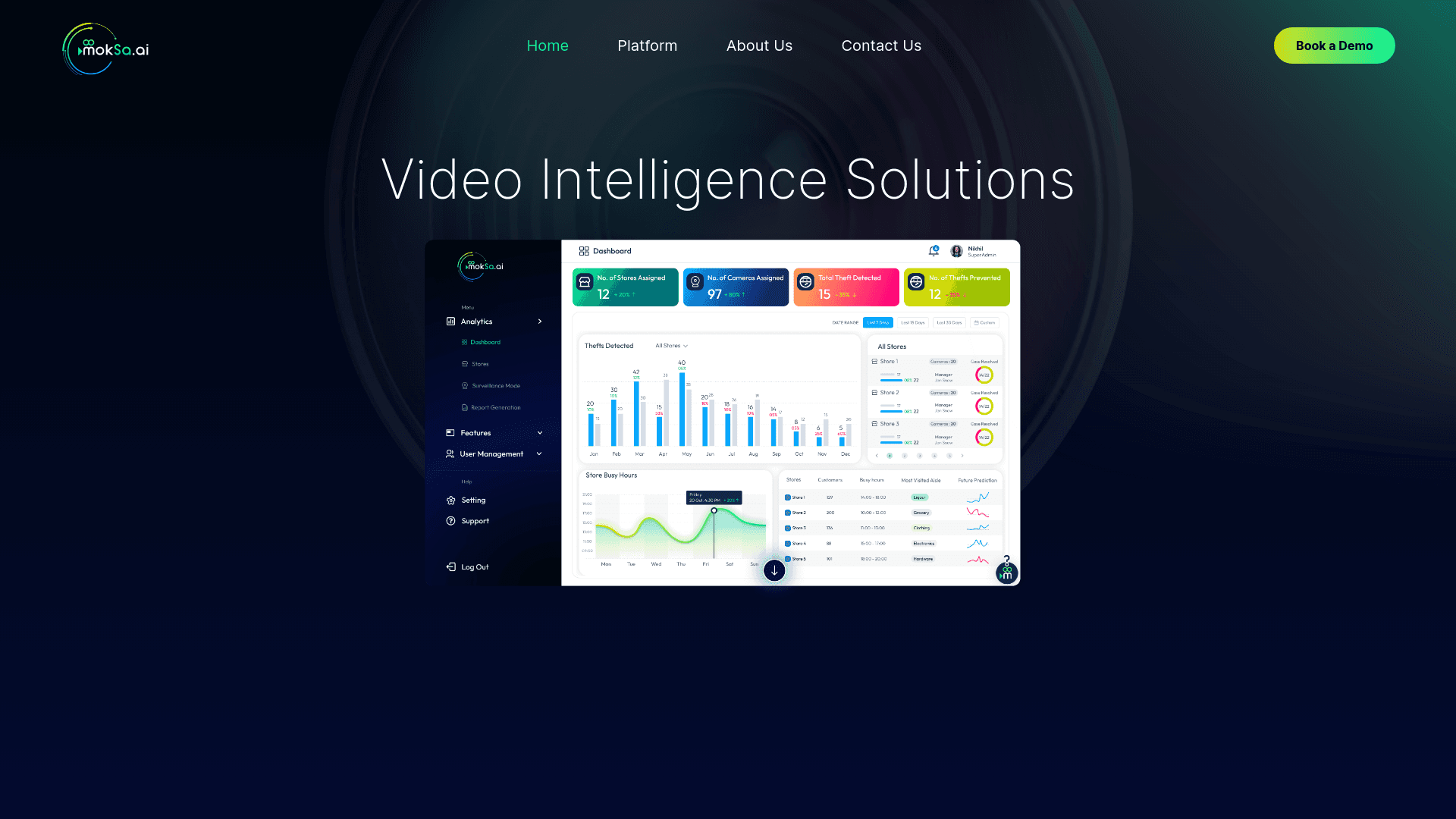
Enhances retail operations with AI-driven video intelligence.

Eddie AI
A software for video editing through rough cuts and integrating with existing software.

Noisee AI
Find powerful Noisee AI alternatives for creators.
Pipio
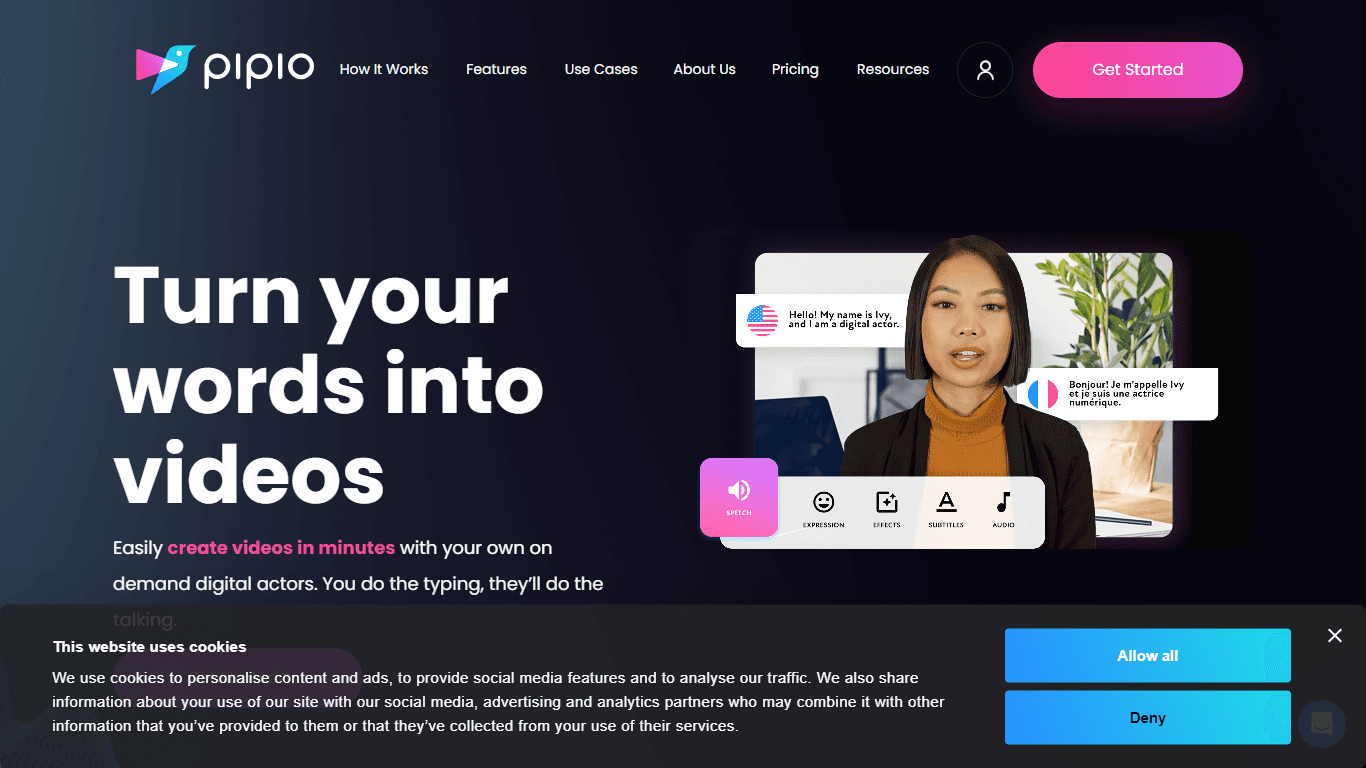
Pipio is an innovative AI-powered video production platform designed to simplify the creation of professional videos. With Pipio, users can craft high-quality AI videos effortlessly by typing a script

Civitai
Open-source platform for AI model creation and collaboration.
Camb.ai
Transforms video dubbing with nuanced voice preservation and 100+ languages.

Midjourney
Unlock true digital artistry.
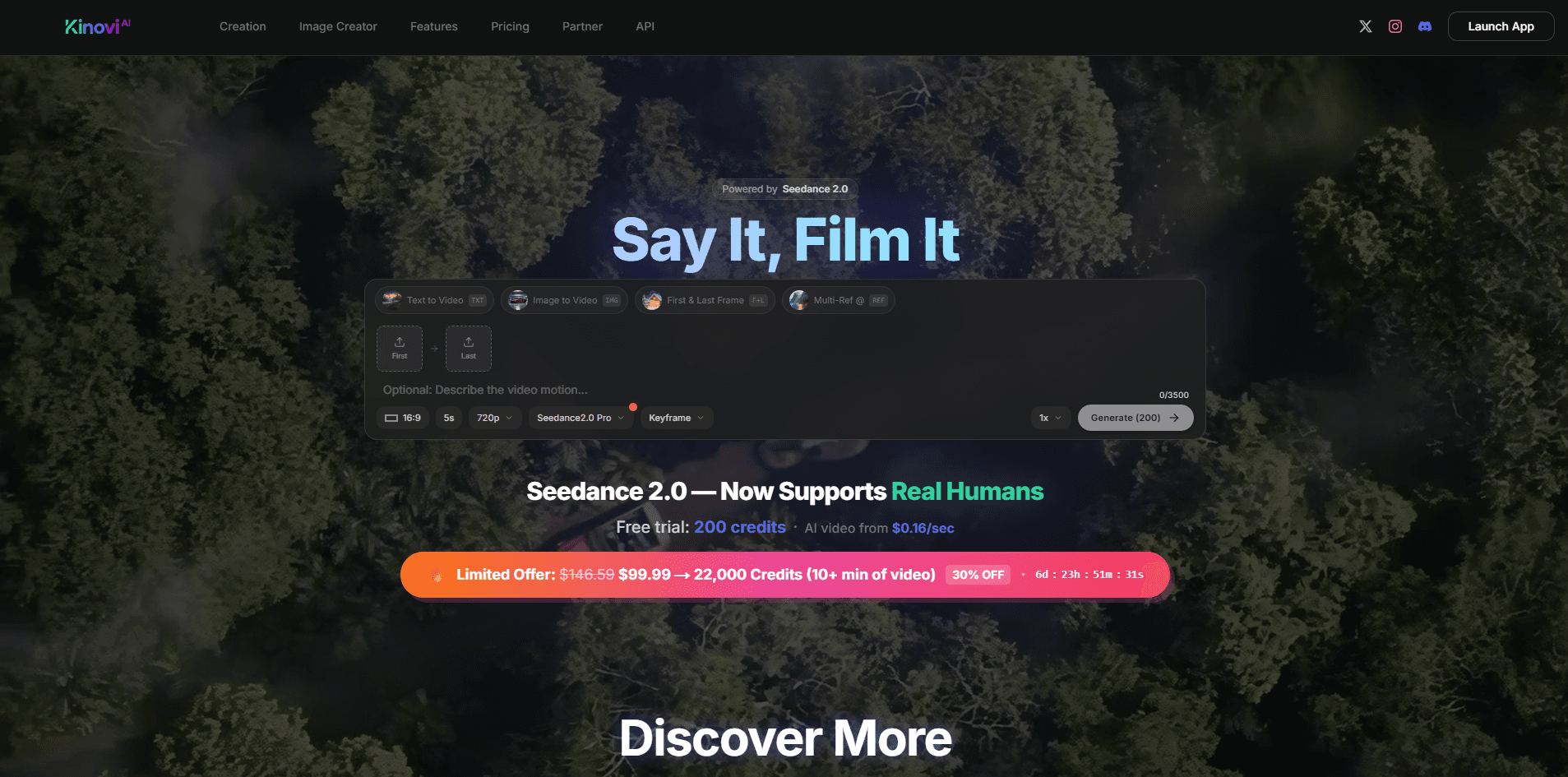
Kinovi
Direct cinematic clips from prompts and references.

MimicPC
Unlock AI tools instantly, browser-based, no installs needed.

Nero AI Video Upscaler
A tool for video upscaling with 4k support.

Paper Animator
A tool to transform images and text into paper-style animations.