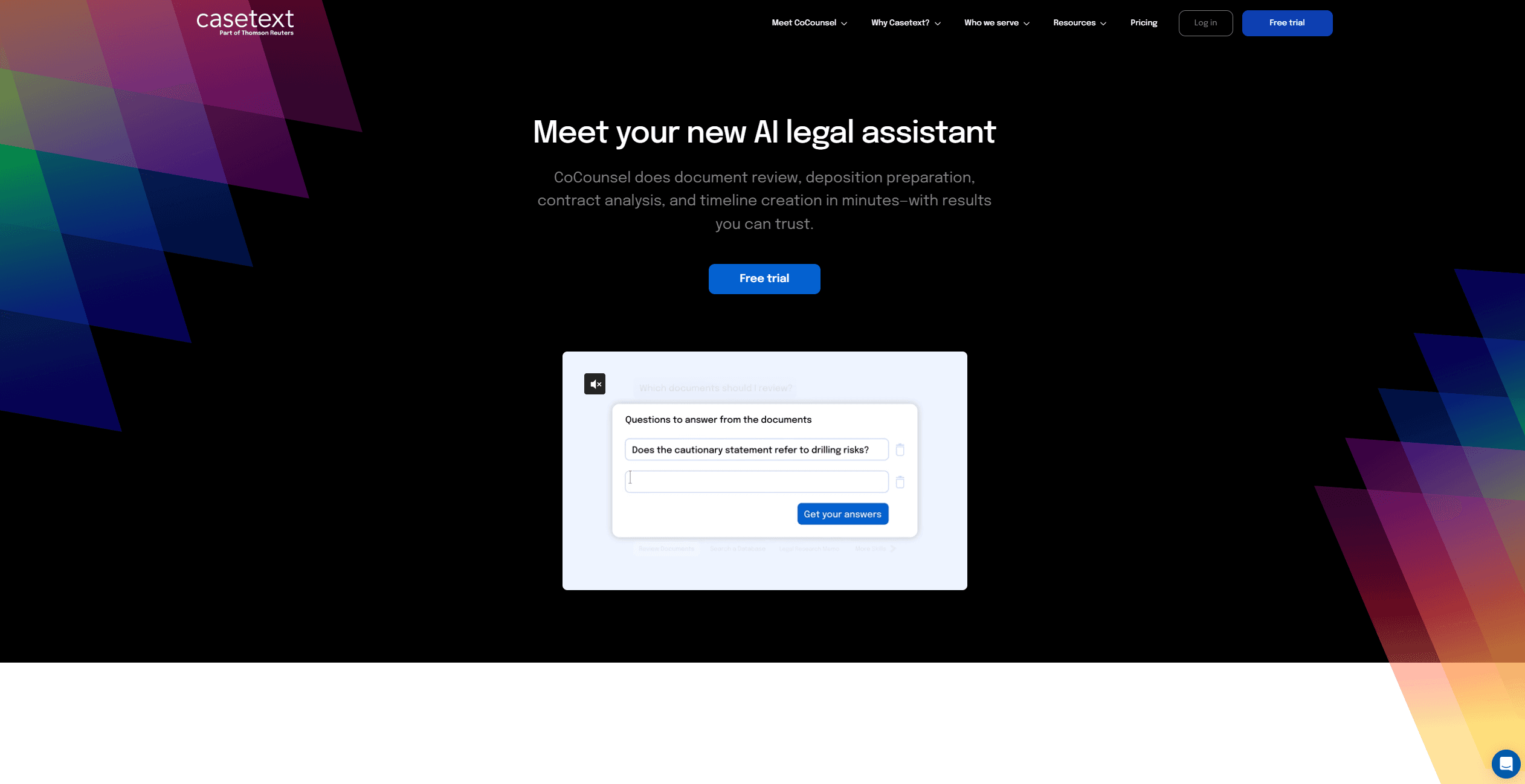
Casetext
Revolutionizes legal work with AI: research, document review, contract analysis, timeline creation.
11,858
Votes
22,059
Views
7,644
Bookmarks
About
Casetext has emerged as a revolutionary tool in the legal field, introducing CoCounsel, the world's first AI legal assistant powered by GPT-4. This tool is specifically designed to transform the way legal professionals handle document review, deposition preparation, contract analysis, and timeline creation. With the promise of delivering results in minutes that you can trust, Casetext aims to provide superior work at superhuman speed, enabling lawyers and legal firms to serve their clients more effectively and grow their business. My exploration of Casetext will delve into how it stands out in the legal-tech space, focusing on its key features, pros and cons, user base, pricing, and what makes it unique.
Key Features
- Fast-Track Legal Research and Deposition Prep: Casetext's CoCounsel allows users to enter legal issues along with jurisdiction-specific information to receive complete answers with supporting sources in seconds.
- Document Review Precision: It identifies critical documents in contract databases and key information in discovery, enhancing precision and recall while lowering costs.
- Contract Analysis and Revision: Users can upload contracts and the policies they should comply with, and CoCounsel identifies relevant clauses, conflicts, and risks, recommending revisions.
- Timeline Creation: CoCounsel aids in creating detailed timelines for cases, facilitating better organization and case management.
Pros
- Efficiency in Legal Research: Reduces the time spent on legal research and deposition preparation dramatically.
- Accuracy and Trustworthiness: Utilizes GPT-4 for high precision and reliable results in document review and contract analysis.
- Cost Reduction: By automating critical tasks, it decreases operational costs for legal firms.
- User-Friendly Interface: Designed for ease of use, allowing legal professionals to quickly adapt and integrate it into their workflow.
Cons
- Learning Curve: New users may require time to fully understand and utilize all features effectively.
- Dependence on Quality of Inputs: The accuracy of outputs heavily depends on the quality and specificity of the information provided by the user.
- Potential for Overreliance: Lawyers may become overly reliant on AI, which could impact the development of junior legal staff's research skills.
Who Uses It
- Solo Practitioners and Small Firms: Leveraging its capabilities for efficient, cost-effective legal research and document management.
- Large Law Firms: Utilizing CoCounsel for high-volume document review and complex contract analysis.
- In-house Legal Departments: Employing the tool to streamline contract management and compliance tasks.
- Litigators: Benefiting from fast deposition preparation and detailed case timeline creation.
- Transactional Attorneys: Using the tool for thorough contract review and policy compliance analysis.
- Uncommon Use Cases: Non-profit organizations like The California Innocence Project use it to expedite case qualification processes; educational institutions incorporate it into legal studies curriculum to expose students to AI in legal practice.
Pricing
- Free Trial: Casetext offers a free trial, allowing potential users to experience the capabilities of CoCounsel.
- Subscription Plans: Detailed pricing information is not provided in the content available to me; interested parties should consult the Casetext website for the most current pricing details.
You may also like
More tools in Business Tools
Kira Systems
Streamline contract review with AI-driven precision and customization.

Align AI
Streamlines AI strategy alignment with business objectives.

adam.ai
Maximize your business success with adam.ai, the intuitive meeting management platform designed to enhance your team's productivity. Our intelligent solution streamlines the meeting process, granting
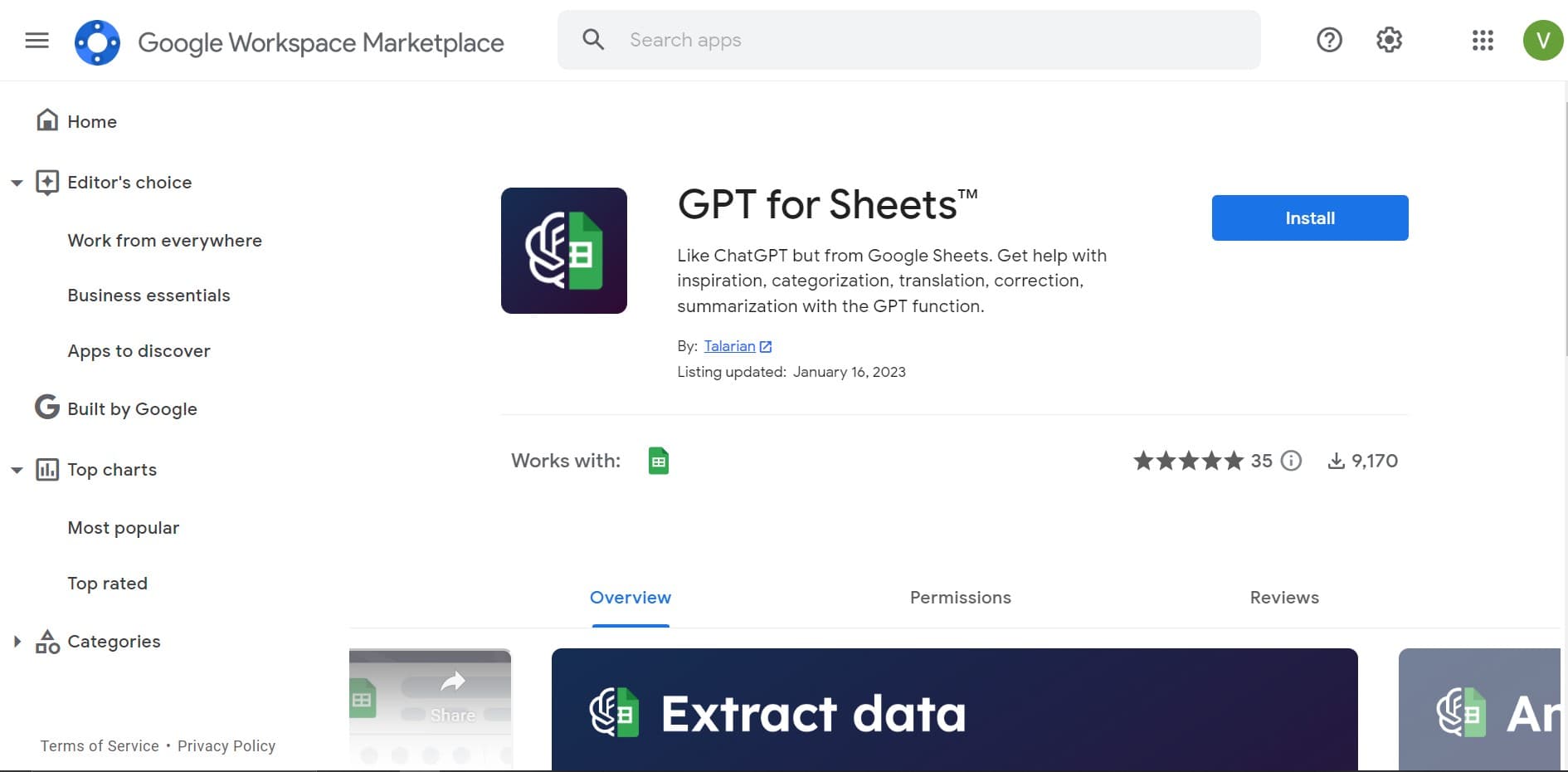
GPT for Sheets and Docs
Elevate productivity in Sheets and Docs with AI-powered automation and creativity.

Outreach
Optimize sales, enhance workflows, boost efficiency with AI-powered tools.

Looq AI
Revolutionize image analysis with advanced AI-powered recognition and insights.

Smartsheet
Streamline workflows, automate tasks, enhance team collaboration.

super.AI
Automate complex document tasks with precision and efficiency.

Tektonic AI
Streamline sales and revenue operations with advanced AI-driven automation.

Ipic.ai
AI-powered image enhancement for professionals and hobbyists alike.
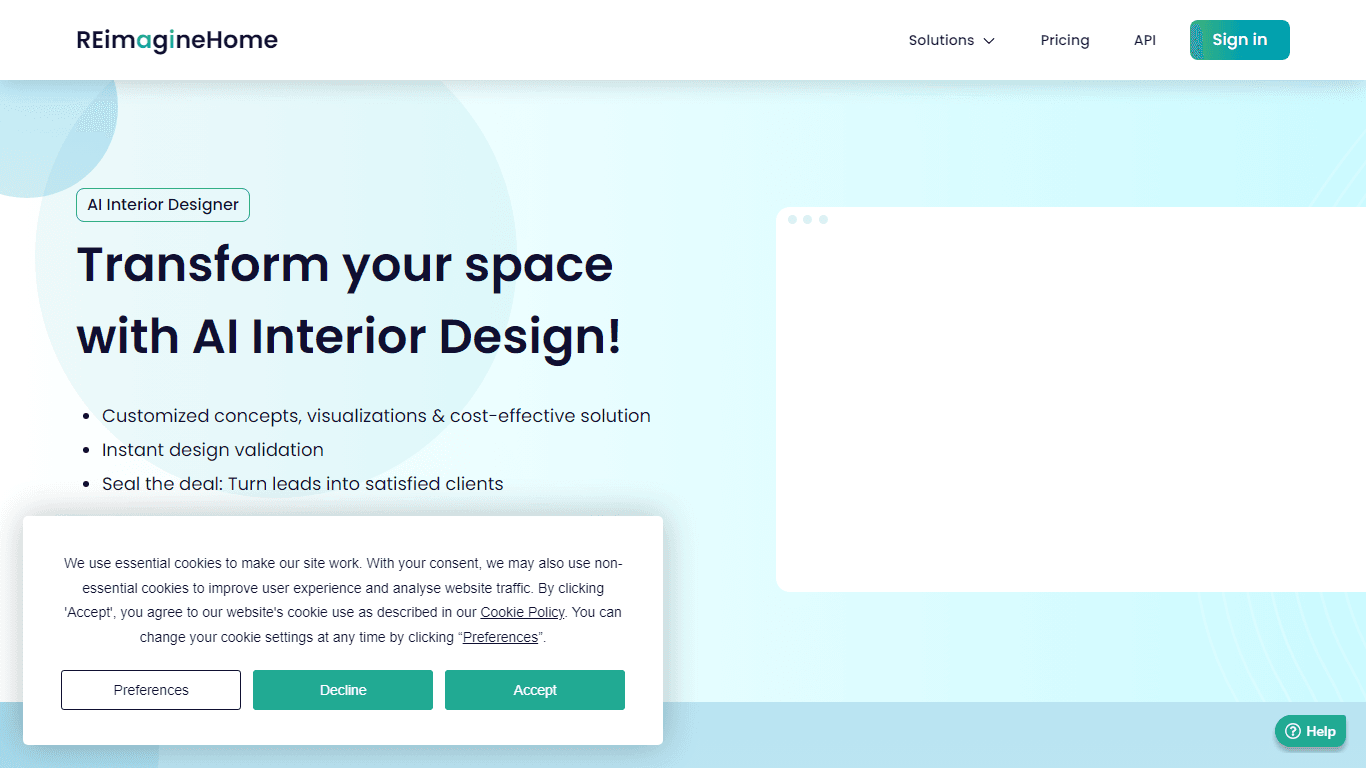
AI Interior Designer By REimagineHome
Transform your real estate images with the cutting-edge AI Interior Designer tool, designed to breathe new life into every space. Experience the future of home visualization with our comprehensive sui

Tom's Planner
Create efficient project plans in a breeze with Tom's Planner's AI-powered Gantt charts. Experience the future of project management by letting AI take the reins—no more manual entry! Just describe yo