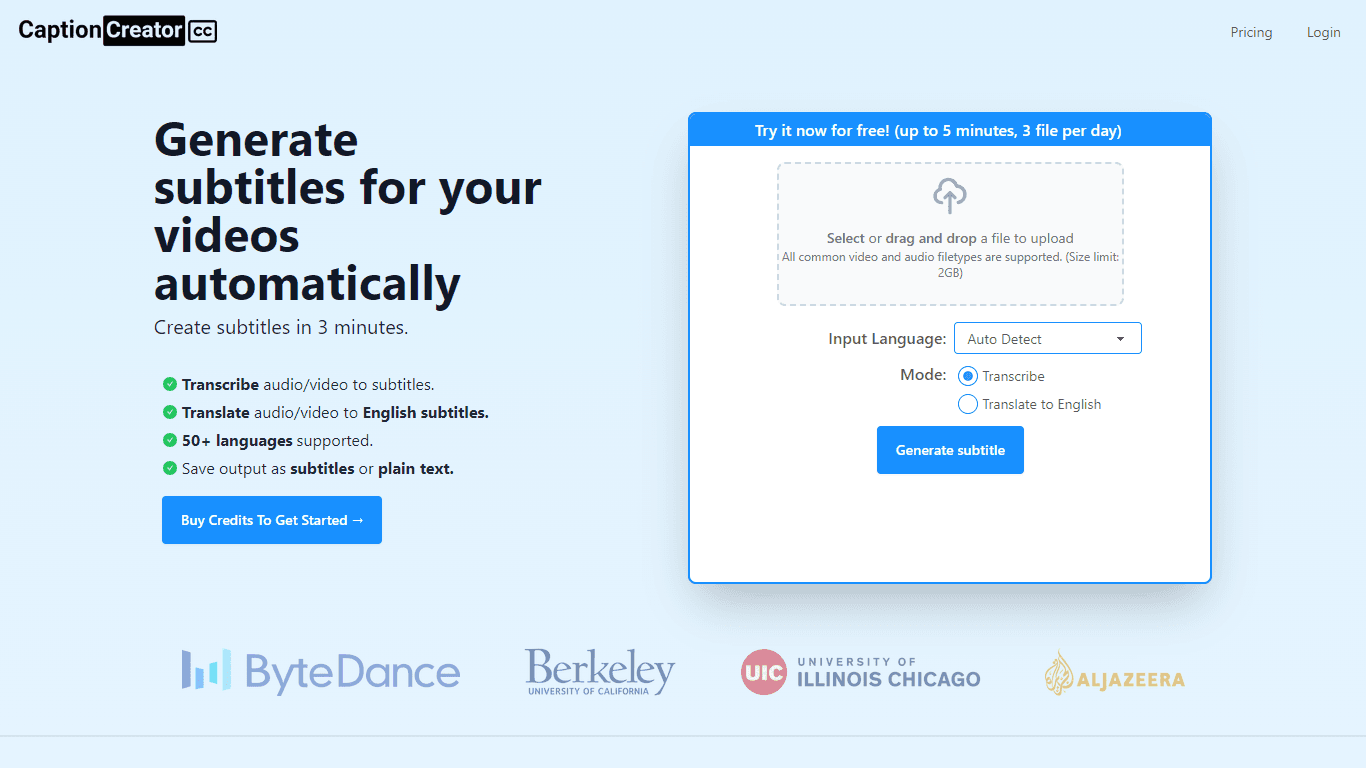
CaptionCreator
CaptionCreator is an online tool designed to automatically generate subtitles for videos and audio files. With its intuitive interface, users can quickly transcribe or translate their content with eas
18,512
Votes
23,267
Views
12,232
Bookmarks
About
CaptionCreator is an online tool designed to automatically generate subtitles for videos and audio files. With its intuitive interface, users can quickly transcribe or translate their content with ease. Here's the process to leverage Captionediator's capabilities: Upload your video or audio file to the platform.Choose the source audio language from a diverse selection of more than 50 languages. Decide whether you need transcribing or translating to English.Once the process is complete, download your subtitles or plain text in SRT, VTT, or plain text format. CaptionCreator caters to a range of needs by supporting common video and audio file types up to 2GB in size. It ensures high accuracy, even in challenging audio conditions with background noise. Moreover, it can handle multilingual content and various accents, enabling a wide-ranging applicability. For users with modest requirements, CaptionCreator offers free transcription or translation for short videos up to 5 minutes, limited to three files per day. Those with more significant needs can buy credits with no expiration date, which allows for transcription or translation according to the credits available. Prices vary based on the credit packages purchased.
Key Features
- Accurate Transcription & Translation: Leverage the latest AI models for high-quality subtitle generation in over 50 languages.
- Multilingual and Accent Support: Effortlessly convert multi-accented and various language audio into accurate subtitles.
- Noise Environment Compatibility: Maintain transcription and translation accuracy even in noisy audio recordings.
- Flexible Credit System: No subscription required; pay for transcription or translation minutes with credits as needed.
- User-friendly Interface: Quickly upload files, auto-detect language, and download subtitles in multiple formats with ease.
FAQ
Is CaptionCreator free?
CaptionCreator is free to try for videos under 5 minutes length, limited to three files per day. For longer or more frequent use, you need to purchase credits.
How many videos can I transcribe or translate with CaptionCreator?
The number of videos you can transcribe or translate depends on how many credits you have. One credit is equivalent to one minute of audio or video.
How long does it take to generate subtitles?
The length of the videos does not impede the speed; any video can be processed in under 3 minutes.
How do I delete my CaptionCreator account?
To delete your account, send an email from the email address you used to register to hello@captioncreator.cc.
Is the subtitle generation accurate and can it be used offline?
CaptionCreator's results are powered by advanced AI technology to ensure accuracy. However, an active internet connection is required to use the service.
You may also like
More tools in Video Tools

Noisee AI
Find powerful Noisee AI alternatives for creators.
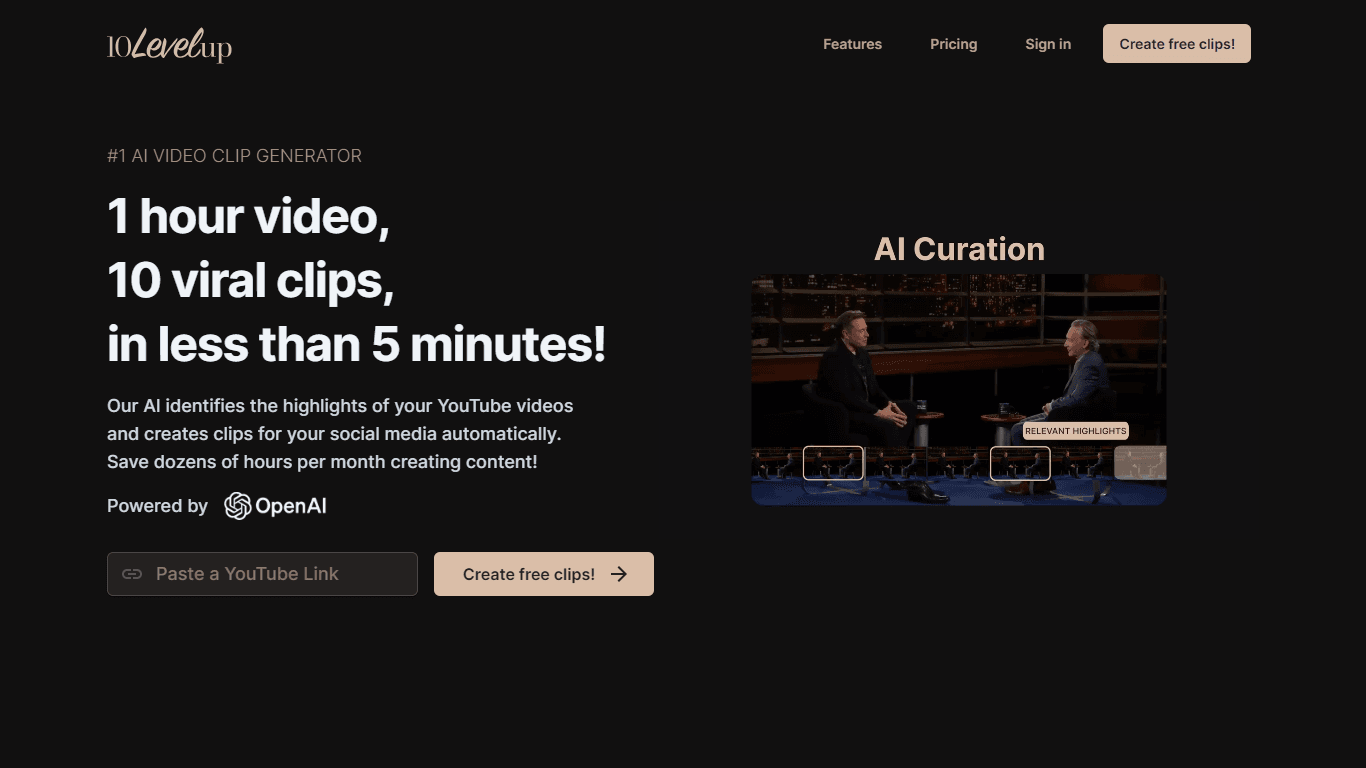
10LevelUp
10LevelUp's AI Video Clip Generator stands as the premier solution for creating quick and engaging video content. This advanced tool harnesses the power of AI to simplify video production, making it a

Civitai
Open-source platform for AI model creation and collaboration.

DaVinci Resolve
Unify editing, color, VFX, and audio post-production.

MimicPC
Unlock AI tools instantly, browser-based, no installs needed.

Paper Animator
A tool to transform images and text into paper-style animations.

Dubs
AI-powered video dubbing and subtitles for global reach.

Glato AI
Glato AI is an innovative platform that revolutionizes the creation of video content by leveraging artificial intelligence. With Glato AI, users can quickly produce high-quality, engaging, and viral v
Spyne
Spyne is the ultimate AI photography and editing software specifically designed for automotive dealers. With its advanced features and cutting-edge technology, Spyne AI revolutionizes the way car deal
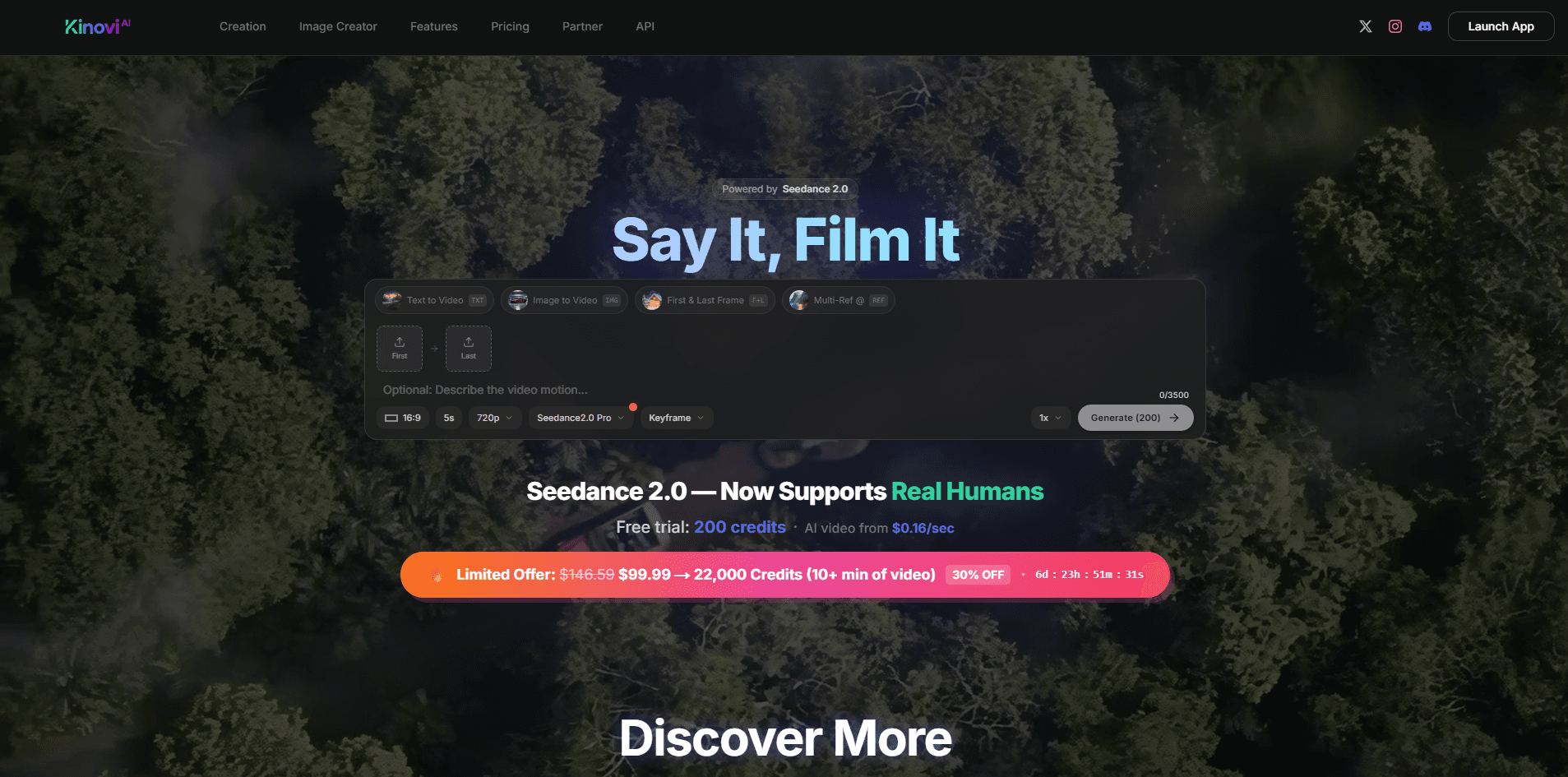
Kinovi
Direct cinematic clips from prompts and references.
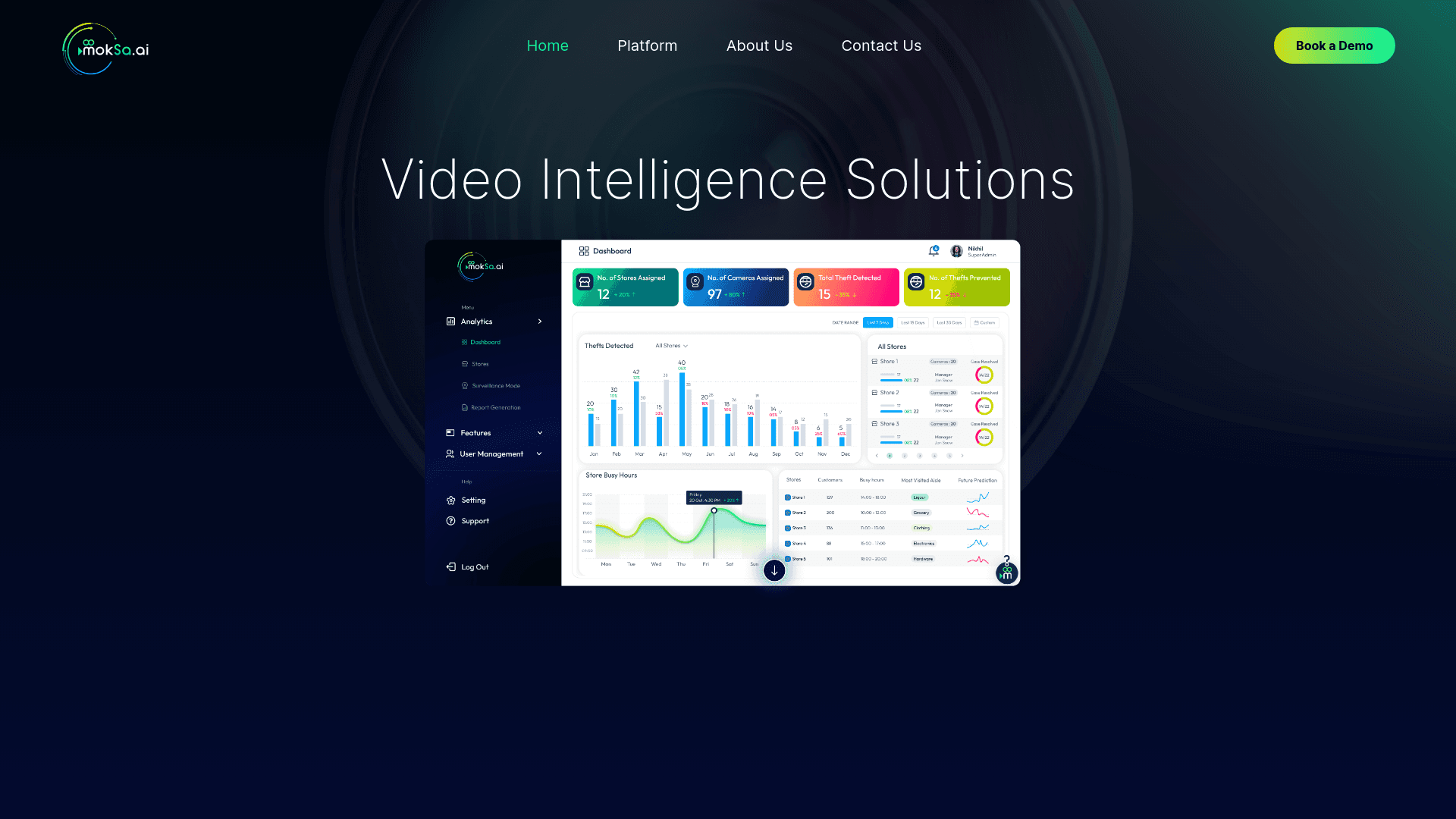
MokSa.AI
Enhances retail operations with AI-driven video intelligence.

Midjourney
Unlock true digital artistry.