AutoCut
Revolutionize video editing: automate silences, captions, B-rolls, enhancing quality and efficiency.
18,076
Votes
27,604
Views
12,285
Bookmarks
About
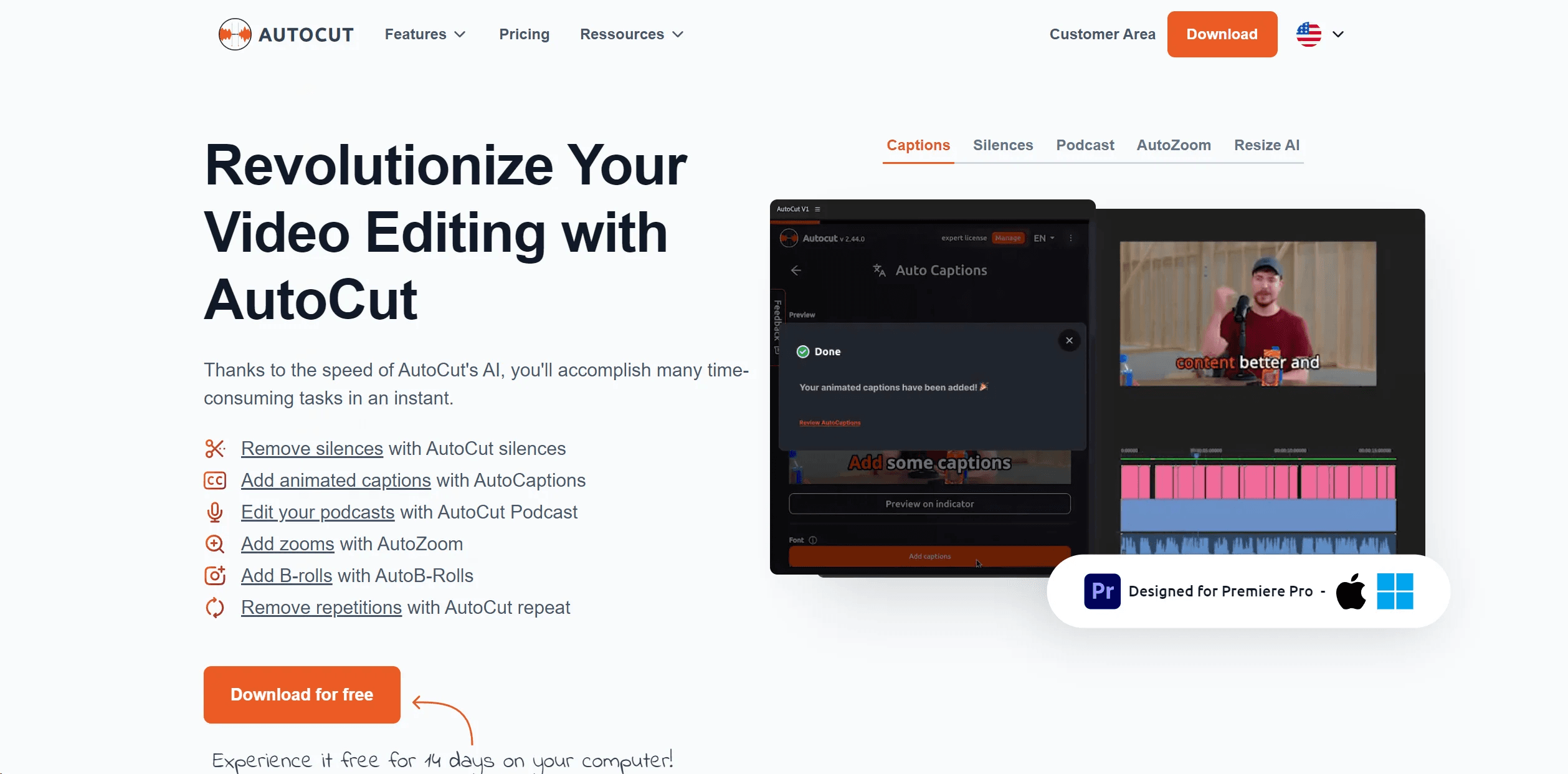
AutoCut is an advanced plugin for Adobe Premiere Pro designed to transform the video editing process by automating repetitive and time-consuming tasks. This tool aims to streamline video production by efficiently handling tasks such as removing silences, adding animated captions, and integrating B-rolls, thereby significantly reducing editing time and enhancing the quality of video content. Ideal for content creators, video editors, and podcast producers, AutoCut stands out for its ability to streamline workflows while preserving creativity and quality.
Key Features
- Automatic Silence Remover: Efficiently detects and removes unwanted silences from a video, ensuring a fluid and engaging viewing experience.
- Animated Captions with One Click: The AutoCaptions feature automatically syncs animated subtitles with spoken words, ideal for enhancing viewer engagement on platforms like TikTok and YouTube.
- Instant Podcast Editing: Simplifies podcast editing by automatically detecting silences and applying dynamic jump cuts and transitions.
- Sophisticated AutoZoom: Adds professionalism to videos by automatically zooming in on subjects, maintaining viewer focus.
- Seamless Integration of B-Rolls: Integrates relevant B-Roll footage automatically, enriching video content without manual search and placement.
Pros
- Efficiency in Editing: Saves significant time by automating routine tasks, allowing creators to focus on more creative aspects.
- Enhanced Viewer Engagement: Features like animated captions and auto zooms contribute to a more engaging and polished video.
- Ease of Use: Intuitive design makes it accessible for both novice and experienced editors.
- Continuous Innovation: Regular updates and new features ensure the tool evolves to meet the needs of modern video editors.
Cons
- Limited Compatibility: Currently only compatible with Adobe Premiere Pro, which may limit its use for users of other editing software.
- Learning Curve: New users might need some time to become familiar with all features and optimize their use.
- Subscription-Based Pricing: Ongoing costs could be a concern for freelancers or small studios on a tight budget.
Who Uses It
AutoCut serves a diverse range of users including:
- Content Creators: For producing polished and engaging content for social media.
- Video Editors: Streamlining post-production workflows and enhancing efficiency.
- Podcast Producers: Adding dynamic edits and animated captions to podcast videos.
- Marketing Agencies: Creating compelling video content for campaigns with minimal effort.
- Uncommon Use Cases: Educational institutions using it in digital media courses; Independent filmmakers speeding up documentary editing.
Pricing
- Basic Plan: $6.60/month ($79.00 billed yearly) includes core features like AutoCut silences v2 and AutoCaptions.
- AI Plan: $14.90/month ($178.80 billed yearly) provides full access to all advanced AI features.
You may also like
More tools in Video Tools

Noisee AI
Find powerful Noisee AI alternatives for creators.
10LevelUp
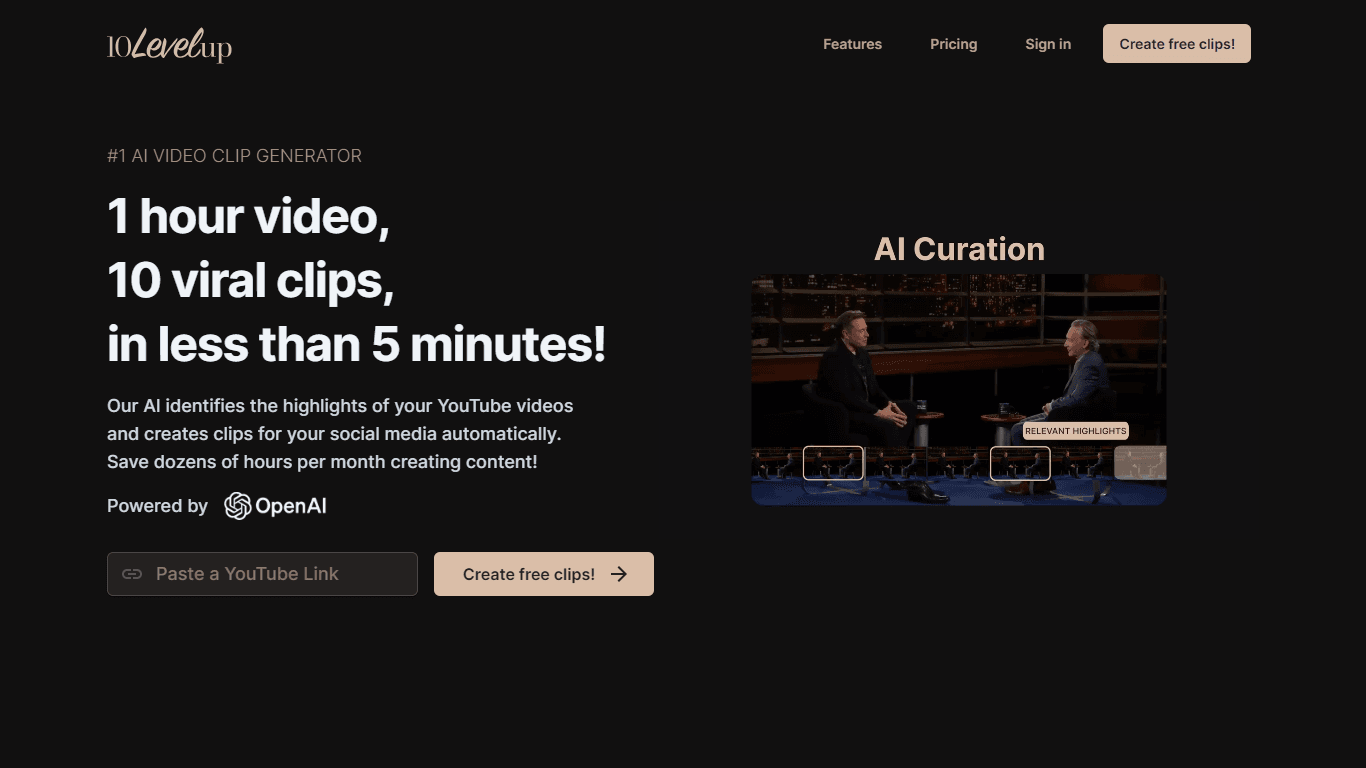
10LevelUp's AI Video Clip Generator stands as the premier solution for creating quick and engaging video content. This advanced tool harnesses the power of AI to simplify video production, making it a

Civitai
Open-source platform for AI model creation and collaboration.

DaVinci Resolve
Unify editing, color, VFX, and audio post-production.

MimicPC
Unlock AI tools instantly, browser-based, no installs needed.

Glato AI
Glato AI is an innovative platform that revolutionizes the creation of video content by leveraging artificial intelligence. With Glato AI, users can quickly produce high-quality, engaging, and viral v

Paper Animator
A tool to transform images and text into paper-style animations.

Dubs
AI-powered video dubbing and subtitles for global reach.
Voscribe
Voscribe is a powerful podcast and video creation suite that leverages artificial intelligence to provide instant transcription services. With more than 95% accuracy, Voscribe makes it easier than eve
MokSa.AI
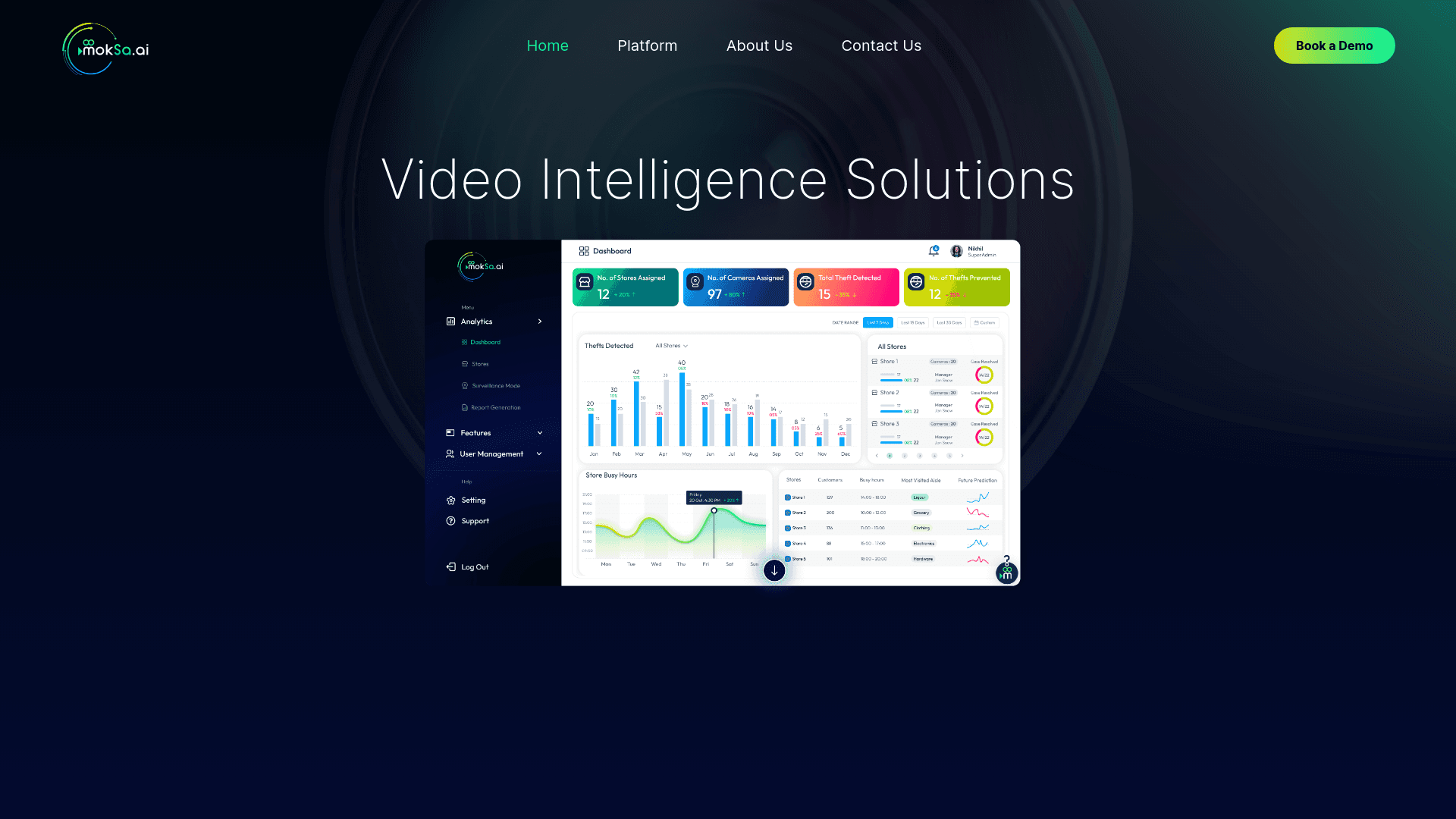
Enhances retail operations with AI-driven video intelligence.
Spyne
Spyne is the ultimate AI photography and editing software specifically designed for automotive dealers. With its advanced features and cutting-edge technology, Spyne AI revolutionizes the way car deal

Midjourney
Unlock true digital artistry.