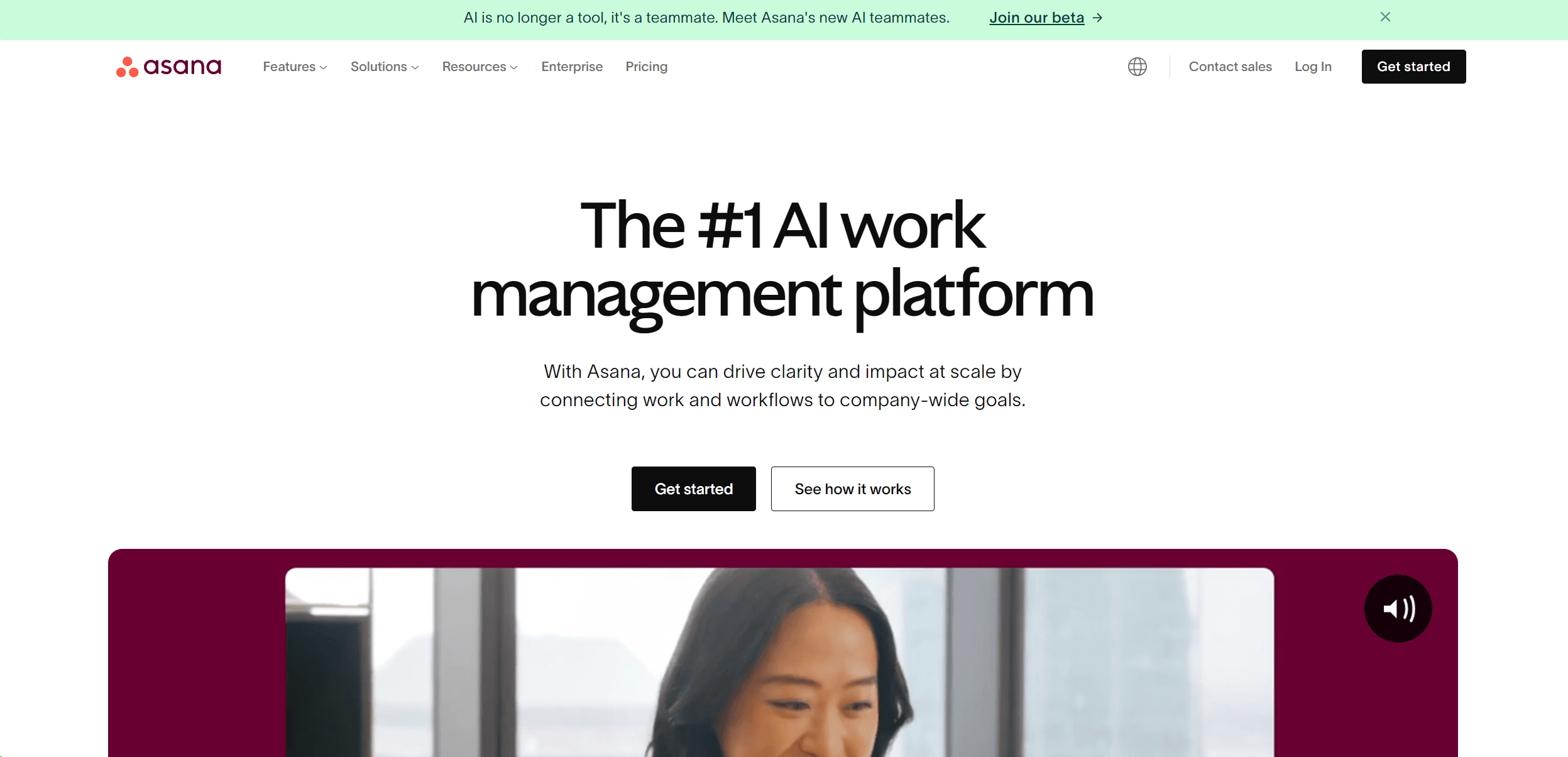
Asana
Streamline teamwork, manage projects, automate tasks efficiently.
13,764
Votes
20,627
Views
7,761
Bookmarks
About
As a project management aficionado, I've explored numerous tools designed to streamline operations and enhance team productivity. Asana stands out as a robust work management platform that helps teams orchestrate their work, from daily tasks to strategic initiatives. With its user-friendly interface and powerful features, Asana enables organizations to stay aligned, meet deadlines, and achieve their objectives efficiently.
Key Features
- Project Management: Asana allows teams to create projects, set deadlines, assign tasks, and track progress in real-time.
- Asana AI: Integrating AI capabilities, Asana aids in automating routine tasks and providing predictive insights, making it easier to manage complex projects.
- Workflows and Automation: Features like rules and forms streamline processes, reducing manual effort and helping teams focus on critical tasks.
- Compatibility with Over 300 Integrations: Asana seamlessly connects with other enterprise tools, enhancing its utility without disrupting existing workflows.
Pros
- Enhanced Collaboration: Facilitates team communication and collaboration across departments and locations.
- Scalability: Adapts to a wide range of business sizes, from small startups to large enterprises.
- Real-Time Updates: Keeps everyone informed with the latest changes and progress on projects.
- Comprehensive Reporting Tools: Offers detailed reports and dashboards for better decision-making and resource management.
Cons
- Learning Curve: New users may require some time to fully utilize all features.
- Cost for Premium Features: While Asana offers a basic free version, advanced features come at a cost.
- Overwhelming for Small Projects: Sometimes, the extensive functionalities can be more than what's needed for simpler projects.
Who Uses It
- Marketing Teams: Use Asana to manage campaign timelines, creative content, and collaboration.
- Operations Managers: Leverage the tool for streamlining processes and maintaining oversight of various operational tasks.
- IT Departments: Utilize Asana for managing IT requests, automating routine tasks, and enhancing team coordination.
- Product Managers: Employ Asana for product roadmaps, launch plans, and cross-functional team coordination.
- Uncommon Use Cases: Nonprofits utilize Asana to manage volunteers and fundraising activities; educational institutions use it for administrative coordination and project-based learning.
Pricing
- Free Tier: Provides basic functionalities for individuals and teams just getting started.
- Premium Plan: Starts at $10.99 per user per month, offering additional features like advanced search and custom fields.
You may also like
More tools in Business Tools
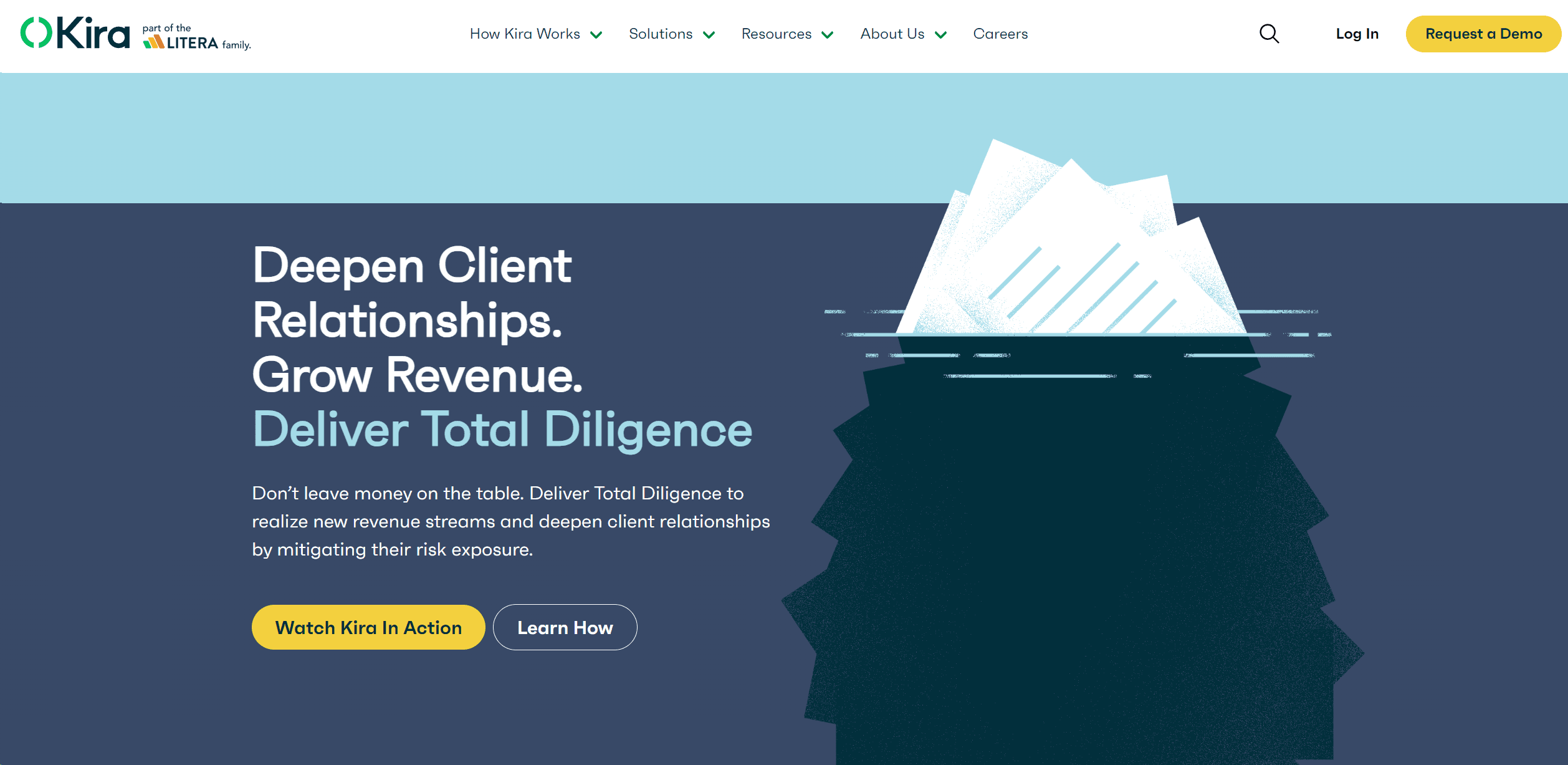
Kira Systems
Streamline contract review with AI-driven precision and customization.
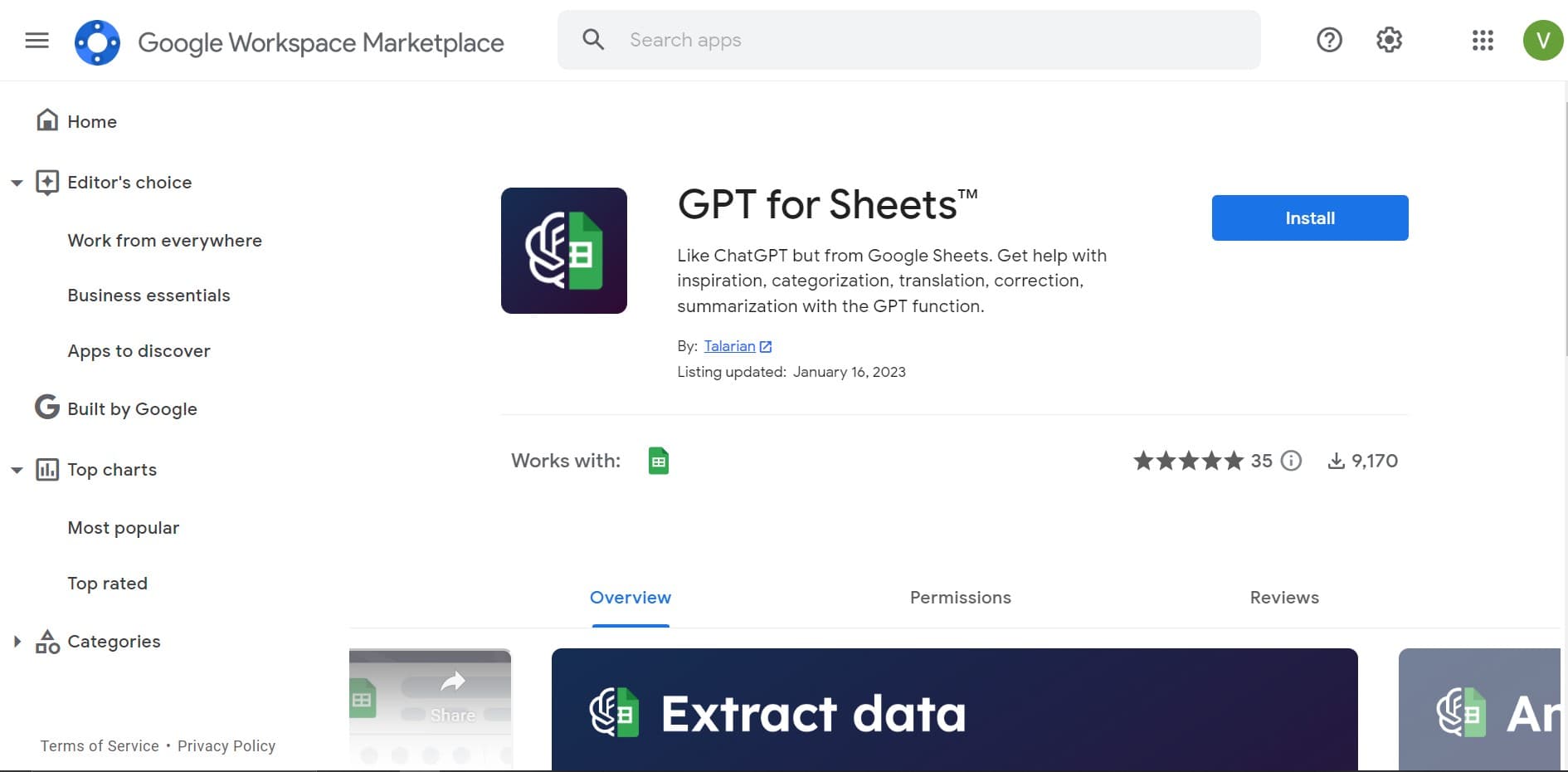
GPT for Sheets and Docs
Elevate productivity in Sheets and Docs with AI-powered automation and creativity.

adam.ai
Maximize your business success with adam.ai, the intuitive meeting management platform designed to enhance your team's productivity. Our intelligent solution streamlines the meeting process, granting

Looq AI
Revolutionize image analysis with advanced AI-powered recognition and insights.

Align AI
Streamlines AI strategy alignment with business objectives.

Outreach
Optimize sales, enhance workflows, boost efficiency with AI-powered tools.

Smartsheet
Streamline workflows, automate tasks, enhance team collaboration.

Tektonic AI
Streamline sales and revenue operations with advanced AI-driven automation.

Ipic.ai
AI-powered image enhancement for professionals and hobbyists alike.

super.AI
Automate complex document tasks with precision and efficiency.
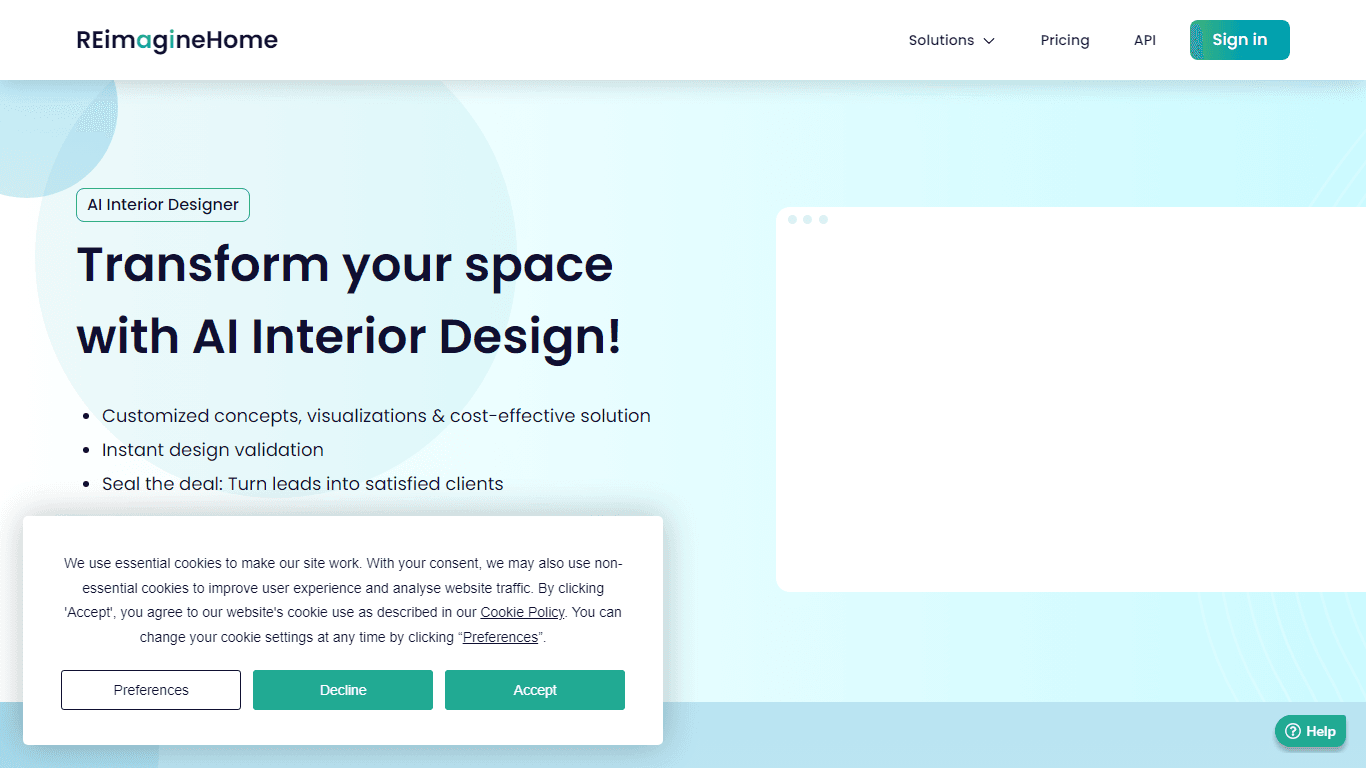
AI Interior Designer By REimagineHome
Transform your real estate images with the cutting-edge AI Interior Designer tool, designed to breathe new life into every space. Experience the future of home visualization with our comprehensive sui

Tom's Planner
Create efficient project plans in a breeze with Tom's Planner's AI-powered Gantt charts. Experience the future of project management by letting AI take the reins—no more manual entry! Just describe yo