
VoxDeck
VoxDeck is an AI-powered presentation maker designed to help users create captivating and professional slides quickly. It transforms ideas and documents into visually rich presentations using simple p
10,840
Votes
12,894
Views
7,972
Bookmarks
About
VoxDeck is an AI-powered presentation maker designed to help users create captivating and professional slides quickly. It transforms ideas and documents into visually rich presentations using simple prompts, eliminating the need for design skills. The platform supports motion-rich elements like animation modes and online video covers to engage audiences from the start. A standout feature is its integration of interactive 3D charts and dynamic scene roaming, which bring data to life and make complex information easier to understand. VoxDeck also offers a presentable avatar that acts as a digital co-presenter, delivering smooth and flawless speech to enhance presentations. Users can start easily by describing their needs or uploading files, and VoxDeck generates editable presentations in moments. The tool includes a one-click theme switch to instantly apply consistent, polished styles across slides. Presentations created with VoxDeck display seamlessly across multiple devices, ensuring accessibility and convenience. The platform targets professionals, educators, and anyone needing to create engaging presentations without spending excessive time on design. It aims to elevate standard slide decks into dynamic experiences that hold audience attention and improve message delivery. Technically, VoxDeck leverages AI to auto-search suitable videos for slide covers and generate personalized content and visuals. Its backend supports complex visual rendering for 3D and motion elements, although specific technical details are not publicly detailed. Overall, VoxDeck offers a fresh approach to presentation creation by combining AI-driven design, interactive visuals, and avatar-led delivery, making it a valuable tool for producing memorable and effective presentations.
Key Features
- 🎥 Auto-search and insert videos to captivate audiences instantly
- 📊 Interactive 3D charts that make data easy to understand
- 🤖 Digital avatar co-presenter for smooth speech delivery
- 🎨 One-click theme switch for consistent slide design
- 📱 Multi-device support for seamless presentation sharing
Pros
- Generates professional presentations quickly with minimal input
- Includes interactive 3D charts to enhance data visualization
- Offers a digital avatar to deliver presentations smoothly
- Supports multi-device sharing for convenience
- Provides easy theme switching for consistent design
Cons
- Limited to 40 slides per presentation on Plus plan
- Credits system may restrict heavy users without upgrades
FAQ
What is the difference between the Free and Plus plans?
The Plus plan offers more credits, supports creating more slides, and provides additional benefits like priority access and removing the VoxDeck branding.
How do credits work in VoxDeck?
Credits are used to create slides and presentations. Each plan includes a monthly credit allowance that resets each billing cycle.
Do unused credits roll over to the next month?
No, unused credits do not transfer to the next billing period and expire at the end of each cycle.
How can I check my remaining credits?
You can view your remaining credit balance within your VoxDeck account dashboard at any time.
What happens if I run out of credits?
If you run out of credits, you can wait for the next billing cycle or upgrade your plan to get more credits.
How is my billing date determined?
Your billing date is set based on the date you subscribed and recurs monthly or annually depending on your plan.
You may also like
More tools in Data & Analytics

Supametas.AI
A tool to transform unstructured data into structured formats for AI models and knowledge bases.
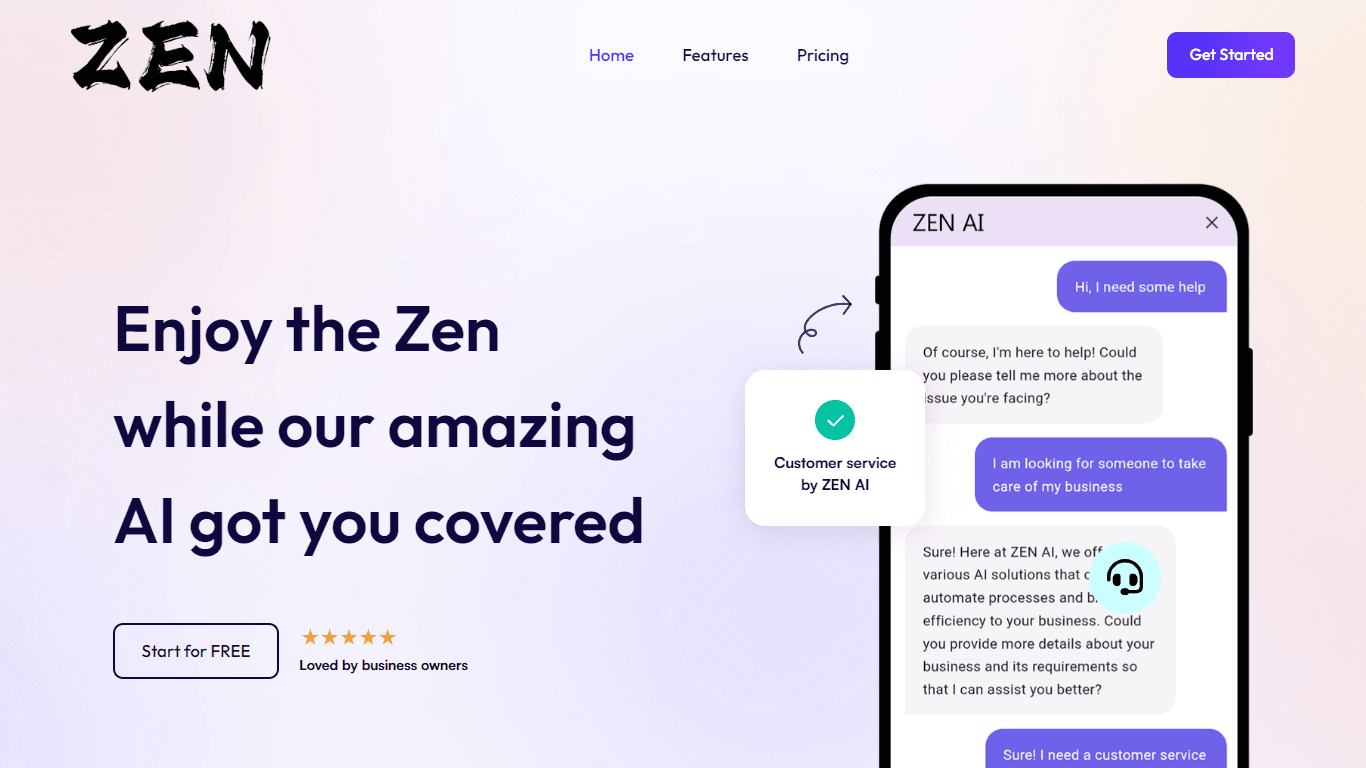
ZEN AI
Discover unparalleled customer service with ZEN AI, an intelligent customer support assistant designed for businesses of all sizes. ZEN AI operates around the clock, ensuring that your customers alway

Align AI
Streamlines AI strategy alignment with business objectives.

AICosts.ai
A tool to centralize tracking and optimization of spending across multiple AI services.

Tagshop AI
A tool to generate video ads from prompts and assets.
InstaSpeak
InstaSpeak is an innovative AI-powered Learning Management System designed specifically for enhancing spoken English skills. It provides a unique platform that integrates effortlessly with your Englis
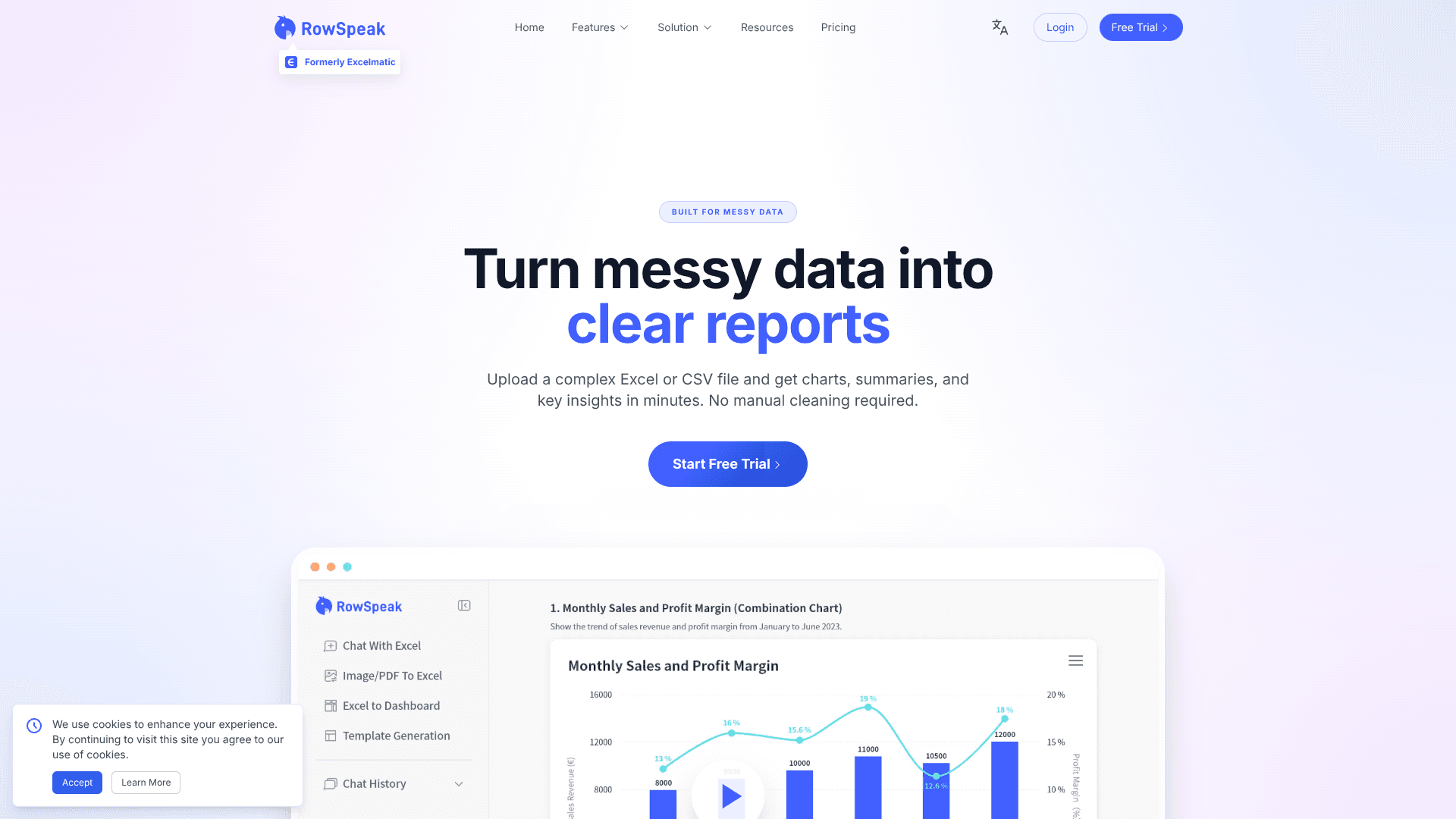
RowSpeak
Turn messy spreadsheets into clear, ready reports.

Help Docs Generator
A tool to generate customer support help docs from SaaS product screenshots.

Winday
Winday is a no-code gamification platform that helps brands and creators design and launch branded marketing games quickly. It supports two main game types: Instant Games for quick coupon distribution

ZeroGPT
ZeroGPT.com stands out as the premier destination for AI detection, setting the gold standard in safeguarding digital landscapes. With cutting-edge algorithms and advanced machine learning models, Zer

The North
North is an intuitive platform designed to simplify the management of Objectives and Key Results (OKRs), Strategy, and Initiatives for businesses of all sizes. It is a tool that directs teams to trans

Prose Fusion
A tool to assist writers with organization, editing, and prompts.