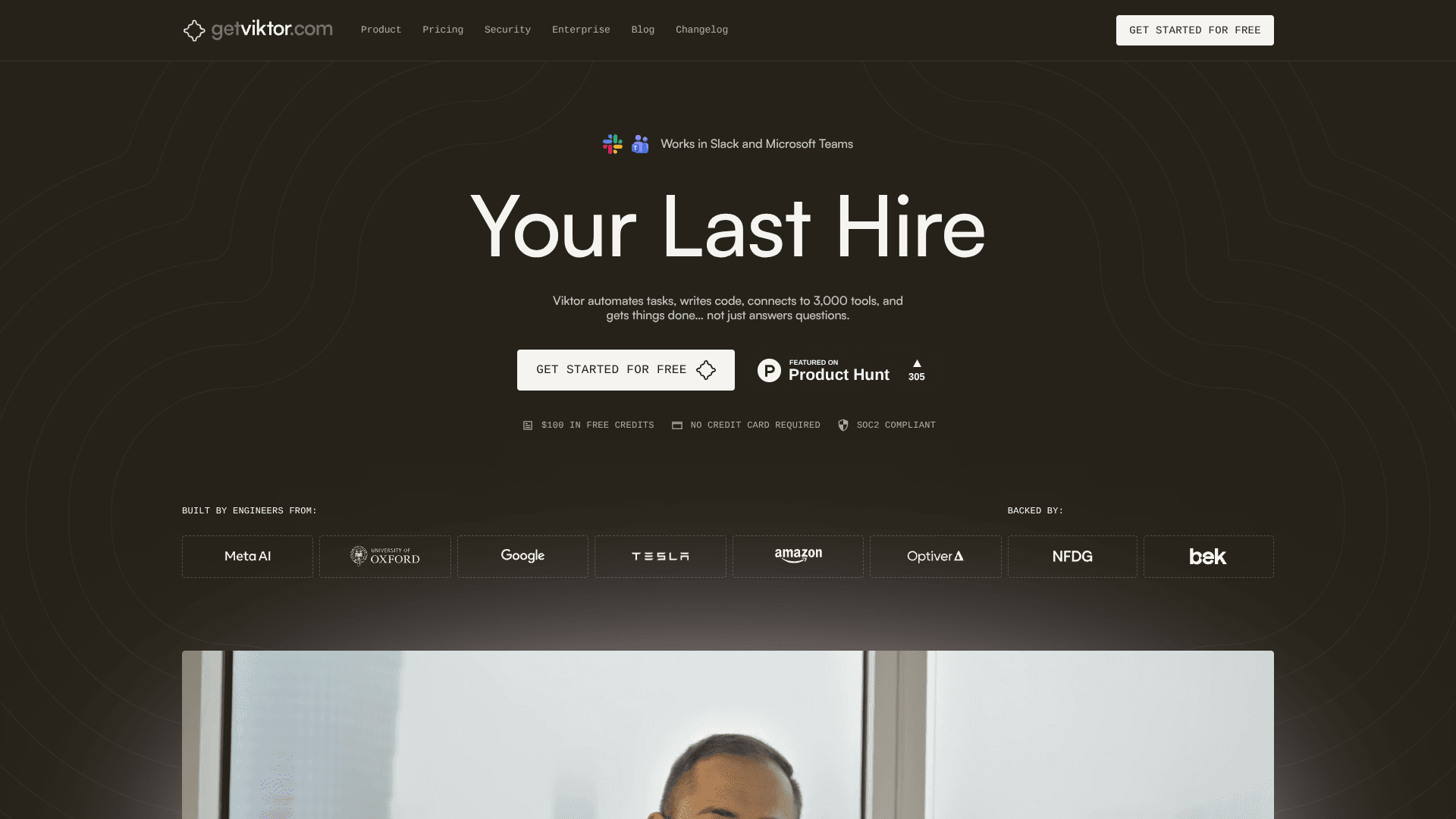
Viktor
Automate Slack tasks, track metrics, update tools.
16,172
Votes
18,741
Views
12,398
Bookmarks
About
Viktor is an AI coworker that lives in Slack and Microsoft Teams. Instead of only generating text, it runs in its own cloud environment, writes and executes code, connects to more than 3,000 tools, and completes tasks end to end. It can watch product metrics, update CRMs, file tickets, build lightweight internal apps, and coordinate work across teams. With persistent workspace memory and week long autonomous runs, Viktor aims to feel like “your last hire” rather than just another chatbot.
Key Features
- Slack and Teams native coworker: Works directly in channels, threads, and mentions, keeping conversations and actions in one place for the whole team.
- Autonomous workflows and long running tasks: Handles projects over several weeks, tracking deadlines, updating stakeholders, and maintaining context without constant human prompting.
- 3,000 plus integrations and custom tooling: Connects to tools like Salesforce, HubSpot, Linear, Notion, Jira, Stripe, GitHub, Google Drive, and can script custom integrations where needed.
- Cloud compute and code execution: Uses its own virtual machine to write, run, and debug code, build small web apps, and automate multi step workflows.
- Proactive monitoring and reporting: Regularly checks analytics and operational data, flags anomalies, and proposes concrete actions instead of just sending alerts.
- Security and compliance focus: Provides isolated compute per customer, encrypted data in transit and at rest, and SOC 2 Type 1 compliance with additional certifications in progress.
Pros
- Execution oriented assistant: Focuses on doing real work such as sending emails, updating records, and deploying apps, not only drafting text.
- Strong integration coverage: Large connector catalog plus browser based automation covers most modern SaaS stacks out of the box.
- Shared context across teams: Learns from public channels, tickets, and docs to build a richer understanding of how the organization operates.
- Good fit for recurring workflows: Scheduled reports, audits, and check ins reduce manual follow up and status gathering.
- Transparent guardrails: Requests confirmation for high impact actions so teams retain control over production systems and external communication.
Cons
- Workspace wide sharing model: Integrations and context are shared across the workspace, which can be awkward for highly personal or sensitive accounts until Private Mode and RBAC arrive.
- Heavily centered on Slack today: Although work extends to other tools, interaction is primarily Slack based, so non Slack teams gain less.
- Credit based usage can be tricky to plan: Teams with spiky or experimental workloads may need time to understand how many credits they consistently consume.
Who Uses It
- Product and growth teams: Tracking funnels, watching experiment results, drafting tickets, and keeping launch assets on schedule.
- Engineering and platform teams: Summarizing deployments, pulling logs, checking analytics, and building internal tooling with code written and run by Viktor.
- Sales and marketing teams: Monitoring acquisition costs, adjusting campaigns, preparing reports, and generating tailored outreach materials.
- Operations and customer success teams: Automating recurring reporting, consolidating data from several systems, and keeping stakeholders updated.
- Uncommon Use Cases: Used by small agencies as a shared “ops brain” across multiple client workspaces; adopted by solo founders as a de facto first operations hire that lives in Slack.
Pricing
- Starter: $0 per month; includes $100 one-time credits per Slack workspace, Slack-native agent in threads & mentions, persistent workspace context, integrations with tool execution, scheduled tasks (reports, audits, check-ins), and drafts & artifacts support.
- Team: $50 per month per Slack workspace; includes 20,000 monthly credits with automatic refresh, plus everything in Starter with higher capacity for heavier workflows and more scheduled automation.
- Enterprise: Custom pricing; includes everything in Team, plus invoicing with custom billing terms, security review support with DPA, SLA with priority support, and dedicated onboarding with tailored limits and controls.
You may also like
More tools in AI Chatbots

UiPath
Streamline workflows with AI-driven automation and seamless integration.

One AI
Boost website engagement and sales with adaptive AI-driven interactions.

Spoke.ai
AI-powered tool revolutionizes team communication and project management.

Tektonic AI
Streamline sales and revenue operations with advanced AI-driven automation.

Retell AI
Create lifelike AI voice agents, deploy anywhere, analyze real-time.

Ada
Revolutionize customer service with AI across all digital platforms.

Inworld
Elevate game development with dynamic NPCs, immersive worlds, and AI-driven content creation.
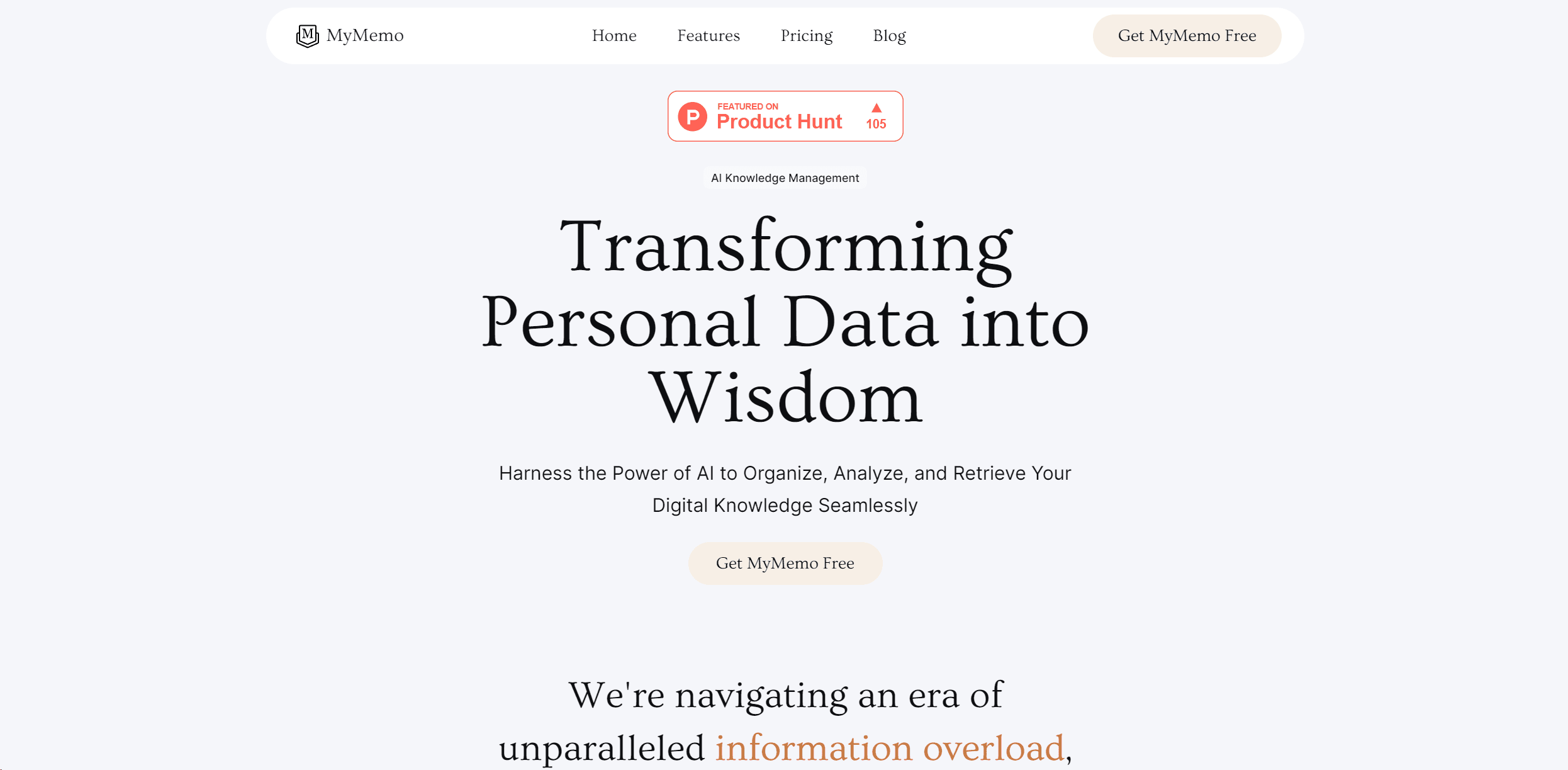
MyMemo AI
Transform digital chaos into an organized, AI-enhanced knowledge oasis.
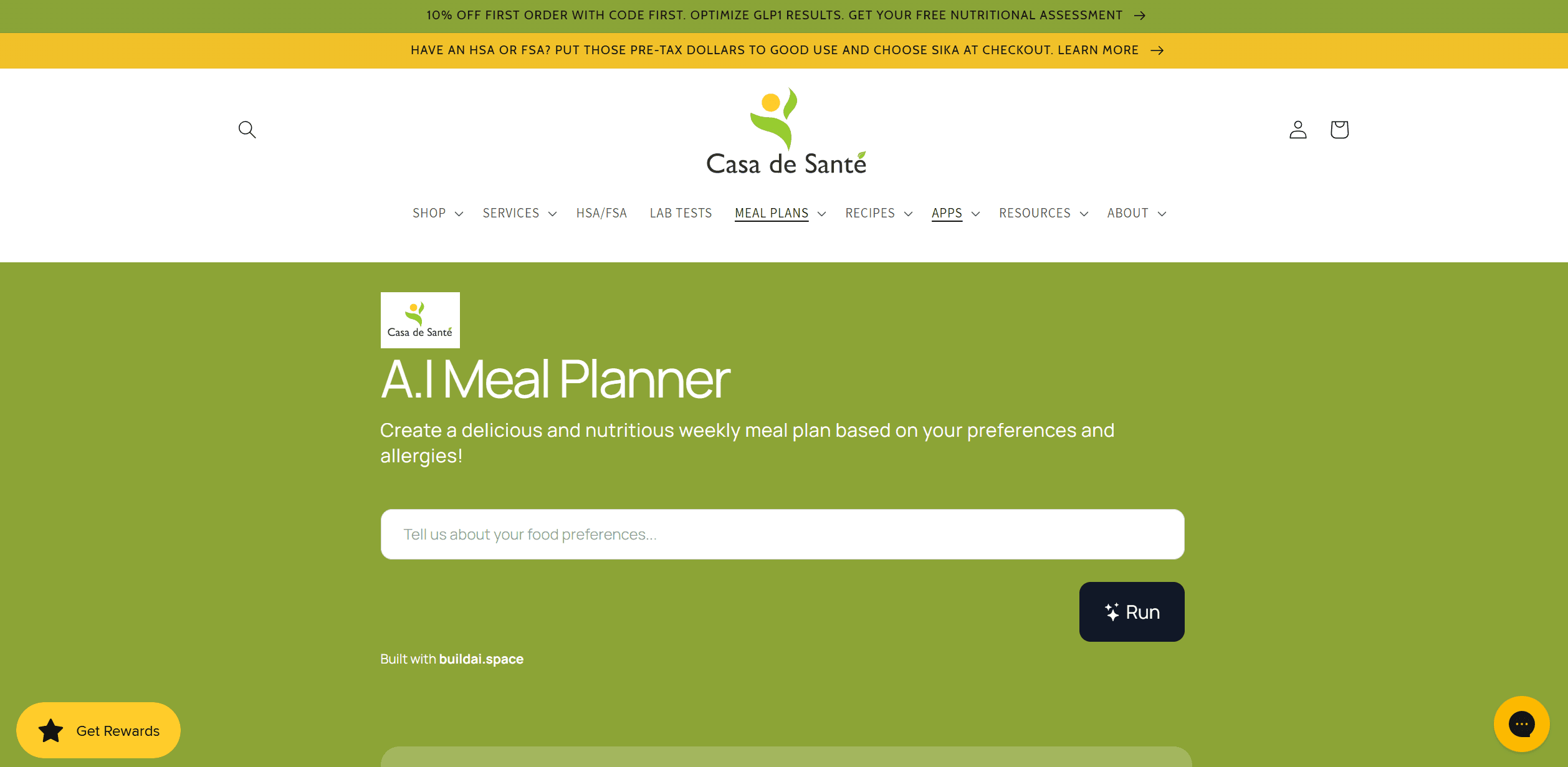
AI Meal Planner
Personalized meal plans tailored to individual dietary needs.
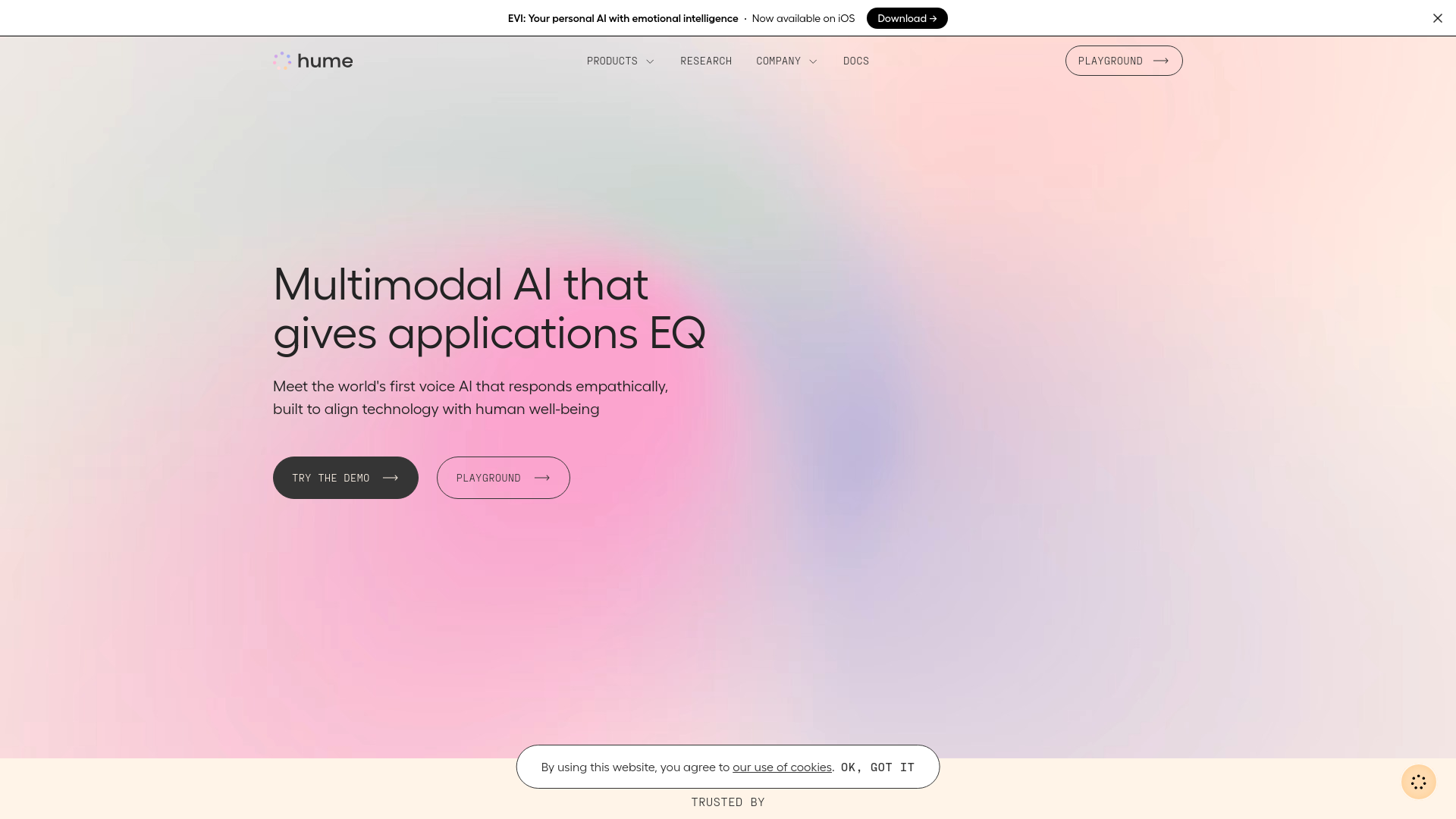
Hume AI
Transforms AI with emotional intelligence for natural, empathetic interactions.
Whoop
Optimize fitness, sleep, and recovery with real-time health insights.
AI Trip Planner
AI-driven tool for personalized, efficient travel itinerary creation.