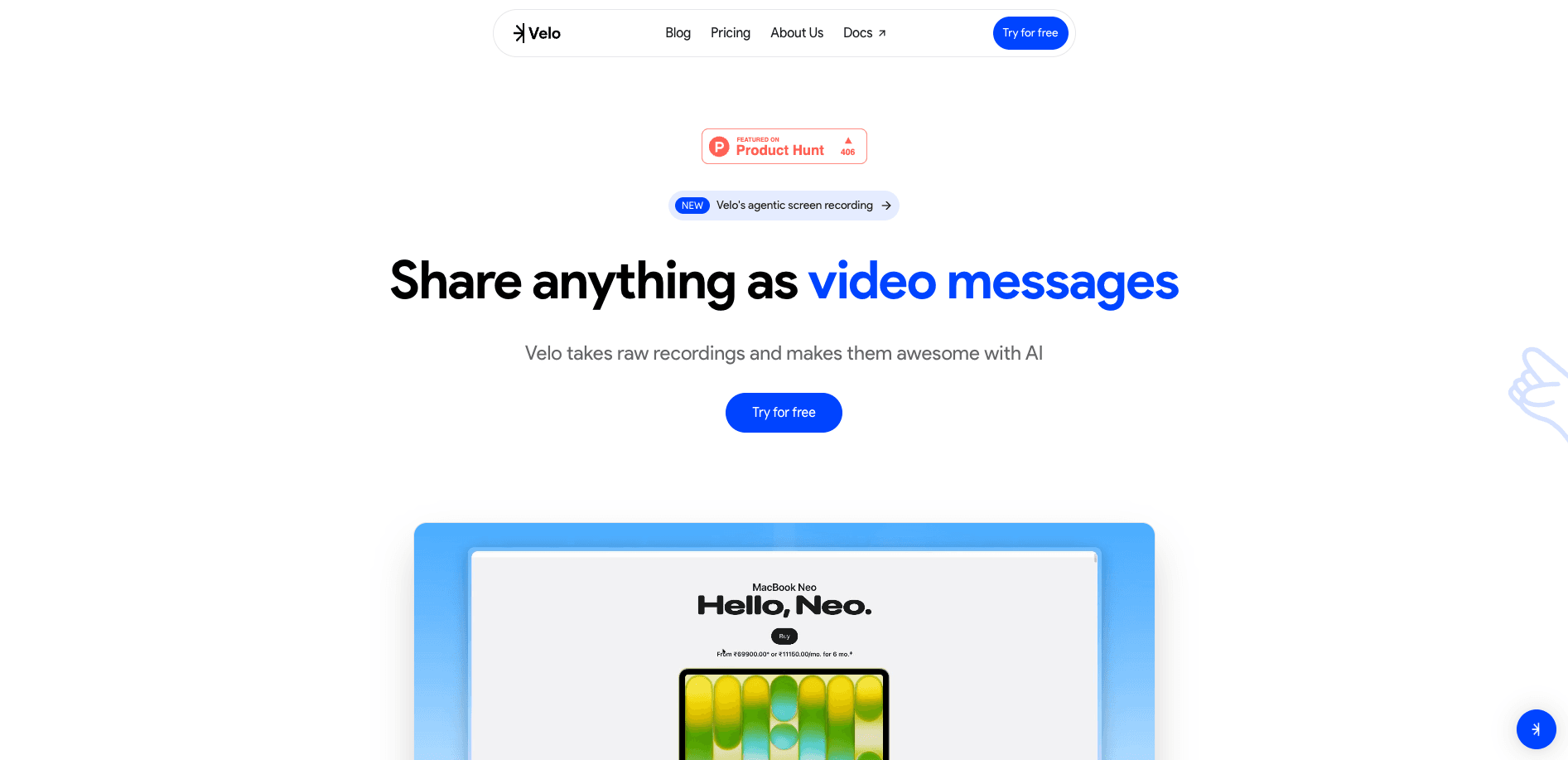
Velo
Turn messy screen recordings into polished, personalized walkthroughs.
18,698
Votes
16,698
Views
11,493
Bookmarks
About
Velo focuses on turning raw screen recordings and product walkthroughs into polished video messages using AI. It combines an in‑browser “agentic” recorder, automated script writing, and an AI avatar that can present in the user’s own face and voice. Teams use it to replace multi‑take manual recordings with AI‑assisted demos, explainers, and training clips that look studio‑ready without a studio.
Key Features
- Agentic Browser Recorder: A browser agent watches clicks, follows instructions, and records flows automatically so users can work normally while Velo builds the demo in the background.
- Automated AI Script Generation: From a raw capture or uploaded mp4/meeting recording, Velo writes a fresh script, aligns narration timing, and restructures the story into a clear product demo or walkthrough.
- AI Avatar With Face And Voice: Velo generates a hyper‑realistic presenter that mirrors the user’s likeness, lip sync, eye blinks, and gestures, so videos feel personal without needing to appear on camera each time.
- Chrome Extension Screen Capture: One‑click capture across the desktop makes it simple to record complex user journeys across multiple tabs and apps.
- Brand‑Aware Video Editor: Users can apply a brand kit, pick personas, tweak cursor style and size, rewrite AI scripts with context, and fine‑tune scenes through an approachable web editor.
- Shareable Links And Viewer Insights: Finished videos are hosted with shareable links, plus analytics that highlight what viewers watch or drop off from, helping teams refine future content.
Pros
- Massive Time Savings: Agentic recording plus auto‑generated scripts reduce retakes and post‑production work, which matters for teams producing frequent feature updates or outreach videos.
- Camera‑Shy Friendly: The AI avatar means consistent, polished on‑screen presence without needing to record a fresh talking‑head clip every time.
- Strong Storytelling For Product: The tool is clearly tuned for software demos and product tours rather than generic video editing, which helps non‑video pros create focused narratives.
- Brand Consistency: Built‑in brand kits, personas, and cursor styling help teams keep multiple creators aligned visually.
- Actionable Analytics: Viewer insights give practical feedback on which sections resonate or lose attention, useful for sales, marketing, and product enablement teams.
Cons
- Browser And Chrome Dependency: Heavy reliance on a browser agent and Chrome extension may be limiting for locked‑down environments or users on unsupported browsers.
- Data Sensitivity Concerns: Screen recording and AI avatars using real likeness and voice can raise security, compliance, or consent questions in regulated industries.
- Opaque Pricing Structure: Public materials emphasize “Try for free” and demos, but do not clearly spell out paid plan tiers or usage limits.
Who Uses It
- Sales Teams: Sending concise, tailored product pitches and account‑specific walkthroughs without recording endless takes.
- Product Managers And UX Teams: Demonstrating new features, release notes, and discovery findings in video form that stakeholders actually watch.
- Customer Support And Success Teams: Creating onboarding tours, how‑to flows, and troubleshooting explainers to cut ticket volume.
- Content Creators And Influencers: Producing tutorials, product reviews, and comparison breakdowns for platforms like YouTube and X with less editing overhead.
- Marketing And Growth Teams: Spinning up launch videos, campaign explainers, and landing‑page walkthroughs in hours instead of days.
- Educators And Corporate Trainers: Recording course modules, micro‑lessons, and internal training sequences with consistent AI presenters.
- Uncommon Use Cases: Utilized by internal ops teams to document complex internal tools step‑by‑step; adopted by AI startups to narrate changelog videos directly from live product environments.
Pricing
- Free: $0 per month. Includes 15 Velo minutes per month, full access to the editor, sharing videos without watermarks, and 1 avatar video per month. Downloads are watermarked by default; watermark removal is available for $9.99.
- Pro: $20 per month. Includes 60 Velo minutes per month, everything in Free, up to 3 minutes of avatar video, access to all public avatars, no watermarks on downloads, 3 script retries per video, 3 voice regenerations per video, and 5 link-to-video generations per month.
- Ultra: $200 per month. Includes 600 Velo minutes per month, everything in Pro, 30 minutes of avatar video, custom VeloTwins, 10 script retries per video, 10 voice regenerations per video, and unlimited link-to-video generation.
You may also like
More tools in Video Tools

Noisee AI
Find powerful Noisee AI alternatives for creators.
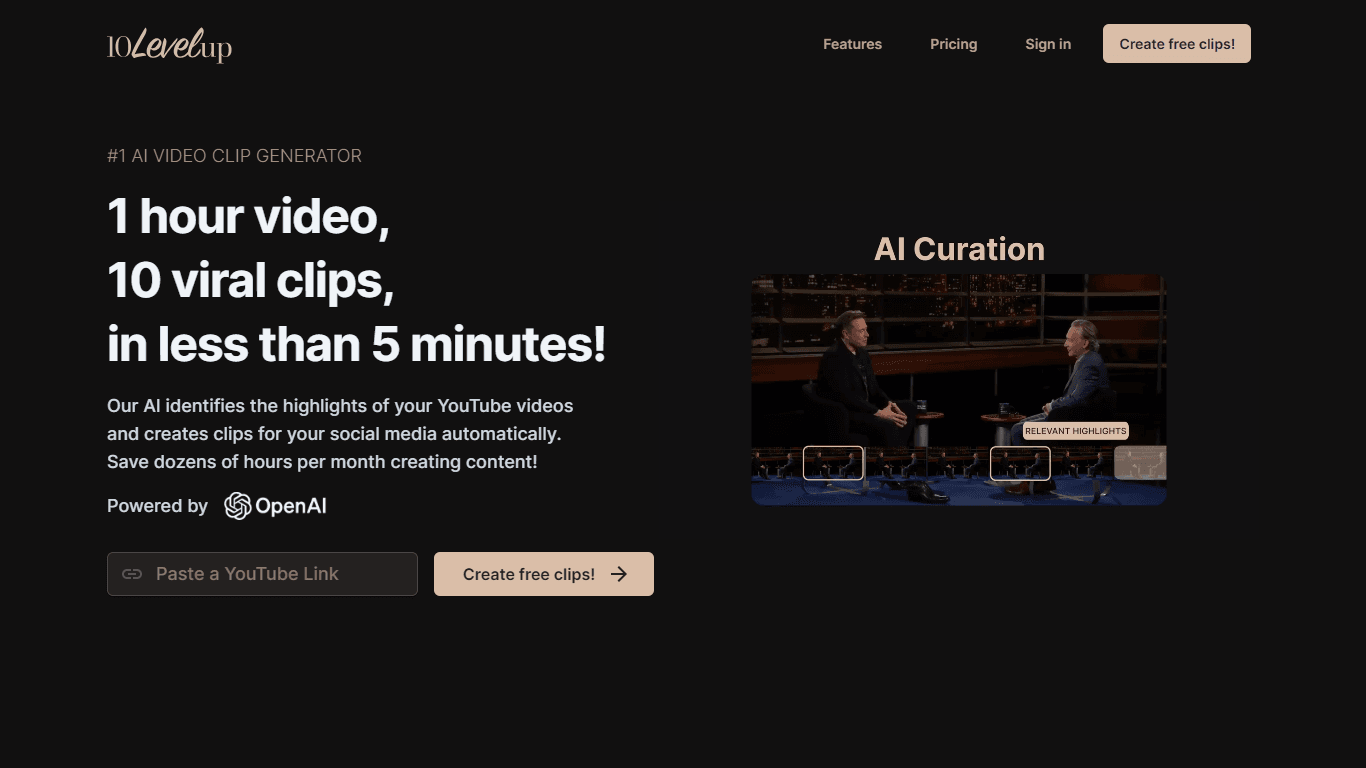
10LevelUp
10LevelUp's AI Video Clip Generator stands as the premier solution for creating quick and engaging video content. This advanced tool harnesses the power of AI to simplify video production, making it a

Civitai
Open-source platform for AI model creation and collaboration.

DaVinci Resolve
Unify editing, color, VFX, and audio post-production.

Glato AI
Glato AI is an innovative platform that revolutionizes the creation of video content by leveraging artificial intelligence. With Glato AI, users can quickly produce high-quality, engaging, and viral v

MimicPC
Unlock AI tools instantly, browser-based, no installs needed.

Paper Animator
A tool to transform images and text into paper-style animations.

Dubs
AI-powered video dubbing and subtitles for global reach.
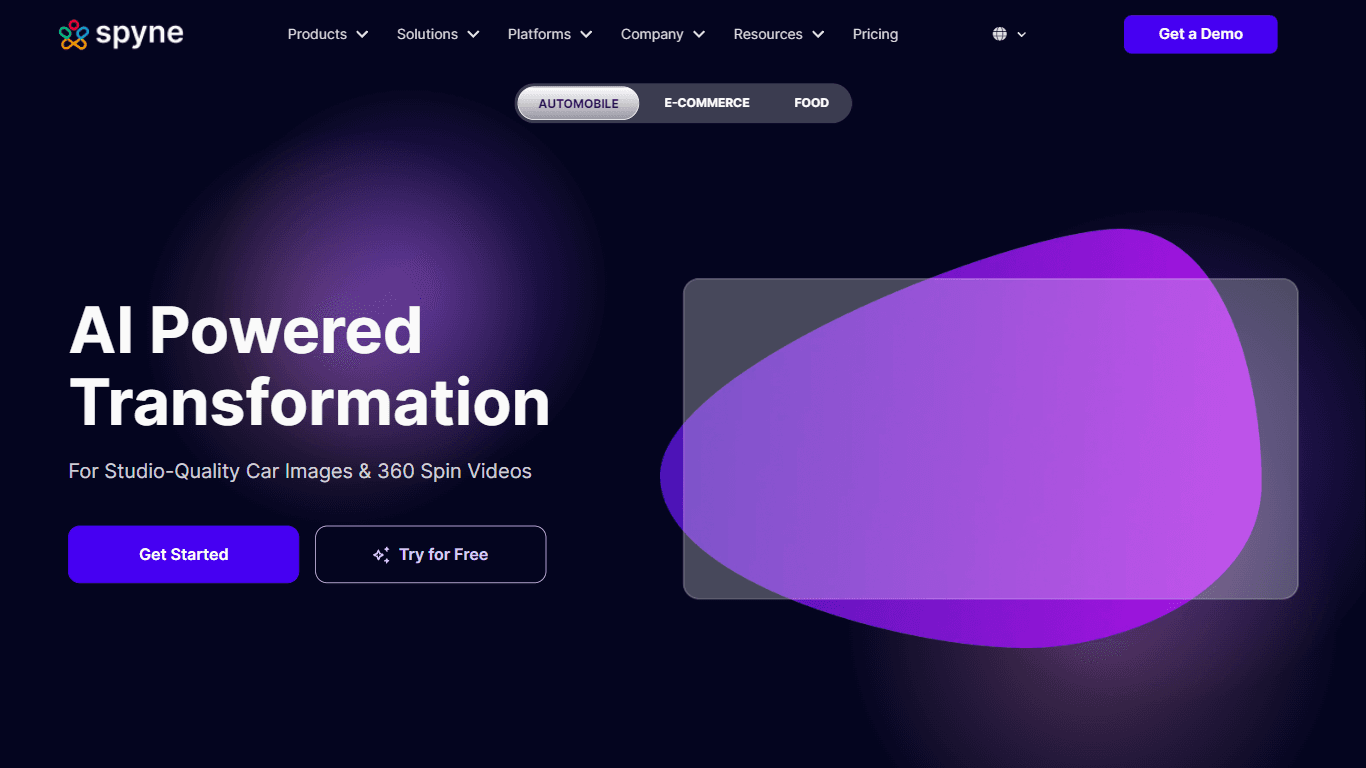
Spyne
Spyne is the ultimate AI photography and editing software specifically designed for automotive dealers. With its advanced features and cutting-edge technology, Spyne AI revolutionizes the way car deal
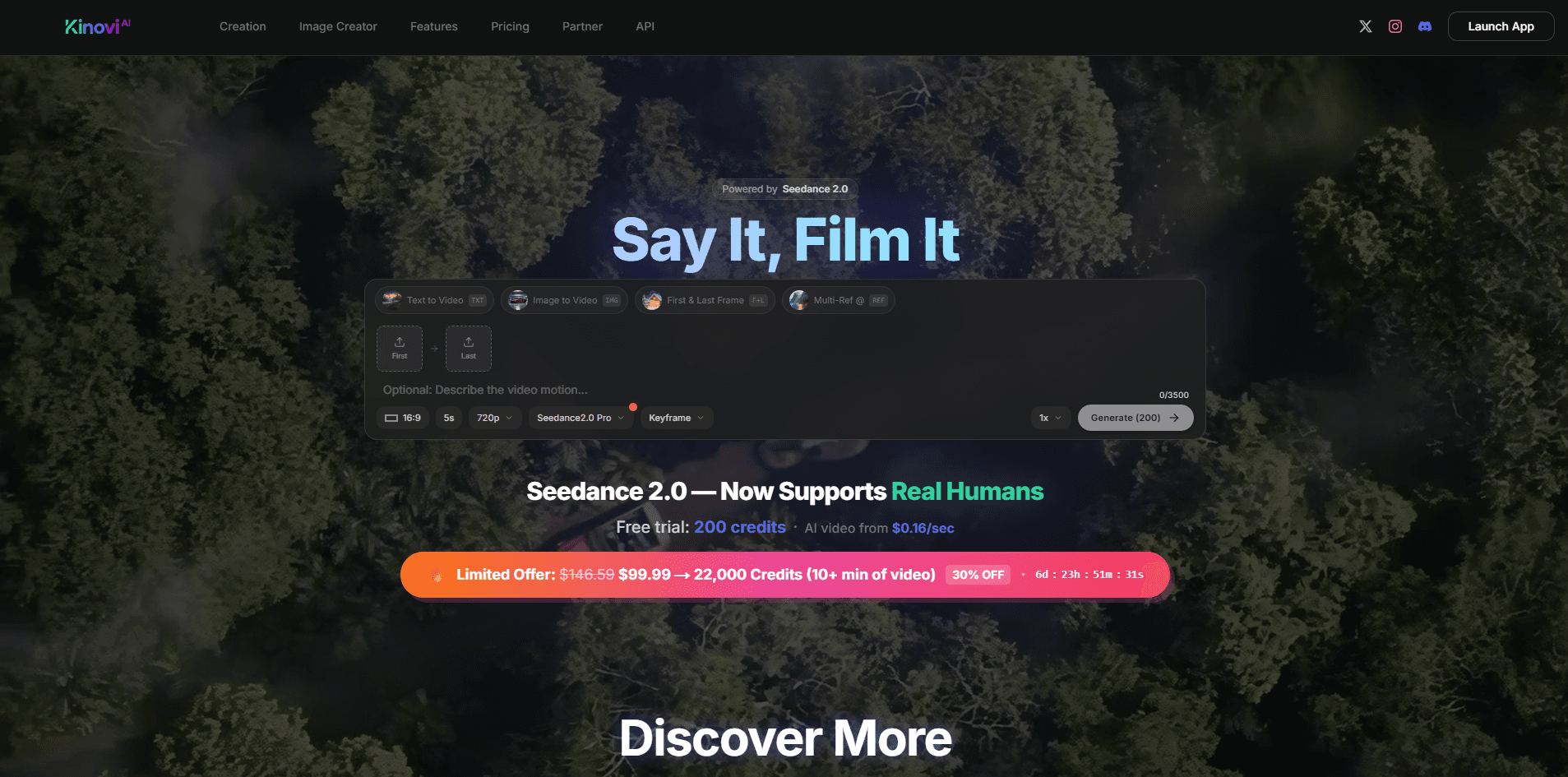
Kinovi
Direct cinematic clips from prompts and references.
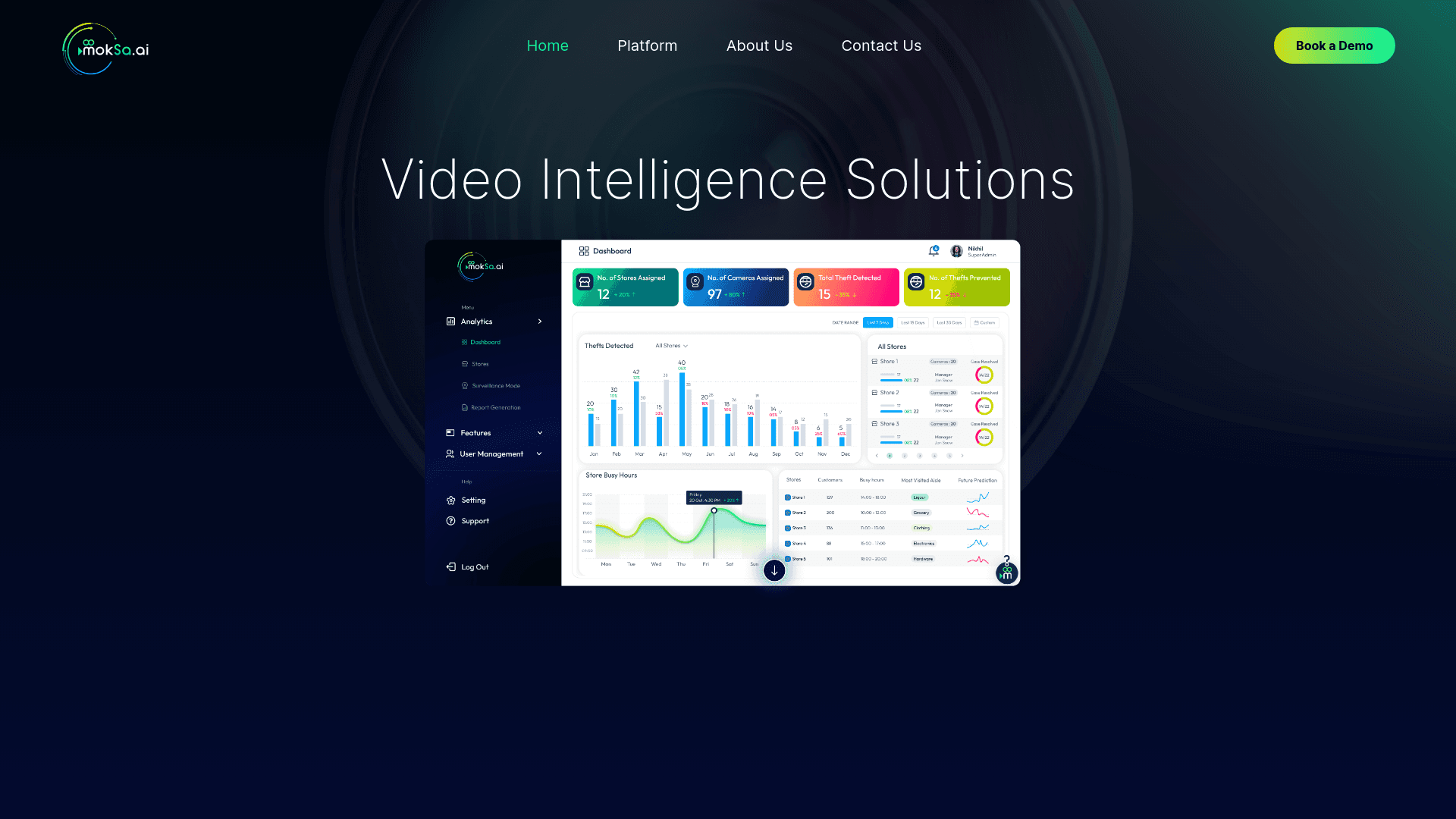
MokSa.AI
Enhances retail operations with AI-driven video intelligence.
Voscribe
Voscribe is a powerful podcast and video creation suite that leverages artificial intelligence to provide instant transcription services. With more than 95% accuracy, Voscribe makes it easier than eve