
StreamAlive
Turn live chat into polls, games, insights.
14,912
Votes
25,179
Views
12,155
Bookmarks
About
StreamAlive is a chat-first audience interaction tool for live sessions across Zoom, Teams, Google Meet, YouTube Live, Twitch, and in-person events. It uses AI to turn chat into polls, word clouds, maps, wheels, Q&A, and reports without sending people to separate apps.
Key Features
- Chat-powered visuals: Polls, word clouds, Magic Maps, rating bars, spinner wheels, emojis, and tiles transform simple chat messages into live visuals.
- AI Interaction Generator and templates: Upload a deck or describe the topic and the tool proposes ready-to-run polls, questions, and activities from 1,700+ templates.
- Chat intelligence and analytics: Automatically captures questions, builds leaderboards, extracts links, summarizes busy chats, and produces shareable reports after each session.
- Integrations and presentation builder: Works with PowerPoint, Google Slides, Zoom, Teams, Google Meet, YouTube Live, Twitch, and a browser-based builder for full slide-plus-interaction sessions.
Pros
- Low-friction for participants: Attendees answer in the existing meeting chat, avoiding QR codes, extra links, and separate apps.
- Visually rich sessions: Maps, wheels, word clouds, and emoji effects keep attention on the content instead of background multitasking.
- Time savings for hosts: AI-generated questions and summaries reduce preparation time and make reporting to stakeholders easier.
- Training-focused design: Use cases, templates, and copy are tuned for instructor-led training, corporate learning, and webinars.
Cons
- Live-first orientation: Strongest for real-time sessions and less useful today for fully self-paced or on-demand courses.
- Host learning curve: Presenters must learn how to connect meetings, manage the app window, and time interactions confidently.
- Pricing jump after free tier: Free use covers only small groups, so some solo trainers may feel the cost step-up.
Who Uses It
- Corporate L&D and training teams: Using it to make compliance, sales, and onboarding sessions more interactive and measurable.
- Universities and schools: Supporting virtual lectures, review classes, and large cohorts where chat normally moves too fast to follow.
- Consultants, coaches, and facilitators: Running client workshops and masterminds with live polls, Q&A, and visual feedback.
- Marketers and event organizers: Turning webinars, launches, and community calls into two-way conversations instead of slide monologues.
- Uncommon Use Cases: Used by religious and spirituality groups for participatory sermons and study circles; Adopted by gaming communities for viewer-controlled challenges and live stunts.
Pricing
- Free: Includes up to 3 presentations, unlimited sessions, 1 collaborator (edit/moderate only), 7-day reporting history, and 1,000 total AI credits.
- Starter: $40 per month; includes up to 3 themes, 30 presentations, hybrid sessions, 60-day reporting history, and 2,000 monthly AI credits.
- Pro: $100 per month; includes all Starter features plus branding, up to 2 collaborators, 180-day reporting history, and 6,000 monthly AI credits.
- Enterprise: Custom pricing; includes all Pro features plus personalized onboarding, SSO for members and participants, team roles (coming soon), adjustable data-keeping policy, and unlimited AI credits. Book a demo with the sales team to see all pricing options.
You may also like
More tools in Business Tools

Looq AI
Revolutionize image analysis with advanced AI-powered recognition and insights.

Spoke.ai
AI-powered tool revolutionizes team communication and project management.
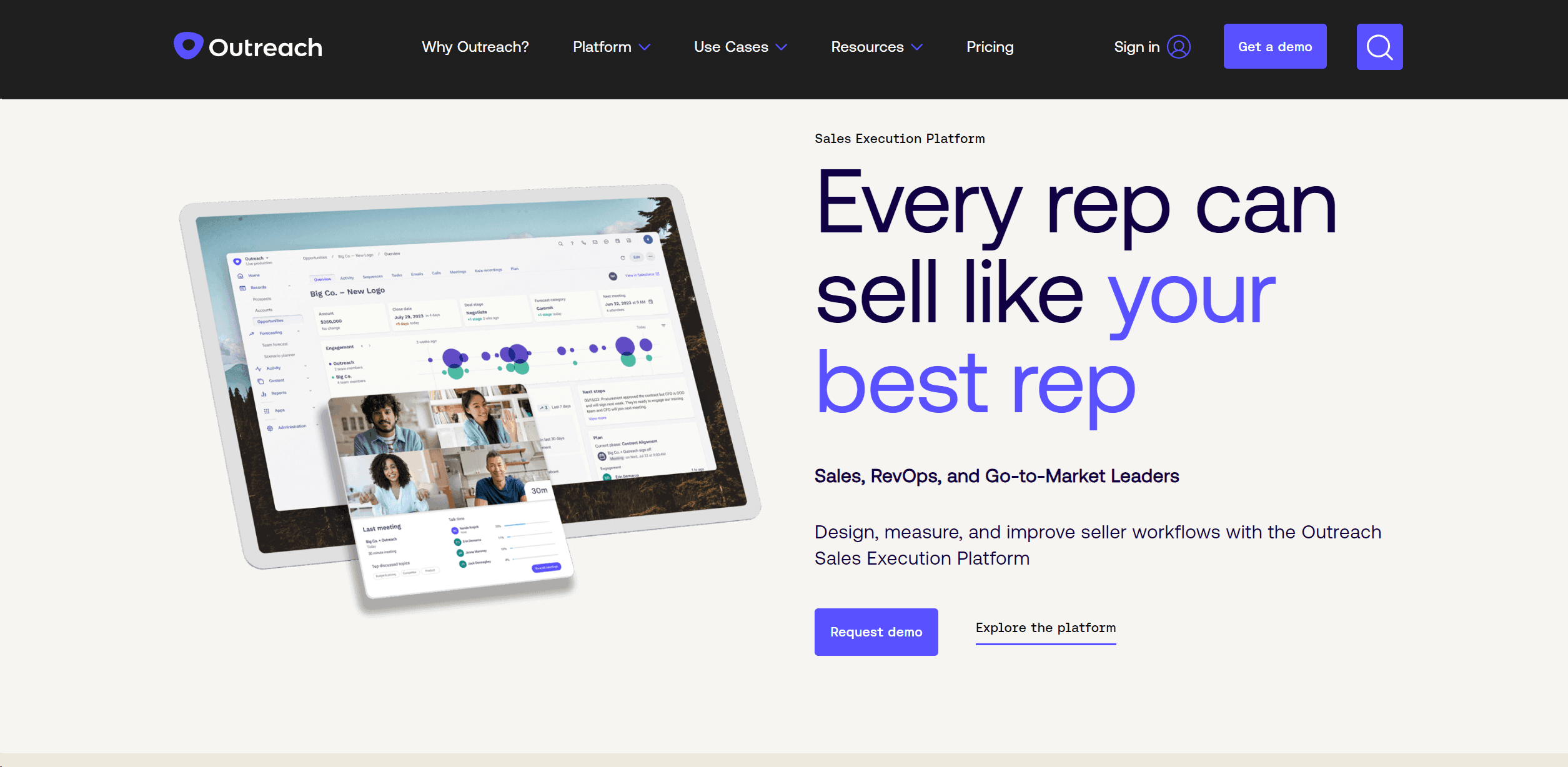
Outreach
Optimize sales, enhance workflows, boost efficiency with AI-powered tools.
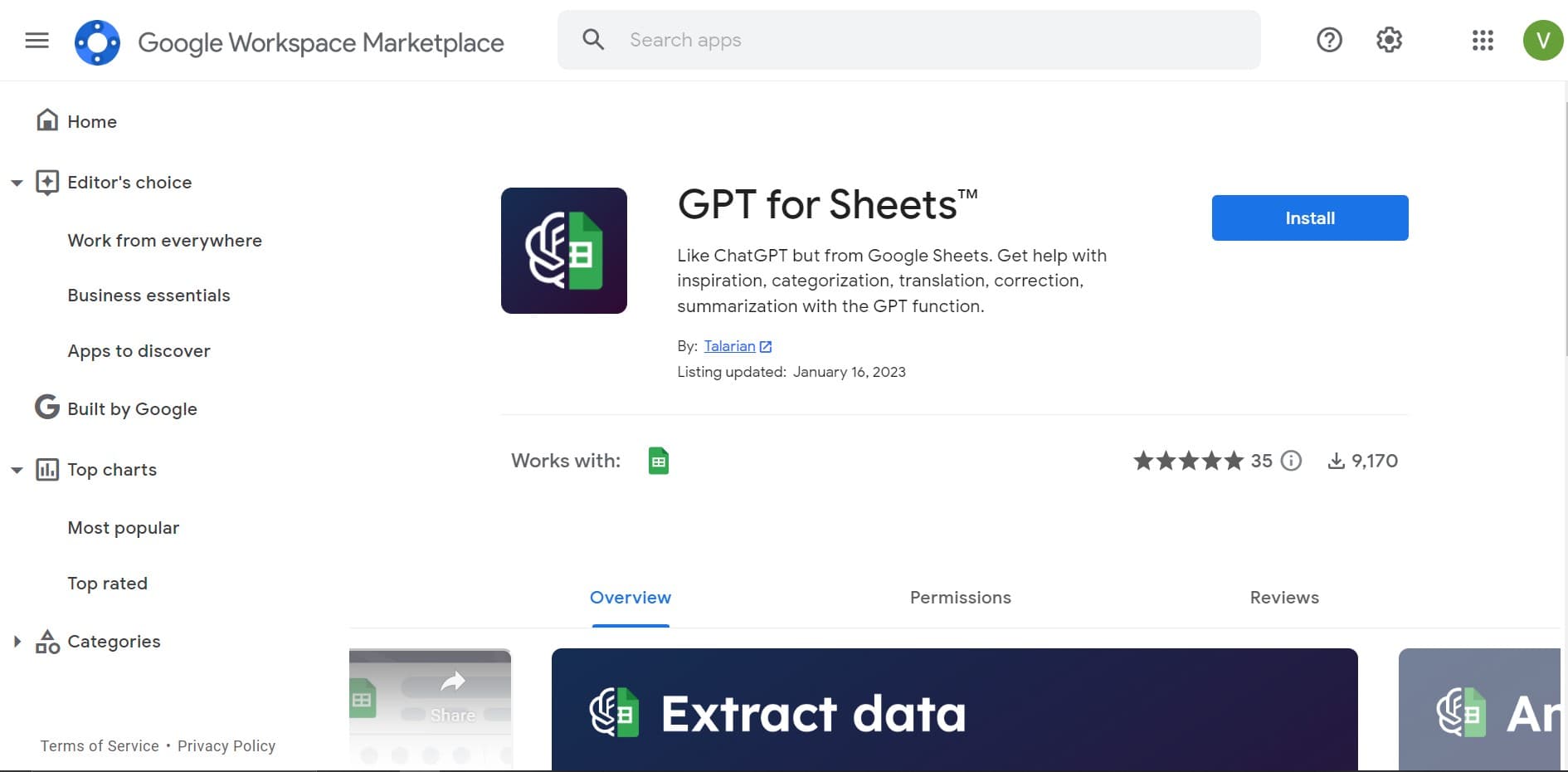
GPT for Sheets and Docs
Elevate productivity in Sheets and Docs with AI-powered automation and creativity.
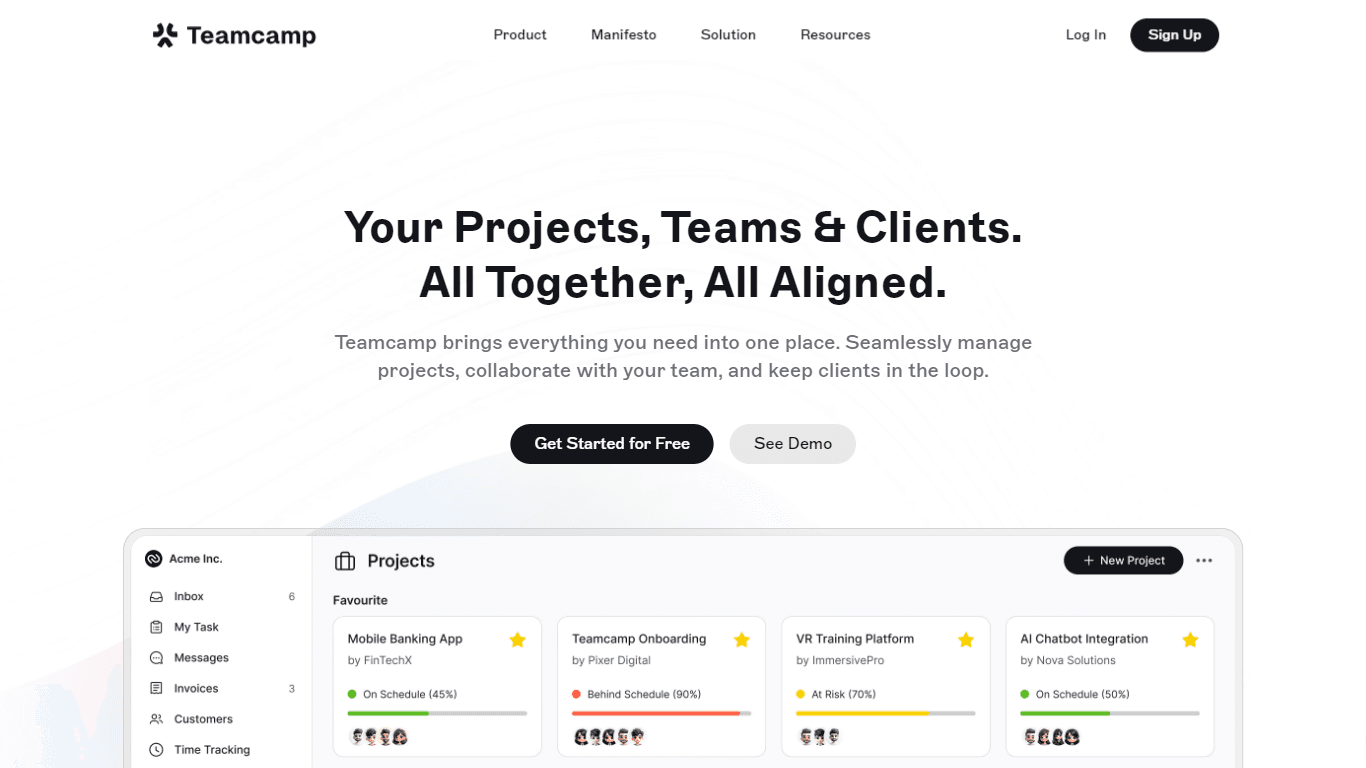
Teamcamp
Teamcamp is a comprehensive project management tool designed to streamline the workflow for teams in various sectors, including IT, marketing, freelancers, and agencies. Its core functionality revolve
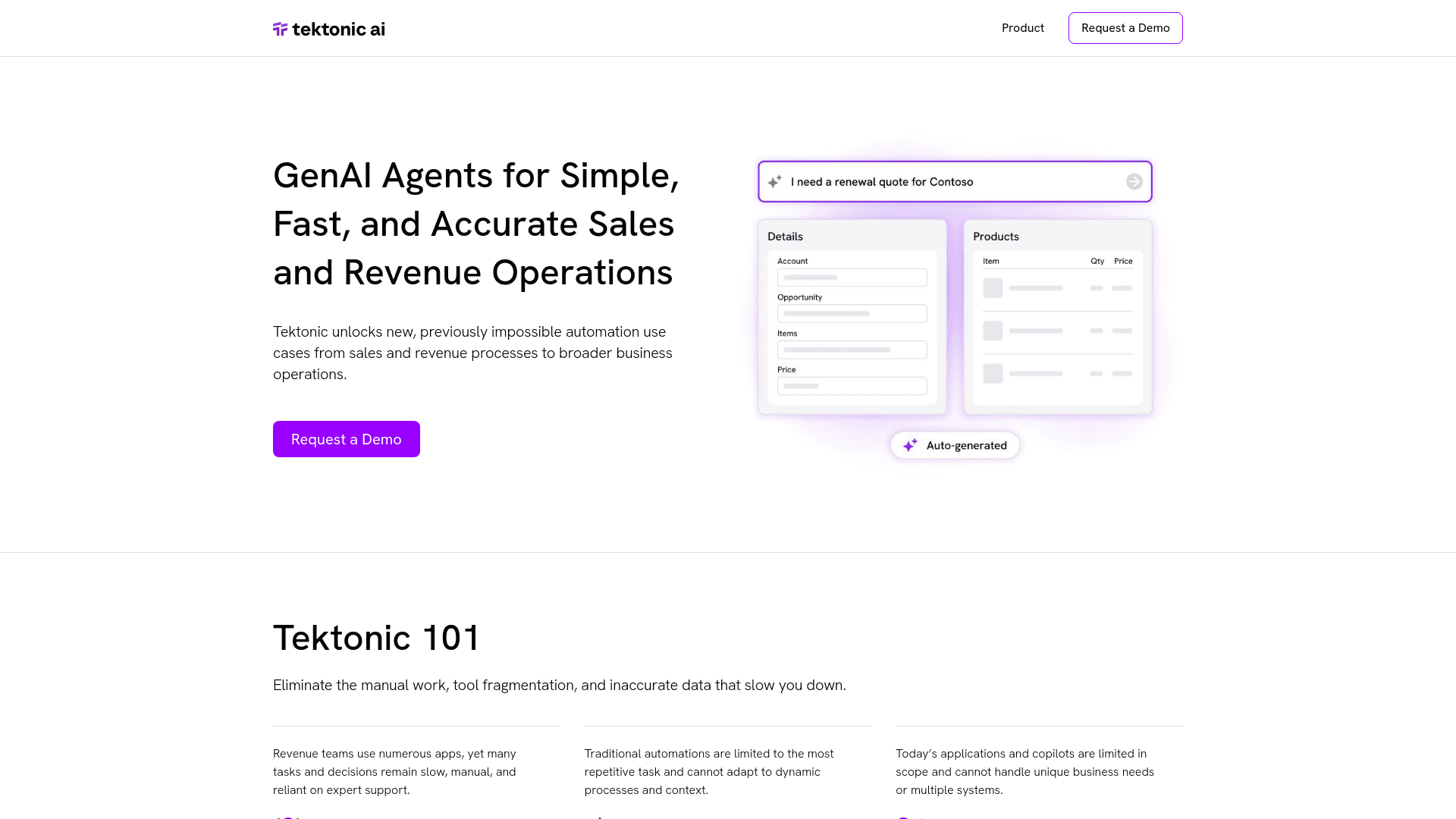
Tektonic AI
Streamline sales and revenue operations with advanced AI-driven automation.

adam.ai
Maximize your business success with adam.ai, the intuitive meeting management platform designed to enhance your team's productivity. Our intelligent solution streamlines the meeting process, granting

The North
North is an intuitive platform designed to simplify the management of Objectives and Key Results (OKRs), Strategy, and Initiatives for businesses of all sizes. It is a tool that directs teams to trans
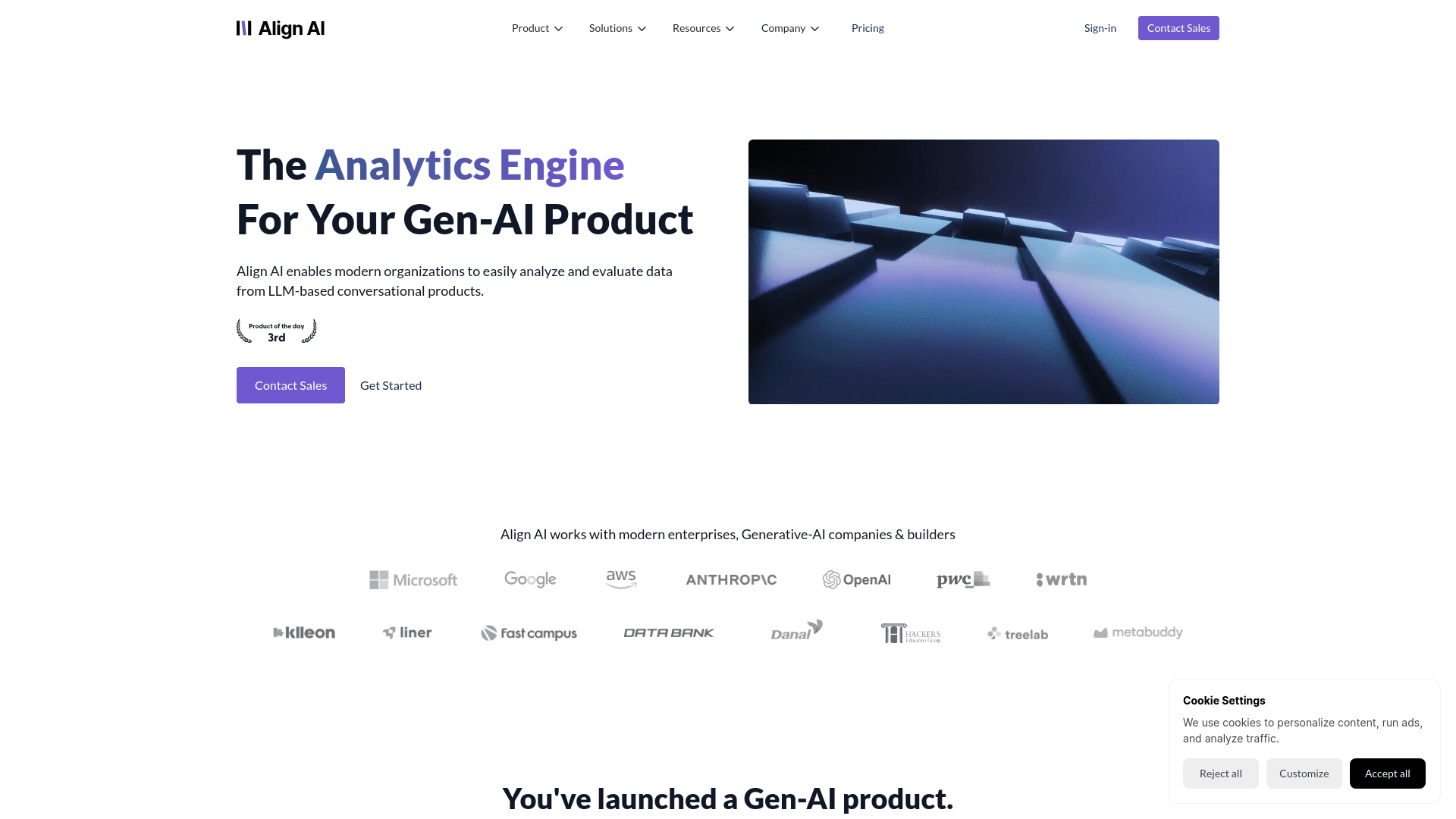
Align AI
Streamlines AI strategy alignment with business objectives.
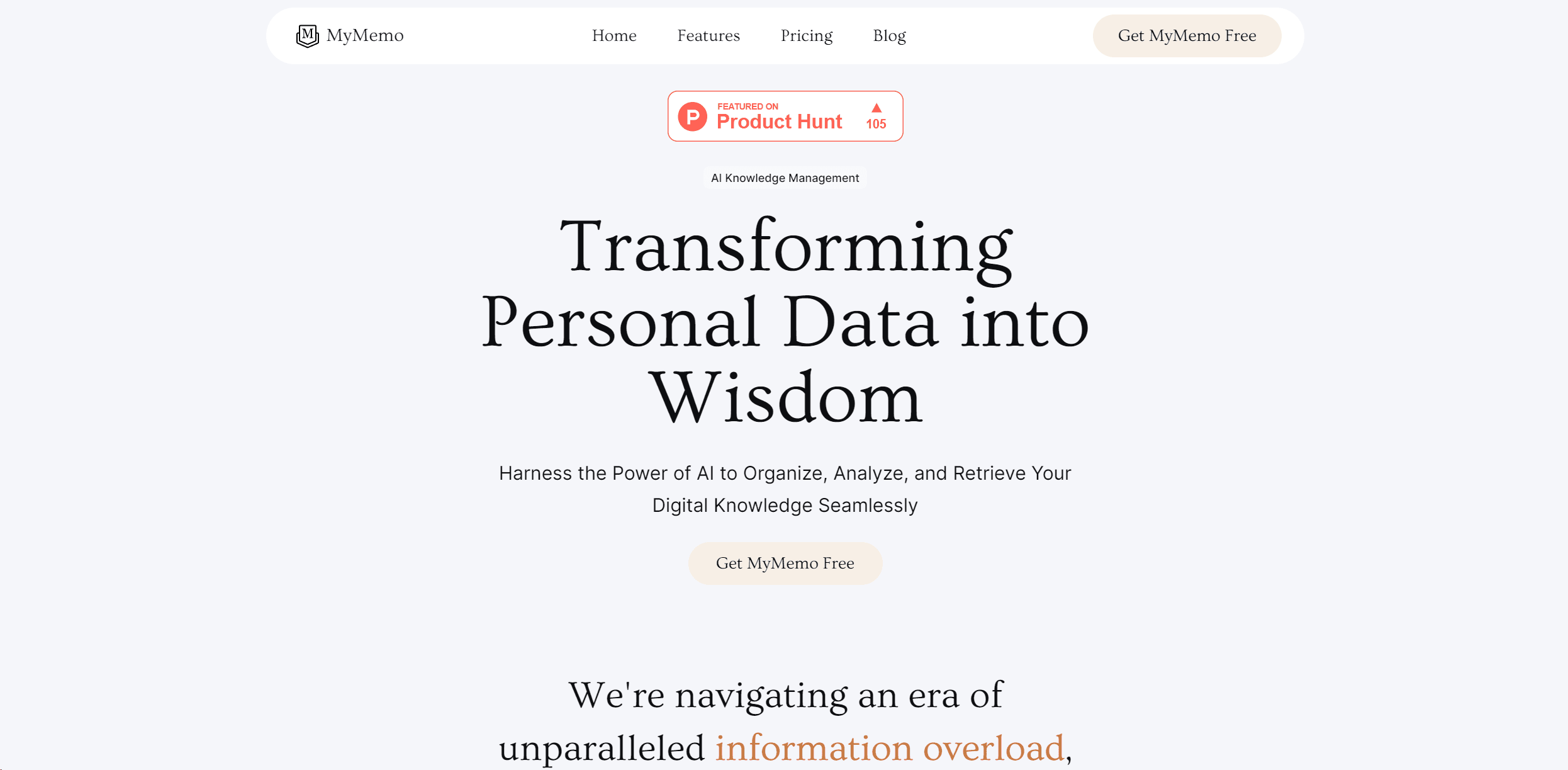
MyMemo AI
Transform digital chaos into an organized, AI-enhanced knowledge oasis.
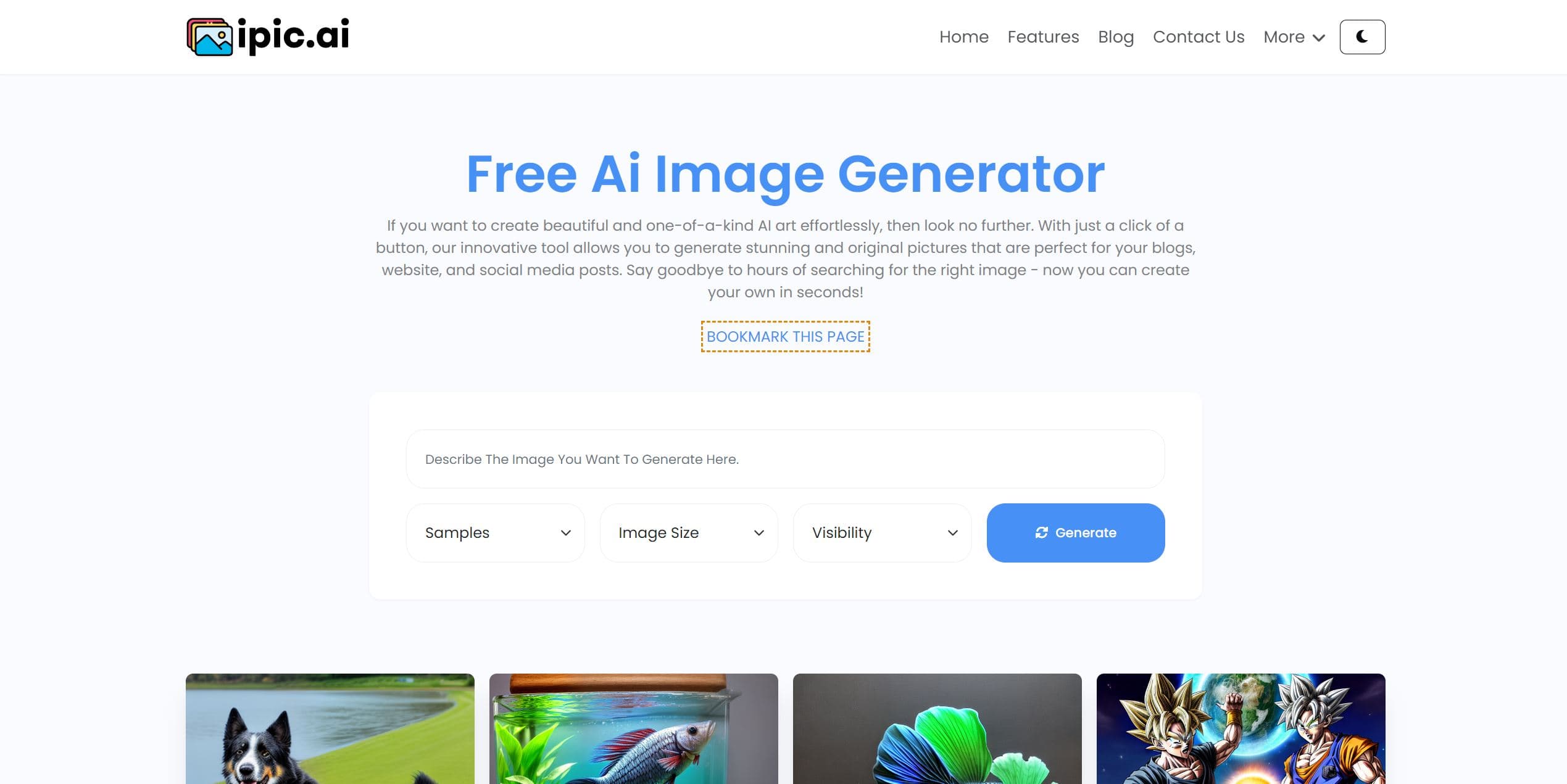
Ipic.ai
AI-powered image enhancement for professionals and hobbyists alike.
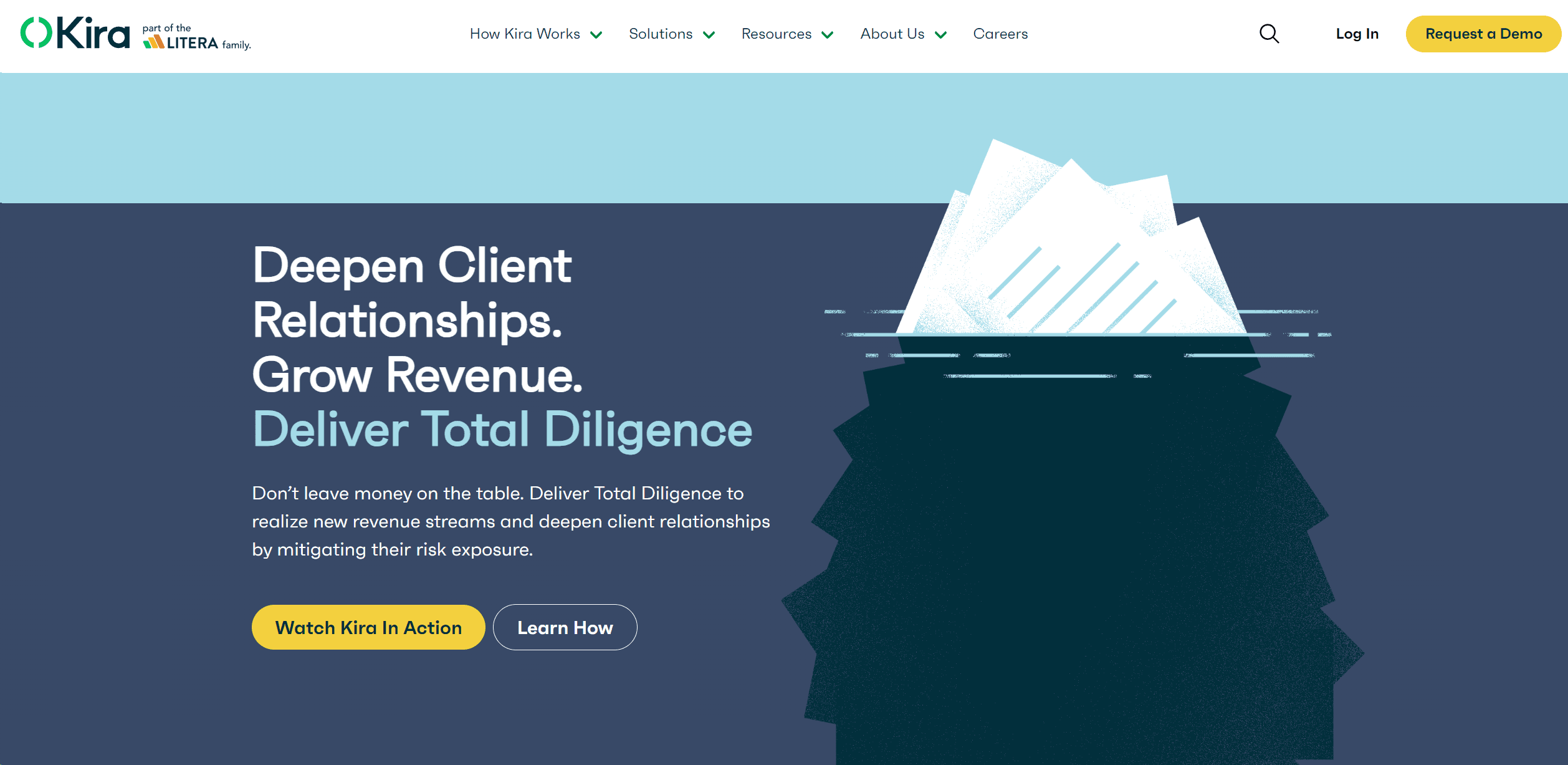
Kira Systems
Streamline contract review with AI-driven precision and customization.