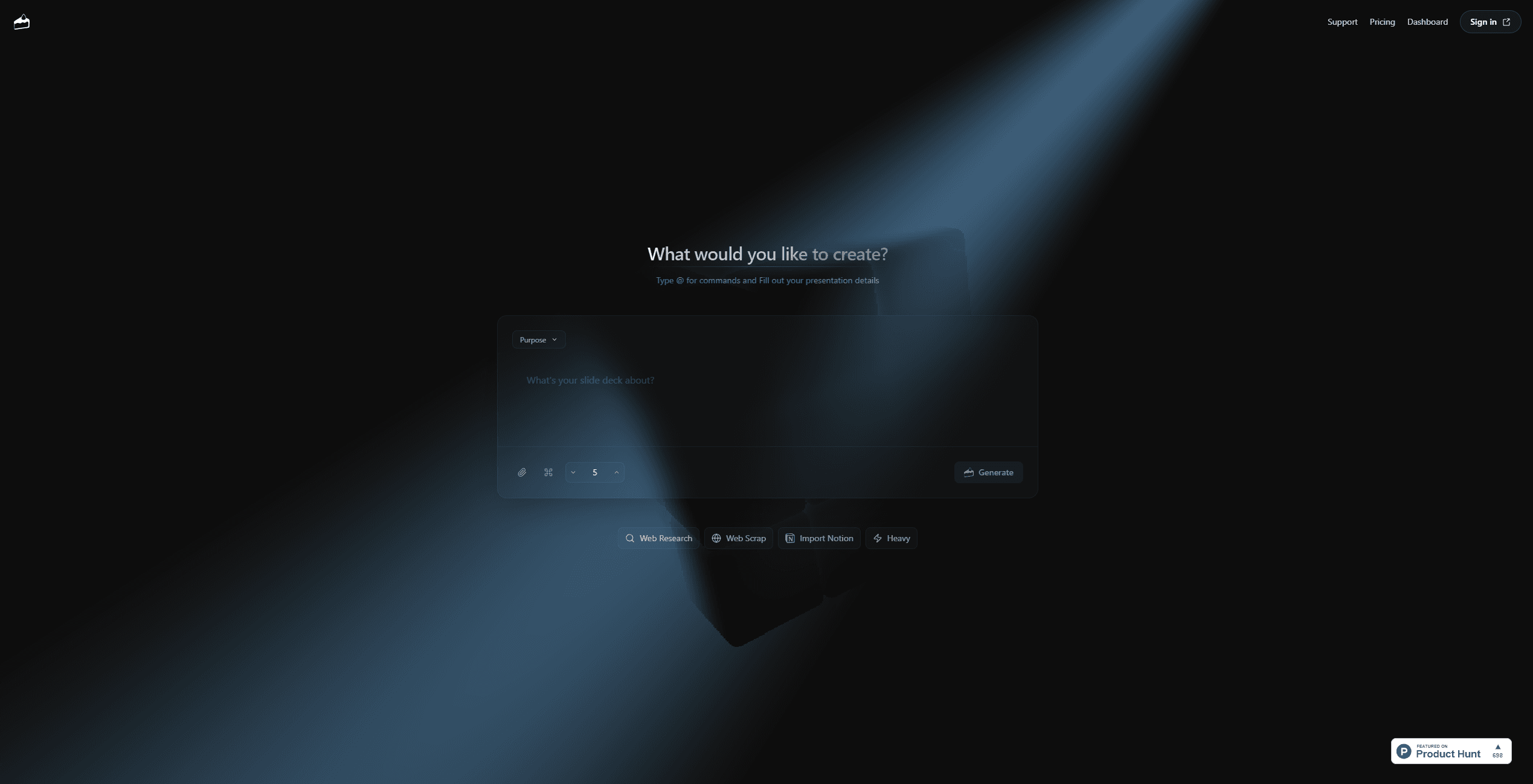
Snapdeck
Create executive level presentations with AI-generated slides.
14,522
Votes
18,851
Views
11,634
Bookmarks
About
Snapdeck is a versatile AI tool designed to simplify the creation of presentations and decks. Tailored for individuals and professionals, it offers a streamlined way to generate visually appealing and informative presentations. Whether you're preparing for a business meeting, a class project, or a creative pitch, Snapdeck aims to ease the burden of crafting slides from scratch.
Key Features
- AI-Driven Slide Generation: Snapdeck uses advanced AI algorithms to automatically generate presentation slides based on user input and context.
- Customizable Templates: Offers a variety of templates that can be tailored to fit different presentation styles and purposes.
- Web and Notion Integration: Allows users to import information directly from the web and Notion, making it easy to incorporate external content.
- User-Friendly Commands: With simple commands, users can efficiently organize their presentation content without needing extensive design skills.
Pros
- Time Efficiency: Quickly creates presentations, saving users hours of manual slide design.
- Intuitive Interface: Easy to navigate, even for those with little presentation design experience.
- Diverse Template Options: A wide selection of templates ensures that presentations can be tailored to specific needs.
- Seamless Integration: Compatible with popular platforms like Notion for easy data import.
Cons
- Initial Learning Curve: New users might need some time to get acquainted with all features.
- Template Limitations: Some users may find the available templates limited in customization options.
- Dependency on Internet: Requires a stable internet connection for optimal functionality.
Who Uses It
- Business Professionals: Creating polished presentations for meetings and reports.
- Educators: Designing lectures and class presentations with ease.
- Startup Founders: Pitching ideas to investors with visually compelling decks.
- Students: Preparing academic presentations without the hassle of design.
- Uncommon Use Cases: Used by non-profit organizations to create awareness campaigns; Employed by event planners for organizing event schedules and presentations.
Pricing
- Free: $0 per month. Includes up to 20 credits per month, 3 basic themes, standard processing, no overage option, and community support.
- Plus: $10 per month (promo, normally $15). Includes up to 300 credits per month, all themes, $5 per 100 credits overage, priority processing, and direct email support.
- Pro: $100 per month. Includes up to 3000 credits per month, all themes, $5 per 200 credits overage, top priority processing, and direct email support.
You may also like
More tools in Business Tools

Looq AI
Revolutionize image analysis with advanced AI-powered recognition and insights.

Outreach
Optimize sales, enhance workflows, boost efficiency with AI-powered tools.

Spoke.ai
AI-powered tool revolutionizes team communication and project management.
GPT for Sheets and Docs
Elevate productivity in Sheets and Docs with AI-powered automation and creativity.
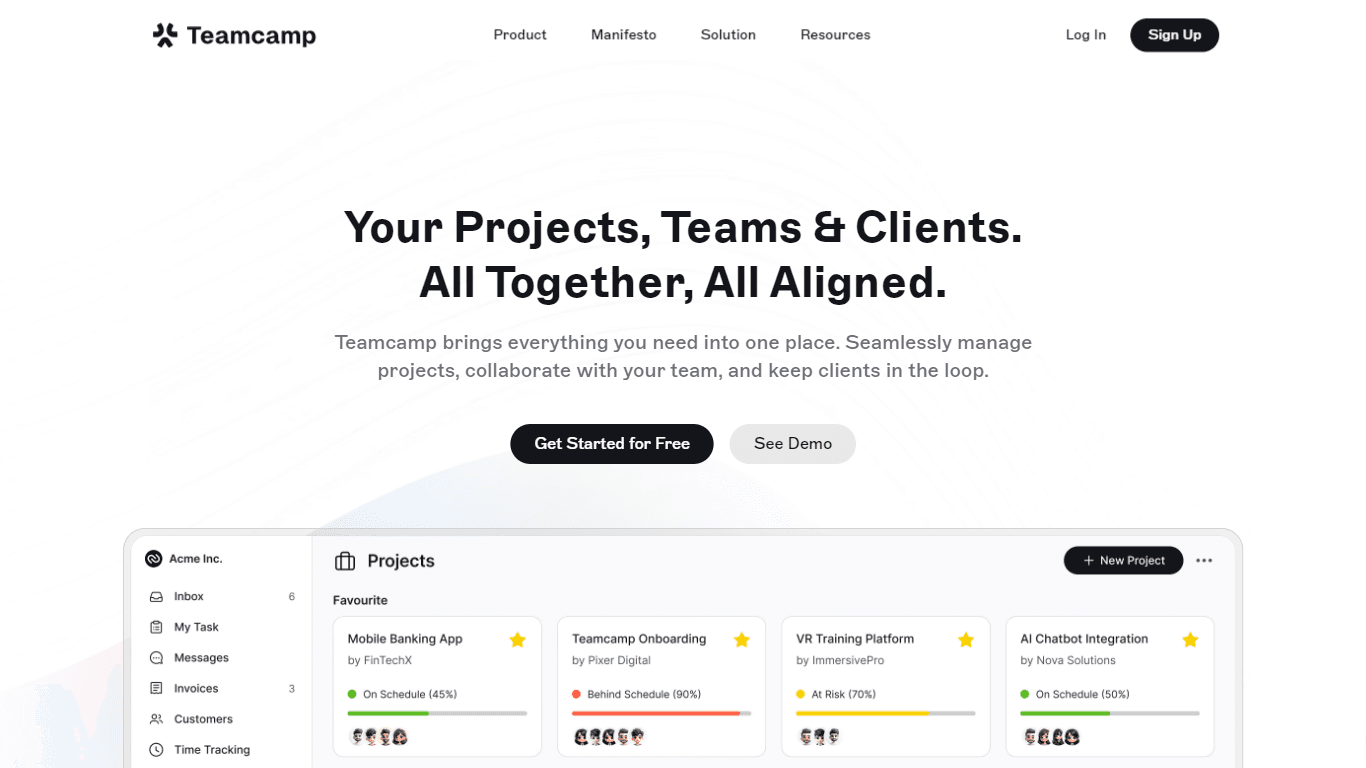
Teamcamp
Teamcamp is a comprehensive project management tool designed to streamline the workflow for teams in various sectors, including IT, marketing, freelancers, and agencies. Its core functionality revolve

Tektonic AI
Streamline sales and revenue operations with advanced AI-driven automation.

adam.ai
Maximize your business success with adam.ai, the intuitive meeting management platform designed to enhance your team's productivity. Our intelligent solution streamlines the meeting process, granting

Align AI
Streamlines AI strategy alignment with business objectives.

The North
North is an intuitive platform designed to simplify the management of Objectives and Key Results (OKRs), Strategy, and Initiatives for businesses of all sizes. It is a tool that directs teams to trans
MyMemo AI
Transform digital chaos into an organized, AI-enhanced knowledge oasis.

Ipic.ai
AI-powered image enhancement for professionals and hobbyists alike.
Bardeen AI
Automate workflows and enhance GTM productivity.