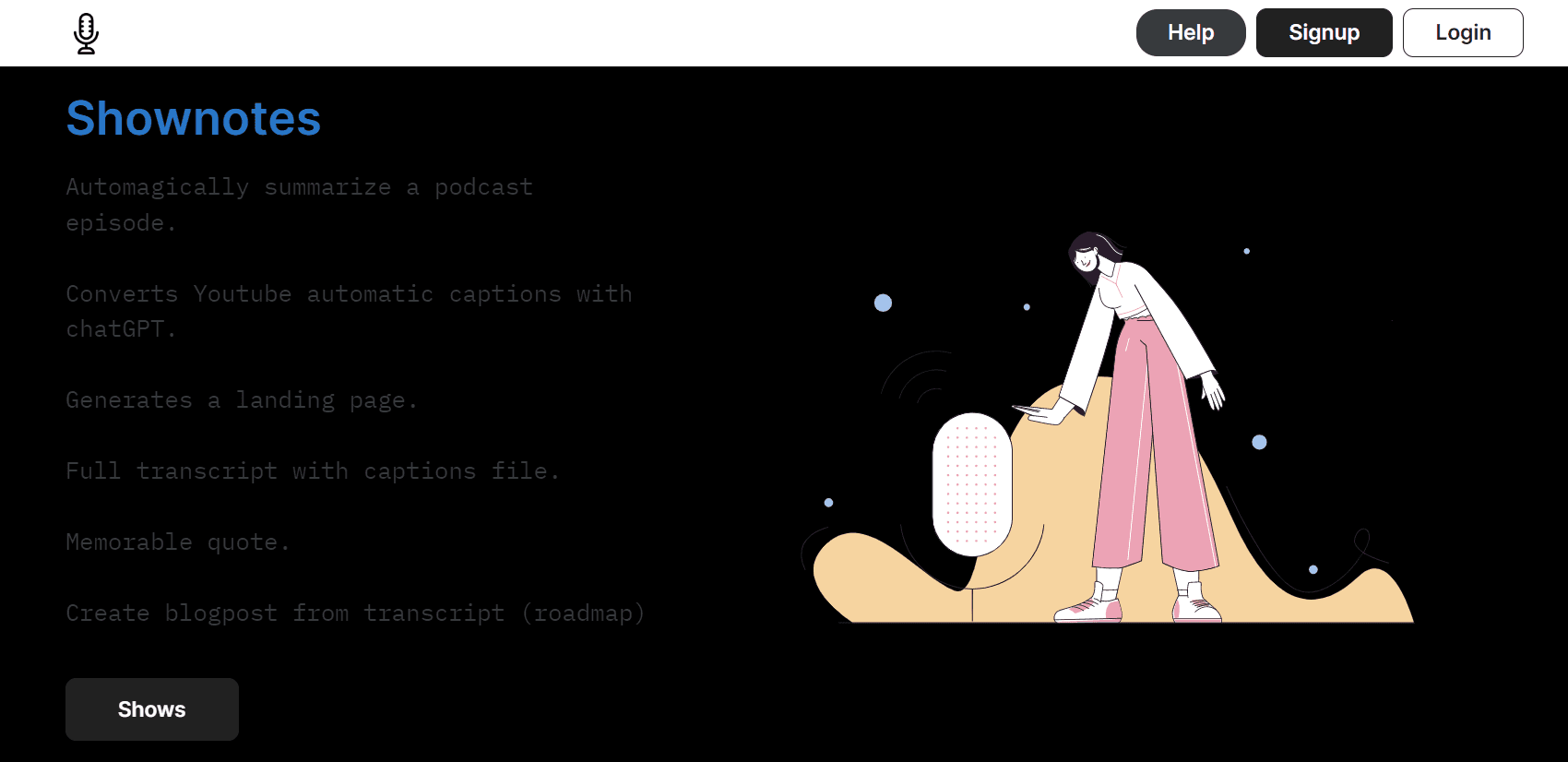
Shownotes
Revolutionize audio handling with AI transcription, summarization, and multilingual support.
15,446
Votes
27,772
Views
11,898
Bookmarks
About
Shownotes is a cutting-edge AI-powered tool that aims to transform the way we handle audio content. As a reviewer with a keen eye on AI advancements, I've had the opportunity to explore and test Shownotes, and I must say, it's a game-changer for content creators, podcasters, and professionals alike. Its ability to transcribe audio with Whisper technology, summarize discussions with ChatGPT, and support a multitude of languages and formats makes it a versatile solution for various audio processing needs.
Key Features
- ChatGPT Summarization: Shownotes leverages the power of ChatGPT to provide concise summaries of audio content, highlighting key points and memorable quotes.
- Whisper Transcription: Utilizes OpenAI's Whisper model for accurate audio transcriptions, ensuring that every word is captured with precision.
- Multilingual Support: Offers native support for several languages including French, German, Chinese, and many more, catering to a global user base.
- Versatile Format Compatibility: Supports a wide range of audio formats such as mp3, m4a, webm, and m3u8, making it flexible for different user requirements.
- Chrome Extension: Features a Chrome extension that simplifies the process of extracting audio directly from web sources.
- ChatGPT Plugin Integration: Enhances functionality and user experience by integrating with ChatGPT functionality.
Pros
- Content Repurposing: Enables users to convert audio content into blog posts, expanding the reach and accessibility of their material.
- Platform Support: Seamlessly works with popular platforms like YouTube, Audio, and Apple, ensuring easy management of audio files.
- Time-Saving: Drastically reduces the time spent on manual transcriptions and content summarization.
- User-Friendly Interface: Intuitive design and straightforward navigation make it easy to use, even for those new to AI tools.
Cons
- Initial Learning Curve: Some users may need time to get accustomed to the advanced features and integration capabilities.
- Browser Limitation: The Chrome extension is limited to Google Chrome, which may exclude users of other browsers.
- Integration Specificity: While it supports various audio sources, some users might find the need for broader integration with additional platforms.
Who Uses It
- Podcasters: Utilizing Shownotes to transcribe episodes and create easily shareable show notes.
- Journalists: Employing the tool to quickly transcribe interviews and press conferences.
- Content Marketers: Leveraging Shownotes to summarize webinars and repurpose them into blog posts or social media content.
- Researchers: Using the tool to transcribe and analyze audio data from various sources.
- Uncommon Use Cases: Adopted by language learners for practicing transcription and comprehension; Utilized by historians to archive and catalog oral histories.
Pricing
- Free Tier: Users can start with Shownotes free of charge, exploring its basic features.
- Subscription Plans: Detailed pricing for various tiers is available on the Shownotes website.
- Access:
- AI Tools for Productivity
- AI Paraphrasing Tools
- AI Tools for Students
You may also like
More tools in Text Generators

Humy.ai
Humy.ai is a trailblazing Artificial Intelligence (AI) platform dedicated to enhancing the educational experience for both teachers and students through personalized, AI-enhanced tools. With a signifi

Dify
A platform to develop and operate AI applications.
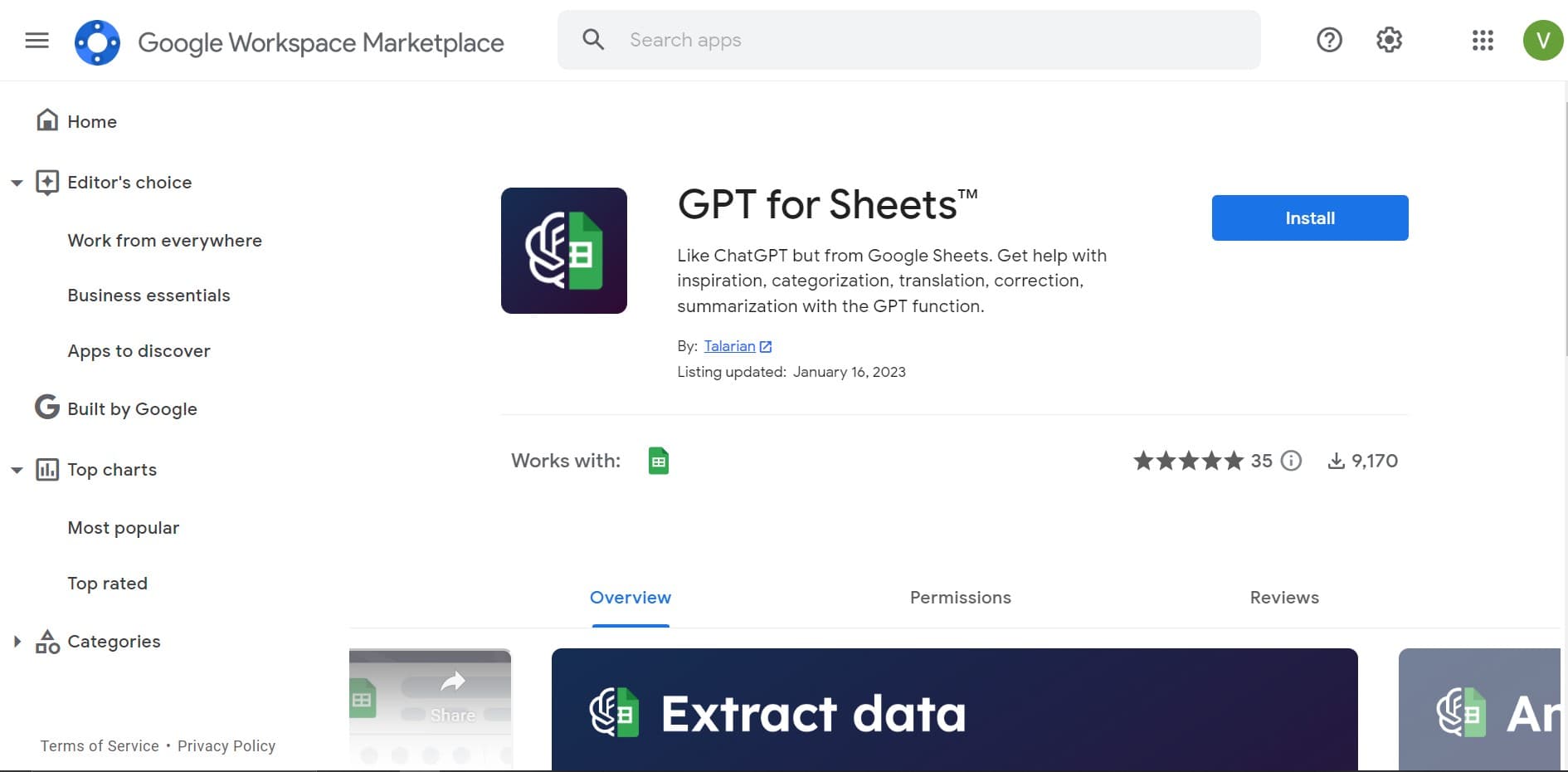
GPT for Sheets and Docs
Elevate productivity in Sheets and Docs with AI-powered automation and creativity.

Blog Post Generator
Generates SEO-optimized blog posts

Twee
Revolutionize English teaching with AI: create, personalize, engage.

Deep Realms
AI-powered platform for crafting immersive, interactive storytelling experiences.
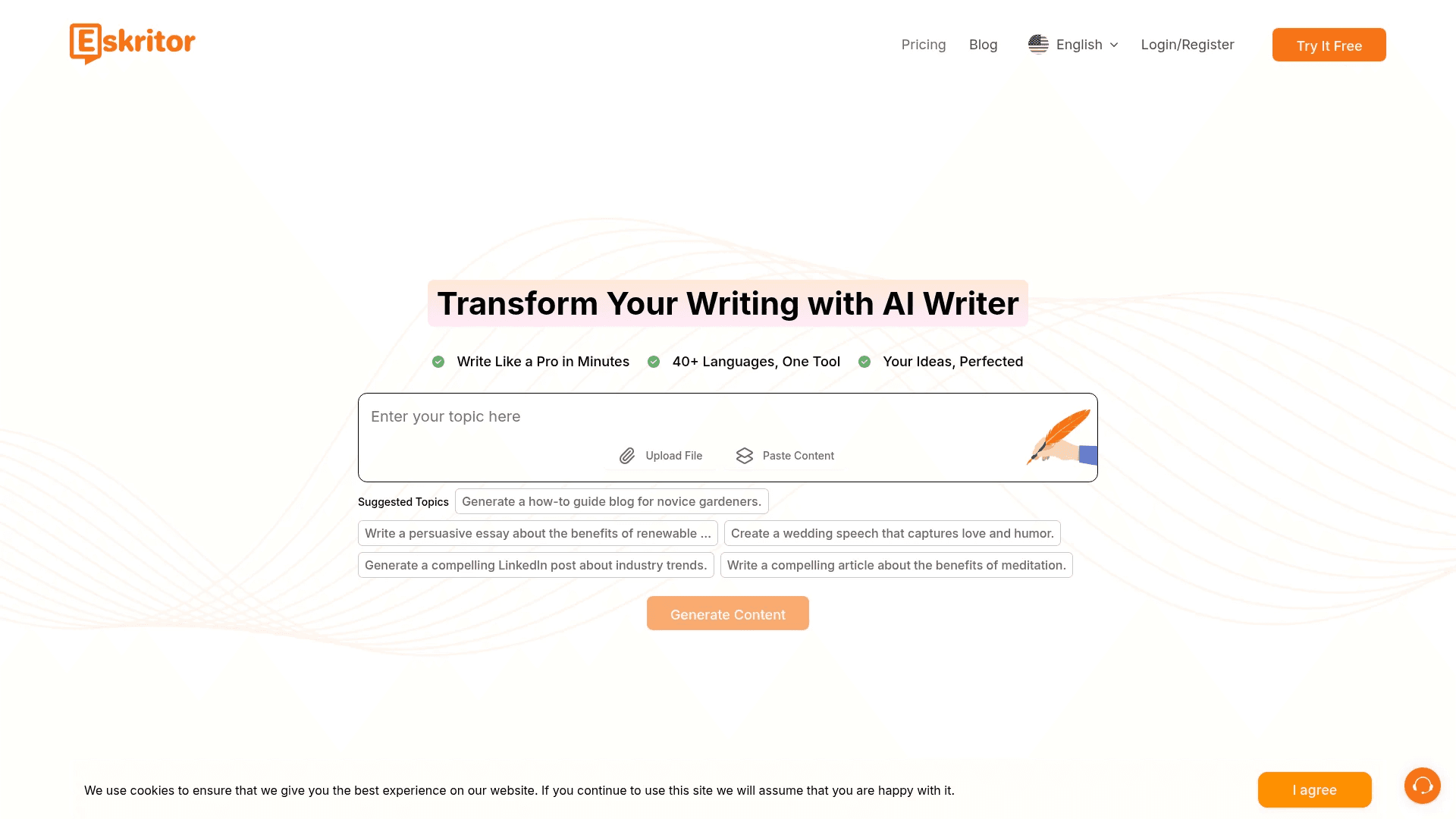
Eskritor
Streamline writing with multilingual AI content generation.

Summit
Summit is a comprehensive AI-powered platform designed to revolutionize the way businesses optimize their operations. With an array of cutting-edge features and advanced algorithms, Summit offers unpa

Mythic Text
A tool to transform markdown and plain text into formatted content across multiple output formats.
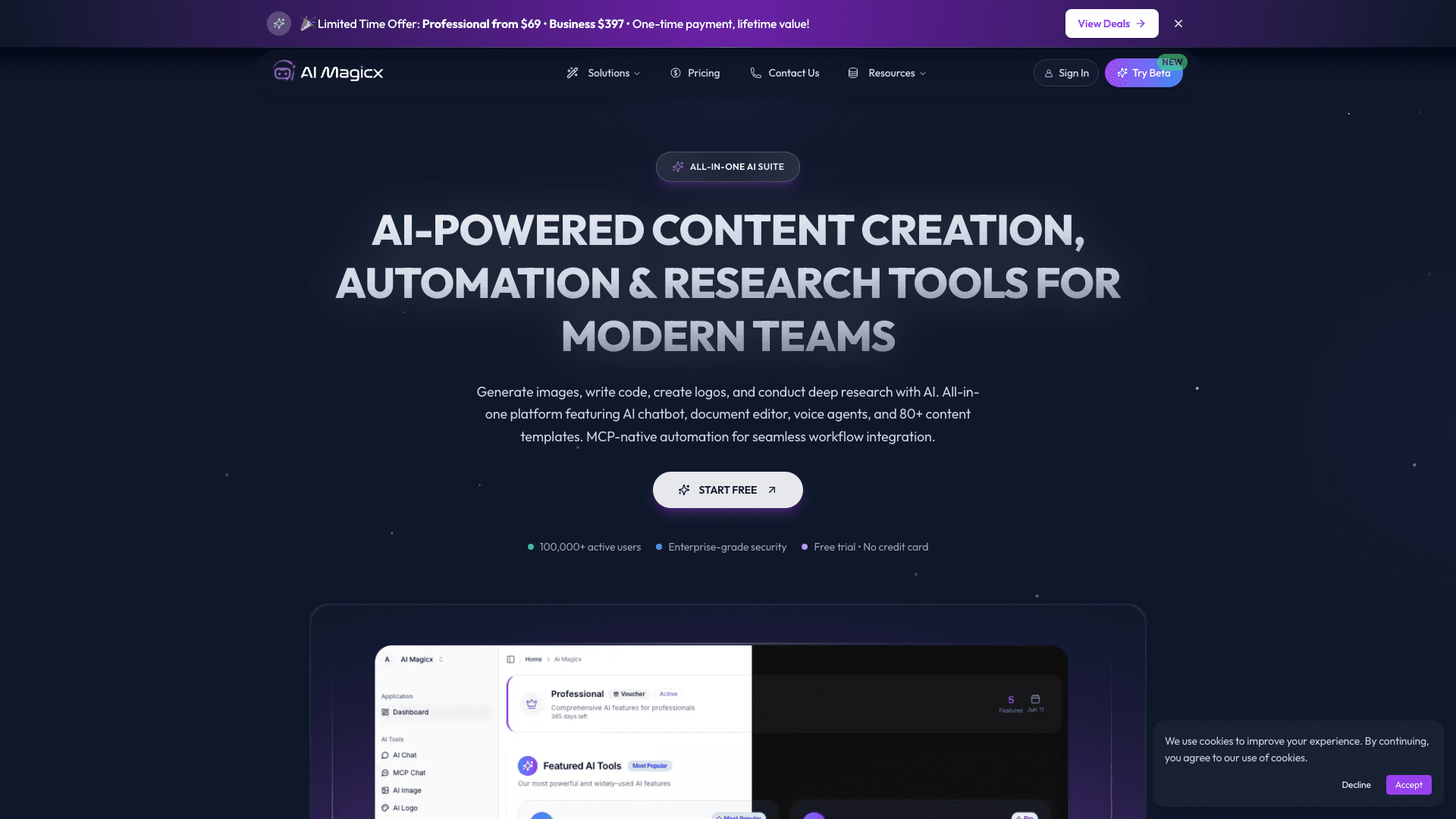
AI Magicx
AI Magicx enhances creativity with AI-driven design and coding.
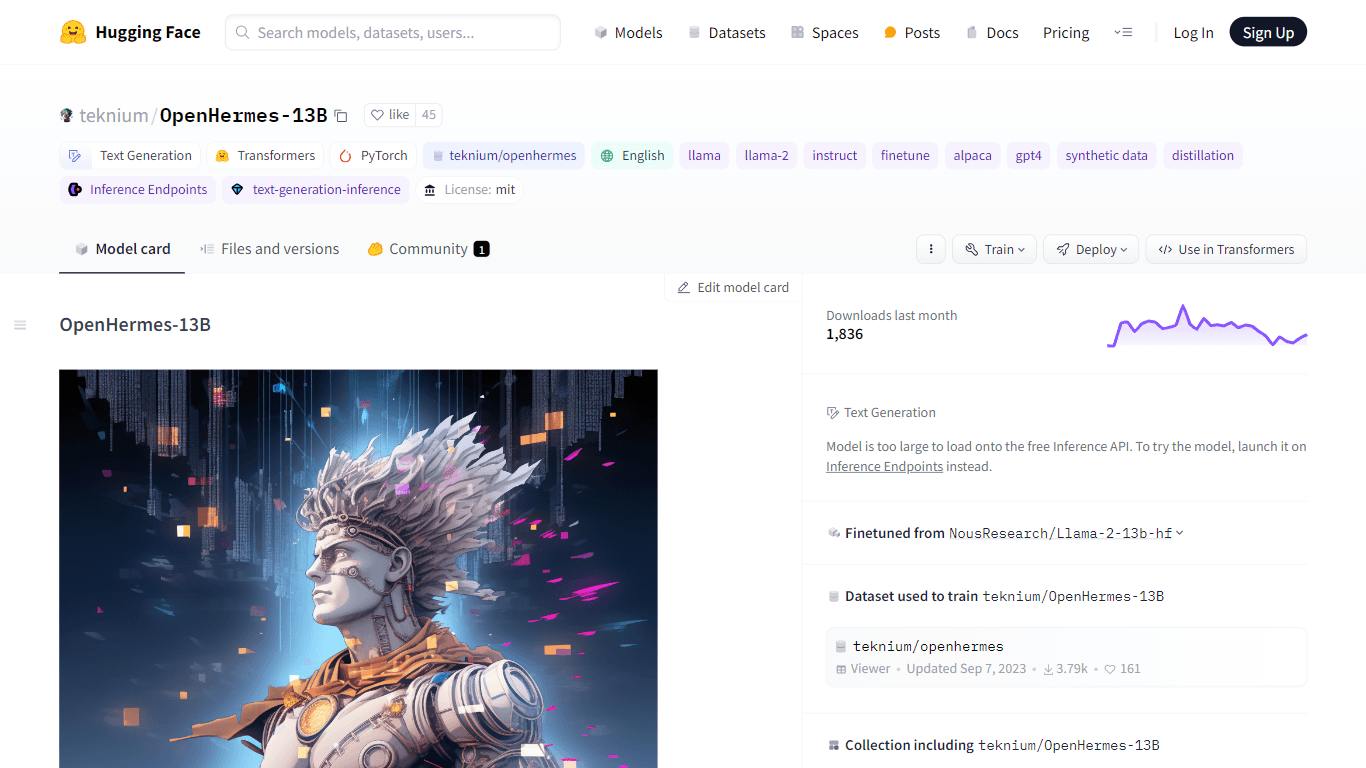
OpenHermes-13B
Discover OpenHermes-13B, an advanced fine-tuned model from teknium that leverages the robust GPT-4 generated dataset collected from diverse AI solutions. Meticulously trained on a fully open-source da

Dubs
AI-powered video dubbing and subtitles for global reach.