
PopTask
Convert messy text into timed Mac menu‑bar tasks.
14,529
Votes
21,742
Views
11,559
Bookmarks
About
PopTask is a lightweight macOS menu bar task manager that uses AI to turn messy, natural language into clean, scheduled tasks. A four stage pipeline parses dates, times, and recurrence, cleans titles, and sets reminders, often directly on device for sub 500 millisecond responses. For more complex phrasing, it quietly uses cloud models such as GPT‑4o‑mini in the background. The app opens from the menu bar in one click, shows only what is immediately relevant, and then disappears again, while keeping all task data stored locally on the Mac with no required account or cloud sync.
Key Features
- AI smart task entry: Plain text like “call dad in 20 min” or “dentist Friday at 2pm” is auto converted into a structured task with title, date, time, and optional recurrence.
- Hybrid on-device and cloud AI: Most date and time parsing runs locally for speed and privacy, with cloud AI stepping in only when the local engine cannot confidently interpret the input.
- AI task breakdown: A single tap on any task generates three focused subtasks, each with its own checkbox, aimed at preparation, execution, and follow up.
- Live countdown and alerts: Every task shows a live countdown timer in the interface, with native macOS notifications and overdue alerts surfacing items that need attention.
- Recurring tasks and smart snooze: Supports daily, weekday, weekly, and monthly repeats, plus snoozing via presets or natural language such as “in 2 hours” or “Thursday 3pm.”
- Multilingual natural language parsing: The AI understands date and time phrases in nine languages, while the interface itself adapts to seven, making it practical for multilingual users.
- Menu bar, focus-first layout: No projects, boards, or tags; the menu bar popover shows Due Today, Due Later, and Completed lists to reduce visual clutter.
- Privacy-first storage: Tasks are stored locally, with text sent to servers only when needed for complex parsing and not logged or retained.
Pros
- Fast capture with minimal context switching: Instant menu bar access keeps users inside their current app.
- Excellent handling of messy input: Slang, abbreviations, and vague phrasing are interpreted reliably.
- Supportive for time-blind or ADHD users: Live countdowns and urgency cues make deadlines feel concrete.
- Strong privacy posture: Local storage, no account requirement, and minimal external processing.
- Offline friendly: Core task management functions continue to work without an internet connection.
Cons
- Mac only: No official iOS, iPadOS, Windows, or web versions, and no sync across devices.
- Limited organizational structure: Lack of tags, projects, or kanban views may frustrate power users with complex setups.
- Early stage product: “Be among early users” messaging reflects a smaller ecosystem and fewer third party resources for now.
Who Uses It
- Mac-based knowledge workers: Using it to capture quick reminders during meetings or while deep in documents or code.
- Freelancers and solo creators: Managing client calls, deadlines, and follow ups without committing to heavier project suites.
- Students and researchers: Tracking study blocks, assignment due times, and exam countdowns directly from the menu bar.
- Developers and designers: Keeping a tight list of near term tasks visible while working in fullscreen tools.
- Productivity enthusiasts: Experimenting with AI task breakdowns to turn vague goals into concrete action steps.
- Uncommon Use Cases: Used on shared home Macs as a family “command center” for chores and appointments; adopted by language learners to practice time expressions in multiple supported languages while staying productive.
Pricing
- Mac App Store distribution: PopTask is offered as a standalone macOS app via the Mac App Store, with pricing shown within the store and potentially varying by region and promotions.
You may also like
More tools in Business Tools

Looq AI
Revolutionize image analysis with advanced AI-powered recognition and insights.

Spoke.ai
AI-powered tool revolutionizes team communication and project management.
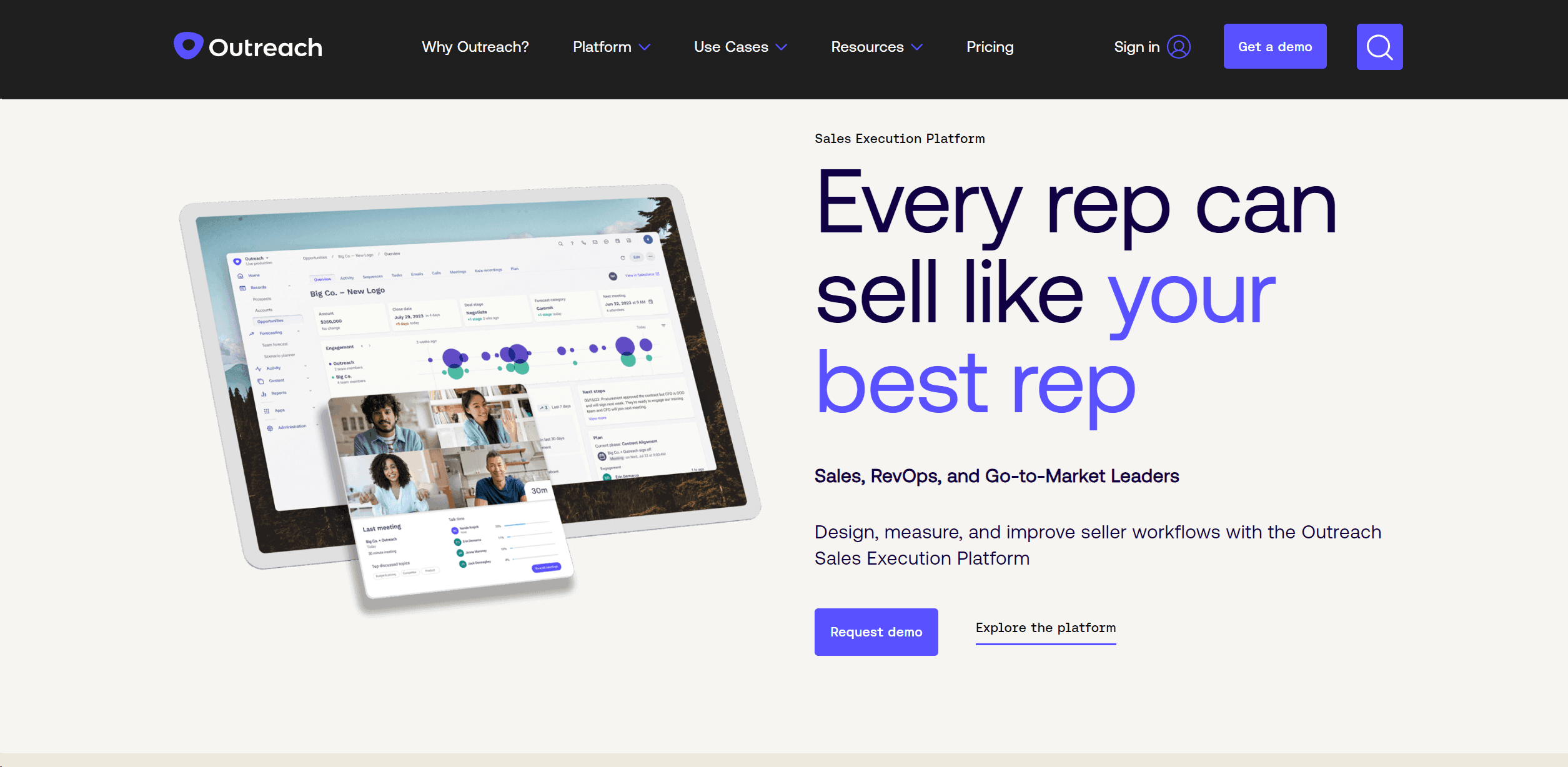
Outreach
Optimize sales, enhance workflows, boost efficiency with AI-powered tools.
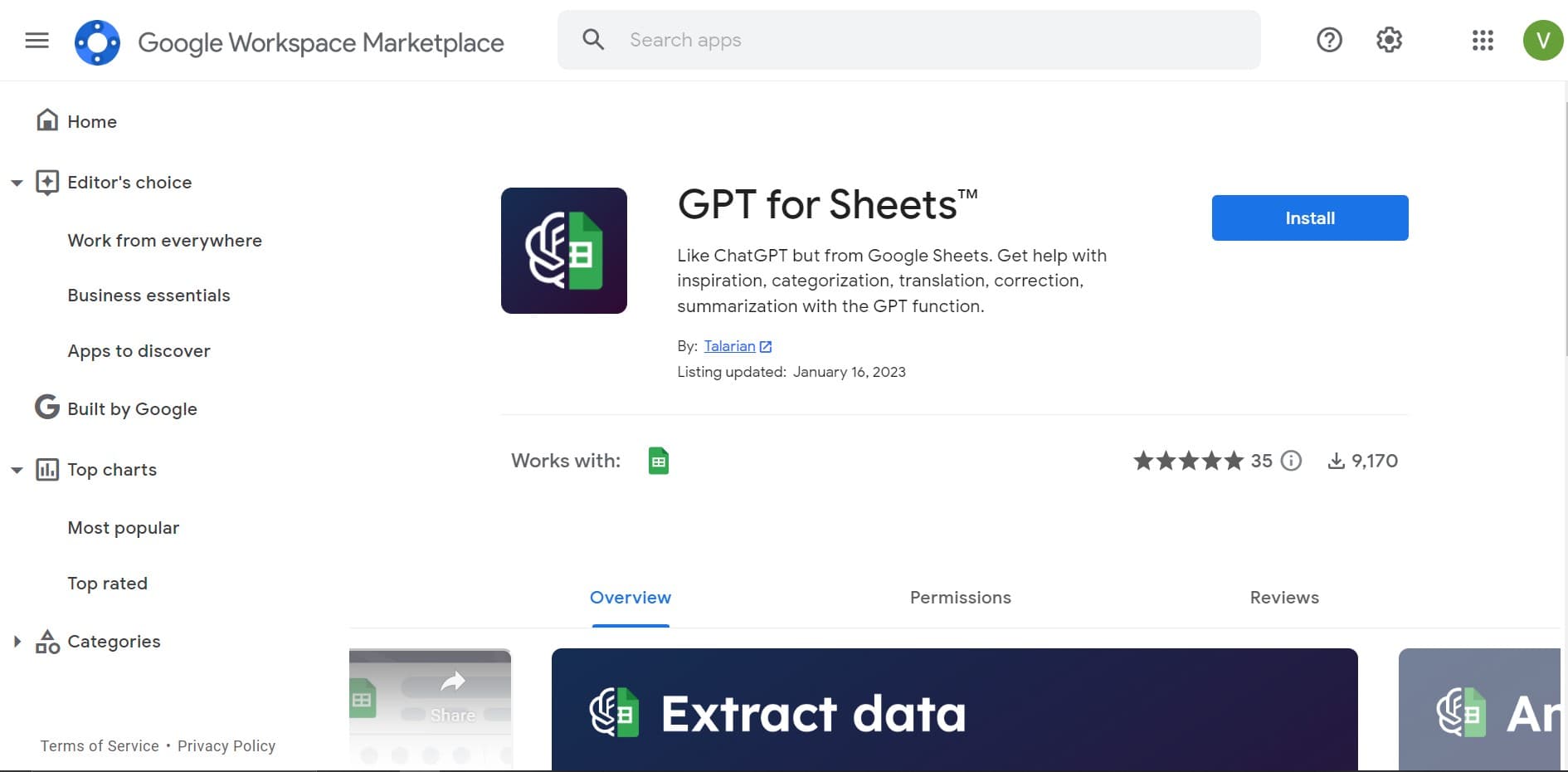
GPT for Sheets and Docs
Elevate productivity in Sheets and Docs with AI-powered automation and creativity.
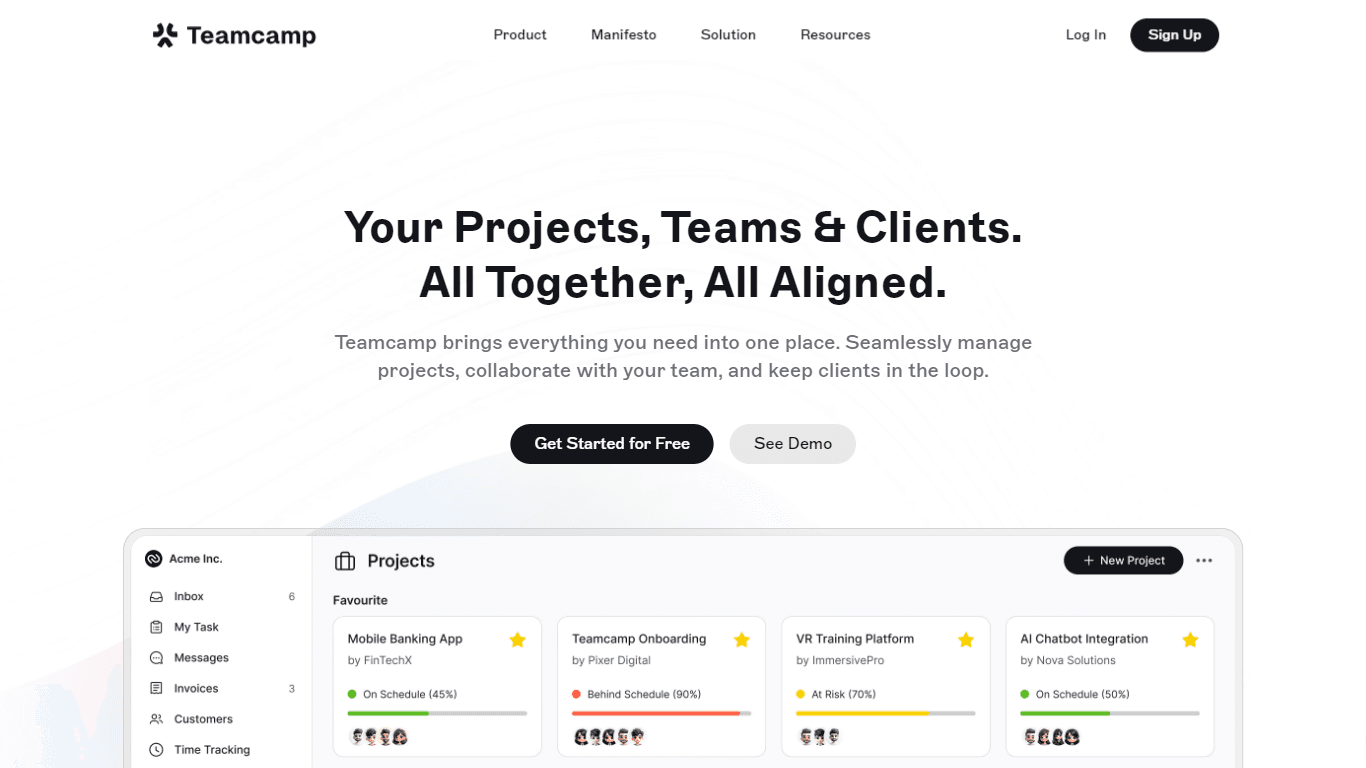
Teamcamp
Teamcamp is a comprehensive project management tool designed to streamline the workflow for teams in various sectors, including IT, marketing, freelancers, and agencies. Its core functionality revolve
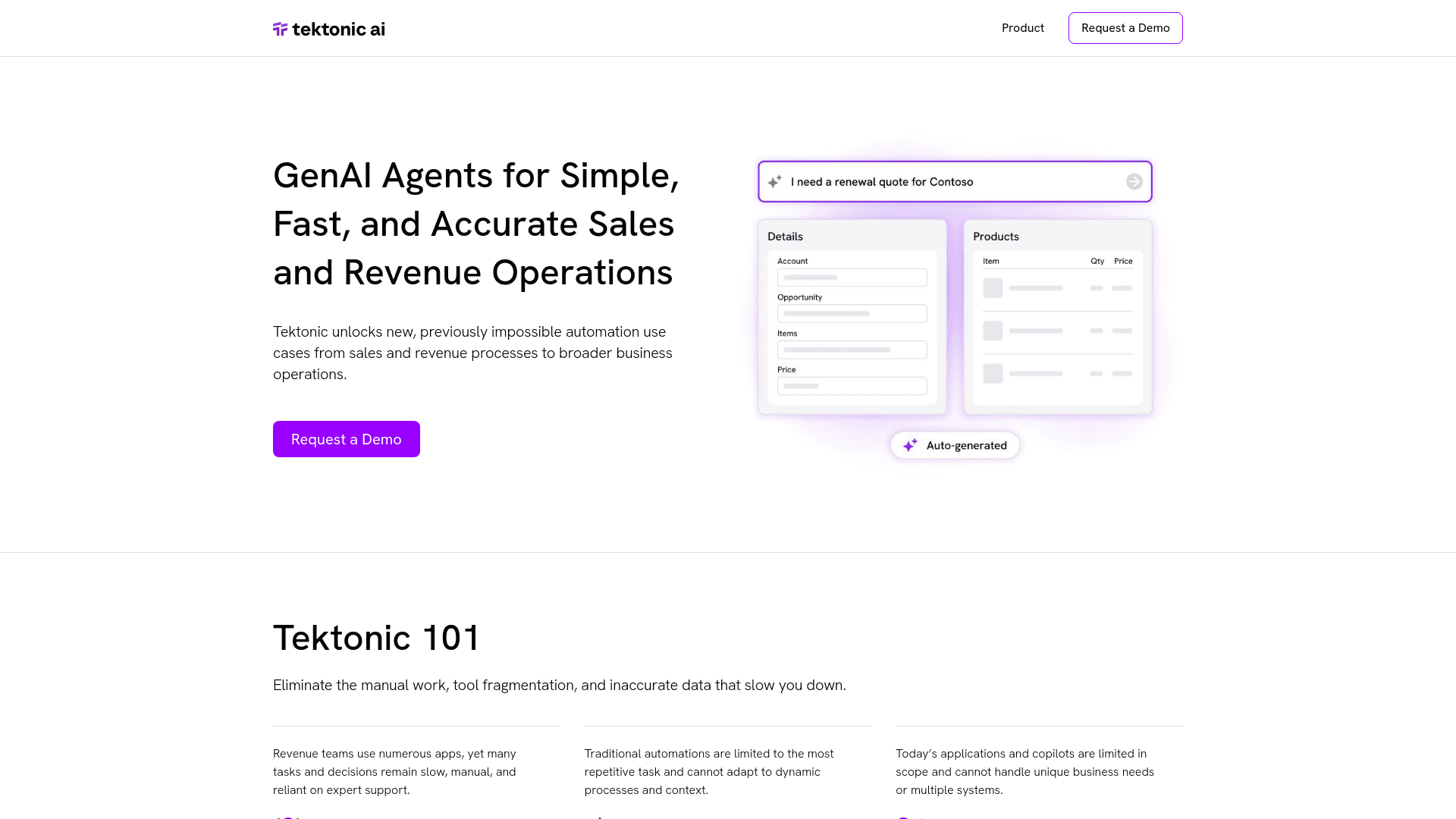
Tektonic AI
Streamline sales and revenue operations with advanced AI-driven automation.
Align AI
Streamlines AI strategy alignment with business objectives.

The North
North is an intuitive platform designed to simplify the management of Objectives and Key Results (OKRs), Strategy, and Initiatives for businesses of all sizes. It is a tool that directs teams to trans

adam.ai
Maximize your business success with adam.ai, the intuitive meeting management platform designed to enhance your team's productivity. Our intelligent solution streamlines the meeting process, granting
MyMemo AI
Transform digital chaos into an organized, AI-enhanced knowledge oasis.
Ipic.ai
AI-powered image enhancement for professionals and hobbyists alike.
Kira Systems
Streamline contract review with AI-driven precision and customization.