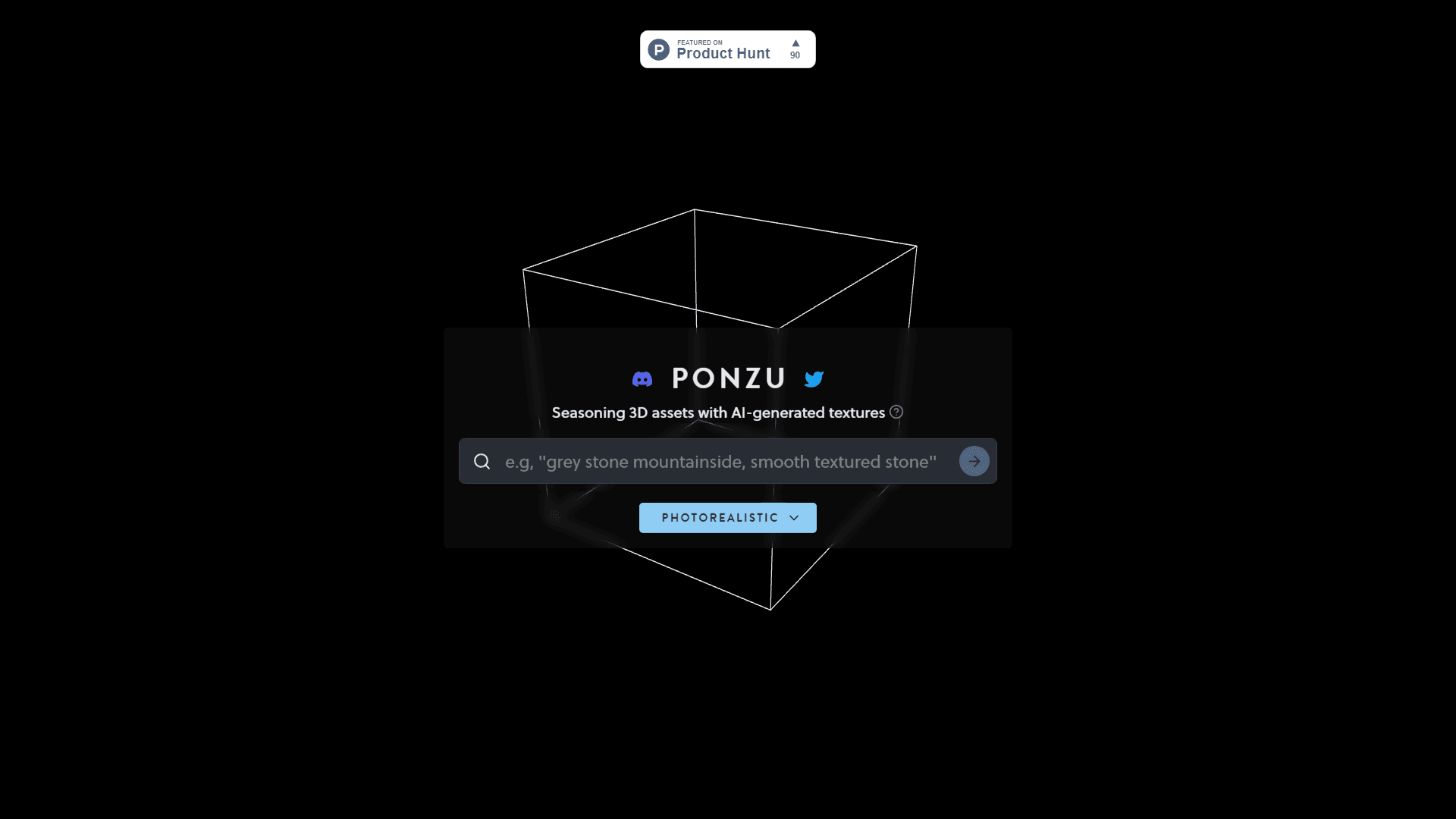
Ponzu
Revolutionize 3D texturing with AI for photorealistic effects and efficiency.
17,153
Votes
19,253
Views
11,320
Bookmarks
About
Ponzu emerges as a groundbreaking tool in the evolving landscape of digital design and 3D modeling, aiming to season 3D assets with AI-generated textures, thereby bringing them to life with photorealistic quality. Targeted at digital artists, game developers, and professionals in the visual effects (VFX) industry, Ponzu simplifies the complex process of texturing 3D models. It leverages advanced AI techniques to automate the generation of textures, including lights, ambient light, and directional light effects, thereby enhancing the realism and depth of 3D creations.
Key Features
- AI-Generated Textures: Automates the creation of high-quality textures, reducing manual effort and increasing efficiency.
- Photorealistic Effects: Elevates 3D assets with lifelike lighting and material effects, including ambient and directional light.
- User-Friendly Interface: Designed with simplicity in mind, allowing both novices and professionals to achieve professional-grade results.
- Customization Options: Offers extensive tools for fine-tuning textures and effects to match specific artistic visions.
Pros
- Time Efficiency: Significantly reduces the time required to texture 3D models, allowing artists to focus on creativity.
- High-Quality Outputs: Produces photorealistic textures that can elevate the visual quality of any project.
- Ease of Use: Intuitive interface and workflow cater to users of all skill levels.
- Innovative Technology: Stands at the forefront of integrating AI into the texturing process, setting a new standard in the industry.
Cons
- Learning Curve: While user-friendly, mastering all features may require some time.
- Hardware Requirements: High-quality rendering may demand powerful hardware.
- Availability: As a cutting-edge tool, updates and features may evolve rapidly, requiring users to stay updated.
Who Uses It
- Game Developers: Enhancing in-game assets with realistic textures and lighting.
- VFX Artists: Creating detailed and lifelike models for film and television.
- Architects: Rendering architectural visualizations with lifelike materials and lighting.
- Educational Institutions: Teaching students advanced techniques in 3D modeling and texturing.
- Uncommon Use Cases: Fashion designers experimenting with 3D prototyping; Indie filmmakers leveraging AI for budget-friendly effects.
Pricing
- Free Tier: Explore Ponzu with limited features to get a feel for its capabilities.
- Pro Tier: Advanced features and unlimited textures available for professionals.
You may also like
More tools in Art Generators

Inworld
Elevate game development with dynamic NPCs, immersive worlds, and AI-driven content creation.

Ipic.ai
AI-powered image enhancement for professionals and hobbyists alike.

Playground AI
Unleash creativity with AI-driven image creation and intuitive editing.

WithoutBg
The Image Background Remover API makes it easy to remove backgrounds from images automatically. This powerful tool uses advanced AI to deliver high-quality results quickly and affordably. With a credi
Ludo
Revolutionize game development with AI-driven ideation and market insights.

Prisma
Transform photos into art with AI, quickly and beautifully.

Lucidpic
Revolutionize your visuals with AI-powered 3D photo transformations for engaging, lifelike content.

Figr
Turn product context into flows, prototypes, documentation.

AI Magicx
AI Magicx enhances creativity with AI-driven design and coding.

Ideogram
Transform text to stunning visuals with AI, enhancing creativity and collaboration.

Dora AI
Revolutionize website creation with AI: unique, prompt-driven designs made simple.

MimicPC
Unlock AI tools instantly, browser-based, no installs needed.