
Plane
Streamline project tasks and team collaboration.
18,673
Votes
22,894
Views
11,826
Bookmarks
About
Plane is an open-source project management tool designed to streamline the way teams handle tasks and projects. It offers a suite of features that cater to the needs of developers, project managers, and teams of all sizes, simplifying the complexities of project management. With a focus on flexibility and scalability, Plane helps users organize, track, and complete their work efficiently.
Key Features
- Task Management: Provides a comprehensive task management system with features like task assignment, priority setting, and due dates.
- Collaboration Tools: Includes real-time collaboration features that allow team members to communicate and work together effectively.
- Customizable Workflows: Offers customizable workflows that can be tailored to fit the unique processes of any team.
- Integration Support: Supports integration with popular tools and platforms to enhance functionality and streamline processes.
Pros
- Open Source: Being open source, it allows for customization and transparency, giving users control over their project management tool.
- User-Friendly Interface: The intuitive design makes it accessible for users of all technical levels.
- Scalable Solutions: Suitable for both small teams and large organizations, accommodating growth and changing needs.
- Cost-Effective: As an open-source tool, it provides a budget-friendly solution for project management.
Cons
- Initial Setup Complexity: May require technical expertise for initial setup and customization.
- Limited Built-in Features: Some users might find the out-of-the-box features lacking without additional integrations.
Who Uses It
- Software Development Teams: Utilizing it for tracking bugs, managing sprints, and coordinating development tasks.
- Project Managers: Employing it to oversee project timelines and ensure team alignment.
- Startups: Leveraging its cost-effective nature to manage projects without breaking the bank.
- IT Departments: Using it to streamline IT project workflows and enhance productivity.
- Uncommon Use Cases: Adopted by non-profit organizations for managing volunteer projects; utilized by educational institutions for coordinating academic research projects.
Pricing
- Free: $0 per seat per month. Includes project and work item tracking, cycles and modules, layouts and views, work item intake, estimates, and project pages for up to 12 seats.
- Pro: $8 per seat per month. Adds workspace wiki, time tracking, dashboards, teamspaces, integrations, and marketplace support, with unlimited seats and a 1:5 guest ratio.
- Business: $15 per seat per month. Includes everything in Pro plus project templates, recurring work items, nested pages, workflows, customer management, and advanced dashboard widgets.
- Enterprise Grid (Coming Soon): Custom pricing. Adds private managed deployments, granular access control, LDAP support, API-enabled audit logs, and implementation services.
You may also like
More tools in Business Tools

Looq AI
Revolutionize image analysis with advanced AI-powered recognition and insights.
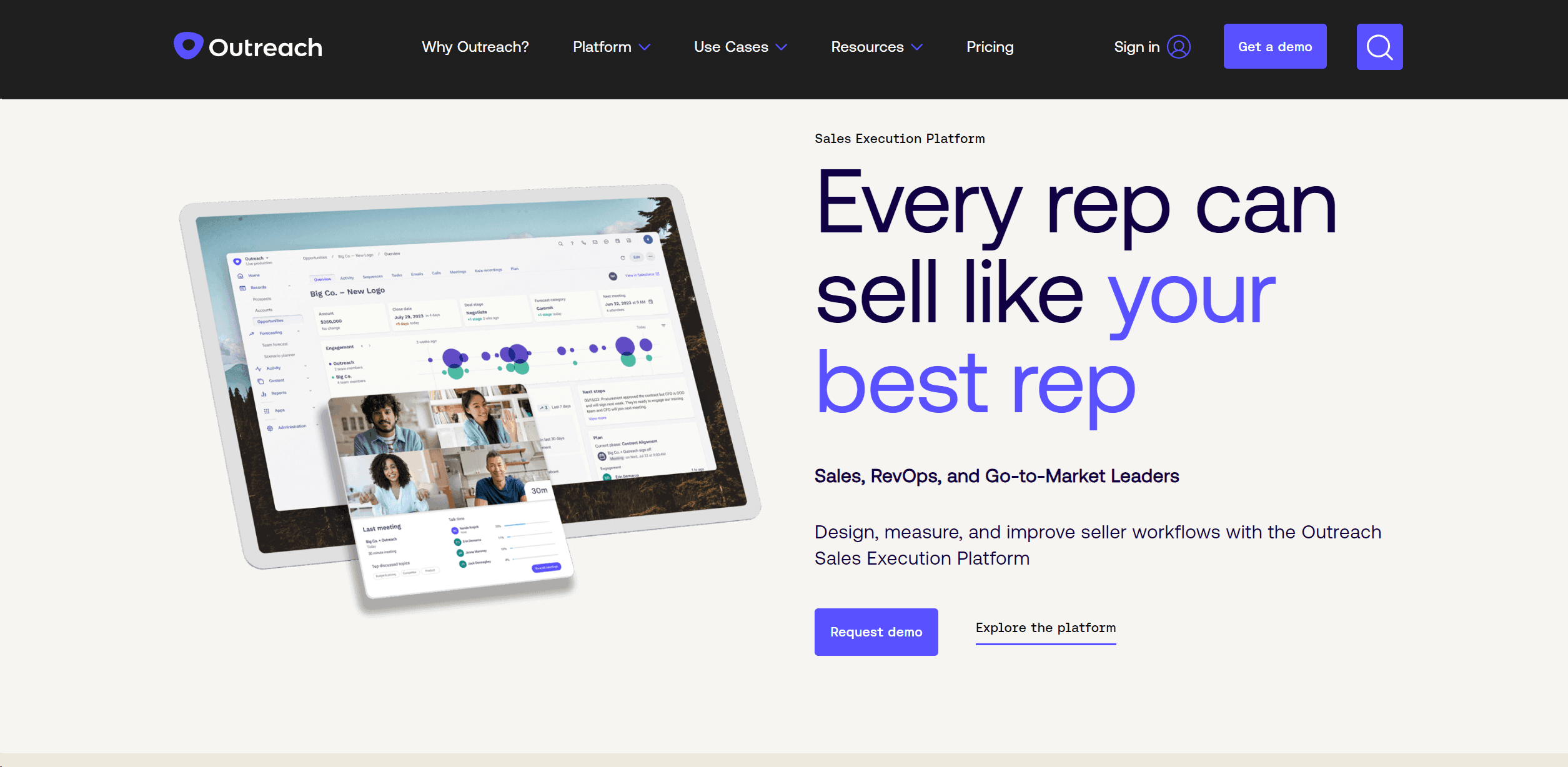
Outreach
Optimize sales, enhance workflows, boost efficiency with AI-powered tools.

Spoke.ai
AI-powered tool revolutionizes team communication and project management.
GPT for Sheets and Docs
Elevate productivity in Sheets and Docs with AI-powered automation and creativity.
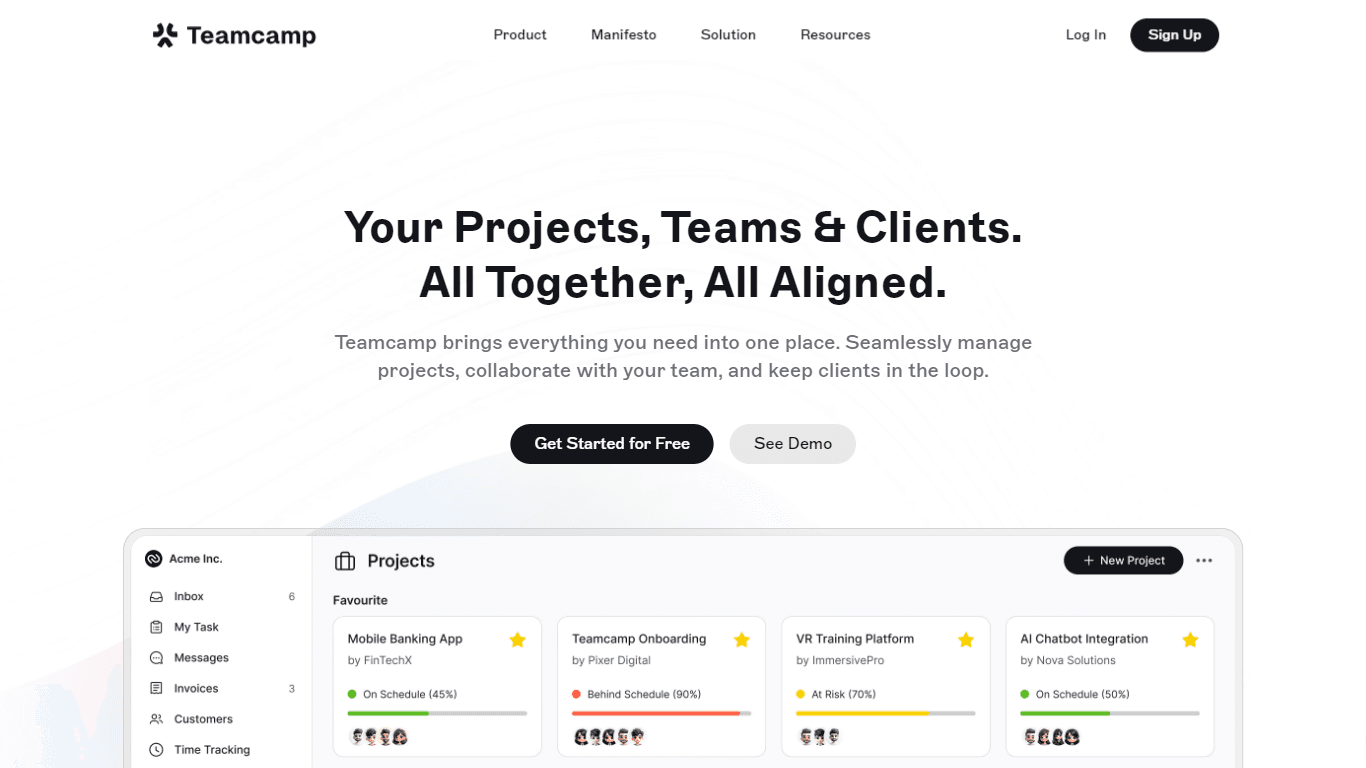
Teamcamp
Teamcamp is a comprehensive project management tool designed to streamline the workflow for teams in various sectors, including IT, marketing, freelancers, and agencies. Its core functionality revolve

adam.ai
Maximize your business success with adam.ai, the intuitive meeting management platform designed to enhance your team's productivity. Our intelligent solution streamlines the meeting process, granting
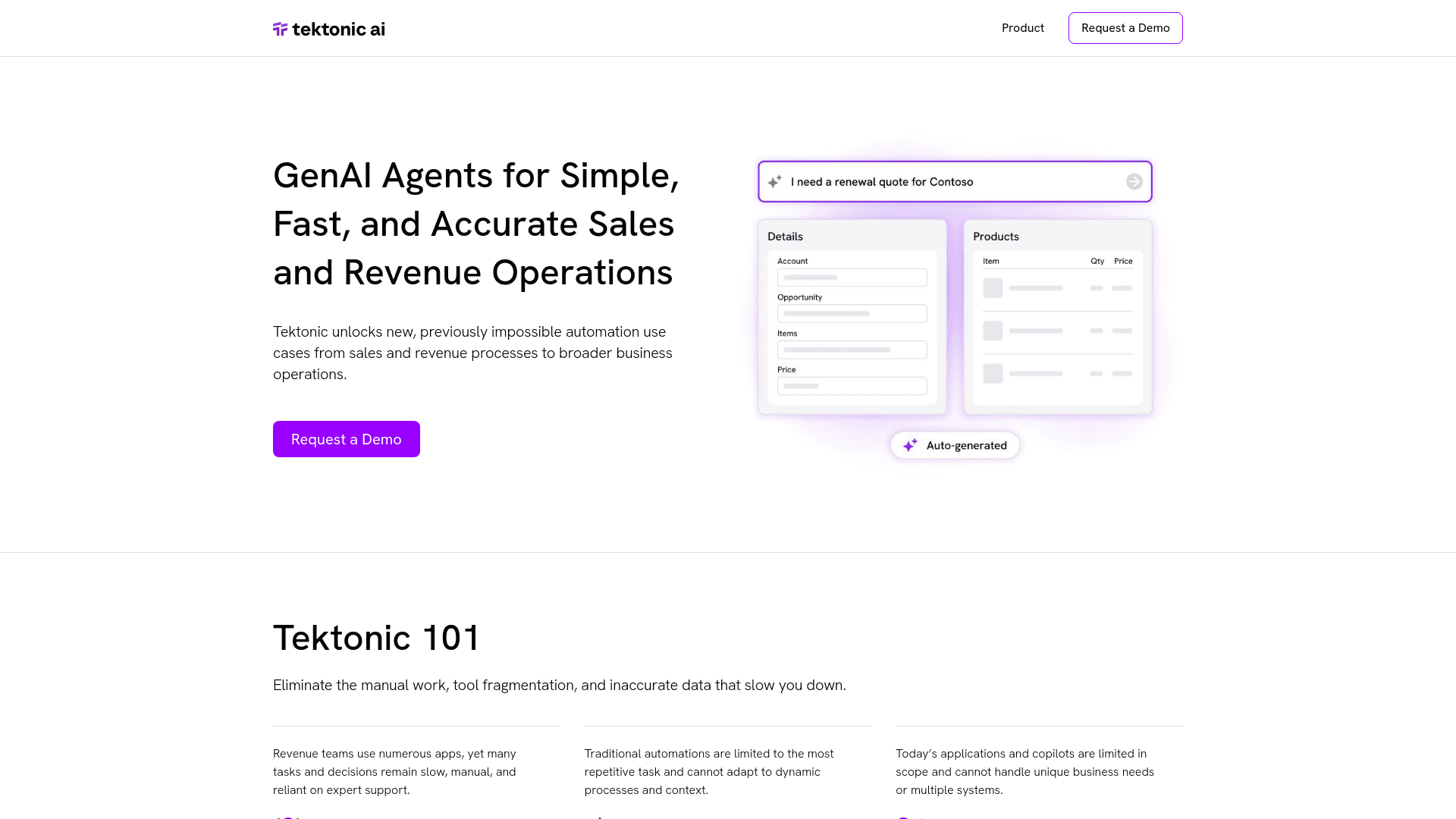
Tektonic AI
Streamline sales and revenue operations with advanced AI-driven automation.
Align AI
Streamlines AI strategy alignment with business objectives.
MyMemo AI
Transform digital chaos into an organized, AI-enhanced knowledge oasis.

The North
North is an intuitive platform designed to simplify the management of Objectives and Key Results (OKRs), Strategy, and Initiatives for businesses of all sizes. It is a tool that directs teams to trans
Ipic.ai
AI-powered image enhancement for professionals and hobbyists alike.

Lutra AI
Automate complex workflows seamlessly with AI-driven efficiency.