
Pixlr: AI-Powered Editor
Unleash creativity with AI-enhanced photo editing and design, anywhere, free.
17,663
Votes
24,704
Views
11,310
Bookmarks
About
Pixlr is an innovative suite of online photo editing and design tools that caters to a wide array of creative needs. From intricate photo manipulations to straightforward image enhancements, Pixlr stands out for its accessibility and ease of use. Designed to serve both novices and professionals alike, it simplifies the creative process, allowing users to achieve high-quality visual content directly from their web browser, smartphone, or desktop—completely free of charge. With its integration of AI-powered generative tools, Pixlr is redefining the boundaries of digital artistry, making it a go-to platform for anyone looking to unleash their creativity without the constraints of traditional software.
Key Features
- AI-Powered Generative Tools: Revolutionize your creative process with AI Image Generator, Generative Fill, and Generative Expand, transforming simple text or concepts into visually captivating artwork.
- Comprehensive Photo Editing: Offers a broad spectrum of editing tools, from basic adjustments to advanced retouching, drawing, filters, and effects, catering to all levels of expertise.
- Cross-Platform Accessibility: Edit your images seamlessly across web, desktop, and mobile platforms, ensuring a consistent and efficient workflow regardless of the device used.
- Education and Learning Resources: Provides a wealth of tutorials, tips, and guides to help users maximize their use of the platform, perfect for both beginners and seasoned professionals looking to refine their skills.
Pros
- Versatility: Caters to a wide range of creative tasks, from simple edits to complex designs.
- User-Friendly Interface: Intuitive and easy to navigate, making it accessible for users of all skill levels.
- No Installation Required: Being web-based, it eliminates the need for software downloads, offering convenience and flexibility.
- Free Access: Offers robust features for free, with additional premium options for advanced needs.
Cons
- Internet Dependency: Requires a stable internet connection for access, which might limit usability in offline scenarios.
- Feature Limitations in Free Version: While comprehensive, the free version has limitations that can be unlocked with a subscription.
- Learning Curve for Advanced Features: Some of the more sophisticated tools may require a learning period, especially for those new to photo editing.
Who Uses It
- Digital Marketers: For creating compelling visuals for campaigns and social media.
- Graphic Designers: For quick edits and designs when traditional software isn’t accessible.
- Photographers: For enhancing photos with advanced editing tools.
- Educators and Students: As a learning tool in digital artistry and design courses.
- Uncommon Use Cases: Non-profits utilizing the platform for creating impactful visual content; hobbyists exploring digital art.
Pricing
- Free Version: Access to a wide array of editing tools and features at no cost.
- Premium Subscription: Enhanced features and content, starting from a competitive monthly fee.
- Disclaimer: For the most accurate and current pricing details, refer to Pixlr's official website.
You may also like
More tools in Image Generators

Looq AI
Revolutionize image analysis with advanced AI-powered recognition and insights.
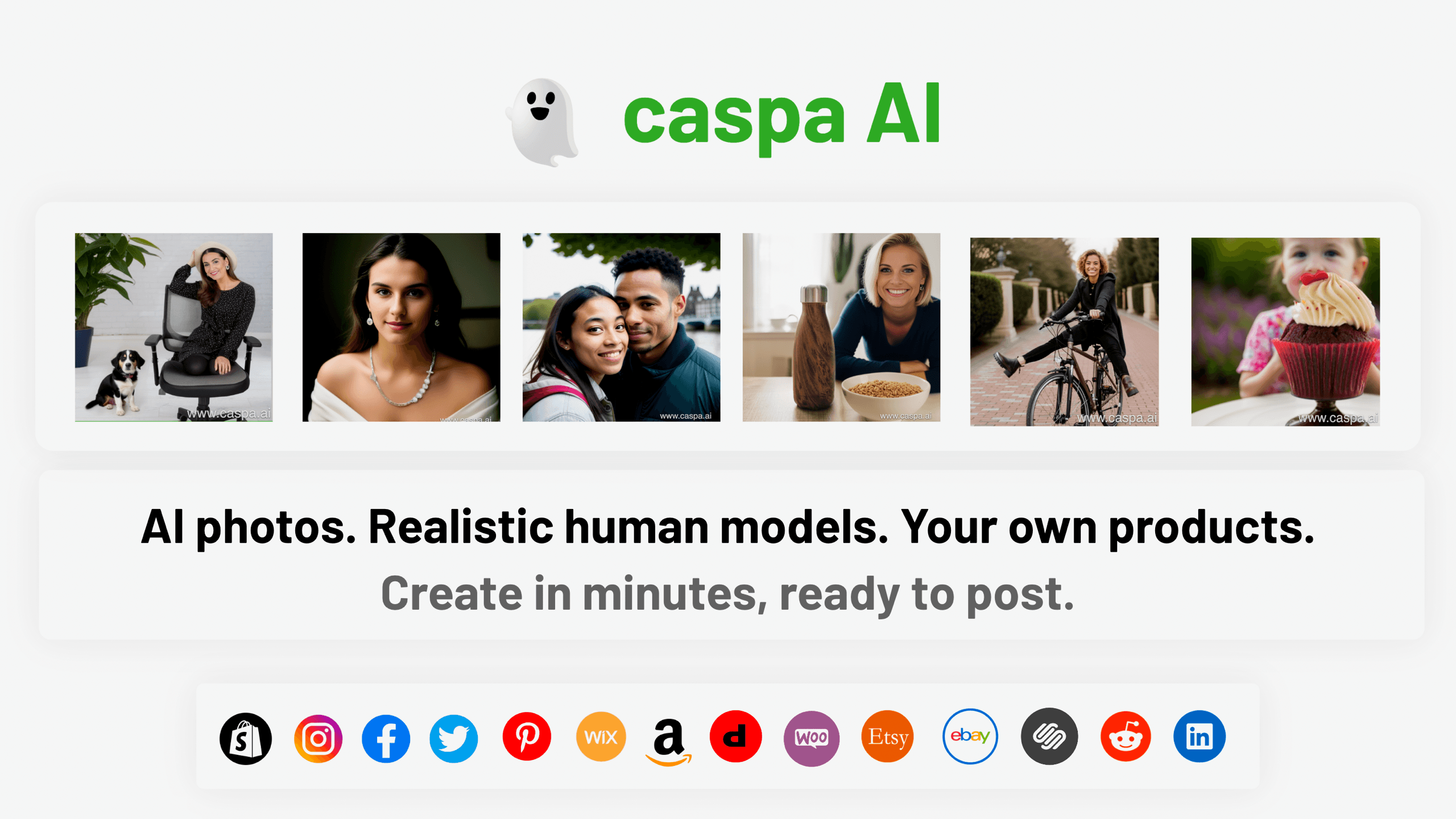
Caspa AI
Elevate eCommerce visuals effortlessly with Caspa, an AI-driven photography tool empowering businesses to create and edit lifelike product images

Civitai
Open-source platform for AI model creation and collaboration.

Ipic.ai
AI-powered image enhancement for professionals and hobbyists alike.
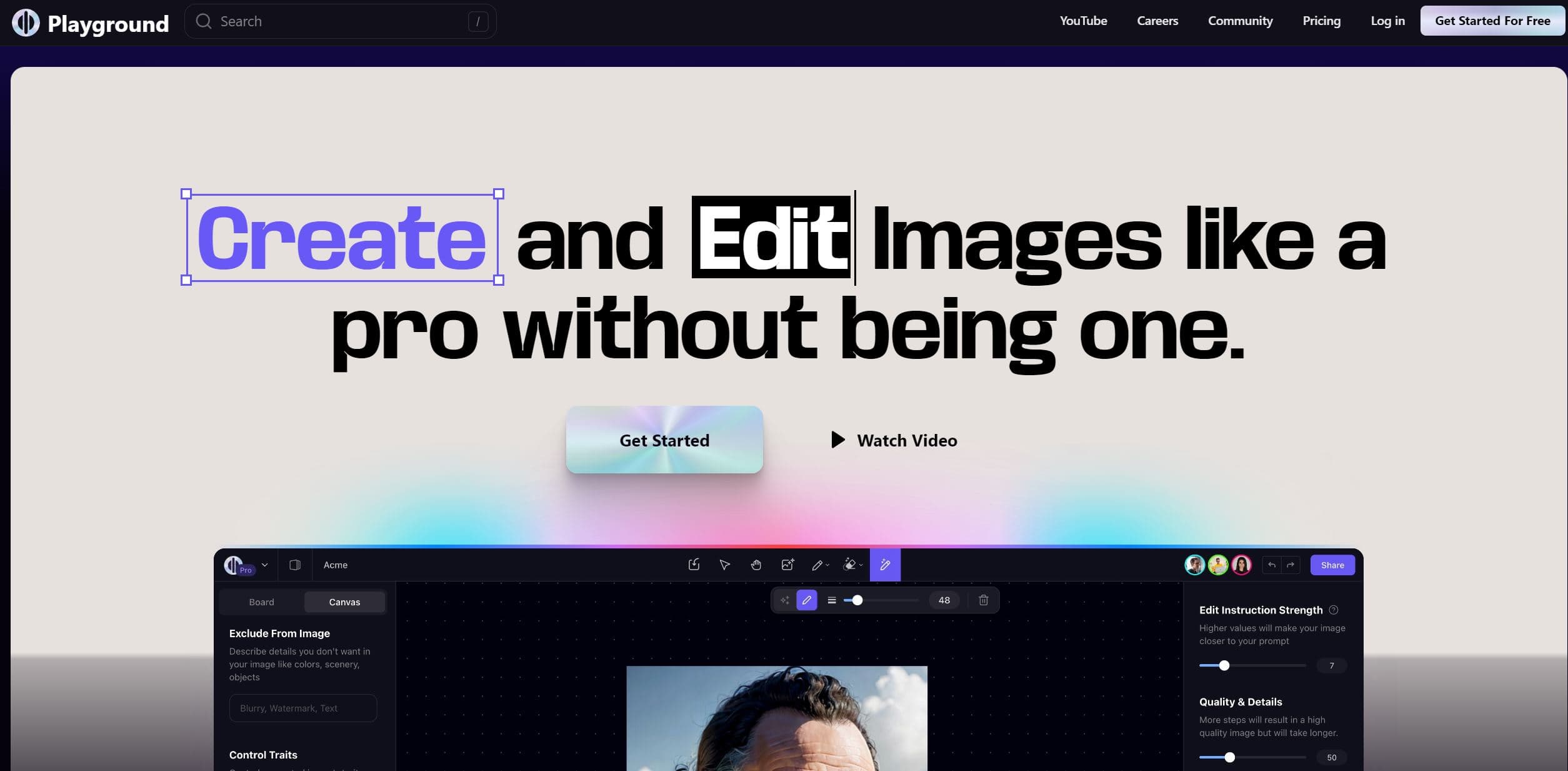
Playground AI
Unleash creativity with AI-driven image creation and intuitive editing.
Ludo
Revolutionize game development with AI-driven ideation and market insights.

Prisma
Transform photos into art with AI, quickly and beautifully.

Lucidpic
Revolutionize your visuals with AI-powered 3D photo transformations for engaging, lifelike content.
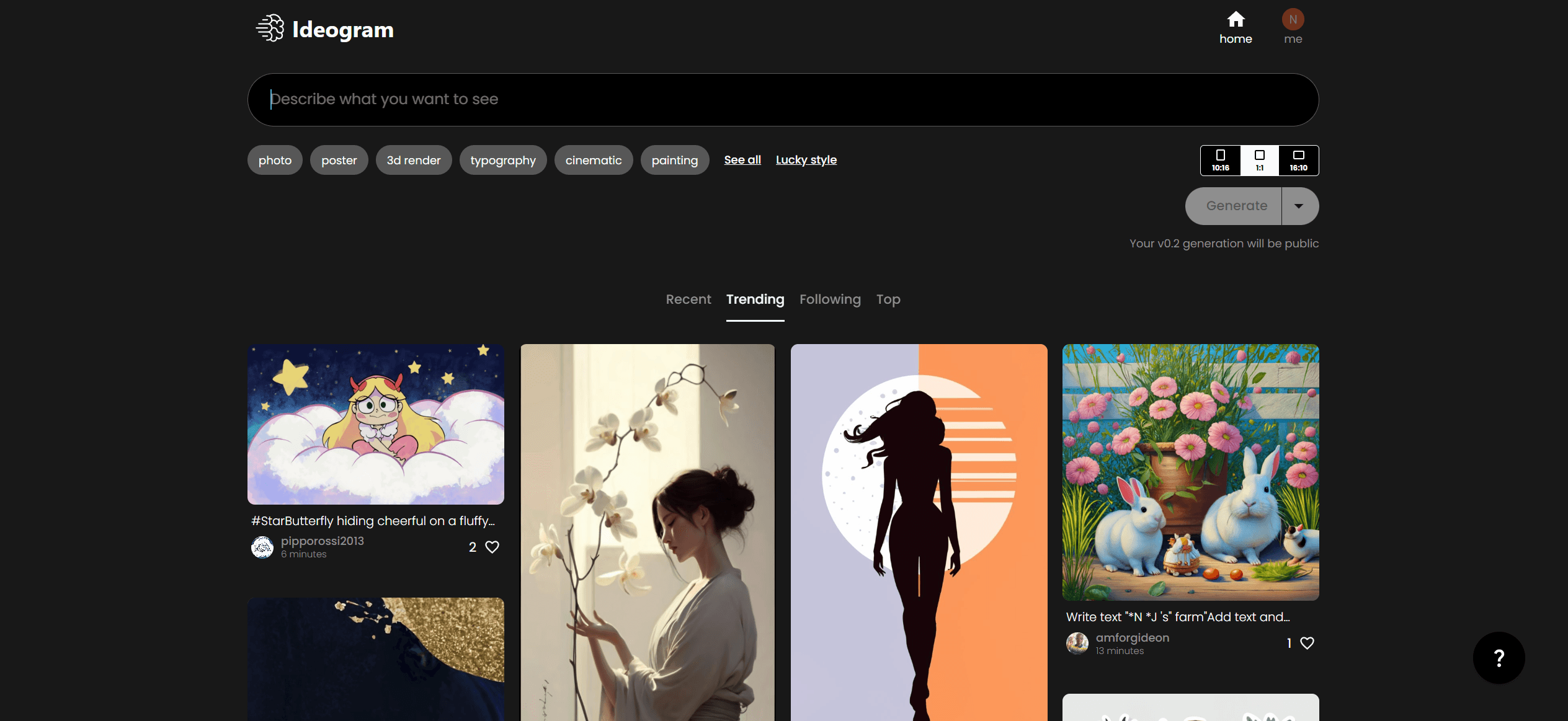
Ideogram
Transform text to stunning visuals with AI, enhancing creativity and collaboration.

MimicPC
Unlock AI tools instantly, browser-based, no installs needed.
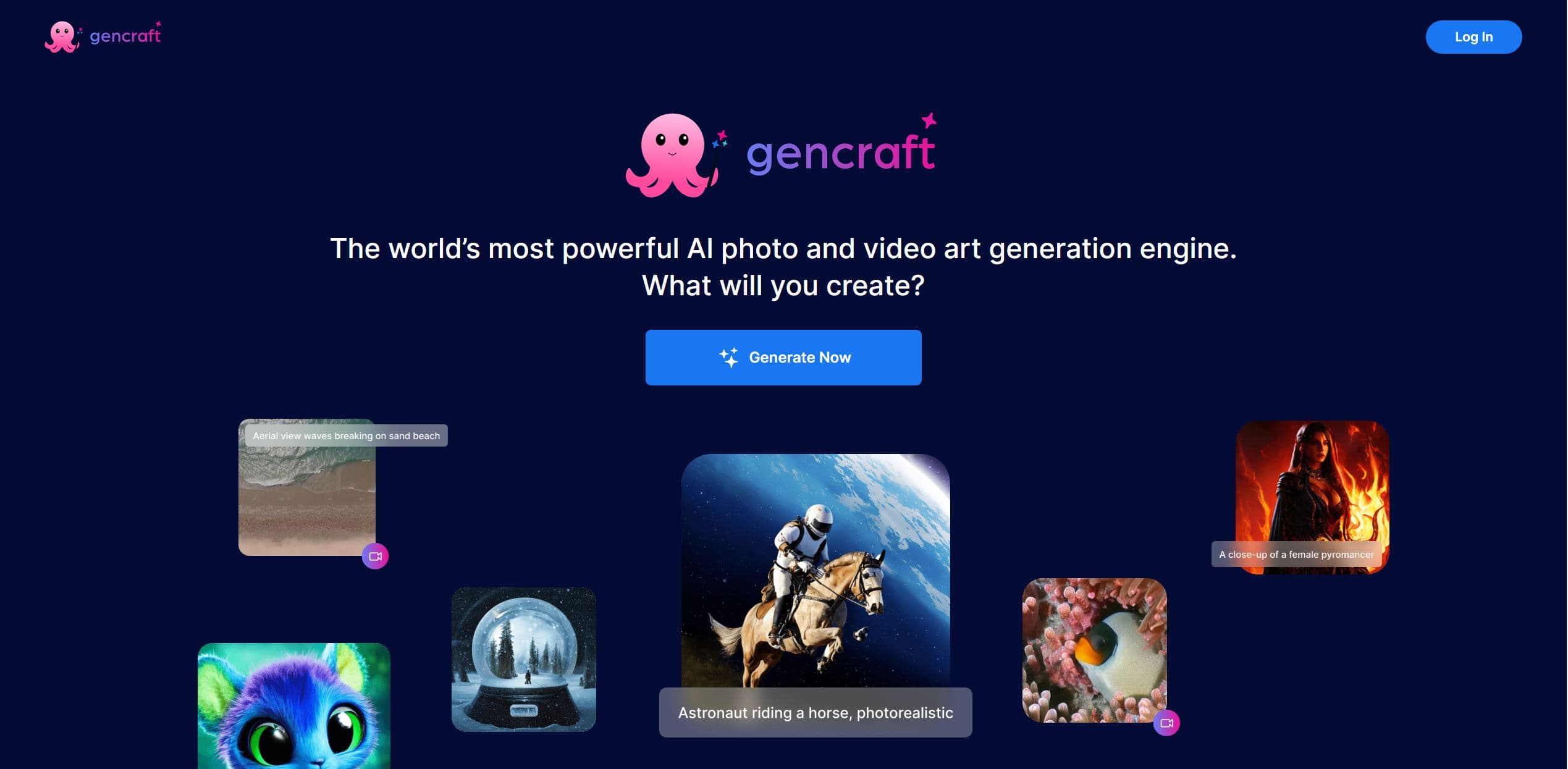
Gencraft
AI-powered tool for creating stunning digital art effortlessly.

AI2image
AI creates custom images from English descriptions in seconds.