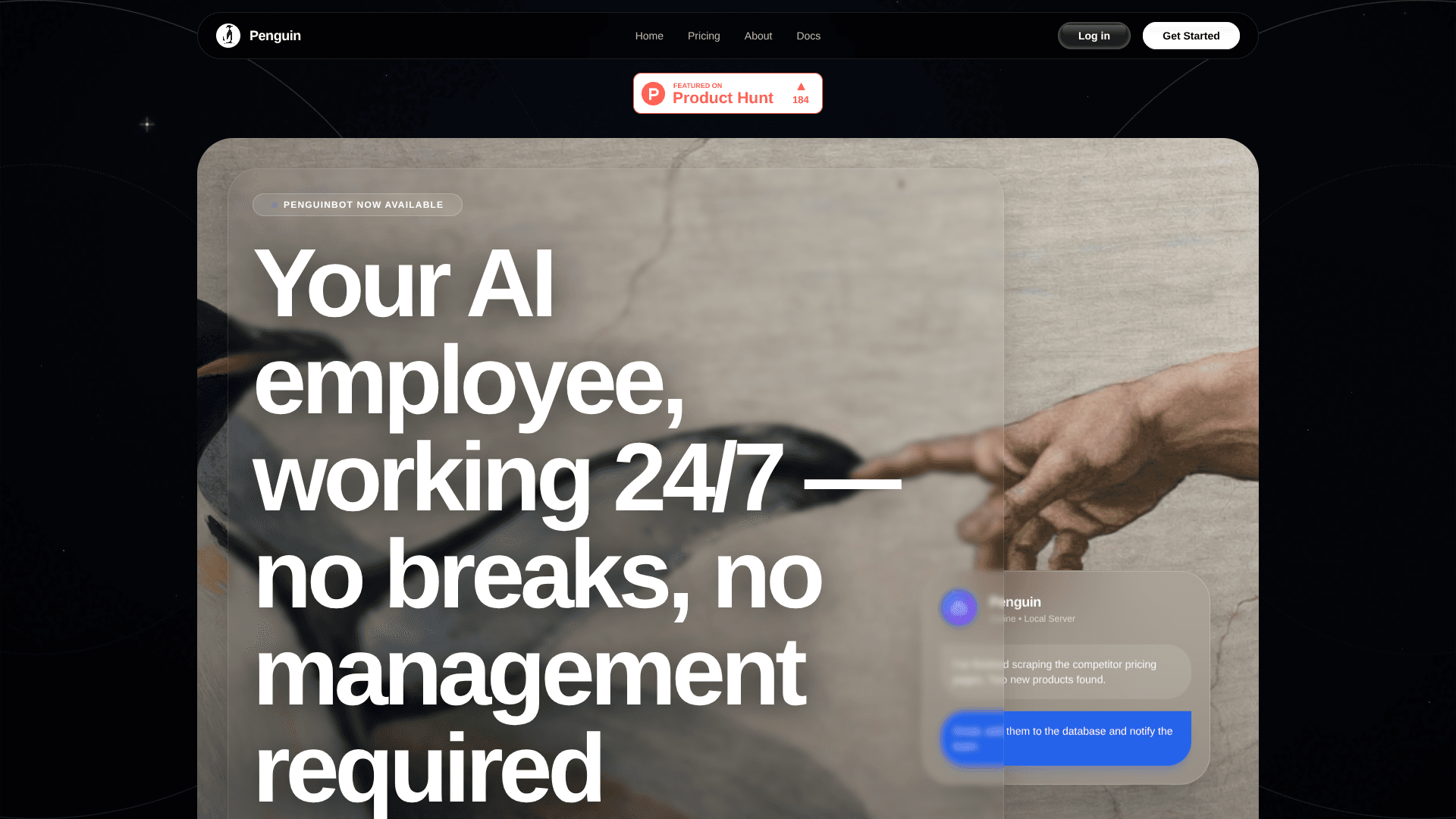
PenguinBot
Delegate inbox, scheduling, documents; it handles execution.
18,730
Votes
17,569
Views
11,418
Bookmarks
About
PenguinBot is an agentic AI “employee” that turns natural language instructions into completed work. It connects to popular communication channels and business apps, plans multi step workflows, then runs them autonomously in the background. Rather than behaving like a simple chatbot, it acts as a digital operations assistant that stays active 24/7, coordinating skills for email triage, scheduling, document handling, browser automation, and even developer workflows. The tagline “The Era of Agentic AI” is quite literal here: the focus is on autonomous action, not just conversation.
Key Features
- Multi channel unified assistant: A single AI brain across Telegram, WhatsApp, Slack, email, and web, with a shared context window so conversations and tasks can move between channels without losing history.
- Open skill marketplace: Access to more than 3,000 installable skills, covering Gmail and calendar management, browser autopilot, PDF and document summarization, data workflows, and many other niche utilities. Power users will find this store of skills particularly cool.
- Developer friendly automations: Integrations for engineering teams, such as summarizing pull requests, drafting release notes, scanning repositories for likely bugs, and helping run dev and ops routines with minimal manual effort.
- Sovereign, persistent agents: Agents are built to run continuously, either in the cloud or on self hosted infrastructure, using isolated containers and local server setups so they can execute long running “missions” even when humans are offline.
Pros
- Action focused: Designed to perform real work like email management, scheduling, and document creation, not just answer questions.
- Huge extensibility: The large skill marketplace makes it highly adaptable to very different workflows and industries.
- Strong privacy posture: Local and containerized deployment options appeal to teams that worry about data leakage and compliance.
- Unified context across channels: Being able to move from WhatsApp to Slack to email without confusing the agent is genuinely handy in everyday use.
Cons
- Early stage maturity: As a relatively new agentic platform, documentation, polish, and ecosystem depth are still evolving.
- Setup complexity: Choosing and configuring the right mix of 3,000 skills can feel overwhelming for less technical users.
- Pricing opacity at higher tiers: Public information mainly mentions starting prices, with fewer details on advanced or enterprise plans.
Who Uses It
- Startup Founders and Solopreneurs: Using it as a low friction digital employee for inbox handling, calendar coordination, and basic operations.
- SMBs and Online Businesses: Automating customer support workflows, lead handling, and routine back office administrative tasks.
- Productivity Focused Professionals: Delegating repetitive digital chores such as email sorting, follow up messages, and document prep.
- Engineering and DevOps Teams: Offloading GitHub housekeeping, lightweight QA checks, and recurring release or deployment tasks.
- Uncommon Use Cases: Adopted by small agencies as a shared operations bot across multiple client workspaces; Used by tech savvy households to centralize family logistics, reminders, and shared documents.
Pricing
- Pro (Individual – Limited Offer): $20 per month (discounted from $40 per month); includes higher monthly usage with Kimi K2.5, generous usage, Kimi K2.5 model access, faster responses, Telegram and WhatsApp integration, and access to any 30 skills from the Skill Store.
You may also like
More tools in AI Chatbots

UiPath
Streamline workflows with AI-driven automation and seamless integration.

One AI
Boost website engagement and sales with adaptive AI-driven interactions.

Spoke.ai
AI-powered tool revolutionizes team communication and project management.

Tektonic AI
Streamline sales and revenue operations with advanced AI-driven automation.

Ada
Revolutionize customer service with AI across all digital platforms.
MyMemo AI
Transform digital chaos into an organized, AI-enhanced knowledge oasis.

Retell AI
Create lifelike AI voice agents, deploy anywhere, analyze real-time.

Inworld
Elevate game development with dynamic NPCs, immersive worlds, and AI-driven content creation.
AI Meal Planner
Personalized meal plans tailored to individual dietary needs.
Hume AI
Transforms AI with emotional intelligence for natural, empathetic interactions.

Whoop
Optimize fitness, sleep, and recovery with real-time health insights.
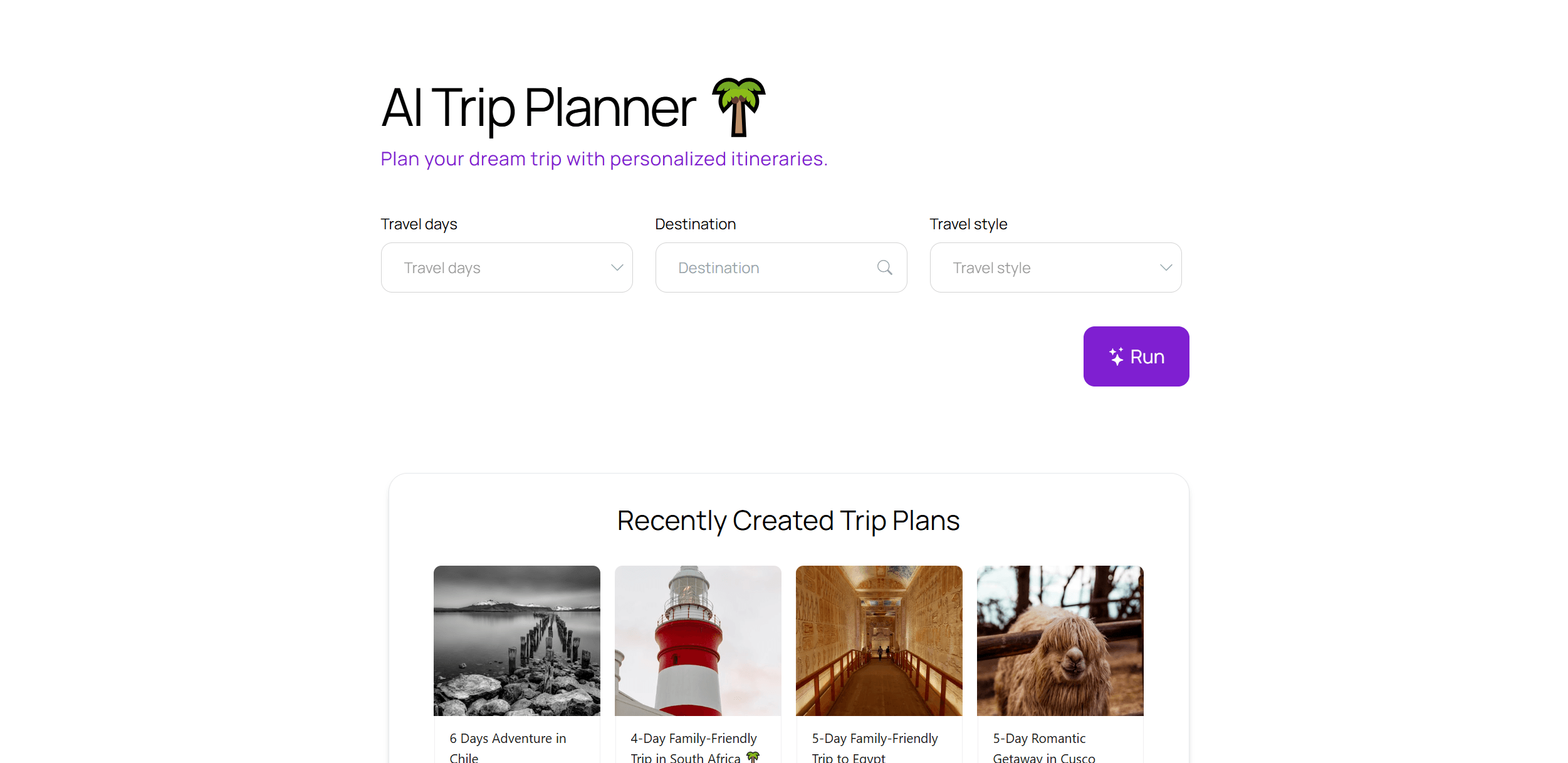
AI Trip Planner
AI-driven tool for personalized, efficient travel itinerary creation.