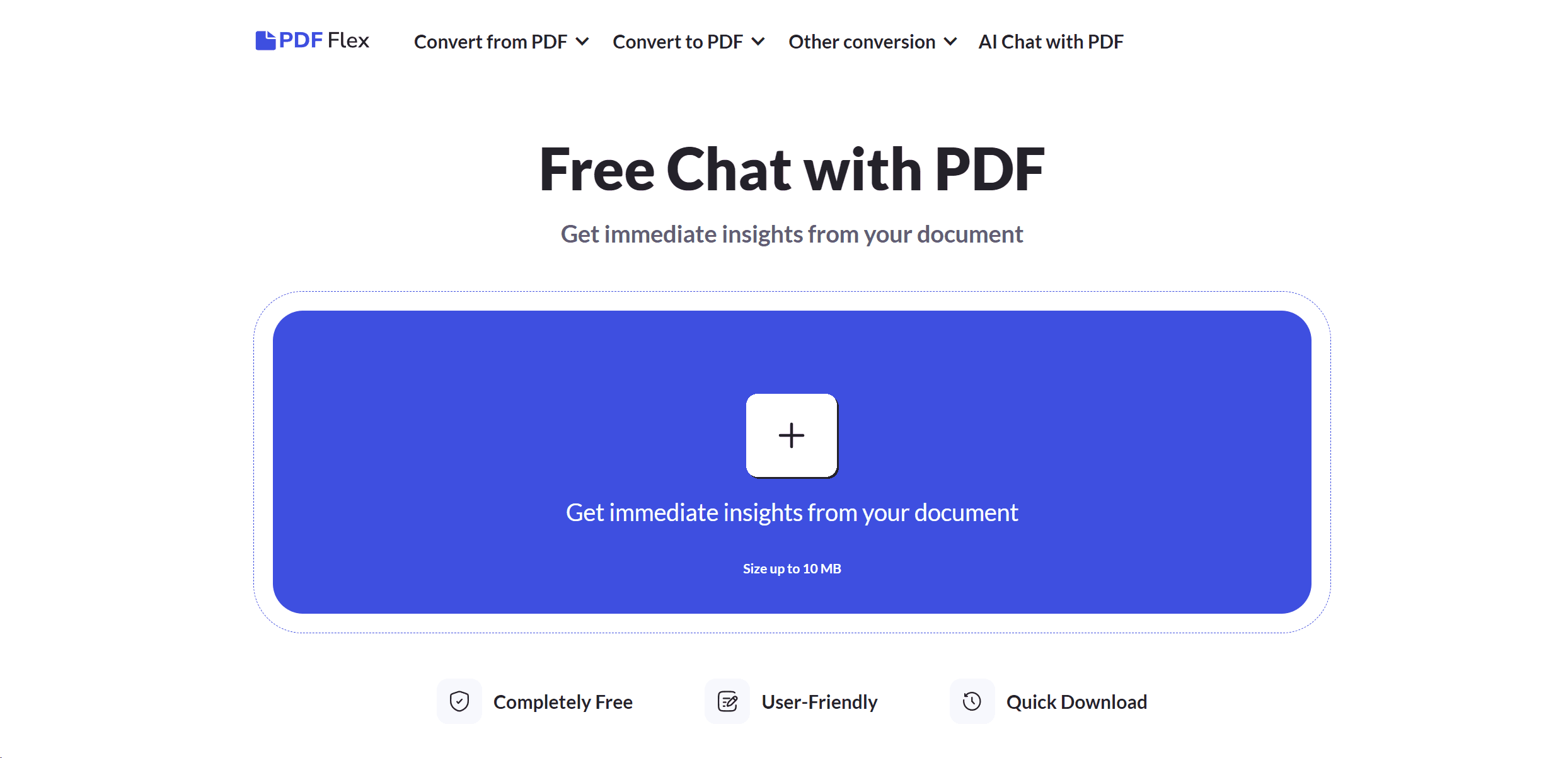
PDF Flex
Revolutionizes PDF interaction with AI chat and versatile conversion options.
13,013
Votes
21,193
Views
7,228
Bookmarks
About
In today's fast-paced digital environment, PDF Flex emerges as a revolutionary tool designed to enhance our interaction with PDF documents. With its core functionality centered around AI-driven chat capabilities, PDF Flex allows users to ask any PDF document questions, ranging from content summaries to specific information queries. This tool is especially crafted for individuals and professionals who are constantly seeking ways to save time, cut costs, and boost efficiency in handling documents. PDF Flex stands out by offering a wide range of PDF conversion options alongside its innovative chat feature, making it a comprehensive solution for document management.
Key Features
- AI Chat with PDF: Engage in real-time conversations with your PDF documents, asking questions and receiving instant answers.
- Broad Conversion Spectrum: Convert documents to and from PDF format, including Word, EPUB, PPTX, PNG, JPG, and many more.
- High-Quality Outcomes: Ensures the preservation of document integrity and formatting during conversion processes.
- Cross-Platform Accessibility: Accessible on Windows, Mac OS, Linux, iOS, and Android, facilitating seamless document management across devices.
- User-Friendly Interface: Designed for ease of use, enabling users to navigate and utilize the tool's features without a steep learning curve.
- Secure and Private: Utilizes HTTPS encryption to protect your documents and does not retain files post-conversion, ensuring data privacy.
Pros
- Rapid File Transformation: Speeds up the process of document conversion and information retrieval, significantly enhancing productivity.
- No Login Requirement: Offers immediate and hassle-free access to all features without the need for user registration or login.
- Versatility in Use: Suitable for a wide array of users, from students and researchers to professionals across various industries.
- Quality Assurance: Delivers high-quality conversion results, maintaining the original document's layout and formatting.
Cons
- File Size Limitation: Currently supports documents up to 10 MB, which may restrict the processing of larger files.
- Language Support: While it supports multiple languages, the accuracy and effectiveness of non-English document interactions may vary.
- Internet Dependency: Requires a stable internet connection for all functionalities, which might limit offline accessibility.
Who Uses It
PDF Flex caters to a diverse user base, offering valuable functionalities for:
- Students and Academics: For summarizing research papers and extracting key information from study materials.
- Professionals: Utilized in various fields such as legal, healthcare, and finance for efficient document handling and information retrieval.
- Content Creators: Aids in converting digital content into preferred formats for distribution or archival purposes.
- IT and Software Developers: Leveraged for documentation management and integrating PDF functionalities into custom applications.
- Uncommon Use Cases: Beneficial for individuals with visual impairments requiring document content to be easily accessible; also used by librarians for archiving and digitizing print materials.
Pricing
- Completely Free: PDF Flex offers all its features, including the AI chat with PDF, without any cost.
You may also like
More tools in AI Chatbots

One AI
Boost website engagement and sales with adaptive AI-driven interactions.

Ada
Revolutionize customer service with AI across all digital platforms.
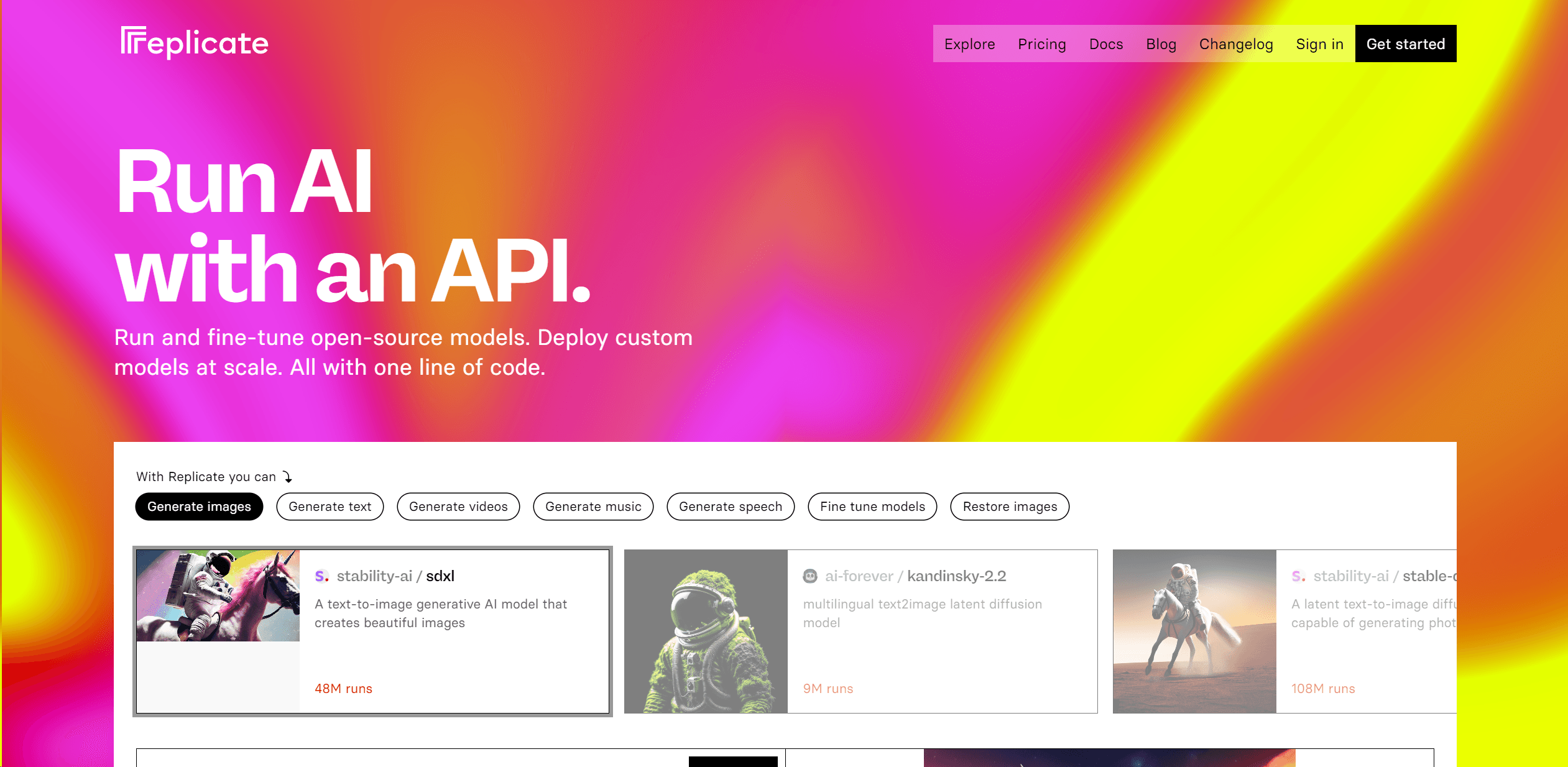
Replicate
Unlock AI's potential: run, fine-tune, deploy models easily and cost-effectively.

Tektonic AI
Streamline sales and revenue operations with advanced AI-driven automation.

Retell AI
Create lifelike AI voice agents, deploy anywhere, analyze real-time.

UiPath
Streamline workflows with AI-driven automation and seamless integration.

Heidi
Streamline healthcare admin tasks, and enhance patient focus.
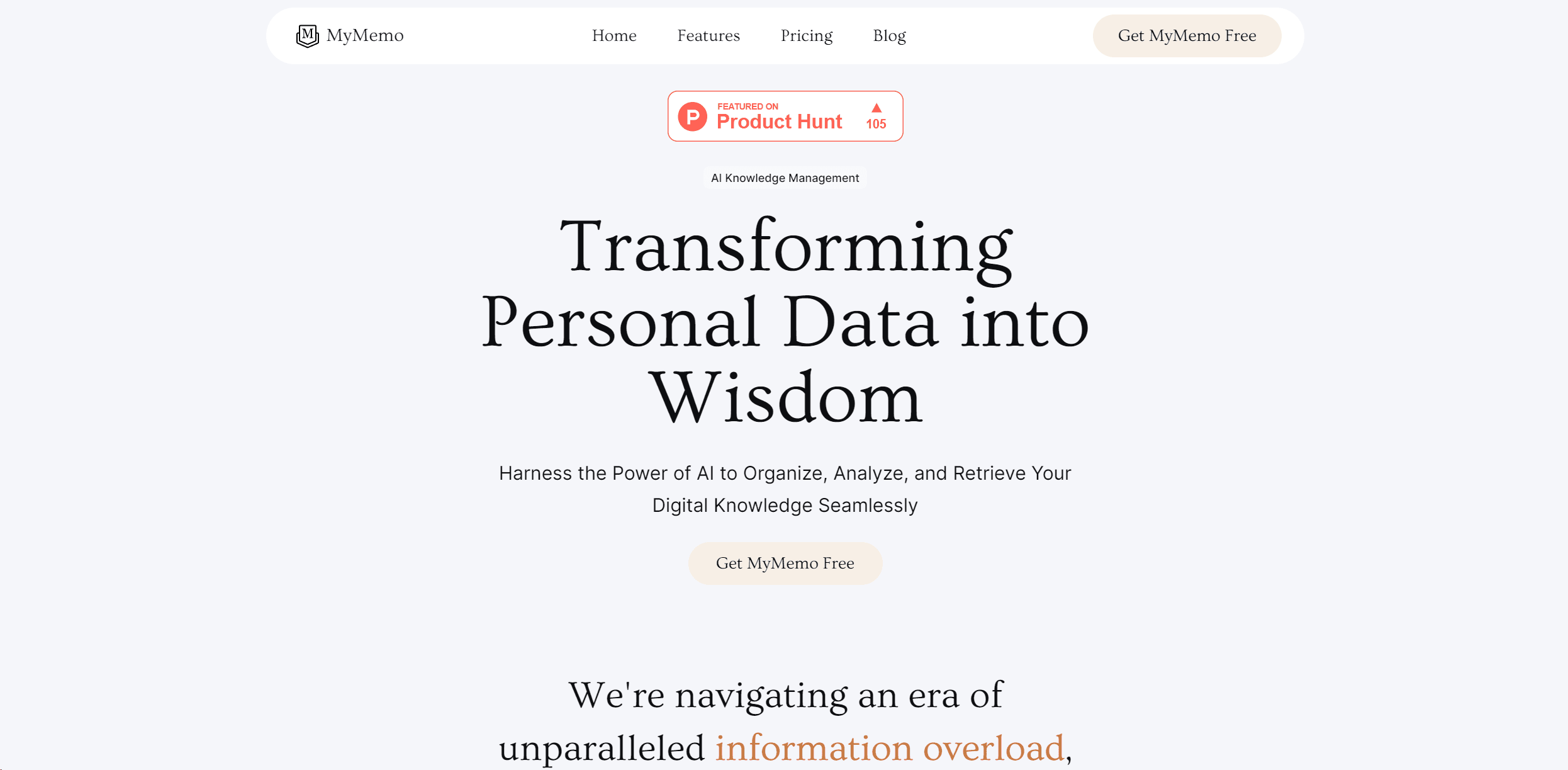
MyMemo AI
Transform digital chaos into an organized, AI-enhanced knowledge oasis.
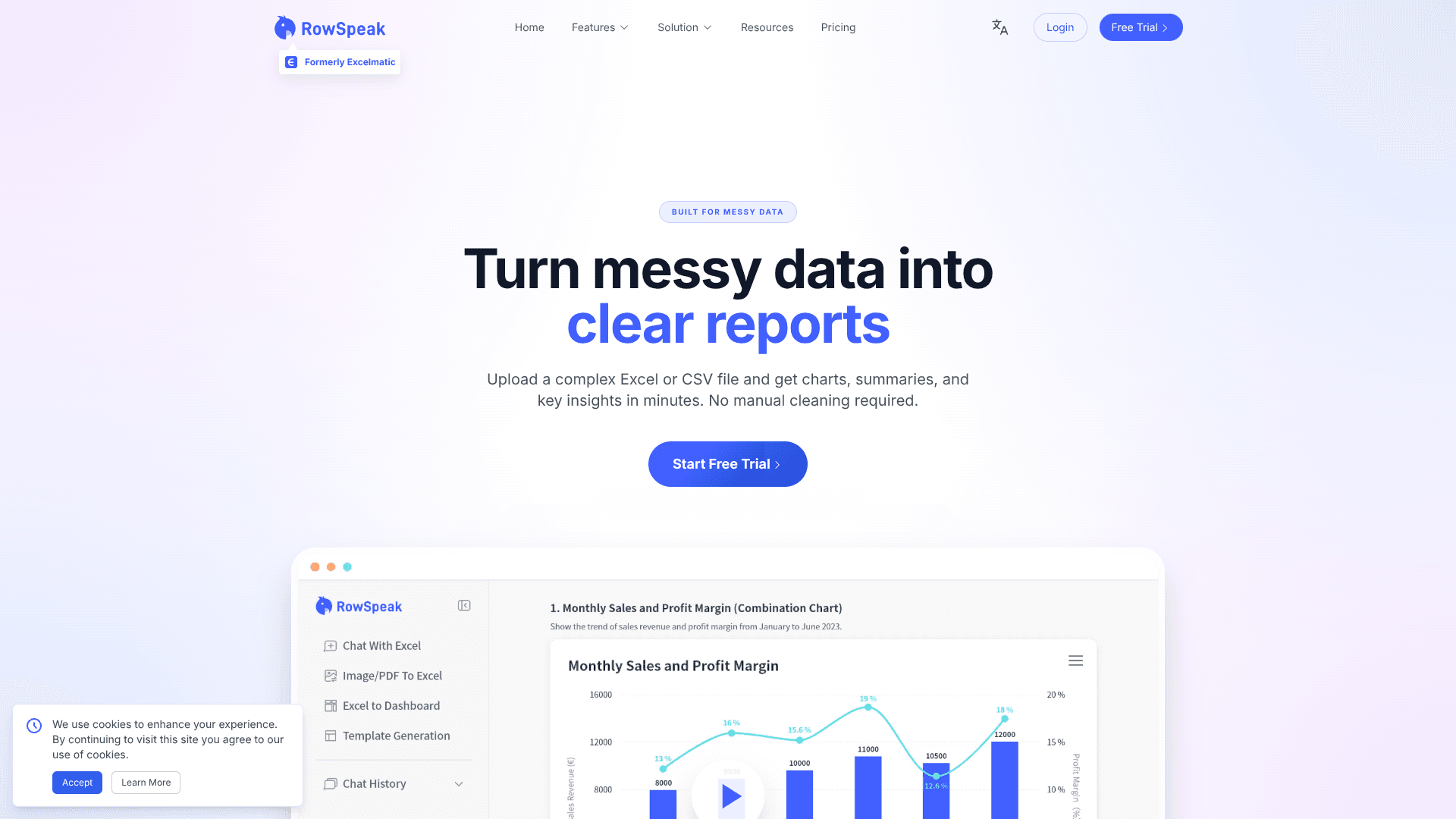
RowSpeak
Turn messy spreadsheets into clear, ready reports.

Replika
AI companion for personalized chat, emotional support, and self-growth.

Inworld
Elevate game development with dynamic NPCs, immersive worlds, and AI-driven content creation.

Spoke.ai
AI-powered tool revolutionizes team communication and project management.