OpenOwl
Run your Mac autonomously with simple instructions.
18,292
Votes
21,859
Views
11,361
Bookmarks
About
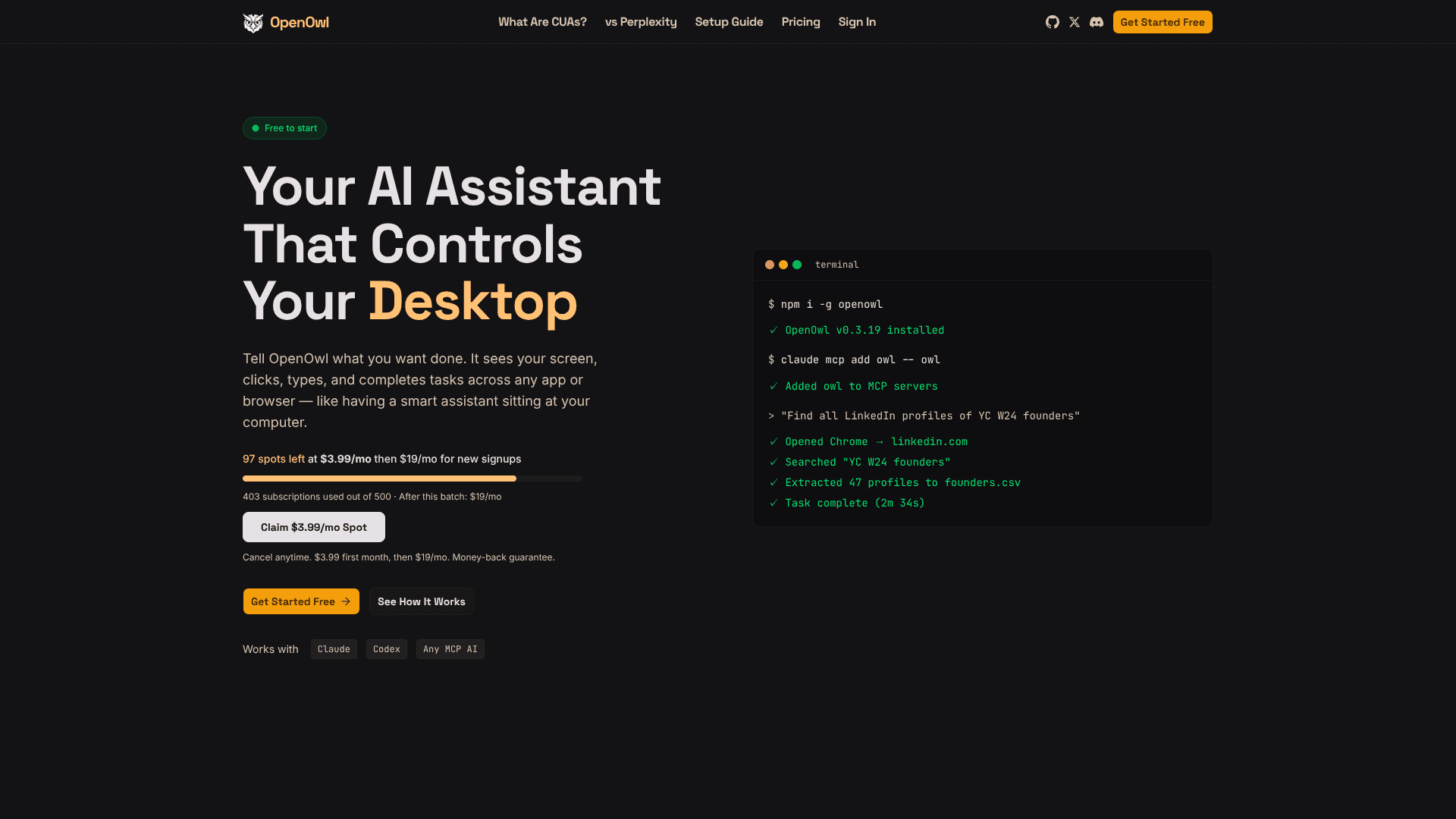
OpenOwl is a local desktop automation agent that plugs into MCP compatible AI assistants such as Claude, Codex, and Gemini. Instead of stopping at written instructions, the assistant can actually see the user’s macOS screen, move the cursor, click, type, and navigate between apps or browser tabs. Users describe goals in plain language, and OpenOwl executes multi step workflows like prospect research, Shopify admin edits, CRM updates, or spreadsheet work while keeping all screenshots and keystrokes on the machine.
Key Features
- MCP-based desktop control: Runs as an MCP server so compatible assistants can call tools to see, click, type, and scroll.
- Natural language workflows: Accepts high level prompts like “find 50 LinkedIn leads and save them to a CSV” and breaks them into stepwise actions.
- Cross app automation: Moves data between websites, SaaS tools, and desktop apps, handling tasks such as UGC sourcing, investor research, and multi channel launches.
- Local only execution: Uses a locally compiled binary so screenshots, keystrokes, and file contents stay on device, with only a lightweight license check over the network.
- Configurable MCP tools: Offers dozens of fine grained tools that can be enabled, limited, or gated for higher risk actions.
Pros
- Hands on automation: Handles tasks APIs cannot reach, like messy admin panels and legacy tools.
- Assistant agnostic: Works with any MCP compatible AI assistant instead of locking users into one provider.
- Strong privacy posture: Automation, screenshots, and inputs run locally, which suits sensitive data and accounts.
- Fast initial setup: Installation is a single npm command plus a short MCP configuration step.
Cons
- macOS first: Current public messaging and community posts focus on Mac support.
- Technical onboarding: Requires terminal use and MCP configuration, which may intimidate non technical teams.
- Dependent on LLM quality: Complex UIs or prompts can still confuse the assistant, so supervision remains important.
Who Uses It
- Marketing and growth teams: Using it for influencer discovery, UGC outreach, and coordinated campaign launches across social platforms.
- Sales and revenue operations: Applying it to LinkedIn prospecting, contact enrichment, and drafting tailored outreach inside desktop email clients.
- Founders and indie hackers: Offloading investor research, CRM hygiene, pricing updates, and other repetitive back office chores.
- Analysts and research teams: Automating competitive pricing checks, sentiment captures, and structured exports into CSVs or spreadsheets.
- Uncommon Use Cases: Adopted by solo creators for scanning social feeds for UGC talent; Used by operations staff to pull KPIs from legacy dashboards that lack APIs.
Pricing
- Free: $0.00 per month, includes 50 tool calls per day, full desktop automation, and local private execution.
- Pro: $19.00 per month, includes 1,000 tool calls per day, everything in Free, plus priority support and optional top up packs.
- Max: $49.00 per month, includes unlimited tool calls, everything in Pro, priority support, and automatic recharge for heavy usage.
- Launch promotion: As of early 2026, new signups can access a limited batch where the first month costs $3.99 per month before renewing at $19.00 per month.
You may also like
More tools in AI Chatbots

UiPath
Streamline workflows with AI-driven automation and seamless integration.

One AI
Boost website engagement and sales with adaptive AI-driven interactions.

Spoke.ai
AI-powered tool revolutionizes team communication and project management.

Ada
Revolutionize customer service with AI across all digital platforms.

Tektonic AI
Streamline sales and revenue operations with advanced AI-driven automation.
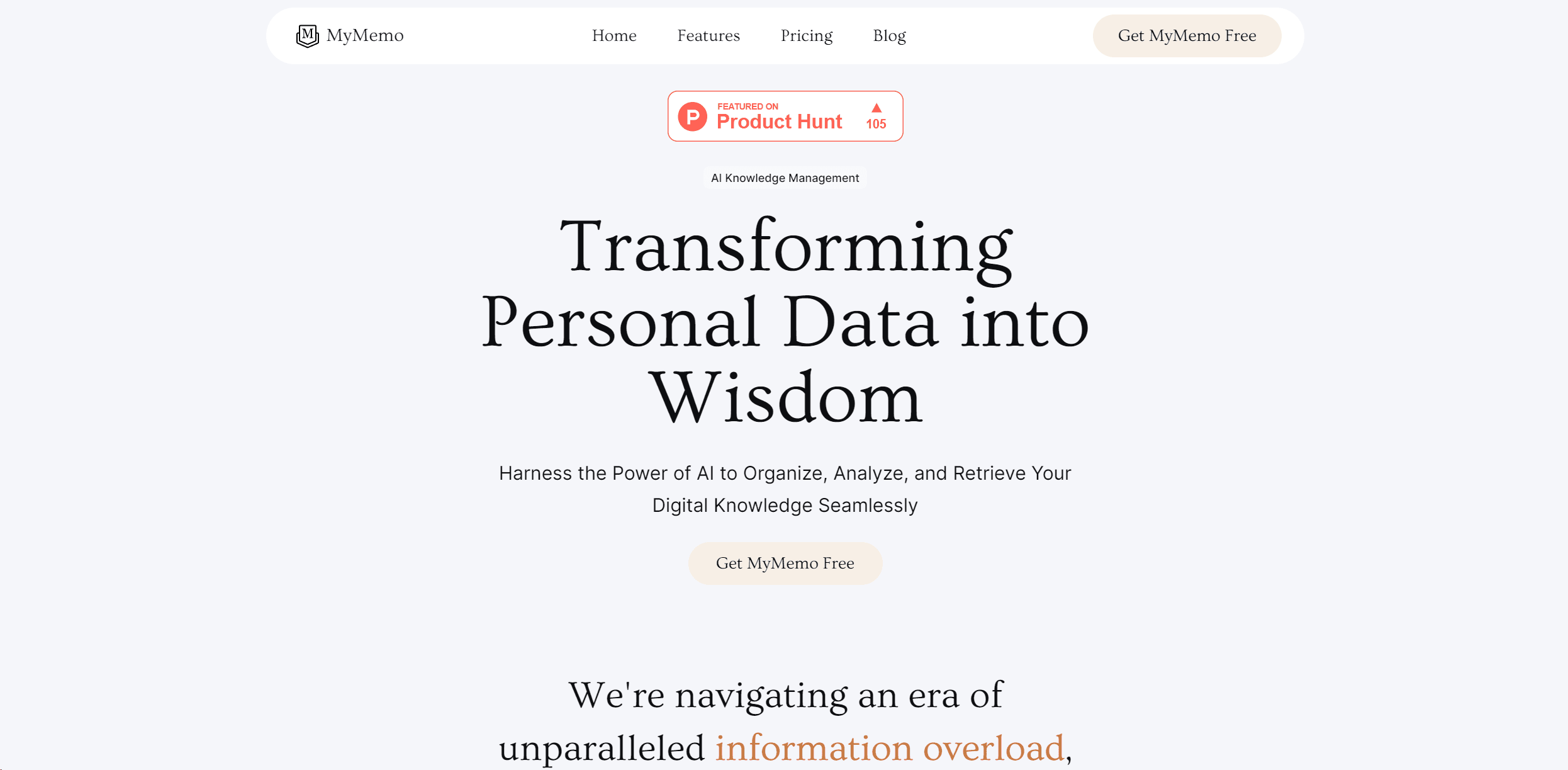
MyMemo AI
Transform digital chaos into an organized, AI-enhanced knowledge oasis.

Retell AI
Create lifelike AI voice agents, deploy anywhere, analyze real-time.

Inworld
Elevate game development with dynamic NPCs, immersive worlds, and AI-driven content creation.
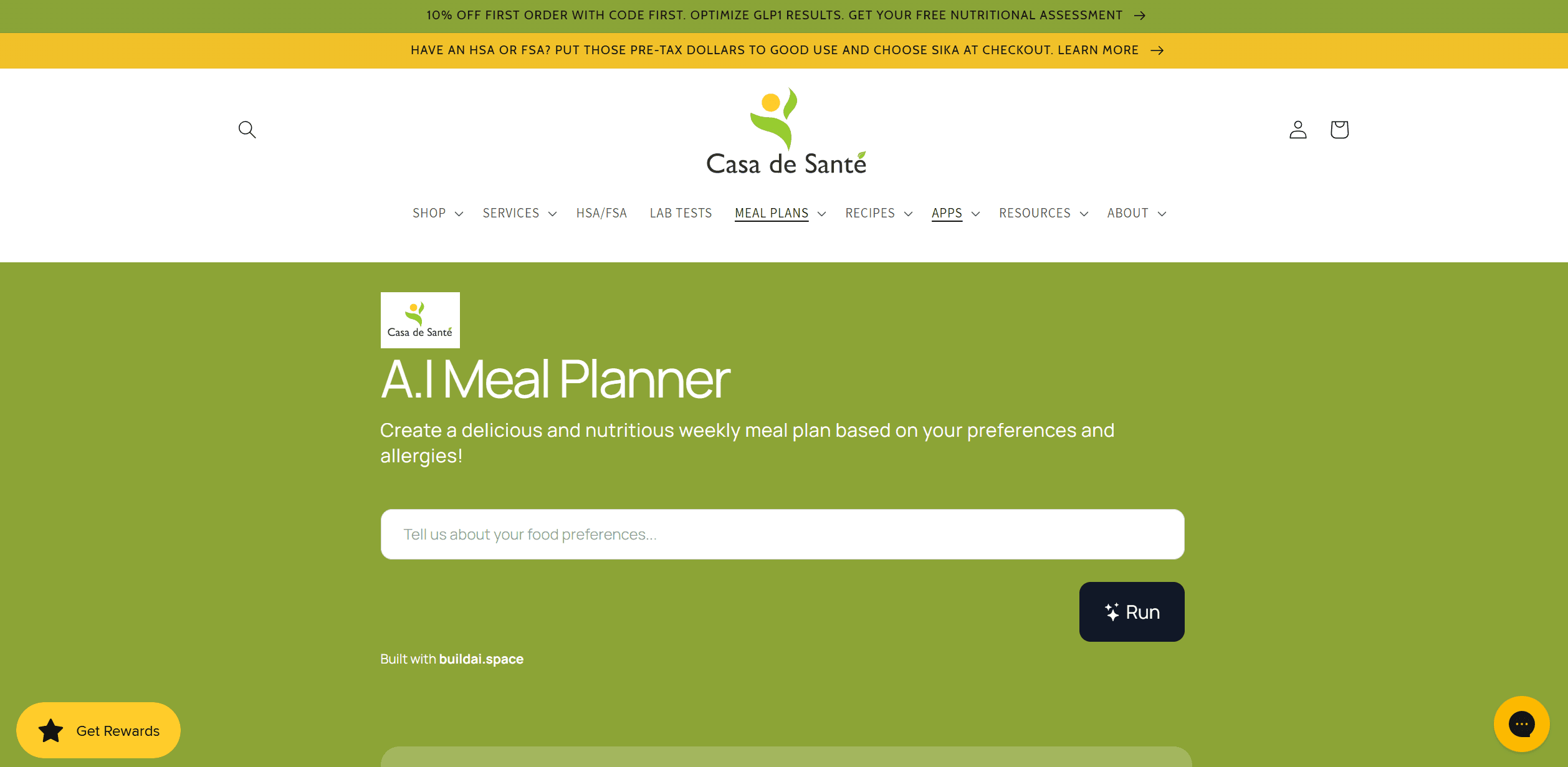
AI Meal Planner
Personalized meal plans tailored to individual dietary needs.
Whoop
Optimize fitness, sleep, and recovery with real-time health insights.
Hume AI
Transforms AI with emotional intelligence for natural, empathetic interactions.
AI Trip Planner
AI-driven tool for personalized, efficient travel itinerary creation.