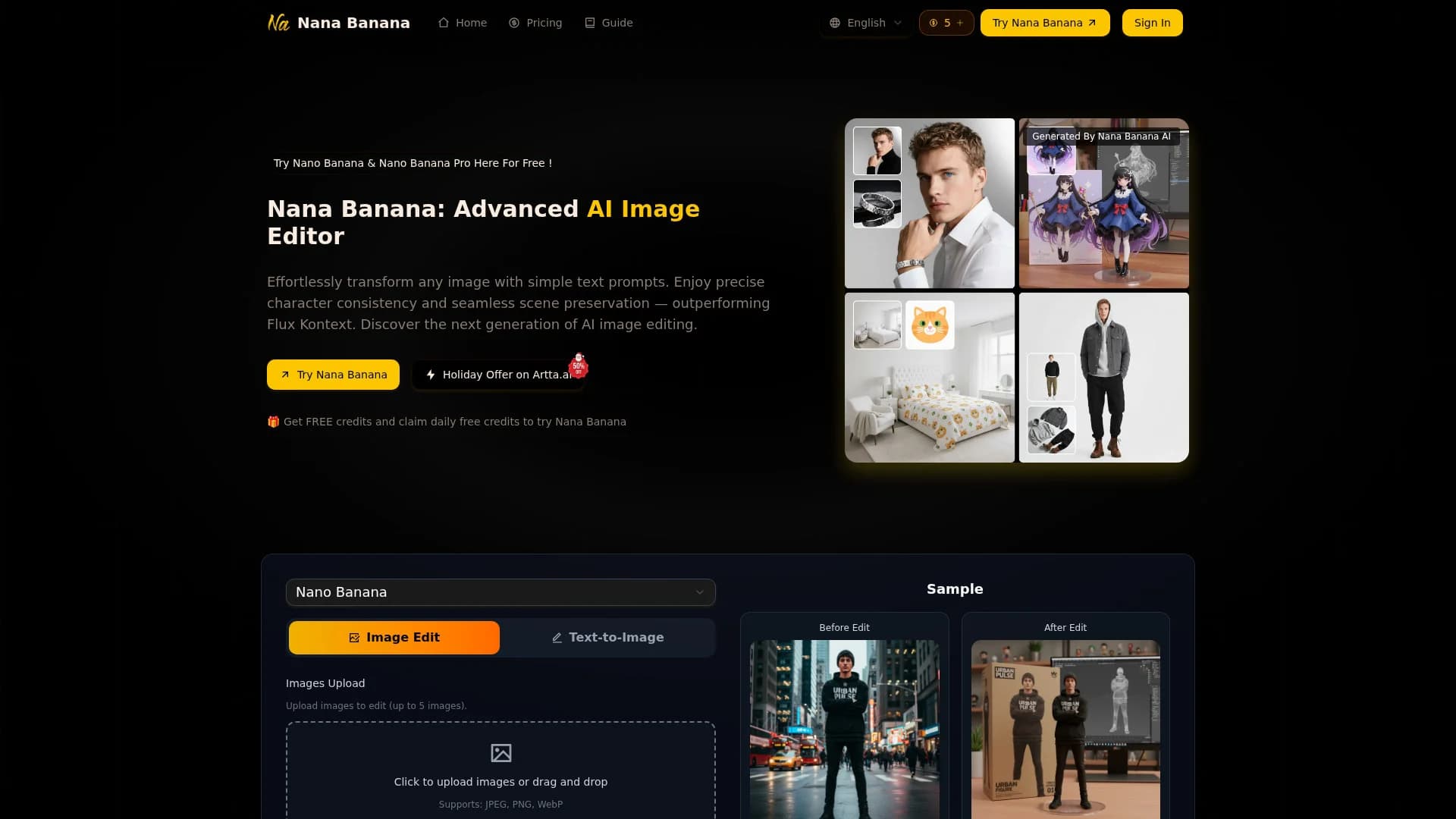
NanaImage
Edit or generate consistent 4K images from text.
14,677
Votes
24,787
Views
12,171
Bookmarks
About
NanaImage, available at nanaimage.ai, provides browser-based access to the Nana Banana AI image editor for both text-to-image generation and image editing driven by natural-language prompts. Users can upload up to five images, describe the change in plain language, and get high‑resolution (up to 4K) results in under about ten seconds, complete with flexible aspect ratios and PNG or JPEG export. It targets creators, marketers, and everyday users who want precise character consistency and natural-looking edits without traditional photo-editing skills.
Key Features
- Natural-language editing: Understands detailed prompts similar to a conversational model, turning descriptions into precise visual changes.
- Character consistency engine: Keeps faces and characters stable across multiple images, useful for AI influencers, mascots, and story sequences.
- One-shot editing with scene preservation: Aims to get complex edits right in a single run while preserving original composition and lighting.
- Creative controls & Pro mode: Offers multi-image context, smart background generation, object add/remove tools, style transfer, and a Pro mode with 1K/2K/4K outputs and many aspect ratios.
Pros
- Strong prompt following: High alignment between written instructions and final output, including relatively complex, multi-part edits.
- Fast, high-quality results: Typical generations finish in under ten seconds with 4K+ resolution available in higher modes.
- Affordable credit model: Headline price around 0.05 dollars per generation with one free credit every 24 hours, significantly below many rivals.
- Creator-friendly licensing: Paid plans include commercial usage rights, watermark removal, and permanent cloud storage, which fits professional workflows.
Cons
- Credit-based mental overhead: Users must keep an eye on remaining credits and per-image usage, especially on smaller plans.
- Limited visible integrations: The site focuses on the web editor itself, with no obvious native plugins for tools like Figma or Photoshop yet.
- Newer brand: Although it advertises tens of thousands of users, it is still a relatively fresh entrant, so long-term stability and wider ecosystem support are evolving.
Who Uses It
- Content creators and influencers: Using it to maintain consistent faces and outfits across social posts and AI persona shoots.
- Marketing and growth teams: Producing campaign visuals, ads, and UGC-style assets without waiting on full design cycles.
- E-commerce brands: Creating product photos, lifestyle scenes, and packaging mockups from a handful of base shots.
- Designers and creative studios: Rapidly concepting scenes, styles, and compositions before committing to manual retouching.
- Uncommon Use Cases: Used by solo SaaS founders to mock up landing-page imagery; adopted by teachers to generate quick, illustrative visuals for lessons.
Pricing
- Daily Free Credit: Logged-in users can claim 1 free credit every 24 hours to test edits and workflows.
- Basic: $9.90 per month; includes up to 100 images per month, 100 credits, 30-day cloud storage, watermark removal, priority processing, and no commercial usage rights.
- Pro: $19.90 per month; includes up to 250 images per month, 250 credits, forever cloud storage, watermark removal, priority processing, and commercial usage rights.
- Max: $49.90 per month; includes up to 750 images per month, 750 credits, forever cloud storage, watermark removal, priority processing, and commercial usage rights.
- Pro Max: $85.90 per month; includes up to 1,800 images per month, 1,800 credits, forever cloud storage, watermark removal, priority processing, and commercial usage rights.
You may also like
More tools in Image Generators

Looq AI
Revolutionize image analysis with advanced AI-powered recognition and insights.
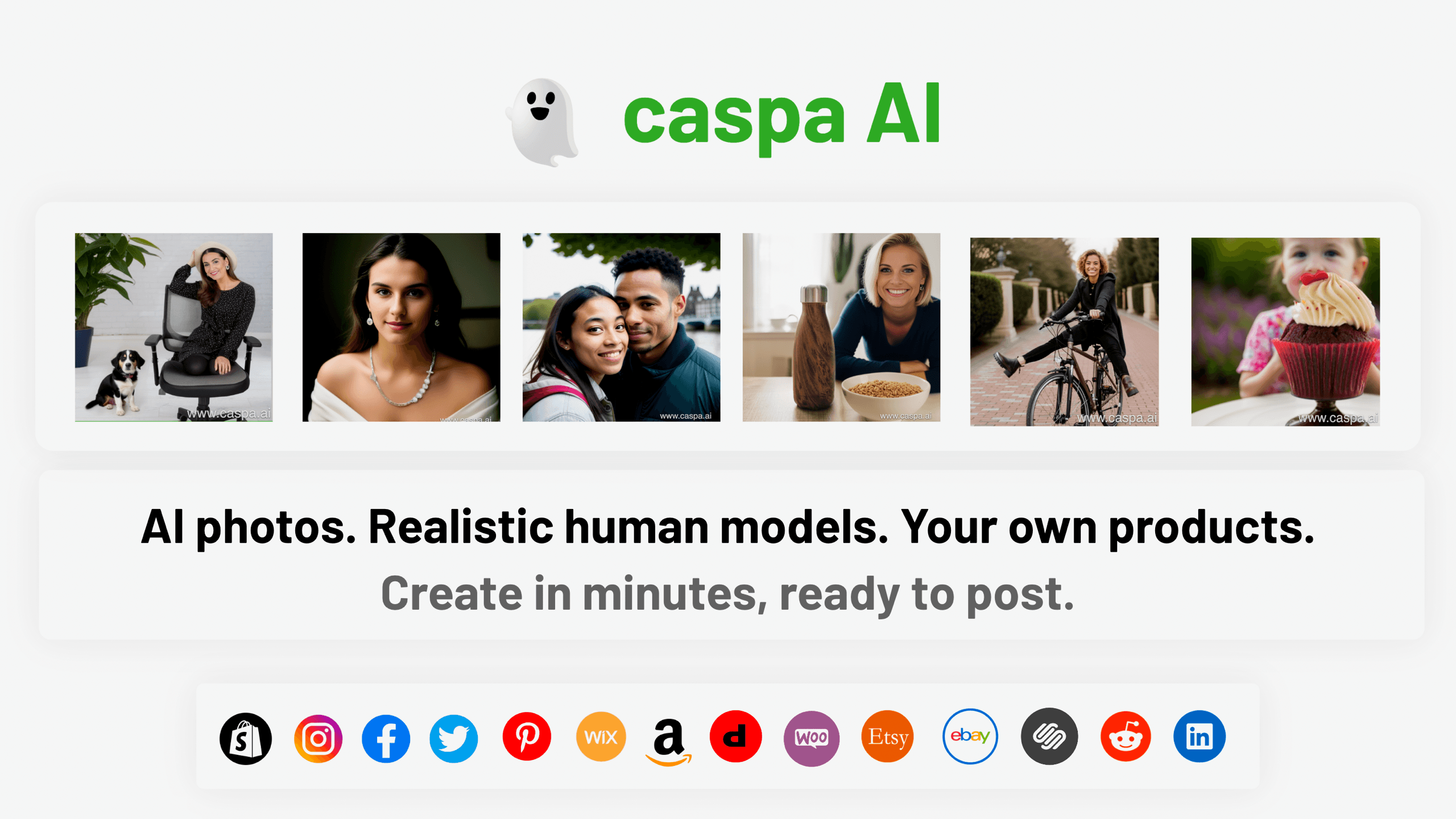
Caspa AI
Elevate eCommerce visuals effortlessly with Caspa, an AI-driven photography tool empowering businesses to create and edit lifelike product images

Ipic.ai
AI-powered image enhancement for professionals and hobbyists alike.

Civitai
Open-source platform for AI model creation and collaboration.
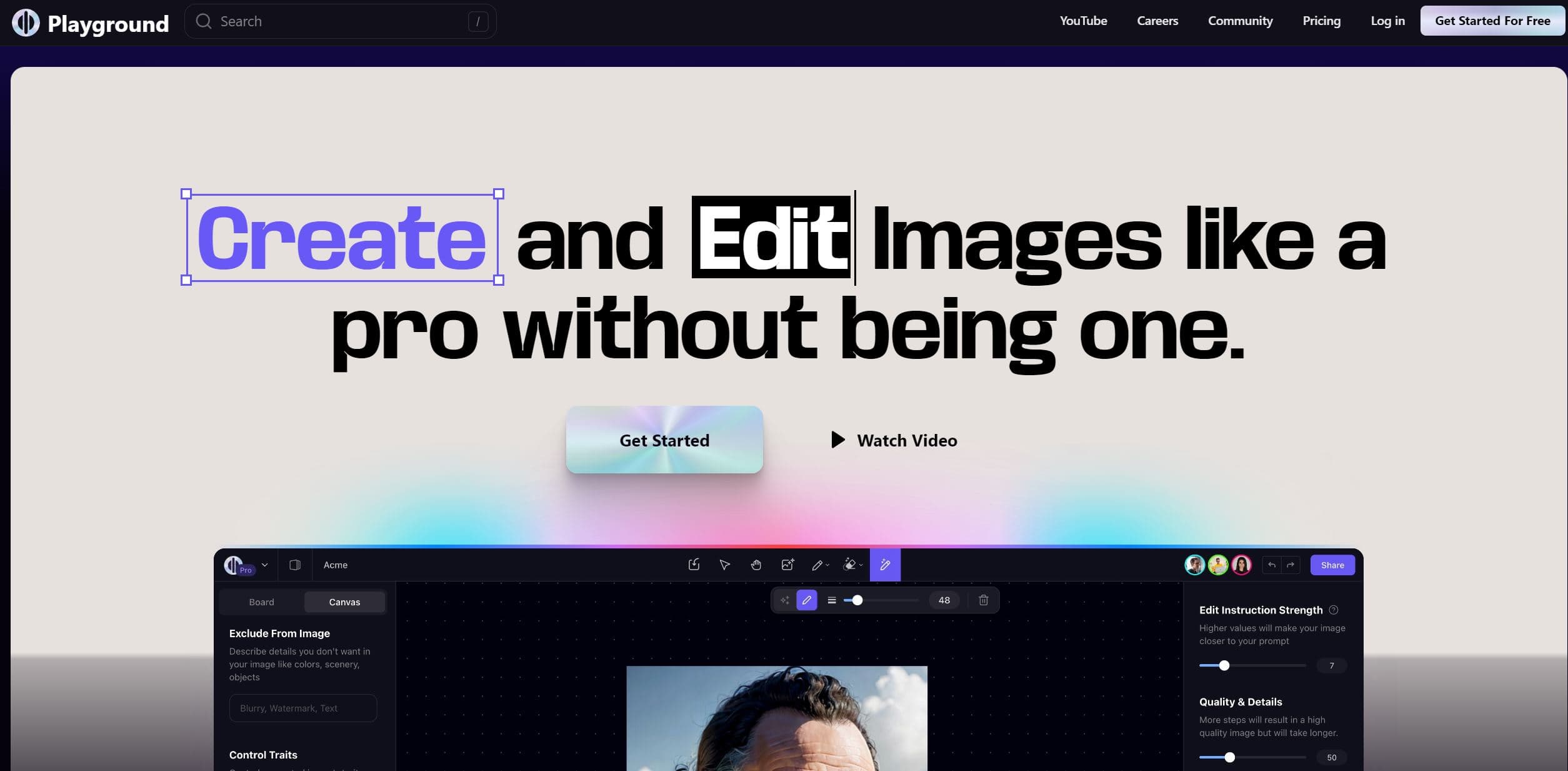
Playground AI
Unleash creativity with AI-driven image creation and intuitive editing.
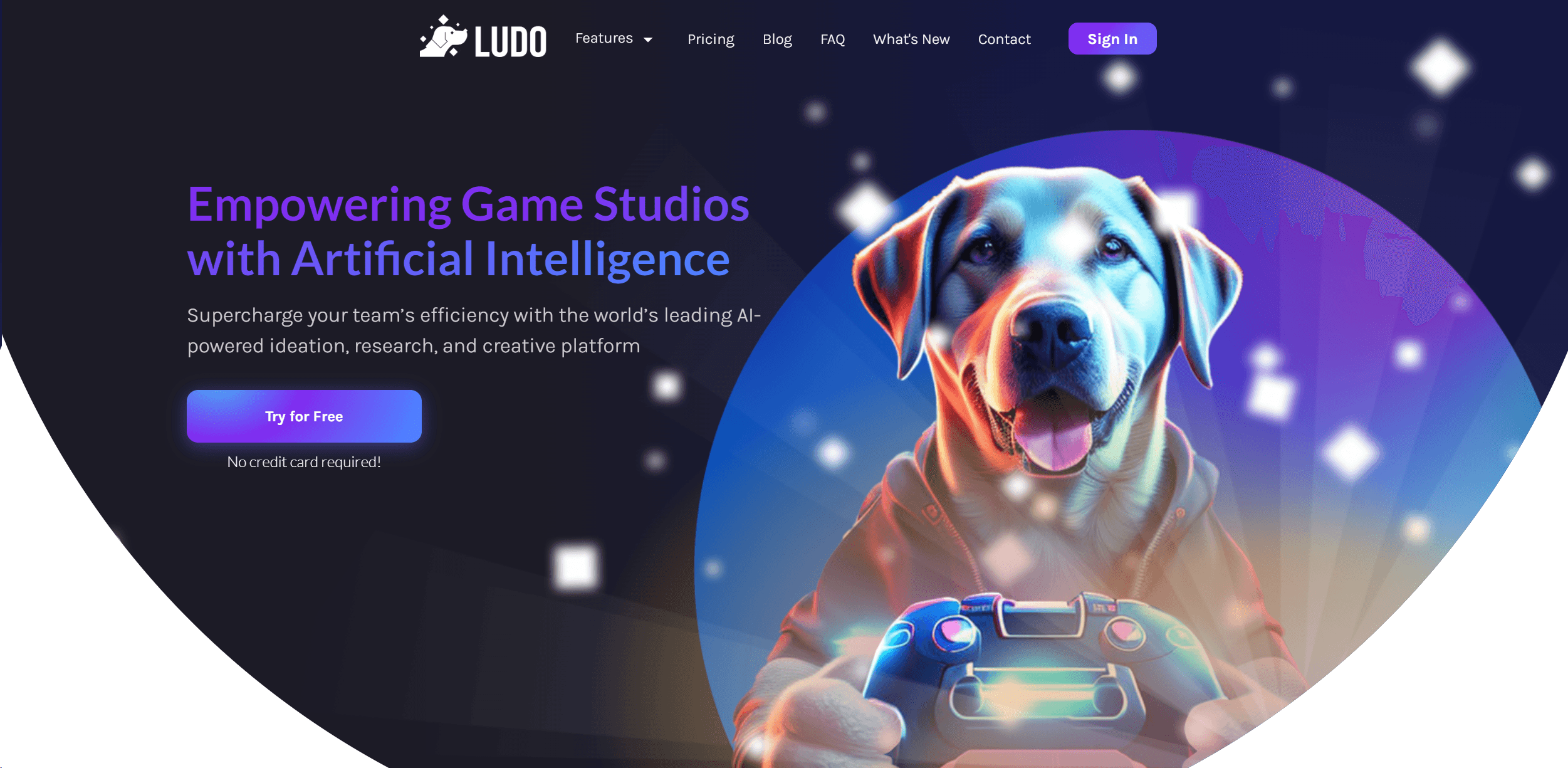
Ludo
Revolutionize game development with AI-driven ideation and market insights.

Prisma
Transform photos into art with AI, quickly and beautifully.
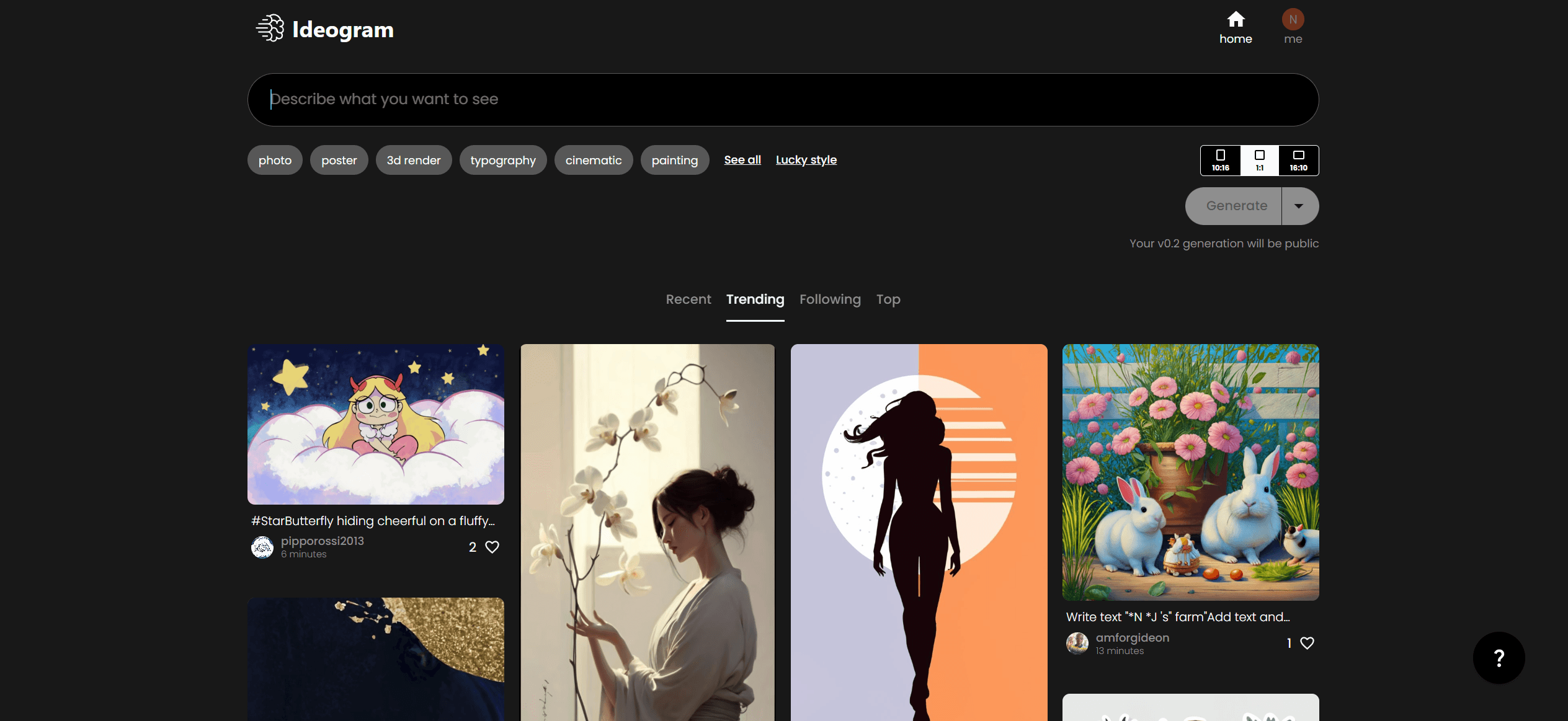
Ideogram
Transform text to stunning visuals with AI, enhancing creativity and collaboration.

MimicPC
Unlock AI tools instantly, browser-based, no installs needed.

Lucidpic
Revolutionize your visuals with AI-powered 3D photo transformations for engaging, lifelike content.
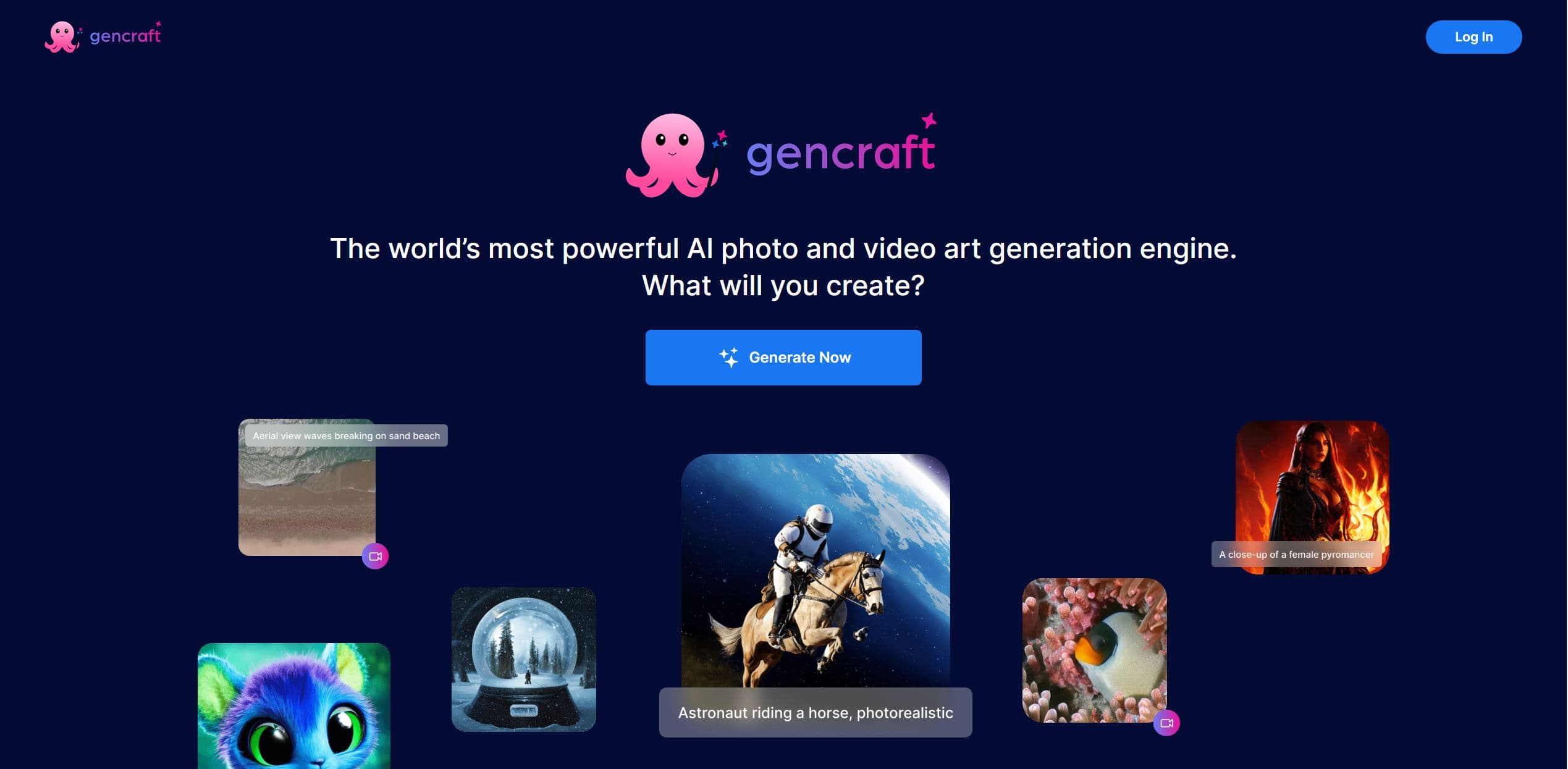
Gencraft
AI-powered tool for creating stunning digital art effortlessly.

AI2image
AI creates custom images from English descriptions in seconds.