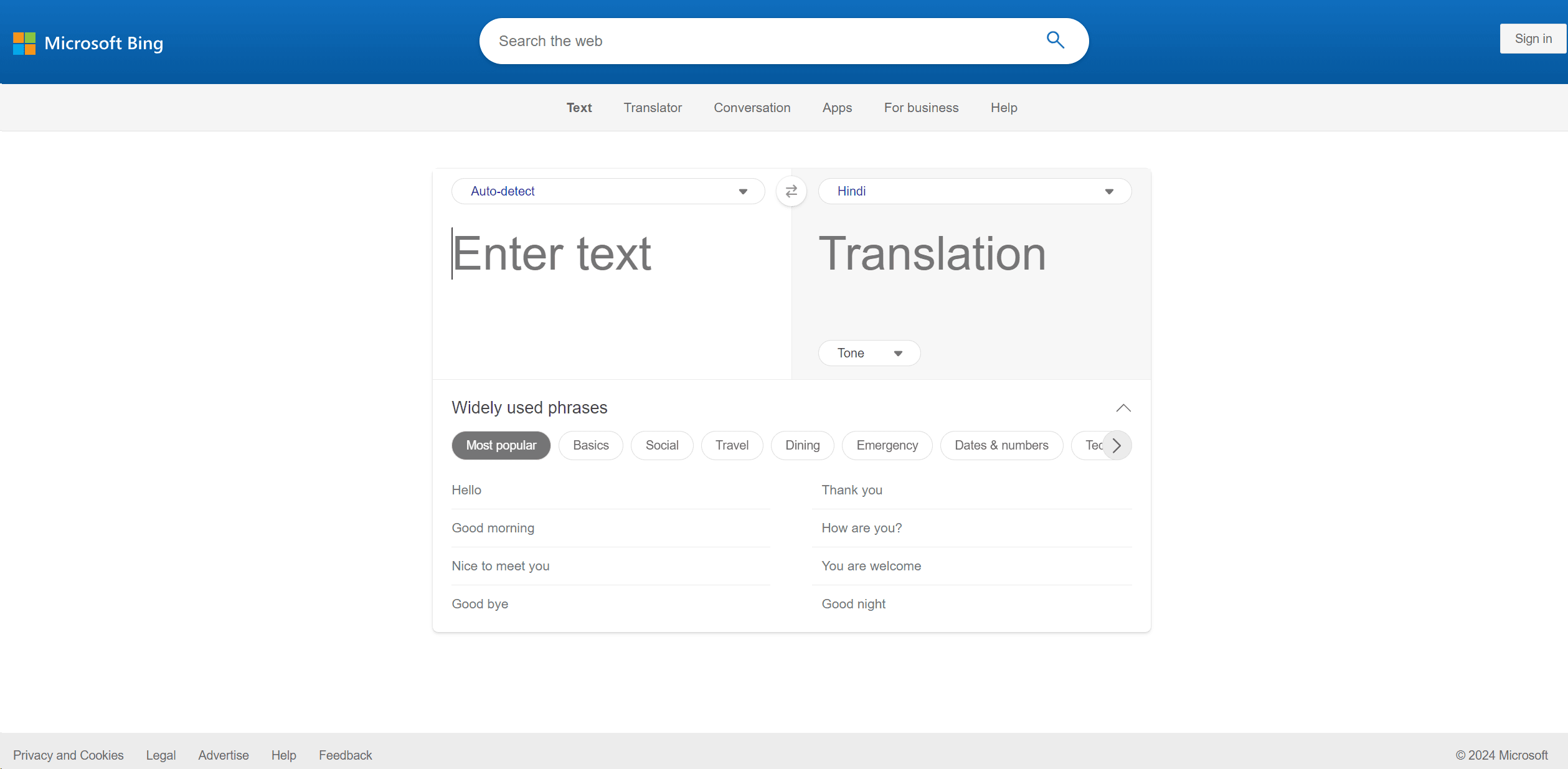
Microsoft Translator
Break language barriers: translate text, speech, real-time conversations.
14,267
Votes
20,386
Views
12,102
Bookmarks
About
In the bustling world of digital communication, the ability to break language barriers is more crucial than ever. That's where Microsoft Translator comes into play. This powerful tool is designed to facilitate seamless translation across a multitude of languages, enhancing global interaction and understanding. Whether you're a business professional looking to expand your international market, a traveler navigating foreign lands, or an educator reaching out to a diverse classroom, Microsoft Translator aims to simplify and enrich your communication efforts.
Key Features
- Extensive Language Support: Microsoft Translator impresses with its capability to translate text, speech, and even conversations in real-time across more than 70 languages. This feature is a boon for users requiring diverse linguistic accessibility.
- Integration with Popular Applications: It integrates smoothly with other Microsoft products like Office 365, offering a cohesive experience for users who rely on Microsoft ecosystems for their daily tasks.
- Offline Capabilities: Unlike many other translation apps, it provides offline translation options, which is incredibly useful in areas with poor internet connectivity.
- Real-Time Conversation Translation: This feature allows multiple users to engage in a conversation using different languages, translated in real-time, making it ideal for international meetings or learning environments.
Pros
- Accessibility Enhancements: Offers features like text-to-speech and speech-to-text, making it accessible for users with disabilities.
- User-Friendly Interface: The interface is intuitive, making it easy for even novices to navigate and use effectively.
- Cost-Effective: Provides a free version that is robust enough for casual users, along with competitively priced plans for more advanced needs.
- Secure and Reliable: As a product of Microsoft, it ensures high standards of data privacy and security, giving users peace of mind.
Cons
- Limited Nuances in Translation: Sometimes struggles with regional dialects and idiomatic expressions.
- Dependency on Internet for Some Features: While offline capabilities exist, the most powerful features require an internet connection.
- Occasional Latency Issues: Users might experience delays in real-time conversation translations during high usage.
Who Uses It
- Educational Institutions: Facilitating multilingual learning environments and accessible education for non-native speakers.
- Travel and Tourism Businesses: Enhancing communication with international clients and providing real-time translation services.
- Healthcare Providers: Assisting in communicating with patients who speak different languages to ensure accurate medical help.
- International Organizations: Enabling smoother workflow and communication across global branches.
- Uncommon Use Cases: Utilized by authors and researchers for multilingual literature review; adopted by emergency responders for quick translation in multilingual emergency situations.
Pricing
- Free Tier: Enjoy Microsoft Translator at no cost with basic features.
- Advanced Plans: Custom pricing based on specific business needs and usage volume.
You may also like
More tools in Text Generators
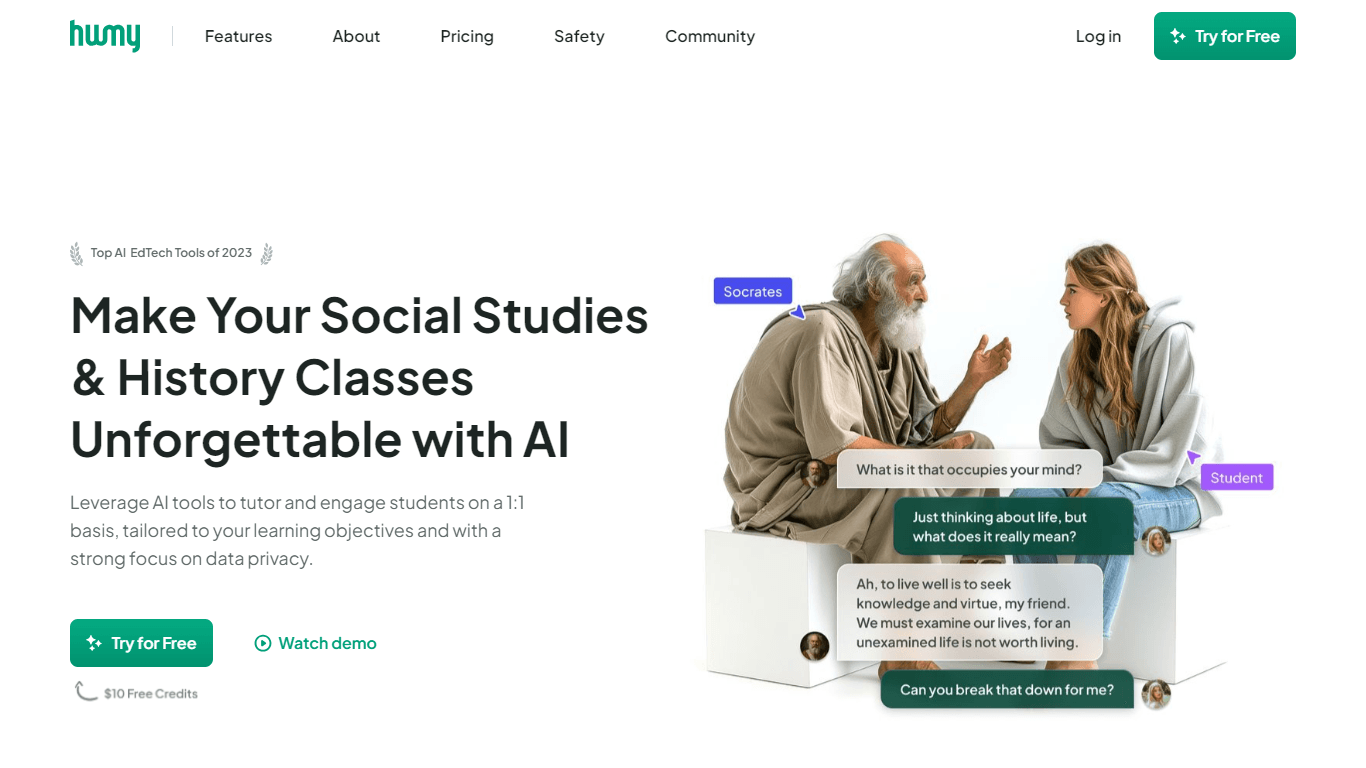
Humy.ai
Humy.ai is a trailblazing Artificial Intelligence (AI) platform dedicated to enhancing the educational experience for both teachers and students through personalized, AI-enhanced tools. With a signifi

Dify
A platform to develop and operate AI applications.

Blog Post Generator
Generates SEO-optimized blog posts
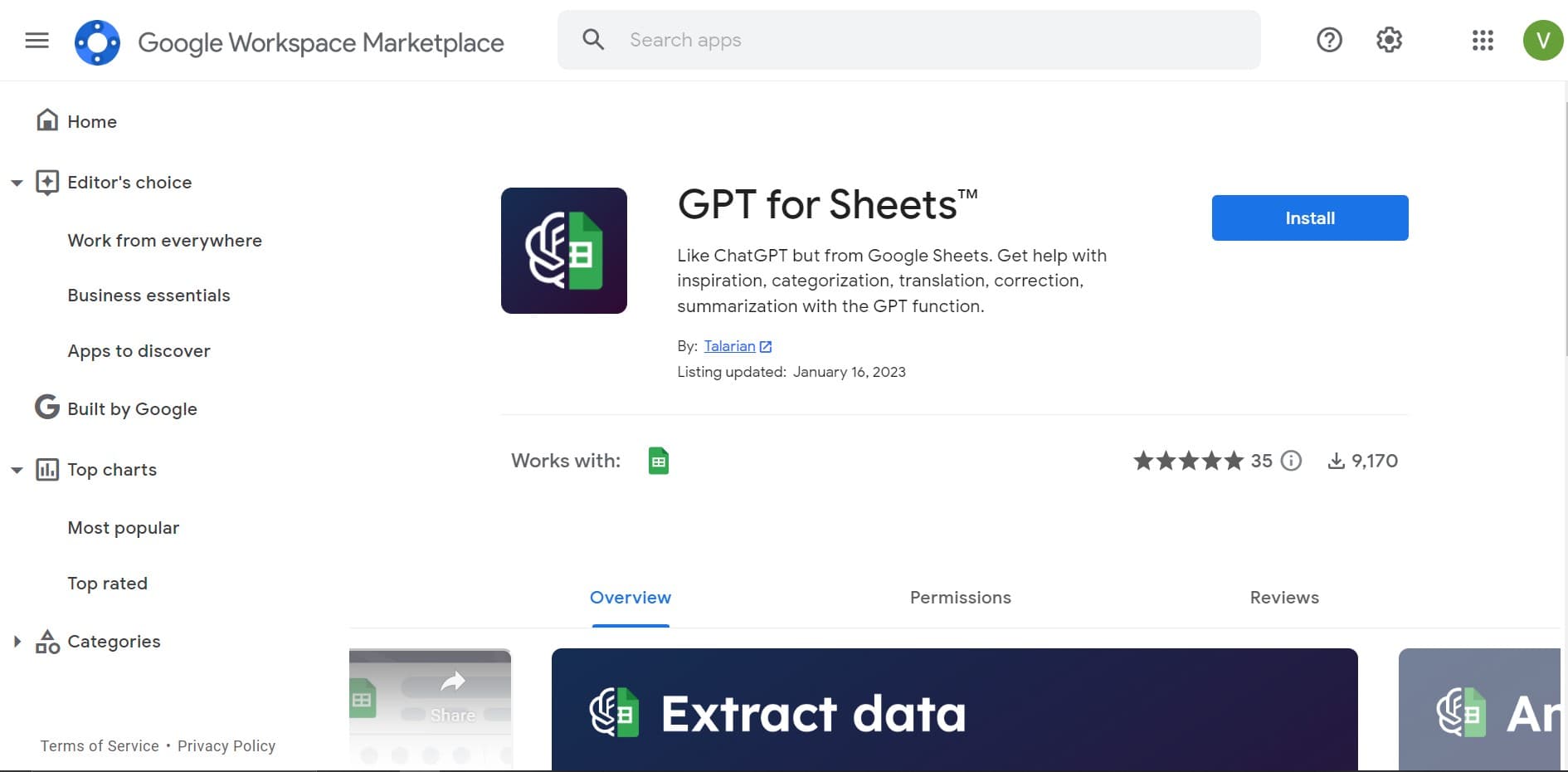
GPT for Sheets and Docs
Elevate productivity in Sheets and Docs with AI-powered automation and creativity.

Twee
Revolutionize English teaching with AI: create, personalize, engage.
Deep Realms
AI-powered platform for crafting immersive, interactive storytelling experiences.
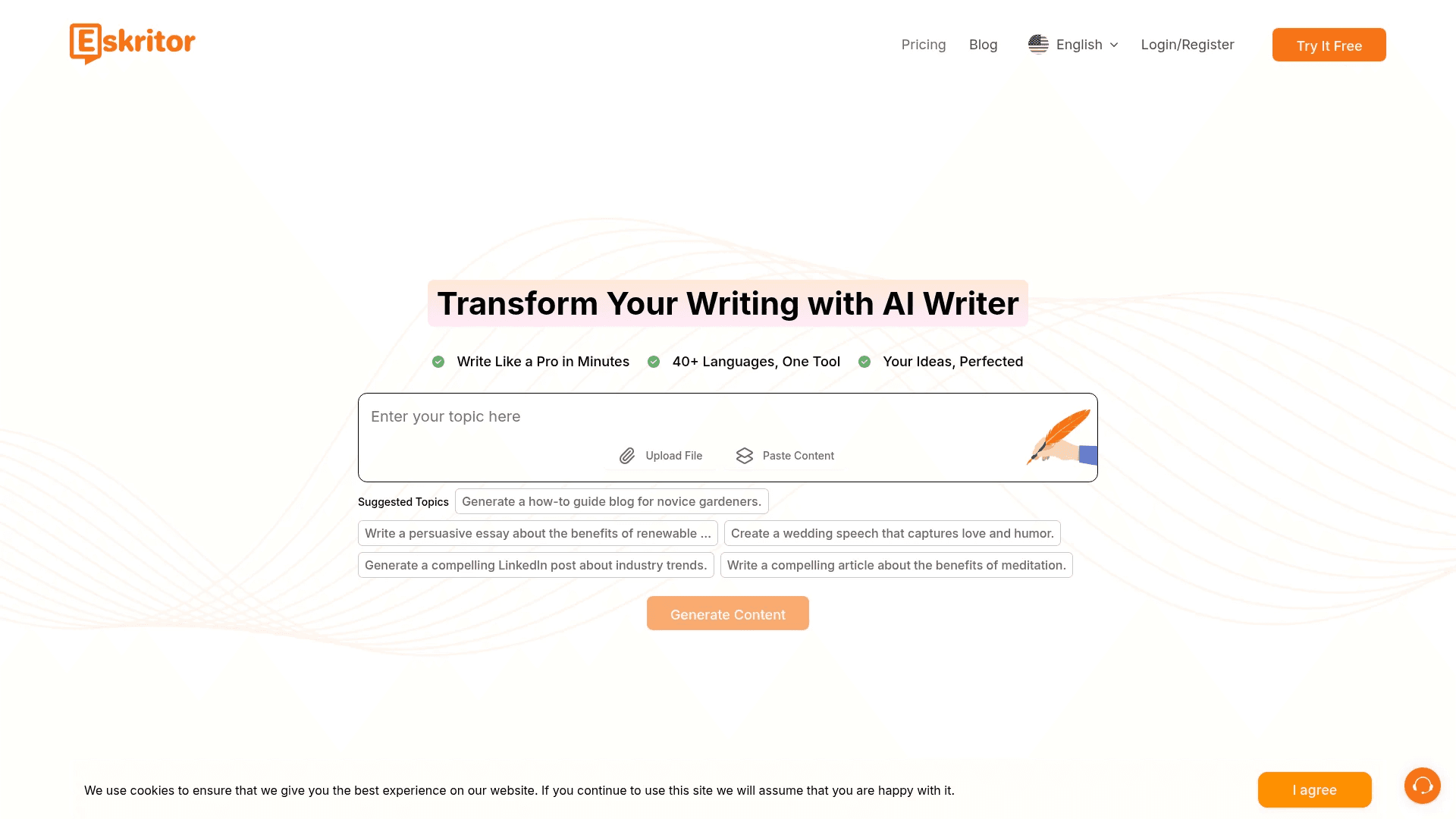
Eskritor
Streamline writing with multilingual AI content generation.

Summit
Summit is a comprehensive AI-powered platform designed to revolutionize the way businesses optimize their operations. With an array of cutting-edge features and advanced algorithms, Summit offers unpa
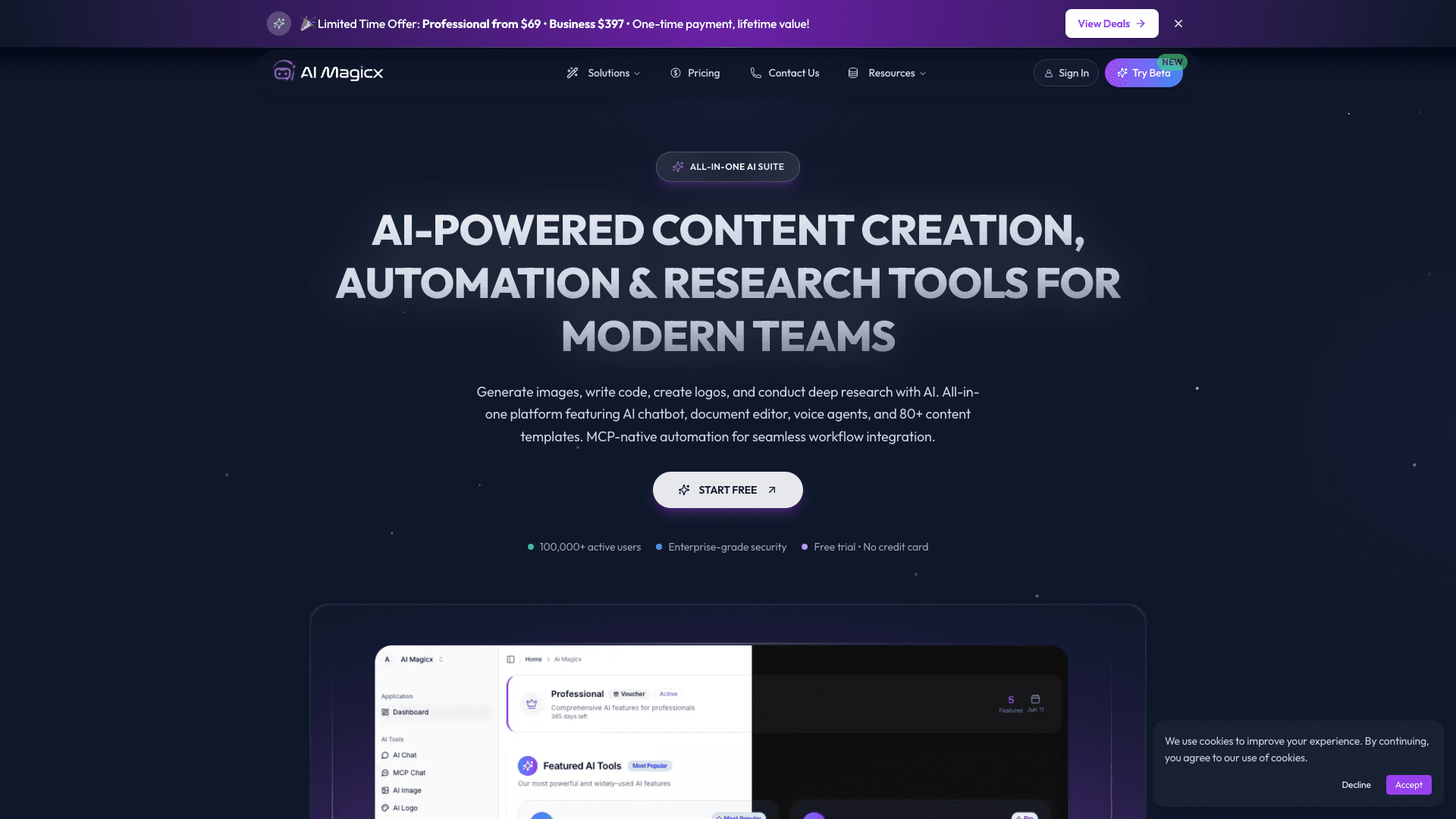
AI Magicx
AI Magicx enhances creativity with AI-driven design and coding.

Mythic Text
A tool to transform markdown and plain text into formatted content across multiple output formats.

Dubs
AI-powered video dubbing and subtitles for global reach.
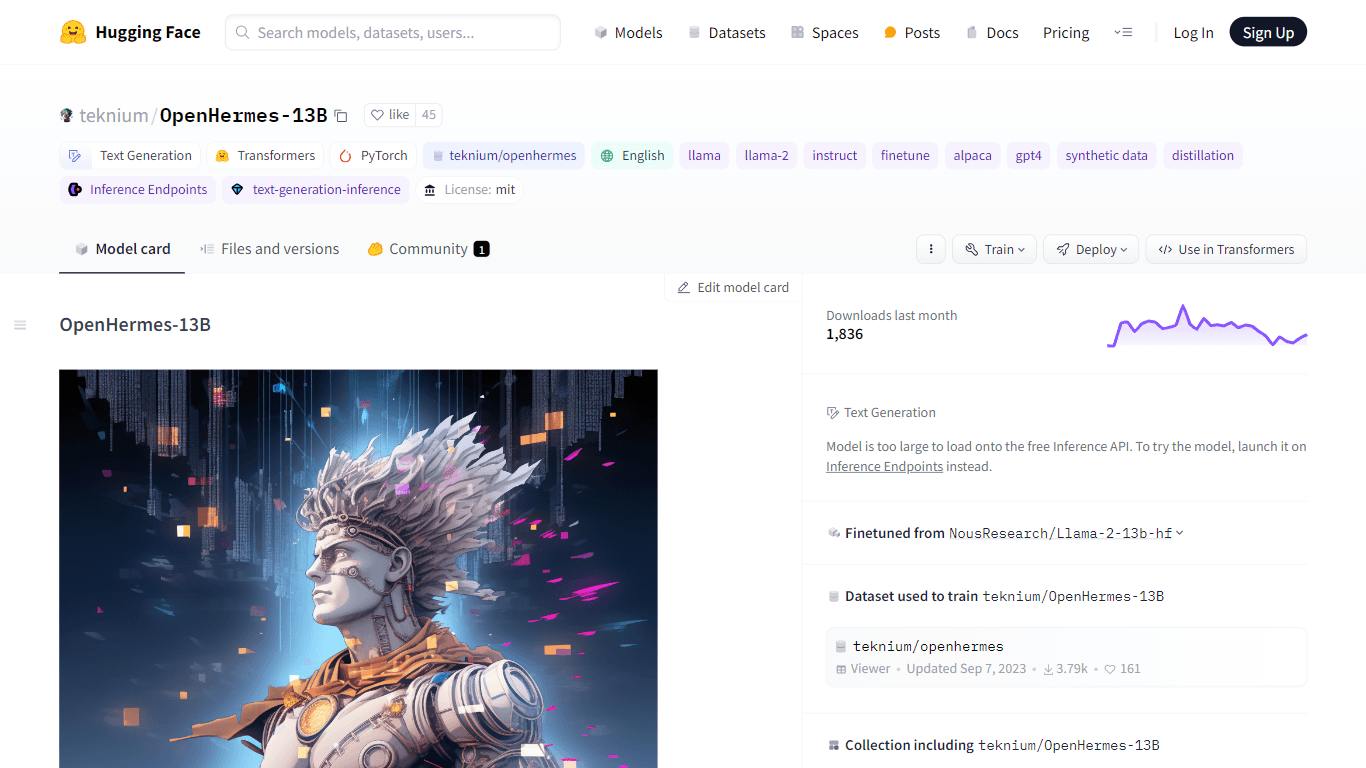
OpenHermes-13B
Discover OpenHermes-13B, an advanced fine-tuned model from teknium that leverages the robust GPT-4 generated dataset collected from diverse AI solutions. Meticulously trained on a fully open-source da