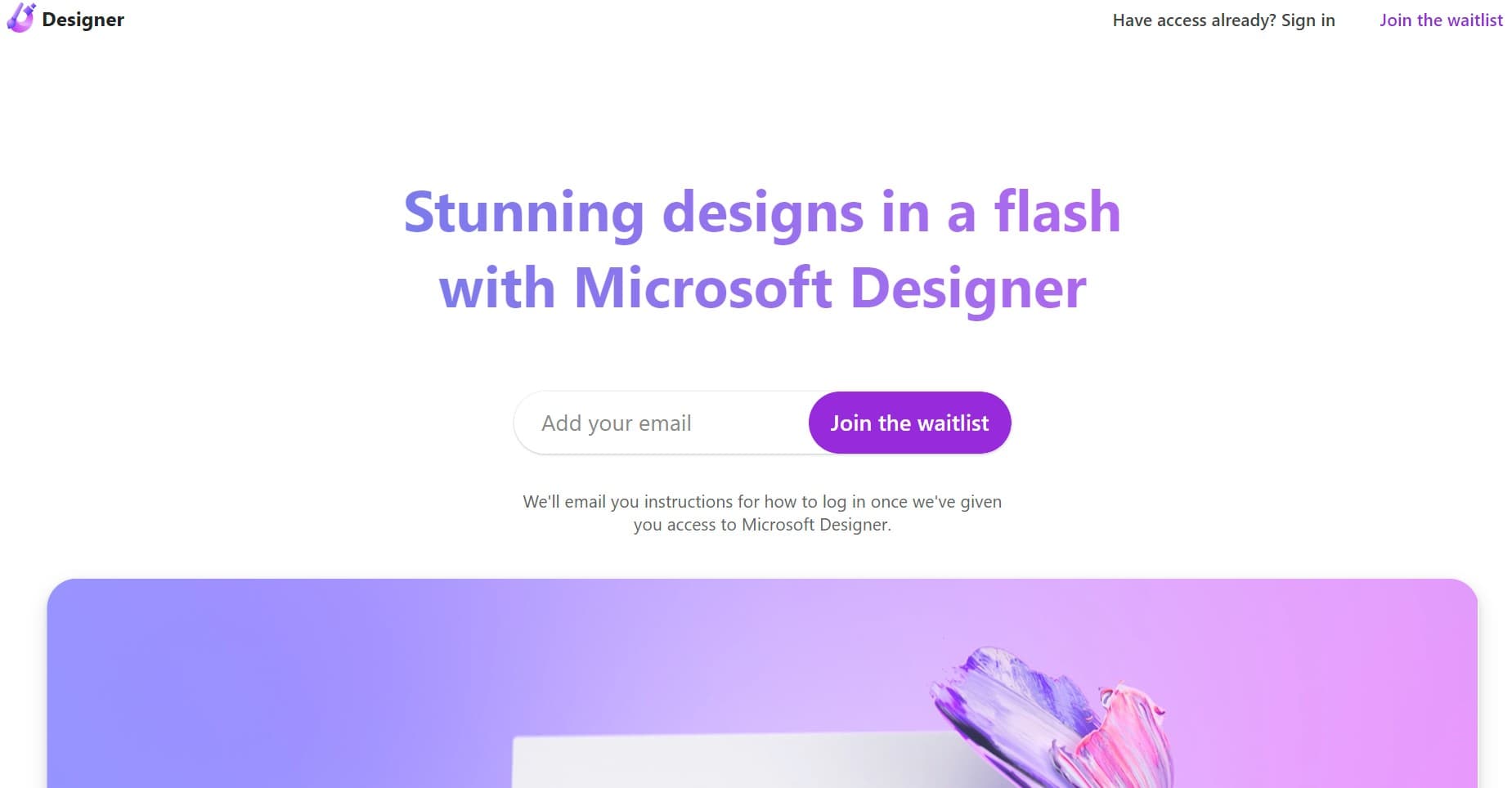
Microsoft Designer
Unleash creativity with AI-driven design simplicity and Microsoft integration.
18,452
Votes
21,905
Views
11,946
Bookmarks
About
Microsoft Designer is an innovative tool that empowers users to create visually stunning designs with ease and efficiency. Leveraging the power of artificial intelligence, it simplifies the design process, making it accessible to professionals and novices alike. Microsoft Designer is particularly adept at helping users quickly generate high-quality graphics for a variety of purposes, from social media content to professional branding materials.
Key Features
- AI-Powered Design Suggestions: Offers personalized design recommendations based on your content and preferences.
- Templates Library: A vast array of professionally designed templates to jumpstart your creative projects.
- Seamless Integration: Works harmoniously with other Microsoft 365 applications for a cohesive user experience.
- Accessibility Features: Includes tools that ensure designs are accessible to all audiences, reinforcing inclusivity.
Pros
- User-Friendly Interface: Intuitive controls make it simple for anyone to create impressive designs.
- Efficiency: Streamlines the design process, saving valuable time for users.
- Brand Consistency: Ensures that designs adhere to brand guidelines with customizable templates.
- Collaborative Features: Allows for easy sharing and collaboration within teams.
Cons
- Learning Curve: Some users may need time to fully utilize all the features available.
- Online Dependency: Requires an internet connection for full functionality.
- Limited Advanced Features: May not satisfy the needs of professional designers looking for complex functionalities.
Who Uses It
- Small Business Owners: Utilizing the tool to create marketing materials without needing to hire a designer.
- Content Creators: Generating eye-catching graphics to accompany their online content.
- Educators: Enhancing their teaching materials with engaging visuals.
- Non-Profit Organizations: Producing impactful visuals for campaigns and events.
- Uncommon Use Cases: Used by bloggers to design featured images; Adopted by authors for book promotion graphics.
Pricing
- Free Tier: Users can access Microsoft Designer's basic features at no cost.
- Subscription-Based: Additional features are available through a Microsoft 365 subscription.
You may also like
More tools in Business Tools

Looq AI
Revolutionize image analysis with advanced AI-powered recognition and insights.

Outreach
Optimize sales, enhance workflows, boost efficiency with AI-powered tools.

Spoke.ai
AI-powered tool revolutionizes team communication and project management.
GPT for Sheets and Docs
Elevate productivity in Sheets and Docs with AI-powered automation and creativity.
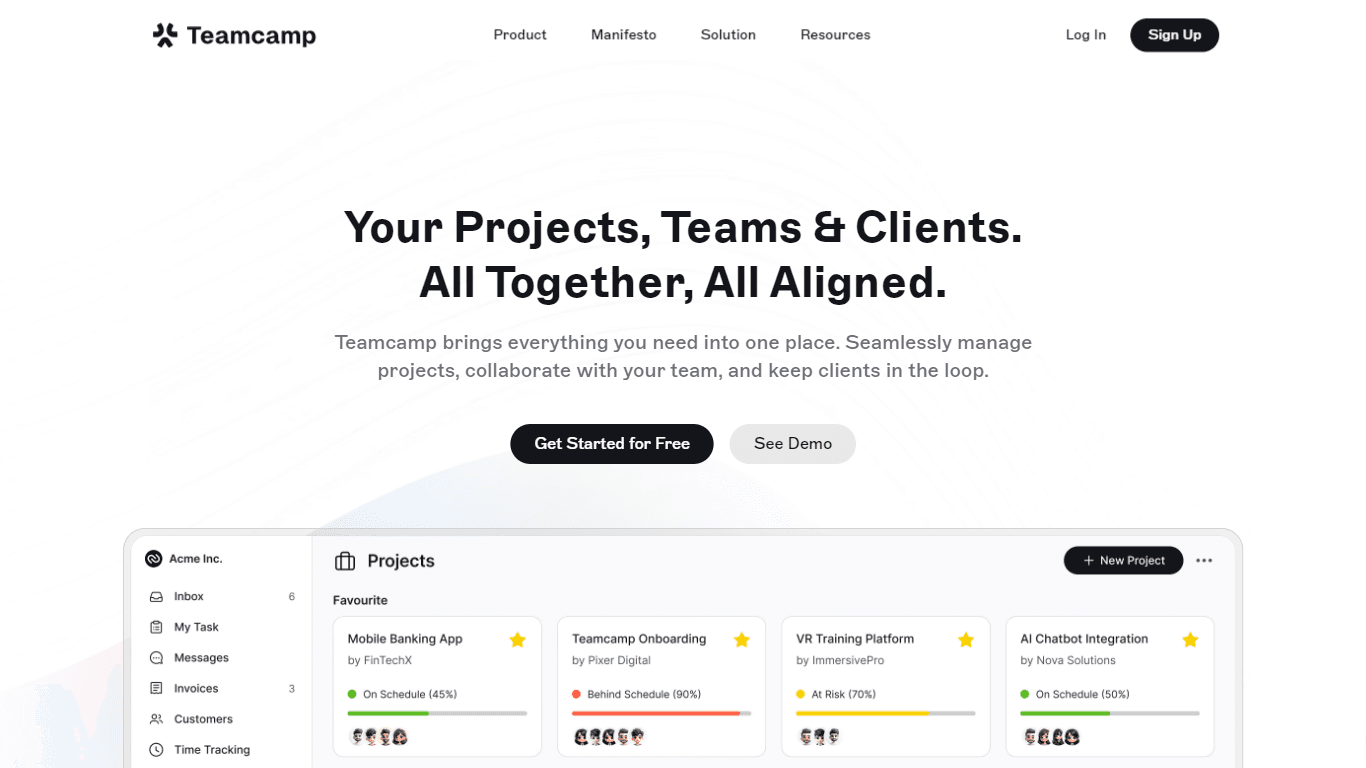
Teamcamp
Teamcamp is a comprehensive project management tool designed to streamline the workflow for teams in various sectors, including IT, marketing, freelancers, and agencies. Its core functionality revolve

Tektonic AI
Streamline sales and revenue operations with advanced AI-driven automation.

Align AI
Streamlines AI strategy alignment with business objectives.

adam.ai
Maximize your business success with adam.ai, the intuitive meeting management platform designed to enhance your team's productivity. Our intelligent solution streamlines the meeting process, granting
MyMemo AI
Transform digital chaos into an organized, AI-enhanced knowledge oasis.

The North
North is an intuitive platform designed to simplify the management of Objectives and Key Results (OKRs), Strategy, and Initiatives for businesses of all sizes. It is a tool that directs teams to trans

Ipic.ai
AI-powered image enhancement for professionals and hobbyists alike.
Kira Systems
Streamline contract review with AI-driven precision and customization.