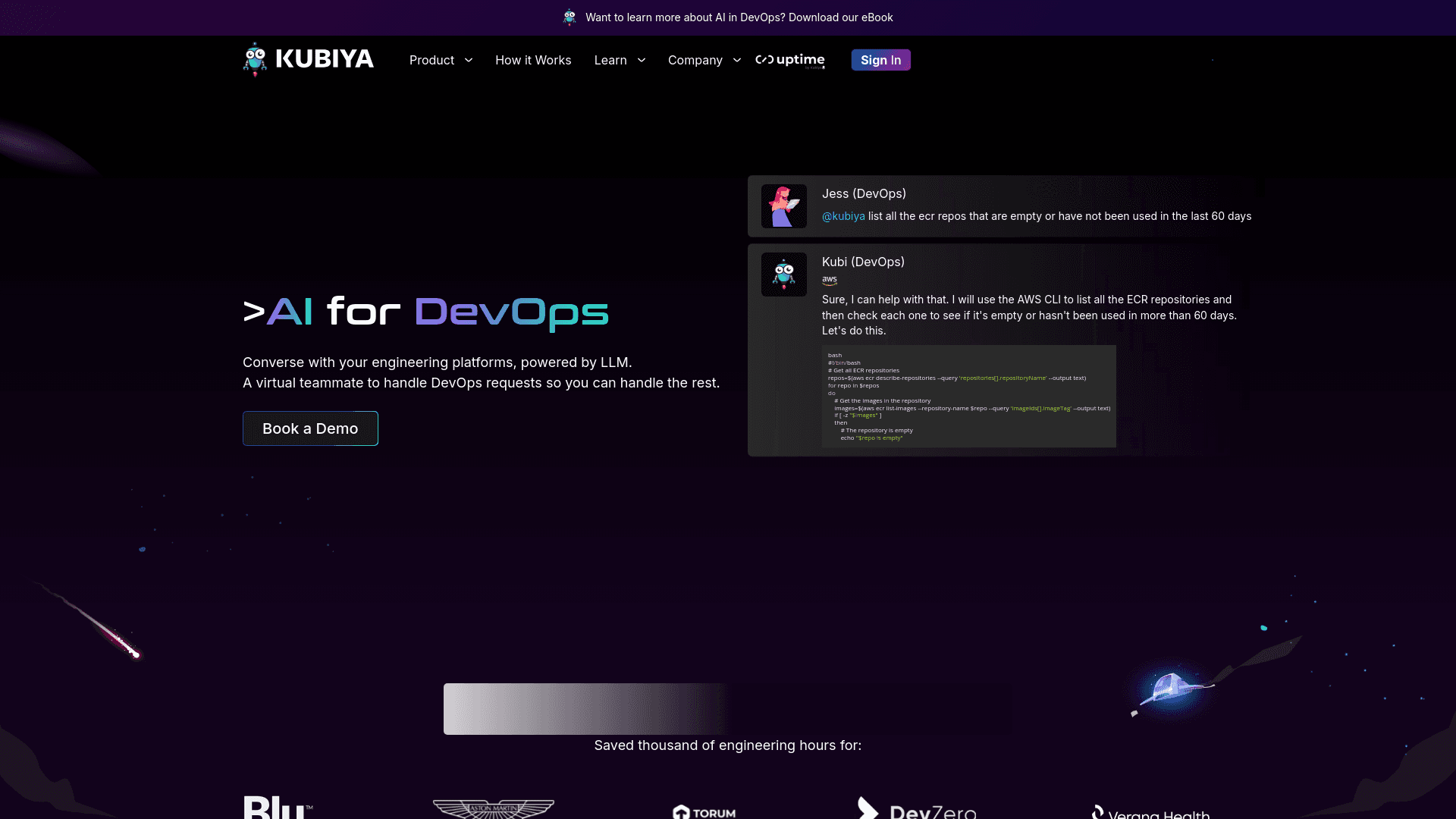
Kubiya
Conversational AI streamlining DevOps workflows and enhancing productivity.
10,606
Votes
22,704
Views
7,924
Bookmarks
About
In the rapidly evolving world of software development and operations, Kubiya stands out as a transformative AI tool designed specifically for DevOps. Its core purpose is to facilitate seamless interaction between developers and engineering platforms through the power of conversational AI. By leveraging advanced language models, Kubiya acts as a virtual teammate, handling complex DevOps requests with ease and efficiency. This tool is perfect for teams looking to streamline their operational workflows, enhance security protocols, and boost overall productivity without the constant need for manual oversight.
Key Features
- Conversational AI Interface: Enables users to execute DevOps commands and queries through simple, natural language conversations.
- Integration with Major DevOps Tools: Works seamlessly with tools like Terraform, Kubernetes, and AWS, among others.
- Custom Workflow Automation: Allows customization of workflows, facilitating automated responses and actions based on user interactions.
- Real-Time Analytics: Monitors and analyzes DevOps environments in real time, providing actionable insights to improve performance and efficiency.
- Security and Compliance: Ensures that all operations meet the highest standards of security, including role-based access control and secure data handling.
Pros
- Enhanced Productivity: Reduces the time spent on repetitive tasks, allowing DevOps teams to focus on more strategic initiatives.
- Error Reduction: Minimizes human errors by automating routine DevOps tasks and responses.
- Scalability: Easily scales across different teams and projects, accommodating growing business needs without additional complexity.
- User Empowerment: Gives developers the autonomy to perform complex operations independently, without waiting for specialized assistance.
Cons
- Learning Curve: New users may require time to adapt to the conversational interface and learn how to best utilize the tool’s capabilities.
- Dependency on Integrations: While Kubiya integrates with many popular DevOps tools, its effectiveness can be limited if a required tool isn’t supported.
- Initial Setup Complexity: Setting up and customizing Kubiya to fit specific organizational needs can be complex and time-consuming.
Who Uses It
Kubiya is utilized by a diverse range of professionals and organizations, all seeking to enhance their DevOps practices through AI-driven solutions:
- Software Development Teams: Streamlining deployment processes and monitoring application performance.
- IT Operations Managers: Automating routine maintenance tasks and system updates.
- Security Engineers: Enhancing security protocols and compliance through automated checks and balances.
- Project Managers: Coordinating between different teams and ensuring project deliverables.
- Uncommon Use Cases: Academic researchers using Kubiya for managing and automating experimental software setups; Non-profits employing the tool to manage IT resources with limited staff.
Pricing
- Free Trial: Explore Kubiya's capabilities with a 30-day free trial.
- Standard Plan: Starts at $50 per month, offering full access to core features and basic integrations.
- Enterprise Plan: Custom pricing based on specific needs and scale.
You may also like
More tools in AI Chatbots

One AI
Boost website engagement and sales with adaptive AI-driven interactions.

Ada
Revolutionize customer service with AI across all digital platforms.

Replicate
Unlock AI's potential: run, fine-tune, deploy models easily and cost-effectively.

Heidi
Streamline healthcare admin tasks, and enhance patient focus.

Tektonic AI
Streamline sales and revenue operations with advanced AI-driven automation.

Retell AI
Create lifelike AI voice agents, deploy anywhere, analyze real-time.
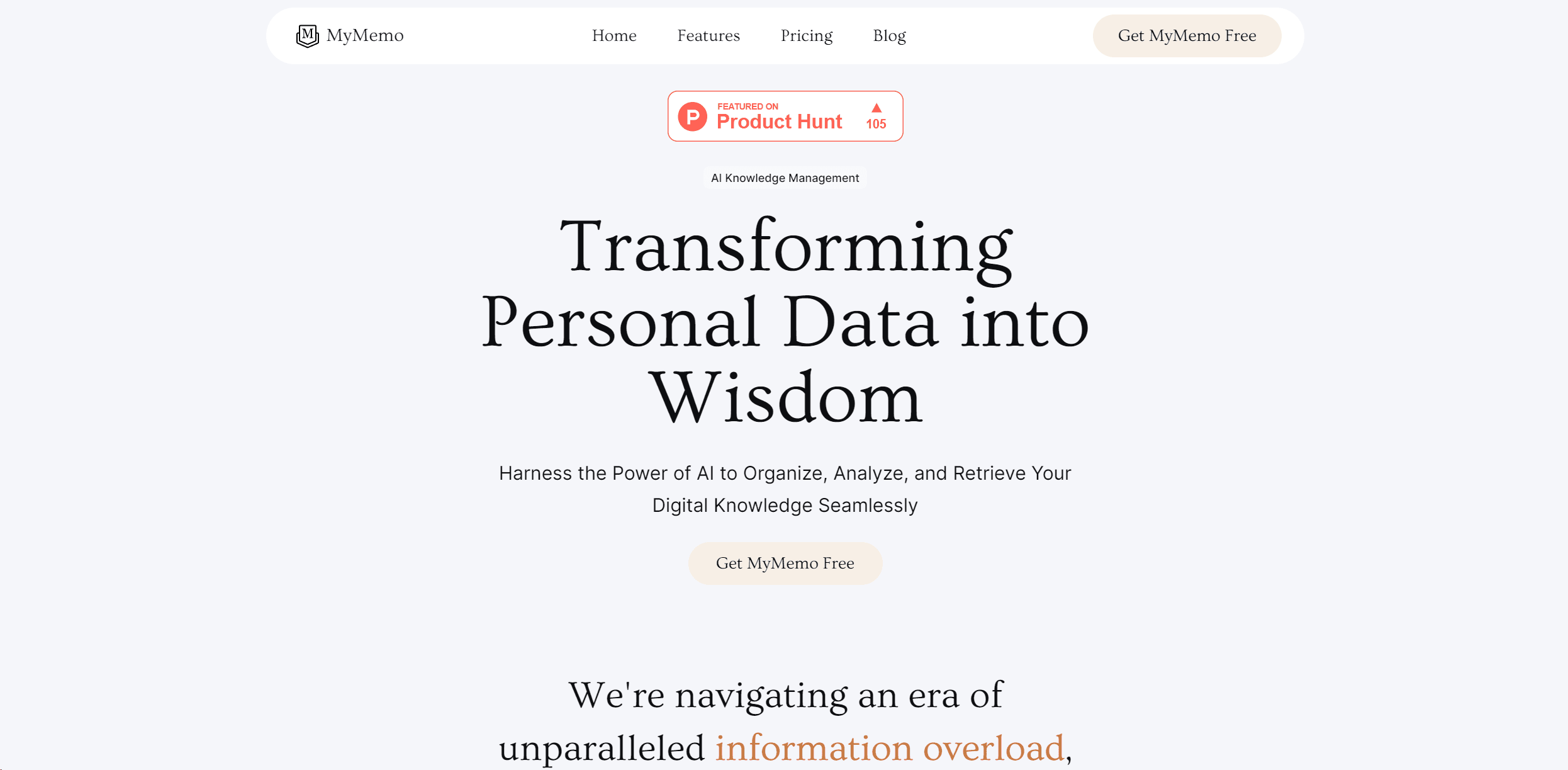
MyMemo AI
Transform digital chaos into an organized, AI-enhanced knowledge oasis.

UiPath
Streamline workflows with AI-driven automation and seamless integration.

Replika
AI companion for personalized chat, emotional support, and self-growth.
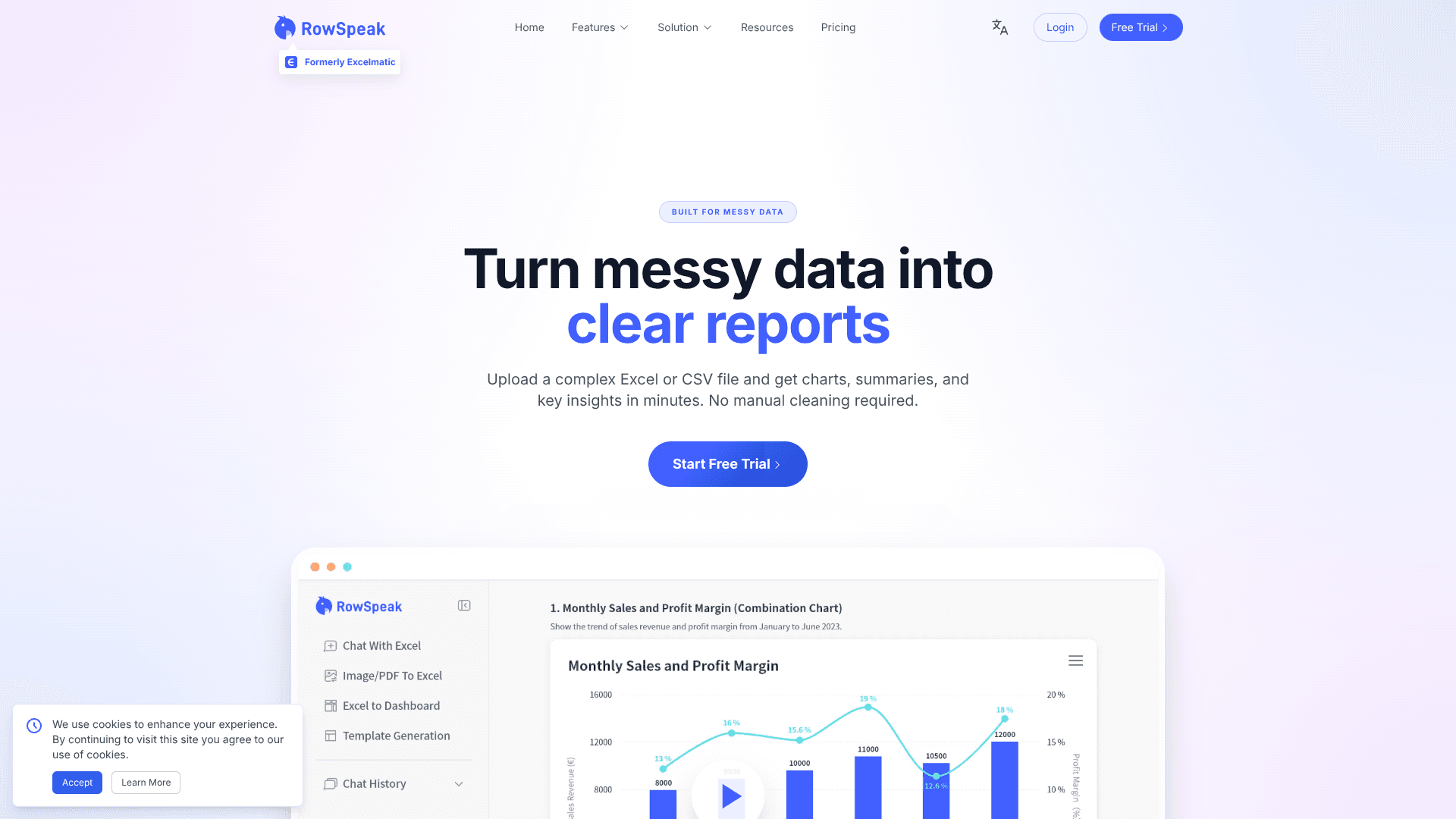
RowSpeak
Turn messy spreadsheets into clear, ready reports.

Inworld
Elevate game development with dynamic NPCs, immersive worlds, and AI-driven content creation.

Whoop
Optimize fitness, sleep, and recovery with real-time health insights.