
Komment
Komment is a powerful tool designed to automate software documentation, seamlessly integrating into existing developer workflows. Its core functionality revolves around generating well-structured and
16,440
Votes
20,661
Views
11,298
Bookmarks
About
Komment is a powerful tool designed to automate software documentation, seamlessly integrating into existing developer workflows. Its core functionality revolves around generating well-structured and sophisticated documentation with minimal reliance on third-party services. This allows teams to focus on coding while Komment takes care of the documentation process, ensuring that all necessary information is captured accurately and efficiently. The platform is tailored for software development teams, particularly those looking to enhance their documentation practices without adding to their workload. The unique value proposition of Komment lies in its ability to significantly reduce documentation costs by over 95%, while also saving engineering teams hundreds of hours each week. This is achieved through its precision-engineered automation capabilities, which utilize a set of finely calibrated processors specifically designed to create technical documentation from scratch. By leveraging tailored algorithms with built-in quality assurance, Komment ensures that the documentation produced is not only accurate but also continuously updated to reflect the latest changes in the codebase. One of the key differentiators of Komment is its focus on privacy and security. Unlike generic language models, Komment processes all data within the bounds of its deployment, protecting intellectual property and ensuring that sensitive information is never shared with external vendors. This makes it an ideal solution for organizations that prioritize data security and want to maintain full control over their documentation processes. In terms of technical implementation, Komment is designed for broad compatibility across various popular git platforms, cloud environments, and on-premises architectures. It can be deployed as a Software-as-a-Service (SaaS) solution or on virtual private clouds via AWS, Azure, or GCP. This flexibility allows teams to choose the deployment method that best suits their needs, whether they prefer a cloud-based solution or a self-hosted option. Overall, Komment represents a significant advancement in the field of documentation automation, providing teams with a frictionless way to produce and consume meaningful documentation. By minimizing the impedance to development workflows and ensuring that documentation evolves alongside code changes, Komment transforms the documentation process from a chore into a valuable asset for software teams.
Key Features
- Self-healing wikis that automatically update as code changes, ensuring documentation is always accurate and current.
- API documentation that provides real-time information on every endpoint, helping developers track request structures and error handling easily.
- Dynamically generated architecture diagrams that give a clear overview of the codebase, aiding in security audits and understanding system interactions.
- In-code comments that offer meaningful annotations directly within the code, enhancing developer understanding and productivity.
- Example snippets that provide reusable code examples, streamlining development processes and sharing best practices among team members.
FAQ
What types of documentation does Komment generate?
Komment generates various types of documentation tailored to each file based on its size and complexity. This includes in-code comments, API docs, architecture diagrams, and more.
Which languages and platforms does Komment support?
Komment supports over 90 programming languages and can connect to GitHub, GitLab, or BitBucket accounts for wiki generation.
How does Komment ensure accuracy in documentation?
Komment uses purpose-built algorithms and multi-layer quality assurance to generate high-quality documentation. It regularly benchmarks its output to maintain reliability.
Do you offer a free trial for new users?
Yes, all new users receive a 30-day free trial for any paid plan, after which the account automatically switches to the Free plan unless upgraded.
How do I get started with Komment?
To get started, sign in using your email or git account, connect a code repository, and trigger documentation jobs to watch Komment build your wiki.
Can I self-host Komment?
Yes, Komment can be deployed on virtual private clouds via AWS, Azure, or GCP for teams that prefer self-hosting.
You may also like
More tools in Documentation

FAQ Ally
A tool that converts company documents into a searchable AI-trained knowledge base and conversational assistants.
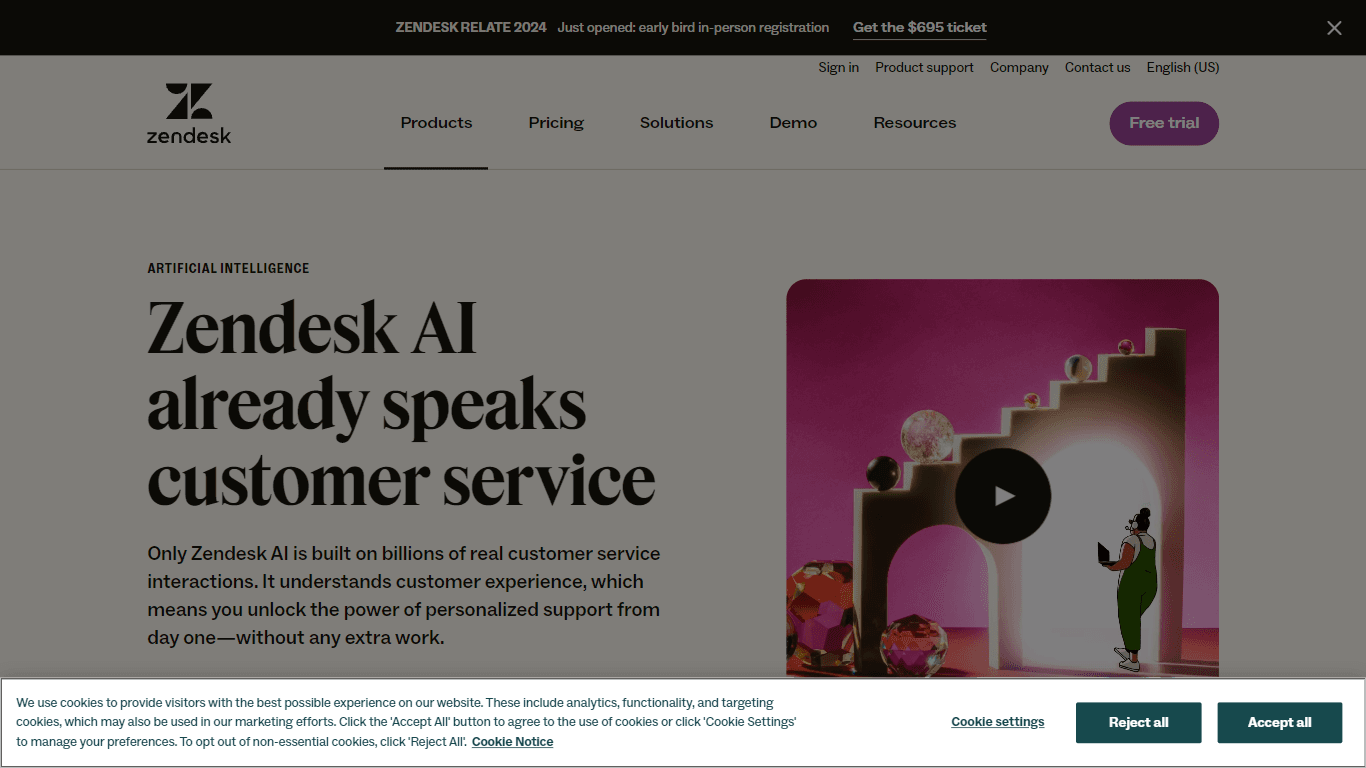
Zendesk AI
Explore the transformative power of AI-driven customer support with Zendesk AI. With a suite of intelligent tools, including sophisticated bots, enhanced self-service options, and a wealth of producti
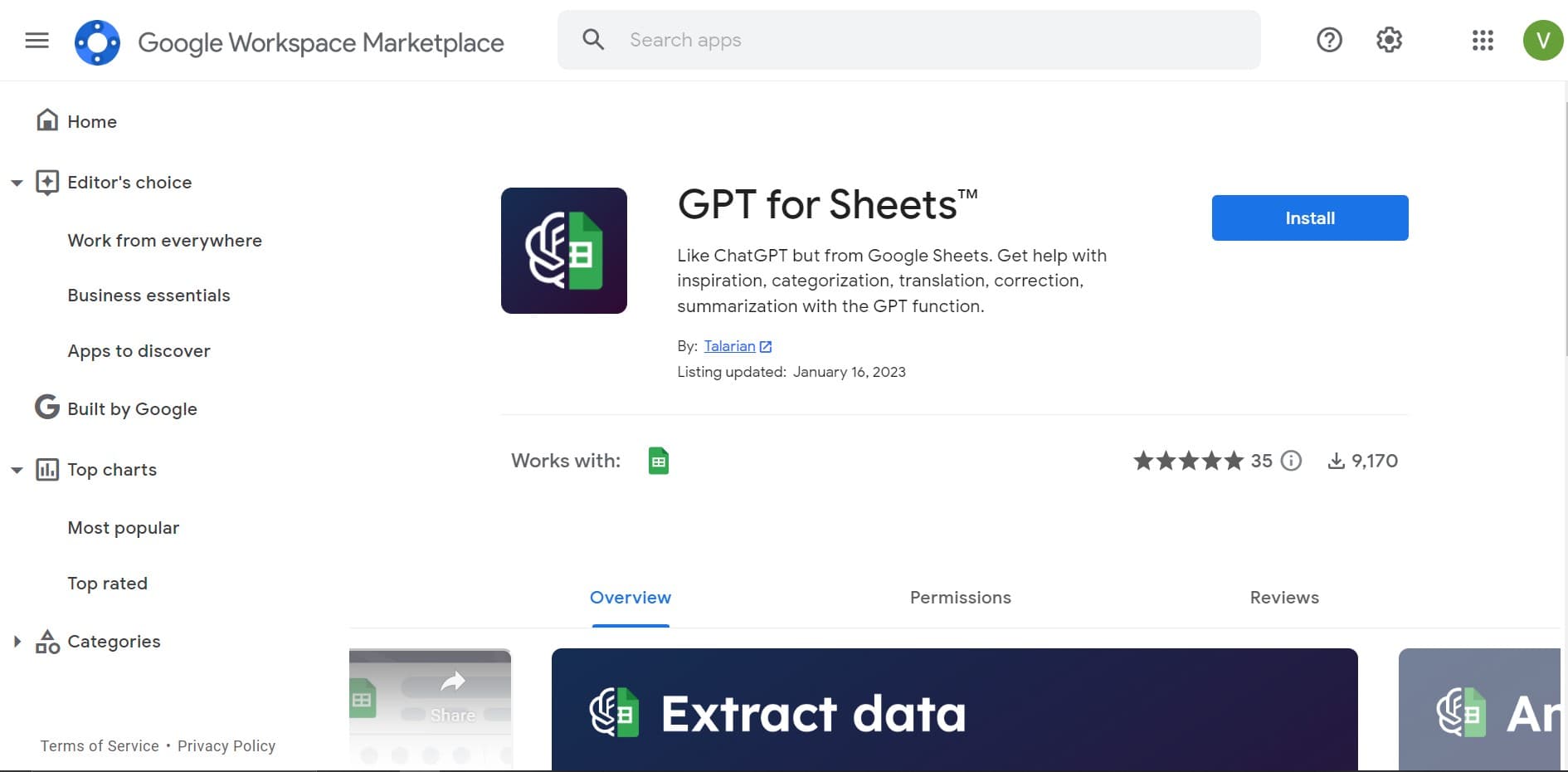
GPT for Sheets and Docs
Elevate productivity in Sheets and Docs with AI-powered automation and creativity.
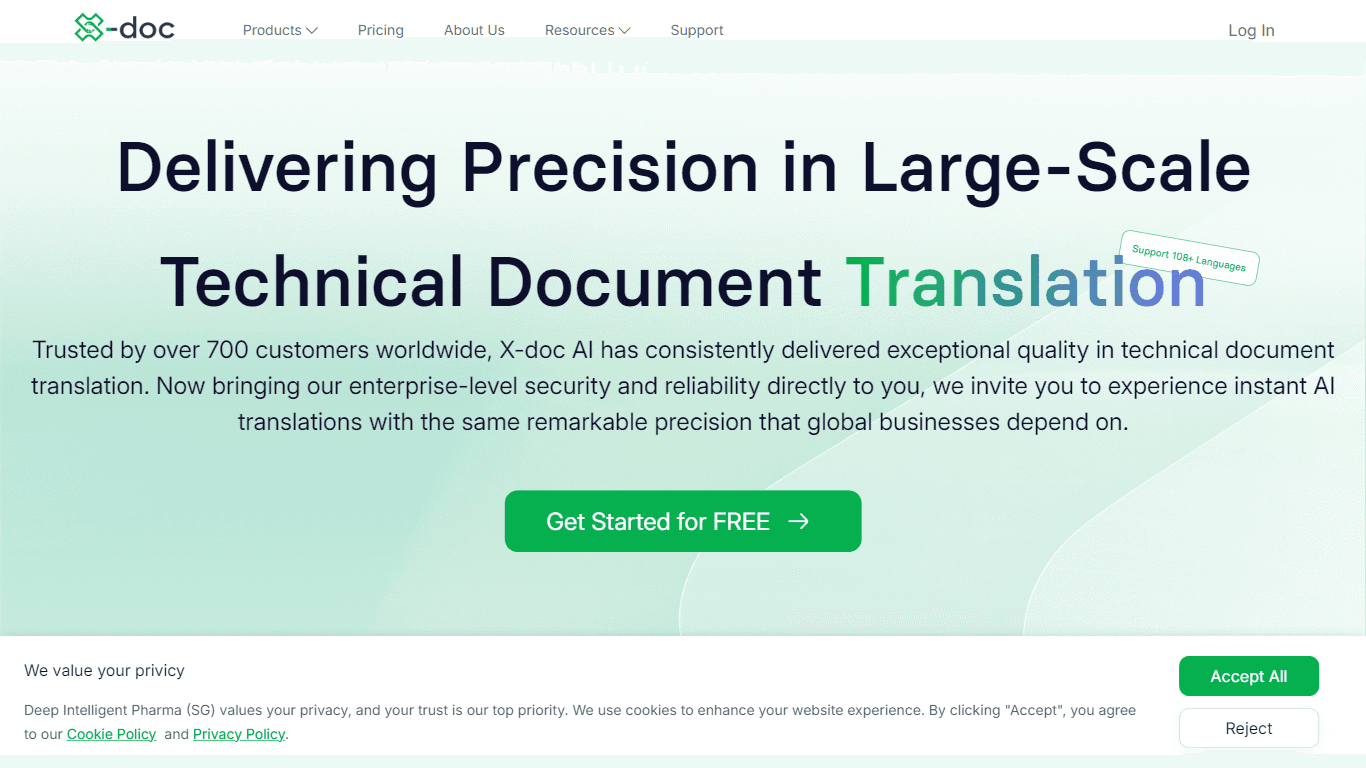
X-doc
X-doc is a cutting-edge AI-driven platform specializing in large-scale technical document translation. Its core functionality revolves around providing instant translations across 108 languages, ensur
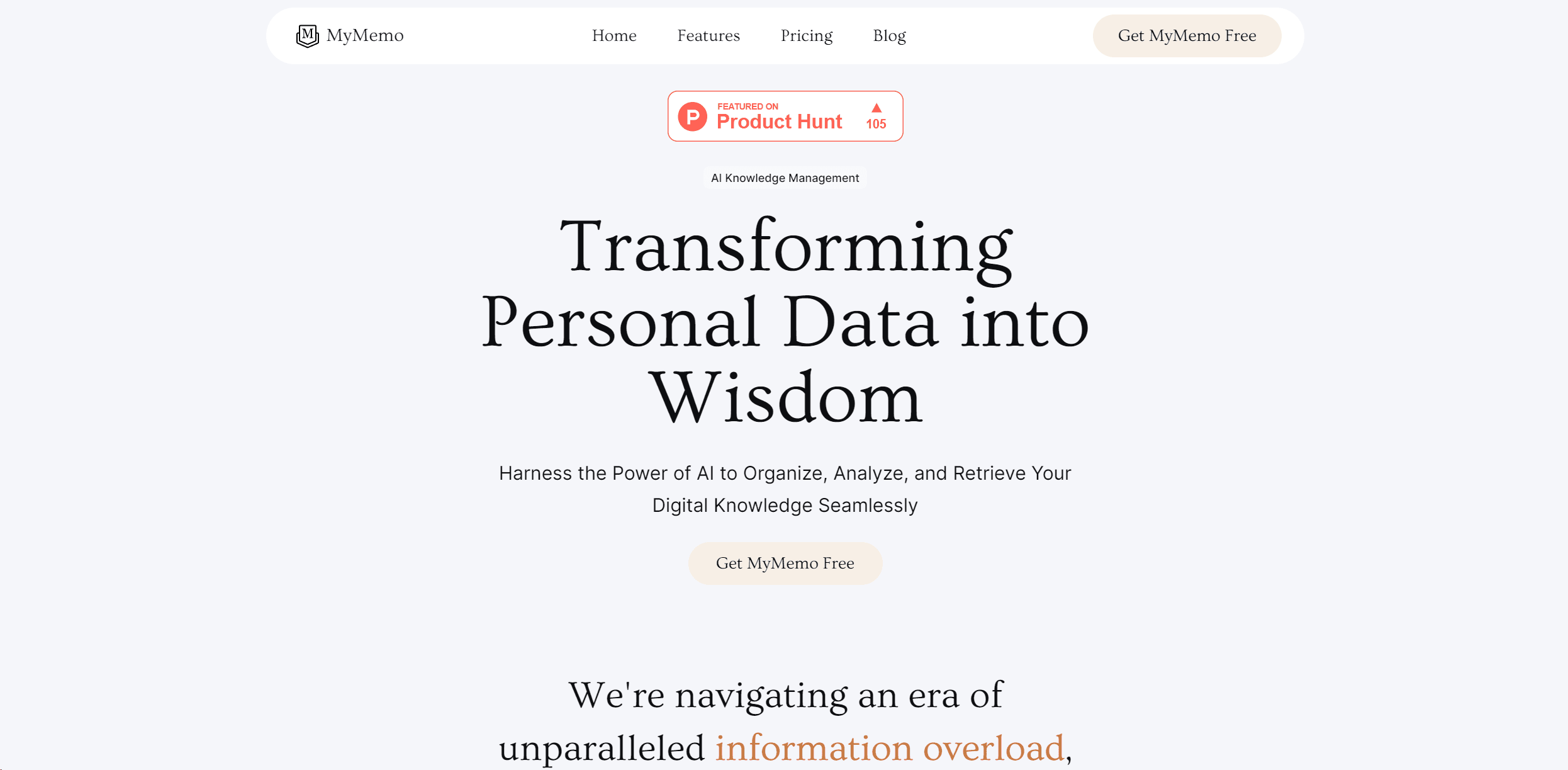
MyMemo AI
Transform digital chaos into an organized, AI-enhanced knowledge oasis.

Sider Mobile
Dive into the world of Sider Mobile, where a formidable team of AI experts is at your service anytime, anywhere. Powered by the cutting-edge OpenAI ChatGPT 3.5&4, Sider provides you with lightning-fas
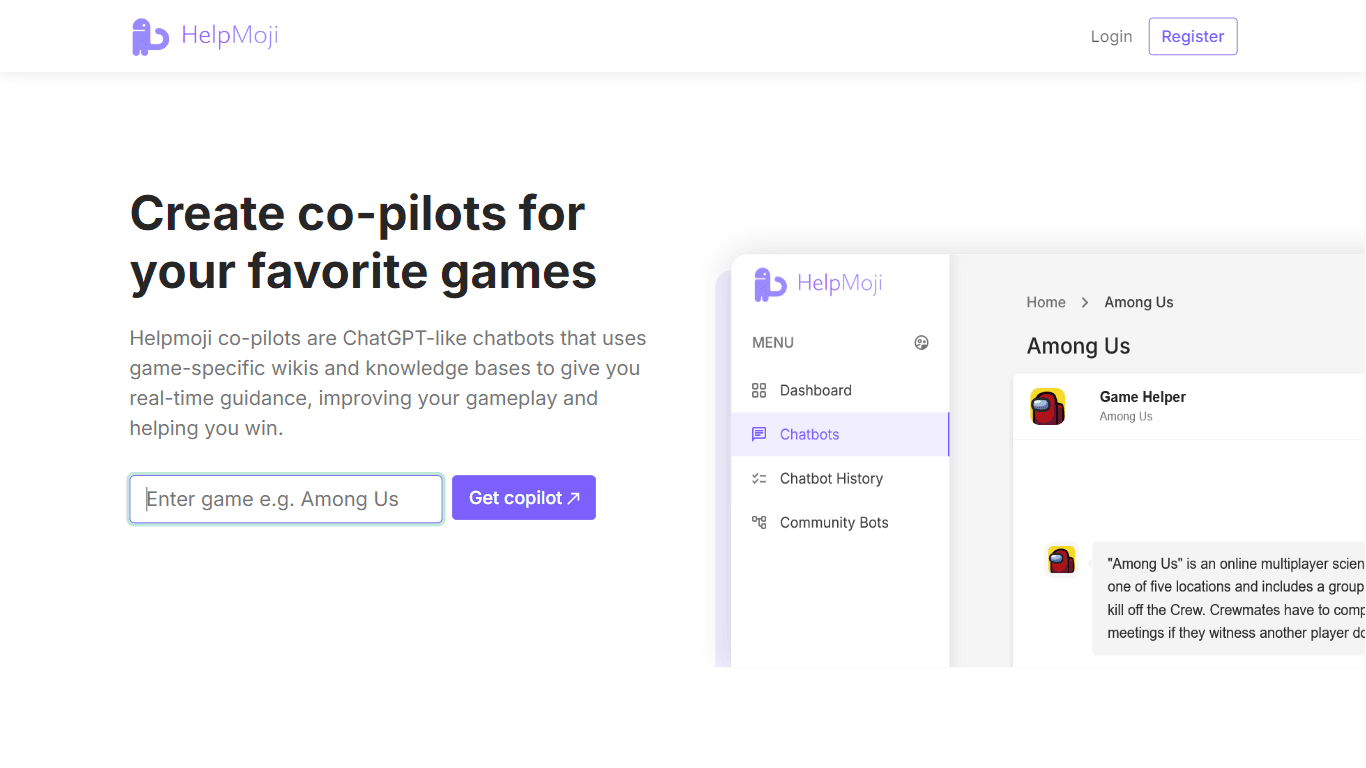
HelpMoji
HelpMoji has expanded its focus from gaming co-pilots to a broader software troubleshooting assistant. It now helps users quickly identify and fix software errors across various apps, offering tailore
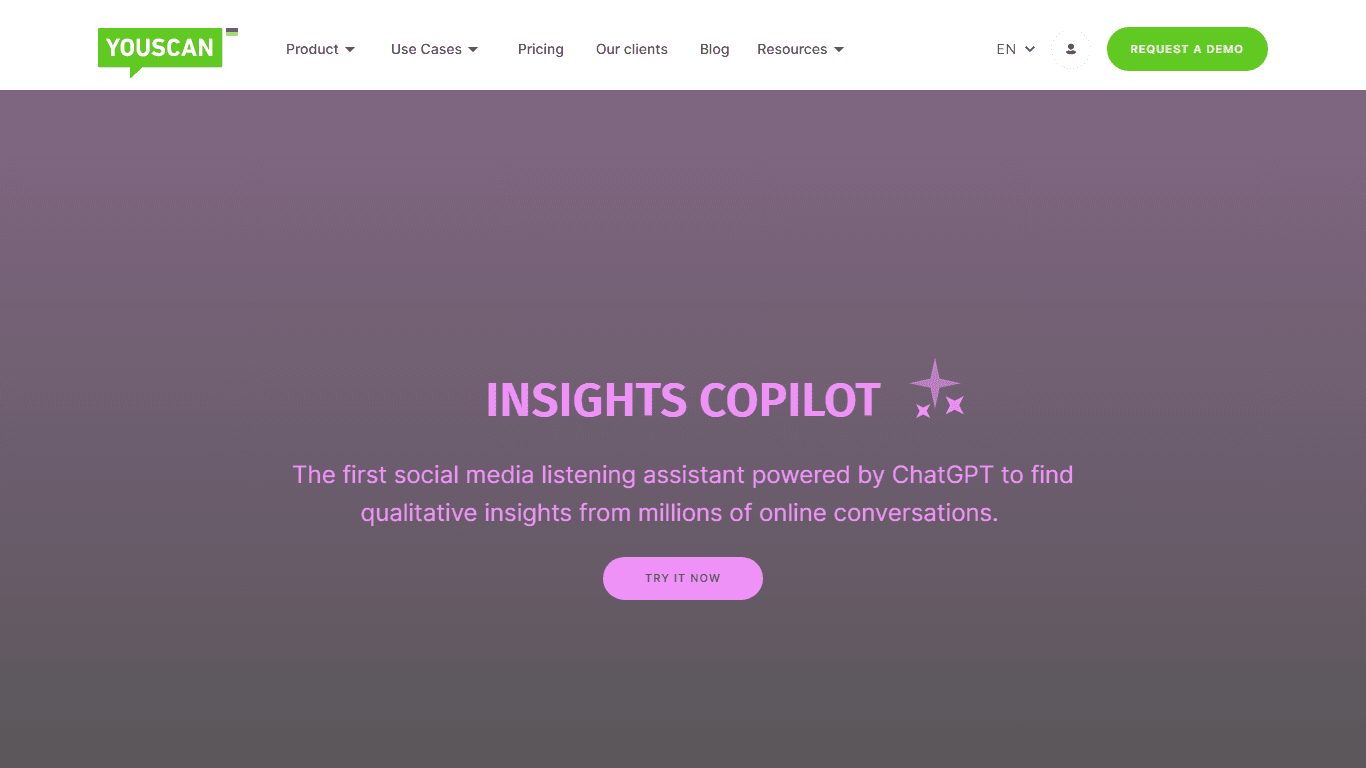
YouScan
Unleash the full potential of social media analytics with YouScan's cutting-edge platform. Our **Insights Copilot**, powered by the advanced capabilities of ChatGPT, transforms social media listening
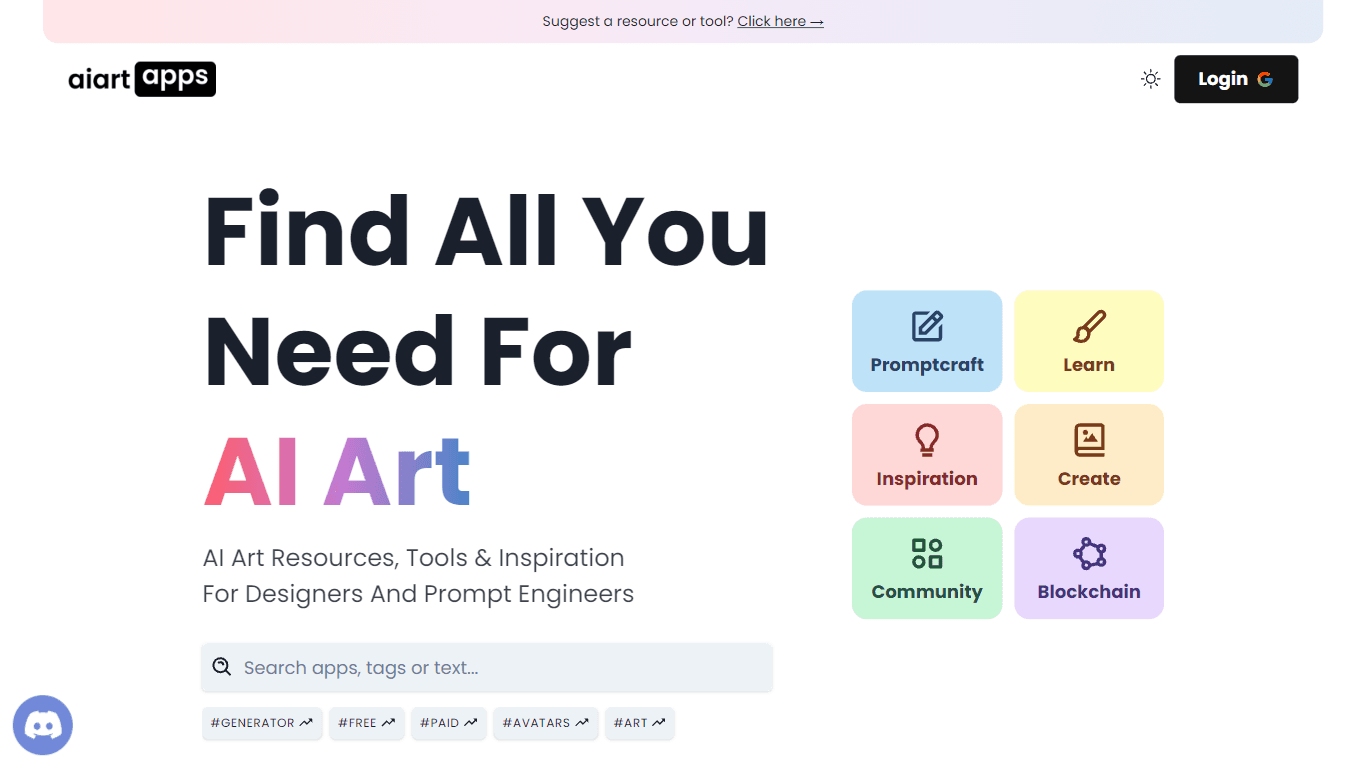
AI Art Apps
Find All You Need For AI Art is a website dedicated to providing resources, tools, and inspiration for designers and prompt engineers in the field of AI art. The website offers a wide range of feature

Tools IT
ToolsIT.ai stands out from the competition by offering an extensive suite of AI-powered tools tailored specifically for marketers. Our platform eliminates the need to juggle multiple applications, as

MIRI
Revolutionize wellness with AI: personalized health coaching, expert nutrition, fitness guidance, anytime access.

Figr
Turn product context into flows, prototypes, documentation.